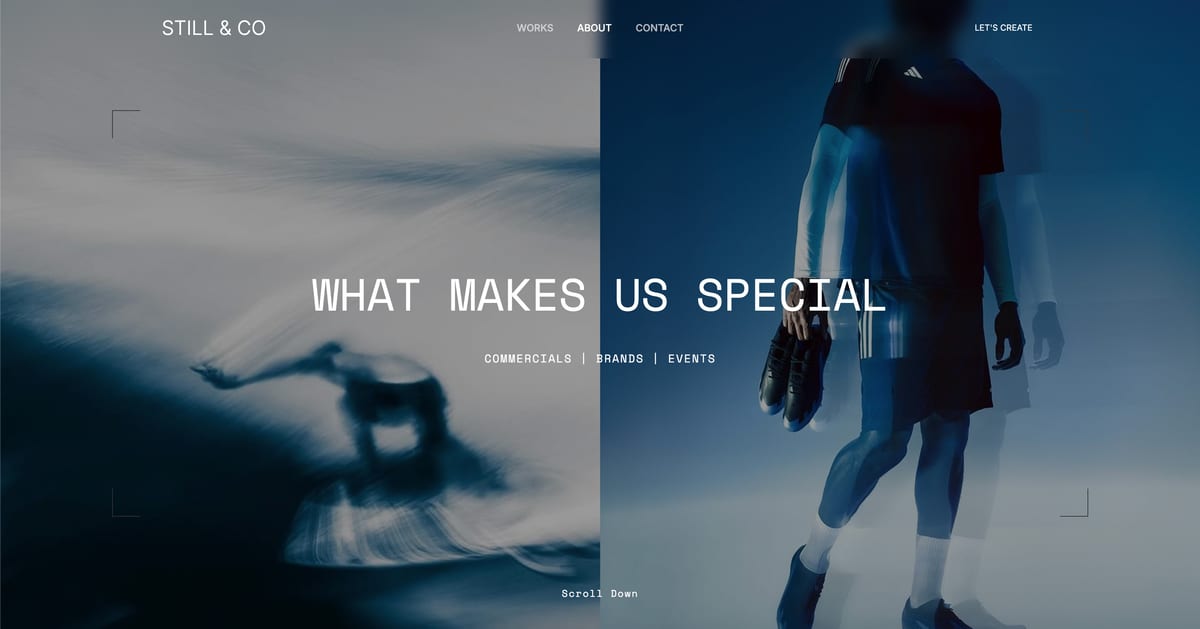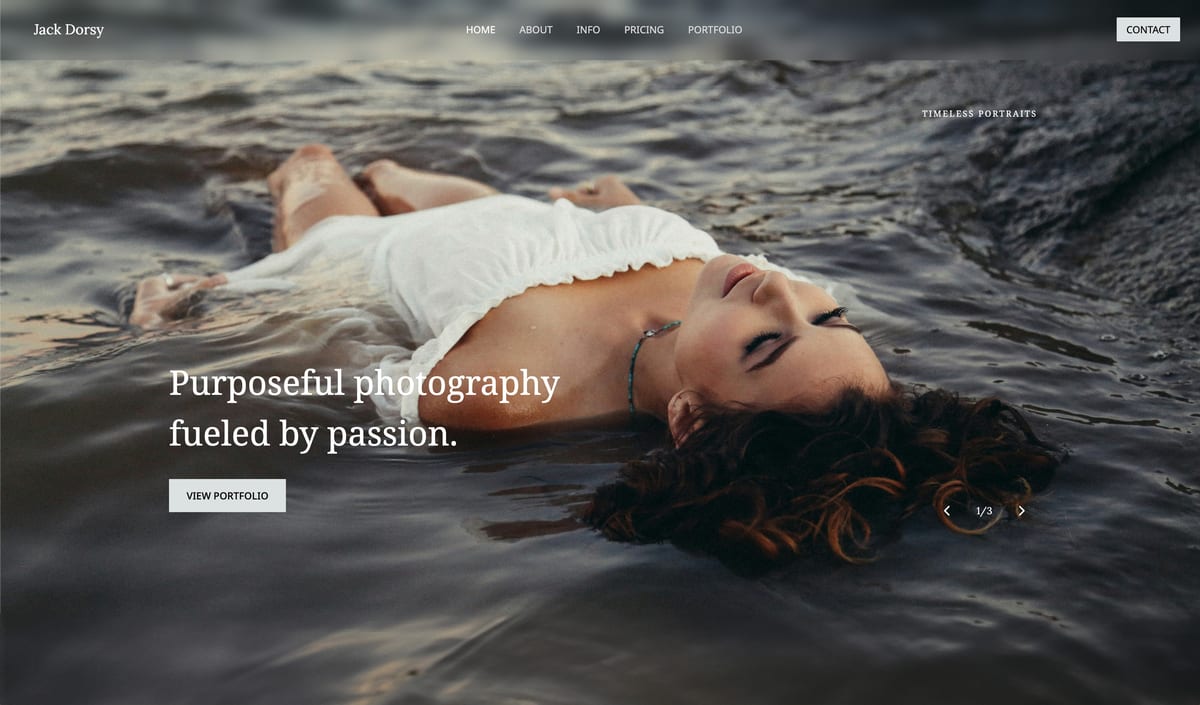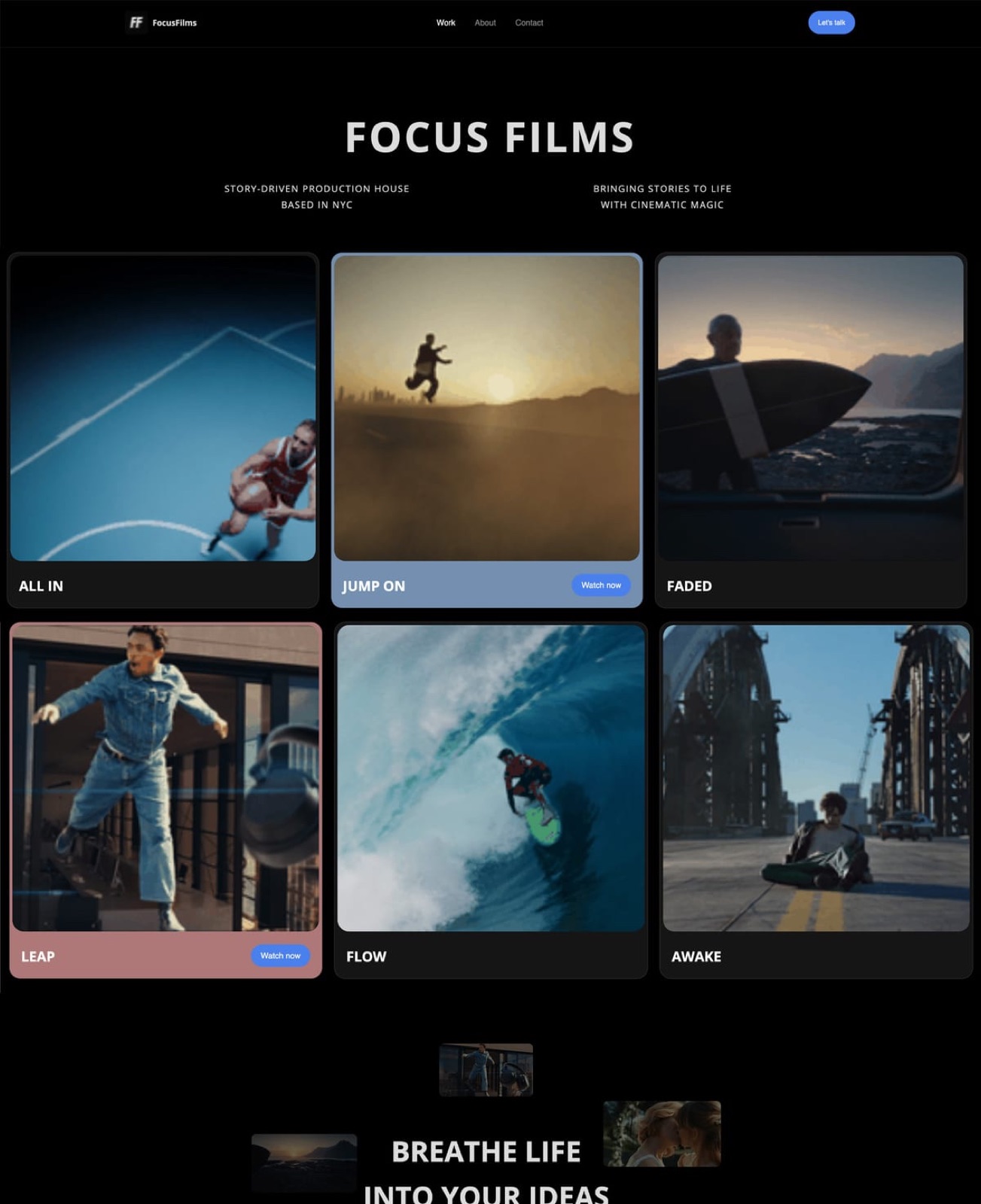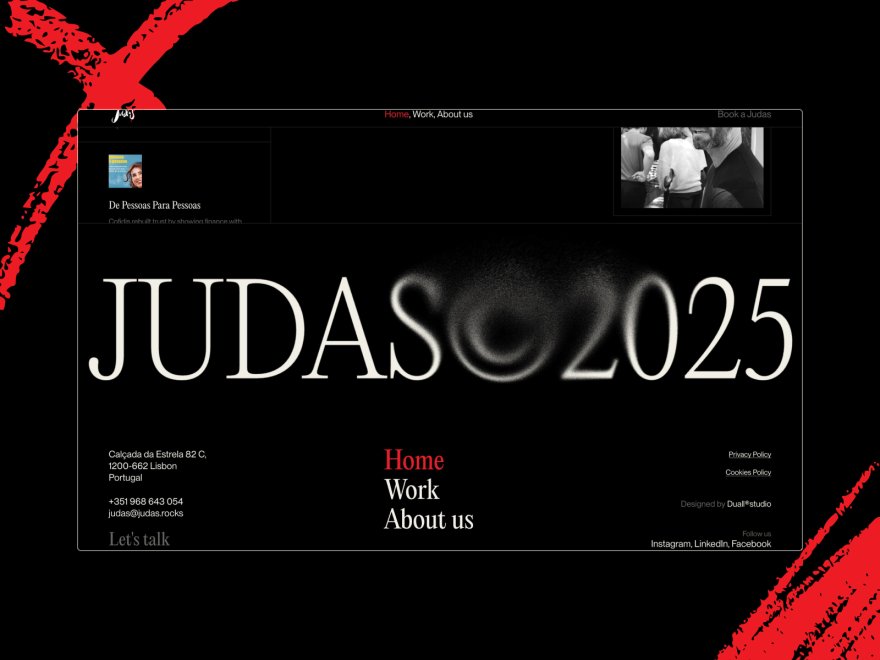
Framekit templates
Start from a designer-made template
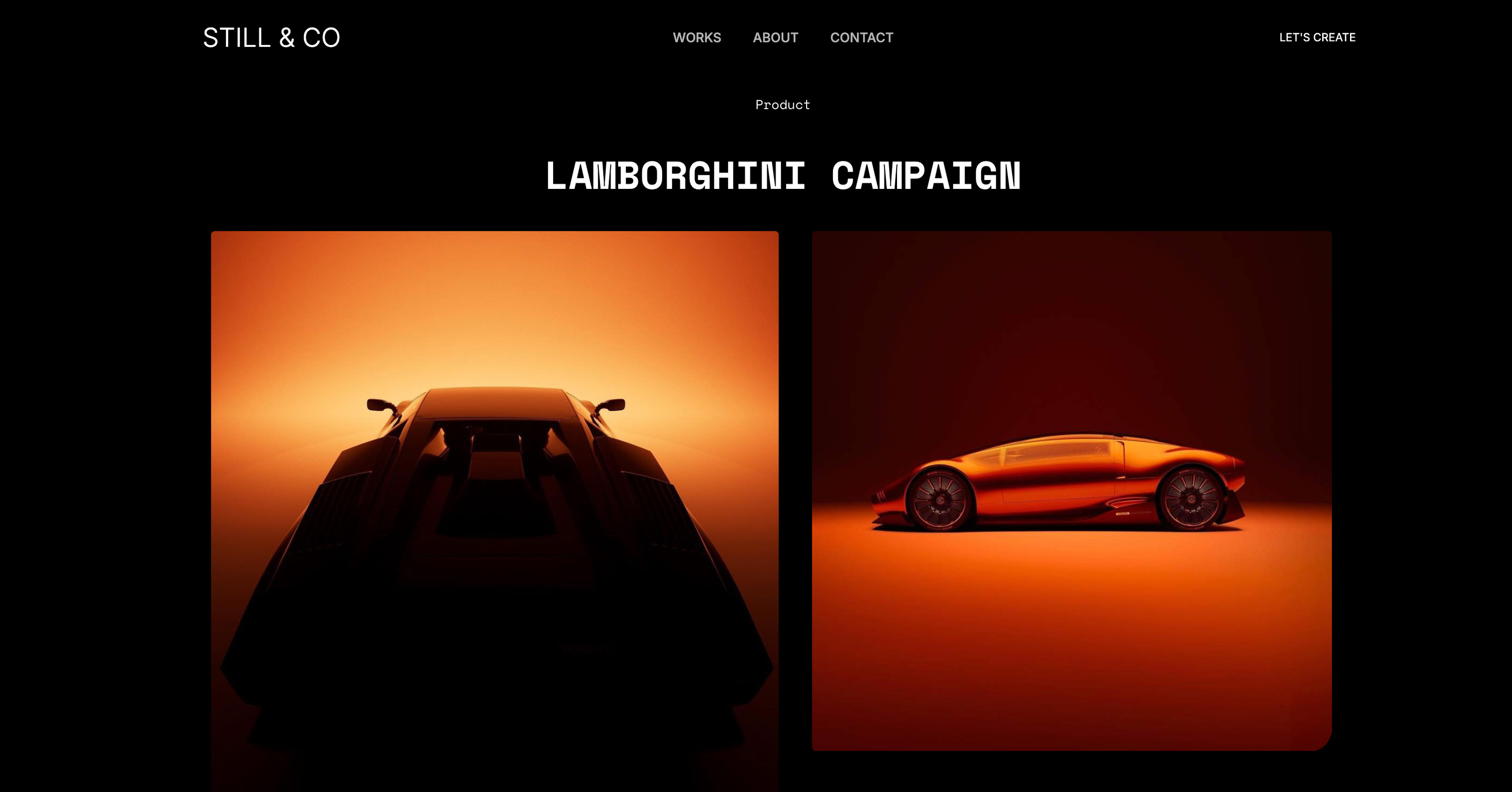 Use template
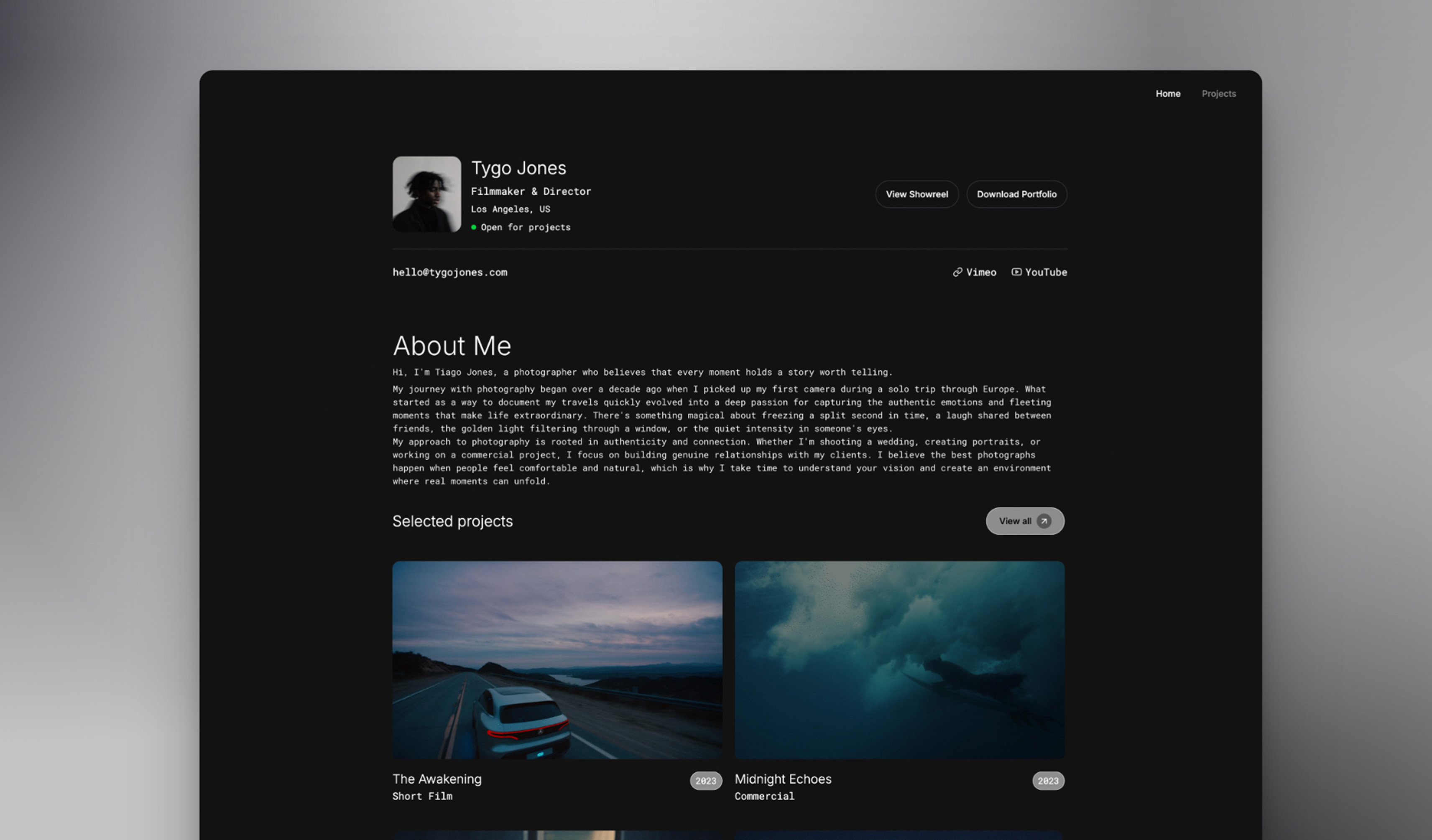 Use template
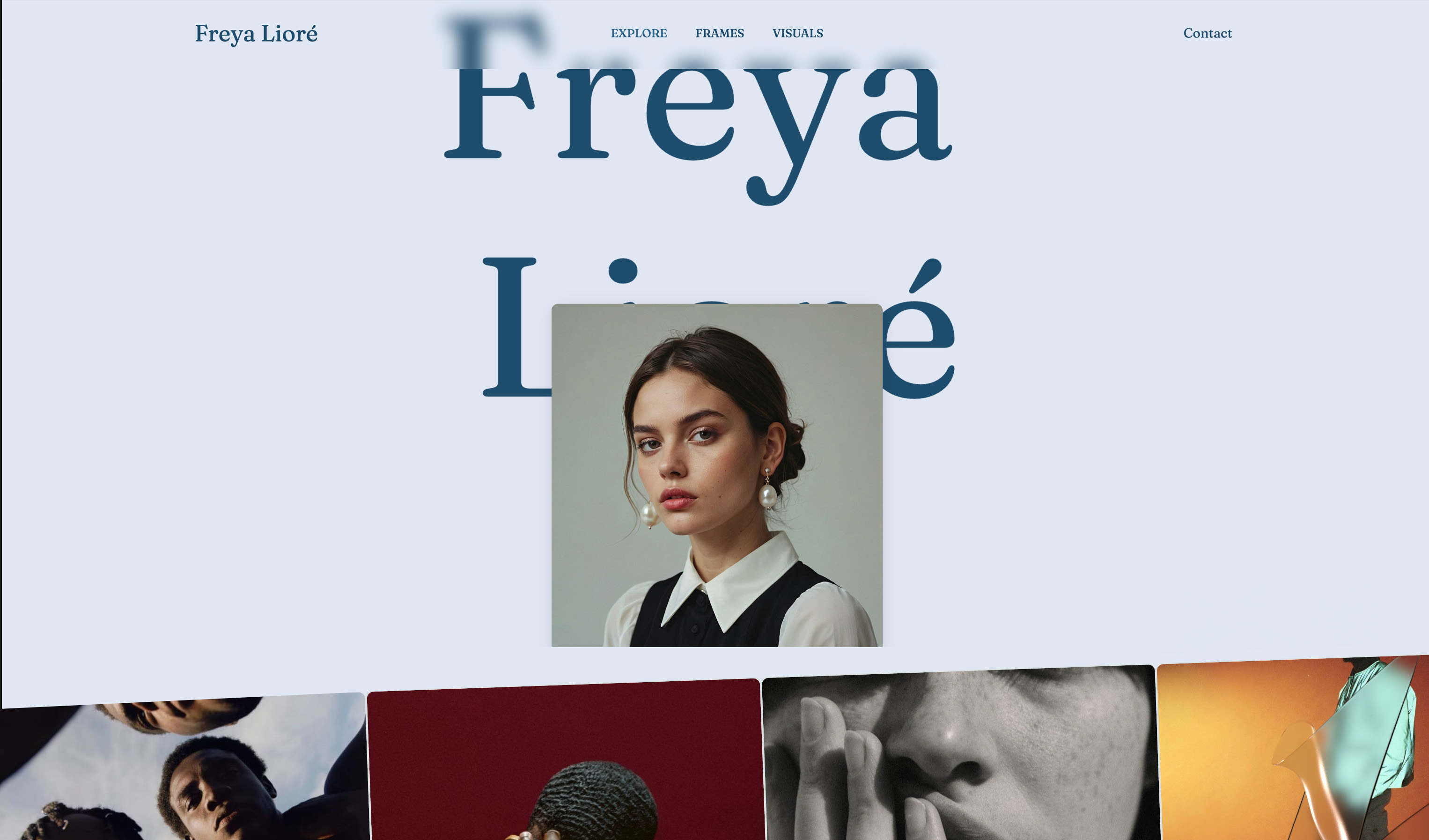 Use template
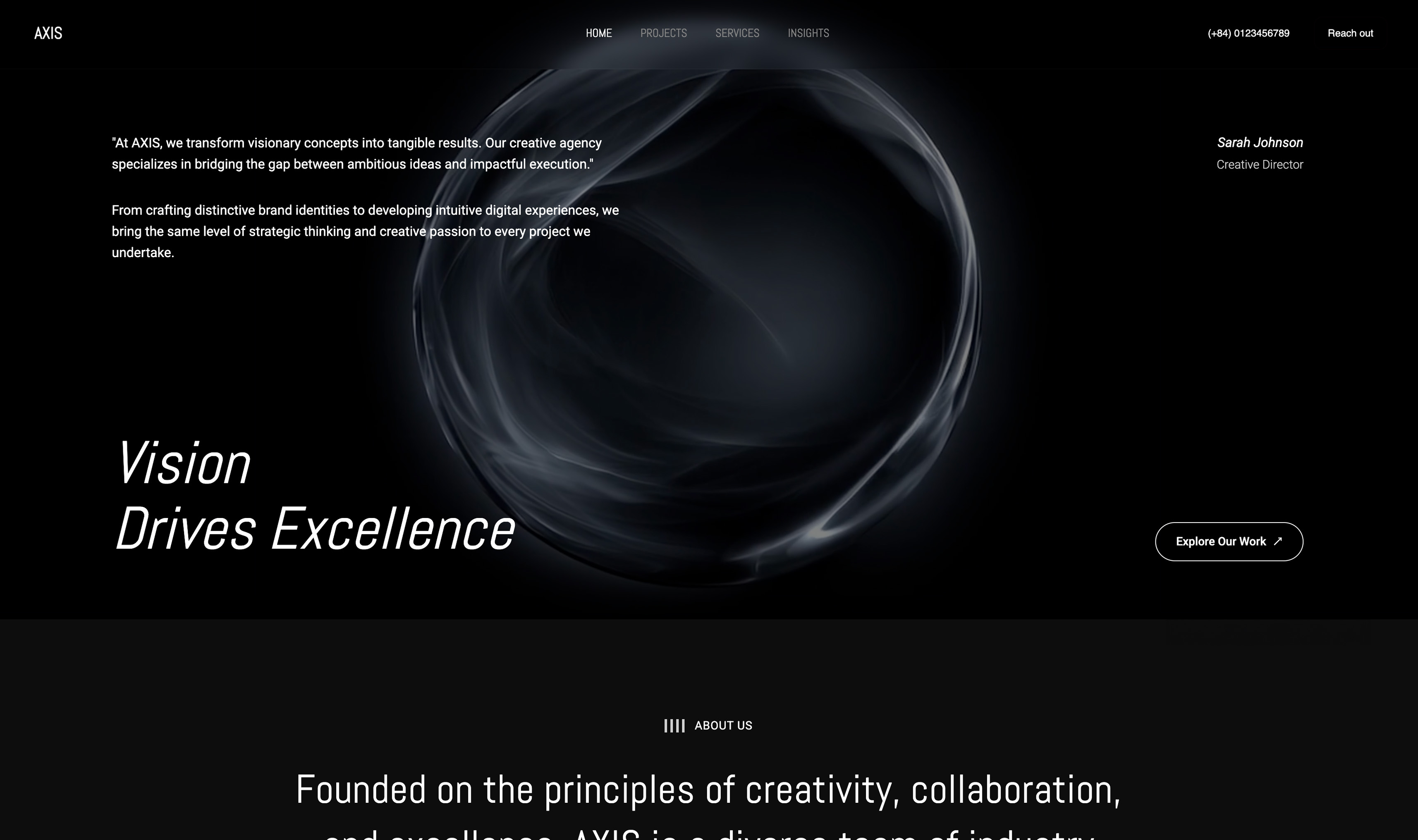 Use template
 Use template
 Use template
 Use template
 Use template
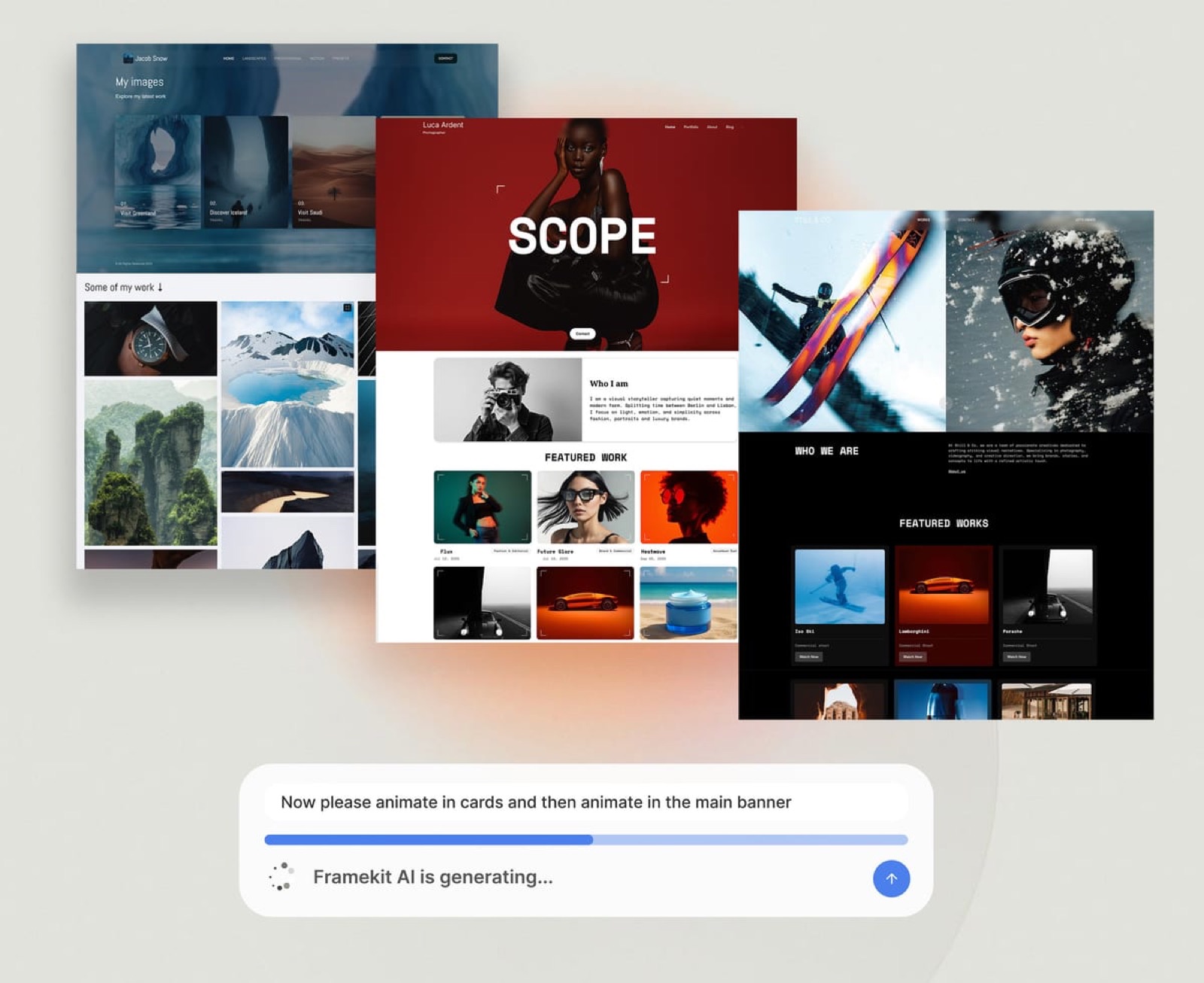
Are AI website builders any good? Ask a creative forum and you get two loud answers. One camp says they are the best thing to happen to non-designers in a decade. The other says they produce generic, soulless sites and you can always tell.
Both camps are certain, which is the first clue that the honest answer is more specific than either.
Here it is. AI website builders in 2026 are good at the first draft of a portfolio or marketing site: structure, layout, a consistent theme and a first pass of copy.
They are weak at the finish, which is your specifics, your judgment about what to cut, and the technical controls a site needs as it ages. And every one of them meters its AI, which most comparisons never mention.
An AI website builder is a hosted website platform that generates pages, layouts and copy from a written description, your uploaded content or a reference image, and then lets you edit the result in a visual editor, instead of starting you from a blank template or asking you to write code.
AI website builders are good in 2026 for portfolios and marketing sites: they draft a structured, consistent first version from a brief and let a non-designer edit it by hand.
They are weaker on specific, accurate copy, on technical controls such as redirects, and on complex apps or large physical-product stores, and every major one meters AI, Framekit included.
Framekit fits creatives who want the site plus client galleries, review, decks and a store in one account; Framer suits designers who want canvas control, Wix suits businesses that need an app market, and Squarespace suits anyone who wants finished templates with AI as an extra.
Updated for October 2026: we re-verified each builder's AI allowance on its own pricing page on the 12th, removed the earlier version's claim that a site takes "under an hour" because nobody here timed one, and added the limits of Framekit's own builder, from its metered AI to its missing redirect manager.
Full disclosure: Framekit is our product and an AI website builder, so it has a stake in the answer; this guide lists Framekit's limits in the same detail as everyone else's, and says who should use something else.
The Honest Answer, Job by Job
Whether an AI website builder is good depends on the job you hand it, and the gap between its best and worst jobs is wide, so the table below sorts the common jobs by how well AI builders handle them in 2026 and what a person still has to do.
| Job | How well AI builders do it | What you still have to do |
|---|---|---|
| Structure a portfolio or marketing site | Well | Cut sections you do not need |
| Apply one consistent theme across pages | Well | Choose the direction and stick to it |
| Lay out a page a non-designer could not | Well on the stronger tools | Judge the result on your real content |
| Rebuild a layout from a screenshot you like | Well on tools that support it | Swap in your own work and words |
| Write first-pass copy | Fair | Rewrite with your specifics; check every claim |
| Write accurate facts about you | Poor without input | Supply real names, credits and numbers |
| Technical SEO such as redirects and robots rules | Depends on the platform, not the AI | Check the platform's controls |
| Complex web apps or 1,000-product stores | Poor | Use a CMS, a commerce platform or a developer |
In one linean AI builder is a fast, competent junior designer who never met your clients, so it is good at layout and weak at anything only you know.
What an AI Website Builder Actually Does
An AI website builder replaces the blank template with a generated draft, and in 2026 the tools do that in four distinct ways, from filling a fixed template with your words to rebuilding a whole layout from an image, which is why two tools with the same label can feel completely different.
Template fill. The oldest approach: answer a few questions, and the tool picks a template and pastes in generated text. Fast, and the source of the "you can always tell" complaint.
Section generation. You describe what a section should do, such as "a project grid with three case studies", and the AI generates that section in the site's existing style. This is where most of the quality gains of the last two years sit.
Chat-driven editing. You ask in plain language, "move the reel above the fold", "make the about page warmer", and the AI applies the change. Useful for non-designers; less precise than doing it by hand.
Reference rebuilds. You upload a screenshot of a site whose structure you like and the AI rebuilds that layout with your content. Framekit supports this on every plan, Free included.
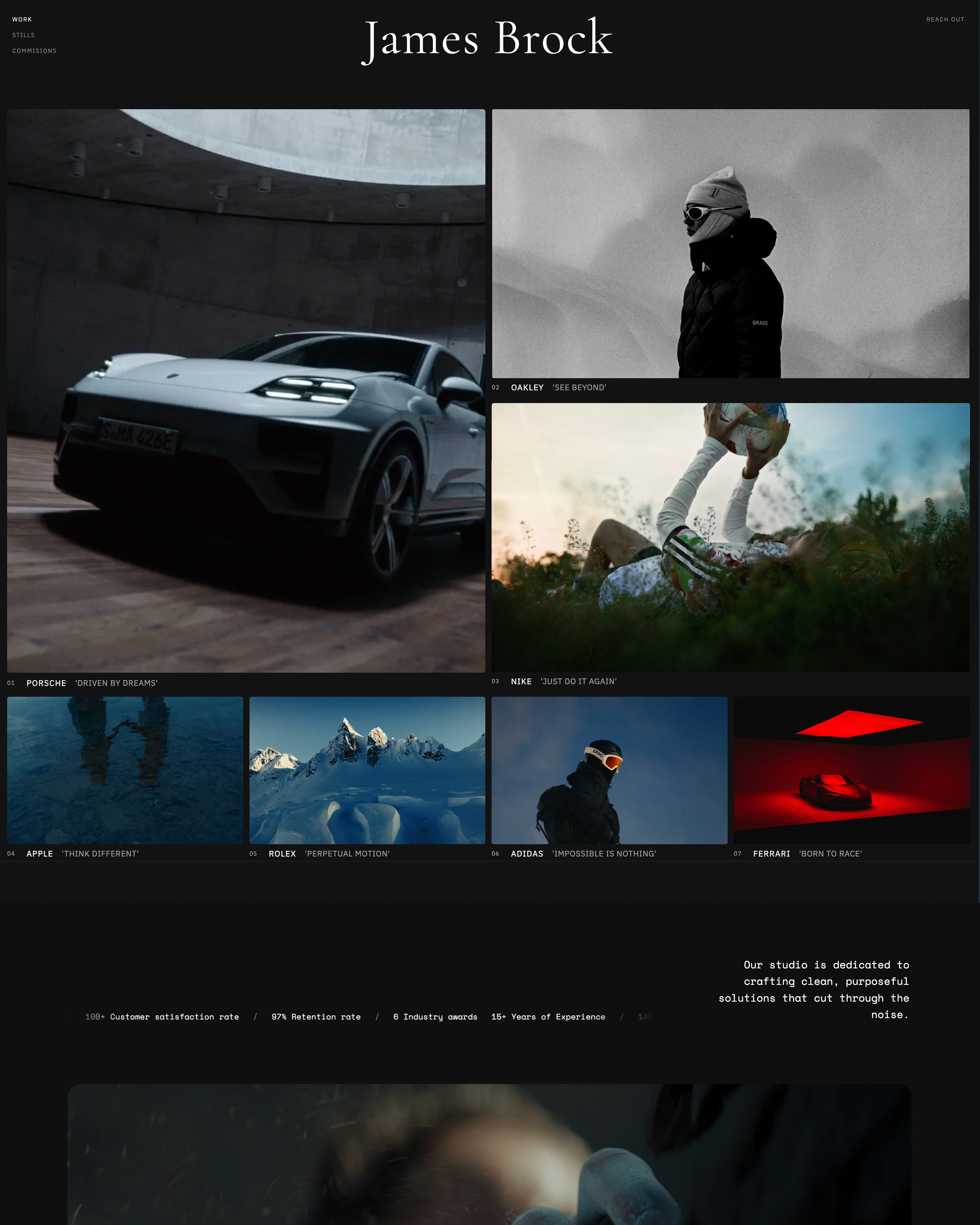
The draft is only as good as the tool's design training.
Framekit's templates were built with AI and trained by senior designers, and its own models, Cadence for quality and Score for speed, generate full sections with copy, but the same caveat applies to it as to every tool here: judge the output on your real content, not on the demo.
Where AI Website Builders Are Genuinely Good
AI website builders are genuinely good at three things that used to stop creatives from launching at all, getting a structured first draft, keeping a site visually consistent as it grows, and letting a non-designer make design-level changes, and each one removes a real cost rather than a theoretical one.
A structured first draft. The hardest moment in building a site is the blank page. An AI draft gives you a homepage, project pages, an about page and a contact page in a sensible order, so the work becomes editing rather than inventing.
Consistency as the site grows. A portfolio built by hand drifts: the fourth project page uses a slightly different heading size, the sixth a different grid.
A builder that generates new sections against the site's theme keeps the tenth page looking like the first.
Design decisions a non-designer would guess at. Hierarchy, spacing and type pairing are where self-built sites usually look amateur.
A well-trained AI makes those decisions consistently, which for a photographer or filmmaker who is not a web designer is the single biggest quality lift.
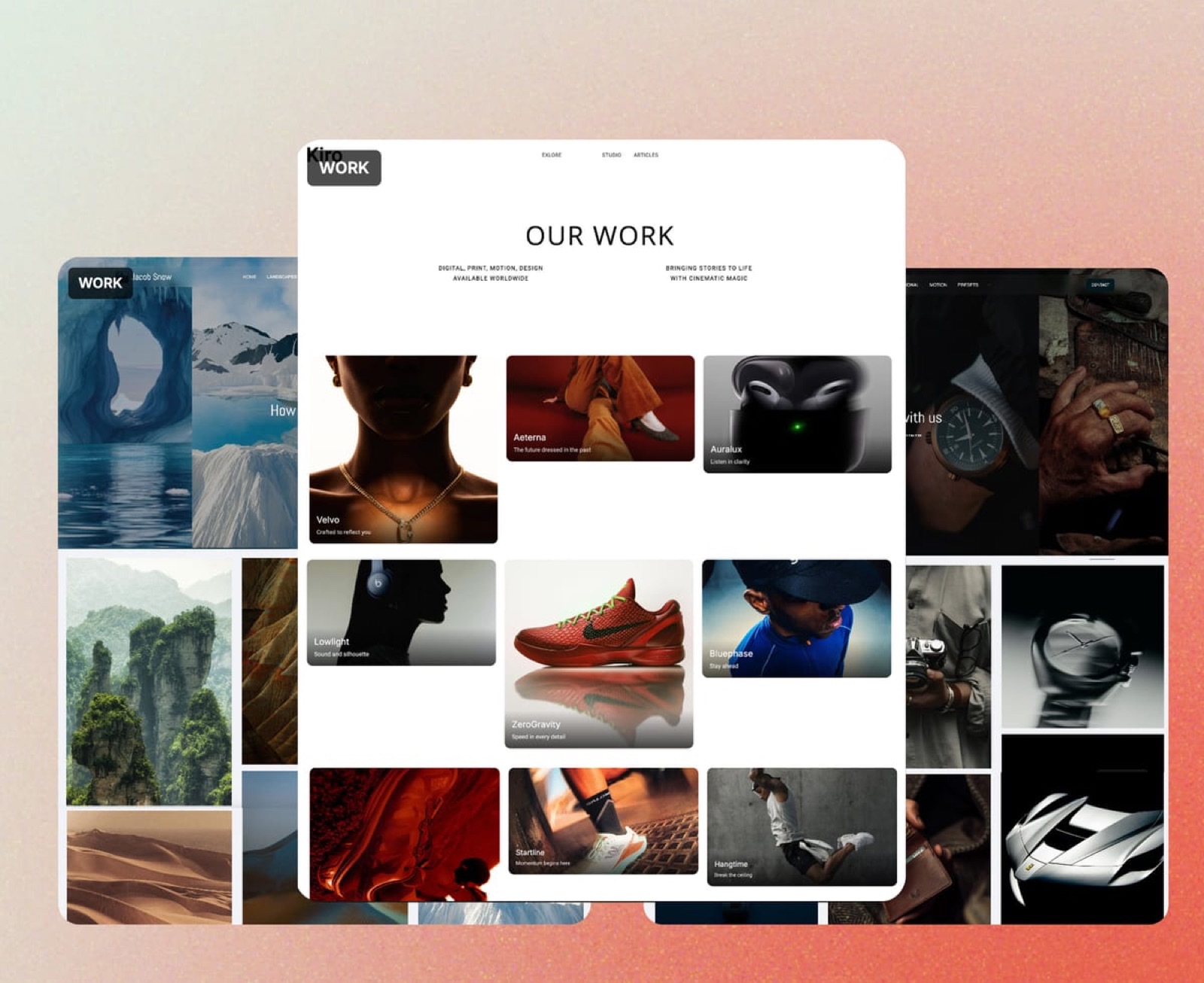
Low cost to start. Most AI builders have a free plan or tier, so you can judge the output on your own work before paying anything; the best AI website builders for creatives compares which ones deliver it.
Where AI Website Builders Fall Short
AI website builders fall short in five predictable places, and knowing them in advance is the difference between a tool that saves you a weekend and one that disappoints you, because none of these limits shows up in a demo built on placeholder content.
Generic copy. First-pass AI copy reads like every other site because it is written without your specifics. "We transform visionary concepts into tangible results" could be anyone.
Replace every sentence with something only you could say: the client, the brief, the number.
Inaccurate claims. An AI asked to write an about page may supply plausible details you never gave it, a year in business, an award, a client type. Read every factual sentence and delete anything that is not true.
Invented credentials on a portfolio cost more trust than they win.
Metered AI. Every major builder rations AI generation, by credits or a monthly allowance. Drafting freely is cheap on day one and limited on day thirty if you regenerate everything; editing by hand is unlimited.
Platform-level SEO controls. Redirects, robots rules and feeds belong to the platform, not the AI, and they vary widely. A beautiful AI-built site can still lack a redirect manager, which matters the day you rename a page.
Complex sites. Membership apps, booking engines with custom logic and stores with thousands of physical products are not what AI site builders are for. Use a dedicated platform or a developer.
AI Is Metered Everywhere: What Each Builder Allows
Every major AI website builder limits how much AI you can use, through credits or a monthly allowance tied to the plan, and almost none of them say so in their headline marketing, so this table lists what each vendor publishes as of October 2026.
| Builder | How AI is limited | Cheapest plan with your own domain |
|---|---|---|
| Framekit | A monthly AI allowance on every plan, Free included, that grows with the plan; editing by hand never draws on it | $7 a month billed yearly (Starter) |
| Framer | 500 AI credits to try on Free, 1,000 a month on Basic, 3,000 on Pro | $10 a month (Basic) |
| Squarespace | Built-in AI tools metered in credits by plan | $19 a month billed yearly (Basic) |
| Wix | AI in the Harmony editor, included in every plan according to Wix | $17 a month billed yearly (Light) |
| WordPress.com | An AI-guided builder that drafts a site through chat, with usage limits | $4 a month billed yearly (Personal) |
Framer's allowances come from its pricing page; Squarespace's metering is on its pricing page.
We do not quote Framekit's allowance as a number because it is measured in token-based usage that varies with what you ask for; its pricing page states that the allowance resets monthly and grows from Free to Business.
The practical rule on any of them: use AI for the draft and for new sections, then edit by hand. A site that is regenerated from scratch every time you want a change will hit any allowance; a site that is drafted once and refined will rarely notice it.
Framekit's Own Limits, Stated Plainly

Framekit is an AI website builder made for photographers, filmmakers and designers, with client galleries, video review, Slides and a digital-download store in the same account, and because this is our blog, its limits get the same scrutiny as everyone else's before its strengths do.
What it does not do.
- AI is metered. Every plan has a monthly AI allowance, and drafting sections, copy and decks draws on it. Editing pages and slides by hand never does, and decks are unlimited, but AI generation is not.
- No redirect manager. Renamed or moved pages do not forward to their new address, which matters if you are moving an established site with search traffic.
- robots.txt is not editable, so you cannot write custom crawler rules.
- No RSS feed, so a blog on Framekit cannot be followed in a feed reader.
- Site video uploads are capped at 15MB on Free and 100MB on paid plans, so a reel is a Vimeo or YouTube embed; galleries and review links take far larger files.
- Starter templates on Free. The free plan gets a starter set of templates; the full library opens on Starter.
- Team members are website admins only. Pro includes 3 and Business unlimited, and they can edit the site, but galleries, review cuts and decks stay with the account holder.
What it does well. Describe your work or upload a screenshot of a site you like, and the AI drafts the sections, writes first-pass copy and applies one theme that new sections inherit. Every block stays editable by hand.
Hosting, SSL and a global CDN, per-page titles and descriptions, a sitemap, social previews, site analytics and contact forms are on every plan.

The number that matters. The free plan publishes 10 pages on a framekit.ai address with 10GB of pooled storage; Starter at $7 a month billed yearly adds your own domain, removes the badge and opens the full template library with 50GB.
The standout detail. The site is not the whole product: unlimited client galleries, frame-accurate video review, unlimited decks and a store with unlimited digital products are on every plan, sharing one storage pool.
Skip it if you need redirects for a site with years of search history, a blog that readers follow by RSS, a membership app, or physical-product commerce.
Verdict: a strong AI builder for creatives whose site sits beside client work, and the wrong one for a content-heavy blog migrating with years of URLs.
AI Builder vs Template Builder vs Designer vs Code
An AI website builder is one of four ways to get a portfolio online, and it is the balanced middle option for most creatives, because it trades a little control for a large cut in effort, while the other three trade effort, money or skill in different directions.
| Approach | What you trade | Cost model | Control | Best for |
|---|---|---|---|---|
| AI website builder | Some control, a metered AI allowance | Free plan, then a monthly plan | Within the editor | Portfolios and marketing sites by non-designers |
| Template builder without AI | Your time making design decisions | Free or monthly plan | Within the template | People with strong design instincts |
| Hiring a web designer | Money and lead time | A project fee, plus hosting | Through the designer | Funded, brand-critical, custom projects |
| Coding it yourself | Your time and skill | Hosting and a domain | Total | Developers and unusual requirements |
Vibe coding, asking a general AI model to write a site's code, sits closer to the coding row than the builder row, because you still host, maintain and debug the result; can you vibe-code a website compares the two.
For the designer route, AI website builder vs hiring a web designer works through when the fee is worth it.
How to Test an AI Website Builder in 30 Minutes
The only reliable way to know whether a specific AI website builder is good for you is to give it your real content and check six things, because demos are built on placeholder text and stock images that hide every weakness this guide describes.
- Draft with your real brief. Write two sentences about your work and audience and generate a site. Count how many sections you would keep unchanged.
- Load your real work. Upload 8 to 12 of your own images. Does the layout still hold, or does it only work with the stock photos?
- Edit three things by hand. Change a heading, reorder a section and swap an image without using AI. If any of the three needs a prompt, the editor is too thin.
- Read every sentence. Mark each factual claim the AI wrote that you did not give it. More than two is a warning sign about the copy, not the layout.
- Open it on a phone. Check the homepage, one project and the contact form over mobile data.
- Read the platform limits. Find the AI allowance, the redirect controls, the page and storage limits, and the price of your own domain. Write them next to each other.
Run the same 30 minutes on two tools and the better one is usually obvious. On Framekit, all six steps fit inside the free plan.
Five Inputs That Make Any AI Draft Better
The quality gap between a generic AI-built site and a good one is mostly in what you give the tool before it generates anything, and five inputs, each of which takes minutes to prepare, move an AI draft further than any amount of regenerating afterwards.
- A positioning line of 10 to 20 words. "Documentary-style brand films for food and hospitality companies, based in Bristol" gives the AI a client, a genre and a place. "Creative visual storyteller" gives it nothing, and you get nothing specific back.
- The pages you want, by name. List them: home, work, three project pages, about, contact. A tool left to guess adds a blog, a testimonials page and a pricing table you will spend time deleting.
- A reference screenshot. One site whose structure you like is worth a paragraph of adjectives. On tools that support reference rebuilds, including Framekit on every plan, the layout follows the image rather than a default.
- Your real facts, pasted in. Client names you have permission to use, credits, years, a "projects from" price. An AI that has your facts does not need to invent any, and you spend your editing time on tone rather than on deleting fiction.
- Your own images from the start. Upload 8 to 12 of your own pieces before judging the draft. Layouts that look striking with stock photography can fall apart with your aspect ratios and colours, and you want to find that out on day one.
Each regeneration draws on your AI allowance on every metered builder, so it is cheaper to prepare these five inputs once than to regenerate a vague draft five times.
What Happens When Things Go Wrong on an AI Builder
AI builders fail in a handful of predictable ways after launch, and knowing what each platform does in those moments matters more than the quality of the first draft, so these are the situations to check before you commit.
You run out of AI allowance mid-month. On Framekit, you keep editing by hand and the allowance resets the next month; a higher plan carries a larger allowance. On credit-based tools such as Framer, you wait for the monthly refresh or move up a plan.
The AI writes something untrue. Delete it. No builder checks your facts, and an invented award or client is worse than a plain sentence.
You rename a page that gets search traffic. On builders with a redirect manager, such as Squarespace, Wix, Framer Pro and Webflow's paid plans, you forward the old address. On Framekit there is no redirect manager, so keep established addresses where you can.
You want to leave. Your domain is yours if you registered it separately; your images and text are yours if you kept the originals. Generated layouts generally live on the platform, so keep source files outside any builder.
You stop paying. Framekit falls back to the permanent free plan on a framekit.ai address within 10 pages and 10GB; builders with trials instead of free plans take the site offline.
Who Should Use an AI Website Builder, and Who Should Not
An AI website builder is the right choice for most creatives who need a portfolio or marketing site that looks professional without a designer's budget or a developer's skills, and the wrong choice for a short, specific list of projects that need control the platform does not give.
Use one if you are a photographer, filmmaker, designer or artist who needs a site live this month, you are comfortable editing a draft rather than designing from zero, and your site's job is to show work and take enquiries.
That describes most readers of this guide.
Use something else if you need a membership or booking app with custom logic, a store with hundreds of physical products, redirects and crawler rules for an established site with years of search history, or pixel-level control and the skills to use it.
A CMS, a commerce platform, Webflow with a designer or your own code will serve you better.
Frequently Asked Questions
Are AI website builders any good in 2026?
AI website builders are good in 2026 for portfolios and marketing sites: the stronger ones draft a structured, consistent site from a brief or a screenshot and let you edit every block by hand.
They are weaker on specific, accurate copy and on platform controls such as redirects, and every major builder meters its AI, so plan to draft with AI and refine by hand.
Do AI website builders make sites look generic?
AI website builders make sites look generic when you keep the first-pass copy and stock images, because those are written without your specifics. The layout from a well-trained tool is rarely the problem.
Replace every sentence with your own clients, briefs and numbers, and use your own work, and the generic look mostly disappears.
Are AI website builders good for SEO?
AI website builders can rank well if the platform gives you per-page titles and descriptions, a sitemap and fast hosting; whether the pages were drafted by AI does not decide ranking.
Check the platform controls: Framekit includes titles, descriptions, a sitemap and social previews on every plan, but has no redirect manager, no editable robots.txt and no RSS feed.
Google's SEO Starter Guide is the checklist.
Is AI in website builders really unlimited?
AI in website builders is not unlimited on any major platform in 2026.
Framekit gives every plan, Free included, a monthly AI allowance that grows with the plan; Framer gives 500 credits to try on Free and 1,000 a month on Basic; Squarespace meters its AI tools in credits by plan; and WordPress.com's AI builder has usage limits.
Editing by hand is unlimited on all of them.
Is an AI website builder better than hiring a web designer?
An AI website builder is better value than a designer for a standard portfolio or marketing site, because it costs a monthly plan rather than a project fee and you can change the site yourself.
A designer is worth it for brand-critical, custom or complex projects with a budget behind them, and for anyone who wants the decisions made for them.
What are AI website builders not good for?
AI website builders are not good for membership apps, booking systems with custom logic, stores with hundreds or thousands of physical products, or sites that need full control over redirects and crawler rules.
They are built for portfolios and marketing sites, and that is where they deliver.
Are AI website builders good for beginners?
AI website builders are one of the most beginner-friendly ways to build a site, because the AI makes the layout and hierarchy decisions a beginner would otherwise guess at, and the beginner edits rather than designs.
The one beginner trap is publishing AI-written copy unchecked; read every sentence before the site goes live.
Is Framekit an AI website builder?
Framekit is an AI website builder for photographers, filmmakers, designers and other creatives: its own models, Cadence and Score, draft full sections and copy or rebuild a layout from a reference screenshot, and every block stays editable by hand.
The same account holds client galleries, video review, Slides decks and a digital-download store, and the free plan needs no credit card.
Framekit vs Framer: which AI website builder is better for creatives?
Framekit is better for creatives whose site sits beside client work, because galleries, video review, decks and a store are in the same account from $7 a month billed yearly.
Framer is better for designers who want canvas-level control over motion and interactions, with 1,000 AI credits a month on Basic at $10 a month and redirects on Pro.
Can I edit an AI-built site without using AI?
You can edit an AI-built site entirely by hand on any mainstream AI builder, and on Framekit editing by hand never draws on the monthly AI allowance. Use AI for the first draft and for new sections, then make text, image and layout changes yourself.
What happens to my site if I stop paying for an AI website builder?
It depends on whether the builder has a free plan. Framekit falls back to its permanent free plan, so the site stays online on a framekit.ai address with a badge within 10 pages and 10GB.
Builders that offer a trial instead of a free plan, such as Squarespace, have no free tier to fall back to.
Which is better, an AI website builder or a template builder?
An AI website builder is better for creatives without strong design instincts, because it makes layout decisions around your content; a template builder is better for people who know exactly what they want and prefer to place every element.
Many builders now offer both, including Framekit, where you can start from a template or an AI draft.
The Bottom Line
Are AI website builders any good?
Yes, for the job most creatives need, a portfolio or marketing site, provided you treat the AI as a fast first draft rather than a finished site: keep the structure, replace the copy with your specifics, check every claim, and edit by hand so the metered AI allowance lasts.
Where Framekit loses: a site with years of search history that needs redirects, a blog whose readers use RSS, a designer who wants canvas control, and anything with custom app logic are better served by Squarespace, WordPress, Framer or a developer.
Where it wins is the creative whose site sits beside galleries, review rounds, decks and a store, all in one account that starts free.
The fairest test costs nothing: run the 30-minute test above on Framekit's free plan and one other builder with your real work, then keep the one whose draft needed fewer changes.
The best AI website builder for creators and the easiest AI website builders rank the field, and Framekit vs Framer, Framekit vs Wix and Framekit vs Squarespace go head to head.