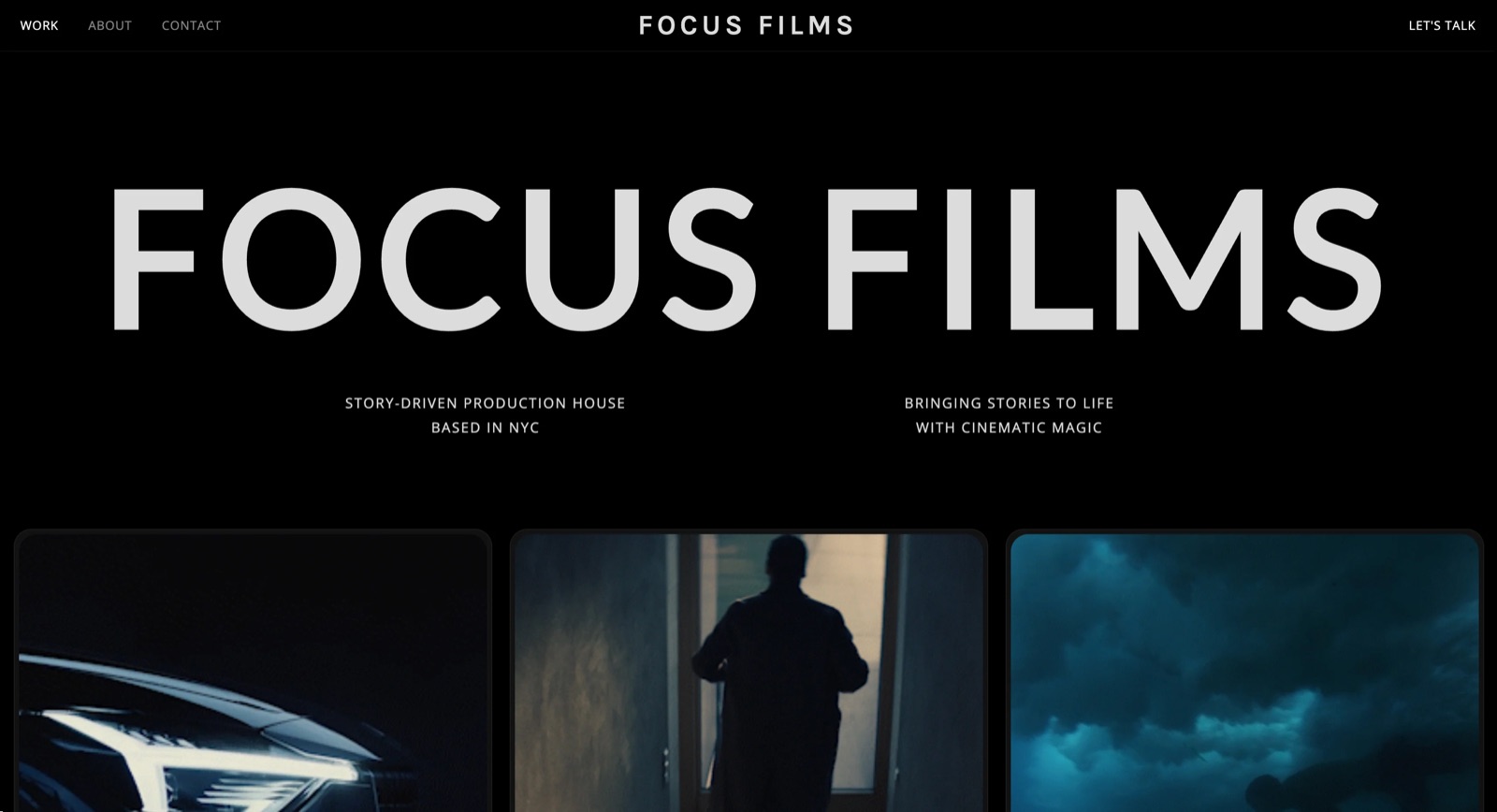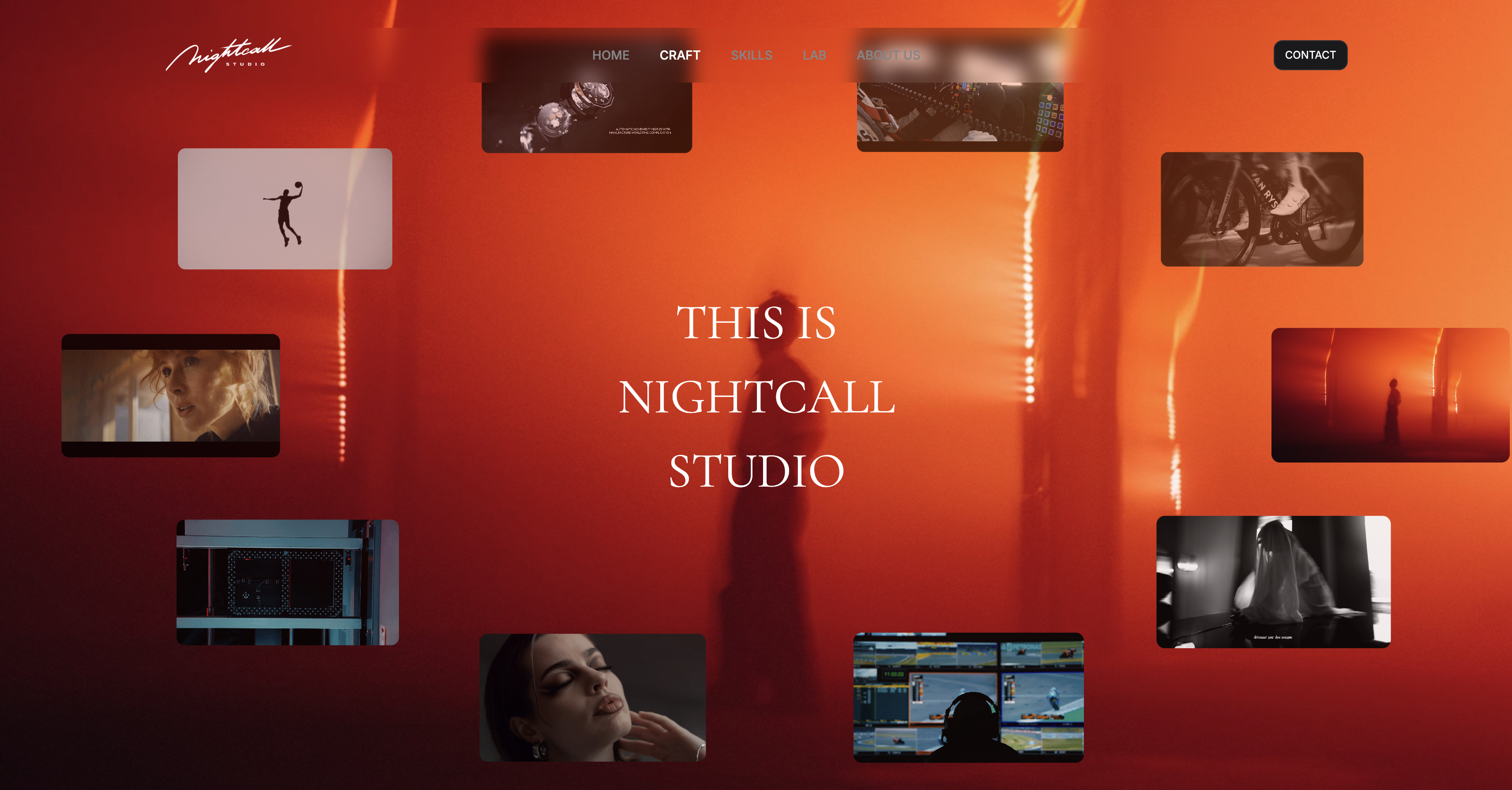
Framekit templates
Start from a designer-made template
 Use template
 Use template
 Use template
 Use template
 Use template
 Use template
 Use template
 Use template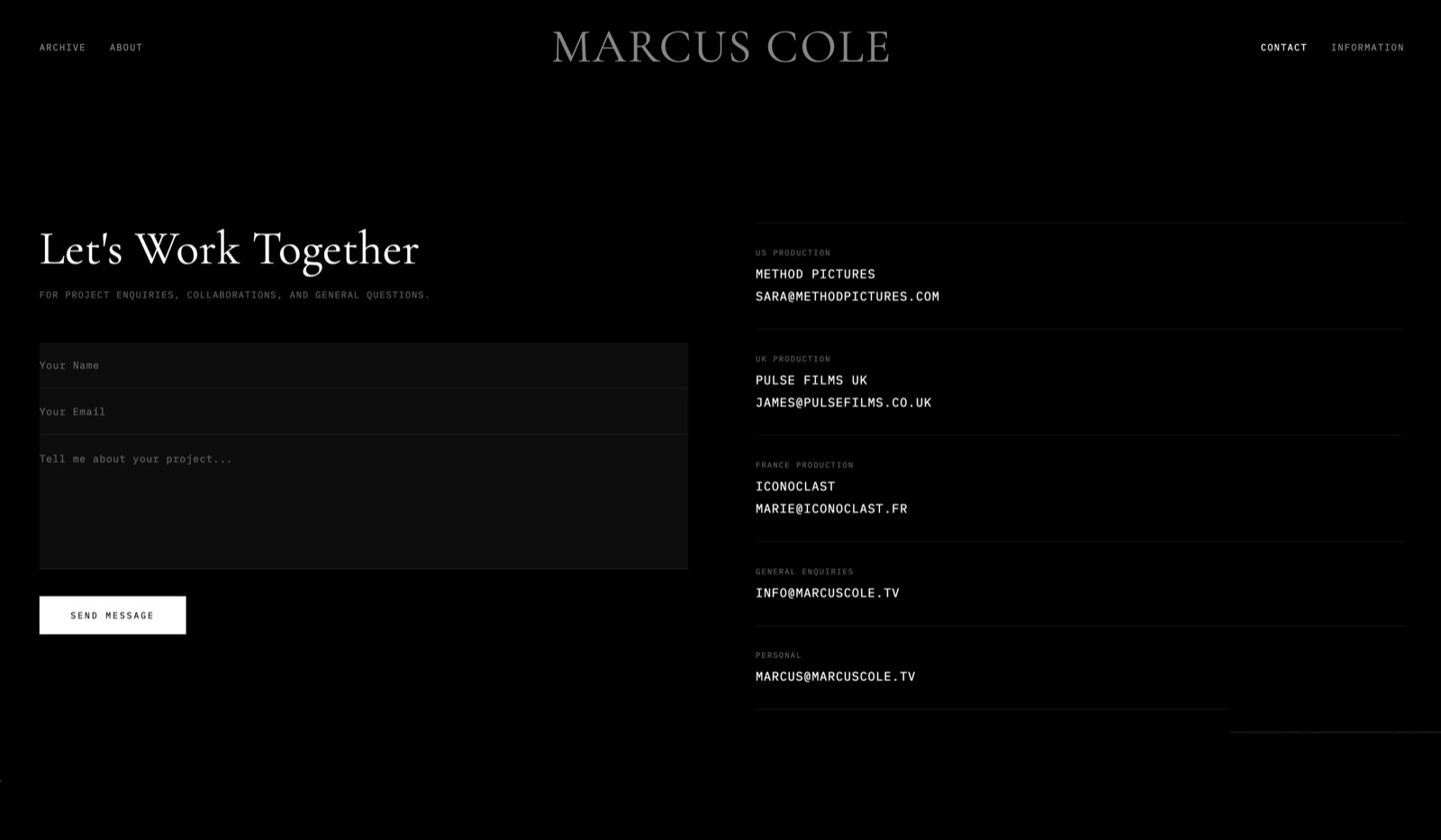
Script breakdown is the least glamorous and most consequential job in pre-production. Miss a prop on page 61 and you find out on the day, in front of a crew, with the light going. Miss a stunt and you find out from your insurer.
Everything downstream, the schedule, the budget, the call sheets, the whole shape of the shoot, is built on a list of elements someone tagged from a script.
Which makes the interesting question about script breakdown software not how fast it tags, but what it misses, and whether it tells you it might have.
A script breakdown is the process of reading a screenplay and tagging every element that will cost time or money to produce - cast, extras, props, wardrobe, vehicles, stunts, effects, animals, locations - so those elements can be counted, scheduled, and budgeted before anyone books a day.
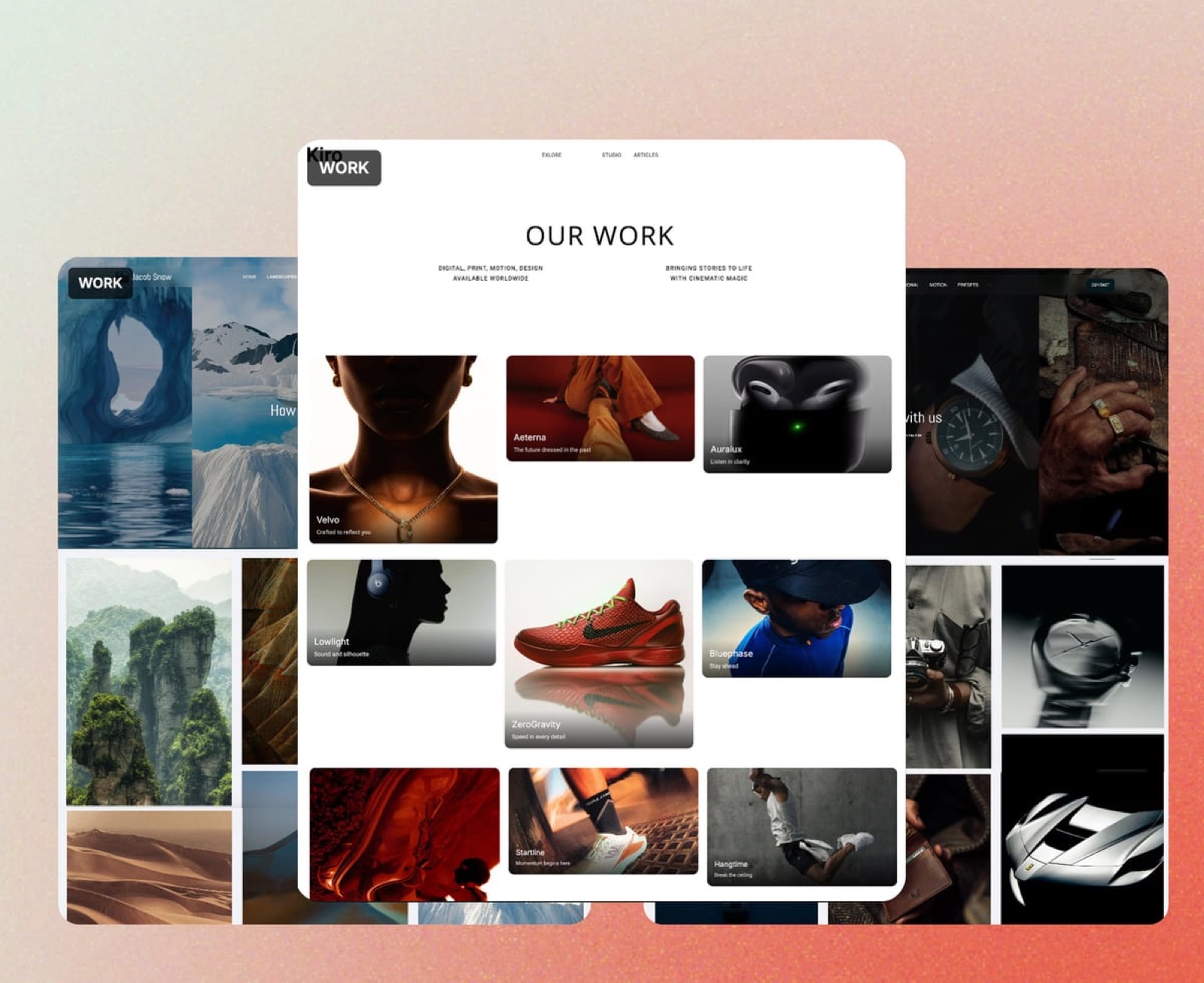
None of these tools is where that work then gets shown to a client, a financier, or a director, and that is the only part of the workflow Framekit touches: the treatment, the lookbook, and the cut that travel outward once the breakdown is settled, covered in its own section further down.
The best script breakdown software in 2026 is Filmustage, because it is the one tool here that tags a whole script automatically, so the job shifts from reading every page to reviewing a draft breakdown.
The honest trade-off is accuracy: automated tags still need a human pass to check each element sits in the right department, so it saves time on finding elements and leaves work in labelling them.
StudioBinder is the best choice when the breakdown has to feed a schedule and call sheets, Movie Magic Scheduling remains the industry standard for anything union or studio-facing, and a spreadsheet is still a legitimate answer for a short film.
Framekit is an AI website builder for production companies that also includes Slides, video review and client galleries; it does not break down scripts, so it is not ranked here.
We re-verified Framekit's own features for this page in September 2026. On 12 October 2026 we removed the element counts, timings and error rates an earlier version credited to a 94-page test breakdown, which we cannot document.
How We Compared This Script Breakdown Software
We compared every tool against one reference script, a 94-page contemporary feature with 41 scenes, 14 speaking parts, three vehicle scenes, two stunts, one animal, one practical effect and twelve locations, judging what each tool documents for tagging, scheduling and budgeting a script of that size.
We did not run that script through the eight tools for this guide, so nothing below is an element count, an error rate or a timing from a session of ours.
Automation. Whether the tool tags elements automatically, assists manual tagging, or leaves every tag to you.
Review burden. How much of the output a human must check, with the right element in the wrong category being the failure that quietly damages a budget.
Setup. How much has to be configured before a breakdown is usable, by the vendor's own documentation.
What it feeds. Whether the breakdown produces a schedule, a budget, and call sheets, or a list you retype.
Cost, at published rates where they exist, and noted as quoted where they do not.
Two kinds of finding, kept apart. From published sources read in August 2026: features, prices and plan rules, linked where they carry weight. From other people: recurring themes in public reviews and production forums, always labelled as sentiment.
What Comparing Eight Breakdown Tools Showed
The field splits sharply between tools that automate finding elements and tools that automate organising them, and those turn out to be very different problems with very different failure modes.
- 1 of 8 tags a whole script automatically with AI (Filmustage); the rest assist manual tagging or leave every tag to you.
- The error that matters most in any automated output is the right element in the wrong department, so check department lists before anything feeds a budget.
- Your own manual speed is the number an automated tool competes with: time ten pages by hand and multiply by the page count.
- 4 of 8 produce a schedule and a budget from the breakdown without re-entry, Movie Magic only with its separate Budgeting product.
- 2 of 8 are perpetual-licence desktop applications rather than subscriptions.
- No tool can tag what a script implies but never names, so implied elements stay a human job.
Script Breakdown Software Compared
The weighting: how much of the tagging is automated or assisted 30%, what it feeds downstream 25%, setup burden 20%, cost 15%, collaboration 10%.
Automation carries the most because tagging is the slowest part of the job, and each entry names the review it still needs, because an element in the wrong category produces a budget line in the wrong department, which is discovered late and corrected expensively.
| Tool | Automated tagging | Feeds schedule | Feeds budget | Licence model |
|---|---|---|---|---|
| Filmustage | Yes, AI | Partial | Export | Subscription, free tier |
| StudioBinder | Manual, assisted | Yes | No | Subscription, free tier |
| Movie Magic Scheduling | Manual | Yes | Yes, with Budgeting | Perpetual licence |
| Celtx | Manual, from tagged script | Yes, Team plan | Yes, Team plan | Subscription, add-ons |
| Final Draft | Manual, via Tagger | Export only | No | Perpetual licence |
| Yamdu | Manual, assisted | Yes | Yes | Subscription |
| Gorilla | Manual | Yes | Yes | Subscription |
| Google Sheets | No | No | No | Free |
1. Filmustage: The Best Script Breakdown Software Overall
Best forproductions with a locked script and a deadline that does not allow days of manual tagging.
Filmustage reads the script and produces a categorised breakdown automatically, which takes on the finding half of the job: single-mention props buried in action lines are exactly what a tired human reader skips and a machine does not.
The review pass is where the work is. Any automated tagger can put the right element in the wrong category, wardrobe filed as props being the classic case, so plan a full review of every department list before the breakdown feeds a budget.
The real numberthere is a limited free tier to evaluate it, with paid plans above it on Filmustage's own pricing page, and the figure to weigh against the subscription is your hourly rate times the hours a manual feature breakdown takes you.
The gotchaautomated tagging means you cannot skip review, and an automated breakdown looks finished enough that skipping it is tempting. A breakdown that looks finished and is partly miscategorised is more dangerous than an obviously incomplete one.
Skip it ifyour script is a short film. The time saved does not justify the learning curve below about forty pages.
Verdict: the biggest genuine time saving in this comparison, on the condition that you treat the output as a draft. Finding is solved; labelling is not.
2. StudioBinder: Best When the Breakdown Has to Feed Production
Best forproduction companies who want the breakdown to become a schedule and call sheets without retyping.
StudioBinder's breakdown is manual but well assisted, with a tagging interface built for speed and categories that match how production departments are actually organised.
Its advantage is downstream. Tagged elements flow into the shooting schedule, and the schedule produces call sheets carrying the elements for each day, so the props department receives a list rather than a script.
The real numberStudioBinder has a free tier with limited projects and paid tiers above it with an annual discount. Their tier structure has changed more than once, so confirm the current one before planning a budget.
The gotchathere is no budgeting module. The breakdown tells you what you need and not what it costs, so budgets happen in a spreadsheet or in Movie Magic alongside it.
Skip it ifyou need budget figures to come out of the same system.
Verdict: the best-connected breakdown for small and mid-size productions, and incomplete at the money end. Pair with a budget tool.
3. Movie Magic Scheduling: The Industry Standard
Best foranything union, studio-facing, or handed to a line producer who has done this for twenty years.
Movie Magic Scheduling is what professional first assistant directors and line producers use, and the reason is not features but interchange.
A stripboard produced here is a document everyone in the industry can read, and its breakdown categories are the ones the rest of the production ecosystem assumes.
The real numberit is sold by Entertainment Partners as a perpetual licence rather than a subscription, with pricing published through their site. Check the current figure directly, since it is quoted rather than listed as a simple plan table.
The standout detailthe stripboard is still the best scheduling interface ever built for this job, and the breakdown exists to feed it. Nothing newer has improved on the core interaction.
The gotchathe interface is dated, collaboration is weak by modern standards, and there is no AI assistance of any kind. Tagging is fully manual, because the tool assumes you know exactly what you are doing.
Skip it ifyou are a solo filmmaker on a short. This is professional infrastructure and it will not meet you halfway.
Verdict: the correct answer above a certain scale and an unnecessary purchase below it. If your production has a line producer, they have already decided this.
4. Celtx: Best Continuity from Script to Breakdown
Best forwriter-producers whose script and breakdown should never desynchronise.
Celtx's argument is that the breakdown should come from the screenplay rather than from a copy of it.
Tag elements inside the script, and the breakdown, schedule, and call sheets all draw from the same document, so a page-61 rewrite updates the props list rather than orphaning it.
The real numberthe important detail is on Celtx's own pricing page: breakdown, shot lists, storyboards, scheduling, and call sheets are add-ons on the Free, Writer, and Writer Pro plans and included only on the Team plan.
A writer who subscribes expecting production tools does not have them.
The gotchathat gating is the single most common surprise in this category. Celtx is recommended constantly as an all-in-one, and the plan most individuals buy is the one where the all-in-one part costs extra.
Skip it ifyou are on an individual plan and do not want to move to Team.
Verdict: the best script-to-breakdown continuity available, on a plan tier most people do not realise they need. Read the pricing table before subscribing.
5. Final Draft: Best If You Already Write There
Best forscreenwriters who want a breakdown without leaving the application they already own.
Final Draft's Tagger lets you mark elements directly in the screenplay and produce breakdown reports from them, which for a writer-director is the shortest path from script to element list. The tagging happens where the words are, which is the comfortable part.
The real numberFinal Draft is sold as a perpetual licence at $199.99 rather than a subscription, which over three years is cheaper than most tools here.
The gotchait stops at reports. There is no scheduling, no stripboard, no budgeting, and no call sheets, so the breakdown is exported and re-imported elsewhere. It is a writing application with a breakdown feature rather than a production tool.
Skip it ifthe breakdown needs to become a schedule.
Verdict: convenient for writers who already own it and a dead end for production. Useful as a first pass rather than as the system.

6. Yamdu: Best Full Production Platform
Best forseries and features with an actual production office.
Yamdu covers script, breakdown, schedule, cast and crew, locations, budget, and call sheets in one system, and for a production with a coordinator that consolidation removes a real amount of duplicated data entry.
On paper it produces the most complete downstream package of the eight.
The real numberYamdu is sold on paid plans with a trial rather than a free tier, priced by production size on their site rather than as a flat per-seat figure.
The gotchathe system wants the whole production modelled before the breakdown is useful, which for a short or a commercial is a great deal of setup for a small job.
Skip it ifthe production is smaller than a few weeks of shooting.
Verdict: genuinely comprehensive at the right scale and heavy at any other. Right tool, specific size.
7. Gorilla: Best Value for Small Productions
Best forindependent producers who want scheduling and budgeting without industry-standard pricing.
Gorilla is the pragmatic middle of this category: a real breakdown, a real stripboard, real budgeting, and pricing aimed at independent production rather than at studios. The schedule and budget it produces are designed to stand without any additional tool.
The real numberGorilla is sold on subscription with plans published on their site, positioned well below the industry-standard options.
The gotchathe interface shows its age and the learning materials are thinner than the larger platforms'. Several users describe the first project as slow and subsequent ones as fast.
Skip it ifyou need collaboration across a distributed team.
Verdict: the best value for independent features that need budgeting as well as scheduling. Unfashionable and capable.
8. Google Sheets: The Free Answer
Best forshort films, commercials, and any production small enough that the breakdown fits on one screen.
A breakdown is a table of elements by scene, and a spreadsheet is a table. For a 41-scene feature this is viable if slow, because every tag is typed. What it gives back is total control, free access for the whole crew, and the ability to work offline.
The real numberfree at any team size.
The gotchanothing is connected. The schedule is a separate document, the budget is a third, and every change is made three times, which is precisely where errors reach a call sheet.
Skip it ifthe script is longer than about thirty pages.
Verdict: the legitimate floor for short-form work and a false economy on a feature. The hours it costs on a feature are the same hours a tool saves you.
What Automated Breakdown Actually Gets Wrong
Four failure patterns are built into how automated breakdown works, and they are more useful than the general warning about AI accuracy because each one tells you exactly which part of the output to check.
Finding is the strong half. Automated tagging reads every line with the same attention. Single-mention props in action lines are exactly what a human eye skips at hour six of reading, and a machine does not get tired.
Categorising is the weak half. Placing an element in the right department takes context about how a production runs, and the typical errors, wardrobe or set dressing filed as props, move money between departments in a budget without anyone noticing.
Implied elements are still missed by everything. A scene where a character arrives soaked implies a rain effect or a water truck, and no tagger working from the words on the page can catch it because the script never says rain.
Implication is where human breakdown still wins.
Confidence is the risk. An automated breakdown presents as complete. A manual one visibly is not. The tool that looks finished and is partly miscategorised will be trusted more than it should be, particularly by someone who did not do the tagging.
In one linetreat automated breakdown as a very good research assistant and a poor department head, because it can find a wristwatch mentioned once on page 71 and still file it under the wrong budget line.
What Script Breakdown Software Costs
Priced for an independent production company making two features and a handful of shorts a year, with the two right-hand columns mattering more than the price for anyone who also has to schedule and budget the work.
| Tool | Cost | Feeds schedule | Feeds budget |
|---|---|---|---|
| Google Sheets | $0 | No | No |
| StudioBinder, free tier | $0 | Yes | No |
| Filmustage | Free tier, then paid plans | Partial | Export |
| Final Draft | $199.99, perpetual | Export only | No |
| StudioBinder, paid | Published on their site | Yes | No |
| Gorilla | Subscription, independent pricing | Yes | Yes |
| Celtx Team | Team plan required for breakdown | Yes | Yes |
| Yamdu | Priced by production size | Yes | Yes |
| Movie Magic Scheduling | Perpetual licence, quoted | Yes | With Budgeting |
A test worth running on your next script. Break down ten pages by hand, then run the same ten pages through an automated tool, and compare.
You will learn two things that decide your choice: how many elements you personally miss, and how often the tool puts something in the wrong department. Both numbers are specific to how you read and how the tool is trained.
Where Framekit Fits After the Breakdown
Framekit does not break down scripts, and none of the tools above need replacing with it.
It fits at the two points either side of the shoot, where the breakdown has to become something a client or a head of department actually reads, and where the footage has to come back for notes.
Before the shoot, the breakdown usually turns into a production meeting pack or a director's treatment.
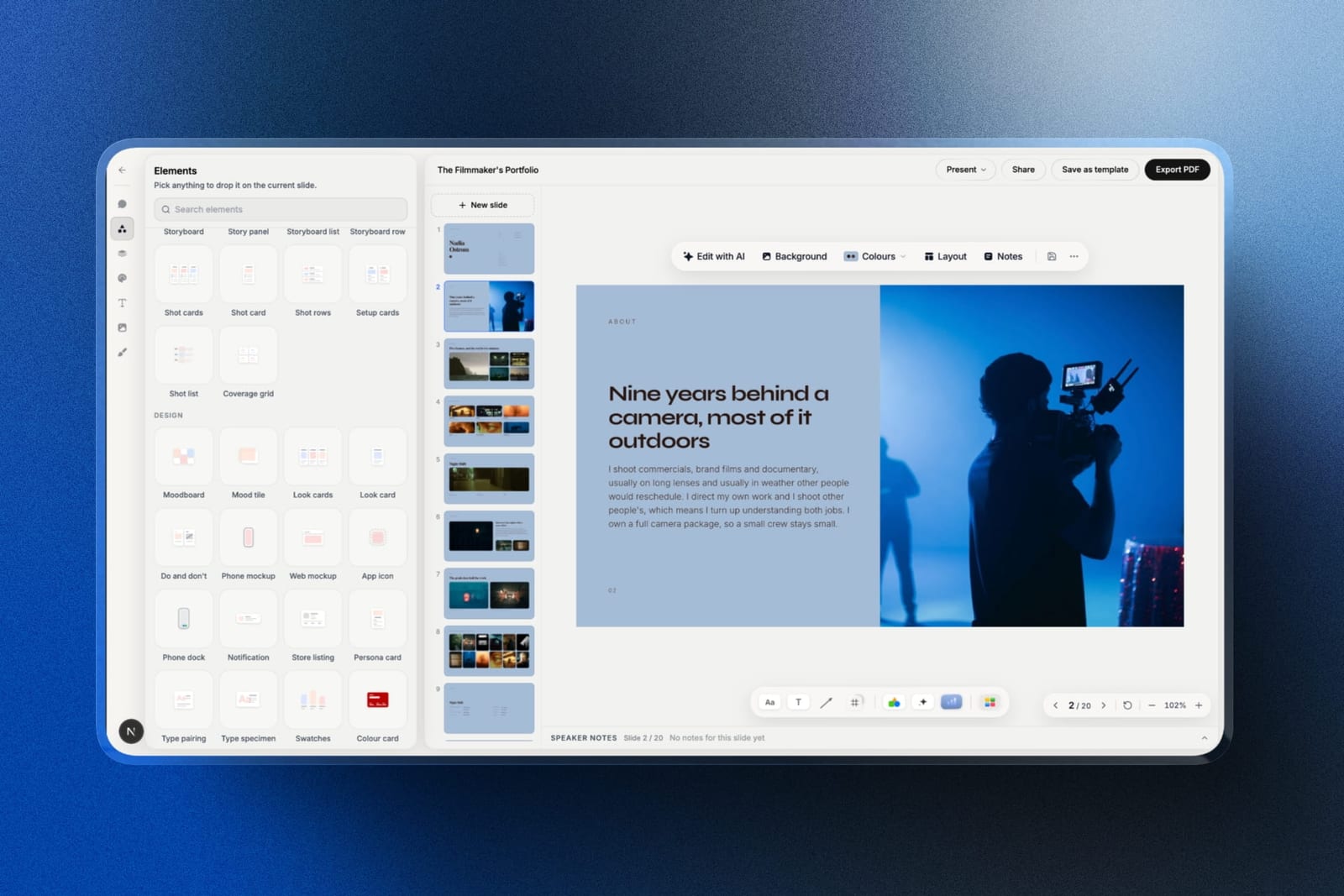
Framekit Slides, its deck tool, has shot list rows with a thumbnail per setup, a stripboard, a coverage grid, storyboard panels and moodboards as ready-made slide elements, so the department heads' pack or the client's approval deck is built from blocks rather than a pasted spreadsheet.
It goes out as a link that updates in place, or as a PDF.
After the shoot, Framekit's video review lets a producer or client leave notes at the exact frame of a cut, with version stacks and approval statuses, and reviewers need no account.
The limit: none of this reads a screenplay. Tagging, element reports, the schedule and call sheets stay in Filmustage, StudioBinder or Movie Magic.
Which Script Breakdown Software Should You Use?
The right tool depends on the length of the script, whether the breakdown has to feed a schedule and a budget, and who else will read it, so work down these questions in order.
1. Is the script feature length with a tight deadline? Filmustage, and budget a full review pass rather than skipping it.
2. Does the breakdown need to become a schedule and call sheets? StudioBinder for small and mid-size productions, Yamdu for larger ones.
3. Is the production union or studio-facing? Movie Magic Scheduling, because the stripboard is the interchange format everyone expects.
4. Do you need budgeting from the same system? Gorilla for independent budgets, or Movie Magic with Budgeting at the professional end.
5. Are you a writer-producer who wants the script to stay the source of truth? Celtx, on the Team plan, since breakdown is an add-on below it.
6. Do you already own Final Draft and need a quick element list? Use Tagger, and expect to move the output elsewhere.
7. Is the project a short or a commercial? Google Sheets, and spend the saved money on the shoot.
8. Are you unsure how much you miss by hand? Break ten pages down both ways before committing to anything.
Frequently Asked Questions
What is the best script breakdown software in 2026?
Filmustage is the best script breakdown software for most productions, because it is the only tool here that tags a whole script automatically, which turns the slowest part of a feature breakdown into a review job.
StudioBinder is the better choice when the breakdown needs to feed a schedule and call sheets, and Movie Magic Scheduling remains the standard for union and studio work.
Can AI break down a script accurately?
AI breakdown tools are strongest at finding elements and weakest at categorising them.
They read every action line with equal attention, so single-mention props are less likely to slip through, but placing an element in the right department takes production context, and wardrobe filed as props is the classic error.
Review is not optional.
Is there free script breakdown software?
StudioBinder has a free tier with limited projects that includes breakdown, Filmustage offers a limited free tier, and Google Sheets is free at any team size and is a reasonable choice for short films.
Celtx has a free plan, but breakdown is a paid add-on on it rather than an included feature.
Does Celtx include script breakdown for free?
Celtx does not include breakdown on its Free, Writer, or Writer Pro plans, where it is sold as an add-on, and includes it only on the Team plan. This is the most common pricing surprise in this category, because Celtx is widely recommended as an all-in-one production tool.
What does a script breakdown include?
A script breakdown includes every element that costs time or money: cast and extras, props, set dressing, wardrobe, makeup and hair, vehicles, animals, stunts, special and visual effects, sound, music, and special equipment, tagged scene by scene and grouped by department.
Locations, page count, and day or night are recorded alongside so the breakdown can be scheduled.
How long does it take to break down a feature script?
Breaking down a feature script takes as long as your own reading speed allows, so time it: break down ten pages by hand and multiply by the page count.
An automated tool replaces most of that reading with a review pass, and manual tools with good tagging interfaces sit between the two depending on how much of the work they assist.
What is the industry standard for script breakdown and scheduling?
Movie Magic Scheduling from Entertainment Partners is the industry standard for professional and union productions, because its stripboard output is the interchange format line producers and first assistant directors expect.
It is sold as a perpetual licence rather than a subscription and has no AI assistance.
Is Final Draft good for script breakdown?
Final Draft's Tagger produces a usable breakdown from a screenplay and is convenient for writers who already own the application at its $199.99 perpetual licence.
It stops at reports, with no scheduling, stripboard, budgeting, or call sheets, so the breakdown has to be exported into another tool to be acted on.
Can you break down a script in a spreadsheet?
You can break down a script in a spreadsheet, and for short films and commercials it is a completely legitimate approach that is free, works offline, and can be shared with the whole crew.
On a feature it costs many hours of typing and leaves the schedule and budget as separate documents that must be updated by hand.
What do automated breakdown tools still miss?
Automated tools miss implied elements, meaning anything the script does not name directly.
A character who arrives soaked implies a rain effect or a water truck, and a tagger working from the words on the page cannot tag it because the word rain never appears.
Human reading remains better at inference and worse at exhaustive recall.
Can Framekit break down a script?
Framekit cannot break down a script: it has no screenplay import, no element tagging, and no scheduling or call sheets, so use Filmustage, StudioBinder or Movie Magic for the breakdown itself.
Where Framekit helps is afterwards, turning the breakdown into a production or pitch deck with shot list and stripboard elements in Framekit Slides, and collecting frame-accurate notes on the cut in its video review.
Final Verdict
Filmustage is the right first choice for feature-length work because it solves the half of breakdown that is genuinely tedious, which is finding every single-mention element across ninety pages.
What it does not solve is categorisation, and the review pass it requires is the difference between a useful document and a budget with money in the wrong departments.
StudioBinder is the better system for productions where the breakdown has to become a schedule and call sheets, Movie Magic remains correct above a certain scale, and a spreadsheet is a perfectly respectable answer for a short.
Celtx's add-on gating is the pricing detail most likely to catch you out.
Where Framekit losesFramekit is an AI website builder for production companies and filmmakers, and it does not break down scripts, schedule days, or produce call sheets, so it is not a competitor to anything on this page and we excluded it from the ranking rather than inventing a place.
Every tool above beats us at this job because we do not do this job.
Where we are useful is either side of it: the production or pitch deck built from the breakdown, the cut sent for frame-accurate notes, and the finished work on a site a future client can find.
If you take one habit from this page, break ten pages down twice, once by hand and once automatically, and count the differences before you trust either.
Related reading: our guides to the best screenwriting software, the best shot list software, the best call sheet apps for film production, and the best website builder for production companies.
Prices above were read from published vendor pricing in August 2026, and several tools in this category are quoted by production size or sold as perpetual licences rather than listed as plan tables, which we have noted where it applies.