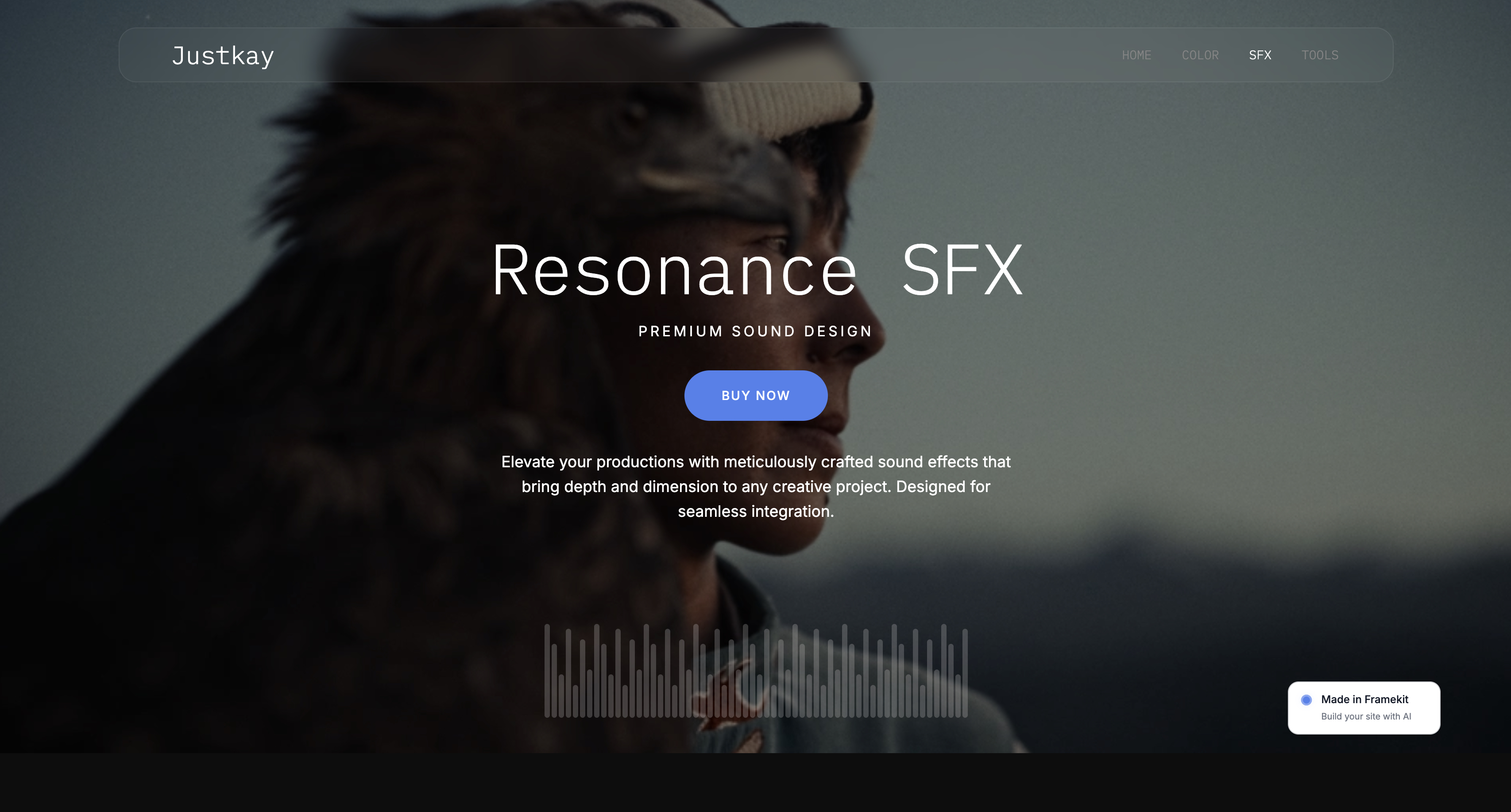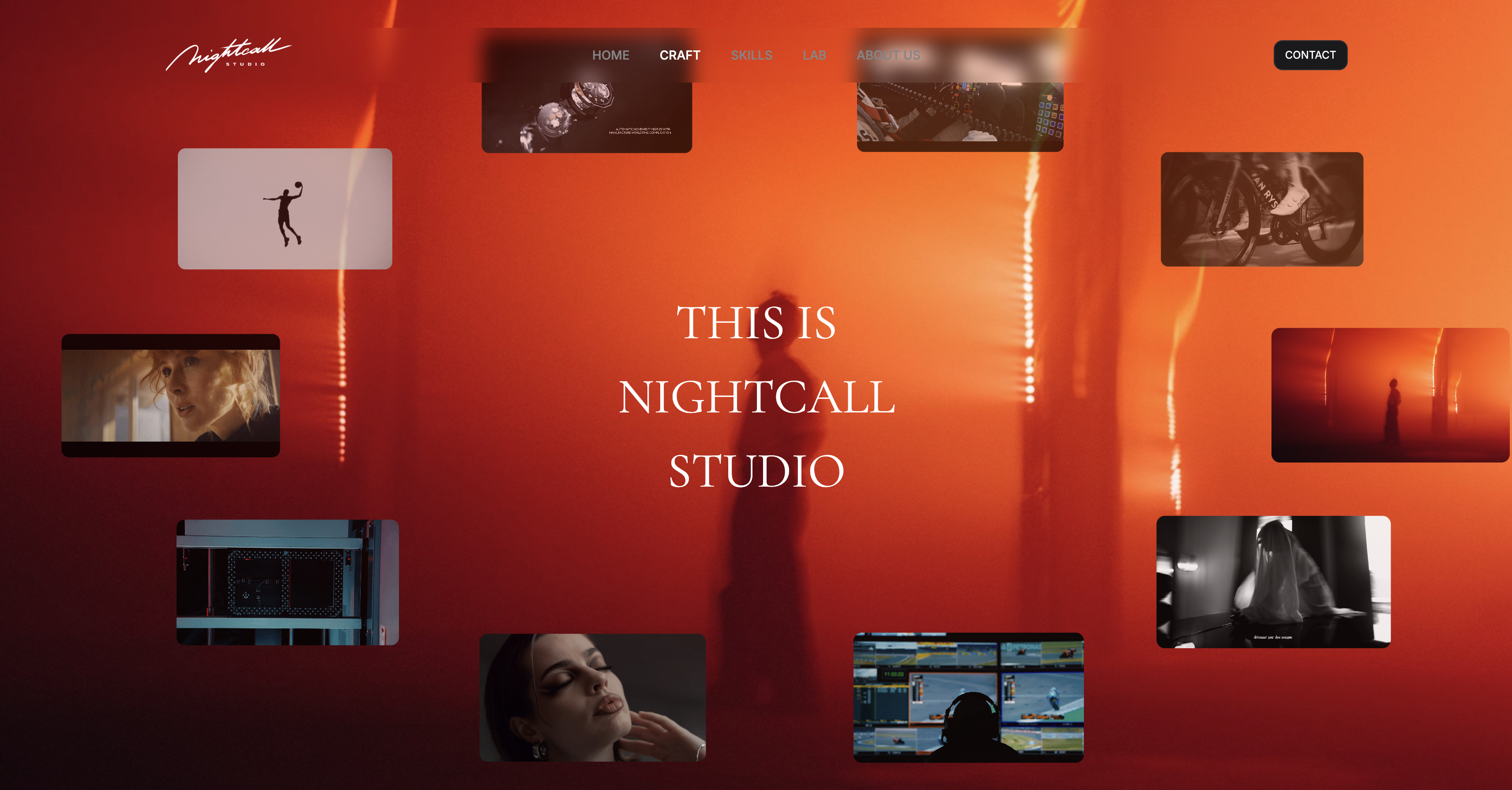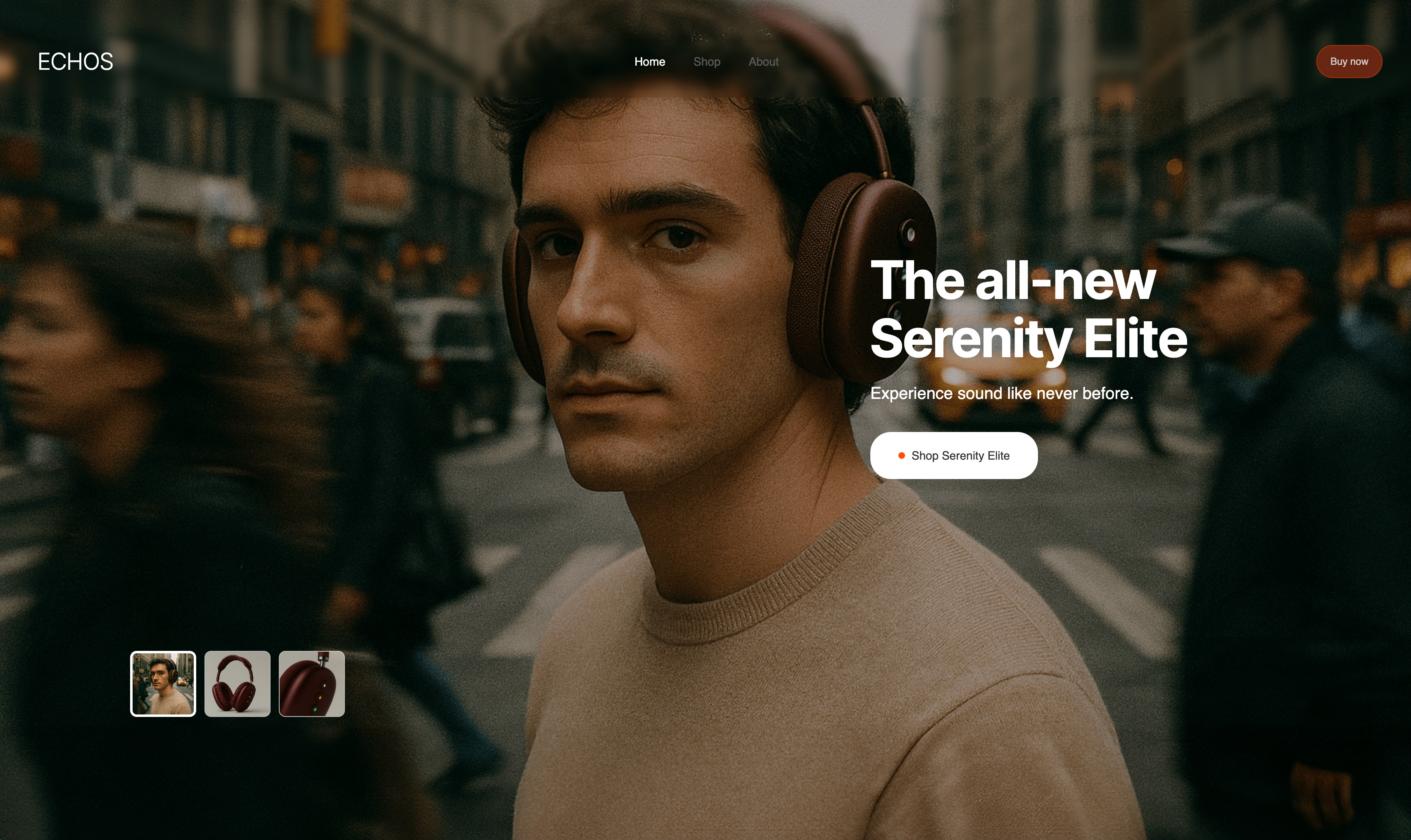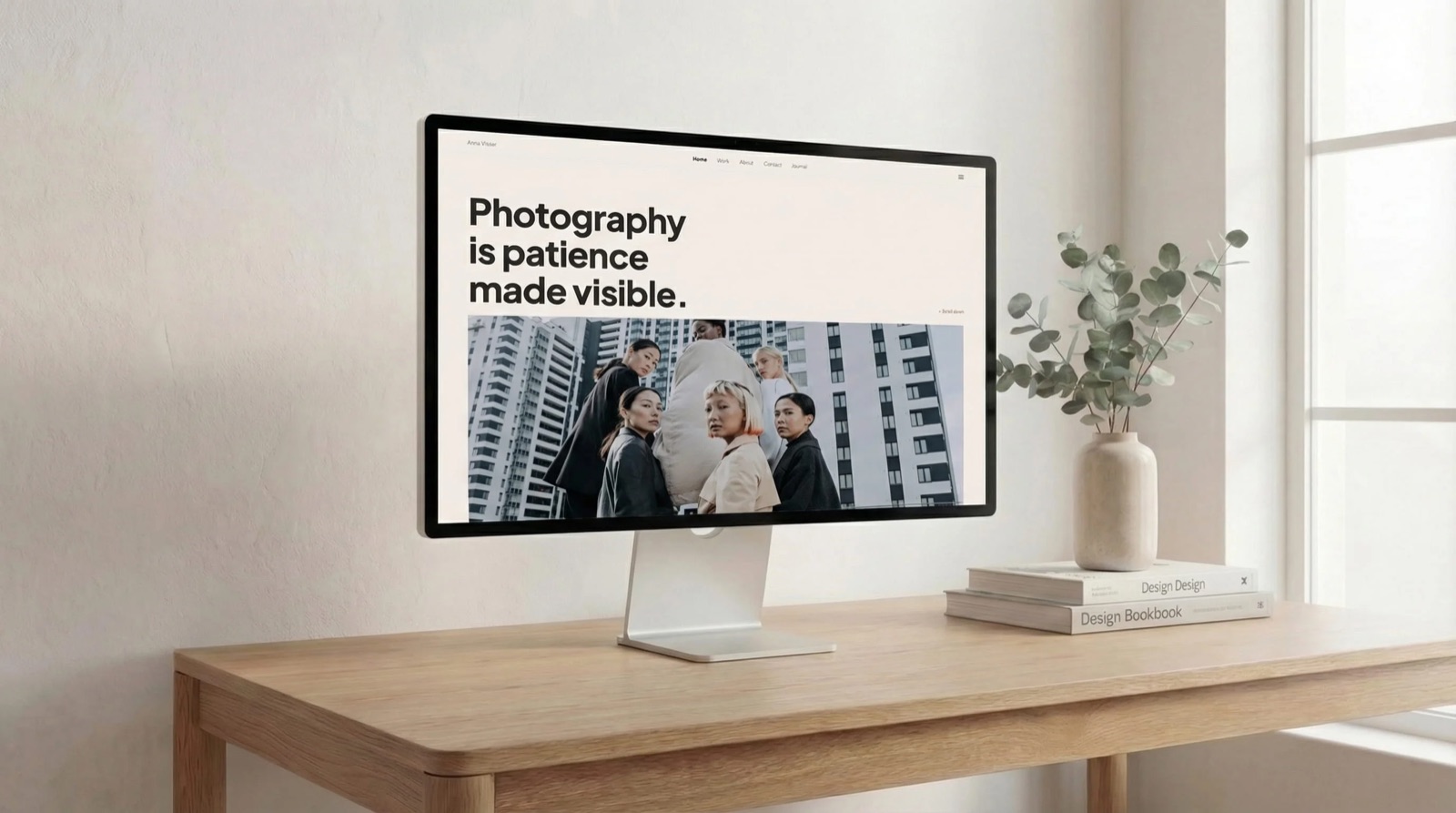
Framekit templates
Start from a designer-made template
 Use template
 Use template
 Use template
 Use template
 Use template
 Use template
 Use template
 Use template
The pitch for Storydoc is genuinely good. Stop sending a PDF that nobody scrolls past page two, send a web document that reflows on a phone, plays video inline, and tells you the prospect opened it three times on Tuesday night.
That is a real improvement over attaching a deck to an email and hoping.
Then you get the bill, or you try to get your work out, and you start looking for Storydoc alternatives. There is no free tier, only a trial. The entry plan is $237.60 a year.
And there is no slide export at any price, which means the proposal you spent two days on cannot become a .pptx or a .key; the only file it becomes is a PDF, which keeps the words and loses the video and interactivity you chose Storydoc for.
A Storydoc alternative is a tool that produces an interactive, trackable web document - a proposal, sales deck, or pitch that opens as a link rather than a download - and reports back who read it and how far they got.
The best Storydoc alternative in 2026 is Gamma, because it produces the same web-native, mobile-correct document, with card-by-card analytics on its Pro plan at $216 a year against Storydoc's $237.60, and a permanently free tier and a $108 Plus plan to build on before you pay for the tracking.
Its trade-off is a lower design ceiling and poor export. For creative studios, Framekit Slides is the best free option: unlimited decks, clips that play in the slide, and PDF export on the free plan, but no per-recipient tracking.
Qwilr is the pick for proposals that carry a price and a signature, Canva for design control, and Pitch for slides plus tracking.
Full disclosure: Framekit is our own product. It is ranked second, not first, because it has no per-recipient analytics and no signature or payment step, which is most of what Storydoc sells; Gamma, Qwilr, Pitch and PandaDoc all beat us on those, and we say so in each review.
This guide was re-verified on 19 September 2026 to add Framekit Slides and its current plan prices; competitor figures are as read from each vendor's pricing page in August 2026.
On 12 October 2026 we removed rebuild timings and test-send results we could not document, and re-read Storydoc's, Beautiful.ai's and Gamma's own pages: Storydoc lists PDF export on every plan, Beautiful.ai's Pro is $174 a year with its analytics listed inconsistently, and Gamma's read analytics need Pro, so those claims below are corrected.
How We Compared 10 Storydoc Alternatives
We judged all ten tools against one document, as a scenario rather than a rebuild: a fourteen-section brand identity proposal containing a cover, a problem framing, three case studies with embedded video, a scope table, a three-tier pricing block, a team section with four headshots, a timeline, and a signature or acceptance step.
The carried scenario is a two-person brand studio sending twelve proposals a month at an average project value of $8,000.
Document quality on a phone. Many first opens happen on a phone, so we asked whether each format reflows or scales a fixed page down, and whether a pricing table and an embedded video are built to survive that.
Tracking depth. Not just "was it opened" but which section, for how long, and whether a forward is visible. This is Storydoc's core promise, so any alternative has to answer it directly.
Getting your work out. What happens if you stop paying. Can the document become a file, a PDF, a slide deck, or nothing at all?
Price for one person and for two, because proposal tools are almost all per-seat and several have minimum seat counts that are not obvious until checkout.
Close mechanics. Can the prospect accept, sign, and pay inside the document, or does that happen in a separate tool and a separate email?
Split by how we know each thing.
From published sources: every price, seat minimum, export format and analytics feature, taken from each vendor's own pricing and help pages in August 2026 and linked where the figure carries argumentative weight.
No rebuild, phone test or test send sits behind any judgement here. From other people rather than us: recurring complaints in public reviews, flagged as such in the text.
What the Ten Alternatives Offer
The category splits much more sharply than the marketing suggests. Some of these are document tools with tracking bolted on; some are sales tools that happen to render nicely.
- 4 of 10 can take a payment or a signature inside the document. Storydoc cannot.
- 7 of 10 have a permanently free tier. Storydoc does not.
- 7 of 10 can export the finished document to a slide format, Framekit only on Pro and only as pictures. Storydoc cannot, at any price.
- Annual cost for one person ranged from $0 to $588, with the median at $144.
- Two tools have minimum seat counts that more than double the real entry price for a solo user.
- Only 3 of 10 report which specific section a reader lingered on, rather than a single time-on-document number.
Storydoc Alternatives at a Glance
The weighting behind the order below: document quality 25%, tracking 20%, portability 20%, price 20%, close mechanics 15%.
Portability is weighted unusually high for a proposal tool, and deliberately so, because the single biggest complaint we found about Storydoc is that nothing you build there can leave.
| Tool | Free plan | Entry price (annual) | Slide/PDF export | Per-section analytics | Sign or pay inside |
|---|---|---|---|---|---|
| Storydoc | No, trial only | $237.60/yr | PDF only | Yes | No |
| Gamma | Yes | $108/yr | PDF and weak .pptx | On Pro, about $216/yr; limited on Plus | No |
| Qwilr | No, trial only | $420/yr | No | Yes | Yes |
| Canva | Yes | $144/yr | Yes, strong | Basic | No |
| Pitch | Yes | ~EUR 120/seat/yr | Yes | On Team, ~EUR 180/seat/yr | No |
| Visme | Yes, watermarked | $147/yr | Yes | Yes | No |
| Beautiful.ai | No | $174/yr | Yes | On Team; Pro listed both ways | No |
| PandaDoc | No, trial only | ~$228/yr | Yes, PDF | Yes | Yes |
| Notion | Yes | $120/yr | PDF only | No | No |
| Google Slides | Yes | $0 | Yes | No | No |
| Framekit Slides | Yes, unlimited decks | $84/yr (Starter) | PDF free, picture .pptx on Pro | No | No |
Framekit's second place is the one judgement call in this order.
On the raw weighting it lands level with Canva, because it scores nothing on tracking or close mechanics; we broke the tie toward the free plan and the studio integration, and if even basic view counts matter to you, read Canva as second.
1. Gamma: The Best Storydoc Alternative Overall
Best foranyone who likes what Storydoc does and does not like what it costs.
Gamma is the closest thing to a like-for-like replacement.
Both tools treat a document as a stack of responsive cards rather than fixed slides, both reflow correctly on a phone, both play video inline, and both report analytics, Gamma on its Pro plan.
The differences are price, the free tier, and how much you can push the design.
Where Gamma pulls ahead is evaluation.
Its free plan is credit-limited, so you can build a real proposal and send it before paying anything, though the analytics need Pro: Gamma's analytics help article gives Free and Plus limited or no access.
Storydoc gives you fourteen days and then the work is behind a paywall, which is a materially worse way to try software you intend to send to paying clients.
The real numberlike for like, with the read analytics, Gamma Pro is $18 a month billed annually, $216 a year as last read on its pricing page, which refused our automated read in October, against Storydoc Starter's $237.60, about $65 less over three years for one person.
Plus, at $108 a year, is the cheaper route if you need the document and not the tracking, about $389 less than Storydoc over three years.
The standout detailon Pro, Gamma's analytics work card by card rather than as one session length, so you can see whether a prospect lingered on the scope table or skimmed past the team section, which tells you which part of the follow-up call to lead with.
The gotchathe .pptx export is the weakest thing about Gamma. Card layouts do not map onto slide geometry, so expect exported files to need fixes for overflowing text and awkward page breaks. The PDF export is fine. If someone downstream needs an editable deck, this is not the tool.
Skip it ifyour proposals need a signature or a deposit collected inside the document. Gamma has neither and expects you to link out.
What reviewers say elsewhereGamma holds a 4.8 out of 5 across more than 600 reviews on G2, with speed of drafting the most cited strength and export quality the most cited weakness.
Verdict: the right default. Same shape of product, a little cheaper than Storydoc on Pro, where the analytics live, and less than half the price on Plus without them, plus a free tier to build on before you commit. The export weakness is real and only matters if a file has to exist at the end.
2. Framekit Slides: Best Free Storydoc Alternative for Creative Studios

Best forbrand, design and film studios whose proposal is also a portfolio piece, and who left Storydoc over price or lock-in rather than over tracking.
Framekit is an AI website builder that now includes Slides, a deck tool in the same account as your site, client galleries, video review and store.
For a proposal that is also a portfolio piece, the case-study slides are where it earns its place: a YouTube or Vimeo cut placed on a slide plays inside the shared link and in present mode, full-bleed image layouts are the default rather than a workaround, and on paid plans your studio typeface uploads once and runs across every slide.
The AI writes and lays out any slide from a description, and everything stays editable by hand.
It sits second, not first, and the reason is a named gap rather than modesty. Framekit Slides has no per-recipient analytics, which is the core of what Storydoc sells, and no signature or payment step.
On the weighting above it takes nothing for tracking or close mechanics.
What lifts it is price and portability, plus the fact that the proposal lives in the same account as the website, client galleries and video review links the client uses after they sign.
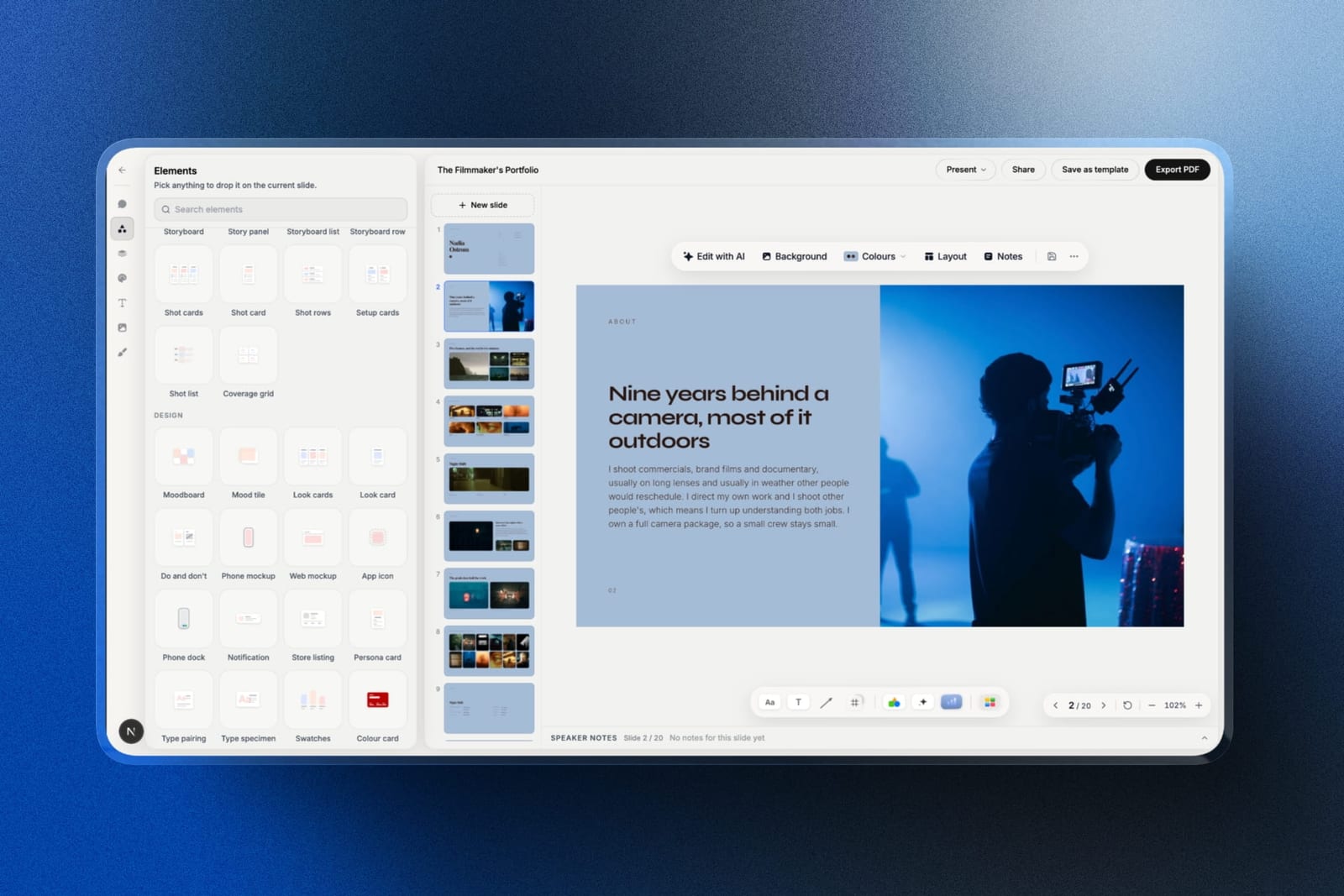
The real number$0. The free plan includes unlimited decks, the AI slide writer, full-screen presenting, a share link and PDF export, against Storydoc Starter's $237.60 a year for a document that leaves only as a PDF.
Custom fonts, the template library and removing the small Made with Framekit credit start on Starter at $9 a month, or $7 billed yearly.
The standout detailin the PDF, a video slide turns into its poster frame wrapped in a real link to the clip, so the procurement copy still opens the reel.
The gotchathe deck stays slide-shaped.
Slides are fixed-size pages, so on a phone they scale down rather than reflowing into a scrolling page the way Storydoc does, and the .pptx export (Pro and up, 60 slides) turns each slide into a picture, so a client's marketing lead cannot edit the words.
There is also no password on a deck link and no live co-editing.
Skip it ifyour follow-up call depends on knowing which section a prospect read, or the deal closes inside the document. Gamma and Qwilr, either side of us, do those jobs and we do not.
Verdict: the best way to leave Storydoc without paying anyone, for studios whose proposals sell on the work rather than on telemetry. It is the wrong tool for a sales team that lives in the analytics tab. Start a proposal deck free at framekit.ai/slides.
3. Qwilr: Best for Proposals That Carry a Price and a Signature
Best forstudios whose proposal is also the contract.
Qwilr is what Storydoc would be if it took the commercial half of a proposal seriously.
It keeps the web-document format Storydoc is built on and adds the three things Storydoc does not do: an interactive quote block where the client can toggle optional scope items and watch the total change, a legally binding e-signature, and a card payment for the deposit, all inside the same page.
That quote block is the reason to be here. On a $8,000 identity project with two optional add-ons, letting the client self-select the add-ons before signing turns a negotiation into a configuration.
The real numberQwilr Starter is $35 per user per month billed annually, which is $420 a year, or $49 a month if you pay monthly. That is the most expensive entry point in this comparison and roughly 1.8x Storydoc.
The gotchathe pricing page has a seat minimum that is easy to miss.
Starter has a minimum of one seat, but the Growth plan, which is where custom branding and automations live, has a minimum of five seats at $55 each, so the real cost of stepping up is $3,300 a year rather than $660.
For a two-person studio that is a wall, not a step.
Skip it ifyour documents are pitches rather than proposals. Paying $420 a year for e-sign and payments you never use makes no sense.
Verdict: the strongest replacement if money changes hands at the end of your document. The Growth-plan seat minimum makes it a poor fit for small studios that will eventually want custom branding, so check that ceiling before you build a workflow on it.
4. Canva: Best for Design Control
Best forpeople leaving Storydoc because everything they made there looked like Storydoc.
This is the most common complaint we found and it is fair. Storydoc's sections are strongly opinionated, and a proposal built in it reads as a Storydoc proposal to anyone who has seen two of them.
Canva gives the most design freedom of the ten, which takes longer to use and is the surest way to make a proposal look like it came from your studio rather than from a product.
Canva also answers the portability problem: the same document exports to PDF for a procurement team, to .pptx for a marketing lead who wants to edit it, and stays live as a Canva link with basic view counts.
The real numberCanva Pro is $18 a month or $144 a year, which is $93.60 less than Storydoc Starter, and covers every design need in this comparison. A second seat means Canva Teams at $25 per user per month, so our two-person studio pays $600 a year.
The gotchaCanva's link analytics are shallow. You see views and you see them by date. You do not see which section held attention or how long a specific recipient stayed, which is the actual reason people buy Storydoc.
If tracking is why you are here, this is a downgrade you will notice on the first send.
Skip it ifper-recipient analytics are load-bearing in your sales process.
What reviewers say elsewhereCanva holds a 4.7 out of 5 across more than 6,000 reviews on Capterra, where design flexibility is the dominant theme in positive reviews.
Verdict: the pick when the objection to Storydoc is aesthetic rather than financial. You trade real analytics for real design control, and for most creative studios that is the correct trade.
5. Pitch: Best for Teams That Track Every Send
Best forteams that want Storydoc's tracking on documents that are still recognisably slides.
Pitch splits the difference in a way that suits studios sending the same proposal repeatedly with the scope swapped out.
Pitch's template and shared-component system is the best organised here: case studies become reusable blocks, so a new proposal starts mostly assembled rather than from a blank file.
Its advanced links do most of what Storydoc's analytics do. Each advanced link records visits, slide views and time per slide, which in a multi-stakeholder sale shows you who is actually reading.
The real numberPitch charges per seat: Plus at EUR 10 per seat per month, Team at EUR 15, Business at EUR 20. Advanced links, which is where the analytics live, are not on the free plan, so treat the free tier as a build-and-evaluate mode rather than a way to run a business.
The gotchaa Pitch document is a slide deck. It will not reflow into a scrolling mobile page the way a Storydoc document does. On a phone a sixteen-slide proposal is sixteen fixed-ratio slides you swipe through, which is perfectly usable and is not the same experience.
Skip it ifmost of your proposals are read on a phone. Slides on a small screen are a compromise no template fixes.
Verdict: the best answer for teams whose real problem is that proposals take too long to assemble, and who want tracking as well. The mobile experience is the honest cost of staying slide-shaped.
6. Visme: Best for Data-Heavy Documents
Best forproposals and reports that are mostly charts.
Visme is the only tool here whose chart engine is genuinely good rather than adequate. For a proposal with a three-year projected-spend chart, Visme's charts are built to be interactive in the live document, can pull from a linked data source, and still export to PDF.
The real numberVisme Starter is $12.25 a month billed annually, which is $147 a year, and Pro is $24.75 a month or $297 a year. The free plan is real but watermarks every export, which rules it out for client work.
The standout detailthe Pro plan includes an HTML5 export, so you can host the finished document on your own domain rather than on a vendor URL. Almost nothing else in this category will let the artefact leave and stay interactive.
The gotchathe interface is dense. Visme carries fifteen years of feature accumulation and it shows in a sidebar with more options than any single document needs. Several reviewers describe the learning curve as the main barrier.
Skip it ifyou make three proposals a year. The tool rewards frequent use and punishes occasional use.
Verdict: underrated for anything with numbers in it, and overweight for a simple pitch. The HTML5 export on Pro is the quiet feature that should move it up your list if you care about owning the output.
7. Beautiful.ai: Best for On-Brand Consistency
Best fortwo-person studios where one person makes good documents and the other does not.
Beautiful.ai's constraint system means a proposal assembled by whoever is free that afternoon looks like a proposal assembled by the person who cares. A scope table is where that shows, because the tool will not let the columns go uneven.
The real numberPro is $14.50 a month billed annually, $174 a year for one person, or $45 for one month billed monthly.
Team is priced two ways on the same page: $40 a month including three users on the plan card, and $40 per user a month annually, or $50 monthly, for 2 to 20 seats in the FAQ, which is $960 a year for two people.
That is the sharpest seat cliff in this comparison, and it lands exactly at the point most studios need it. There is no one-time project plan.
The gotchaBeautiful.ai's pricing page, re-read on 12 October 2026, contradicts itself on Pro's analytics: its comparison table and Pro FAQ list viewer analytics, the Pro plan card lists none, and every part of the page agrees that viewer and slide analytics, engagement tracking, co-editing and locked slides are on Team.
If you are here for Storydoc's tracking, budget for Team, $480 or $960 a year for two people depending on which reading applies, not $174, which reorders this entire comparison for you.
Skip it ifyou want to place anything at an arbitrary position on most slides. Smart Slides exist to prevent that, and only a blank Classic Slide allows free layout.
Verdict: genuinely good at the specific job of making inconsistent teams consistent, and priced in a way that punishes the small teams who need that most. One $45 month of Pro, billed monthly, is the sensible way to test it.
8. PandaDoc: Best for Contracts Attached to the Document
Best forstudios whose proposal has to become a signed agreement without a second tool.
PandaDoc comes at this from the contract side rather than the design side, and it shows in both directions.
Its documents read more corporate than Storydoc's and less like a brand studio's work, and it does things no design-first tool here does: conditional content that changes the scope section based on which package the client selects, approval workflows, and audit trails on the signature.
The real numberPandaDoc Essentials runs about $19 per user per month billed annually, roughly $228 a year, with Business at about $49 per user per month. Essentials caps you at two seats and excludes CRM integrations, which is the tier most small studios will actually be on.
The gotchathe document viewer is functional rather than beautiful. Video embeds work but do not feel native, and the viewer is built for contracts, so expect plainer mobile rendering than Storydoc's or Gamma's.
You are buying contract infrastructure with a document wrapper, not the reverse.
Skip it ifthe proposal is a creative artefact that is part of the pitch. It will look like paperwork, because it partly is.
Verdict: the right tool if your bottleneck is getting things signed rather than getting things read. Choose it consciously, because it optimises for the opposite end of the document from Storydoc.
9. Notion: Best Cheap Web Document
Best forsolo freelancers who want a decent link and refuse to pay proposal-tool prices.
Notion is blunt and fast: it produces a clean, readable, mobile-correct web page with embedded video and a working table, and a published Notion page costs nothing on a personal account.
For a freelancer sending four proposals a month, that is a genuinely reasonable answer that this category rarely admits.
The real numberNotion is free for personal use, with Plus at $10 per user per month billed annually if you need collaborative workspaces. Against Storydoc's $237.60, the free version does much of the job for none of the price.
The gotchano analytics of any kind. You will never know whether the proposal was opened. That single absence is why Notion sits ninth rather than higher, because for many people the tracking is the entire purchase.
Skip it ifthe follow-up call depends on knowing what they read.
Verdict: the honest budget answer. If you were considering Storydoc mostly for the mobile-friendly link and not the telemetry, try a published Notion page for a month first.
10. Google Slides: Best Free Fallback
Best forproposals where the content does the work and the container does not matter.
Google Slides is on this list because it is the honest floor. It is free at any seat count, it opens anywhere, a client can comment with the Google Account they almost certainly have, and it will never look like an interactive web document.
The result is entirely serviceable and entirely unremarkable.
The gotchano analytics, no reflow on mobile, and no way to make a pricing table feel considered. For a $8,000 project pitch against studios sending Qwilr documents, the container difference is visible.
Verdict: the correct choice when the relationship is already warm and the document is a formality. A bad choice when the document is doing the persuading.
What Storydoc Actually Costs Over Three Years
Proposal tools are priced per seat and renewed annually, so the number that matters is not the monthly price but the multi-year total for the number of people who actually build documents. Here is our two-person brand studio, over three years, on annual billing.
| Tool | One person, 3 years | Two people, 3 years | What you cannot take with you |
|---|---|---|---|
| Google Slides | $0 | $0 | Nothing; it exports everywhere |
| Framekit Slides | $0 | $504, two Starter accounts | Editable text in .pptx (picture export) |
| Notion | $0 | $720 | Formatting, on PDF export |
| Gamma | $324 on Plus, $648 on Pro with analytics | $648 on Plus, $1,296 on Pro | Layout fidelity in .pptx |
| Canva | $432 | $1,800 | Nothing meaningful |
| Visme | $441 | $882 | Nothing on Pro, which exports HTML5 |
| Beautiful.ai | $522 | $2,880 on the FAQ's per-user price, $1,440 on the card's | Nothing; exports are clean |
| PandaDoc | ~$684 | ~$1,368 | Nothing; PDF export is the point |
| Storydoc | $712.80 | $1,425.60 | The interactive document; only a PDF leaves |
| Qwilr | $1,260 | $2,520 | The interactive quote logic |
The test you can run today. Open your last three proposals and ask two questions of each. Did anyone downstream ask for a file version? And did you change the follow-up call because of what the analytics told you?
If the answer to the first is yes and the second is no, you are paying a premium for tracking you do not use and losing the export you do need, and almost anything on this page is a better fit.
In one lineStorydoc's price is defensible and its export policy is the thing to weigh, because a document tool whose only file is a PDF print copy is a bet that you will keep paying for as long as the interactive version needs to exist.
Which Storydoc Alternative Fits Your Situation?
Answer these in order and stop at the first yes, because the questions run from the requirement that rules out the most tools to the one that rules out the fewest.
1. Does money change hands inside the document - a signature, a deposit, a selected package? If yes, Qwilr for design-led studios or PandaDoc if the contract matters more than the look. Nothing else here closes.
2. Is your objection to Storydoc mainly the price? If yes, Gamma. Same shape of product, roughly 45% of the cost on Plus if you can live without read data, or about 91% on Pro with it, and a free tier to build on.
3. Is your objection mainly that everything looked templated? If yes, Canva, and accept that you are giving up per-section analytics to get design control.
4.
Is the proposal really a portfolio piece, with case-study video and full-bleed work, and do you never open the analytics tab? If yes, Framekit Slides on the free plan, which keeps clips playing in the slide and exports a PDF for procurement.
If it is the same document sent to everyone with only the name changed, publish it as a page on your Framekit site instead.
5. Are your documents mostly charts and projections? If yes, Visme, and go straight to Pro for the HTML5 export.
6. Do two or more people build documents and quality varies between them? If yes, Beautiful.ai, budgeting for the Team plan, the one place its pricing page consistently lists analytics.
7. Do you send fewer than five proposals a month and never look at analytics? If yes, a published Notion page costs nothing and does most of it.
8. None of the above? Google Slides, and put the saved money into a better case study.
Frequently Asked Questions
What is the best Storydoc alternative in 2026?
The best Storydoc alternative in 2026 is Gamma, which builds the same mobile-correct web document, with card-level analytics on its $216-a-year Pro plan against Storydoc's $237.60, and has a permanently free tier and a $108 Plus plan for documents you do not need to track.
For creative studios that do not rely on tracking, Framekit Slides is the best free alternative, with unlimited decks, playable video on slides and PDF export on its free plan.
Is there a free alternative to Storydoc?
Gamma is the closest free alternative to Storydoc, with a permanently free plan that is credit-limited, so you can build and send a real document without paying, though Gamma's help centre gives the free plan limited or no analytics and the tracking needs Pro.
Framekit Slides, Notion and Google Slides are free at any volume but offer no per-recipient analytics, which is the main feature people buy Storydoc for; of the three, Framekit is the one built for image- and video-led proposals.
Does Storydoc have a free plan?
Storydoc has no free plan, only a time-limited trial. After the trial the documents you built stay behind the paywall, which is a meaningful difference from Gamma, Canva, Visme, and Notion, all of which have permanently free tiers you can evaluate on real client work.
Can you export a Storydoc document to PowerPoint or PDF?
Storydoc exports to PDF on every plan, per its pricing page re-read on 12 October 2026, but has no slide-format export, so a document built there cannot become a .pptx or a .key file.
This is a design decision rather than a missing feature, because Storydoc documents are responsive web pages rather than fixed-size slides, so the PDF is a print copy and anything you need as an editable deck in a data room or a procurement system has to be rebuilt elsewhere.
How much does Storydoc cost per year?
Storydoc Starter is $19.80 a month billed annually, $237.60 a year, and Pro is $36 a month or $432 billed annually, with Teams priced on request. Both paid tiers are per seat, so a two-person studio on Starter pays $475.20 a year.
Gamma vs Storydoc: which is better for proposals?
Gamma is better than Storydoc for most proposals on price and evaluation, producing a comparable mobile-correct document for $108 a year on Plus, or with card-level analytics for $216 on Pro, against Storydoc's $237.60, and offering a free tier to build on.
Storydoc is better if you need deeper section-level analytics and CRM sync, and if you are certain the document never needs to become a file.
Which Storydoc alternative lets clients sign and pay in the document?
Qwilr and PandaDoc both let a client select options, sign, and pay a deposit inside the document itself.
Qwilr is the better fit for design-led creative studios and PandaDoc for teams where the contract terms matter more than the visual presentation. Storydoc itself does not offer signature or payment collection.
What happens to my Storydoc documents if I stop paying?
Storydoc documents live on Storydoc's servers and are not exportable to a slide format, so links stop working when a subscription lapses and the only portable copy is the PDF export its pricing page lists on every plan.
Take PDF snapshots of anything you may need later while you are still paying, and prefer tools with a real export path for documents you must retain.
Is a website a better place for a proposal than a document tool?
A website is better than a document tool for the evergreen parts of a pitch - services, rates, capabilities, published case studies - because those pages stay current for everyone holding the link and can be found in search.
A document tool is better for a genuine one-to-one proposal that changes per client and whose readership you want to track.
Framekit holds both in one account, a site for the evergreen pages and Slides for the tailored deck, though without Storydoc-style tracking.
Which proposal tool has the best analytics?
Storydoc, Qwilr, and Pitch offer the deepest per-recipient analytics, showing which section a specific reader spent time on rather than a single view count. Gamma reports per-card dwell time on its Pro plan, which is close.
Canva shows views only, Framekit Slides shows a total view count per deck with nobody named, and Notion and Google Slides report nothing at all.
Do any Storydoc alternatives have seat minimums?
Qwilr's Growth plan requires a minimum of five seats at $55 per seat per year, making the real entry price $3,300 a year rather than $660, and its Scale plan requires ten.
PandaDoc's Essentials tier caps you at two seats rather than setting a floor. Check the seat rules before pricing a plan on headcount alone.
Final Verdict
Gamma is the Storydoc alternative most people should try first, because it does the same thing for about 91% of Storydoc's price on Pro, where its analytics live, or roughly 45% on Plus without them, and lets you build on a free plan before committing.
Framekit Slides is the pick for creative studios whose proposals sell on the work: free, unlimited decks, reel clips that play in the slide, a PDF the procurement team can file, and all of it in the account that already holds your site and client galleries.
Qwilr is the upgrade if your document has to close the deal rather than just present it, and its Growth-plan seat minimum is the number to check before you build a process on it.
Canva is the answer when the complaint is that everything looked templated and you still want basic view counts.
Where Framekit losesFramekit Slides does not track who opened a deck or which slide held them, does not collect signatures or deposits, and builds fixed-size slides rather than a page that reflows on a phone.
If your sales process runs on those, Gamma, Qwilr or Pitch is the better fit, and that is why we ranked ourselves second rather than first.
The question underneath all of this is which half of your documents are actually bespoke. Most studios discover it is fewer than they thought.
Related reading: our comparison of the best client proposal software, the best sales deck software, the best Gamma alternatives, and the best contract and proposal tools for creatives.
Pricing above reflects each vendor's published rates as we read them in August 2026. Seat minimums and annual-versus-monthly gaps move more often than headline prices do, so re-check before you sign a year.