Framekit templates
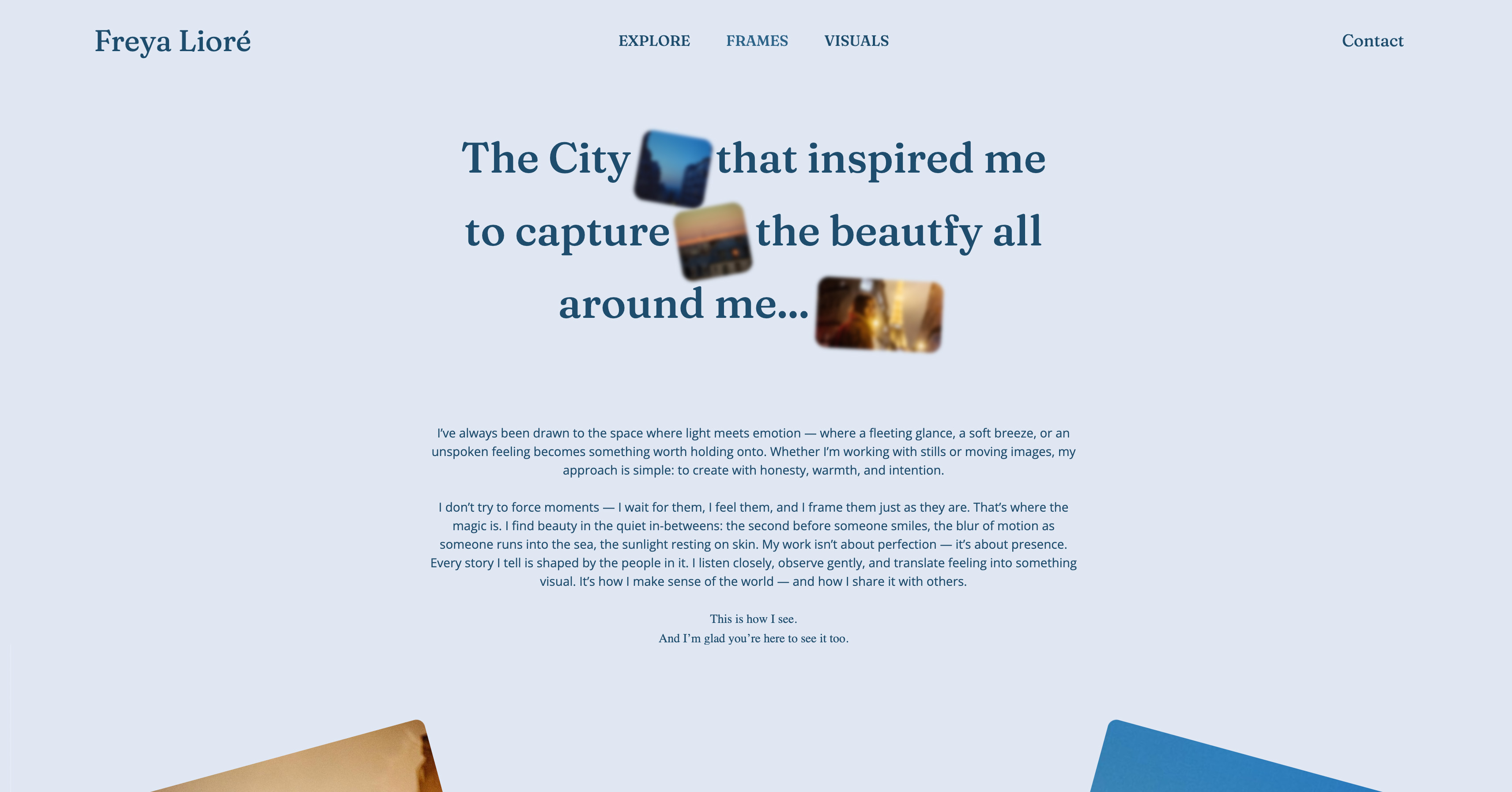
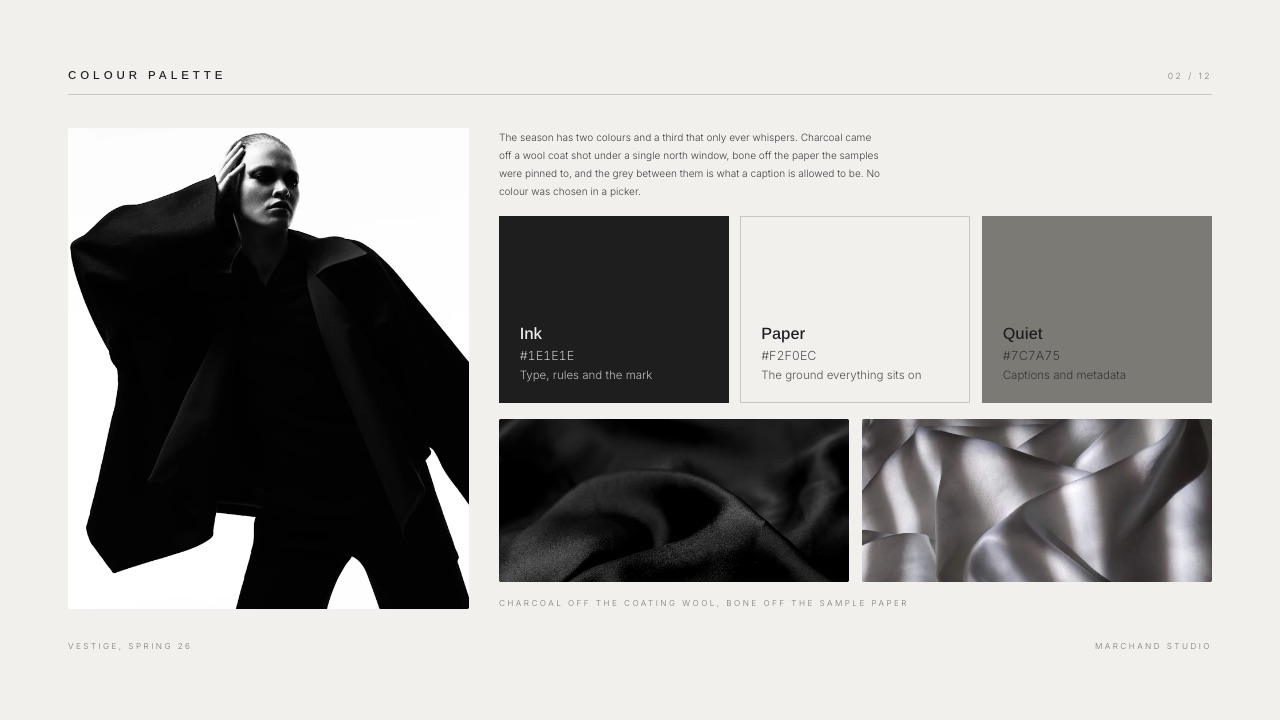
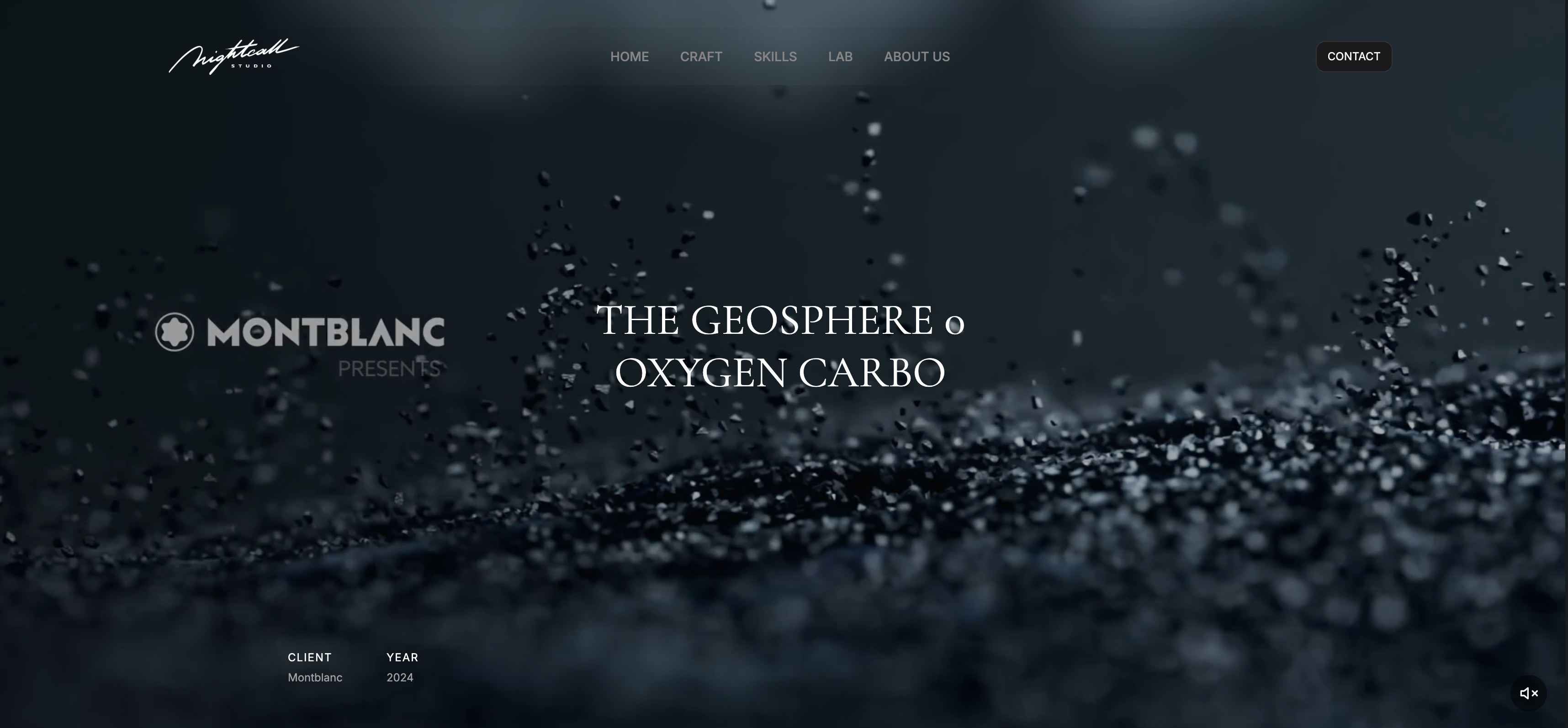
Start from a designer-made template
 Use template
 Use template
 Use template
 Use template
 Use template
 Use template
 Use template
 Use template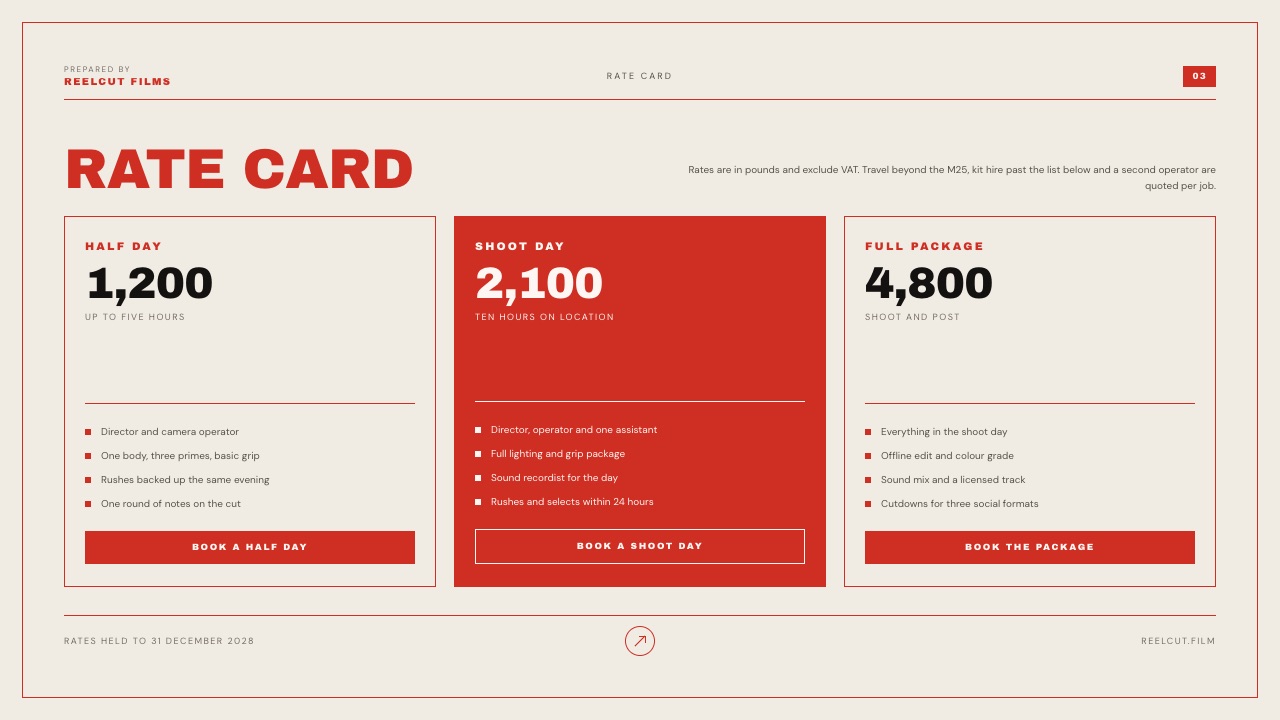
The deck you present is not the deck that decides the deal. You talk through sixteen slides on a call with one person, and then those slides get forwarded to a manager, a finance lead and someone in procurement who will never speak to you and will form an opinion in four minutes.
Which means the most valuable thing a sales deck tool can do is tell you what happened in the room you were not in.
Sales deck software is a tool that builds a buyer-facing presentation and, in the versions worth paying for, reports what recipients did with it: who opened it, which slides they read, how long they stayed, and whether it was forwarded.
The best sales deck software in 2026 is Pitch, because it pairs a fast co-editing workspace with advanced links that record visits, slide views and time per slide, at EUR 15 a seat a month on Team billed yearly.
Storydoc is second for personalised decks at volume, Beautiful.ai third on its Team plan's viewer and slide analytics and engagement alerts, and PandaDoc fourth when the deck ends in a signature; Canva fixes a deck that simply looks dated but reports nothing per recipient.
Framekit Slides ranks ninth: the right kit for a creative studio selling its own visual work beside its website, and the wrong one for a sales team, because it reports nothing per recipient and has no shared editing.
Full disclosure: Framekit is our own product, and it stays ninth in this update, at 4.7 out of 10 on this guide's published weights. We now print every tool's score on each criterion, which re-ordered the list: the tools that report what buyers read moved up, and Canva, Google Slides and PowerPoint moved down. We also corrected our reading of Beautiful.ai's pricing page, which shows viewer analytics on Pro in its comparison table and FAQ but not on the Pro plan card, so Beautiful.ai is now scored on its Team plan, where every part of the page lists viewer and slide analytics. An earlier version also described Pitch as workspace-priced; it is priced per seat, and that has been corrected throughout.
Pricing in this guide was re-verified on each vendor's own page on 12 October 2026; Canva's and Gamma's pages refused an automated read and are labelled, and PandaDoc's page rate-limited our check, so its figures are the ones it publishes as last read.
For this correction we read Beautiful.ai's pricing page again the same day, along with Gamma's help centre on which plan carries its analytics.
How This Sales Deck Ranking Was Put Together
This ranking compares ten tools on what a small B2B sales team needs from a deck after it leaves the call, and every claim rests on vendor pricing and product pages rather than on test sends we could not substantiate.
The carried scenario. A five-person sales team sending a sixteen-slide deck: the buyer's problem, the approach, three proof points with numbers, a case study, a three-tier pricing table and a next step. Some deals are consultative and some end in a signature.
The weights. Post-send visibility 30 percent, personalisation at volume 20 percent, editor speed 20 percent, buyer-side experience 20 percent, cost for a team of five 10 percent.
Visibility carries the most because a sales deck is read without you present, and a tool that reports nothing leaves you guessing about the conversation that matters.
How each criterion is scored. Every tool gets 1 to 10 per criterion for the plan five sellers would actually buy, judged from what that plan's own pricing page and help docs list.
Visibility runs from 1 for nothing per recipient and 2 for a total view count, through 3 for limited analytics and 7 for document tracking, to 8 for per-recipient slide views and time or viewer and slide analytics with alerts, and 9 for extended or CRM-level reporting.
Editor speed counts live co-editing, because five people keep one master deck current.
Cost bands the five-seat year: 10 for free, 9 under $600, 7 from $600 to $1,200, 4 from $1,200 to $2,500 and 1 for quote-only, with Canva at the median, 7, because its page refused our read.
What changed. Earlier versions described sending the same deck from nine tools, timing a case-study swap and testing link revocation. We could not substantiate those, so the measured claims are gone.
Capabilities now come from vendor documentation and prices from vendor pages read in October 2026, and Framekit is described from what it ships, with no hands-on test claimed.
This version also prints each tool's score on the five weights, scores Beautiful.ai on Team rather than Pro, and scores Gamma on the Plus plan priced here, where its help centre says analytics are limited or absent.
Sales Decks in 2026 by the Numbers
These six figures, read from vendor pages in October 2026, frame the purchase better than a feature grid, because each is the point where a tool's pricing or limits meet a five-person team.
- EUR 900 a year is five seats of Pitch Team at EUR 15 a seat a month paying yearly, the tier with 25 advanced links.
- $2,400 a year is five seats of Beautiful.ai Team at $40 per user a month, the figure in its pricing FAQ; the plan card on the same page says $40 a month covers up to three users, and it is the Team card, not the Pro card, that lists viewer and slide analytics.
- $432 a year is one Storydoc Pro plan with 30 active documents and extended analytics; its Teams plan for five or more users is quote-only.
- 5 active documents is the ceiling on Storydoc Starter at $237.60 a year, which a team sending tailored decks weekly passes in days.
- Contact sales is the only price on Highspot's pricing page, for every package.
- 0 is the number of per-recipient signals a Framekit deck link gives you; it shows a total view count and can be reset so an old address stops working.
The 10 Best Sales Deck Software Tools in 2026 Compared
The comparison table compresses the whole argument, and the column that should decide most sales purchases is post-send visibility, because it is the one thing a deck tool can do that a design tool cannot.
| Tool | Best for | Per-recipient read data | Per-buyer versions | Five seats a year |
|---|---|---|---|---|
| Pitch | Small teams sending decks weekly | Yes, advanced links on Team | Manual | EUR 900 (Team) |
| Storydoc | Personalised decks at volume | Yes, extended on Pro | Yes | $2,160 on five Pro plans, or Teams by quote |
| Beautiful.ai | Consistency plus analytics without a designer | Yes on Team; Pro is listed both ways | Manual, central library on Team | $2,400 (Team, per-user reading) |
| PandaDoc | Decks that end in a signature | Yes, document tracking | Yes, templates and content library | About $1,140 (Starter, as last published) |
| Highspot | Large enablement operations | Yes | Yes | Contact sales |
| Gamma | The fastest first draft | Limited on Plus, full on Pro | Manual | About $540 on Plus (August reading) |
| Canva | Decks that look dated | No | Manual | Regional, page refused our read |
| Google Slides | Free, collaborative, everywhere | No | Manual | $0, or EUR 408 on Workspace Starter |
| Framekit Slides | A creative studio selling visual work | No, total views only | Manual | $84 to $180 per seller account |
| PowerPoint | Buyers who want an editable file | No | Manual | About $500 on five Personal plans |
In one lineThe five tools that document per-recipient reporting on the plan scored take the top five places, Gamma's limited Plus analytics put it sixth, and of the four with nothing per recipient, Framekit's total view count and AI drafting lift it a tenth above PowerPoint only, because Canva and Google Slides let a sales team build together.
If one constraint decides it for you, go straight to the decision tree.
Framekit's lowest marks are visibility, 2 out of 10, and personalisation, 4: a total view count with nothing per viewer, no live co-editing, and team members who are website admins rather than deck collaborators.
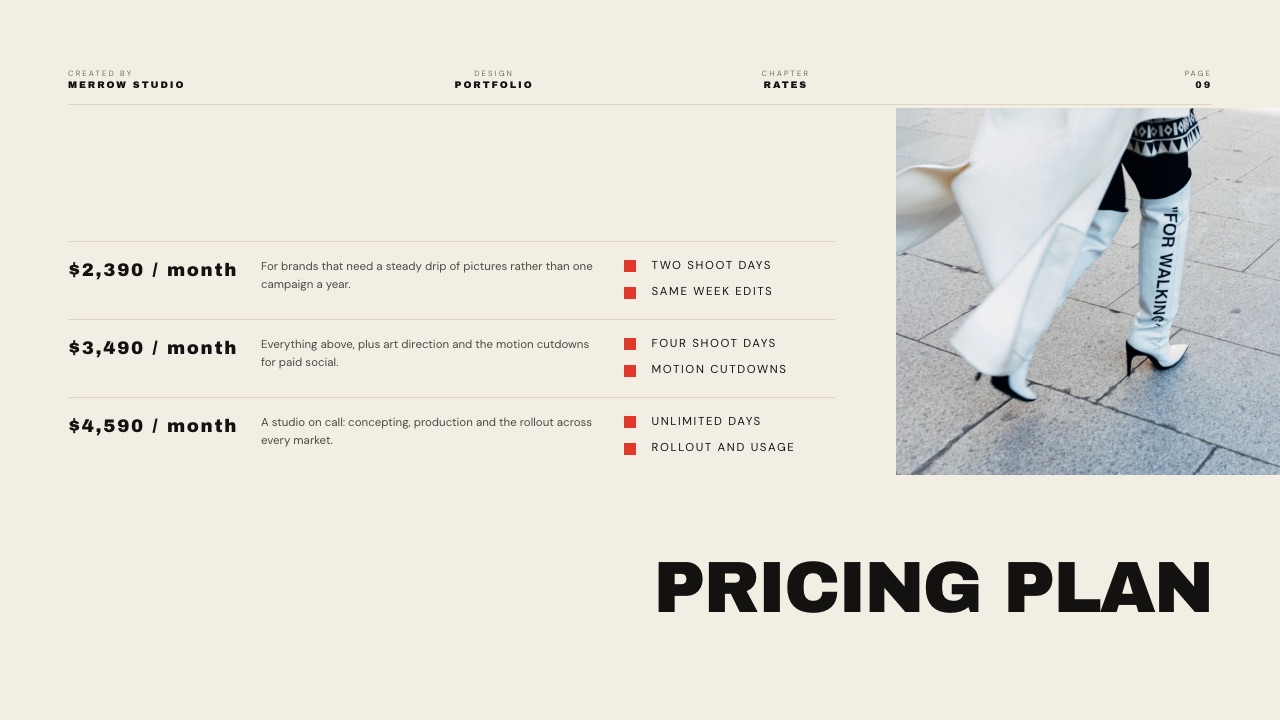
Its best mark is cost, 9, and the image-led deck itself, where pricing layouts, case-study layouts and phone and web mockups come ready-made.
How the Ten Tools Score on the Five Weights
Each score below is our rating of what a tool's own pricing page and help docs list for the plan five sellers would buy, multiplied by this guide's published weights, so you can change any weight and re-rank the list yourself.
| Tool | Visibility (30%) | Personalisation (20%) | Editor speed (20%) | Buyer side (20%) | Cost for five (10%) | Score |
|---|---|---|---|---|---|---|
| Pitch | 8 | 5 | 9 | 8 | 7 | 7.5 |
| Storydoc | 9 | 9 | 6 | 6 | 4 | 7.3 |
| Beautiful.ai, Team | 8 | 5 | 8 | 8 | 4 | 7.0 |
| PandaDoc | 7 | 8 | 5 | 8 | 7 | 7.0 |
| Highspot | 9 | 8 | 3 | 6 | 1 | 6.2 |
| Gamma, Plus | 3 | 5 | 9 | 7 | 9 | 6.0 |
| Canva | 1 | 5 | 8 | 7 | 7 | 5.0 |
| Google Slides | 1 | 3 | 7 | 8 | 10 | 4.9 |
| Framekit Slides | 2 | 4 | 6 | 6 | 9 | 4.7 |
| PowerPoint | 1 | 3 | 6 | 8 | 9 | 4.6 |
Beautiful.ai and PandaDoc tie at 7.0, and Beautiful.ai takes third on its higher visibility score, the criterion this guide weights most.
Highspot's fifth place comes from the two heaviest criteria; its 1 on cost and 3 on editor speed are why it is still the wrong buy for most teams of five.
Under other weights. With all five criteria at 20 percent, Pitch still leads at 7.4 with PandaDoc second at 7.0, and Framekit ties with PowerPoint and Highspot at 5.4.
Raise visibility to 40 percent and personalisation to 30, and Storydoc leads at 7.9. Raise cost to 40 percent with the rest at 15, and Pitch (7.3) and Gamma (7.2) lead, with Framekit tied fifth with PowerPoint at 6.3.
In one lineThe ranking turns on visibility, since every tool in the top five documents per-recipient reporting on the plan scored, and the bottom four sit within 0.4 points of each other because none of them tells you what a buyer read.
What Each Tool Tells You After You Hit Send
This is the table that should decide the purchase, and it is the one vendors describe most vaguely, so each row below is limited to what the vendor's own pages document rather than what a sales page implies.
| Tool | What you learn after sending | Where it is documented |
|---|---|---|
| Pitch | Visits, slide views and time spent per slide on advanced links | Pitch pricing page, Team and Business |
| Storydoc | Basic analytics on Starter, extended analytics on Pro | Storydoc pricing page |
| Beautiful.ai | Viewer and slide analytics, engagement tracking and alerts on Team; the comparison table also ticks viewer analytics on Pro, the Pro plan card does not | Beautiful.ai pricing page, re-read 12 October 2026 |
| Slidebean (not ranked here) | View tracking when you share a deck | Slidebean pricing page |
| DocSend (not ranked here) | Time per page, drop-off, reading notifications, email and passcode gates | Dropbox's DocSend page |
| Gamma | Full analytics on Pro and up; limited or none on Free and Plus | Gamma help centre |
| Framekit Slides | A total view count; link can be reset | Product behaviour |
| Canva, Google Slides, PowerPoint | Nothing per recipient | Not offered |
In one lineIf the deck goes to a buying committee you never meet, the difference between "a total view count" and "time on the pricing slide by recipient" is the difference between guessing and knowing which follow-up to send.

1. Pitch: Best for Small Teams Sending Decks Weekly
Pitch is the best sales deck software for a small team because it treats a deck as a living document rather than a file: the editor is fast enough to update a pricing slide between calls, several reps can work in it at once, and the advanced link reports what each recipient did.
Best forsales teams of two to twenty-five sending decks weekly and iterating on them constantly.
The real numberPitch's pricing page lists Plus at EUR 10, Team at EUR 15 and Business at EUR 20 a month per seat paying yearly, with yearly billing saving 17 percent. Five seats on Team are EUR 900 a year.
Team includes 25 advanced links that track visits, slide views and time spent on each slide; Business makes them unlimited and adds more external guests.
The standout detailan update reaches everyone holding the link, so the buyer who opens the deck in March after a February price change sees the current price rather than an attachment from last quarter.
The gotcha25 advanced links on Team is a real ceiling for a team of five sending several decks a week. Plan for Business, at EUR 5 a seat more, if every deal gets its own tracked link.
Skip it ifyou send heavily tailored decks at volume, or your buyers demand editable .pptx files as a matter of process.
Verdict: the best sales deck software for a small team that sends often and revises constantly. Teams coming from a locked-layout tool should read the Slidebean alternatives guide, and teams outgrowing Pitch's seat price the Pitch alternatives.
2. Storydoc: Best for Personalised Decks at Volume
Storydoc replaces the slide with a scrolling interactive document and returns the deepest post-send data in this comparison plus per-recipient personalisation, so sending forty decks a month, each carrying the buyer's name and the relevant case study, is a workflow rather than a chore.
Best forteams sending high volumes of tailored decks where personalisation is the strategy rather than a nicety.
The real numberStorydoc's pricing page lists Starter at $19.80 a month billed annually, $237.60 a year, with 5 active documents and basic analytics, and Pro at $36 a month billed annually, $432 a year, with 30 active documents and extended analytics.
Teams, designed for five or more users, is quote-only, so five reps are either five Pro plans at $2,160 a year or a sales conversation.
The standout detailversion automations, ten a month on Starter, which generate tailored versions rather than duplicates you maintain by hand.
The gotchathe unit is active documents, and the format is a scroll rather than pages. It exports a PDF, but the PDF is a flattening of a web page rather than the deck a procurement team expects to print.
Skip it ifyour buyers forward attachments rather than links, or your process ends in a printed document.
Verdict: the right purchase when personalisation and read data will change what your team does, and an expensive novelty when the data will only be admired. Storydoc alternatives covers the cheaper middle ground.
3. Beautiful.ai: Best for Consistency and Analytics Without a Designer
Beautiful.ai keeps a team's slides consistent by refusing to let anyone space them badly, and its Team plan adds the reporting a sales team needs, viewer and slide analytics, engagement tracking and alerts, which is why it scores third here at 7.0, level with PandaDoc and ahead on visibility.
Best forsmall teams with no design resource who need every rep's deck to look the same and want to see who viewed it.
The real numberBeautiful.ai's pricing page, re-read on 12 October 2026, prices Team two ways.
Its plan card says $40 a month billed annually, or $50 monthly, includes three users, with fixed pricing for up to three; its FAQ says $40 per user a month billed annually, or $50 per user monthly, for 2 to 20 seats.
Five sellers sit outside the card's three-user price, so the FAQ's $2,400 a year is the figure scored here. Pro is $14.50 a month billed annually, $174 a year, for one person.
The analytics questionthe same page lists Pro's analytics both ways as well. Its plan comparison table and its Pro FAQ include viewer analytics on Pro, while the Pro plan card lists none and the Team card lists viewer and slide analytics as a Team addition.
A solo seller buying Pro for read data should confirm it inside the 14-day trial; this guide scores Beautiful.ai on Team, where every part of the page agrees.
The standout detailengagement alerts on Team, so a rep hears when a buyer is in the deck rather than discovering it in a dashboard later.
The gotchathe seat step. A second editor means Team, and the page's two readings put two seats at $480 or $960 a year against $174 for one Pro seat; the 14-day trial also asks for a card and bills in full if you forget to cancel.
Skip it ifyour designers want full control of every slide, because the Smart Slide layout engine will push back.
Verdict: a sound tool for structured sales decks with real analytics on Team, at a price its own page states two ways. Beautiful.ai alternatives covers what to do at the seat step.
4. PandaDoc: Best for Decks That End in a Signature
PandaDoc is the right answer when the deck and the contract are the same conversation, because a proposal that presents like a deck, tracks like a document and ends with a signature removes an entire handoff from the sales process.
Best forteams whose decks convert directly into a signed agreement rather than into another meeting.
As a pure presentation tool it is unremarkable: layout control is limited and the templates are sales-shaped rather than designed.
The real numberPandaDoc's pricing page rate-limited our automated read in October 2026; it publishes Starter at $19 per seat a month and Business at $49 per seat a month on annual billing, so five seats on Starter are about $1,140 a year.
Confirm which tier carries the features you need before buying.
The standout detaildocument tracking, e-signature and payment collection in the same artefact, so the buyer who reads the pricing page can sign on the next one.
The gotchaentry tiers have historically restricted features teams assume are included, such as advanced templates and payments. Check the specific tier against the specific feature.
Skip it ifyour deck's job is to earn a second meeting rather than to close.
Verdict: collapses deck and contract into one artefact, which is powerful in transactional sales and unnecessary in consultative ones. Client proposal software compares it with lighter proposal tools.
5. Highspot and Enterprise Enablement Platforms: Best at Scale
Sales enablement platforms score fifth on this guide's weights, 6.2, because they lead on visibility and per-buyer versions, but for most readers they are the wrong purchase, since they manage a governed content library across a large sales organisation and report engagement back into a CRM rather than build decks.
Best forsales organisations large enough to employ someone whose job is managing what reps send.
The real numberHighspot's pricing page lists its packages with "Contact sales" and no published price. Budget for an implementation, not a subscription.
The standout detailgovernance, meaning which version of which deck each rep is allowed to send, which is a problem only at scale and a serious one there.
The gotchathese platforms solve a governance problem, not a deck problem. Teams that buy one hoping for better decks generally get the same decks with better reporting about them.
Skip it ifyou have fewer than about twenty-five reps.
Verdict: the right answer at a scale where the question stops being which deck and starts being whose deck.
6. Gamma: Best for the Fastest First Draft
Gamma turns a paragraph about what you sell into a structured deck from one prompt, faster than any other tool here, and for a sales team that needs a deck for a new segment by Thursday, that is a real advantage.
Best forteams that need new decks often and stall on the blank first slide rather than on design.
The real numberGamma bills per member on every paid plan, per its help centre, and new free users get 400 credits at signup.
Its pricing page refused our automated read in October, so the figure here is the August reading of about $108 a year per person on Plus, about $540 for five.
The standout detaila team workspace billed per member, so five reps draft in one place.
Read data is the catch: Gamma's analytics help article says full analytics need Pro or higher and that Free and Plus have limited or no access, which is why it scores 3 on visibility at the Plus price above and sits sixth.
The gotchagenerated decks look generated, and buyers who see many of them notice. Restyling the output is what separates a deck that reads as yours from one that reads as machine output.
Skip it ifyour decks are mature and the problem is polish rather than production speed.
Verdict: a drafting engine that happens to make decks, and the cheapest way to keep a team supplied with starting points. Gamma alternatives covers the move if credits become the constraint.
7. Canva: Best When the Deck Simply Looks Bad
For a large number of teams the honest diagnosis is not that their deck lacks analytics but that it looks like it was made in 2011, and Canva fixes that faster than anything else here for people who are not designers.
Best forteams whose decks are visually weak and who have no designer to fix them.
It sits seventh, at 5.0, because it scores 1 on visibility, the heaviest criterion, while matching the leaders on editor speed.
The template library does most of the work, and the brand kit keeps a team of five from drifting into five typefaces, which in practice is the most common reason a sales deck looks amateur.
The real numberCanva's pricing page refused our automated read on 12 October 2026, and Canva prices by region and team size, so no seat figure is quoted here. Price the team plan in your country before moving five reps onto it.
The standout detaila non-designer can finish a coherent sixteen-slide deck without help, and the free plan is enough to find out.
The gotchait reports nothing per recipient. A Canva deck sent to a buyer tells you nothing about what happened next, which is the single most expensive gap on this page for a team whose deals stall after the demo.
Skip it ifpost-send visibility is the problem you are trying to solve.
Verdict: fixes appearance and nothing else, which for many teams is genuinely the right purchase. If the familiar templates are the problem, see Canva alternatives for presentations.
8. Google Slides: Best Free and Collaborative
Google Slides closes deals every day and costs nothing, which should be said plainly before anyone spends money in this category: collaboration is reliable, comments work, and it opens on any device on any network.
Best forteams building decks collaboratively where several people write and nobody needs post-send data.
Google's Slides page describes several people editing the same slide at once, comments, offline editing and PowerPoint import.
The real numberfree with a Google Account.
On a company domain, Google's Workspace pricing served euro figures to our check: Business Starter at EUR 6.80 per user a month on an annual commitment, EUR 408 a year for five, which buys email and storage rather than deck features.
The standout detailthe handover. A buyer who asks for an editable file gets one without a conversion step.
The gotchaa shared link with edit access left on is a real risk in sales, because a buyer can see comments and history including internal notes about their own account. Share a view-only copy.
Skip it ifyou need to know what buyers read, which is most teams past their first ten deals.
Verdict: where sales decks should be written and a weak place to send them from, which is why it scores 4.9 and sits eighth. Draft here and decide later whether visibility is worth paying for.
9. Framekit Slides: Best for Creative Studios Selling Their Own Work

Framekit is an AI website builder with Slides in the same account, and for one kind of seller it is a better sales-deck tool than its rank suggests: the photographer, production company or design studio whose deck is mostly the work itself and whose buyer checks the website next.
Best forcreative studios and freelancers selling visual services, where one person builds the deck and the buyer judges the deck and the website together.
It ranks ninth, at 4.7, because this guide weights post-send visibility at 30 percent and Framekit scores 2 there, for a total view count with nothing per recipient, and because it is not a team tool: there is no live co-editing, no comments, and decks belong to the account that made them.
After you hit send it is as quiet as Google Slides, with a total view count instead of nothing.
The deck itself is where it earns its place.
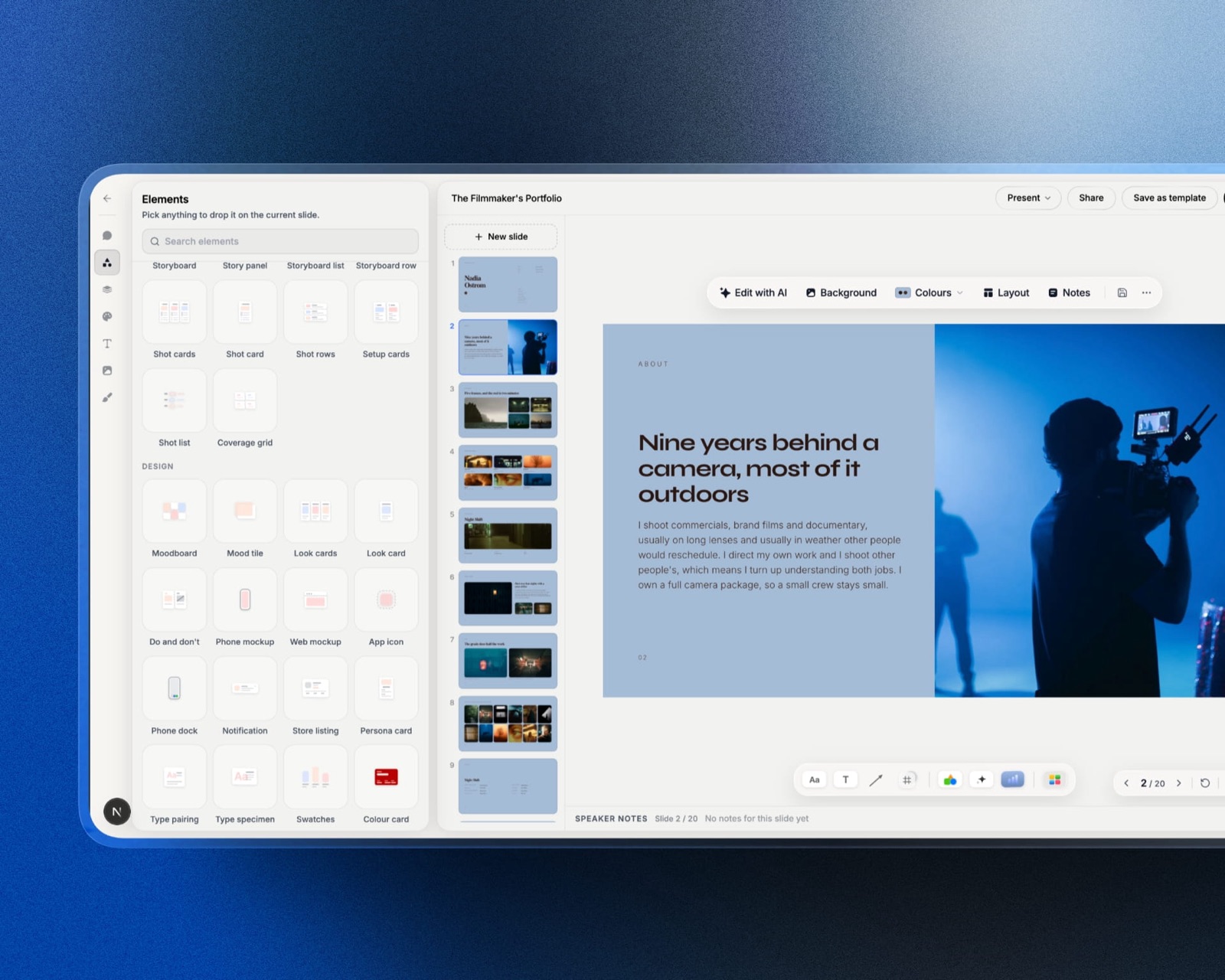
You describe the offer and attach up to 12 images from past projects; the AI asks up to three questions (how long, what the buyer should do after reading it, presented live or read alone), asks you to paste the real facts such as your packages, prices and client results, proposes a titled outline for your approval and then builds three or four slides per turn with speaker notes, leaving a marked placeholder where you have not supplied a figure rather than inventing a client result.
Pricing layouts for two, three or four tiers, case-study layouts and phone and web mockups are ready-made, and every element stays editable by hand.
The real numberFramekit prices per account rather than per seat. Free covers unlimited decks, PDF export and a share link, with a monthly AI allowance that generation draws on, while hand edits cost nothing.
Starter is $84 a year on annual billing and adds the full template library, your own fonts and removal of the "Made with Framekit" badge; Pro, which adds a picture-based PowerPoint export, is $180.
Five sellers would need five separate accounts, $420 to $900 a year, with no shared editing between them.
The standout detailthe deck and the site the buyer checks next come from the same account, so the reader who searches your name after two slides lands on a page in the same fonts and colours, with the same case studies.
The gotchano per-recipient analytics, no password on the link, no personalisation engine and no co-editing, which rules it out for a team whose deals depend on follow-up timing.
The PowerPoint export is pictures with speaker notes attached, so a buyer who reuses your slides internally gets images, and a deck caps at 40 slides.
Skip it ifyou sell software or services where the deck is words and numbers rather than images, or you need to know what buyers read. Pitch and Storydoc are built for that.
Verdict: for a B2B sales team, choose from the top eight. For a creative studio whose portfolio does the selling, this is the most coherent kit on the page, because the deck, the site and the client deliveries after the deal all live in one place.
10. Microsoft PowerPoint: Best for Buyers Who Want an Editable File
PowerPoint remains the format enterprise procurement understands, because when a buyer says they need to put your deck into an internal committee document they mean a .pptx, and every conversion between your tool and that file is a place your formatting breaks.
Best forteams selling into large organisations where decks are edited and reused internally by the buyer.
It ranks last on these weights, at 4.6, a tenth behind Framekit, because it reports nothing after sending; if an editable file counted for more than read data, it would climb several places.
The desktop application is also the most capable pure presentation tool here, with font embedding and offline presenting that browser tools cannot match.
The real numberMicrosoft's plan comparison lists Microsoft 365 Personal at $99.99 a year, just under $500 for five people on individual plans.
Business plans are on a separate page that refused our automated read in October. Many teams already pay for one, which makes the marginal cost zero.
The standout detailthe buyer can lift your three best slides into their own deck, which is the most underrated form of selling.
The gotchano analytics of any kind, and co-authoring only behaves when everyone works from the shared OneDrive copy.
Skip it ifyou sell to startups and small businesses, where an editable file is worth very little.
Verdict: a compatibility decision rather than a design one, and the right decision more often at enterprise than at mid-market. PowerPoint alternatives is the read if it is the tool you have and dislike.
What Sales Deck Software Costs a Team Over a Year
The pricing unit matters more than the headline price, so here is the annual cost of each tool for a solo seller and a team of five, using only figures read on vendor pages in October 2026 or labelled where a page refused.
| Tool and plan | 1 seller a year | 5 sellers a year | Per-recipient read data |
|---|---|---|---|
| Google Slides | $0 | $0 | None |
| Framekit Starter | $84 | $420, no shared editing | Total views only |
| Beautiful.ai Pro, then Team | $174, analytics listed both ways | $2,400 per the FAQ | Viewer and slide analytics on Team |
| Storydoc Starter | $237.60 | $1,188, 5 documents each | Basic |
| PowerPoint via Microsoft 365 Personal | $99.99 | About $500 | None |
| Gamma Plus (August reading) | About $108 | About $540 | Limited on Plus, full on Pro |
| Pitch Team | EUR 180 | EUR 900 | Yes, 25 advanced links |
| PandaDoc Starter (as published) | About $228 | About $1,140 | Document tracking |
| Storydoc Pro | $432 | $2,160, or Teams by quote | Extended |
In one lineFor one seller, per-slide timing starts at EUR 180 a year on Pitch Team, and Beautiful.ai Pro at $174 may add viewer analytics, since its pricing page says yes in its comparison table and nothing on the Pro card, so a solo seller who wants read data does not need an enterprise budget.
Run this on yourself. Take your last twenty closed-lost deals and ask, for each, whether you know what the buyer read after the meeting.
If the answer is no more than a handful of times, you are not buying design, you are buying visibility, and the difference between a $0 tool and a EUR 900 one is the whole question.
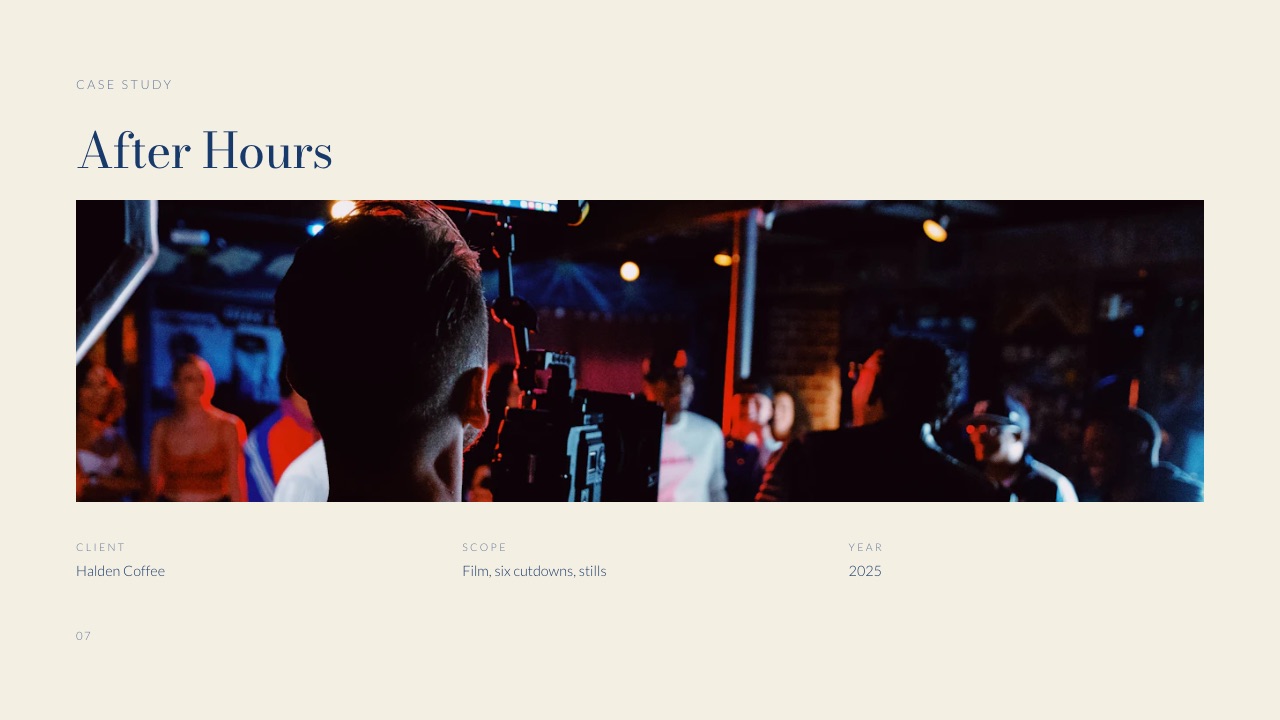
The Page Buyers Open Between the Call and the Decision
Every tool above optimises the deck, and buyers routinely make their first real judgement somewhere the deck cannot follow them, which is your website, so the site deserves a line in the sales-tool budget.
Watch the sequence. You present on Tuesday. The deck gets forwarded on Wednesday. On Thursday, someone who was not on the call reads two slides, decides they need context and searches your company name.
What they find carries more weight than slide nine, because it is the first thing they have seen whose framing you did not control.
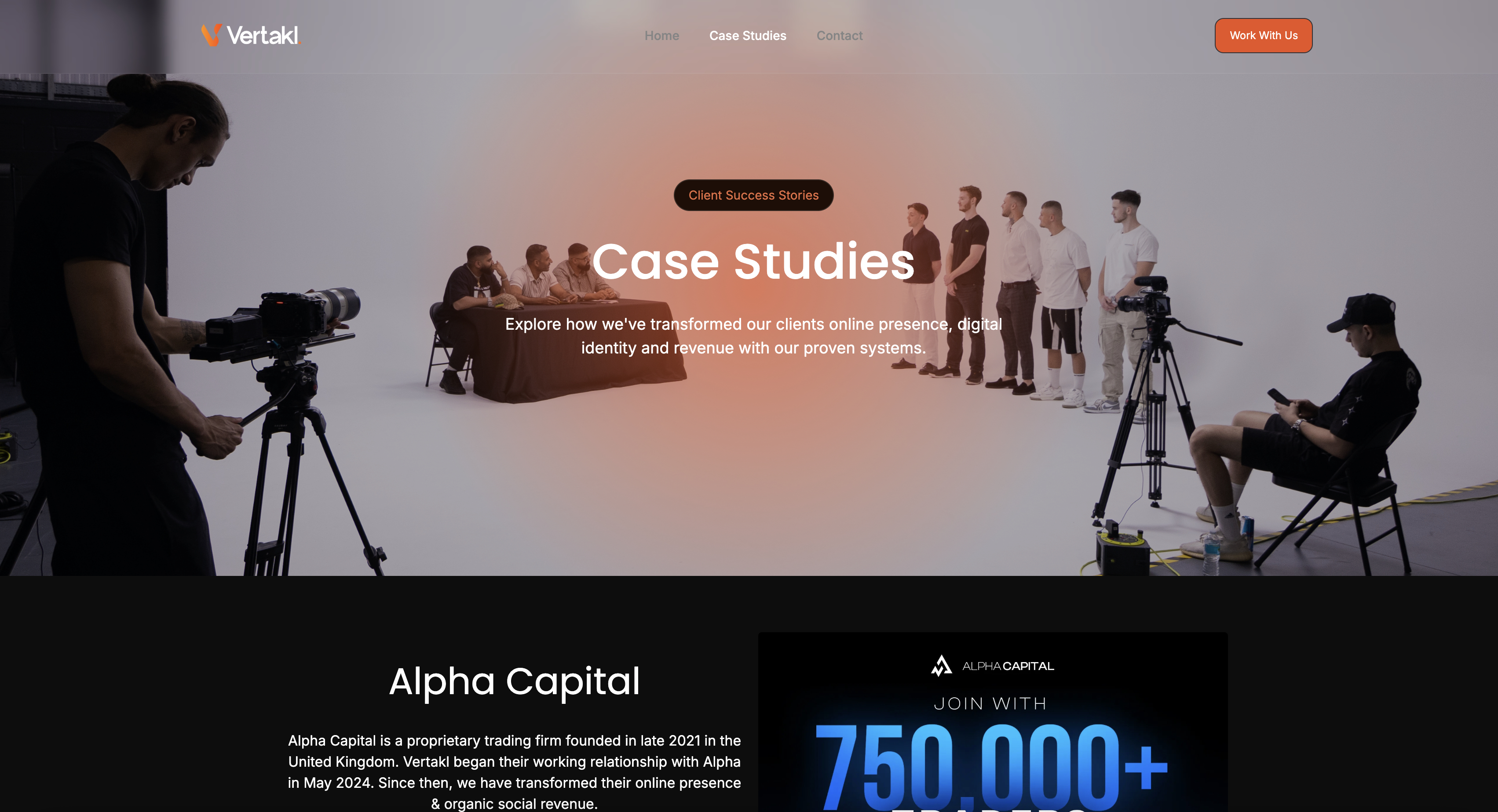
A tracked link will tell you that person spent forty seconds on pricing. It cannot tell you they then opened your website and found positioning from two quarters ago. Whichever tool builds the deck, keep the site in step: the same proof points, the same prices, the same claims.
That is the reason a creative studio might accept Framekit's missing analytics. Its website builder and its deck editor share one account, so a repositioning lands on both the same afternoon, and the case study on slide twelve is the case study on the site.
In one lineUpdate the site the same day you update the deck, because the forwarded reader checks the site before they finish the deck.
What Happens After the Deck Is Sent
These are the moments that decide whether a sales deck tool was the right purchase, and each one arrives weeks after the decision, so it is worth checking them before the first deck goes out.
The buyer forwards the deck to procurement. Pitch's advanced links and Storydoc show the new visits. Beautiful.ai Team shows viewers and slide analytics and alerts you. Framekit's total view count goes up by one. Google Slides, PowerPoint and Canva show nothing.
The price changes mid-deal. Link-based tools update everyone holding the link. A PDF sent in March is still the March price in September, which is a good reason to send links for live deals and PDFs only on request.
The deck went somewhere it should not have. Framekit lets you reset the link so the old address stops working; DocSend documents email and passcode gates before viewing. Framekit has no password option.
A rep leaves. Pitch, Google Workspace, Canva and Beautiful.ai keep decks in a company workspace. A Framekit deck belongs to the account that made it, so a studio should build in an account the business owns.
The buyer asks for the source file. PowerPoint, Google Slides and Beautiful.ai hand over editable slides; Framekit's Pro export is pictures with speaker notes attached.
In one lineThe forwarding and the departing-rep moments decide most purchases, and they are exactly where Framekit is weakest for a team.
How to Choose Sales Deck Software: A Decision Tree
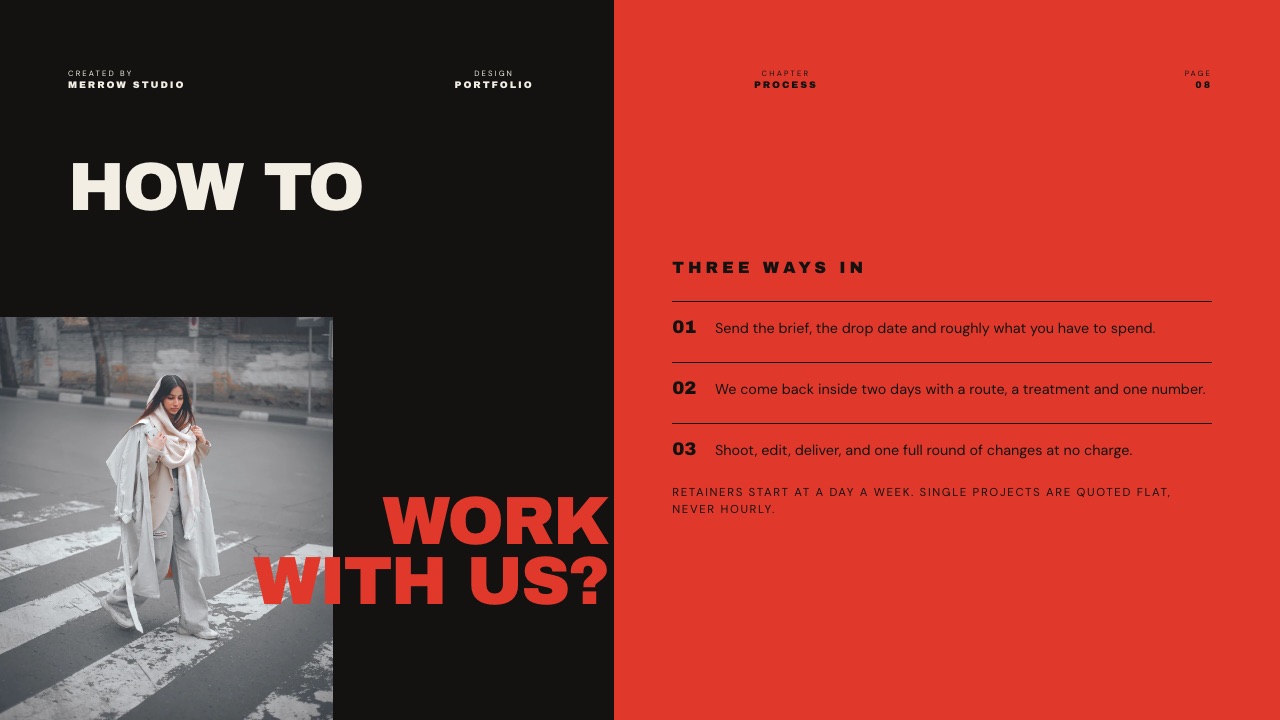
Work down these questions in order and stop at the first yes, because that yes is the constraint costing you deals right now and should outweigh any total score.
1. Do you know what buyers read after the meeting? If no, that is the purchase: Pitch Team at EUR 15 a seat a month, Storydoc if you also need per-buyer versions, or Beautiful.ai Team if the team also wants locked slides.
A solo seller eyeing Beautiful.ai Pro at $174 a year should confirm its viewer analytics in the trial first.
2. Do you send more than about thirty tailored decks a month? Storydoc, because manual personalisation stops scaling around there.
3. Does the deck end in a signature? PandaDoc, and collapse the deck and the contract into one document.
4. Is the honest problem that the deck looks dated? Canva, free plan first. If you are a creative studio selling your own visual work and one person builds the deck, Framekit Slides, which builds the deck and the site from one account.
5. Do you need new decks for new segments constantly? Gamma, and budget the restyling time; its read data needs the Pro plan.
6. Do your buyers reuse your slides internally? PowerPoint, because every conversion step damages the file they will edit.
7. Do you have more than about twenty-five reps and someone to run enablement? Talk to Highspot.
8. None of the above? Google Slides at $0, and revisit the day you cannot explain why a deal went quiet.
Frequently Asked Questions
What is the best sales deck software in 2026?
The best sales deck software in 2026 is Pitch, because it pairs a fast co-editing workspace with advanced links on its Team plan, EUR 15 a seat a month billed yearly, that record visits, slide views and time per slide.
Storydoc is second for personalised decks at volume, Beautiful.ai Team third for analytics with enforced consistency, PandaDoc fourth when the deck ends in a signature, and Google Slides remains free and closes plenty of deals.
Do sales deck analytics actually change outcomes?
Yes, in one specific way: they change the timing and content of follow-up.
Knowing a buyer opened the deck twice and spent most of their time on pricing tells you to lead the next call with commercial terms; knowing they never opened it tells you the problem is the email, not the offer.
Teams that get no value from analytics usually collect the data and never change behaviour because of it.
Is there free sales deck software?
Yes. Google Slides, PowerPoint for the web, Canva's free plan and Framekit's free plan all produce a complete sales deck at $0.
None of them reports what a specific recipient did with the deck; Framekit shows a total view count, the others nothing. That trade is reasonable for a team closing a handful of deals a month and expensive above it.
Why does Framekit rank below Beautiful.ai for sales decks?
Because this guide weights post-send visibility at 30 percent, and Beautiful.ai's Team plan lists viewer and slide analytics, engagement tracking and alerts while Framekit reports only a total view count; on the five weights Beautiful.ai Team scores 7.0 and Framekit 4.7.
Team also adds live co-editing and locked slides, which Framekit cannot match because its decks belong to one account.
Beautiful.ai's Pro plan is not the reason, because its pricing page shows Pro's viewer analytics in the comparison table and FAQ but not on the Pro plan card.
Framekit is the better pick only for a creative studio whose deck is mostly visual work.
Pitch vs Storydoc: which is better for a sales team?
Pitch for most teams, Storydoc when personalisation is the strategy.
Pitch gives slide-level analytics and co-editing at EUR 900 a year for five Team seats; Storydoc gives deeper analytics and per-buyer versions, at $2,160 a year on five individual Pro plans or a quote for its Teams plan.
If you send fewer than about thirty tailored decks a month, the extra spend buys data you may not act on.
Framekit vs Pitch: which is better for a sales deck?
Pitch is better for almost every sales team, because its Team plan reports visits, slide views and time per slide for each advanced link and supports co-editing, while Framekit reports only a total view count and has no shared editing.
Framekit is the better fit for a creative studio whose deck is mostly portfolio work, since the AI builds an image-led deck from your real prices and results and the same account runs the website, at $84 a year.
Can I track who opened my sales deck?
On Pitch, Storydoc, Beautiful.ai Team, PandaDoc and Highspot, yes, with different depth, and on Gamma only from its Pro plan.
Pitch Team's advanced links record visits, slide views and time per slide; Storydoc reports basic or extended analytics by plan; Beautiful.ai Team lists viewer and slide analytics and alerts, while its Pro plan is listed both ways on the same pricing page.
Canva, Google Slides and PowerPoint report nothing per recipient, and Framekit shows a total view count only.
Should I send a PDF or a link to a sales deck?
A link if you want to know what happens next, a PDF if your buyer's process demands an attachment, and most teams should send a link with a PDF ready on request.
Links give you analytics on the tools that support them and update after sending; PDFs forward reliably and survive networks that block unfamiliar domains. Framekit produces both on every plan.
What should a sales deck actually contain?
Sixteen slides or fewer: the buyer's problem in their language, your approach, three proof points carrying real numbers, one relevant case study, transparent pricing and an explicit next step.
The proof points are where most decks fail, because they carry adjectives instead of figures, and the pricing slide is the one a buyer opened the deck to find.
Can Framekit's AI write a sales deck without making up results?
Yes, that is how it is designed.
Framekit's deck AI asks you to paste the real facts, such as packages, prices and client results, before it builds, proposes an outline for your approval, and marks anything you did not supply as a placeholder on the slide rather than inventing a figure.
It is slower than a one-prompt generator like Gamma and safer for a document a buyer's finance lead will check.
How often should a sales deck be updated?
Whenever the pricing, the proof points or the positioning changes, which for most companies is at least quarterly.
The practical argument for a link-based tool is that an update reaches everyone holding the link, while a PDF sent in March is still the March deck in September. Update the website on the same day, because forwarded buyers check it.
What is the difference between a sales deck and a pitch deck?
A sales deck argues that a specific buyer should purchase a specific thing, and a pitch deck argues that a company is worth investing in.
They share structure and almost no content: a sales deck leads with the buyer's problem and ends with pricing and next steps, while a pitch deck leads with market size and ends with an ask.
The best pitch deck software covers the fundraising side.
Is enterprise sales enablement software worth it for a small team?
No, below roughly twenty-five reps, even though Highspot scores fifth here on visibility and per-buyer versions.
Enablement platforms such as Highspot, which publishes only "Contact sales" on its pricing page, solve governance problems: which version each rep sends and how engagement feeds a CRM.
A team of five gets more from a tracked deck tool and the discipline to keep one master deck than from a platform designed to police a sales floor.
Final Verdict
Pitch is the best sales deck software in 2026 for the teams most likely to be reading this, because it answers the question that matters after a meeting and lets several reps work in the same deck.
It costs EUR 900 a year for five Team seats, which is more than this guide used to say, because Pitch prices per seat.
Storydoc wins on data depth and personalisation at a higher price, and Beautiful.ai Team is third, the pick when enforced consistency and analytics matter more than seat cost.
The finding worth carrying away is that the free tools are competent at making decks and silent afterwards. If deals are dying quietly after the demo, that silence is what you are paying to remove.
Framekit Slides ranks ninth: a good fit for a creative studio selling image-led work with its website in the same account, and the wrong tool for a team that runs on read data.
Where Framekit losesFramekit is not for sales teams that depend on post-send analytics, per-buyer versions, co-editing or editable .pptx files, because it offers none of the four.
Pitch, Storydoc, Beautiful.ai, PandaDoc and PowerPoint are each the better fit for one of those needs, which is why it stays ninth, at 4.7, once the five weights are applied.
Keep reading: the best pitch deck software, the best presentation tools for startups, the best DocSend alternatives and how to make a case study deck.