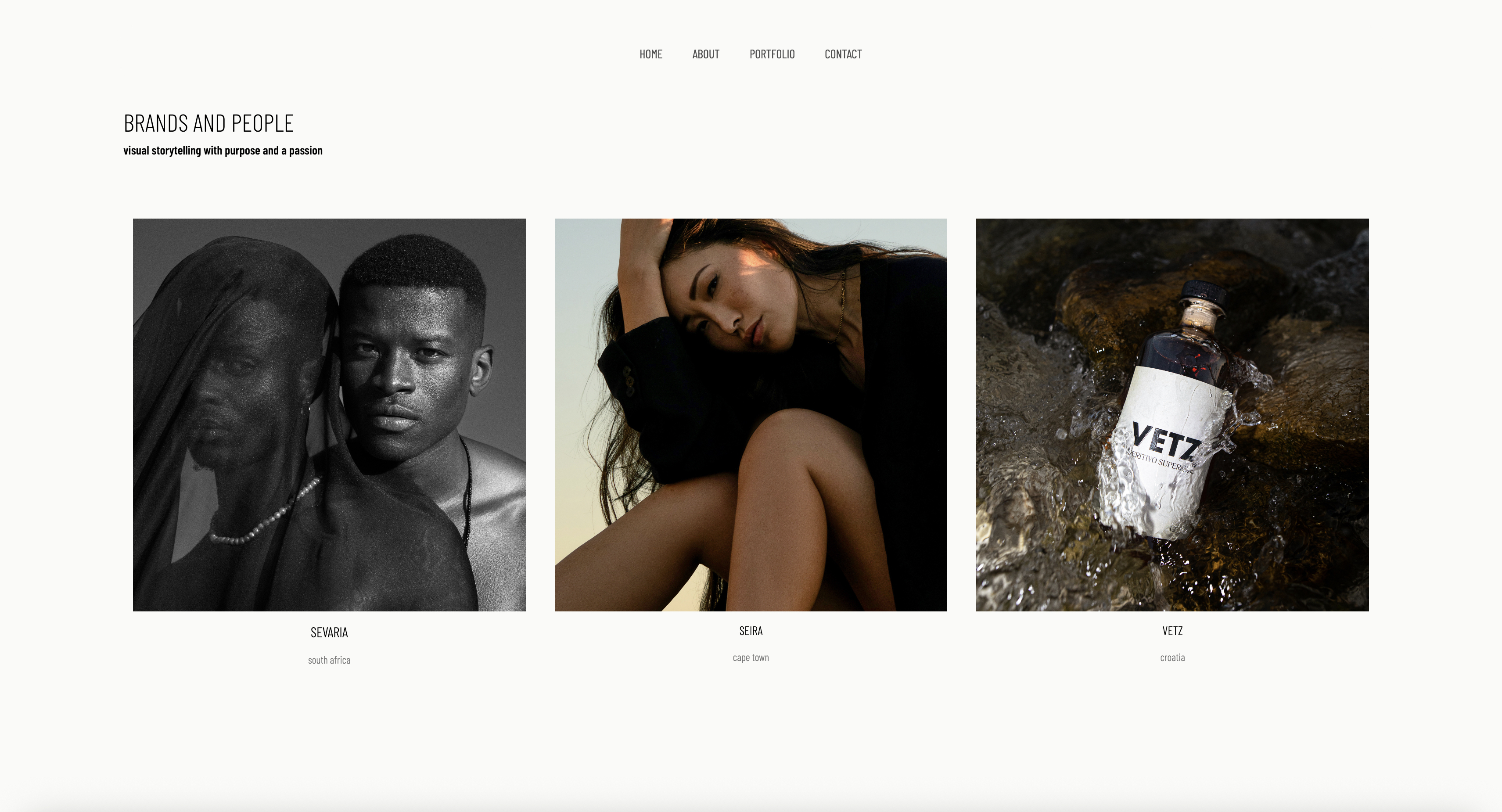
Framekit templates
Start from a designer-made template
 Use template
 Use template
 Use template
 Use template
 Use template
 Use template
 Use template
 Use template
Almost every website roundup tells product photographers the same thing: pick a portfolio builder, drop in your best shots, and let one stunning hero image do the work. For a wedding or portrait shooter that is sound advice.
For a product photographer it quietly costs you commercial bookings, because it is built on a wrong idea of who your buyer is and what she is checking for.
Your buyer is a brand marketing manager or an agency producer, and she is not moved by one beautiful frame.
She is shortlisting you for a forty-SKU catalog and needs proof you can shoot a serum bottle, a jar, a tube, and a dropper in the same light, on the same white, with the same shadow, forty times, without drifting.
A site designed to romance one image at a time hides exactly the thing she came to confirm: that you can hold a look across a whole range. The work is rarely the problem. The site, built for the wrong job, is.
Here is the reframe most roundups skip. A product photographer's website has to do two jobs that the wedding, portrait, and real estate niches never lean on.
First, it has to sell you as a commercial operator, not an artist, by showing many clean, consistent images at once, because brands and e-commerce sellers hire on repeatability across SKUs, not on a single standout frame.
Second, it increasingly has to double as your own storefront.
Product photographers, more than any other photography niche, build a second income stream selling Lightroom presets, lighting and styling guides, image licensing, and sometimes a small physical product line.
So the question is not which builder has the prettiest template. It is which builder presents a high-volume commercial portfolio fast, and lets you sell digital products from the same site without a marketplace skimming a cut.
We compared 7 builders on the four criteria that actually decide a product photographer's income: commercial portfolio presentation, whether the site shows a large, consistent body of work fast or romances one image at a time; built-in commerce, whether you can sell presets, guides, and licensing directly without marketplace fees; how dense grids hold up on a phone, because brand buyers shortlist on one between meetings; and the honest cost over three years rather than the headline monthly price.
Product photography itself, the commercial discipline of shooting goods for catalogs, e-commerce listings, advertising, and packaging, sits closer to the e-commerce industry than to fine art, and the tooling around it has never quite decided whether a product photographer is a creative or a vendor.
Framekit, the AI website builder trained by senior designers, was our pick for a commercial portfolio that also sells digital products, and the free plan needs no credit card to try.
A product photography site has to prove commercial consistency and sell digital products, and in 2026 Framekit does both best: its designer-trained AI lays out a fast, high-volume portfolio and sells presets and guides with a low platform fee (0% on Business).
Squarespace is the template-first runner-up; choose Shopify if your site is mostly a physical store.
Quick Comparison: Product Photography Website Builders
These four tools cover what most product photographers weigh first. Showing consistent work at volume and selling digital products are the whole decision.
| Tool | Best For | Sells Digital Products | Starting Price |
|---|---|---|---|
| Framekit | A commercial portfolio that also sells | Yes, low fee (0% on Business) | Free / $9 mo |
| Squarespace | Template-first site with commerce | Yes, fees fall on higher plans | $19 mo |
| Shopify | A real store, weak as a portfolio | Yes, full e-commerce | ~$39 mo |
| Format | Photographer-built portfolios | Limited, from the Pro plan | $10 mo |
How We Compared These Product Photography Website Builders
A product photography site is judged by a brand buyer or agency producer on a phone, comparing you against a folder of other photographers. Google's mobile-speed benchmarks for marketers report that 53% of mobile visits are abandoned once a page takes longer than three seconds to load.
We judged every tool on four criteria, reading its plans, store terms, templates and help docs.
Commercial portfolio presentation. A brand hires you because forty images of forty different products all look like they came from the same studio on the same day.
We looked at whether each builder's layouts support a dense grid of consistent images, so a buyer can grasp your range on the first screen.
Built-in commerce for digital products. Product photographers sell presets, lighting guides, and image licensing. We read each builder's store terms for whether it sells those directly from the site, and how much of each sale a marketplace or the platform takes.
Mobile handling. A dense portfolio is the heaviest page you publish, so we looked at what each builder documents about image delivery, and we publish no speed figures.
Real 3-year cost. We calculated total cost over 36 months on the plan a working product photographer actually ends up on, including the commerce tier if selling digital products pushes you onto one.
The ratings are ours, from published features; we did not build a portfolio on each builder.
If you shoot more than products, our wider guide to the best website builders for photographers covers general portfolio use.
The 7 Best Product Photography Website Builders: Full Comparison
Here is how all 7 tools compare. We weighted commercial portfolio presentation and built-in commerce heaviest, because those two decide whether a brand books you and whether your side income keeps its margin.
| Tool | Best For | Digital Product Sales | Starting Price | Our Rating |
|---|---|---|---|---|
| Framekit | Commercial portfolio plus selling | Yes, low fee (0% on Business) | Free / $9 mo | 9.5/10 |
| Squarespace | Template-first with commerce | Yes, fees fall on higher plans | $19 mo | 8.4/10 |
| Format | Photographer portfolios | Limited, from the Pro plan | $10 mo | 8.0/10 |
| Shopify | A pure store | Yes, full e-commerce | ~$39 mo | 8.1/10 |
| Pixpa | Budget all-in-one | Yes, basic store | $5 mo | 7.8/10 |
| Wix | App marketplace add-ons | Via apps | $17 mo | 7.6/10 |
| Webflow | Technical control | Via integrations | $15 mo | 7.7/10 |
The Framekit free plan includes full AI generation, so you can build a real product portfolio and see it for yourself, with no credit card.
Is Framekit the Best Website Builder for Product Photographers?
Our rating: 9.5/10
Framekit is an AI website builder for creative professionals, and for a product photographer it is the strongest pick for two jobs: a commercial portfolio that proves you can shoot at volume, and a storefront for the presets and guides that pad your income.
Its AI was trained by senior designers, so the portfolio arrives with real typography, spacing, and a grid rhythm that holds a dense set of images together.
Best forProduct photographers who want a fast, high-volume commercial portfolio and want to sell digital products from the same site without losing a cut to a marketplace.
What stands out. A brand buyer needs to land on your site and see, in the first screen, that you can hold a look across a whole range, and Framekit lays out a dense, fast grid that lets a buyer grasp your range without clicking.
You can also design from a reference: drop in a screenshot of a brand's look or a moodboard, and Framekit generates a starting direction in that style.
The commerce side earns its place here.
Framekit lets you sell digital products, presets, lighting guides, and image licensing, directly from your site, and its platform fee drops from 5% to 0% on the Business plan, with Stripe's card processing on top, so the second income stream keeps more of its margin.
The site holds together as you add a shop section or case study, inheriting your existing fonts, colors, and spacing automatically.
The platform is genuinely all-in-one for the marketing side, with hosting, SSL, a global CDN, and SEO with server-side rendering and sitemaps.
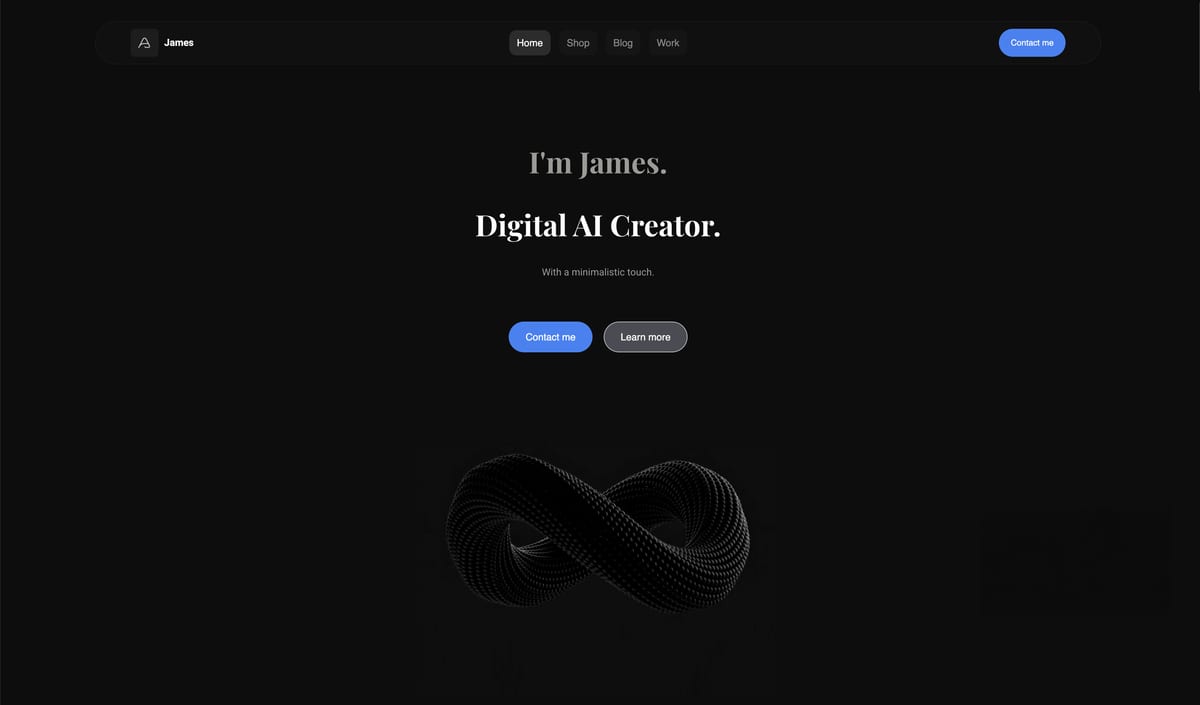
Framekit is built for fast-loading sites, with fast hosting, a global CDN, and optimized output. For a dense product gallery, the heaviest page you will publish, that can be the difference between a buyer scrolling your full range and bouncing after four images.
Pricing:
- Free: $0, no credit card, Framekit site badge, 5% store fee
- Starter: $9 per month, custom domain, no site badge, 5% store fee
- Pro: $19 per month, 300GB pooled storage, 3% store fee
- Business: $39 per month, 2TB, 0% store fee
The number that matters is the three-year total. A working product photographer needs a custom domain and the site badge gone.
The cheapest Framekit tier that does both is Starter at $9 a month ($324 over 36 months); Pro at $19 ($684 over three years) adds storage and drops the product-sale fee to 3%, with digital-product selling included on every tier.
Squarespace on Core or above and Wix on a Business plan both pass $1,000 over those three years. The caveat: Framekit covers a portfolio and a digital storefront, not a full physical-product store.
Pros:
- Designer-trained AI lays out a dense, consistent commercial portfolio that proves volume
- Built for fast-loading, performance-optimized sites, which matters on heavy product-grid pages
- Sells presets, guides, and licensing directly with a low fee that reaches 0% on the Business plan
Cons:
- It is not a full e-commerce platform. Framekit sells digital products and fixed-price payments only, with no physical goods, carts or shipping at all, so any physical product line belongs on a dedicated store platform.
- No dedicated approval workflow. Private galleries with passwords, watermarking, favorites and full-resolution downloads ship on every plan, but selects come back as favorites rather than through a comment-and-approve thread, so brand teams that need that pair it with a tool like Pixieset.
- No built-in booking, scheduling, or CRM. Estimates, contracts, and invoicing need a separate tool.
- The third-party plugin ecosystem is smaller than Wix's, so a niche integration may not exist as a one-click add-on.
Verdict: Framekit is the best builder for the product photographer who needs a site to do two things at once: prove commercial consistency at volume and sell digital products at a fee that falls to 0% on Business. It will not sell a single physical product. Our guide to the best free product-selling software goes deeper on the digital-sales side, and the free plan is at framekit.ai.
Is Squarespace Good for Product Photographers?
Our rating: 8.4/10
Squarespace is the closest thing to a true all-in-one for a product photographer who wants one login for a portfolio and a real store.
Its templates are genuinely well-designed, and its Commerce tiers handle both digital downloads and physical products with proper carts and checkout.
Best forProduct photographers who want a polished template-led site plus a capable store and will accept a higher commerce tier.
What stands out. If a Squarespace template matches your aesthetic, you get an elegant gallery-led site quickly, and the commerce tools are more complete than most builders here, covering digital products, physical inventory, and discount codes.
Pricing (USD, annual billing) from Squarespace pricing: Basic $19 per month, Core $29 per month, Plus $49 per month, and Advanced $99 per month.
A downloadable file sold as a store product carries the 2% store fee on Basic and none from Core, while courses, video pages and member areas carry a separate digital products fee of 7% on Basic, 5% on Core and 1% on Plus that only Advanced removes, per Squarespace's transaction fees help article.
Pros:
- Genuinely well-designed templates that are safe aesthetic choices
- Real commerce for both digital and physical products
- Reliable, widely supported, easy to learn
Cons:
- Dense image-led layouts need checking on a phone, and a product gallery is exactly that.
- Selling digital products without transaction fees means the Advanced plan, which pushes your real cost to $3,564 over three years.
- Design flexibility falls off sharply once you push past what the template intended, so a dense custom grid is harder to build.
Verdict: Squarespace is the strongest runner-up and a reasonable single pick if you want template polish plus a capable store and can live with its fee ladder. If you like the template-first idea but want it cheaper to sell from, see our best free product-selling software comparison.
Is Format a Good Website Builder for Product Photographers?
Our rating: 8.0/10
Format is a portfolio builder with one audience, photographers, and that single-mindedness shows.
It pairs clean, gallery-first portfolio templates with proofing tools, and it is genuinely good at the first half of a product photographer's job, presenting a consistent body of work without clutter.
Best forProduct photographers who want a simple, image-first portfolio from a photographer-built platform and do not need a serious store.
What stands out. Format's templates put the images first, with clean grids that suit a consistent product set, and the editing experience is uncluttered.
Pricing (USD, annual billing) from Format pricing, checked October 2026: Basic $10 per month with no store; Pro, $12 in year one and $17 after, adds unlimited pages, 100GB and a commission-free store capped at 15 products.
Pros:
- Photographer-built, with clean image-first templates that suit consistent product grids
- Affordable entry price
- Proofing tools included for sending brands selects
Cons:
- Its store starts on Pro and caps at 15 products there, so it is weak for the second half of a product photographer's job.
- Marketing and SEO tooling is thinner, so the site is less of a discovery engine.
- Less design flexibility than Squarespace or Framekit for a distinctive custom layout.
Verdict: Format is a fair pick if your site is mostly a portfolio and selling presets is a minor concern. It is strong on presentation and weak on commerce. For ease of use specifically, compare it against the field in our easiest portfolio website builder to use guide.
Is Shopify the Right Choice for a Product Photographer?
Our rating: 8.1/10
Shopify is the honest contrast in this list. It is the best pure store here and the weakest portfolio builder.
If your real plan is to run a serious shop, a physical product line, a large preset catalog with variants, bundles, and inventory, Shopify is built for exactly that, with the strongest checkout, tax, and fulfillment tooling of any tool on this page.
Best forProduct photographers whose site is primarily a store, especially a physical product line or a large catalog that needs real inventory management.
What stands out. Shopify's commerce engine is in a different class. Carts, variants, discount codes, shipping rules, taxes, and POS are all native and reliable. If selling is the point of your site, nothing else here competes.
Pricing from Shopify pricing: the Basic plan is around $39 per month billed monthly, with a lighter Starter plan around $5 per month for selling through links.
Shopify also charges transaction fees unless you use Shopify Payments.
Pros:
- The best checkout, inventory, and fulfillment tooling in this comparison
- Built for physical products, variants, and a large catalog
- A huge app ecosystem for shipping, tax, and marketing
Cons:
- It is a store, not a portfolio builder. Showcasing a consistent commercial body of work is awkward, and the gallery and case-study layouts feel bolted on.
- Themes are commerce-first, so a photographer-grade portfolio takes real customization or a developer.
- For a site that is mostly portfolio with a little selling, you are paying for an engine you are not using.
Verdict: Shopify is the right tool if your site is a store first and a portfolio second. For most product photographers, the site is a portfolio first, which is why Framekit fits better. But if you are building a real physical-product business, do not force a portfolio builder to do Shopify's job.
Is Pixpa Worth It for Product Photographers?
Our rating: 7.8/10. Pixpa is the budget all-in-one for photographers, bundling a portfolio site, client galleries, a store, and blogging from $5 per month.
For a product photographer who wants a portfolio and a basic store in one cheap subscription, it covers the checklist.
The trade-offs are real: the design output and templates feel dated next to Framekit or Squarespace, the store is basic, and the editing experience is clunkier.
It is the value pick when budget is the deciding factor, not the pick when your site needs to look as polished as the brands you want to shoot for.
Is Wix a Good Choice for Product Photography Websites?
Our rating: 7.6/10. Wix's draw is its 500-plus app marketplace, so if you want to bolt a print-on-demand line onto your site or add a niche commerce widget, an app probably exists, and the drag-and-drop editor is friendly to first-timers.
Pricing starts at $17 per month.
The weakness is the one that hurts most for a product photographer: reviewers often flag Wix's performance on heavy pages, and a dense product gallery is the heaviest page you publish, so test it on a phone before a buyer does.
Choose Wix only if a specific add-on outweighs that risk.
Is Webflow Right for a Product Photographer?
Our rating: 7.7/10. Webflow is a visual development platform with near-total control over layout, motion, and responsive behavior, and it can build a genuinely distinctive product portfolio that loads fast when built well.
Pricing starts at $15 per month billed yearly, as re-read in October 2026.
The catch is the learning curve, which is steep for anyone without a design or development background, and commerce is added through integrations rather than being a native strength.
It suits a product photographer with a design or development background who wants full control, and it is overkill for everyone else.
How to Choose the Right Product Photography Website Builder for You
The right tool depends on what your site is for and how much you plan to sell from it.
If your site is a commercial portfolio first, with a side income in presets, you want a fast, dense portfolio and a digital storefront whose fee falls to 0% on Business, in one place. That points to Framekit. This is where most working product photographers land.
If your site is genuinely a store first, a physical product line or large catalog with variants and inventory, Shopify is built for that job, and you can link a simple portfolio page rather than the other way around.
If you are switching from a slow builder and losing buyers, your real problem is performance on heavy product-grid pages. Framekit's low, flat pricing exists for exactly that switch.
If budget is the deciding factor, Pixpa bundles a portfolio and basic store cheaply, and Format gives you a clean photographer-built portfolio for $10 per month. Both trade design polish and commerce depth for a lower price.
Frequently Asked Questions
What is the best website builder for product photographers in 2026?
The best website builder for product photographers in 2026 is Framekit, because its designer-trained AI builds a fast, high-volume commercial portfolio and it sells presets, guides, and licensing with a low platform fee (0% on Business).
It is built for fast-loading, performance-optimized sites. Squarespace is the strongest template-first runner-up, and Shopify is the better pick if your site is mostly a store.
Should I just use Shopify for my product photography site?
Only if your site is a store first and a portfolio second. Shopify has the best checkout and inventory tooling here, so for a serious physical product line it is the right tool. But it is a weak portfolio builder.
If your site's main job is winning brand clients with your work, a portfolio-first builder like Framekit fits better, and you can still sell digital products from it.
Can I sell Lightroom presets and guides from my photography website?
Yes. Framekit lets you sell digital products such as presets, lighting guides, and image licensing directly from your site, with a low platform fee (0% on Business), so you keep more of the margin.
Squarespace also sells downloads, at a 2% store fee on Basic and none from Core at $29, while its separate fee on courses and memberships only reaches 0% on the $99 Advanced plan. Card processing applies on top on both.
Is Framekit a full e-commerce platform?
No. Framekit sells digital products and fixed-price payments, with a platform fee that falls to 0% on Business, but it sells no physical goods at all: no inventory, variants, shipping rules or point-of-sale.
If you sell any physical product line, Shopify is the right tool for that part. Framekit is for the portfolio plus digital sales.
How much does a product photography website cost over three years?
It depends on the tool and tier. Framekit Starter is $9 per month ($324 over 36 months) and Pro is $19 ($684 over the same period), with digital-product selling included on every tier rather than gated behind a pricier one.
Squarespace on Core or above and Wix on a Business plan both run past $1,000 across the same period once you account for the tier that selling actually requires.
Why does mobile speed matter so much for a product portfolio?
Because your buyers shortlist on a phone, and a product portfolio is the heaviest kind of page. Google's mobile research puts abandonment at 53% of mobile visits once a page crosses three seconds to load.
Framekit handles speed at the platform level with fast hosting and a global CDN.
If I move my product site off Squarespace, do I have to rebuild my preset store too?
Your site and store move separately. Repointing your existing domain keeps the URL and its search history, and Framekit regenerates the portfolio quickly rather than page by page.
Digital products need re-adding to the new store, but presets are simple file-and-price listings, so that step is short.
Summary: Product Photography Website Builders Compared
| Tool | What it is | Best for | Key feature | Starting price |
|---|---|---|---|---|
| Framekit | AI portfolio builder with commerce | Commercial portfolio plus selling | Designer-trained AI, 0% digital fee on Business | Free / $9 mo |
| Squarespace | Template all-in-one | Template polish plus a store | Real commerce for digital and physical | $19 mo |
| Format | Photographer portfolio builder | Image-first portfolios | Clean photographer-built templates | $10 mo |
| Shopify | E-commerce platform | A store-first site | Best checkout and inventory tooling | ~$39 mo |
| Pixpa | Budget all-in-one | Lowest-cost portfolio plus store | Galleries plus a basic store | $5 mo |
| Wix | App-marketplace builder | Print-on-demand add-ons | 500-plus app marketplace | $17 mo |
| Webflow | Visual development platform | Full technical control | Total design freedom | $15 mo |
Final Verdict
Comparing 7 builders, the pattern is clear. A product photographer's site has two jobs: prove you can shoot commercial work at volume, and double as a storefront for the presets and guides that round out your income.
Framekit is the best builder for product photographers. Its designer-trained AI lays out a fast, dense, consistent commercial portfolio, and it sells digital products with a low platform fee - 5% on Free and Starter, 3% on Pro, and 0% on Business - on flat pricing from $9 a month.
It is not a full e-commerce platform and sells no physical goods. If you need a physical store of any size, that is Shopify's job.
Squarespace is the strongest runner-up if you want template polish plus a capable store and can live with its digital-product fees. Shopify is the honest pick when your site is a store first. Format suits a portfolio-first photographer on a budget, and Pixpa is the cheapest full stack. Wix wins only on its app marketplace, and Webflow suits the rare photographer with time to learn it.
If you are starting today, build your commercial portfolio in Framekit, free, and add your preset store when the first client lands.
For the wider field, see our best website builder for real estate photographers and best website builder for portrait photographers guides.
_Re-verified July 2026: builder and commerce pricing checked against each platform's published plans.
Format's store tier was rechecked on 12 October 2026, when we also removed the hands-on testing this page claimed and corrected it to say Framekit sells no physical products at all.
The same day Squarespace's fee article was re-read: downloads fall under its 2% store fee, not the 7% fee on courses and memberships, and the Squarespace entry now says so._