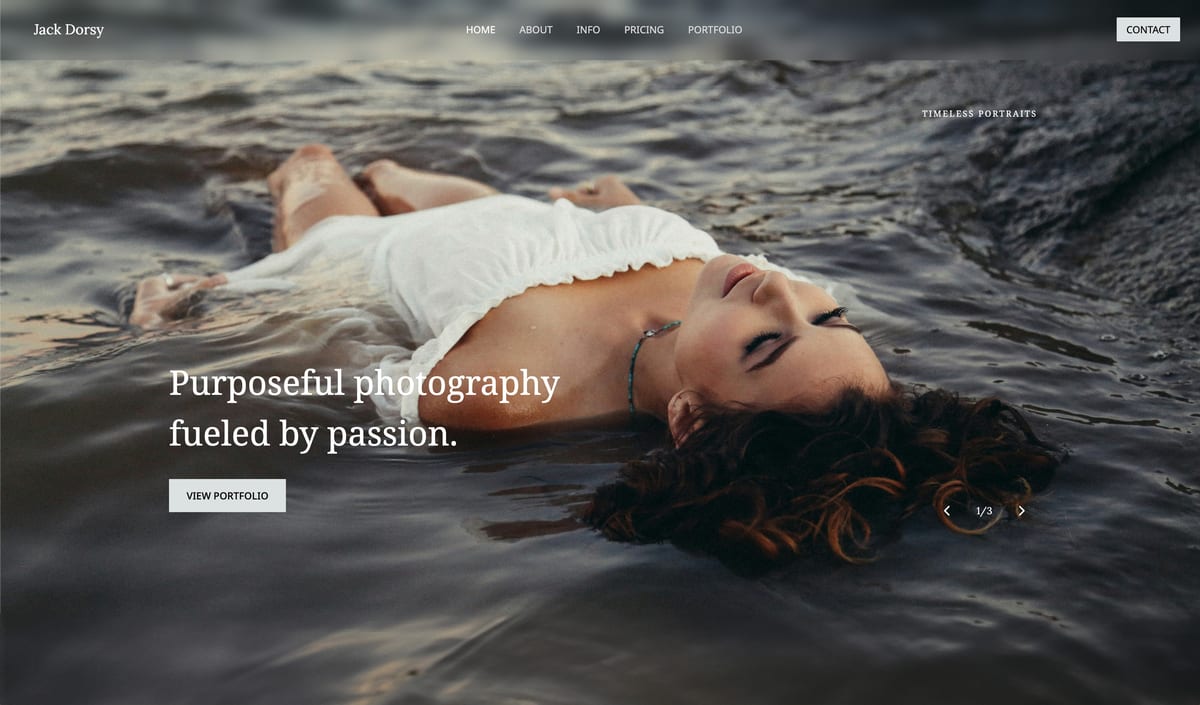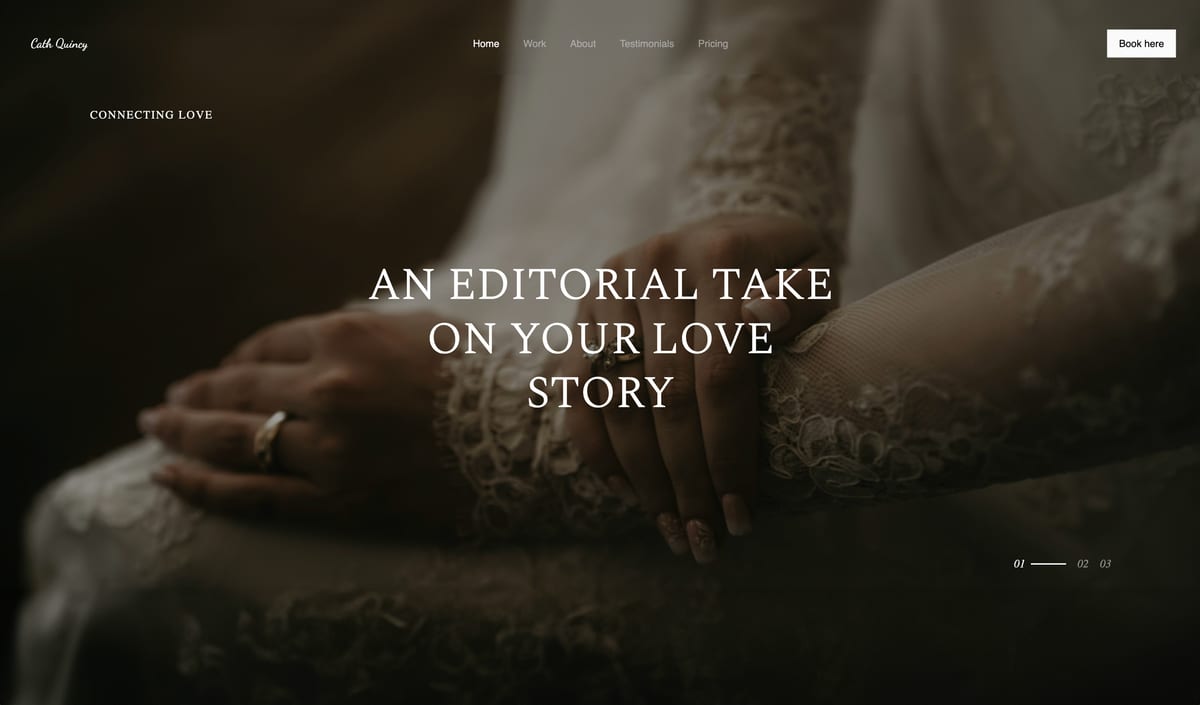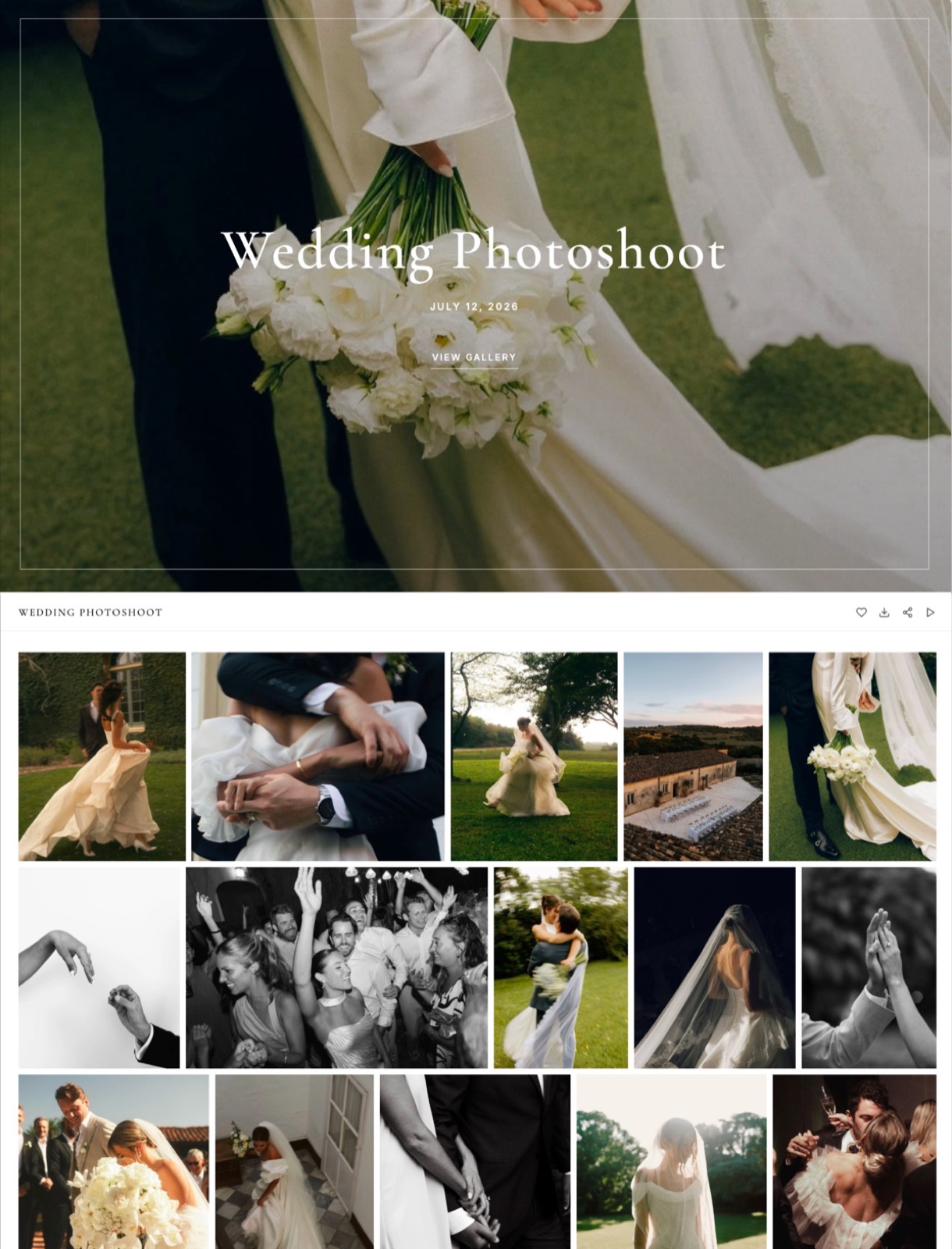
Framekit templates
Start from a designer-made template
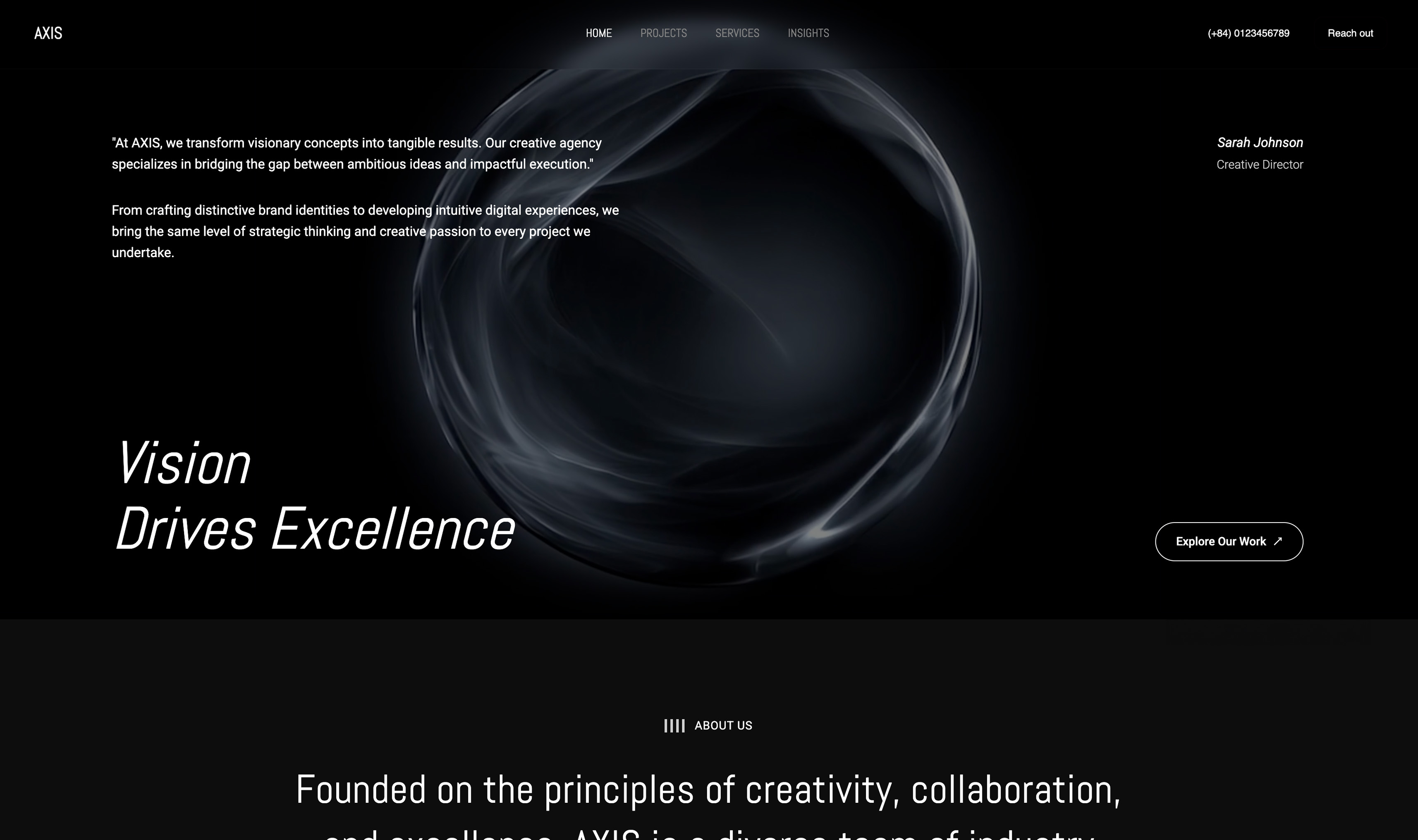 Use template
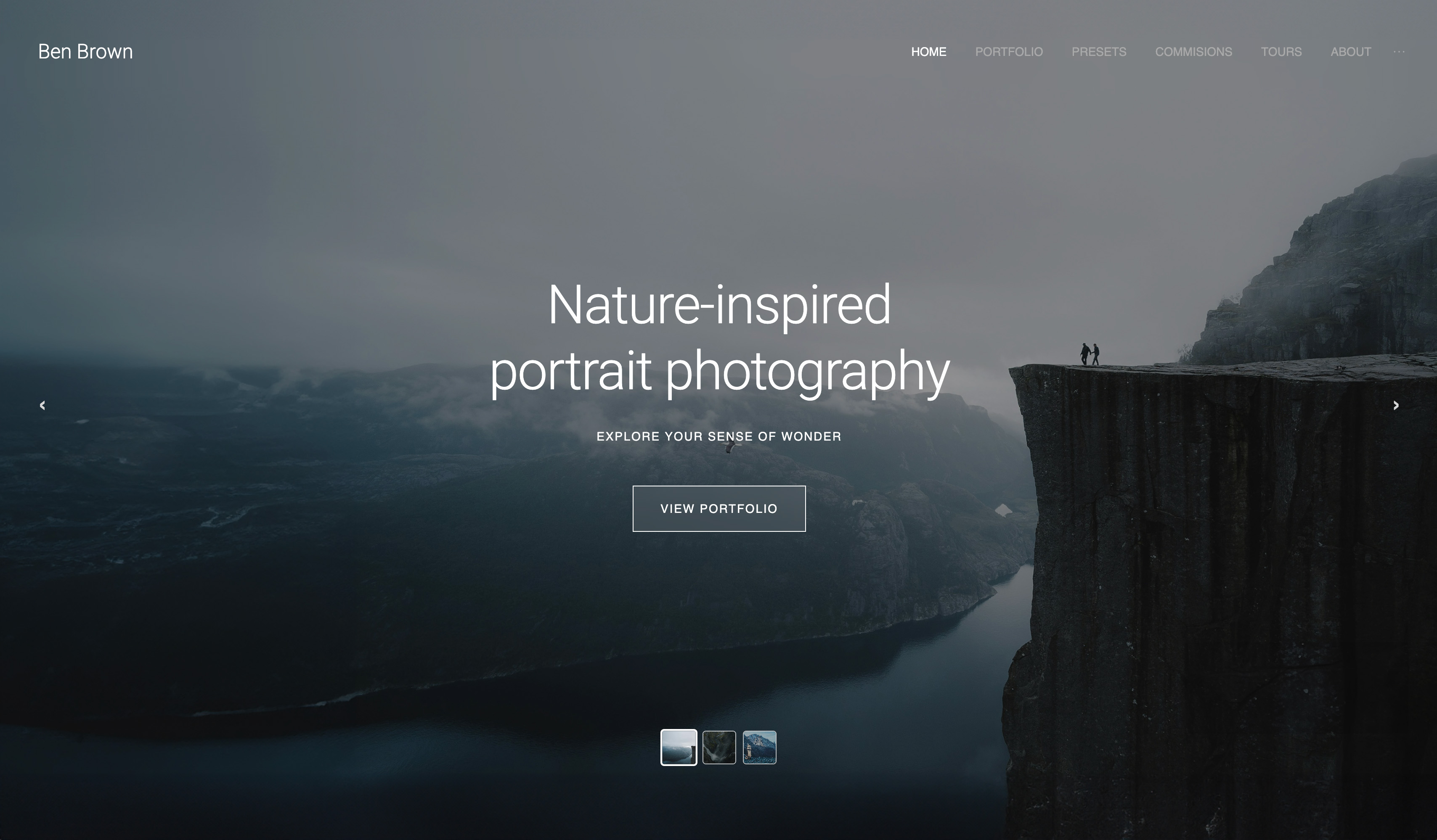 Use template
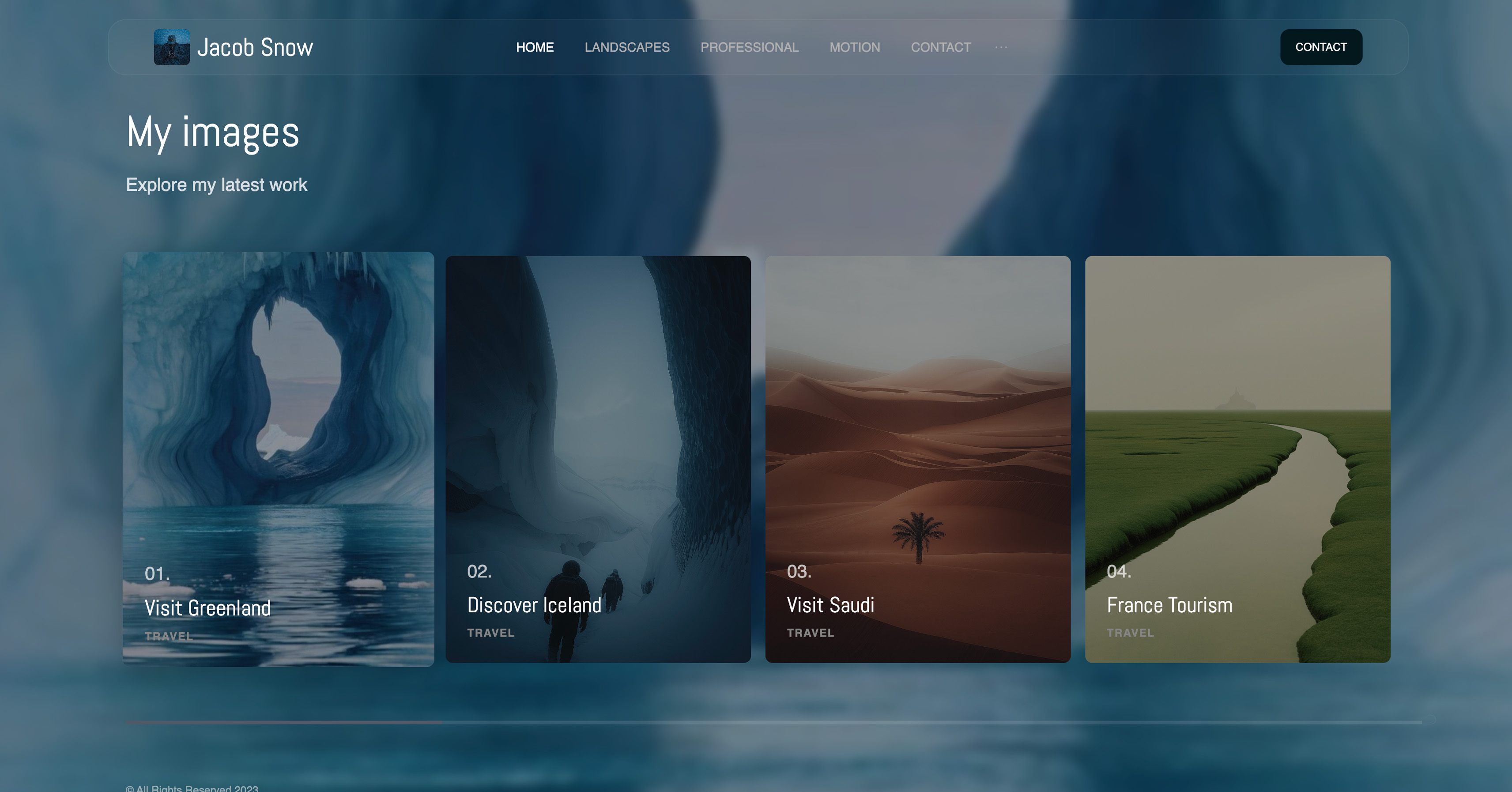 Use template
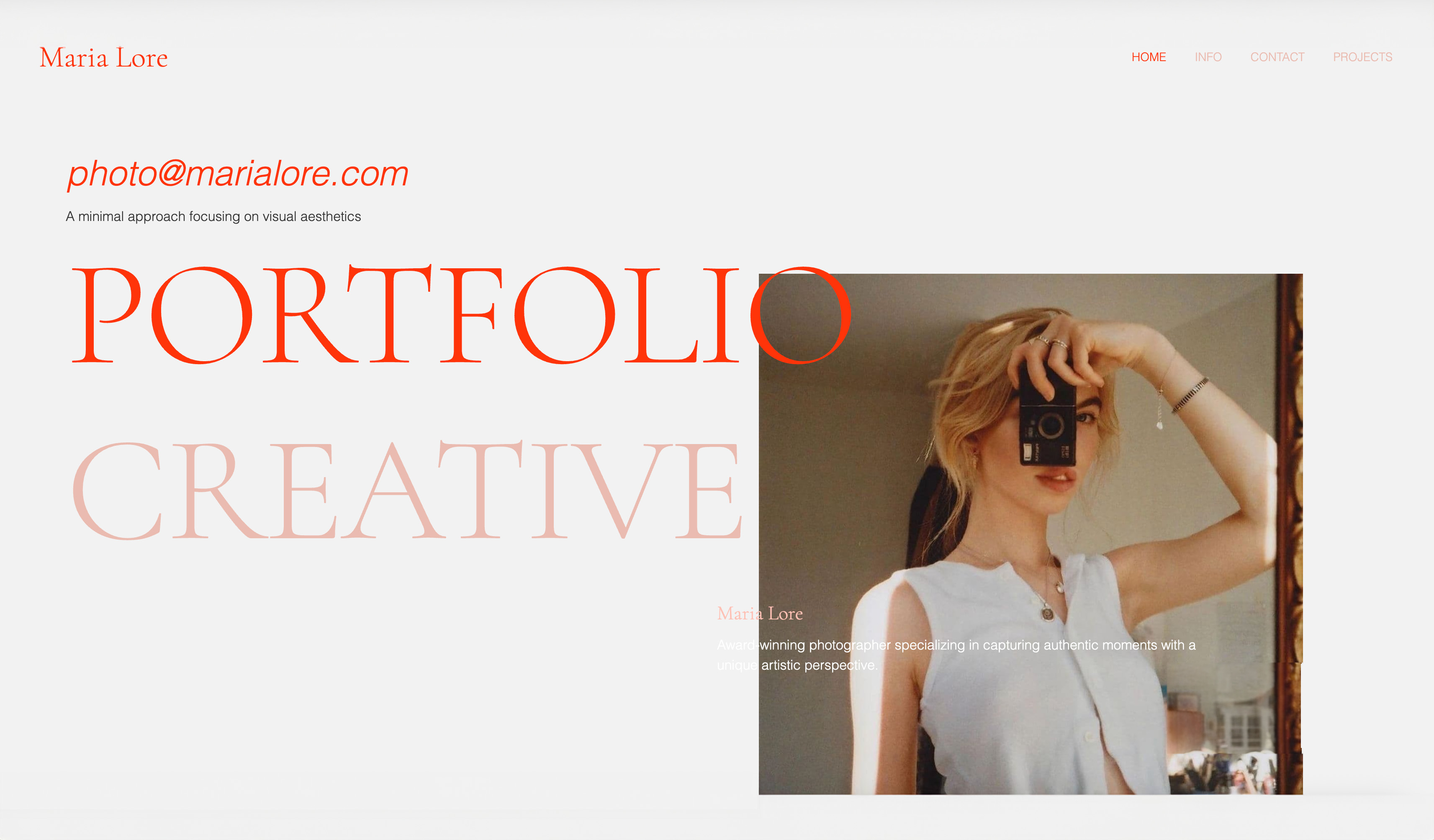 Use template
 Use template
 Use template
 Use template
 Use template
The Framekit vs PhotoShelter decision often comes down to one email. A picture editor writes on a Tuesday asking whether you still have the harbour frames from a 2019 assignment, and whether she can license two of them for a book cover.
If you can find them by keyword in under a minute, send a watermarked preview, set a licence fee and get paid through the same account, you are running an archive business, and PhotoShelter is built for exactly that Tuesday.
Most working photographers never get that email. Their frames are commissioned, delivered once in a gallery, downloaded and done.
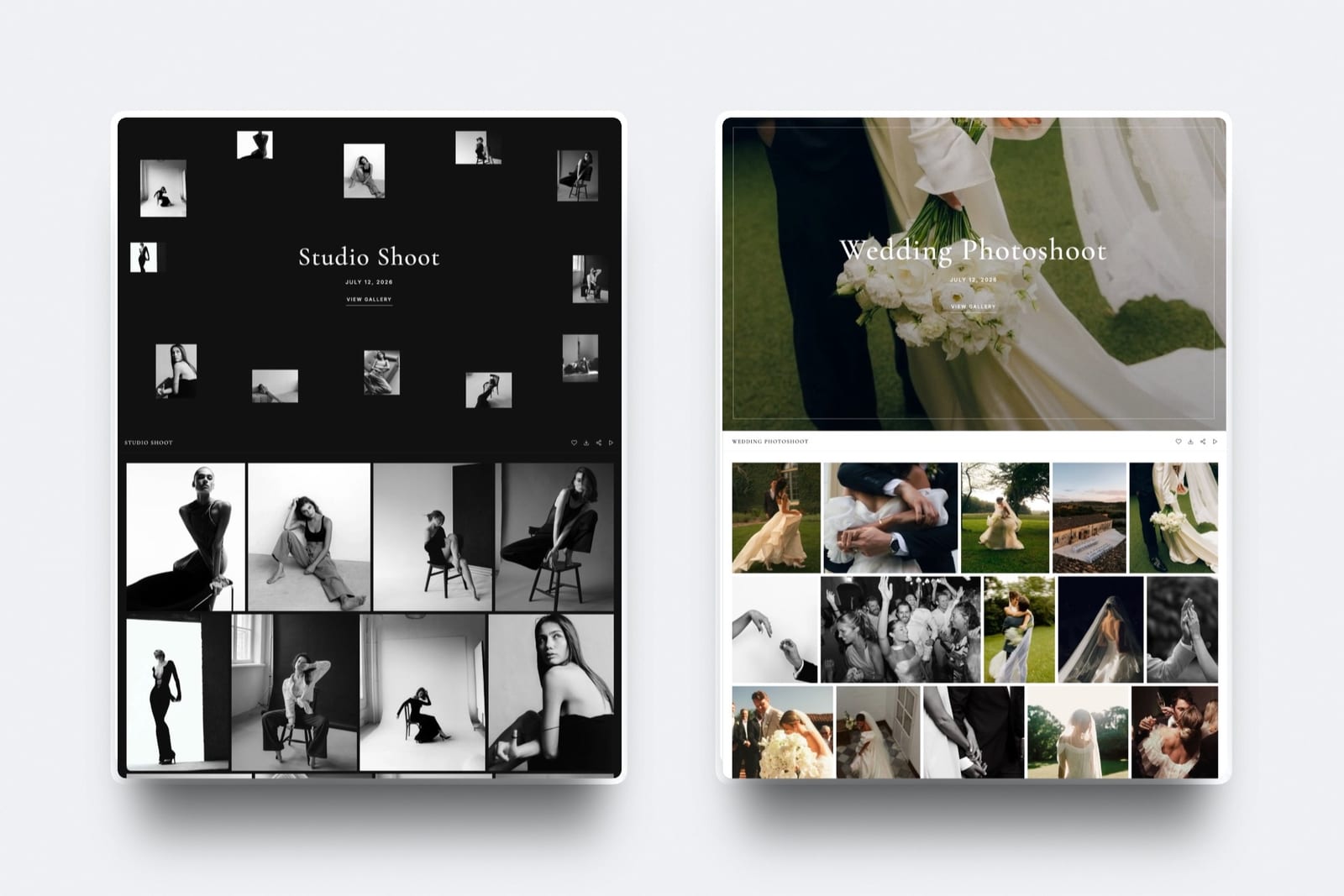
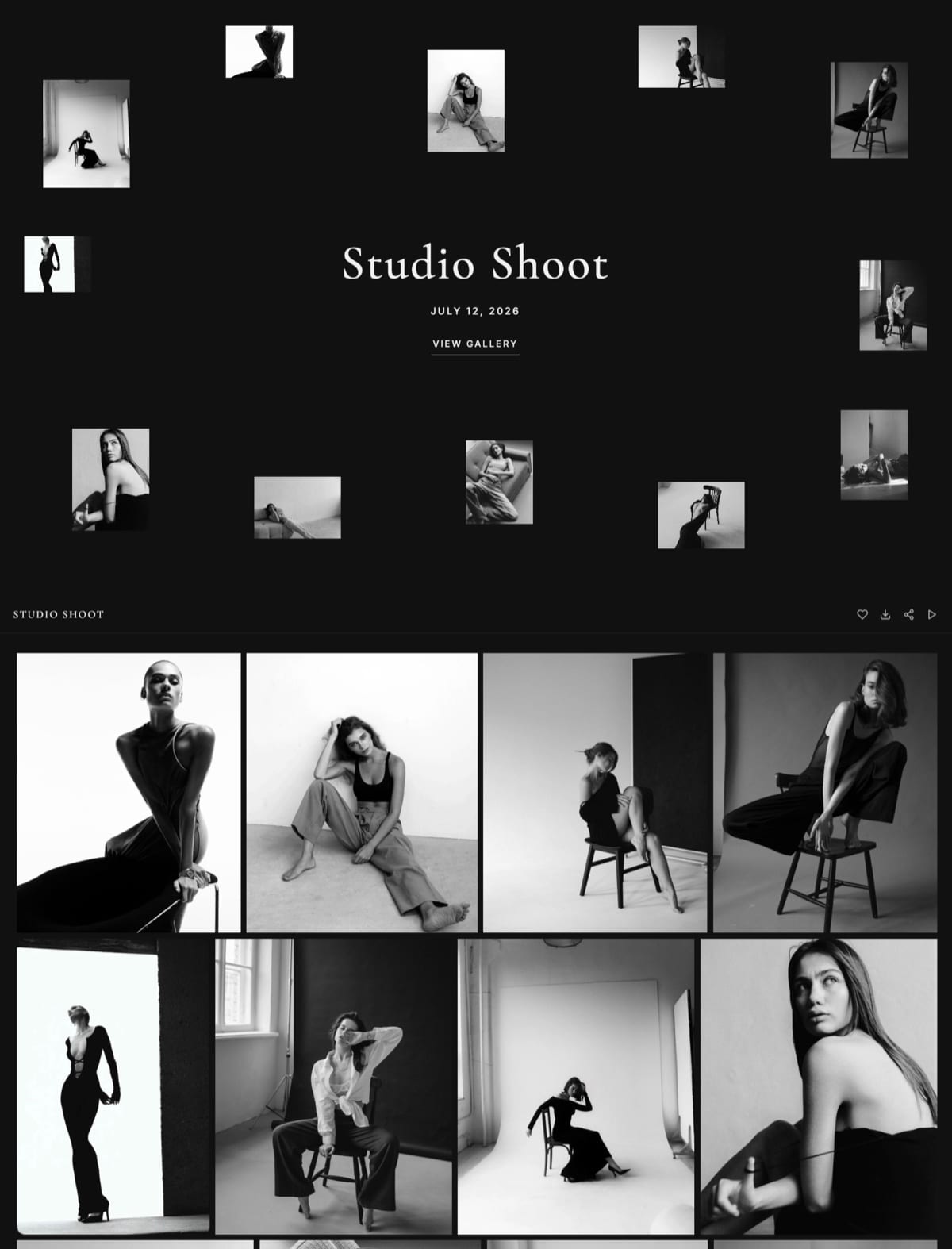
For them the archive is a cost, and what earns money is the portfolio that wins the next booking and the delivery the client forwards to friends. That is the job Framekit was built for.
Digital asset management is software for storing, keywording, searching, permissioning and licensing a large image library over years, while a client gallery is software for delivering a finished shoot to the person who paid for it.
Framekit is an AI website builder with client galleries, video review, Slides and a digital-download store in one account, so this Framekit vs PhotoShelter comparison sets an archive-and-licensing platform against a delivery-and-website platform, and one question about your revenue usually settles it.
PhotoShelter is the better choice if a delivered photograph can earn money again, because its photographer plans sell prints, products, downloads and licences from your own site, search your library by keyword and metadata, keep RAW and TIFF files in geographically redundant storage, and upload from Lightroom or Photo Mechanic, from $10 a month billed yearly.
Framekit is the better choice if every job is commissioned, delivered and finished, because every gallery feature is on every plan, films and a timecoded review round sit on the same account, and $15 a month on Pro (billed yearly) buys 300GB for galleries, an AI-built website, Slides and a digital store, against 100GB for $25 on PhotoShelter Standard.
The dividing line is licensing: Framekit has none.
Full disclosure: Framekit is our product, and PhotoShelter beats it outright on archive and licensing work. We re-verified every PhotoShelter price, storage tier, fee and plan feature on 12 October 2026 against its photographer plans page, and every Framekit figure against the plan table on framekit.ai. This version corrects two lines from September 2026: the named-user logins, Single Sign-On and IP-logged access it credited to PhotoShelter are documented for PhotoShelter for Brands, its separate DAM product, and are not listed on the photographer plans page; and Framekit does record downloads by client email, which the earlier page denied. It also no longer puts Framekit decks on your own domain: they share from slides.framekit.ai.
How This Framekit vs PhotoShelter Comparison Was Built
This comparison uses what PhotoShelter and Framekit publish about their own products in October 2026, plus arithmetic on those published figures, so every claim points to a vendor page and every cost can be recalculated with your own archive size and sales.
Read at the source. PhotoShelter's photographer plans page, including its plan table and FAQ on sales fees, storage add-ons, bandwidth and refunds, and its article on access permissions, which describes PhotoShelter for Brands.
PhotoShelter's help centre refused automated reads when we checked, so where a detail lives only there, such as the full list of supported file types, we say so and keep the claim narrow.
For Framekit, the plan comparison at framekit.ai/pricing and the gallery, review and store settings in the shipped product.
Calculated. Storage for three kinds of photographer using 10MB per delivered JPEG and 25MB per archived master, sales fees on a sample licensing year, and film sizes from export bitrate: megabits per second times seconds, divided by eight, gives megabytes.
Annual prices use yearly billing unless a row says monthly.
Not tested. We did not license an image through PhotoShelter, run its proofing tool, test its mobile apps or time uploads on either platform. PhotoShelter for Brands is mentioned only where it changes the answer for a photographer who might grow into it.
Framekit vs PhotoShelter at a Glance
Both platforms give you a website on your own domain, password-protected client galleries and watermarks, so this table concentrates on the rows that separate an archive business from a delivery business: licensing, search, file types, video, fees and storage per dollar.
| Framekit | PhotoShelter for Photographers | |
|---|---|---|
| Built for | Delivering finished shoots from your own AI-built website | Storing, showcasing, selling and licensing a photo library |
| Plans, billed yearly | Free $0; Starter $7; Pro $15; Business $31 a month | Basic $10; Standard $25; Pro $45 a month |
| Storage | 10GB, 50GB, 300GB, 2TB, pooled with your site and reviews | 4GB, 100GB, 500GB; add-ons in 10GB or 35GB steps |
| Selling | Digital products from your site; 5%, 5%, 3%, 0% fee by plan | Prints, products, downloads and licences; 8% to 10% sales fee by tier |
| Licensing | Not offered | Set licence prices and sell from your site |
| Library search | None across galleries | Keyword and metadata search |
| Photo formats | JPEG, PNG, WebP, GIF | JPEG plus RAW, TIFF and PSD, per its help centre |
| Video in galleries | Films up to 2 hours, plus timecoded video review | Not described on the plans page |
| Client proofing | Favourite lists, notes, Send to photographer, every plan | Client proofing tool on Standard and Pro |
| Website | AI builder that generates sections and copy | 9 customisable templates, own domain |
| Users | Team members: 3 on Pro, unlimited on Business | 1 user on every photographer plan |
| Free plan | Yes, permanent | 14-day trial, then billed automatically |
In one linePhotoShelter is built so an image can be found and sold again years later, Framekit is built so a shoot can be delivered once and look good doing it, and the licensing row decides most cases.
Seven Numbers That Decide Framekit vs PhotoShelter
These seven figures, each read from PhotoShelter's or Framekit's own pages in October 2026 or calculated from them, decide most Framekit vs PhotoShelter choices, and each one points at a particular kind of photographer rather than at an overall winner.
- 8% to 10%. PhotoShelter's sales transaction fee on prints, products, downloads and licences, depending on your tier, before print costs and card fees.
- 4GB. The storage on PhotoShelter Basic at $120 a year, which also leaves out the client proofing tool. Framekit's free plan holds 10GB.
- 100GB for $25, 300GB for $15. PhotoShelter Standard against Framekit Pro, both billed yearly.
- 500GB for $45, 2TB for $31. PhotoShelter Pro against Framekit Business, both billed yearly.
- 1. The number of users on every PhotoShelter photographer plan. Framekit Pro includes 3 team members and Business unlimited, as site admins.
- 2 hours. The longest film a Framekit gallery or review accepts on any plan, with per-file caps of 500MB, 1GB, 2GB and 3GB.
- 23. The currencies PhotoShelter's shopping cart supports, with payouts through PayPal or Stripe in supported countries.
Where PhotoShelter Wins
PhotoShelter wins every comparison where an image has to be found, protected and sold more than once, because licensing, keyword and metadata search, archive-grade storage and a sales engine for prints, products and downloads are the product, and Framekit offers none of them.
Licensing from your own site. PhotoShelter's plans page says you can set your own prices for prints, products, downloads and licences and get paid from your website, with a cart that supports more than 23 currencies.
For an editorial, sports, travel or fine-art photographer, a single licence for a book cover or a campaign can be worth more than a year of subscription.
Framekit has no licensing tools, no rights records and no way to attach usage terms to an image.
A library you can search. PhotoShelter tells photographers to use keywords and metadata to search their own library and find what they need.
That is the Tuesday-email workflow: type "harbour 2019", find the frames, send a preview.
Framekit galleries are deliveries, not a catalogue; there is no search across galleries and the gallery does not display, search or edit captions, keywords or credit lines.
Working and archive files. PhotoShelter's help centre lists RAW, TIFF, PSD and DNG among its supported image types, with RAW kept for archiving and previewed as a resized JPEG.
Its storage is described as geographically redundant, and the Lightroom and Photo Mechanic plugins handle uploads of thousands of images. Framekit galleries accept JPEG, PNG, WebP and GIF only and have no Lightroom or Photo Mechanic plugin.
Prints with a vendor attached. PhotoShelter sells prints and products through integrated print vendors, so a buyer orders from your site and the vendor prints and ships. Framekit has no print lab, price sheet or print store at any price.
Room to grow into a DAM. If your client is an institution, PhotoShelter for Brands adds specific-user access with email logins or Single Sign-On, and its own article notes that password and open access record only the visitor's IP address.
Framekit has no enterprise path: no SSO, no per-user library permissions and no named-user logins.
The number that mattersone licence. On a $1,500 book-cover licence, a 10% fee is $150, which leaves $1,350 and pays for more than two years of PhotoShelter Pro at $540. Framekit's figure is $0 because the sale cannot happen.
The gotchathe entry plan is thin.
Basic holds 4GB and leaves out client proofing, every photographer plan has one user, sales carry an 8% to 10% fee before print and card costs, image deliveries can incur bandwidth overage fees, the trial bills automatically after 14 days, and PhotoShelter does not refund services already billed.
Skip it ifevery frame you shoot is commissioned, delivered once and never sold again, you deliver films as often as stills, or you want more storage per dollar than an archive platform charges.
Verdict: PhotoShelter is the right platform for any photographer whose archive earns money, and nothing below changes that. If you are weighing it against other archive and gallery tools, the best PhotoShelter alternatives and SmugMug vs PhotoShelter cover the neighbours.
Where Framekit Wins

Framekit wins for photographers and videographers whose work is commissioned and delivered once, because it gives more storage per dollar, puts every gallery feature on every plan, hosts films with a review round before delivery, and runs an AI-built website, Slides and a digital store from the same account.
More room for the money. Framekit Pro holds 300GB for $15 a month billed yearly, against 100GB for $25 on PhotoShelter Standard, and Framekit Business holds 2TB for $31, against 500GB for $45 on PhotoShelter Pro.
For a wedding or portrait photographer whose galleries are the bulk of the storage, that difference is the whole bill.
No fee on delivery, and every gallery feature on every plan. Delivering a gallery costs nothing beyond the plan.
Watermarks, a gallery password, a separate download PIN, favourites, slideshows, full-resolution downloads, ZIP downloads, email registration, auto expiry and email sharing are on the free plan.
Paid plans add your own domain and let you upload fonts; a small Made with Framekit line stays in the gallery footer on every plan.
A record of who took what. A client registers with an email, hearts frames into named favourite lists, writes notes on photos and presses Send to photographer.
The gallery's Activity panel logs favourite activity and download activity by email address, including whether a download was one photo, a set, a list or the whole gallery, at which resolution, with which PIN and when, and exports both logs to CSV.
Films and the review round. Videos sit in the same gallery as the stills, are transcoded so they play in the browser, and are never watermarked.
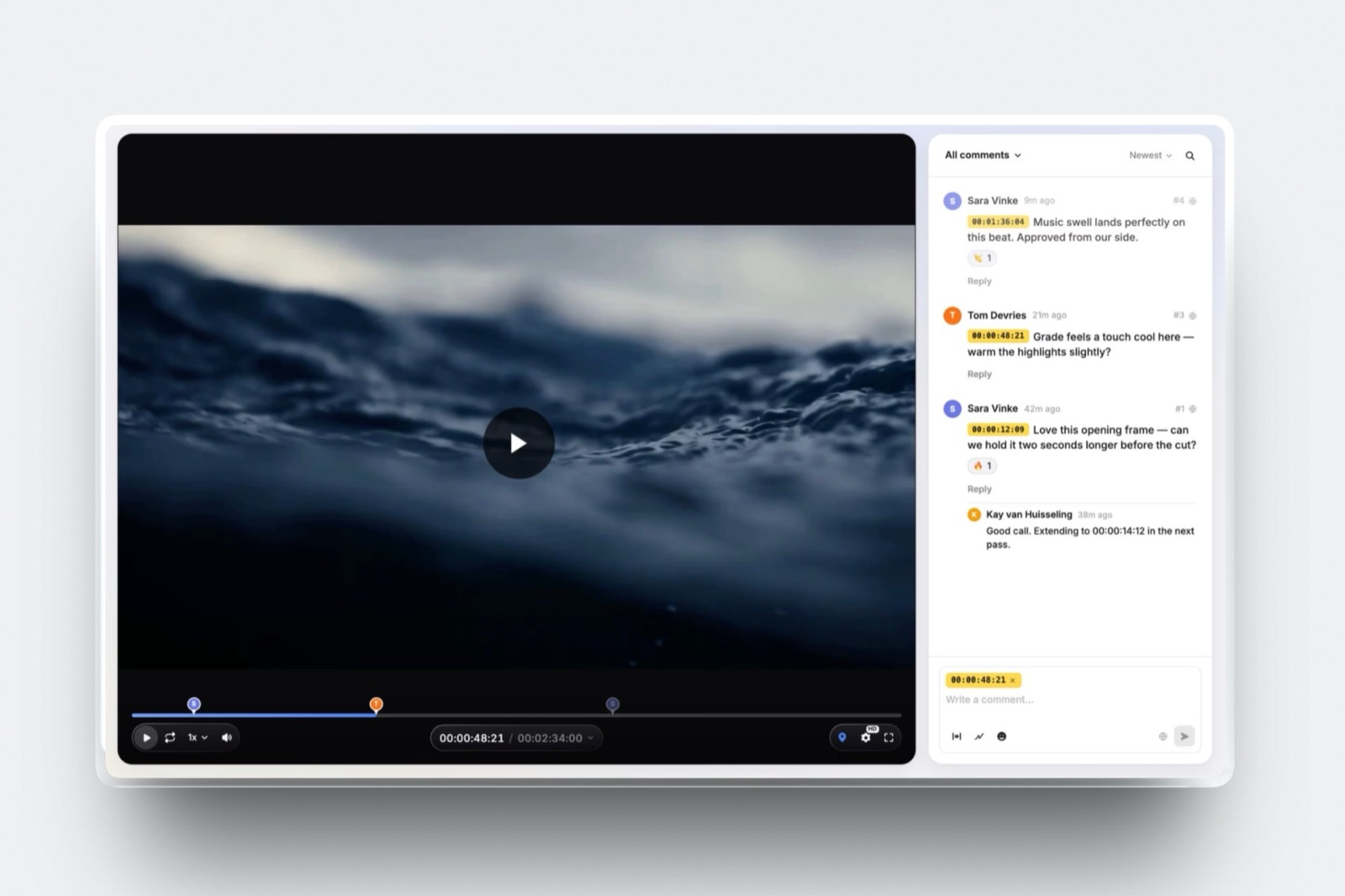
Before delivery, the cut can go through Framekit's video review, with comments pinned to the exact frame, drawing on the frame, version stacks and approval statuses.
Storage counts video in bytes, with 150GB of Pro's 300GB available for film.
The number that matters$360 a year. That is the difference between PhotoShelter Pro at $540 and Framekit Pro at $180 for a wedding photographer storing 120GB of galleries, before PhotoShelter's sales fee or any print income enters the picture.
The detail most comparisons missa high-resolution download on Framekit is the original file you uploaded, not a watermarked copy. The watermark protects the gallery view; the download PIN or a downloads-off switch protects the files.
The gotchathere is no licensing, no library search, no metadata display, no RAW, TIFF or PSD, no print store, no Lightroom or Photo Mechanic plugin, no mobile app and no unlimited storage, and the per-file video cap is real: a 2.3GB film needs Business at 3GB or a lighter export.
Skip it ifyou license images, sell prints through a vendor, need to find a frame from five years ago by keyword, or archive RAW files online.
Verdict: Framekit is the better fit when the gallery is the end of the job, especially if a film is part of it, and you would rather spend the money on the website, review round and delivery than on an archive you do not sell from.
Limits, Fees and Plan Gates Side by Side
This table collects the published limits that decide whether your work fits, from storage and file types to fees, users and trial terms, with PhotoShelter's figures read from its photographer plans page in October 2026 unless a cell says otherwise.
| Spec | Framekit | PhotoShelter for Photographers |
|---|---|---|
| Galleries | Unlimited on every plan | Unlimited public, password-protected and private galleries |
| Storage by plan | 10GB, 50GB, 300GB, 2TB, pooled with your site and reviews | 4GB, 100GB, 500GB |
| Extra storage | Move up a plan | Add-ons in 10GB or 35GB steps, billed monthly or yearly |
| Monthly price if not billed yearly | $9, $19, $39 | $12.99, $29.99, $49.99 |
| Photo formats | JPEG, PNG, WebP, GIF; 100MB per photo | JPEG, TIFF, PSD, DNG and RAW per its help centre; RAW for archiving |
| Video | MP4, MOV, M4V, WebM, MKV up to 2 hours; 500MB to 3GB per file | Not described on the plans page; check before planning film delivery |
| Selling fee | 0% on delivery; 5%, 5%, 3%, 0% on digital products | 8% to 10% on sales, plus print, shipping and card costs |
| Licensing | None | Yes |
| Library search | None across galleries | Keywords and metadata |
| Download protection | Download PIN separate from the password, downloads on or off, web or high resolution | Customisable permissions, right-click protection, custom watermarks |
| Download record | By client email, with scope, resolution, PIN and date; CSV export | Not described on the plans page; IP logging is a PhotoShelter for Brands feature |
| Client proofing | Every plan | Standard and Pro |
| Users | Site admins: 3 on Pro, unlimited on Business | 1 on every plan |
| Upload tools | Web upload | Lightroom and Photo Mechanic plugins, desktop and web uploader |
| Security | Hosting and SSL on every plan | Mandatory two-factor authentication, geographically redundant backup |
| Free use | Permanent free plan | 14-day trial, then automatic billing |
Two rows need a second look. PhotoShelter's FAQ says image deliveries may incur bandwidth overage fees, though it adds that individual photographers rarely exceed their allotment; Framekit publishes no bandwidth overage.
And the download-record row is where the September version of this page went wrong: Framekit logs downloads by client email, while named-user logins and IP records are documented for PhotoShelter for Brands and not described on the photographer plans page.
The Question That Decides It: Does a Delivered Photo Earn Twice?
The fastest way to settle Framekit vs PhotoShelter is to ask whether any photograph you have already delivered still earns money, because licensing, prints and archive search only pay for themselves when the answer is yes.
If the answer is yes, through stock and editorial licensing, prints sold to fans of a sports team, a travel library that magazines buy from, or a corporate client who comes back each year for more uses of the same shoot, you need the tools PhotoShelter sells: a way to find the image, protect it, price a licence and get paid.
Those tools are worth an 8% to 10% fee, because without them the sale does not happen at all.
If the answer is no, because every frame is commissioned under a contract, delivered and finished, an archive platform is infrastructure for revenue you do not have.
Your money is better spent on the things that bring the next commission: a portfolio that ranks and converts, a delivery your clients forward, a film review that goes smoothly, and a proposal deck that wins the pitch.
Many photographers sit in between, with a commissioned business and a modest archive that sells a few prints a year.
For them the honest answer is often both: keep the archive on PhotoShelter Basic or Standard and run the website and client delivery on Framekit, or price whether the archive income actually covers PhotoShelter's subscription and fees before keeping it.
What Happens When: The Mechanics Behind the Feature Lists
The moments that cost a photographer money or an evening rarely appear in a feature table, so this section covers seven situations and says what each platform documents for them, without filling gaps with assumptions.
A picture editor asks to license an old frame. On PhotoShelter you find it by keyword or metadata, set a licence price and sell it from your site, paying the 8% to 10% sales fee.
On Framekit there is no licensing workflow; you would find the file on your own drives, agree terms by email and invoice outside Framekit.
A client needs the credit line to travel. PhotoShelter is built around metadata, so captions and keywords are part of the library.
Framekit's gallery does not display or edit IPTC fields, so on Framekit the credit belongs in the delivery email, the gallery title or the filename.
A client asks who downloaded the final set. Framekit's Activity panel answers by email address, with what was taken, at which resolution, with which PIN and when, and a CSV export.
PhotoShelter's photographer plans page lists download permissions and protection but not a download log; its Brands product records specific-user logins and, for password or open access, IP addresses.
The trial ends. PhotoShelter's FAQ says the 14-day trial bills the regular subscription automatically unless you cancel, and that it does not refund services already billed. Framekit's free plan is permanent and needs no card, so there is nothing to cancel.
You run out of room. On PhotoShelter you buy storage add-ons in 10GB or 35GB steps on top of your plan. On Framekit you move up a plan; Business at 2TB is the ceiling, and there is no unlimited tier.
The gallery should come down. Framekit unpublishes a gallery on the date you set, returns it to draft with every file intact, shows visitors a message to contact the photographer, and can email you and the linked contacts three days before.
PhotoShelter galleries can be public, password-protected or private, so you can hide a gallery by switching it to private.
A buyer pays in euros. PhotoShelter's cart supports more than 23 currencies with payouts through PayPal or Stripe. Framekit's store charges through Stripe Connect into your own account, with you as the merchant of record, and sells digital products only.
A Year of Costs at Three Kinds of Photographer
Year-one cost depends on how much you keep online and whether you sell from the archive, so these three worked examples run from a portrait business to a licensing archive, with the arithmetic shown and both vendors on yearly billing.
Assumptions: 10MB per delivered JPEG, 25MB per archived master, every file kept online all year. Framekit prices include the website, video review, Slides and store.
| Photographer | What gets stored | PhotoShelter plan that fits | PhotoShelter, a year | Framekit plan that fits | Framekit, a year |
|---|---|---|---|---|---|
| Portraits: 15 sessions of 50 photos, client proofing wanted | 7.5GB | Standard (Basic is 4GB with no proofing) | $300 | Free, or Starter for your own domain | $0 or $84 |
| Weddings: 24 weddings of 500 photos | 120GB | Pro (500GB), or Standard plus add-ons | $540 | Pro (300GB) | $180 |
| Editorial archive: 24,000 masters built over eight years | 600GB | Pro plus 100GB or more of add-ons | $540 plus add-ons | Business (2TB), with no licensing or search | $372 |
The first two rows are clear wins for Framekit on price, and it is fair to say why: PhotoShelter is selling archive infrastructure, and a portrait or wedding photographer who never licenses a frame does not use most of it.
The third row is where the cheaper number is the wrong answer. Framekit Business would hold the files for $372, but it cannot find them by keyword, cannot show the metadata, cannot store the RAW masters and cannot sell a licence. Add a licensing year and the picture flips.
| Licensing and print year | PhotoShelter fee at 8% to 10% | What you keep before print and card costs | Framekit |
|---|---|---|---|
| $1,500 in licences and prints | $120 to $150 | $1,350 to $1,380 | No licensing; $0 |
| $5,000 | $400 to $500 | $4,500 to $4,600 | No licensing; $0 |
| $12,000 | $960 to $1,200 | $10,800 to $11,040 | No licensing; $0 |
Run it on your own numbers. Add up last year's licence and print income from old work, then subtract PhotoShelter's subscription and its 8% to 10% fee.
If what is left is comfortably positive, PhotoShelter pays for itself and should stay.
If it is near zero, the archive is costing you money, and Framekit's lower subscription with the website, review and delivery included is the better use of the same budget.
Video, Review and the Hybrid Shooter
Video is the clearest place where the two platforms aim at different photographers, because PhotoShelter's photographer plans page describes a still-image library and does not describe film delivery, while Framekit puts films in the gallery and adds a review room before delivery.
On Framekit, a film uploads into the client gallery on every plan, free included, within per-file caps of 500MB, 1GB, 2GB and 3GB by plan and a 2-hour maximum length.
MP4, MOV, M4V, WebM and MKV are accepted, ProRes and HEVC MOV files are transcoded so they play in a browser, and films are never watermarked.
Before delivery, Framekit's video review handles the feedback round.
You upload the cut, send a link, and the client comments at the exact frame with a timecode chip, draws on the frame, replies and reacts, without an account.
Version 2 joins the stack and version 1 keeps its notes; the status moves from needs review to approved; then the final film goes into the gallery with the stills.
If you shoot hybrid, check PhotoShelter's help centre for its current video support before planning film delivery there. PhotoShelter for Brands describes separate download settings for video, but that is the enterprise product.
The roundup of client gallery platforms with video compares the options for films specifically.
The Website, the Store and Slides
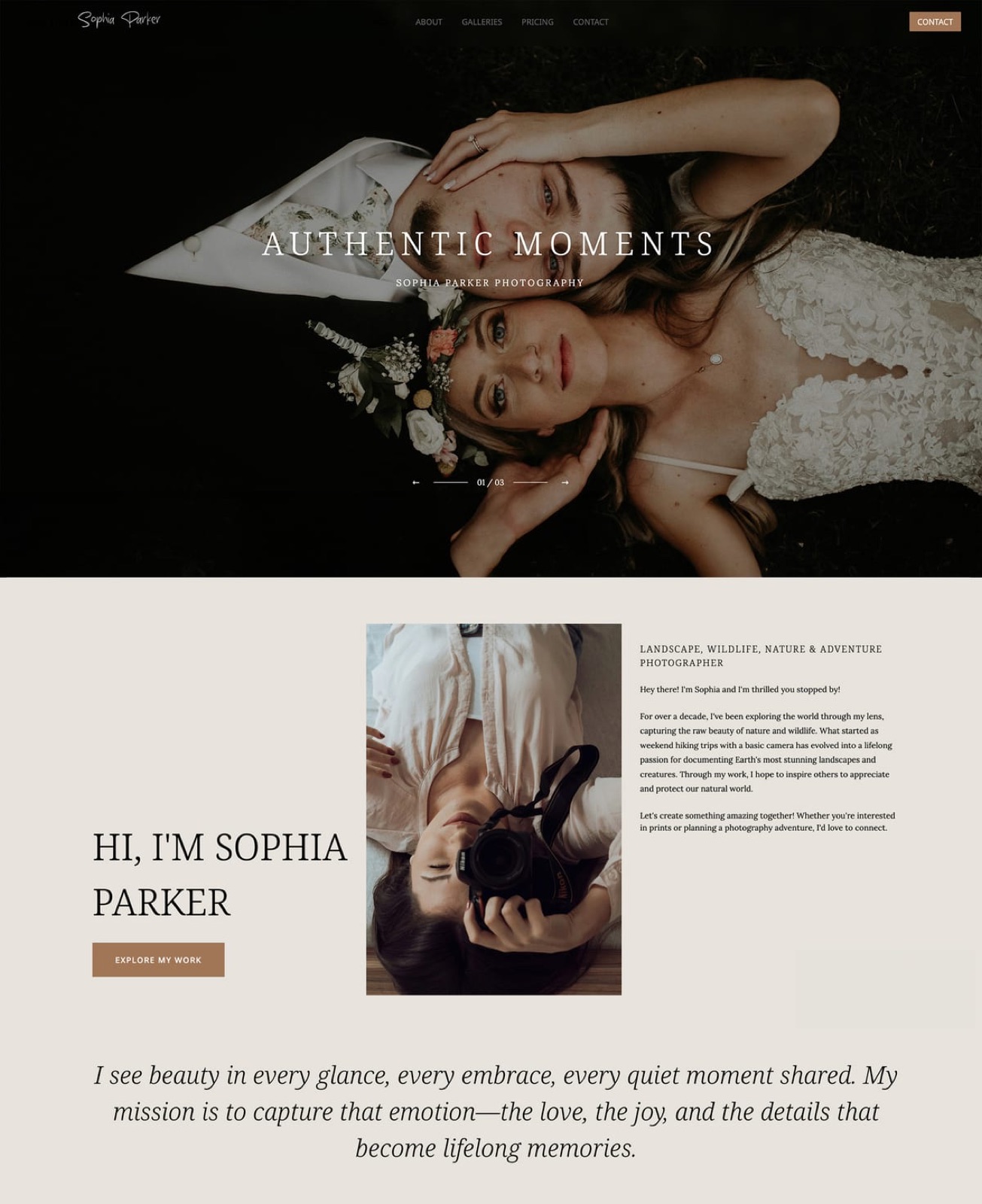
Both platforms give you a website on your own domain, but they are built for different visitors: PhotoShelter's 9 templates are a showcase and storefront for a library, while Framekit's AI builder makes a portfolio site whose galleries and digital product pages live under the same domain, with decks shared from slides.framekit.ai and checkout on a Framekit-hosted page.
PhotoShelter offers 9 customisable, responsive website templates, your own domain, integrated SEO and social sharing, and integrations with Instagram, WordPress, Vimeo and Tumblr. That is a sensible design for a photographer whose visitors come to browse and buy from an archive.
Framekit's builder generates full sections from a description, writes copy and can recreate a layout from a reference screenshot, using templates built with AI and trained by senior designers, with hosting, SSL and a global CDN on every plan.
Each client gallery publishes at /client/ followed by its name on that site, so a returning client comes back to your domain, though the gallery page itself carries no navigation to your portfolio or about page.
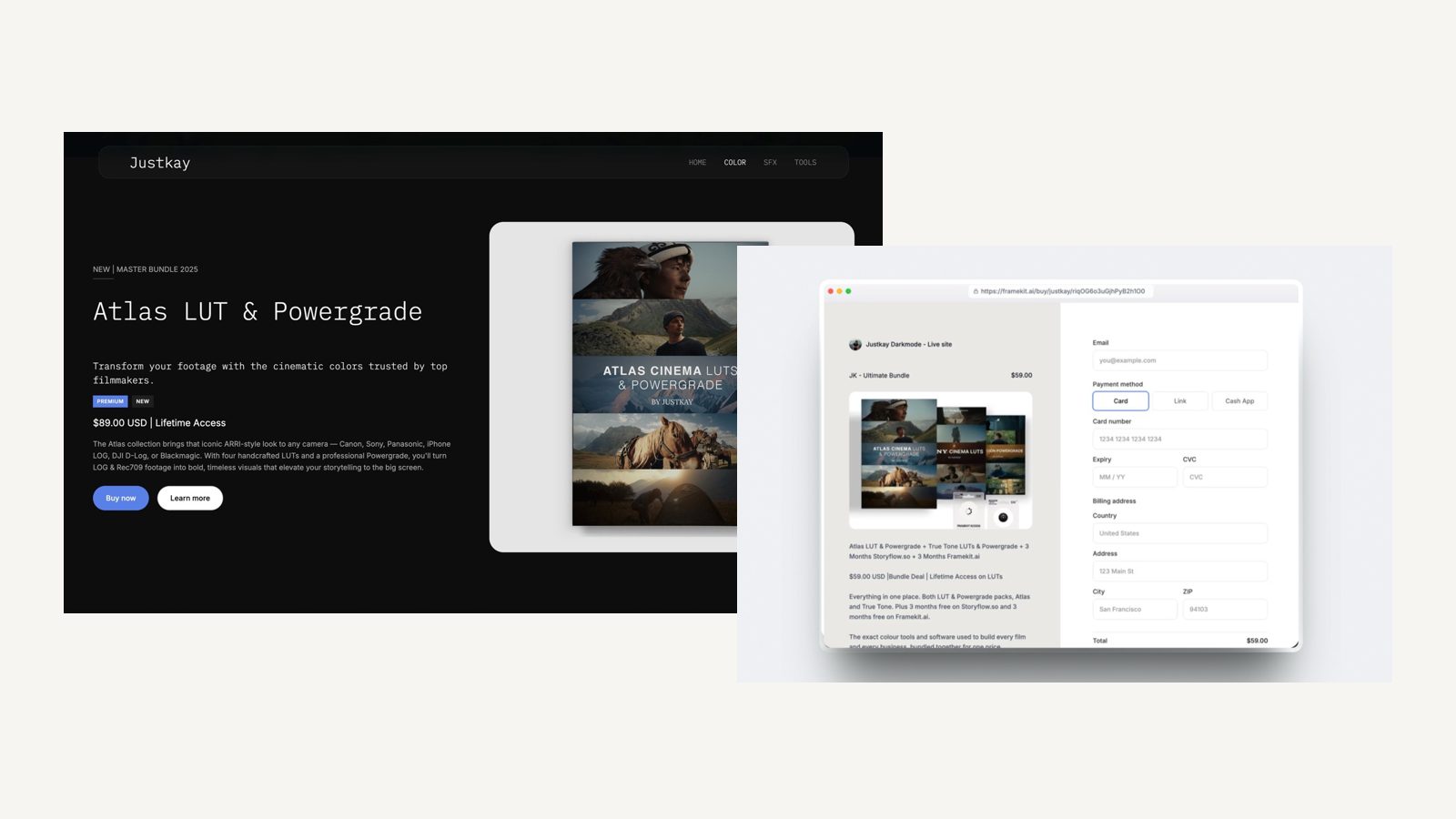
The same account runs Slides, for proposal decks, treatments and lookbooks, with unlimited decks on every plan and a monthly AI allowance for generation, and a store for digital products such as presets or guides at a 5% fee on Free and Starter, 3% on Pro and 0% on Business.
The store can sell a file, but it has no licence terms, rights records or print fulfilment, so it complements an archive rather than replacing one.
Moving Client Delivery From PhotoShelter to Framekit
Moving client delivery and the website from PhotoShelter to Framekit works best as a forward switch that keeps any earning archive where it is, because neither platform imports the other's galleries and Framekit has no redirect manager for old links.
| Step | What to do | Why it matters |
|---|---|---|
| 1. Price the archive | Add up last year's licence and print income from old work | If it covers PhotoShelter's subscription and fee, keep the archive there |
| 2. Choose the split | Archive and licensing on PhotoShelter, website and delivery on Framekit, or everything on one | Framekit cannot license, search or store RAW |
| 3. Keep the masters | Make sure RAW and TIFF masters exist on your own drives or archive | Framekit galleries accept JPEG, PNG, WebP and GIF only |
| 4. Build the site | Generate the Framekit site and connect your domain on Starter or above | Galleries publish under /client/ on that domain |
| 5. Decide the domain | If PhotoShelter used your main domain, point it to Framekit and give the archive a subdomain | One domain cannot serve both sites |
| 6. Rebuild active galleries | Upload galleries clients still need, then set watermark, password, PIN and expiry | Move a season of deliveries, not the archive |
| 7. Move credits into words | Put credit lines in delivery emails or filenames | Framekit's gallery does not display IPTC fields |
| 8. Overlap and cancel carefully | Let the last PhotoShelter galleries expire before downgrading | PhotoShelter does not refund services already billed |
How to Choose Between Framekit and PhotoShelter
This decision path asks the questions in the order that removes options fastest, starting with whether old work earns money, because that one answer settles Framekit vs PhotoShelter for most photographers before storage or price matter.
1. Did old work earn licence or print income last year, or would it if a buyer could find it? If yes, choose PhotoShelter, and consider keeping it alongside a Framekit site. If no, go to question 2.
2. Do you need to find frames from past years by keyword, or keep RAW and TIFF masters online? If yes, PhotoShelter or a dedicated archive is the right home. If not, go to question 3.
3. Do you deliver films, or want a timecoded review round before delivery? If yes, Framekit Pro holds 150GB of video with review on the same account. If you deliver stills only, go to question 4.
4. Is your client an organisation that needs per-person logins or Single Sign-On? If yes, look at PhotoShelter for Brands, which documents specific-user logins and Single Sign-On; Framekit offers neither. If not, go to question 5.
5. Is every job commissioned, delivered and finished? If yes, Framekit gives you more storage per dollar, every gallery feature on every plan, the website, Slides and a store, from $0 on Free or $84 a year on Starter.
Frequently Asked Questions
Framekit vs PhotoShelter: which is better for photographers in 2026?
PhotoShelter is better for photographers whose archive earns money, because it sells prints, products, downloads and licences from your site, searches your library by keyword and metadata and stores RAW and TIFF masters.
Framekit is better for photographers whose jobs are commissioned and delivered once, because it gives 300GB for $15 a month billed yearly, every gallery feature on every plan, films with video review, and an AI-built website, Slides and a store.
Is Framekit a PhotoShelter alternative?
Only for photographers who do not license images or sell from an archive.
Framekit covers client delivery, the website, film review, decks and digital products, but it has no licensing, no keyword or metadata search, no IPTC display, no RAW or TIFF support and no print store.
If any of those is how you earn, Framekit is not an alternative at any price.
How much does PhotoShelter cost in 2026?
PhotoShelter for Photographers costs $10 a month billed yearly on Basic ($120 a year, or $12.99 monthly) with 4GB, $25 on Standard ($300, or $29.99 monthly) with 100GB, and $45 on Pro ($540, or $49.99 monthly) with 500GB, per its plans page in October 2026.
Sales carry an 8% to 10% transaction fee depending on tier, and extra storage is sold in 10GB or 35GB steps.
Does PhotoShelter take a commission on sales?
Yes. PhotoShelter's FAQ says it charges a sales transaction fee of 8% to 10% depending on your account tier when you sell images, with print and shipping costs from its print vendors and your merchant bank's card fees on top.
On $5,000 of licences and prints that fee is $400 to $500. Framekit charges no fee on gallery delivery and 5%, 3% or 0% by plan on digital products.
Can Framekit license photos like PhotoShelter?
No. Framekit has no licensing workflow, licence pricing, usage terms or rights records.
Its store sells digital products such as presets or guides at a 5% to 0% fee by plan, and it could sell a file as a product, but without any licence management.
Photographers who license work should keep PhotoShelter or a licensing platform for that income.
Can I track who downloaded photos on Framekit?
Yes, by email address. Framekit's gallery Activity panel logs each download with the client's email, whether it was one photo, a set, a favourites list or the full gallery, the resolution, the PIN used and the date, and exports to CSV.
It does not use per-person logins with passwords or Single Sign-On; that level of access control belongs to enterprise tools such as PhotoShelter for Brands.
Does Framekit preserve or show IPTC metadata?
Framekit's galleries do not display, search or edit IPTC captions, keywords or credit lines, so a credit has to travel in the delivery email, the gallery title or the filename.
PhotoShelter is built around keywords and metadata for searching your library, which is why editorial and archive photographers usually prefer it for that work.
Can I upload RAW or TIFF files to Framekit?
No. Framekit galleries accept JPEG, PNG, WebP and GIF photos up to 100MB each and refuse RAW, DNG, TIFF, PSD and HEIC at upload.
PhotoShelter's help centre lists RAW, TIFF, PSD and DNG among supported files, with RAW kept for archiving, so masters and working files belong there or in another archive.
Which is cheaper for a wedding photographer?
Framekit is cheaper for a wedding photographer who does not license work.
Twenty-four weddings of 500 photos at 10MB come to about 120GB, which fits Framekit Pro at $180 a year and needs PhotoShelter Pro at $540, or Standard plus storage add-ons.
If those couples also buy prints through PhotoShelter's vendors, subtract the 8% to 10% fee and compare what is left.
Does Framekit have a free plan and PhotoShelter a trial?
Yes. Framekit's free plan is permanent, needs no credit card and includes unlimited galleries with 10GB shared with your website and reviews.
PhotoShelter offers a 14-day trial and then bills the regular subscription automatically unless you cancel, and its FAQ says it does not refund services already billed.
Can clients upload photos or use a mobile app with Framekit?
No. Framekit galleries do not accept client uploads, and there is no native mobile app; galleries work in any mobile browser. PhotoShelter lists mobile apps on every photographer plan.
If guests need to upload, see the best client galleries with client uploads.
Should I keep PhotoShelter and use Framekit for my website?
Keep both if your archive earns more than PhotoShelter costs and you want a stronger portfolio and client delivery.
Run the archive and licensing on PhotoShelter, ideally on a subdomain, and the main site, galleries, film review and decks on Framekit. If the archive earns little, the second subscription is hard to justify and one platform is enough.
Does either platform suit school, sports volume or studio management work?
Neither is a volume or studio-management platform. Framekit has no subject matching, parent ordering, contracts, invoices or booking, and PhotoShelter's photographer plans are built for an individual's library with one user.
Sports photographers who sell to fans often use PhotoShelter's print and download store, while school and team-day work belongs on dedicated platforms compared in the best client galleries for sports photographers.
Final Verdict
PhotoShelter is the stronger choice for any photographer whose archive earns money.
Licensing and print sales from your own site, keyword and metadata search, RAW and TIFF storage in geographically redundant backup, Lightroom and Photo Mechanic uploads and a path into PhotoShelter for Brands make it archive infrastructure that Framekit does not try to copy.
Framekit is the stronger choice for photographers and videographers whose work is commissioned and delivered once.
It holds 300GB for $15 a month billed yearly against 100GB for $25, puts every gallery feature on every plan, logs downloads by client email, hosts films with a review round before delivery, and pays for the website, Slides and a digital store with the same subscription.
Where Framekit loses, plainly: it does not license images, does not search a library by keyword or metadata, does not display IPTC credits, does not accept RAW, TIFF or PSD, does not sell prints, does not have a mobile app or client uploads, does not offer unlimited storage and is not a studio manager.
If your income depends on any of those, PhotoShelter is the better fit.
Related reading: the best client galleries for editorial photographers covers credit-sensitive delivery, how to sell stock photos online covers the licensing side, and the best cloud storage for photographers helps with masters.
More head-to-heads: Framekit vs SmugMug, Framekit vs PicDrop and Framekit vs Zenfolio.