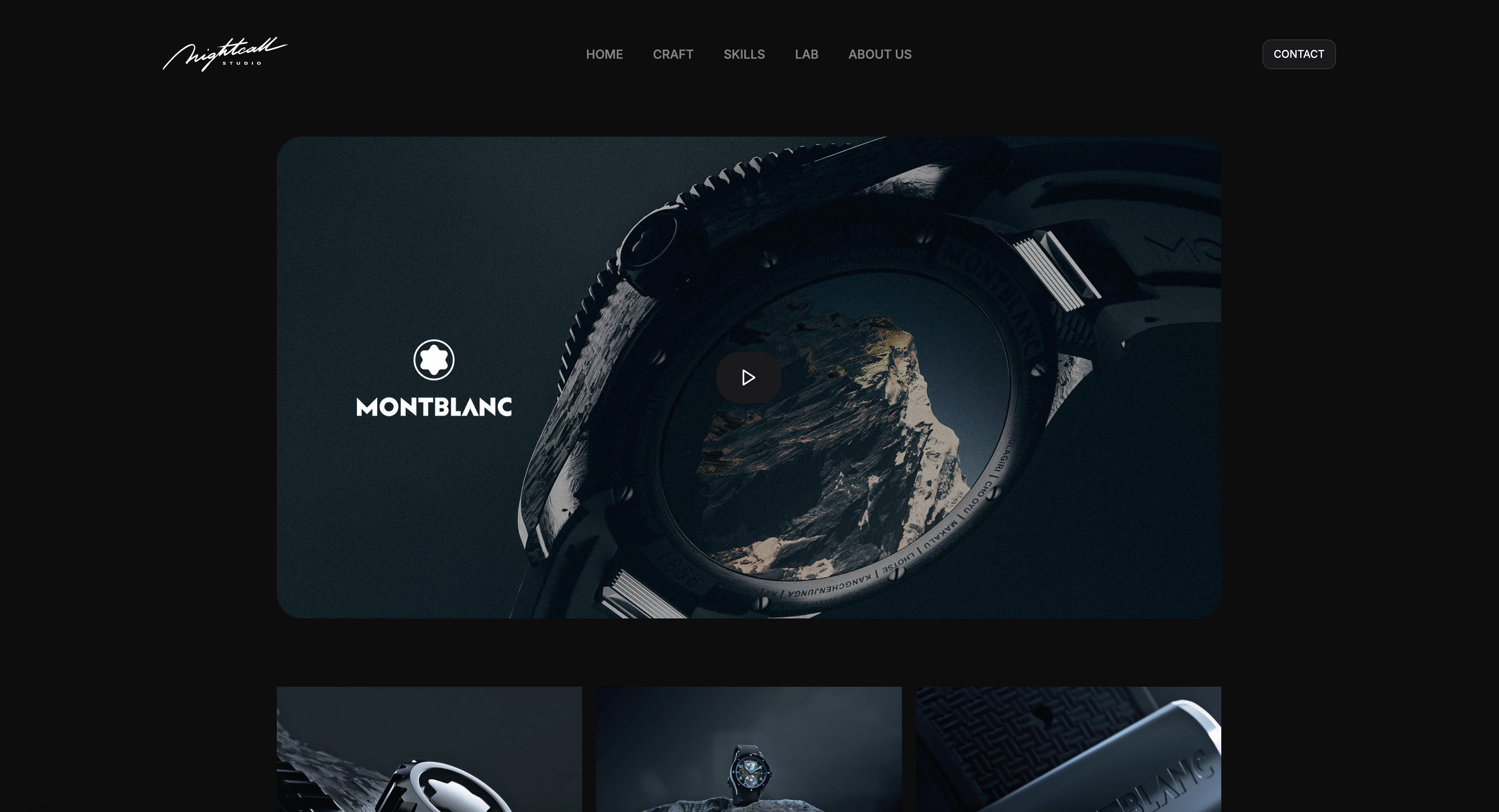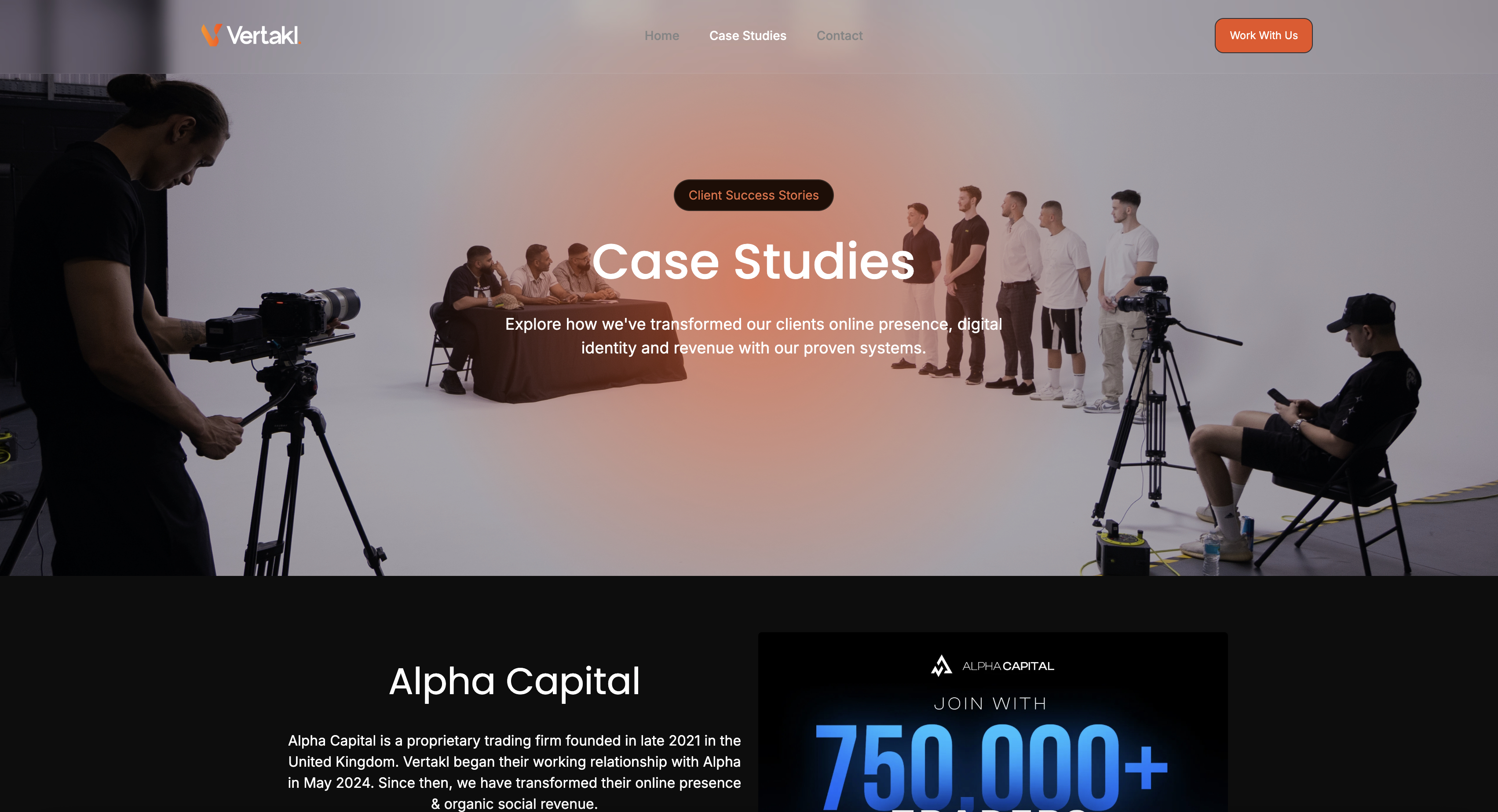
Framekit templates
Start from a designer-made template
 Use template
 Use template
 Use template
 Use template
 Use template
 Use template
 Use template
 Use template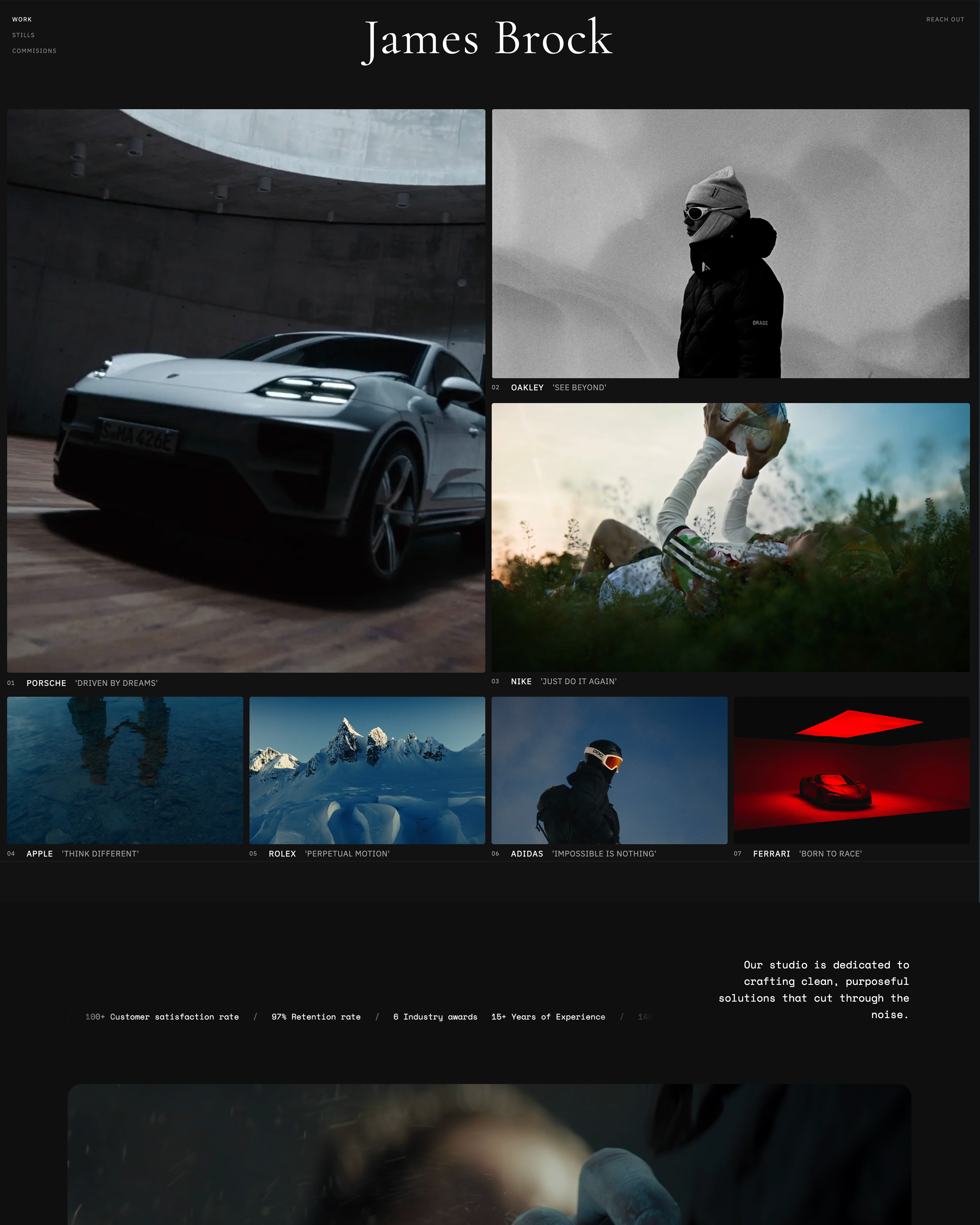
Framekit vs WordPress is really a question about what your time is worth, because on capability the answer has been settled for twenty years and it is WordPress.
There is nothing a website can do that WordPress cannot be made to do.
The word doing the work in that sentence is "made". WordPress is a platform you assemble, and the assembly is either your weekend or your developer's invoice.
Framekit is an AI website builder that generates a portfolio site and carries client galleries, video review, decks and a store on the same account, with nothing to install and nothing to update.
A content management system is software for creating, organising and publishing web content, and WordPress is the one that powers a large share of the web precisely because it will become anything.
Framekit is the better choice for a creative who wants a portfolio, client galleries, review links and a store working this afternoon with no plugins, no updates and no maintenance, at $84 to $180 a year all in.
WordPress is the better choice if you need a capability nobody else offers, want to own the code and host it yourself, or are building something that must scale past what any hosted builder allows.
The trade is real and it is time: WordPress can do more, and making it do more is the job.
Full disclosure: Framekit is our own product. WordPress is not a company we are competing with so much as an ecosystem, and the section on where it wins is genuinely longer than the one where we do. Figures were verified in September 2026.
How We Compared Them
We built the same photographer site twice: twelve pages, a portfolio section, a contact form, a client gallery and one $29 product for sale.
On WordPress that meant choosing a host, a theme, a gallery plugin, a forms plugin and a commerce plugin, and then making them agree with each other.
The honesty split:
- Measured hands-on: both builds, the plugin configuration, the update and maintenance cycle over several weeks, and what each does when something breaks.
- Verified from primary sources: WordPress.com plan tiers from WordPress.com pricing, read September 2026, and typical self-hosted costs from published host pricing. Framekit's from the shipped plan configuration.
- Not tested: enterprise WordPress hosting, multisite, and headless WordPress setups.
Nothing below quotes a load time or a performance score, for either platform.
Framekit vs WordPress at a Glance
The weighting to apply: rows one and two decide this for most creatives, and rows three through five decide it for anyone whose site is a technical project rather than a portfolio. Cost is genuinely close and rarely the deciding factor.
| Framekit | WordPress | |
|---|---|---|
| Time to a finished portfolio | An afternoon | A weekend to a fortnight |
| Maintenance, updates, backups | None, handled | Yours, or a service |
| Ceiling on what it can become | Fixed feature set | Effectively unlimited |
| Plugins and ecosystem | None | Tens of thousands |
| Own and host the code | No | Yes, self-hosted |
| Client galleries with password and PIN | Yes, built in | Plugin |
| Video review with timecoded comments | Yes, built in | Plugin, or nothing |
| Digital store with file delivery | Yes, 5% to 0% | WooCommerce, plugin |
| Decks, treatments and proposals | Yes | No |
| Blogging depth | Good | The best there is |
| Typical annual cost | $84 to $180 | $150 to $400 plus your time |
In one lineWordPress has no ceiling and a maintenance floor, and Framekit has a ceiling and no floor.
Where WordPress Wins
WordPress beats us in four areas, and they are the reason it has outlasted every builder that claimed to replace it. Each one matters enormously to some people and not at all to others.
No ceiling. Booking systems, membership tiers, multilingual sites, custom post types, complex taxonomies, an API for anything. If you need a capability, a plugin exists or a developer can write one. Framekit does what it does and no more.
You own it. Self-hosted WordPress means the code and the database are yours, on a host you choose, exportable and portable in a way no hosted builder is. For anyone who has watched a platform change terms, that is not paranoia, it is planning.
Blogging. WordPress is still the best publishing system for a serious blog, with editorial workflow, revisions, taxonomies and an ecosystem of SEO tooling that nothing hosted matches.
Scale and longevity. Sites with thousands of pages, multiple editors and a decade of archives run on WordPress because there is no tier where it stops.
Where Framekit Wins
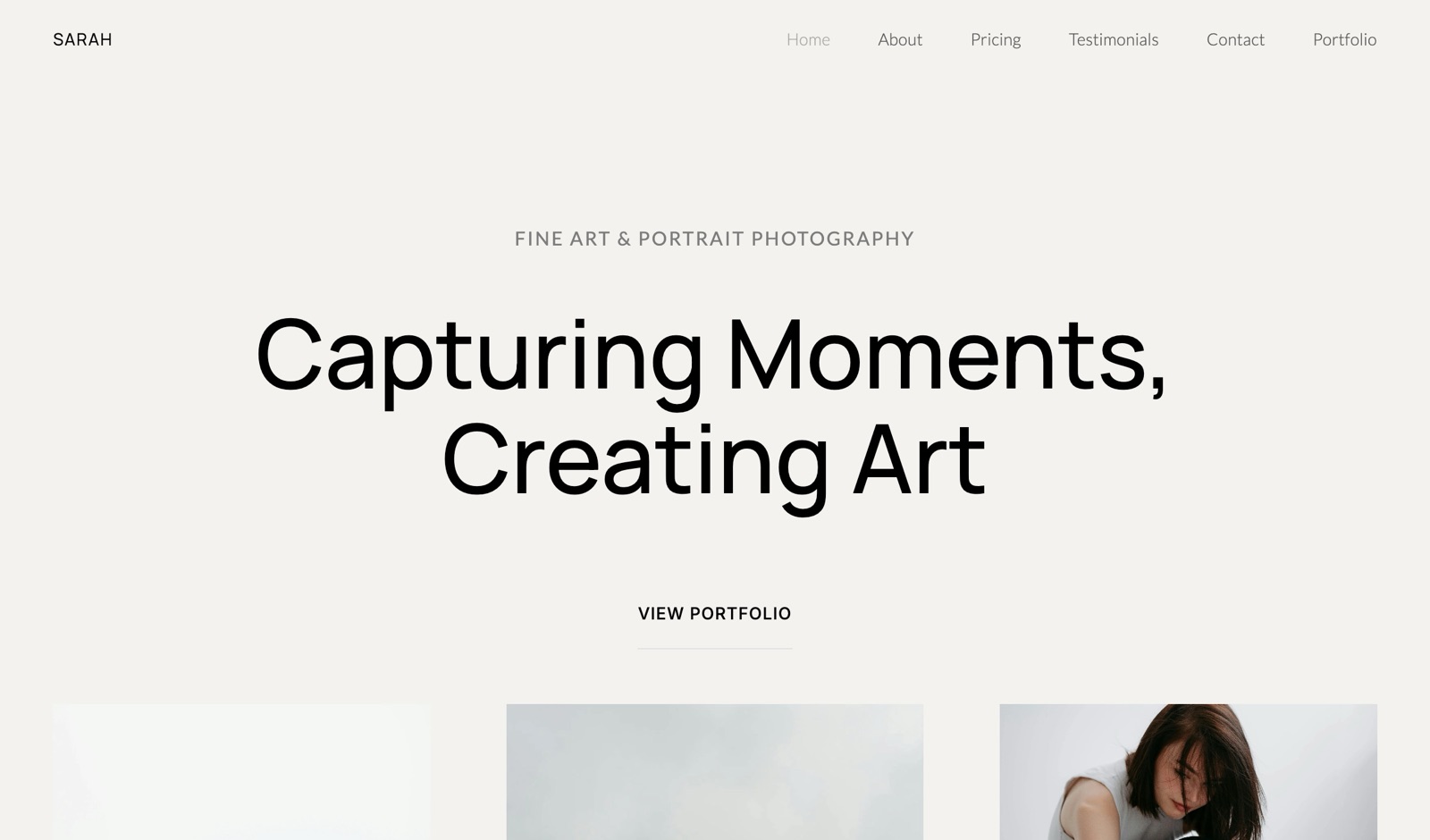
Framekit wins on three points, and every one of them is a cost that does not appear on either pricing page. They are the reasons a working photographer usually should not be running their own CMS.
It is finished when you finish. No host to choose, no theme to buy, no plugin conflicts, no update that breaks the gallery in the middle of a delivery week. The site is generated around your work and published.
Client delivery and review are built in. Password-protected galleries with a separate download PIN, and timecoded video review. On WordPress both are plugins, each with its own settings, its own updates and its own failure modes, and the review one barely exists.
The real cost is the hours. A freelancer billing $60 an hour who spends fifteen hours assembling and maintaining a WordPress site has spent $900 in billable time, which is more than five years of Framekit Starter.
That number is the actual comparison and almost nobody prints it.
In one linethe subscription difference is small and the time difference is not.
What Each One Actually Costs in a Year
The sticker prices on these two are much closer than most people expect, which means the honest comparison has to include the parts that never appear on a pricing page at all. Here are the realistic annual figures for the same twelve-page photographer site.
| Setup | A year | What is included |
|---|---|---|
| WordPress.com Premium | About $96 | 13GB, SEO tools, no plugins |
| WordPress.com Business | About $300 | 50GB, plugins start here |
| Self-hosted WordPress | $150 to $400 | Hosting, domain, theme, premium plugins |
| Framekit Starter | $84 | Site, galleries, decks, store, no maintenance |
| Framekit Pro | $180 | 300GB, review links, three members, custom code |
The row that catches people is WordPress.com Business at about $300, because plugins do not start until that tier, and plugins are the reason most people choose WordPress in the first place.
None of these rows include your time, which is the largest number in the table for anyone who bills by the hour.
In one lineon money they are comparable, and on hours they are not.
When a Creative Should Genuinely Choose WordPress
There is a real case for it, and it is worth stating plainly rather than dismissing, because a lot of creative sites are on WordPress for good reasons.
Choose WordPress if you need something we do not have and will not add: booking with availability rules, a membership area, multilingual content, a job board, a forum, or any of a thousand plugin-shaped requirements.
Choose it if a serious blog is central to how you get found. Choose it if you already have a developer, because then the maintenance cost is someone else's and the ceiling is the only thing that matters.
In one lineif you can name the plugin you need, WordPress is the answer and we are not.

How to Choose: A Decision Guide
Read down this list and act on the first question you can answer yes to. The first two describe genuinely different projects rather than preferences, so if either applies to you then the cost table above is not the thing that should decide it.
- Can you name a specific plugin or capability you need? Yes: WordPress. We will not have it.
- Do you need to own and host the code yourself? Yes: WordPress, self-hosted.
- Is a serious, high-volume blog central to how clients find you? Yes: WordPress.
- Do you want galleries, review links and a store without assembling them? Yes: Framekit, where all three are built in.
- Do you bill by the hour and dislike maintenance? Yes: Framekit, and put the hours into client work.
- Already have a developer? WordPress, because the maintenance cost is not yours and the ceiling is what is left.
Frequently Asked Questions
Is WordPress better than Framekit?
More capable, yes, and better only if you need that capability. WordPress can be made to do anything through its plugin ecosystem, which is the reason it runs a large share of the web.
Framekit does a fixed set of things without assembly or maintenance: a generated portfolio, client galleries, video review, decks and a store.
The question is not which is more powerful, it is whether power you have to configure is worth more than a site that is finished.
How much does a WordPress site actually cost?
Self-hosted typically runs $150 to $400 a year once hosting, a domain, a theme and any premium plugins are counted, and WordPress.com sits between about $96 on Premium and about $300 on Business, where plugins begin.
Framekit Starter is $84 a year and Pro is $180. The costs are comparable, and the figure neither pricing page includes is your time, which for a freelancer billing hourly is usually the largest line.
Can I use WordPress for client photo galleries?
Yes, with a gallery plugin, and a good one will do password protection and downloads.
What you are taking on is the plugin's updates, its compatibility with your theme and your host, and the risk that a routine update breaks delivery during a busy week.
Framekit has galleries built in with a password and a separate download PIN on every plan including free, which is one fewer thing that can fail.
Does Framekit let me add custom code?
Yes, from the Pro plan at $19 a month, which allows custom HTML, CSS and JavaScript. That covers embeds, tracking, custom fonts and most styling tweaks.
What it does not give you is server-side code, a database or a plugin architecture, so anything requiring back-end logic is a WordPress job rather than a Framekit one.
Which is better for SEO?
Both can rank well, and the platform is rarely the limiting factor. WordPress has the deeper SEO tooling ecosystem, which matters most for a large content site with hundreds of posts and complex internal linking.
Framekit produces server-rendered pages with sitemaps and structured data out of the box, which covers a portfolio site with project pages comfortably. For a serious publishing operation, WordPress's tooling is the stronger foundation.
Can I move my WordPress site to Framekit?
Not automatically. There is no importer, so a move means rebuilding, which for a twelve-page portfolio is an afternoon and for a sixty-post blog is considerably longer.
Move the domain first if it is registered through a host, keep the old site live until the new one is published, and export anything you want to keep. Nothing in this category imports another platform's site, ours included.
What happens when a WordPress plugin breaks?
You fix it, or you pay someone to. That is the honest answer and it is the cost people underestimate: a plugin update, a PHP version change or a theme conflict can take a site down at an inconvenient moment, and the resolution is yours.
Managed WordPress hosting reduces this for a monthly fee. Framekit has no plugins to break, which is both the advantage and the limitation.
Is Framekit's free plan comparable to WordPress.com's?
Framekit's free plan publishes a ten-page site with unlimited client galleries, unlimited decks and a working store, on a framekit.ai subdomain with a small badge.
WordPress.com's free tier gives 1GB and places WordPress.com advertising on your pages. Neither includes a custom domain.
For a creative portfolio, ours does substantially more at $0, and for a blog WordPress.com's editor is the better writing environment.
Which should a photographer choose?
Framekit, for most working photographers, and the reason is the galleries rather than the site. A photographer on WordPress is running a gallery plugin, a forms plugin and probably a commerce plugin, and maintaining all three.
On Framekit those are built in. The exception is a photographer who also runs a high-volume blog or needs booking with availability rules, where WordPress's ecosystem earns its maintenance.
Do I own my site on Framekit?
You own your domain, your images and your content, and you can take all of them elsewhere at any time. What you do not own is the site's code or its hosting, which is true of every hosted builder.
If code ownership and self-hosting are requirements rather than preferences, self-hosted WordPress is the only option in this comparison that satisfies them, and that is a legitimate reason to choose it.
Final Verdict
WordPress can become anything and Framekit is already something. That is the whole comparison, and which side of it you want depends on whether you enjoy the assembly or resent it.
A creative with a plugin-shaped requirement, a serious blog, or a developer on call should use WordPress, and the ecosystem will outlast every hosted builder including ours.
Who should not use Framekit. Anyone who can name a specific plugin they need. Anyone who requires code ownership and self-hosting. Anyone running a high-volume publishing operation. Anyone building something with back-end logic, which we cannot do at any tier.
Who should. Photographers, filmmakers and designers who want a portfolio, client delivery, review links and a store working today, with nothing to update and nothing to configure. The subscription difference is small.
The difference in hours is the actual product.
Related readingthe best WordPress alternatives, WordPress vs Squarespace, and how to switch website builders.
WordPress.com plan tiers read from its published pricing in September 2026. Our plan limits and custom-code tier come from the shipped configuration, checked the same month.