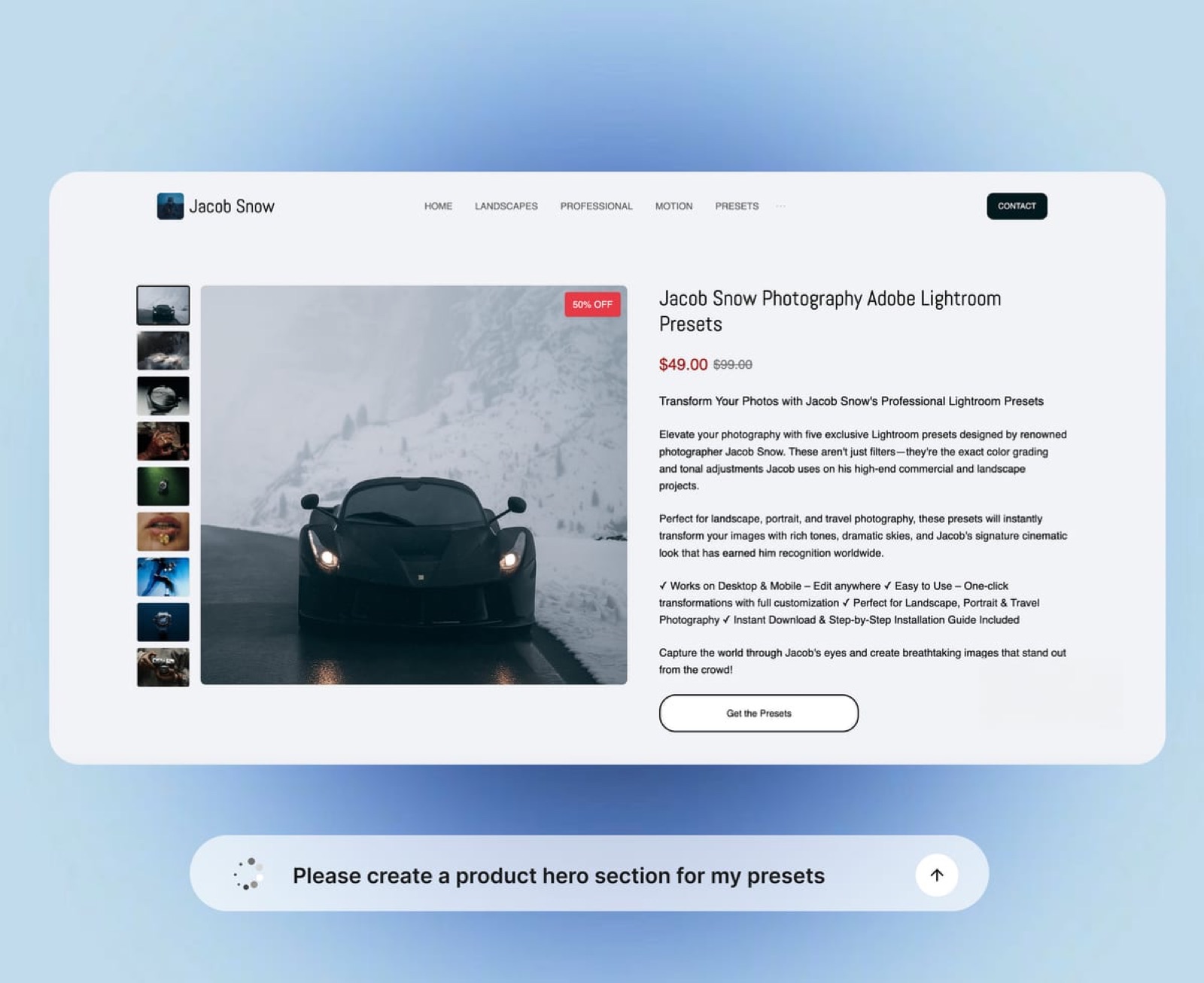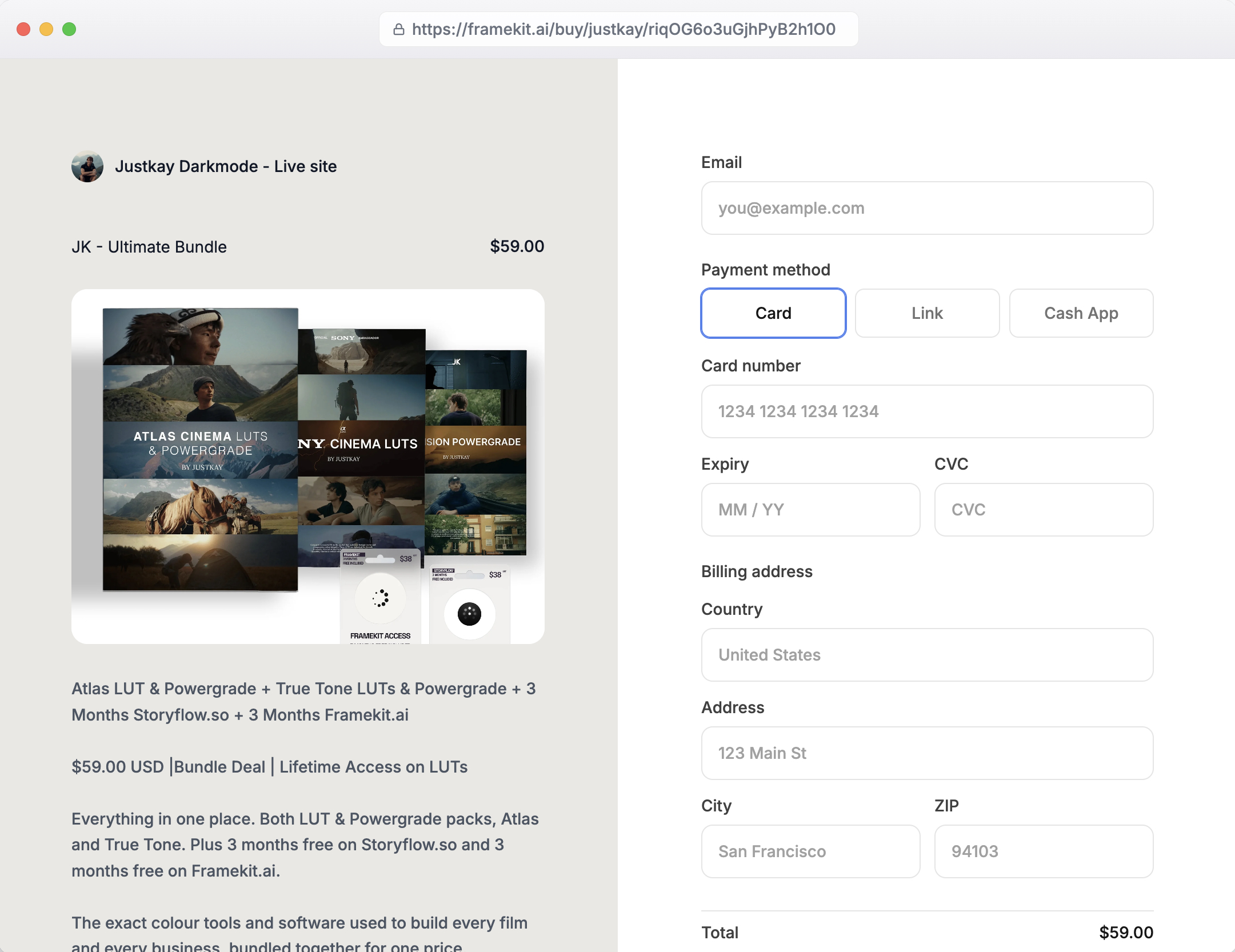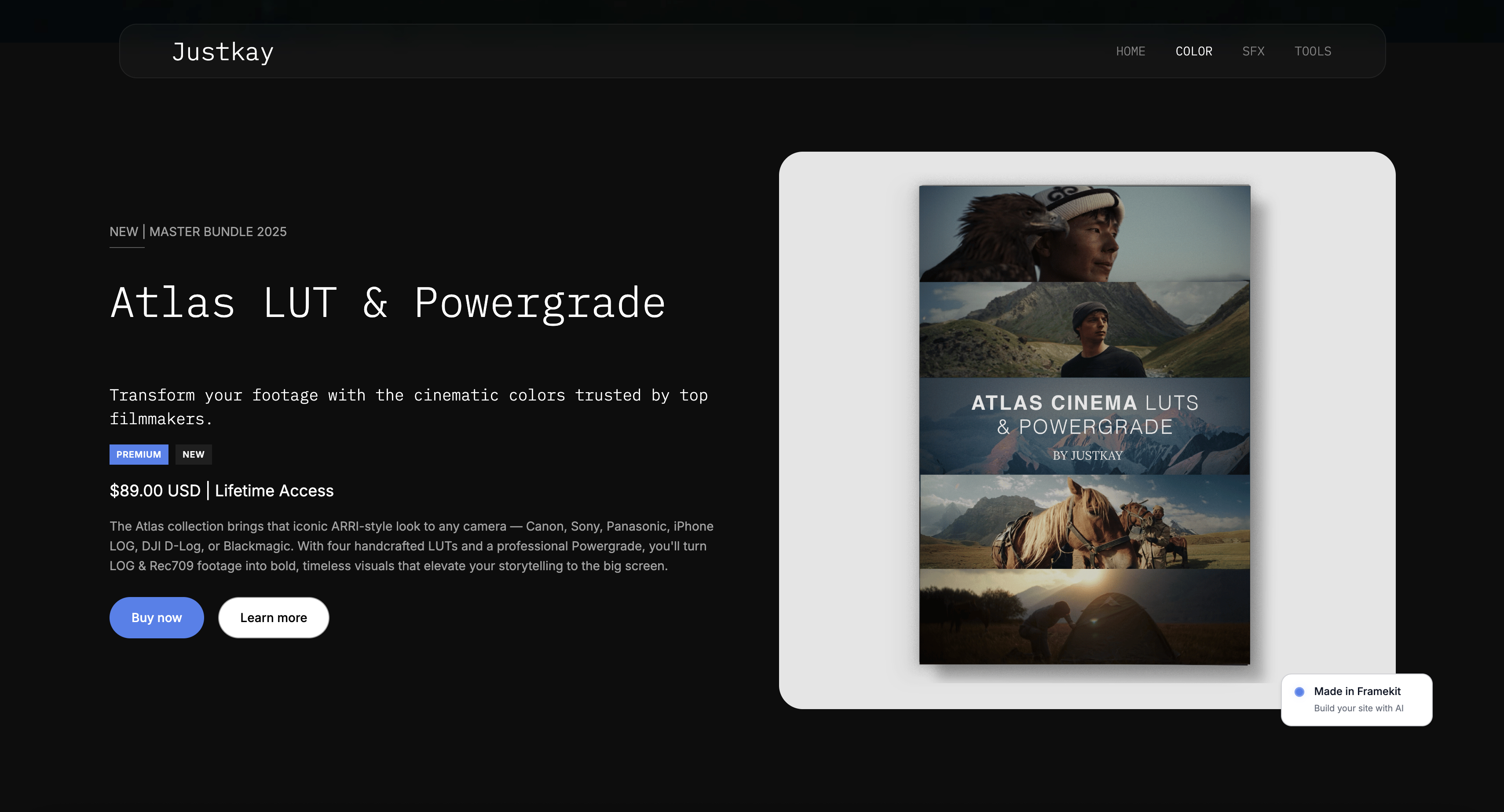
Framekit templates
Start from a designer-made template
 Use template
 Use template
 Use template
 Use template
 Use template
 Use template
 Use template
 Use template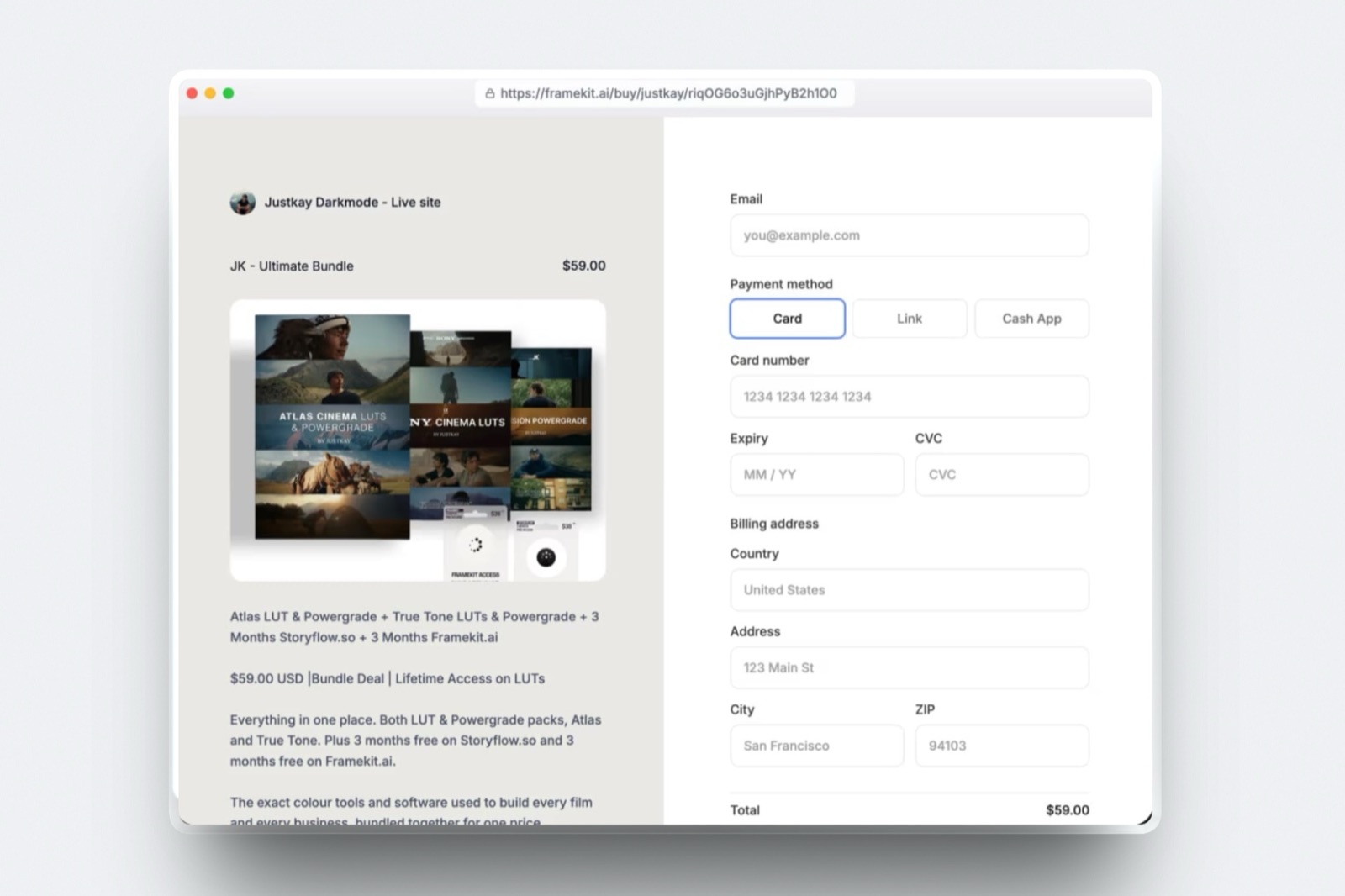
You want to set up a free online store as a creator, so you open six pricing pages and every one of them says free at the top. Two hours later you have a spreadsheet, no store, and a suspicion that you are being told something slightly different by each of them.
You are. Free means one of two things and never both at once. Either the platform charges you nothing per month and takes a cut of every sale, or it charges a monthly fee and takes no cut. The word is the same. The bill is not.
A free online store for creators is a storefront you can open without paying a monthly subscription, where the platform is paid out of a percentage of each sale instead, and where the practical limits are storage, branding and the domain rather than the number of products.
Pick your kind of free by your monthly sales, not by the word on the pricing page.
Below roughly $600 a month, a zero-fee-per-month plan that takes a percentage costs you less: Framekit's free plan sells unlimited digital products at a 5 percent fee with 10GB of pooled storage, Payhip's Free Forever plan charges 5 percent, and Gumroad charges 10 percent plus 50 cents with no monthly fee at all.
Above it, the arithmetic flips and a flat plan wins: Framekit's 5 percent equals the $39 Business plan at $780 a month of sales, and Sellfy charges no transaction fee at all from $22 a month billed yearly, with its Starter plan capped at $10,000 of sales a year.
Full disclosure: Framekit is our product and its free plan is one of the options compared below, so read the Framekit rows as a vendor describing its own pricing. Every competitor figure was read on that company's own pricing page or help centre in September 2026 and linked at the point of use. Framekit is not the merchant of record on your sales, so VAT and sales tax stay your job, and it keeps its platform fee when you refund a sale. Both of those are reasons to pick somebody else, and they are named again in the verdict.
How the numbers in this guide were checked
This is a pricing guide, so the sourcing matters more than the prose, and the figures split into three kinds that you should trust to different degrees instead of treating them all as equally solid.
Read at the source. Every platform fee below was read on that company's own pricing page or help centre in September 2026 and is linked where it is used: Gumroad's pricing page, Payhip's billing and upgrading article, Lemon Squeezy's pricing page, Sellfy's pricing page, Squarespace's pricing page, the Stan Store plan comparison, and Stripe's own documentation on payouts and refunds.
Calculated. The carried example is a $30 preset pack selling 20 copies a month, which is $600 of monthly sales.
Every figure in the tables below is that $600 with a stated fee taken out of it, so you can substitute your own monthly number and rerun the same arithmetic in your head.
What is missing, and why. Two well-known free tiers are absent.
Ko-fi's pricing pages would not open for inspection, and Big Cartel's pricing page does not publish the product cap or the fee on its free Gold plan, so neither appears in the tables at all, which is better than appearing with a guessed number.
Payhip's own pricing page also blocks automated reading, which is why the Payhip figures come from its help centre article instead; that article carries an older revision date than the page it describes, so treat it as the best available primary source, not a fresh one.
One more caveat on Stripe: its pricing page served European rates to this research, so the card rates quoted later are the EEA ones and yours will differ by country.
The free store, by the numbers
These are the figures that decide which kind of free is cheaper for you, and every one of them comes from the vendor's own page, never from a comparison site.
- 5 percent: the transaction fee on Framekit's free plan, and also the fee on Payhip's Free Forever plan.
- 10 percent plus 50 cents: Gumroad's published rate on a direct sale, rising to 30 percent on a sale that comes through its Discover marketplace.
- 5 percent plus 50 cents: Lemon Squeezy's rate, with Lemon Squeezy acting as merchant of record and carrying the tax liability.
- $780 a month: the sales figure at which Framekit's 5 percent fee equals the $39 Business plan, which charges no transaction fee at all.
- About $667 a month: where Pro at 3 percent and Business at 0 percent cost the same, because the $20 gap between the two plan prices divided by the 3 point fee gap is $666.67. On yearly billing, at $15 and $31, the same sum gives about $533.
- $10,000 a year: the sales cap on Sellfy's Starter plan, which is the cheapest plan in this guide that charges no transaction fee.
- 7 to 14 days: how long Stripe says it typically takes to schedule your first payout after your first live payment.
The two kinds of free, side by side
Here is every store in this guide with the monthly fee and the cut shown together, because a table that shows only one of the two columns is how the word free ends up meaning nothing. The cap column is the limit that actually bites on each free or entry tier.
| Store | Monthly fee | Cut of a digital sale | The cap on that tier | What you give up |
|---|---|---|---|---|
| Framekit Free | $0 | 5% | 10GB pooled storage, 10 site pages | Framekit badge, no custom domain |
| Payhip Free Forever | $0 | 5% | None published: unlimited products and revenue | Not published on the help article |
| Gumroad | $0 | 10% + $0.50 direct, 30% via Discover | None published | The page is a Gumroad page |
| Lemon Squeezy | $0 | 5% + $0.50 | None published | Nothing on tax: they are merchant of record |
| Sellfy Starter | $29, or $22 billed yearly | 0% | $10,000 of sales a year, 10GB per file | Sellfy branding until the Business plan |
| Squarespace Basic | EUR 15, or EUR 11 annually | 7% on digital content | No free tier at all | Both a monthly fee and a cut |
| Framekit Business | $39 | 0% | 2TB pooled storage | The $39, every month, forever |


Read the Squarespace row twice.
Its Basic plan charges a monthly fee and a 7 percent cut on digital content, which is the combination the word free is supposed to protect you from; you have to reach the Advanced plan at EUR 29 a month billed annually before the digital content fee reaches zero.
That is not a criticism of Squarespace, which is selling a website first and a store second. It is the clearest illustration in this guide that the two kinds of free are a spectrum and some plans sit in the expensive middle of it.
In one linePut the monthly fee and the percentage cut in the same table and the marketing word free collapses into an arithmetic question about your own monthly sales, which is the only version of the question that has an answer.
Step 1. Decide which kind of free you are buying
Work out your monthly sales first, because every other decision in this guide follows from that one number and nothing else.
If you have never sold anything, use the honest estimate: your price times the number of people who have actually asked you for the thing, not the number of followers you have.
At $600 a month, the carried example, here is what each option costs you in a year. This is the whole argument in one table.
| Store | Cost per month at $600 of sales | Cost per year | Keep-rate before processing |
|---|---|---|---|
| Framekit Free | $30 | $360 | 95% |
| Payhip Free Forever | $30 | $360 | 95% |
| Lemon Squeezy | $40 | $480 | 93.3% |
| Gumroad, direct | $70 | $840 | 88.3% |
| Sellfy Starter, yearly | $22 | $264 | 100% of sales, minus the plan |
| Framekit Business | $39 | $468 | 100% of sales, minus the plan |
| Gumroad, via Discover | $180 | $2,160 | 70% |
At $600 a month Sellfy's Starter plan is the cheapest option in the table, which is not the answer most free-store guides give you.
The catch is the cap: Starter allows up to $10,000 of sales a year, which is $833 a month, so the plan that wins at $600 stops being an option at $900 and you move to the $59 plan, at which point the percentage tiers are cheaper again for a while.
That is the real shape of this decision. There is no platform that is cheapest at every volume, and the sensible move is to pick the cheapest one for the next six months, not the one you imagine you will need in three years.
What goes wrongyou choose for the volume you hope for. A creator selling $150 a month picks a $39 flat plan because 0 percent sounds better than 5 percent, and pays $468 a year to avoid $90 of fees.
Percentages feel worse than subscriptions and cost less at low volume, which is exactly backwards from how they feel.
In one lineMultiply your realistic monthly sales by each fee, add any monthly plan, and pick the cheapest total for the next six months, because no single platform is cheapest across the whole range and the switch later is a morning of work.
Step 2. Open the Stripe account before you pick the store
Set up your payment processor first, because almost every store in this guide settles through Stripe or PayPal and the account approval is the only step in this whole process that can take days rather than minutes.
Doing it first means the store you eventually pick can start taking money the same afternoon.
You need a few things to hand: a government ID, a bank account in the same country as the business, your address, and a description of what you sell.
Sole traders and individuals can open an account in most supported countries without a registered company, which is the question most creators are stuck on.
The timing that surprises people. Stripe's documentation says that after your first successful live payment, the first payout is typically scheduled to complete within 7 to 14 days, and can take longer depending on your industry, country and risk level.
After that, settlement falls into a normal rhythm, with the United States listed at two business days. Plan the launch around that, not around your rent.
On Framekit the checkout runs on Stripe Connect using direct charges on your own Stripe account, which has one consequence worth understanding before you start: you are the merchant of record, the money lands in your Stripe balance, and the VAT or sales tax obligation is yours.
That is more control and more paperwork.
If the paperwork is the part you want to avoid, this is the step where you should choose Lemon Squeezy instead, because it states on its own pricing page that it takes on tax collection and calculation liability across all jurisdictions.
The tax question is bigger than one paragraph, and our guide to VAT on digital products for creators covers the thresholds and the place-of-supply rules that catch people selling into the EU.
The processing side is covered in Stripe fees for creators.
In one lineOpen the processor account before you choose a storefront, because approval and the first payout are the only parts of setting up a free online store that run on someone else's calendar rather than yours.
Step 3. Put the store on a page people already land on
Attach the store to whatever already gets visitors, because a storefront with no traffic is a file sitting on a server with a price attached, and the single biggest predictor of whether a free store sells anything is whether anyone was already going to the page it lives on.
For most creators that page is the portfolio. Someone watches your reel, reads your about page, and hits a shop link in the same navigation.
The alternative, a standalone storefront on a platform's domain, means every buyer arrives cold and has to decide whether you are real before they decide whether the product is good.
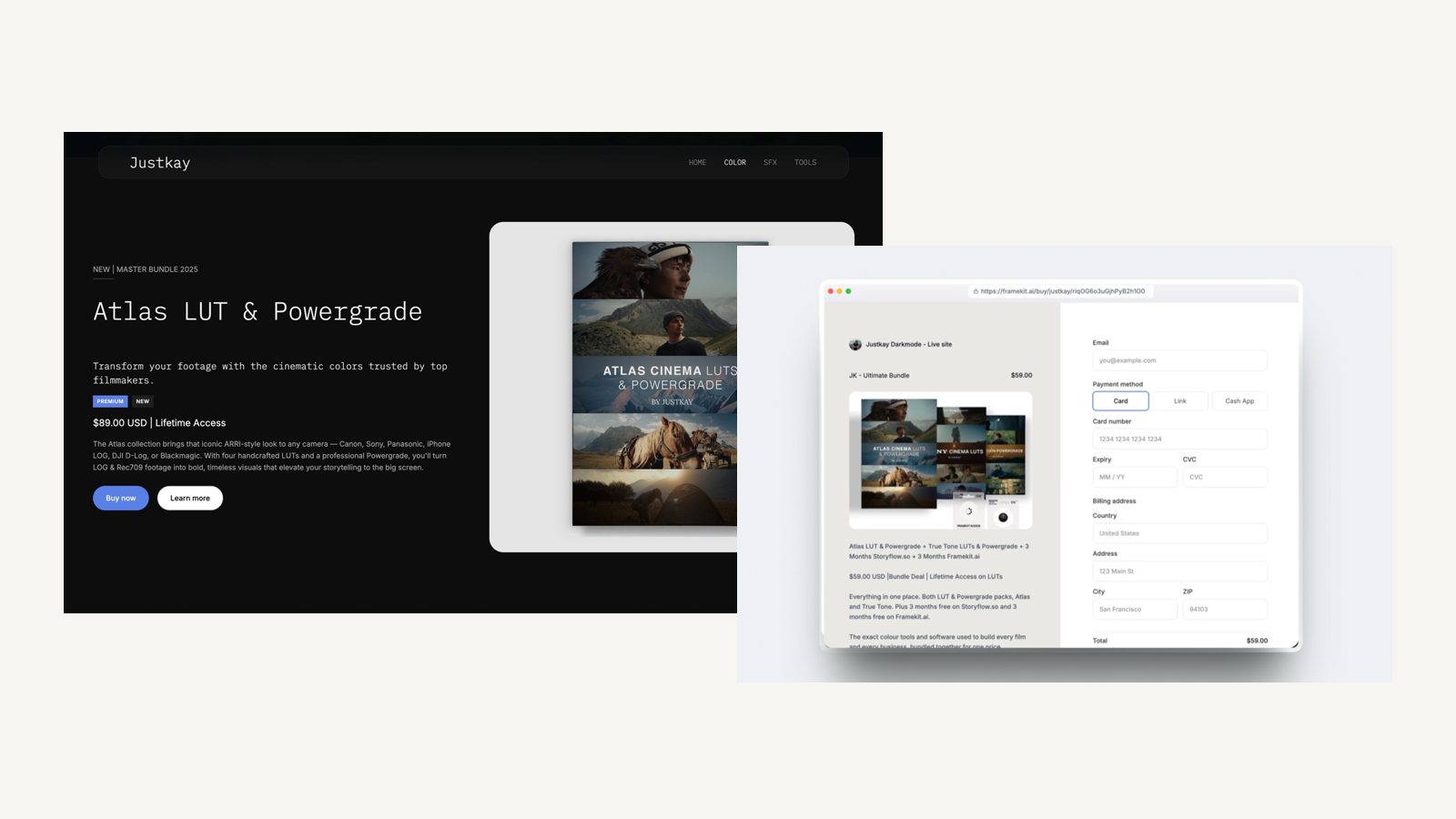
Framekit is an AI website builder whose store lives on the same account and the same domain as the portfolio, which is the specific reason it appears in a guide about free stores at all: the free plan includes hosting, SSL and a CDN, unlimited products, and a direct buy link per product, and the store pages count against the same 10 page allowance as the rest of the site.
The gotcha in week threethe free plan puts a Framekit badge on the site and does not allow a custom domain, so your store lives on a Framekit subdomain until you pay.
That is the standard trade on every free tier in this guide, and it matters more for a store than for a portfolio, because a buyer entering card details reads the address bar.
If you would rather compare the builders themselves before committing, the best website builders to sell digital products ranks them on exactly this criterion.
In one linePut the store where your existing traffic already lands instead of on a separate platform domain, because a free store's biggest constraint is attention and not features, and cold visitors convert worse than warm ones at every price.
Step 4. List the product with the file, the price and the proof in one pass
Upload the file, set the price and write the page in a single sitting, because a half-listed product is the most common reason a free store sits unopened for three months.
The product page is a separate craft, but the listing itself takes about twenty minutes when you have the four pieces ready.
The four pieces: the file, zipped and named so a buyer can tell what it is six months later; one image of the output, not a box mockup; the price in one currency; and one sentence about what the buyer receives. Everything else is refinement you can do after the first sale.
On the store side, Framekit gives every product a direct buy link as well as a place on the site, delivery is instant after payment, and buyers can come back for their files later, which removes the most common support email in this business.
There is no cap on the number of products on any plan, including the free one.
What a free store cannot sellFramekit's store handles digital files only. No physical goods, no shipping, no variants or inventory, no subscriptions or memberships, no courses and no affiliate program.
If you want to sell prints, a gallery platform with a print lab such as Pixieset or Pic-Time is the right tool and Framekit is not. If you want recurring memberships, this is the wrong store entirely.
In one lineGive the listing one focused sitting with the file, the image, the price and the receipt sentence all ready, because products that sit at ninety percent complete generate no sales and no information about whether anyone wanted them.
Step 5. Do the crossover arithmetic on your own number
Work out the sales figure at which paying a monthly fee becomes cheaper than paying a percentage, write it down, and stop thinking about pricing until you reach it. The sum is one division and it is the only piece of maths in this guide you need to remember.
The rule: divide the monthly plan price by the fee percentage it removes.
On Framekit, the $39 Business plan removes a 5 percent fee, and $39 divided by 5 percent is $780, so at $780 a month of sales the flat plan and the percentage cost exactly the same. Below that, free is cheaper. Above it, the flat plan is.
The second crossover sits between two paid plans and it is the one people get wrong. Pro costs $19 and charges 3 percent; Business costs $39 and charges 0 percent.
The gap between the plans is $20, the gap between the fees is 3 points, and $20 divided by 3 percent is $666.67. So of those two, Pro is cheaper below about $667 a month of sales and Business is cheaper above it.
On yearly billing, where the plans cost $15 and $31, the same division gives about $533.
| Monthly sales | Framekit Free at 5% | Framekit Pro at 3% plus $19 | Framekit Business at 0% plus $39 | Cheapest |
|---|---|---|---|---|
| $200 | $10 | $25 | $39 | Free |
| $600 | $30 | $37 | $39 | Free |
| $667 | $33.35 | $39.01 | $39 | Free |
| $780 | $39 | $42.40 | $39 | Free and Business tie |
| $1,000 | $50 | $49 | $39 | Business |
| $2,000 | $100 | $79 | $39 | Business |
| $5,000 | $250 | $169 | $39 | Business |
Read the third and fourth rows together, because they say something the two crossover figures do not say on their own: Pro and Business meet at about $667, but the free plan is still cheaper than either of them until $780, so the paid-tier crossover only decides anything once you are paying for a plan for some other reason.
The rule underneath both sums generalises to any platform: a flat plan wins the moment the percentage charged by the tier below it costs more than the gap between the two plan prices.
Sellfy's Starter plan at $22 a month billed yearly removes a percentage fee entirely, so compared with a 5 percent platform it pays for itself at $440 a month of sales, and compared with Gumroad's 10 percent plus 50 cents it pays for itself at around $190 a month.
That is why Sellfy wins the $600 row in step one, and why its $10,000 annual cap is the thing to check before you commit to it.
The test you can run in thirty secondstake last month's sales, multiply by your current fee percentage, multiply by twelve. That is what the platform keeps from you this year if nothing changes. Compare it with twelve times the flat plan you have been avoiding.
One of those two numbers is smaller. On the carried $600 a month, 5 percent times twelve is $360 against $468 a year for Business, so free still wins; at $1,000 a month it is $600 against $468 and it does not.
In one lineDivide the monthly plan price by the percentage it removes to get your crossover in monthly sales, then put that number somewhere you will see it, because the whole free-versus-paid argument reduces to whether you are above or below it.
Step 6. Publish the pages a free store still needs
Write the three pages nobody enjoys writing, because a store that takes card payments has obligations that do not disappear because the platform was free, and the absence of these pages is the first thing a suspicious buyer notices.
The three are a refund or returns statement, terms that say what a buyer may do with the file, and a privacy note covering what you collect at checkout. None of them needs to be long. All of them need to be true.
Two mechanical facts should shape what you promise.
Stripe's documentation states that its processing fees from the original transaction are not returned when you refund, and that the buyer typically sees the credit roughly 5 to 10 business days later depending on their bank.
On Framekit specifically, the platform fee is kept when you refund a sale, so a refunded $30 pack costs you the $30 plus the $1.50 fee plus whatever the processor retained.
The licence line most creators forgetsay whether the buyer may use the file in paid client work. For LUTs, presets, templates and sound, the answer creators settle on is yes for the buyer's own projects and no for resale or redistribution, and writing that sentence once saves you from answering it forty times.
The refund mechanics are worth reading properly before you write the policy, and digital product refunds and chargebacks covers what a dispute costs compared with a refund you issue yourself.
In one linePublish a refund statement, a licence line and a privacy note before the first sale, not after the first complaint, because each is ten minutes of writing and each answers a question that otherwise arrives as an email you did not want.

Step 7. Put the crossover date in your calendar
Set a reminder three months out to redo the arithmetic, because the cost of staying on the wrong plan is invisible: nothing breaks, no warning appears, and the percentage quietly takes more each month as the store does better.
Check three things at that reminder. Your monthly sales against the crossover you calculated in step five.
Your storage against the plan's pool, which on Framekit's free plan is 10GB shared by the website, galleries and video reviews, of which 3GB may be video.
And whether the free plan's branding is still acceptable now that people are paying you money.
What changes first. Storage, not fees.
A creator who adds client galleries or a showreel to the same account hits the 10GB pool, of which only 3GB may be video, long before they hit $780 a month of sales, and the upgrade happens for a reason that has nothing to do with the store.
In one linePut a calendar reminder three months ahead to recheck sales against the crossover and storage against the pool, because staying on the wrong plan fails silently and the percentage you stopped noticing keeps growing with the store.
What every free tier takes away
Every free store charges you in something other than money, and the four currencies are the same everywhere, so it is worth knowing which ones you actually care about before the pricing page tells you which ones it cares about.
The domain. Free plans almost universally put your store on the platform's subdomain. Framekit's free plan is no exception: a custom domain is a paid feature.
For a store this costs more than it does for a portfolio, because the address bar is part of the checkout.
The branding. A badge, a footer line or a marketplace header. Framekit's free plan carries a Framekit badge on the site, galleries, review pages and decks, and paid plans remove it.
Sellfy keeps its branding on Starter and removes it on Business. Gumroad's whole page is Gumroad's, which is a different proposition: a buyer on your Gumroad page can navigate to other sellers.
The storage. This is the limit that catches creative sellers, because video and high-resolution files are large.
Framekit's free plan gives 10GB pooled across the website, client galleries and video reviews, with 3GB of that available for video. Sellfy caps the size of a single product file at 10GB on Starter.
The ceiling on revenue. Sellfy's Starter plan allows up to $10,000 of sales a year and its Business plan up to $50,000. Payhip's help centre states its Free Forever plan has unlimited products and unlimited revenue.
Gumroad and Lemon Squeezy publish no cap. Knowing which kind of ceiling exists on your plan is worth more than knowing the fee, because the fee scales smoothly and a ceiling does not.
In one lineFree tiers charge in domain, branding, storage and revenue ceilings instead of in money, and the one that stops you first is storage if you also deliver client work, or the revenue ceiling if you are on a zero-fee plan such as Sellfy Starter at $10,000 of sales a year.

Which free store fits you: a branching guide
Answer these in order and stop at the first yes, because the differences between these platforms only matter in a specific sequence and most comparison tables present them as if all seven questions mattered equally.
Do you want somebody else to handle VAT and sales tax? If yes, choose Lemon Squeezy and stop reading.
It charges 5 percent plus 50 cents, has no monthly fee, and states on its own pricing page that it is your merchant of record and carries the tax calculation and collection liability.
No amount of saved percentage beats not doing that paperwork if you hate it. If no, continue.
Do you already have a website that gets visitors? If yes, put the store on it instead of on a separate platform, and pick a store that attaches to your own domain.
If no, a hosted storefront such as Gumroad or Payhip gets you selling this week and you can move later.
Do you sell more than your crossover figure? If yes, pay the flat plan: at Framekit's rates the free plan and Business meet at $780 a month of sales, and between the two paid tiers Business overtakes Pro at about $667. If no, stay free and keep the percentage.
Do you sell more than $833 a month? If yes, Sellfy's Starter plan is out, because its $10,000 annual cap is $833 a month, and you are comparing its Business plan at $59 a month against the percentage platforms instead.
If no, and you are above about $440 a month, Sellfy Starter is the cheapest line in this guide.
Do you need memberships, courses, physical products or an affiliate program? If yes, none of the free tiers here is your answer and you are shopping in a different category. If no, you have your store.
In one lineWork down tax, traffic, crossover, revenue ceiling and product type in that order, because each question eliminates whole platforms and answering them out of order is how people end up on a plan chosen for a feature they never use.
Frequently Asked Questions
Can you really set up a free online store as a creator with no monthly fee?
Yes.
Framekit, Payhip, Gumroad and Lemon Squeezy all let you open a store and sell digital products without paying a monthly subscription, and each is paid from a percentage of your sales instead: 5 percent on Framekit's free plan and on Payhip's Free Forever plan, 10 percent plus 50 cents on a Gumroad direct sale, and 5 percent plus 50 cents on Lemon Squeezy.
There is no platform that charges neither a monthly fee nor a cut.
Which free store keeps the most of a $30 sale?
On a single $30 digital sale before payment processing, Framekit's free plan and Payhip's Free Forever plan both keep $28.50 at 5 percent, Lemon Squeezy keeps $28 at 5 percent plus 50 cents, and Gumroad keeps $26.50 on a direct sale at 10 percent plus 50 cents.
A Gumroad sale that comes through the Discover marketplace keeps $21, because that rate is 30 percent. Payment processing comes out of all of these afterwards.
At what point should I stop using a free plan?
Stop when your monthly sales pass the crossover, which is the flat plan price divided by the percentage it removes. For Framekit that is $780 a month of sales, because the $39 Business plan removes a 5 percent fee.
Between the two paid tiers, Pro at 3 percent and Business at 0 percent cost the same at about $667 a month of sales on monthly billing.
Most creators actually upgrade earlier than any of that, for storage or a custom domain, not for the fee.
Do free online stores charge a fee when I refund a customer?
Yes on both counts, and this is the detail nobody checks before their first refund. Stripe's own documentation states that its processing fees from the original transaction are not returned.
Framekit also keeps its platform fee on a refunded sale, so a refunded $30 pack costs you the $30 returned plus $1.50 in platform fee on the free plan plus the processing that was already taken. Budget refunds as a cost, not as a reversal.
Do I need a company to open a store and take payments?
In most supported countries you can take payments as an individual or sole trader without registering a company, using a personal bank account in the same country.
What you do need is a government ID, an address and a description of what you sell for the processor's verification.
Whether you should trade as a company is a tax question, not a platform question, and the answer changes with your country and your turnover.
How long before the money actually reaches my bank?
Stripe's documentation says that after your first successful live payment it typically schedules your first payout to complete within 7 to 14 days, and that this can take longer depending on your industry, country and risk level.
After the first payout, settlement moves to a regular schedule, with the United States listed at two business days. Plan your first launch assuming you will not see the money for two weeks.
Is Gumroad's 10 percent worth it compared with a 5 percent platform?
Gumroad's 10 percent plus 50 cents buys you the fastest setup in this guide and a checkout that works on day one, and for a first product that is a fair trade.
The two things to watch are the Discover marketplace rate of 30 percent, which is a different business proposition, and the page belonging to Gumroad and not to you.
At $600 a month the difference between Gumroad's direct rate and a 5 percent plan is $480 a year.
What is the catch with a store that charges no transaction fee?
The catch is either a monthly fee, a revenue ceiling, or both.
Sellfy charges no transaction fee on any plan, but its Starter plan costs $22 a month billed yearly and allows up to $10,000 of sales a year, with Business at $59 allowing $50,000.
Squarespace charges both a monthly fee and a 7 percent digital content fee on its Basic plan, and you have to reach the Advanced plan before that reaches zero.
Can I sell prints or physical products from a free creator store?
Not from Framekit, which sells digital files only: no physical goods, no shipping, no variants and no inventory. For print sales a photography platform with a print lab attached, such as Pixieset, ShootProof or Pic-Time, is the right tool.
Sellfy lists physical products and print on demand on every one of its plans, so check that specific capability on the vendor's own page before you choose a store on fee alone.
Does a free store hurt how the shop looks to buyers?
A little, and in two specific ways: the platform's badge or branding stays on the page, and your store sits on a platform subdomain rather than your own domain. For a portfolio that is cosmetic.
For a checkout it is not, because a buyer typing card details reads the address bar.
If you are selling anything above about $50, the custom domain is the first paid feature worth buying, and on Framekit the cheapest plan that carries one is Starter at $9 a month.
Final Verdict
The honest answer to how to set up a free online store as a creator is that you should choose the kind of free that matches your sales, not the one with the friendliest pricing page.
Below roughly $600 a month, a zero-monthly-fee plan with a percentage is cheaper and Framekit's free plan, Payhip's Free Forever plan and Lemon Squeezy all sit in that band.
Above $780 a month on Framekit's rates, a flat plan wins and keeps winning.
Verdict: Start free on a percentage, open the Stripe account first, put the store on the page your audience already visits, and write the crossover figure in your calendar. Framekit's free plan fits the creator who wants the store and the portfolio to be the same site, at 5 percent with unlimited products and 10GB of pooled storage.
Where Framekit loses: it is not the merchant of record, so VAT and sales tax remain entirely your responsibility, and Lemon Squeezy is the better fit for anyone who wants that handled at 5 percent plus 50 cents.
Framekit does not sell physical goods, print on demand, subscriptions, memberships or courses, has no affiliate program and no email sending, and it keeps its platform fee when you refund a sale.
If you need any of those, a different store is the right answer and this guide has named it.
Related readingcompare the free-tier platforms head to head in the best free product-selling software, see which platforms charge no cut at all in the best zero-commission selling platforms, total up the real annual figure with how much it costs to sell digital products online, read the Gumroad rate in detail in Gumroad fees explained, and compare two of the free tiers directly in Payhip vs Gumroad.
To sell before the store exists, how to sell a digital product from one link needs only a checkout URL, and how to get your first 10 sales as a digital creator covers where those first buyers come from.