
Framekit templates
Start from a designer-made template
 Use template
 Use template
 Use template
 Use template
 Use template
 Use template
 Use template
 Use template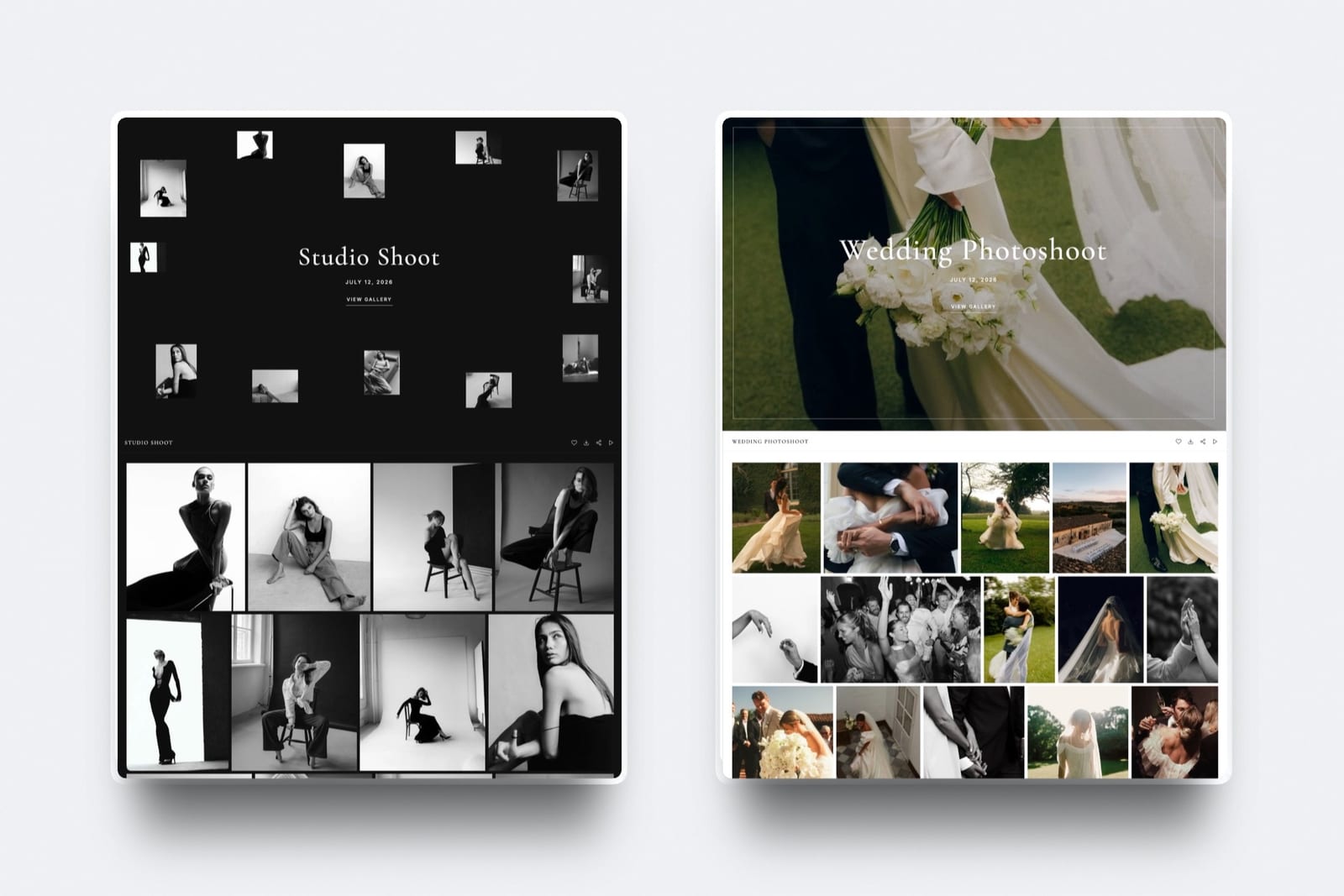
There is a moment on every job where the work stops being yours and starts being theirs. How you share work with clients at that moment decides whether they feel handed something or sent something.
Most creatives treat it as a file transfer problem. It is a first-impression problem.
Sharing work with clients is the act of putting a finished or in-progress deliverable in front of the person paying for it, in a form they can open, judge and act on without needing help.
The tools are almost interchangeable; the decisions around them are not. Framekit is an AI website builder with client galleries and video review on the same account as the portfolio a client found you through.
Framekit shares work from a gallery or review link on your own domain, with a password and a separate download PIN, on a free plan that holds files up to 500MB.
Before the tool though, four decisions matter more: match the surface to the stage, put it on an address that is yours, gate viewing and downloading separately, and say in the message what you need back.
Working files like RAW and PSD go through cloud storage on any platform, and cuts over 3GB need a long-form tool rather than us.
Full disclosure: Framekit is our own product. The decisions below apply on any platform and the sections name where our limits rule us out.
Match the Surface to the Stage
The most common mistake in client sharing is using one surface for every stage of a job, which guarantees it is wrong for most of them. Different stages have genuinely different requirements, and using the right one costs nothing.
- Work in progress, needing notes. A review link with comments attached to the work: timecodes for video, favourites and comments for stills. The point is precision of feedback.
- A selection round with a professional. A fast, plain proofing tool. An art director marking keepers from 600 frames wants no decoration at all.
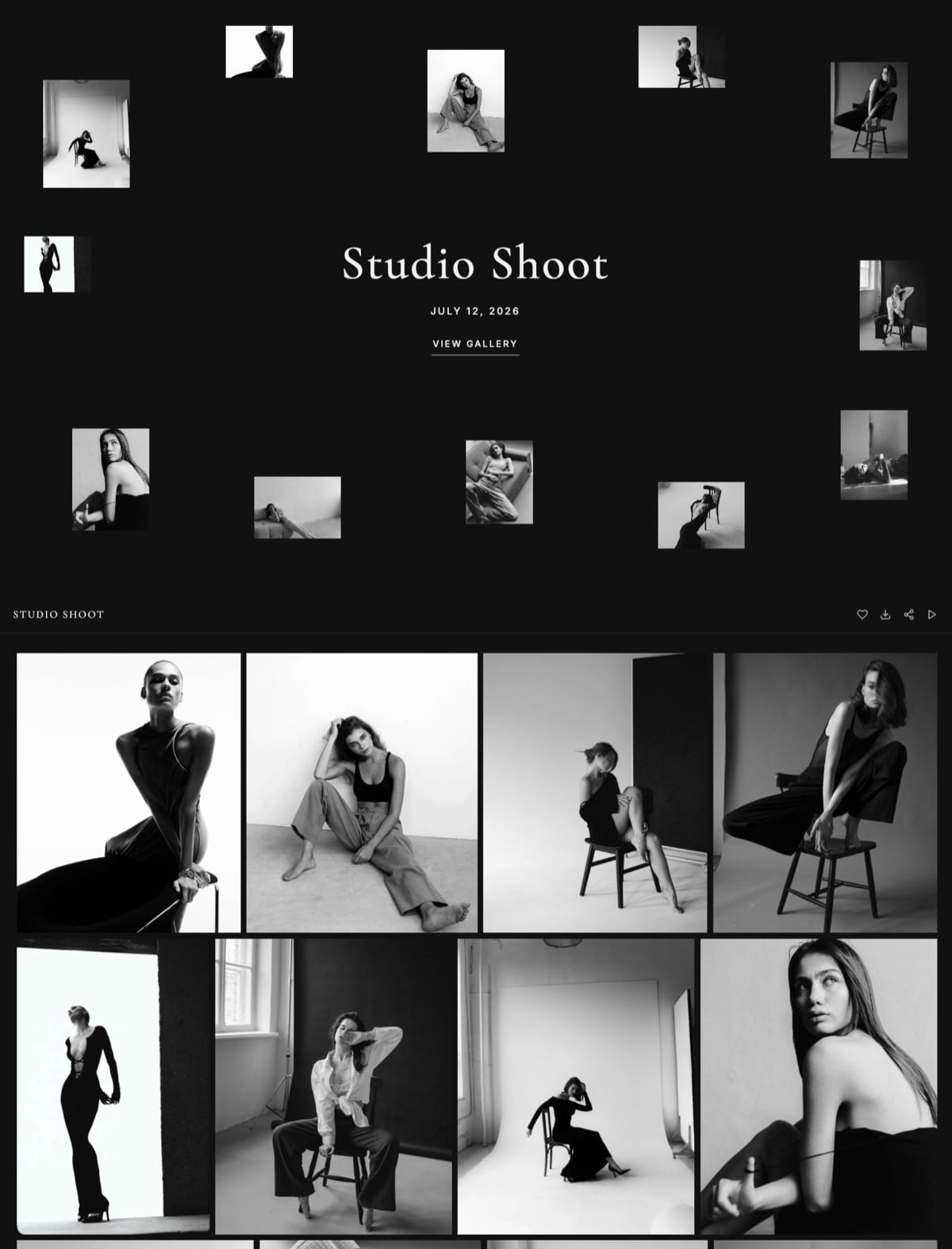
- Finished work to the client. A branded gallery on your own domain that persists. The point here is presentation and permanence.
- Working files to a collaborator. Cloud storage or a transfer service, because RAW, PSD and project folders are refused by most gallery tools including ours.
In one linefour stages, four surfaces, and using a transfer service for all of them is why client sharing feels harder than it is.
Put It on an Address That Is Yours
A delivery link is the most-forwarded thing most creatives produce. A wedding gallery gets opened by twenty to sixty people; a commercial delivery gets passed to a brand team, an agency and a media buyer.
If the link reads as a platform, every one of those people sees the platform. If it reads as your studio, a proportion of them look at the rest of your work while they are there. That is unpaid marketing you are either collecting or giving away, on every job, forever.
On Framekit a custom domain starts at $9 a month on the Starter plan, or $84 a year, and the free plan publishes to a framekit.ai subdomain in the meantime.
In one linethe delivery page is the only marketing asset that arrives in someone's inbox at the exact moment they are impressed with you.

Gate Viewing and Downloading Separately
This is the specific mechanic most people never set up, and it solves a problem that otherwise forces an uncomfortable choice between a gallery nobody can share and one where anyone can take your masters.
A gallery password controls who gets in, and a separate download PIN controls who can take files out.
Security guidance such as NIST's on access control treats viewing and extraction as distinct permissions for the same reason.
On Framekit both are on every plan including free.
That separation is what lets you send a client a link they can forward freely, while only the people who should hold full-resolution files actually can.
A single-permission shared folder cannot do this, which is the main reason cloud storage makes a poor delivery surface even though it makes an excellent working one.
The gotchatwo codes means two lines in the message, and clients do occasionally mix them up. Label them plainly and put them on separate lines.
Say What You Need Back
A link arriving with no message around it is a request the client has to interpret on your behalf, and they will interpret it wrong roughly half the time. Four short lines prevent most of what otherwise goes wrong over the following week.
- What this is. "Final delivery" or "first cut, structure only, grade not final."
- What you need. "Notes by Thursday, as comments on the link rather than email."
- Who decides. "Can you consolidate the team's notes into one set?"
- What they can do with it. "You can share this link freely" or "please keep this to the internal team."
That last line matters more than people expect on finished work, because clients routinely assume they need permission to forward a delivery and so they do not.
In one lineambiguity in the message costs more than any feature difference between tools.
Know Which Files Your Tool Refuses
This is where a sharing setup actually breaks, and it breaks on a deadline rather than during evaluation. Check it before you commit, not mid-upload.
| What you are sending | Typical size | Where it goes |
|---|---|---|
| Edited JPEGs, a delivered set | 500MB to 2GB | Client gallery, any plan |
| Short video cut for review | 100 to 500MB | Review link, free plan |
| Brand film or highlight film | 600MB to 2.5GB | Review link, Starter to Business |
| Full ceremony film, feature cut | 4GB and up | Video host or Frame.io, not us |
| RAW, DNG, TIFF, PSD, project folders | Any | Cloud storage or a transfer service |
Framekit galleries accept JPEG, PNG, WebP and GIF only, and review files cap at 500MB on the free plan, 1GB on Starter, 2GB on Pro and 3GB on Business.
In one linefile type and file size disqualify tools outright, so check them before any feature comparison.
Keep It Live Longer Than You Think
Transfer links expire by design and gallery links generally do not, and that difference shows up six to eighteen months later rather than on delivery day.
A client who returns for the photographs from last spring either finds them or emails you. The second costs you twenty minutes and a small amount of the impression that you are organised.
On Framekit galleries stay live as long as the account does, and budgeting roughly 1GB per delivered job means Starter's 50GB holds about fifty live deliveries.
In one linepersistence is a feature that only reveals its value after you have already chosen the tool.
What This Costs
Most creatives assemble a client-sharing setup from three separate subscriptions without ever sitting down to price it as one thing. Here are the realistic combinations across a year, so the overlap is visible rather than spread across three renewal dates.
| Setup | A year | What it covers |
|---|---|---|
| Transfer service plus a website | $340 to $430 | Expiring sends and a portfolio, no gallery |
| Gallery platform plus a website | $350 to $580 | Delivery and a portfolio, no review |
| Framekit free | $0 | Galleries, review to 500MB, site on our subdomain |
| Framekit Starter | $84 | The above on your own domain, 50GB |
| Framekit Pro | $180 | 300GB, review files to 2GB, three members |
In one linethe money is usually in paying for a gallery platform and a website separately, not in the sharing itself.
Frequently Asked Questions
What is the best way to share work with clients?
Match the surface to the stage: a review link with comments attached to the work for feedback, a branded gallery on your own domain for finished deliveries, a plain proofing tool for professional selects, and cloud storage for working files.
Then write a message saying what the work is, what you need back and whether they can share it. The tool matters less than those four decisions.
Should I use a transfer service to deliver client work?
For a one-off send to a collaborator, yes.
For the finished work a client paid for, it costs you two things: the link expires, so the client returns to you rather than to the files, and the page carries somebody else's brand at the moment your work is being shown to other people.
Use transfers for working files and a gallery for deliveries.
Can clients share a gallery link with other people?
Yes, and you should design for it rather than against it.
Use a gallery password for access and a separate download PIN for files, so a link can circulate freely among guests or a client team while full-resolution files stay with the people who should have them.
Both are available on every Framekit plan including the free one.
What file types can I send through a client gallery?
Framekit galleries accept JPEG, PNG, WebP and GIF, and refuse RAW, DNG, TIFF, PSD and HEIC at upload. Most gallery platforms have a similar restriction because they are built for finished work rather than working files.
Anything going to a retoucher, a colourist or an editor moves through cloud storage or a transfer service regardless of which delivery tool you use.
How big a video can I share for client review?
On Framekit, 500MB per file on the free plan, 1GB on Starter, 2GB on Pro and 3GB on Business. That covers social cuts, commercials and most highlight films.
Full ceremony films and feature assemblies routinely exceed every tier, and those need a long-form tool such as Frame.io or a video host with an embed.
Do clients need an account to view or comment?
On Framekit, no. Clients open a link and view galleries or leave timecoded comments without signing up, which removes the most common place a feedback round stalls.
Any tool that asks your client to register is adding a step, and on a deadline that step is where two days disappear. It is worth confirming on any platform you consider.
How long should I keep client work online?
Longer than feels necessary. Six to eighteen months after delivery is when clients come back for files, and a link that still works then saves you the re-upload and reads as organised.
Budget roughly 1GB per delivered job when sizing a plan, and clear commercial galleries sooner than personal ones such as weddings, which get revisited.
What should I write in the delivery message?
Four lines: what the work is and what stage it is at, what you need back and by when, who should consolidate the feedback, and whether they can share it.
The last one is the most frequently missed and the most valuable on finished work, because clients often assume a delivery is confidential unless told otherwise and so never forward it.
Is it unprofessional to send a Google Drive folder?
It works and it costs you presentation. A folder shows file names rather than images, asks a non-technical client to understand folder structures, and a client with edit access can rename or delete your files.
For a technical recipient it is fine. For the paying client receiving finished work it is the least flattering frame available for something you spent weeks on.
Can I use one tool for photos, video and documents?
Mostly. Framekit carries client galleries, video review and decks on one account drawing on a single storage pool, at $84 to $180 a year.
The gaps to plan around are real: no RAW or layered files, no review files over 3GB, and no comment threads on documents. For a photographer or short-form filmmaker delivering finished work, that covers the job.
Final Verdict
Client sharing is four decisions and a tool, in that order. Match the surface to the stage, put it on an address that is yours, separate viewing from downloading, and say what you need back. Anyone doing those four things on any platform is ahead of most of the field.
Where Framekit is the wrong choice. Working files in RAW, PSD or TIFF, which our galleries refuse outright. Review files over 3GB, which exceed every tier. Comment threads on documents and decks, which we do not support.
Large professional selects, where a dedicated proofing tool is faster.
Where it is the right one. Finished work delivered to paying clients, and short-form video sent for notes, by someone who also needs the portfolio those clients arrive through.
Galleries, review, the site and a store on one plan from $84 a year, with a free tier that covers about ten live deliveries.
Related readinghow to deliver photos to clients, how to run a client revision round, and client gallery vs Dropbox.
Framekit gallery limits, accepted file types and review ceilings read from the shipped plan configuration in September 2026.

