Framekit templates
Start from a designer-made template
 Use template
 Use template
 Use template
 Use template
 Use template
 Use template
 Use template
 Use template

Framekit vs Podia is a comparison where one word in your business plan decides almost everything: whether what you sell is a file or a course.
If it is a course, a membership or a community, buy Podia. Framekit does not make any of the three, and nothing in the fee tables below changes that.
If it is a file, a preset pack, a LUT bundle, a template or an ebook, the comparison turns into arithmetic, and the arithmetic favours Framekit. Podia's cheapest plan with no transaction fee, Shaker, costs $1,008 a year billed yearly.
Framekit's Business plan reaches the same 0% for $372 billed yearly. Podia also has no free plan in October 2026, only a 14-day trial, while Framekit's free plan sells downloads at 5% indefinitely.
A creator platform is software that hosts courses, memberships, communities and digital products together, usually with email marketing built in, and Framekit is an AI website builder that sells one-off downloads from a store inside a portfolio site, with client galleries, video review and decks on the same account.
Framekit is the better choice if you sell files rather than curriculum: it has a free plan, reaches 0% commission at $39 a month where Podia's no-fee plan costs $84 a month billed yearly, and at $2,000 a month in sales it costs $1,316 a year all-in against $1,952 on Podia Shaker.
Podia is the better choice for courses, memberships, communities, coaching, webinars or a business that runs on email, because Framekit has no course player, no recurring billing and no email sending at any tier.
Full disclosure: Framekit is our product, and Podia beats it outright on four capabilities named in its own section; every Podia price, fee and limit here was re-verified on Podia's pricing page and help centre on 12 October 2026, which also corrected this page's earlier claim that Podia had a limited free plan.
How We Compared Framekit and Podia
This comparison takes every Podia figure from Podia's own pricing page and help centre and every Framekit figure from Framekit's pricing page and shipped checkout code, prices one carried example at three volumes, and reports no test purchases on either platform.
Read at the source on 12 October 2026. Podia's pricing page for plans, transaction fees, product limits and email subscriber limits, and its help articles on collecting sales taxes, issuing refunds, accepting payments and adding files to products.
Podia's page showed prices billed yearly in our read; its month-to-month prices did not display, so only the yearly figures are quoted.
Read in the product. Framekit creates each payment as a direct charge on the seller's connected Stripe account and takes its percentage as an application fee on the amount after any discount, which is where its fee and refund rows come from.
Calculated. A $29 preset pack bought with a US card, sold at $500, $2,000 and $5,000 a month, which is about 17, 69 and 172 sales a month, with Stripe's 2.9% plus 30 cents on both platforms, since Podia's pricing page quotes the same processor rate.
Not tested. Podia's course player, community spaces, coaching, events and email tools, which Framekit has nothing to set beside. An earlier version of this page described trying to build a course on both; this version sticks to what each vendor publishes.
Framekit vs Podia at a Glance
This table sets Framekit and Podia side by side on sixteen points, and the first five are capability questions that settle the choice before price matters.
| Podia | Framekit | |
|---|---|---|
| Online courses | Yes, on every plan | No |
| Memberships, communities and recurring billing | Yes | No |
| Coaching and events | Yes | No |
| Email marketing | Yes: 100 subscribers on Mover, 500 on Shaker, 1,000 on Earthquaker | Collects signups (500 a month free, unlimited on Business); does not send campaigns |
| Affiliates and upsells | Shaker and up | No |
| Free plan | No; 14-day free trial | Yes, permanent, with the store |
| Entry paid plan | Mover, $42 a month billed yearly ($504), 5% fee | Starter, $9 a month ($7 billed yearly), 5% fee |
| Cost to reach 0% | Shaker, $84 a month billed yearly ($1,008) | Business, $39 a month ($31 billed yearly, $372) |
| Products | 50 on Mover, 150 on Shaker, unlimited on Earthquaker | Unlimited on every plan, downloads only |
| Card processing | Your Stripe or PayPal account, 2.9% + 30c | Your Stripe account, 2.9% + 30c for US cards |
| PayPal at checkout | Shaker and up | No |
| Sales tax | Calculated and collected at checkout for regions you register; you file and remit | Not calculated, collected or remitted |
| File size | 5GB per file | Framekit publishes no per-file ceiling or bandwidth allowance |
| Website | Site, blog and landing pages | Multi-page AI-built portfolio site, 10 pages free, 200 on Pro |
| Client galleries and video review | No | Yes, on every plan |
| Checkout address | Podia's checkout on your site | framekit.ai/buy with your name and a "Powered by Framekit" line |
In one linePodia sells knowledge and community, Framekit sells files inside a creative business, and the fee comparison only applies where the two overlap.
What Framekit and Podia Cost Over a Year
At $2,000 a month in file sales, Podia's cheapest plan is Shaker at $1,952 a year including card processing and Framekit's is Business at $1,316 billed yearly, a gap of $636 that stays exactly the same at $5,000 a month because both plans charge 0% and the same Stripe rate.
Every figure below is the full annual cost of selling the $29 pack: plan price, platform percentage and Stripe processing. Podia is at its yearly-billed prices; Framekit's paid plans are at yearly billing too ($180 Pro, $372 Business).
| Monthly sales | Podia Mover | Podia Shaker | Framekit Free | Framekit Pro | Framekit Business |
|---|---|---|---|---|---|
| $500 | $1,040 | $1,244 | $536 | $596 | $608 |
| $2,000 | $2,648 | $1,952 | $2,144 | $1,844 | $1,316 |
| $5,000 | $5,865 | $3,369 | $5,361 | $4,341 | $2,733 |
At $500 a month. Framekit's free plan costs $536 and Podia's cheapest, Mover, costs $1,040, a $504 difference that is exactly Mover's annual price, because both charge 5% plus the same processing.
With no free plan, Podia always costs at least $504 a year before you sell anything.
At $2,000 and $5,000 a month. Both platforms' cheapest plans charge 0% and the same Stripe rate, so the whole difference is the subscription: $1,008 for Shaker against $372 for Framekit Business, $636 a year.
The crossover on each ladder
| Switch | Pays off above | Arithmetic |
|---|---|---|
| Podia Mover to Shaker | $840 a month | $42 a month more divided by the 5% you stop paying (yearly prices) |
| Framekit Free to Business | $780 a month | $39 divided by 5% |
| Framekit Pro to Business | About $667 a month | $20 divided by 3%, or about $533 on yearly billing |
Per sale, on the $29 pack
| Plan | Platform fee | Stripe processing | Seller keeps |
|---|---|---|---|
| Podia Mover or Framekit Free and Starter (5%) | $1.45 | $1.14 | $26.41 |
| Framekit Pro (3%) | $0.87 | $1.14 | $26.99 |
| Podia Shaker or Framekit Business (0%) | $0 | $1.14 | $27.86 |
What this table cannot price. If you also sell a $199 course, a $15 a month membership or coaching sessions, Podia's $1,008 a year buys the whole business and Framekit cannot run the course side at all.
In that case the comparison is meaningless and Podia is the cheap option.
Run it yourselfadd up last month's download sales only, leaving out courses and memberships. If that figure is above $840 and you are on Podia Mover, Shaker already pays for itself.
If downloads are most of your income and you do not use Podia's course or community tools, compare $1,008 a year for Shaker with $372 for Framekit Business; Stripe's processing is identical and drops out.
Refunds, Chargebacks and Payouts
Podia and Framekit both run payments through the seller's own Stripe account, so the money lands with you rather than the platform, but Podia returns its 5% fee on a full refund issued in Podia while Framekit keeps its percentage on a refund.
| What happens | Podia | Framekit |
|---|---|---|
| Where the money goes | Your connected Stripe or PayPal account | Your connected Stripe account |
| Full refund | Issued from Podia; Podia's fee is refunded, Stripe's is not | Issued from Stripe; Framekit keeps its fee ($1.45 on Free, $0.87 on Pro, $0 on Business) |
| Partial refund | Only in Stripe or PayPal directly, and not reflected in Podia | In Stripe, reflected on the Framekit order |
| PayPal purchases | Refunded in PayPal, then marked as refunded in Podia | No PayPal |
| Processing kept on a refund | Stripe's fee, about $1.14 on $29 | Stripe's fee, about $1.14 on $29 |
| A chargeback | Handled in your Stripe or PayPal account | Handled in your Stripe account; $15 dispute fee for US accounts, plus $15 more if you counter, returned if you win; Framekit emails you and marks the order disputed |
| Platform holding period | None; the money is in your processor account | None; the money is in your Stripe account |
| Payout to your bank | Your Stripe or PayPal schedule | Stripe's first payout typically 7 to 14 days after your first live payment, then on your schedule, which can be daily |
The refund row is Podia's. On a full refund, Podia gives back its own 5% where Framekit keeps its percentage. On a $29 sale that is $1.45 on Podia Mover against Framekit's free plan, and nothing on either zero-fee plan.
It is a small amount, but it is one of the places Podia is kinder.
The partial-refund row is Framekit's. Podia can only issue full refunds from its own dashboard; a partial refund means going into Stripe or PayPal, and Podia's records do not update.
On Framekit every refund is issued in Stripe and the order status follows. Our refunds and chargebacks guide covers what to send Stripe when a download is disputed.
Sales Tax and VAT on Each Platform
Podia calculates and collects sales tax and VAT at checkout for every jurisdiction you register in, using the tax service Quaderno, but it does not file or remit that tax, while Framekit does not calculate, collect or remit tax at all.
That makes Podia a middle position between a merchant of record and a plain checkout, and it is worth being precise about.
What Podia does. You add each jurisdiction where you are registered, with your tax ID. Buyers in those places see the right tax added at checkout; buyers elsewhere are not charged.
Podia's pricing page advertises sales tax across 230 countries on every plan, and its help article on collecting sales taxes is explicit that filing and remitting remain your job, using Podia's invoice export.
What Framekit does. Nothing on tax. It charges buyers through your Stripe account, so you are the seller, and if you owe VAT or sales tax it must come out of your price.
What the difference is worth. For a VAT-registered seller, Podia saves the arithmetic at checkout and gives buyers a correct tax line; it does not save the registration or the quarterly return.
A seller outside the EU owes VAT on digital sales to EU consumers from the first sale, usually via the EU's One Stop Shop, and a non-UK seller owes UK VAT on digital sales to UK consumers from the first sale too.
On a $29 sale to a consumer in France at 20% VAT, a Framekit seller registered for VAT keeps $24.17 and remits $4.83 from the price; on Podia, the $5.80 of French VAT can be added on top at checkout, and you remit it.
Our VAT guide for creators covers when registration starts.
Delivery, Files and Checkout Details
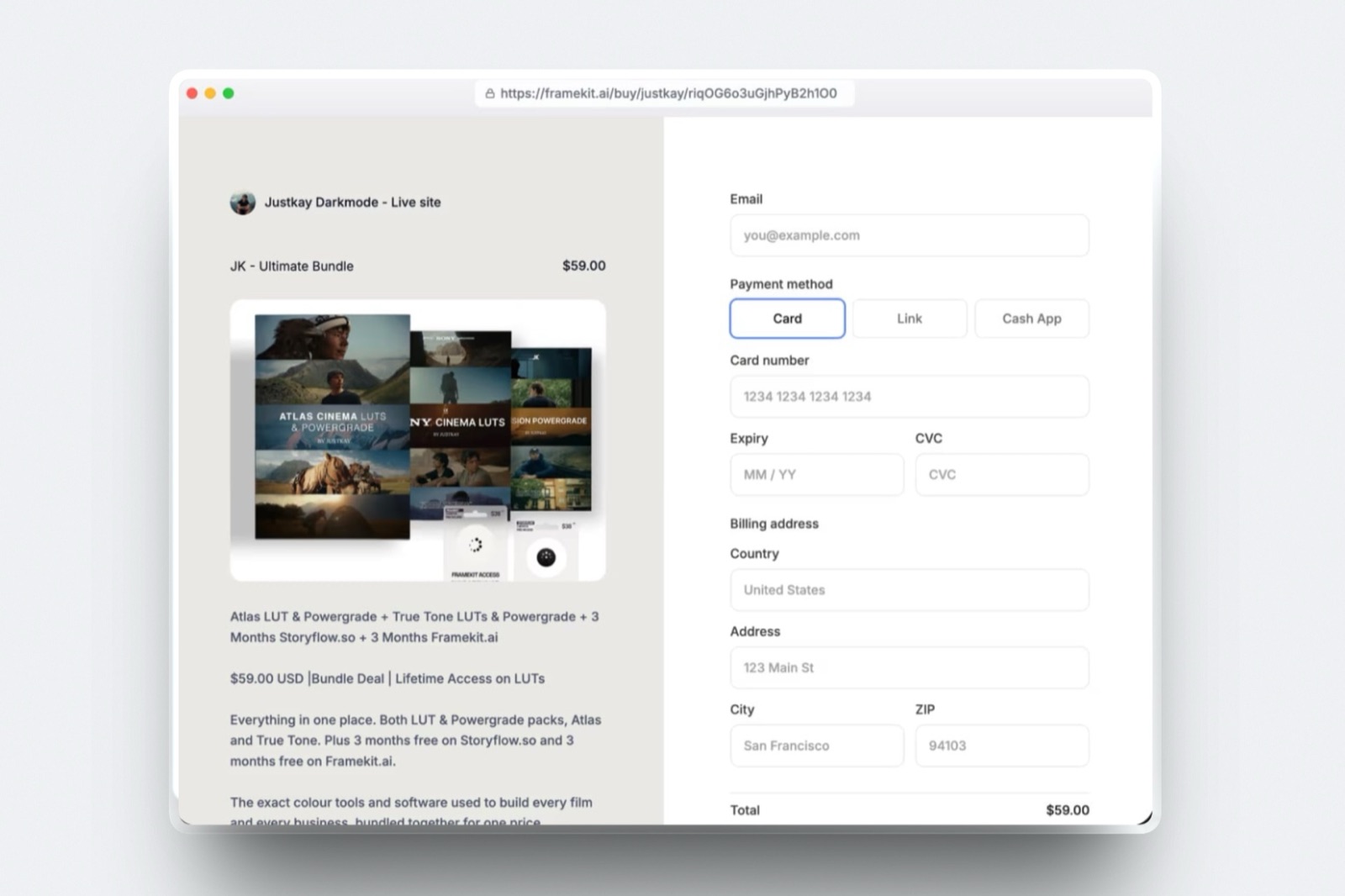
Podia accepts files up to 5GB each and lets buyers pay with Stripe's methods or PayPal on Shaker and up, while Framekit publishes no per-file ceiling or bandwidth allowance and runs every checkout on Stripe at a hosted framekit.ai/buy page.
| Detail | Podia | Framekit |
|---|---|---|
| File size | 5GB per file; videos under 4 hours | Framekit publishes no per-file ceiling or bandwidth allowance |
| Products allowed | 50 on Mover, 150 on Shaker, unlimited on Earthquaker | Unlimited on every plan |
| Payment methods | Stripe cards, Apple Pay, Google Pay, Link, iDEAL and more; PayPal on Shaker and up | Stripe's automatic payment methods from your settings, for example card, Link and Cash App Pay in the US |
| Payment plans | Yes | No |
| Currencies | 20+ | Priced in your store's currency through Stripe |
| Checkout | Built into your Podia site | framekit.ai/buy with your name and logo and a "Powered by Framekit" line on every plan |
| After payment | Delivered by Podia after checkout | Download on the confirmation page |
| Coming back later | Not covered in what we read | Order email links valid for 7 days; the seller resends fresh links |
| Updated files | Not covered in what we read | Not pushed to past buyers |
| Discount codes | Yes | Pro and Business, percentage or amount off |
The product-count row matters for preset and template sellers. Podia Mover caps you at 50 products, which a catalogue of individual presets, LUTs and bundles can reach; Framekit has no product cap on any plan, including Free.
Where Podia Wins
Podia beats Framekit on four capabilities that are not close, and every one is a product Framekit does not make rather than a feature it does worse, so if your income depends on any of them, Podia is the correct purchase.
1. Courses. A real course product with video lessons, on every plan, plus 500 videos on Mover and 1,000 on Shaker. Framekit has no course player, no lesson structure and no student progress, and packaging lessons as a download is not a substitute.
2. Memberships and communities. Podia's community spaces (25 on Mover, 100 on Shaker) and recurring billing let a creator charge monthly for access. Framekit's store handles one-off purchases only.
3. Coaching, events and webinars. One-to-one coaching and live or in-person events on every plan. Framekit has nothing comparable.
4. Email marketing in the same tool. Podia sends email to your subscribers, with 100 included on Mover, 500 on Shaker and 1,000 on Earthquaker.
Framekit collects signups, 500 entries a month on Free, 1,000 on Starter, 5,000 on Pro and unlimited on Business, which you can export, but it does not send campaigns.
Also worth creditingPodia returns its own fee on a full refund, calculates tax at checkout for the places you register, adds PayPal and affiliates on Shaker, and takes payment plans.
Verdict: for a course creator, a coach or a membership business, Podia is the right tool and Framekit is not a contender. If you are weighing Podia against other creator platforms, Podia vs Kajabi and Payhip vs Podia are the comparisons to read, and the best Podia alternatives covers the rest.
Where Framekit Wins

Framekit wins for creatives who sell files rather than curriculum, because it has a permanent free plan, reaches zero commission for $372 a year instead of $1,008, has no product cap on any plan, and puts the store inside a portfolio site that also delivers client galleries and video review.
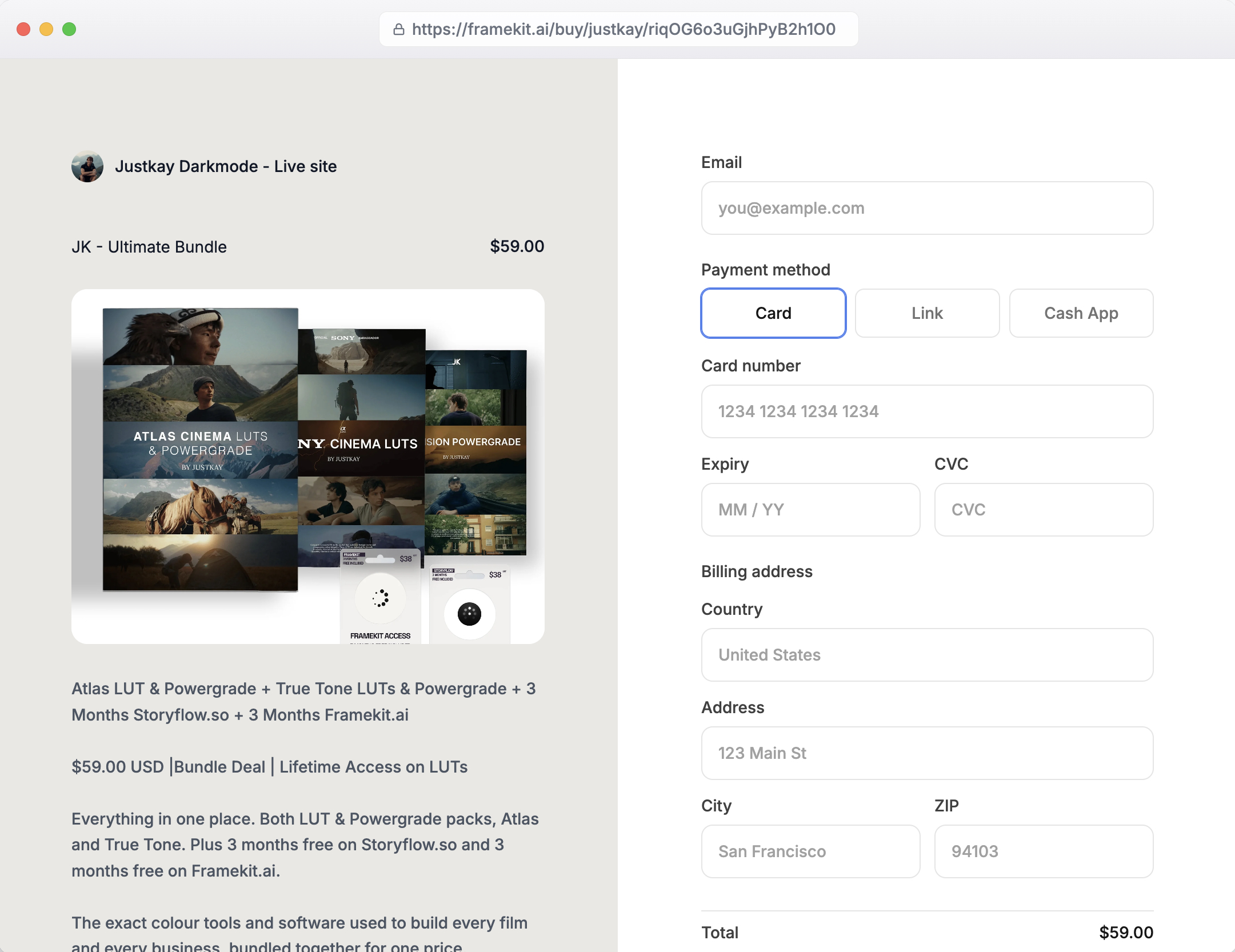
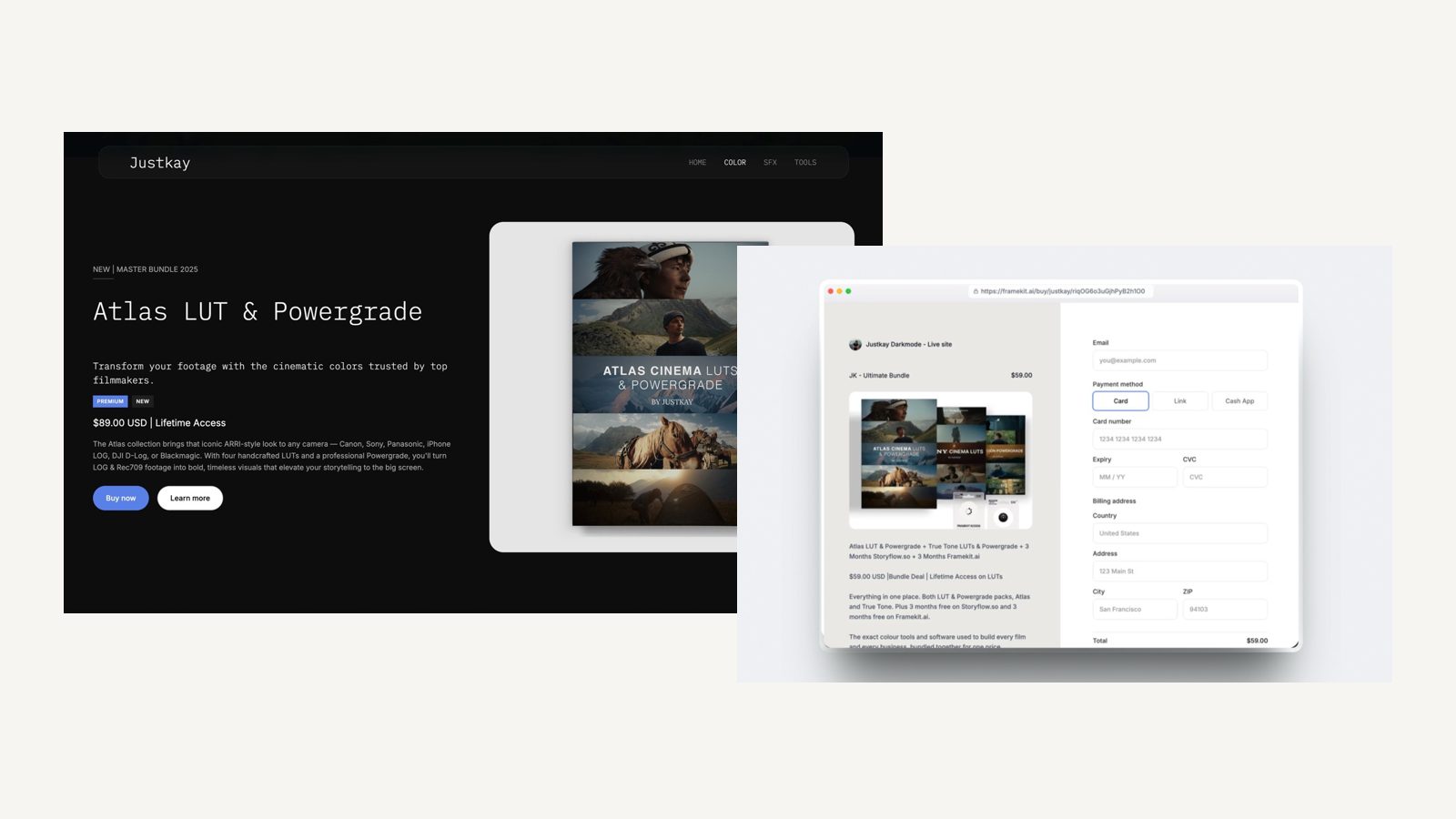
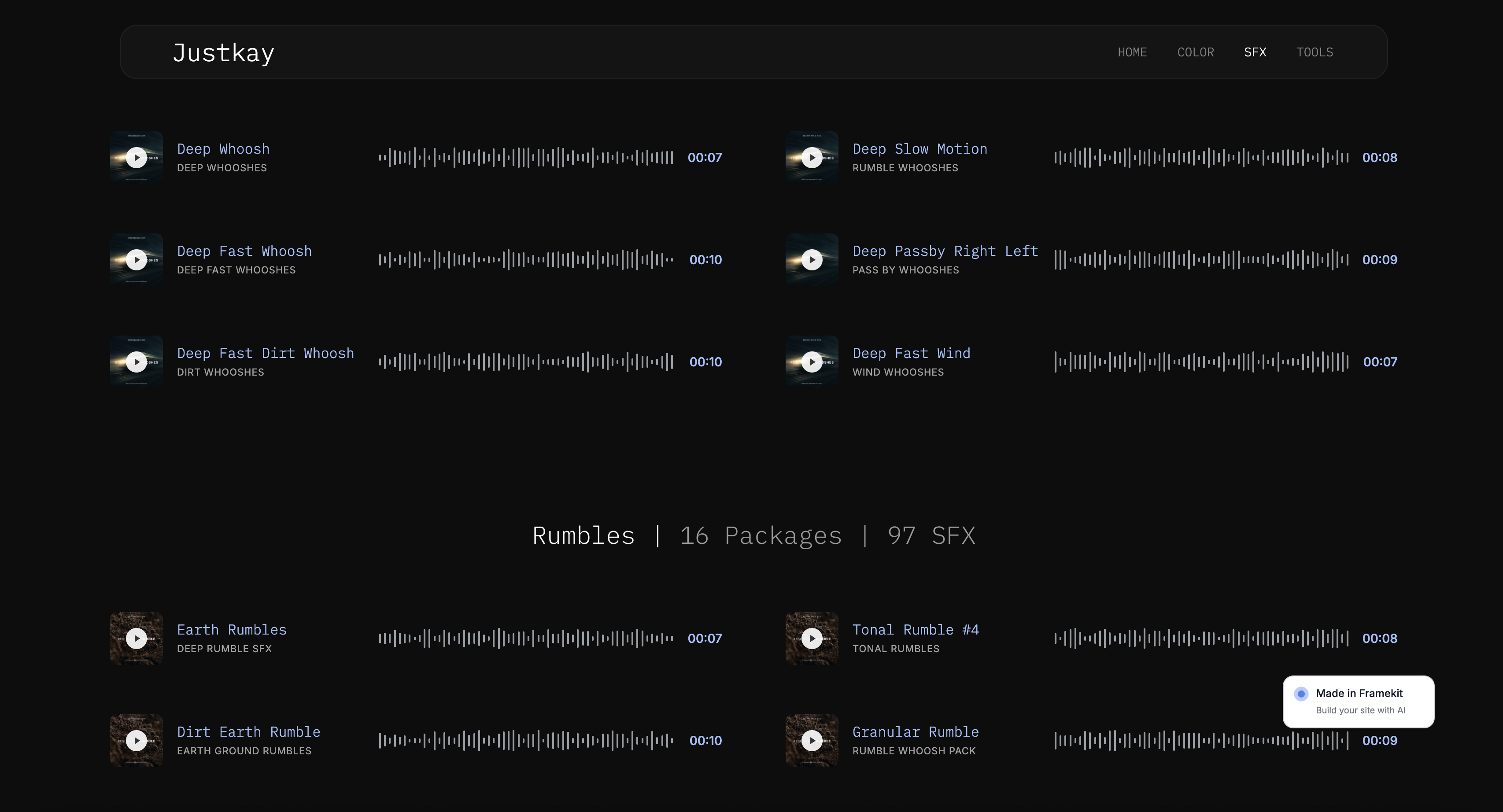
Framekit is an AI website builder that combines a portfolio site, a digital-download store, client galleries, Frame.io-style video review and Slides decks in one account, with storage pooled across them: 10GB on Free, 50GB on Starter, 300GB on Pro and 2TB on Business.
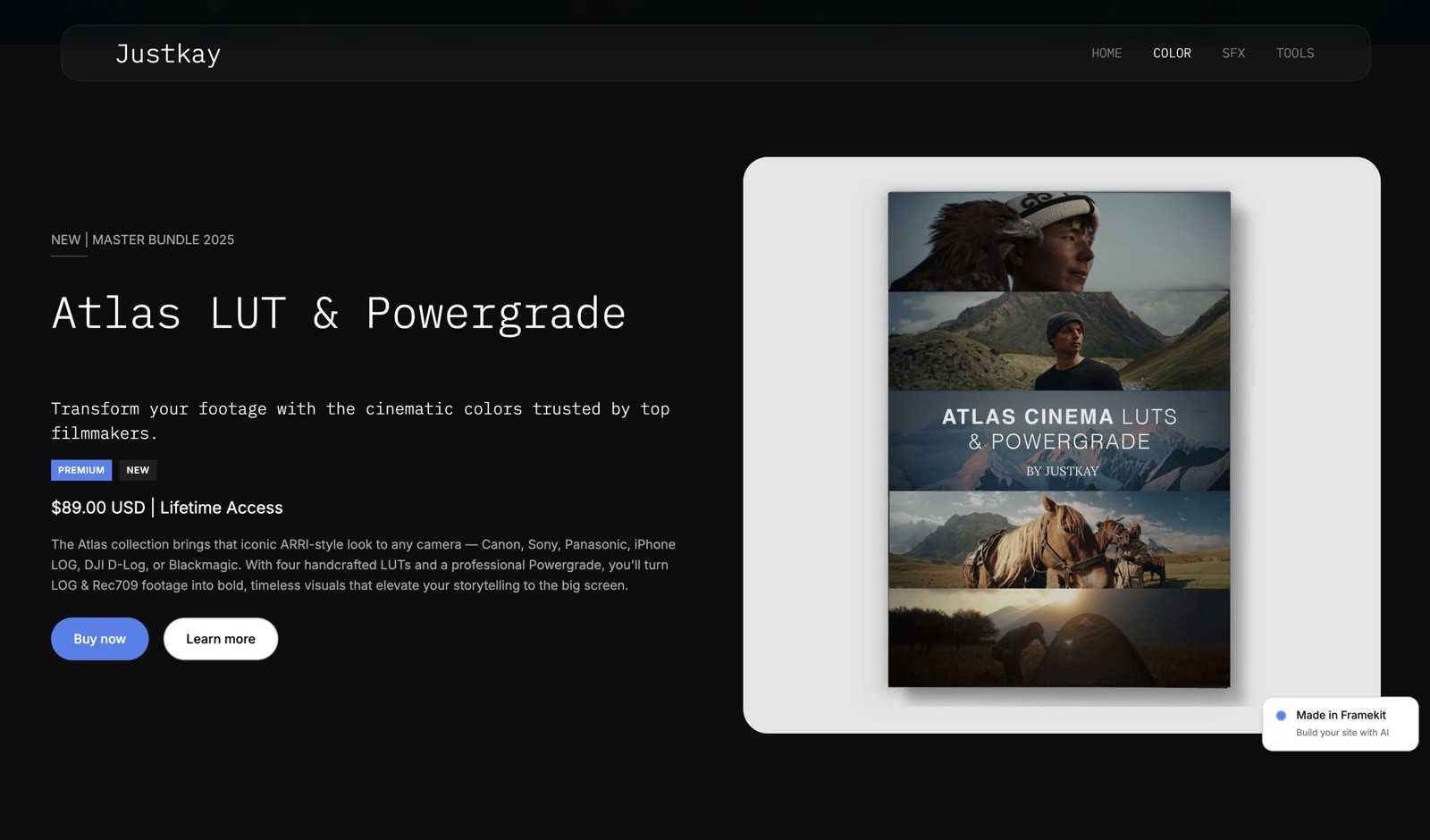
The texture. You upload a file, set a price, and the product appears as a section on your Framekit site and as a direct buy link at framekit.ai/buy that you can share without a site.
Free products work as lead magnets on every plan, and the buyer downloads from the confirmation page as soon as payment clears.
The number that matters$0 before your first sale. Podia's cheapest plan costs $504 a year whether or not you sell anything; Framekit's free plan costs nothing until a sale, then 5%.
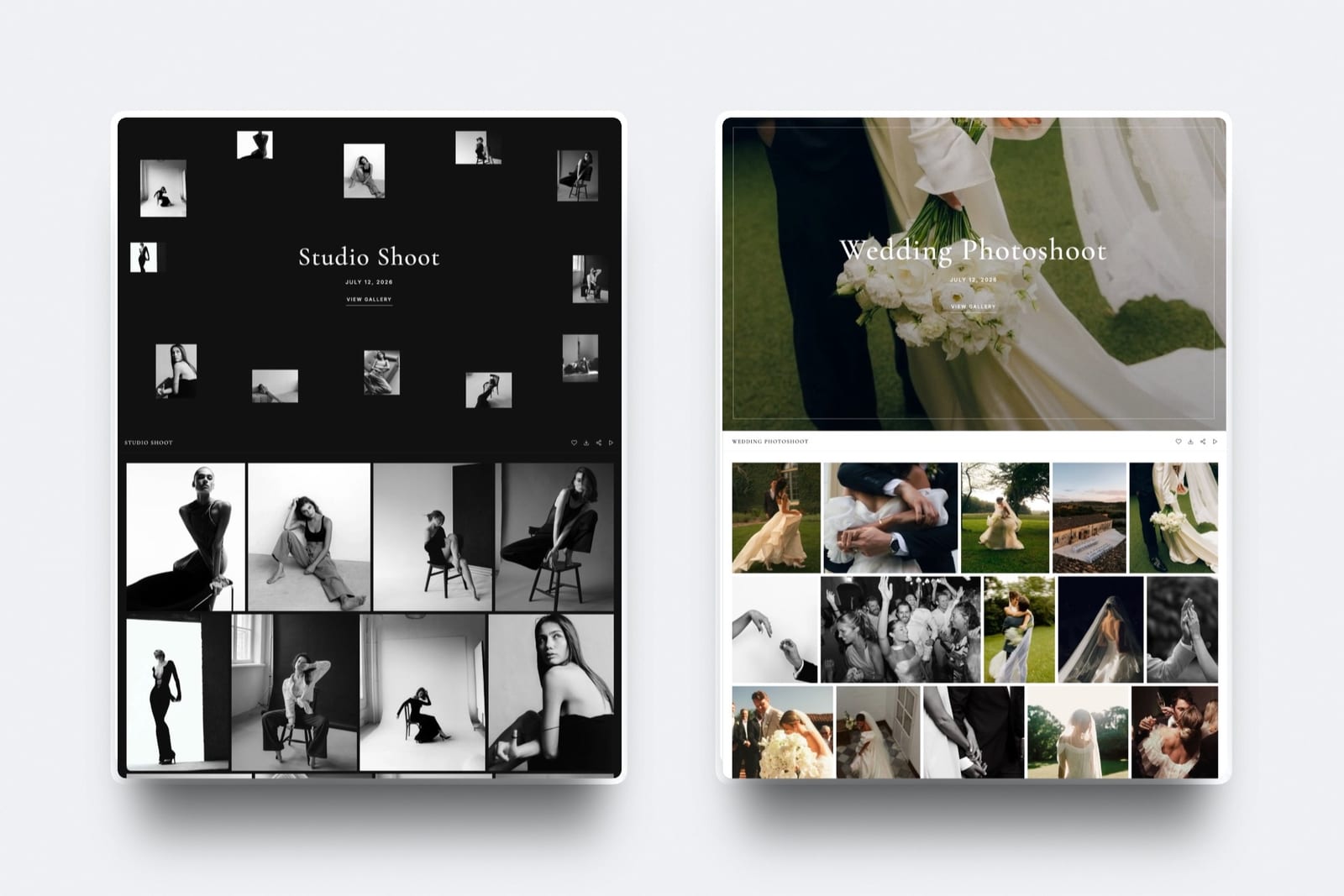
The standout detailthe store sits on the same account as client work. A wedding photographer's preset store, the galleries that deliver each wedding and the site that books the next one share one plan and one storage pool; a filmmaker's LUT store sits next to the review links for each client cut.
The gotchaFramekit is narrow on purpose. No courses, memberships, communities, coaching, email campaigns, affiliates, payment plans or PayPal.
It keeps its fee when you refund, does not push updated files to past buyers, sends 7-day download links, does not handle tax, and opens the checkout at framekit.ai/buy rather than on your own domain.
Skip it ifany part of your income is a course, a membership or coaching, or your business runs on weekly emails you want to send from the same tool.
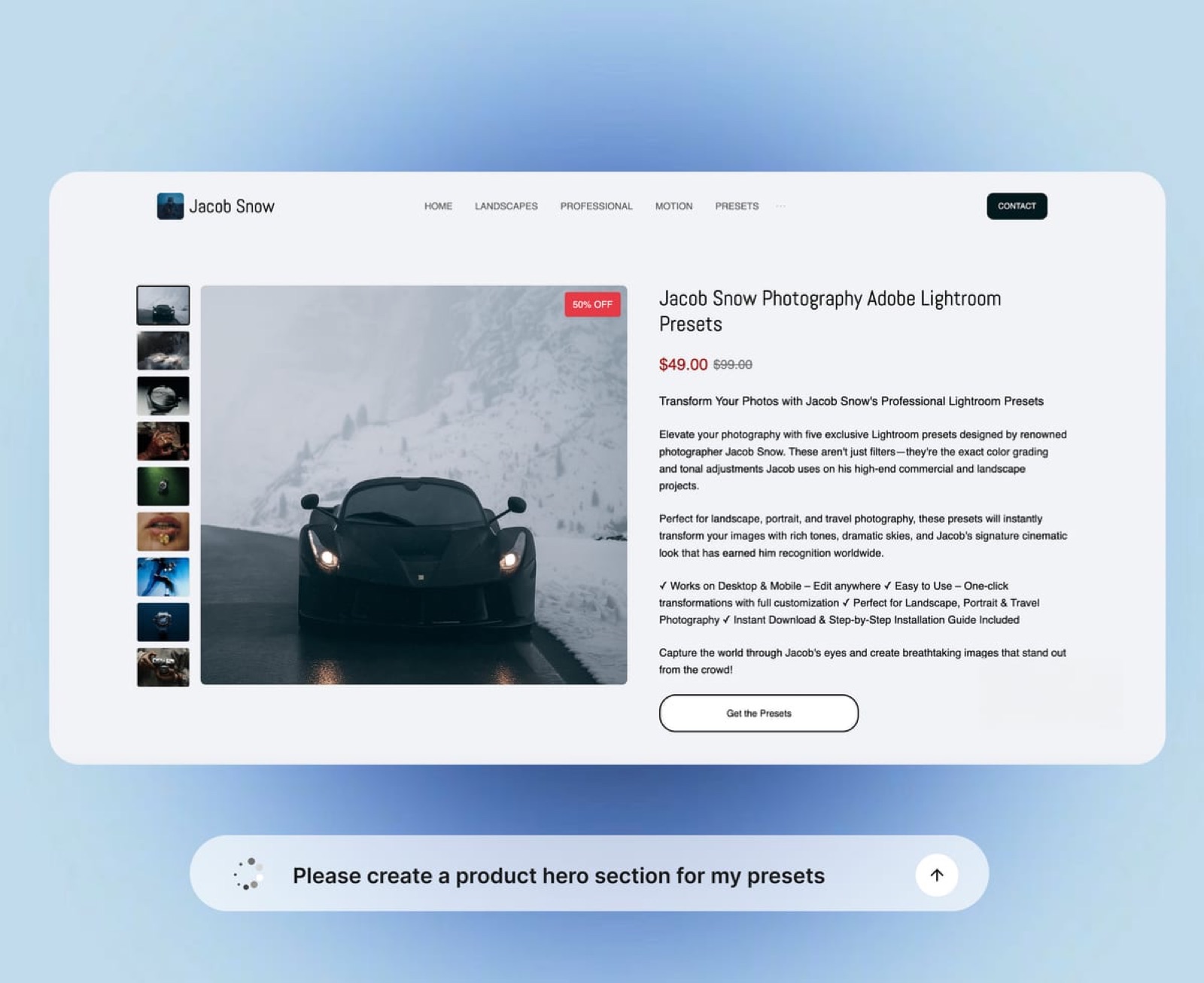
Verdict: for a photographer, filmmaker or designer selling presets, LUTs, templates or project files, Framekit is less than half the cost of Podia's zero-fee plan and brings a portfolio and client delivery with it. The setup is covered in our guides to selling LUTs online and selling ebooks online.
A Store That Sits Beside Client Work
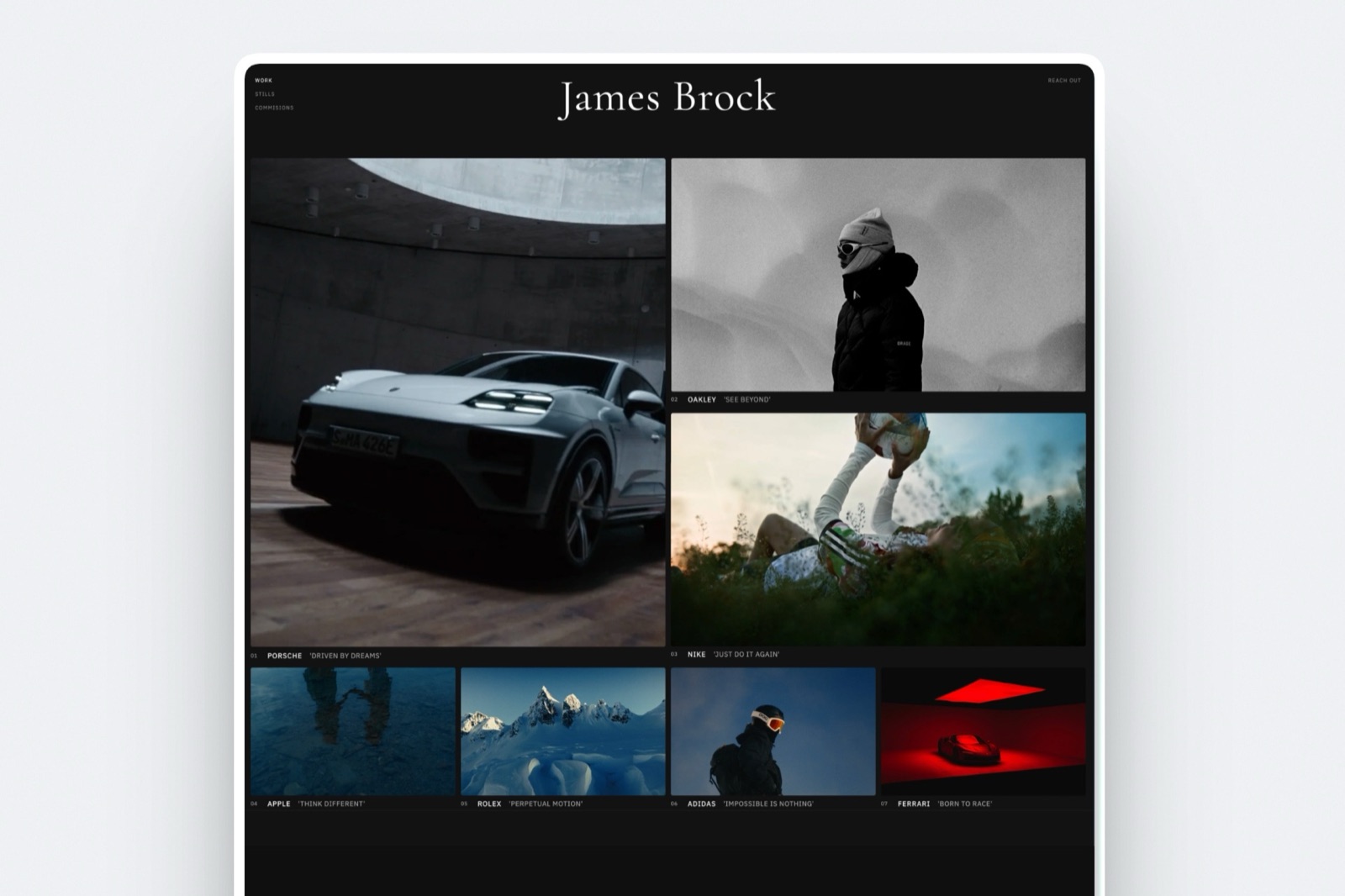
The reason creative professionals compare Podia with Framekit at all is that both offer a website with selling built in, but the website each builds is shaped for a different business: Podia's for teaching, Framekit's for showing work.
A Podia site is a storefront with course pages, landing pages and a blog, which is exactly right for a creator whose buyers arrive to learn.
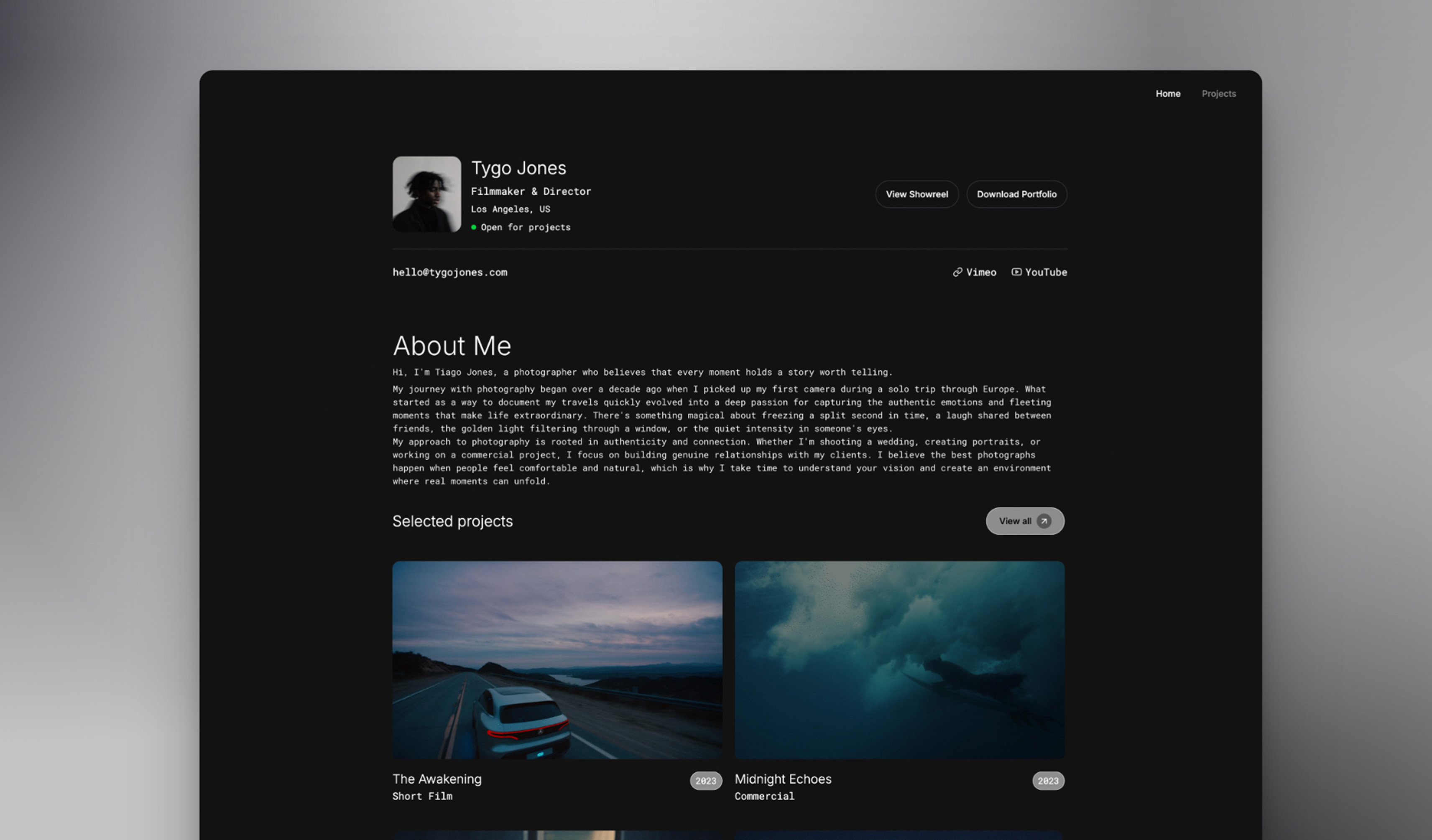
A Framekit site is a portfolio first: project pages, reels, galleries and case studies, ten pages on Free, 200 on Pro and unlimited on Business, with the store as one section among them.
A photographer's preset buyers usually found the photography first, so the product page benefits from sitting beside it.
The rest of the account is where Framekit separates further.
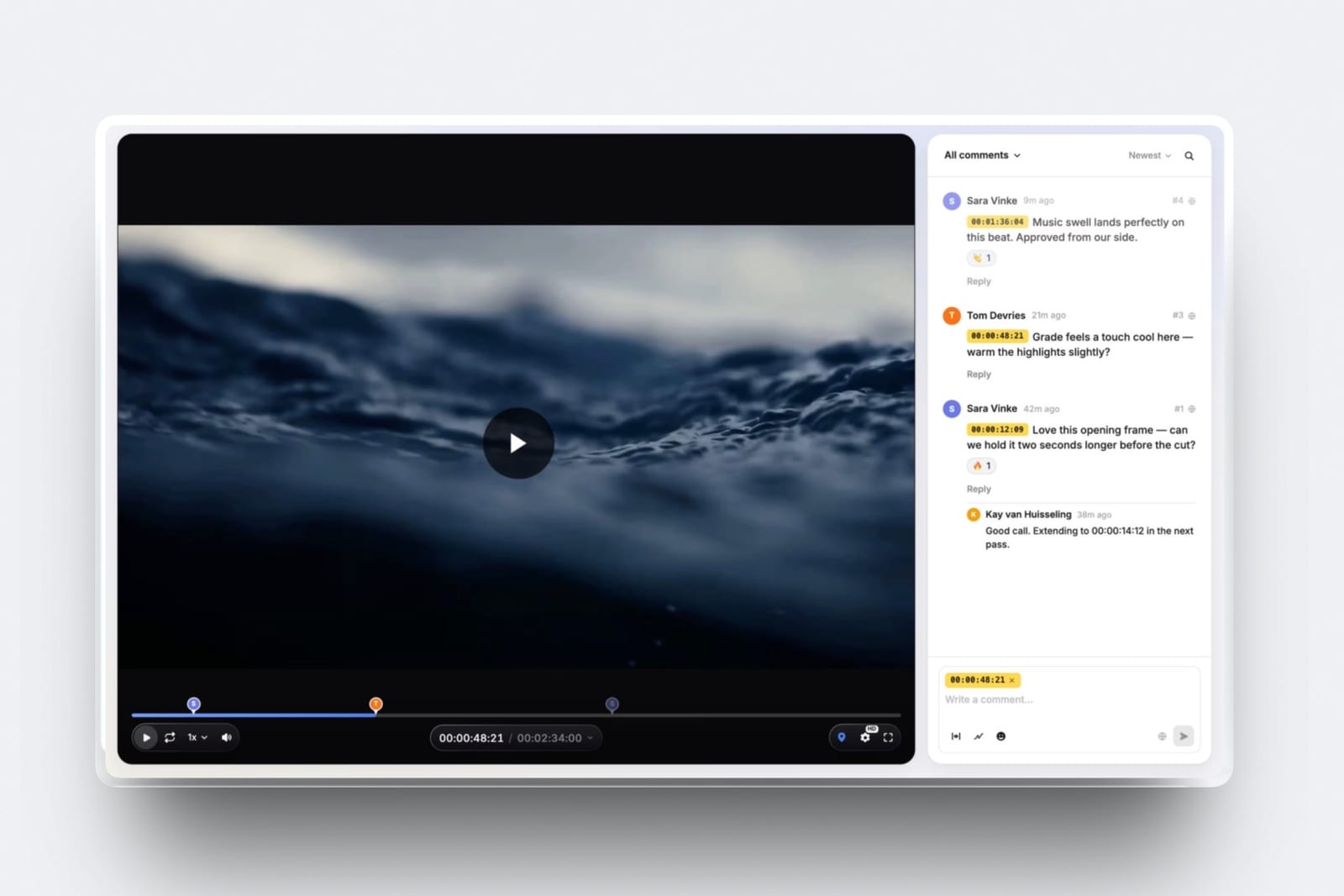
Client galleries deliver photo and video with favourites, PIN-protected downloads and watermarks; video review lets clients comment at the exact frame; Slides makes treatments and proposals.
Podia offers none of these, and a working creative would otherwise pay for each separately.
Running Podia and Framekit Together
Using both is a reasonable split rather than a fudge for creators who teach and sell files, because Podia can carry the courses, memberships and email while Framekit carries the portfolio, client delivery and one-off downloads at a lower cost per sale.
The split. Courses, community and coaching on Podia; presets, LUTs, templates and the portfolio on Framekit; your email list on Podia, fed by Framekit's signup forms through an export.
At $2,000 a month in file sales, moving the files from Podia Shaker to Framekit Business does not reduce your Podia bill if you still need Shaker for the courses, so the split only saves money when the courses fit on Mover or when file sales are large enough to matter on their own.
A worked example: a teacher who also sells presets
Take a photographer who sells a $199 editing course five times a month ($995) and $1,500 a month of $29 preset packs, with every figure below including Stripe's processing for a year.
| Setup | Annual cost |
|---|---|
| Everything on Podia Shaker | $2,080 |
| Course on Podia Shaker, presets on Framekit Business | $2,452 |
| Course on Podia Mover, presets on Framekit Business | $2,545 |
| Everything on Podia Mover | $3,073 |
The honest reading: for this creator, keeping everything on Podia Shaker is the cheapest setup by $372 a year, because Shaker already charges 0% on the presets and Framekit Business would be a second subscription.
Moving the presets to Framekit only pays when you need what Framekit adds, a portfolio site, client galleries and video review, which a working photographer would otherwise buy elsewhere, or when the course business is small enough that Podia no longer earns its place.
The cleaner version. If you keep Podia only for one course and its community, check whether Mover's 50 products, 500 videos and 25 spaces are enough, and move every download to Framekit, where there is no product cap and the 5% fee falls to 0% on Business.
Moving Downloads From Podia to Framekit: A Checklist
Moving from Podia to Framekit is a partial migration by design, because courses, memberships and communities cannot move, so the plan is to move the one-off downloads and decide what stays.
| Step | What to do | Why it matters |
|---|---|---|
| 1 | Export your Podia customers, invoices and email subscribers | The list is the asset that does not rebuild |
| 2 | Separate downloads from courses, memberships, coaching and community | Only downloads can move |
| 3 | Download each product's files and descriptions | There is no importer |
| 4 | Check your tax registrations; Podia was calculating tax at checkout | Framekit adds no tax, so it must come out of your price |
| 5 | Set up Stripe payments in Framekit | Framekit charges through its own Stripe Connect setup, so plan for Stripe's first payout, typically 7 to 14 days |
| 6 | Recreate download products and a free lead magnet | Unlimited products on every plan |
| 7 | Rebuild discount codes on Pro or Business | Not available on Free or Starter |
| 8 | Update links in course pages, emails and bios | Point downloads at your Framekit product pages or framekit.ai/buy links |
| 9 | Downgrade Podia to Mover if the courses fit, or keep Shaker for PayPal and affiliates | Avoid paying for capacity you moved |
| 10 | Pick your Framekit plan by file sales: Free under $780 a month, Business above | The 5% fee equals the $39 plan at $780 |
How to Choose Between Framekit and Podia
Take these questions in order and stop at the first yes, because the first four are about what you sell rather than what it costs, and a yes to any of them means Podia regardless of price.
1. Do you sell a course or a cohort programme? Yes: Podia. There is no version of Framekit that runs one.
2. Do you sell a membership, a community or anything recurring? Yes: Podia. Framekit has no subscription billing.
3. Do you sell coaching or events? Yes: Podia.
4. Do you need to send email campaigns from the same tool? Yes: Podia, or a dedicated email platform beside Framekit.
5. Do you also need a portfolio, client galleries or video review? Yes: Framekit, which carries all three on every plan.
6. How much do you sell in files a month? Under $780: Framekit Free, at $0 a month against Podia's $504 a year minimum. Above $780: Framekit Business at $372 a year against Podia Shaker at $1,008, for the same 0%.
Frequently Asked Questions
Can I sell a course on Framekit?
No. Framekit's store sells one-off digital downloads such as presets, LUTs, templates, ebooks and project files, and it has no course player, lessons, drip schedule, quizzes or student progress.
A creator selling a course needs Podia, Teachable, Kajabi or a similar platform; Framekit can still host the portfolio site beside it.
Is Framekit cheaper than Podia for selling digital downloads?
Yes, at every volume we priced. On a $29 product, Framekit's cheapest plan costs $536 a year at $500 a month in sales, $1,316 at $2,000 and $2,733 at $5,000, including Stripe processing.
Podia's cheapest plan costs $1,040, $1,952 and $3,369 at the same volumes. Podia's price also buys courses, community and email, which Framekit does not offer.
Does Podia have a free plan in 2026?
No. Podia's pricing page in October 2026 lists Mover at $42 a month billed yearly, Shaker at $84 and Earthquaker at $150, with a 14-day free trial and no free plan. Framekit's free plan is permanent and sells digital downloads at a 5% fee, with no card required.
What transaction fees does Podia charge?
Podia charges a 5% transaction fee on its Mover plan and none on Shaker or Earthquaker. On top of any plan, your payment processor charges its own fee, which Podia's pricing page quotes as 2.9% plus 30 cents for Stripe or PayPal.
Framekit charges 5% on Free and Starter, 3% on Pro and 0% on Business, with Stripe's fee on top.
Does Podia handle sales tax and VAT?
Podia calculates and collects sales tax and VAT at checkout for the jurisdictions you register in, but its help centre says it does not file or remit that tax for you.
Framekit does neither: it does not calculate, collect or remit tax, so any VAT or sales tax you owe has to come out of your price.
Does Framekit have email marketing?
No. Framekit collects signup and form entries, 500 a month on Free, 1,000 on Starter, 5,000 on Pro and unlimited on Business, and those contacts are yours to export, but it does not send campaigns, sequences or broadcasts.
Podia includes email sending, with 100 subscribers on Mover, 500 on Shaker and 1,000 on Earthquaker.
Can I run a membership on Framekit?
No, because Framekit has no subscription or recurring billing anywhere in the product; every sale is a one-off purchase with a file delivered afterwards.
Podia, Patreon or a membership platform is the right category for recurring income, and Framekit can sit beside it as the portfolio site.
How do refunds and chargebacks work on Podia and Framekit?
On Podia, a full refund issued from Podia returns Podia's fee but not Stripe's, and partial refunds must be made in Stripe or PayPal directly.
On Framekit, refunds are issued in Stripe, Framekit keeps its fee and Stripe keeps its processing. Chargebacks on both land in your own Stripe account, where a US dispute costs $15, plus $15 more if you counter.
How do payouts work on Podia and Framekit?
Both pay you through your own Stripe account, so there is no platform holding period: the money is in your Stripe balance at checkout and reaches your bank on your Stripe payout schedule.
Podia can also take PayPal on Shaker and up, paid into your PayPal account. Stripe typically makes a brand-new account's first payout 7 to 14 days after its first live payment.
Does Podia give me a portfolio website?
Podia gives you a website, blog and landing pages built around your products and courses, which suits a teaching business. It is not a portfolio with project pages, reels and client galleries.
Framekit builds a multi-page portfolio site with the store as one section, ten pages on Free and 200 on Pro.
Is the Framekit checkout on my own domain?
No. Framekit sites can run on your own domain from the Starter plan, but every payment page opens at framekit.ai/buy with your name and logo and a "Powered by Framekit" line, on every plan. Podia's checkout runs on your Podia site, which can use a custom domain on every plan.
Can I move my Podia products to Framekit?
You can move one-off downloads by recreating them on Framekit, which for a small catalogue is an afternoon, but courses, memberships, communities and coaching cannot move because Framekit does not host them.
Export your customers and email list first, and consider downgrading Podia to Mover if only the courses remain.
Which is better for a photographer selling presets?
Framekit is the better fit for most photographers selling presets, because it has a free plan, no product cap, reaches 0% for $39 a month, and puts the preset page on the same site and account as the portfolio and client galleries.
Podia is better if those presets come with an editing course or a paid community.
Framekit vs Podia vs Payhip: which is cheapest for a file seller?
For a file seller above $780 a month, Framekit Business is the cheapest of the three at $372 a year billed yearly for 0% commission, against Payhip Pro at $99 a month and Podia Shaker at $1,008 a year.
Below $780 a month, Framekit Free and Payhip Free both charge 5% with no plan fee, and Podia has no free plan. Our Framekit vs Payhip comparison prices that pairing.
Final Verdict
Choose Podia if any part of your income is a course, a membership, a community, coaching or an email list you send to every week, because those are capabilities Framekit does not have at any price, and Podia bundles them with downloads on one plan.
Choose Framekit if you sell files, especially beside commissioned client work, because it has a permanent free plan, reaches zero commission for $372 a year instead of $1,008, has no product cap, and brings a portfolio, client galleries and video review on the same account.
Where Framekit loses, it loses on scope: it does not teach, does not bill recurring, does not send email, does not take PayPal, does not handle tax and does not put the checkout on your own domain.
The trade-off is a narrower store at a lower price inside a creative business, and for creators who both teach and sell files, running both is a sensible answer.
Related readingCircle vs Podia, the best platforms to sell ebooks, the best membership platforms for creators and Framekit's full pricing.