Framekit templates
Start from a designer-made template
 Use template
 Use template
 Use template
 Use template
 Use template
 Use template
 Use template
 Use template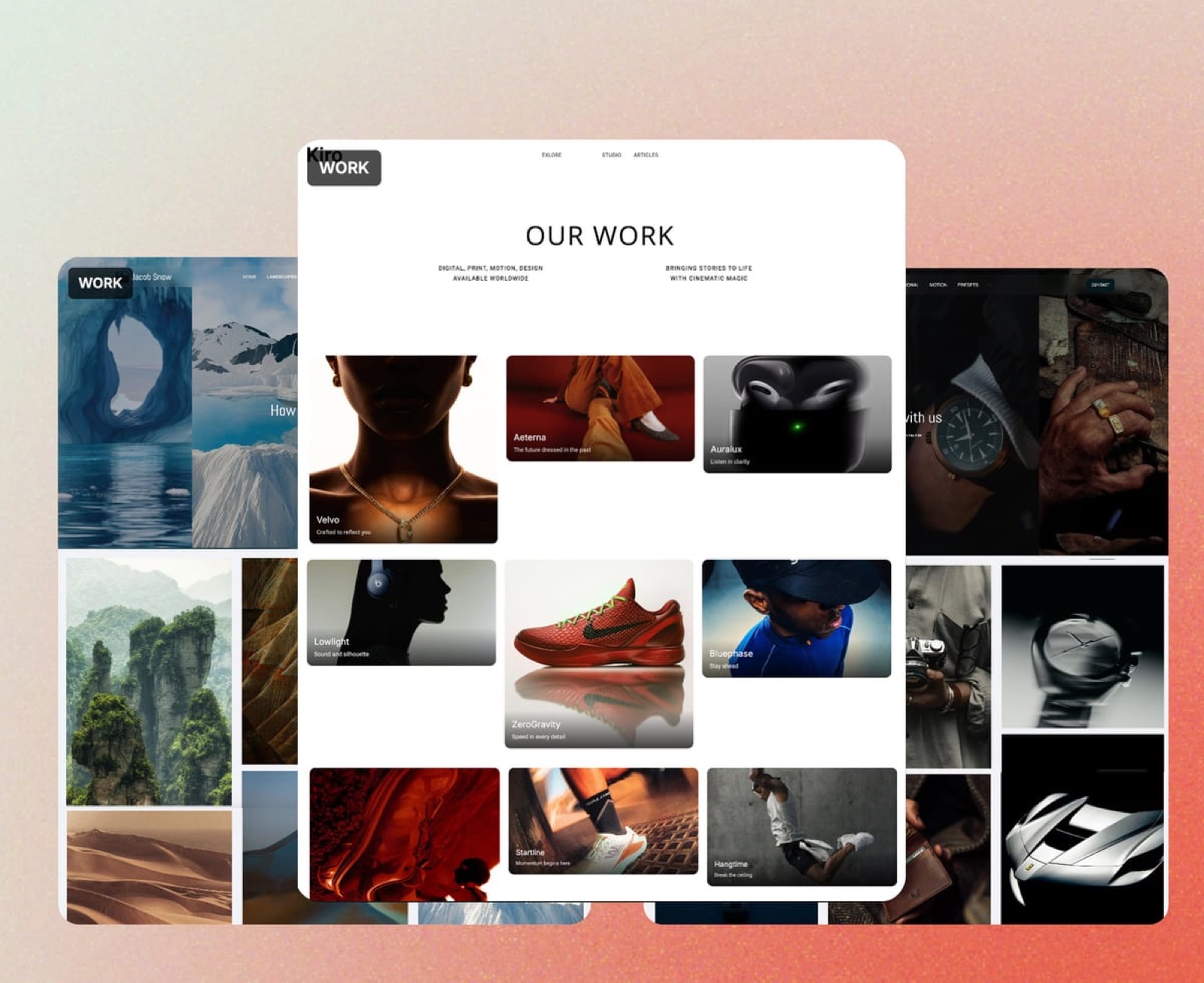
Most pricing pages are written to be skimmed. Four columns, a row of ticks, a highlighted middle tier, and the two numbers that actually decide what you pay buried in a footnote or a help article nobody opens until month three.
This is the version with the footnotes promoted.
It covers all five Framekit plans as they are configured today, the transaction fee on product sales and exactly where it stops, the one storage pool that everything draws on, the per-file upload caps that bite before storage ever does, and the point at which paying us more money makes you better off.
It also names the places where a cheaper tool beats us, because a pricing guide that never reaches that conclusion is an advertisement.
A pricing guide is a plain accounting of what a piece of software costs at each tier, including the usage-based charges that sit outside the monthly price.
Framekit is an AI website builder for photographers, filmmakers, designers and creators, with client galleries, video review, decks and a digital store on the same account, so its pricing has to cover five products rather than one.
Framekit costs $0 on the Free plan, $9 a month on Starter, $19 on Pro, $39 on Business and $59 on Enterprise, with 20 percent off all four paid plans when billed yearly.
The number most people miss is the second one: a transaction fee on product sales of 5 percent on Free and Starter, 3 percent on Pro and 0 percent on Business and Enterprise.
Because that fee falls to zero on a flat plan, the crossover is $780 a month in sales, which is $39 divided by 5 percent. Below it, stay on a cheap plan and pay the percentage.
Above it, move to Business and stop paying a percentage forever.
Full disclosure: this is our own price list, so read it knowing that. What we can do instead of pretending to be neutral is print every limit, including the ones that make us look worse: the video sub-cap inside the storage pool, the per-file upload ceilings, the file types galleries refuse, and the features we do not have at any price. Where a competitor is cheaper for your specific job, that section is near the end and it names them.
How This Guide Was Put Together
Every figure below is read from the plan configuration that ships in the product, not from a marketing page, and checked in September 2026. That matters because the two documents disagree more often than any vendor admits, and the configuration is the one that charges your card.
The split, so you know how much weight to give each claim:
- Read from the product: plan prices, page limits, storage totals, the video sub-pool, per-file upload caps, transaction fee percentages, signup entry limits and team seats. These are configuration values, not estimates.
- Calculated: the yearly totals, the crossover point, and the three costed profiles further down. The arithmetic is shown so you can check it.
- Third-party: card processing figures come from Stripe's published pricing, which is what actually takes the cut alongside ours.
What is not here: any claim about how fast pages load. We do not publish speed numbers for ourselves or anyone else.
Framekit Pricing by the Numbers
Six figures carry most of the decisions on this page, and the one that surprises people is the last: the free plan is a publishing plan rather than a trial, so nothing on it expires and no card is required to use it indefinitely.
- 5 plans, from $0 to $59 a month
- 20% off every paid plan on yearly billing
- $780 a month in sales is the crossover where a flat $39 plan beats a 5 percent fee
- 1 storage pool, shared by your site, galleries, reviews and store
- 3 percentage points is the entire spread of the transaction fee, from 5 percent down to 0
- $0 is a real publishing plan, not a trial, with no card required
Every Framekit Plan in One Table
The weighting to apply when reading this: for most people the decision is made by storage and the transaction fee, and everything else is a tiebreak. Page counts rarely bind, because a portfolio that needs more than 30 pages is unusual.
| Free | Starter | Pro | Business | Enterprise | |
|---|---|---|---|---|---|
| Monthly | $0 | $9 | $19 | $39 | $59 |
| Yearly billing, per month | - | $7 | $15 | $31 | $47 |
| Yearly total | $0 | $84 | $180 | $372 | $564 |
| Site pages | 10 | 30 | 200 | Unlimited | Unlimited |
| Storage pool | 10GB | 50GB | 300GB | 2TB | 5TB |
| Of which video | 3GB | 15GB | 150GB | 750GB | 2TB |
| Transaction fee on sales | 5% | 5% | 3% | 0% | 0% |
| Custom domain | No | Yes | Yes | Yes | Yes |
| Framekit branding | Shown | Removed | Removed | Removed | Removed |
| Team members | 1 | 1 | 3 | Unlimited | Unlimited |
| Signup entries a month | 500 | 1,000 | 5,000 | Unlimited | Unlimited |
| Gallery video, per file | 500MB | 1GB | 2GB | 3GB | 3GB |
| Review video, per file | 500MB | 1GB | 2GB | 3GB | 3GB |
| Client galleries | Unlimited | Unlimited | Unlimited | Unlimited | Unlimited |
In one linethe price ladder is ordinary and the fee ladder is the interesting part, because it is the only column that can cost you more than the subscription does.
The Free Plan: What $0 Actually Publishes
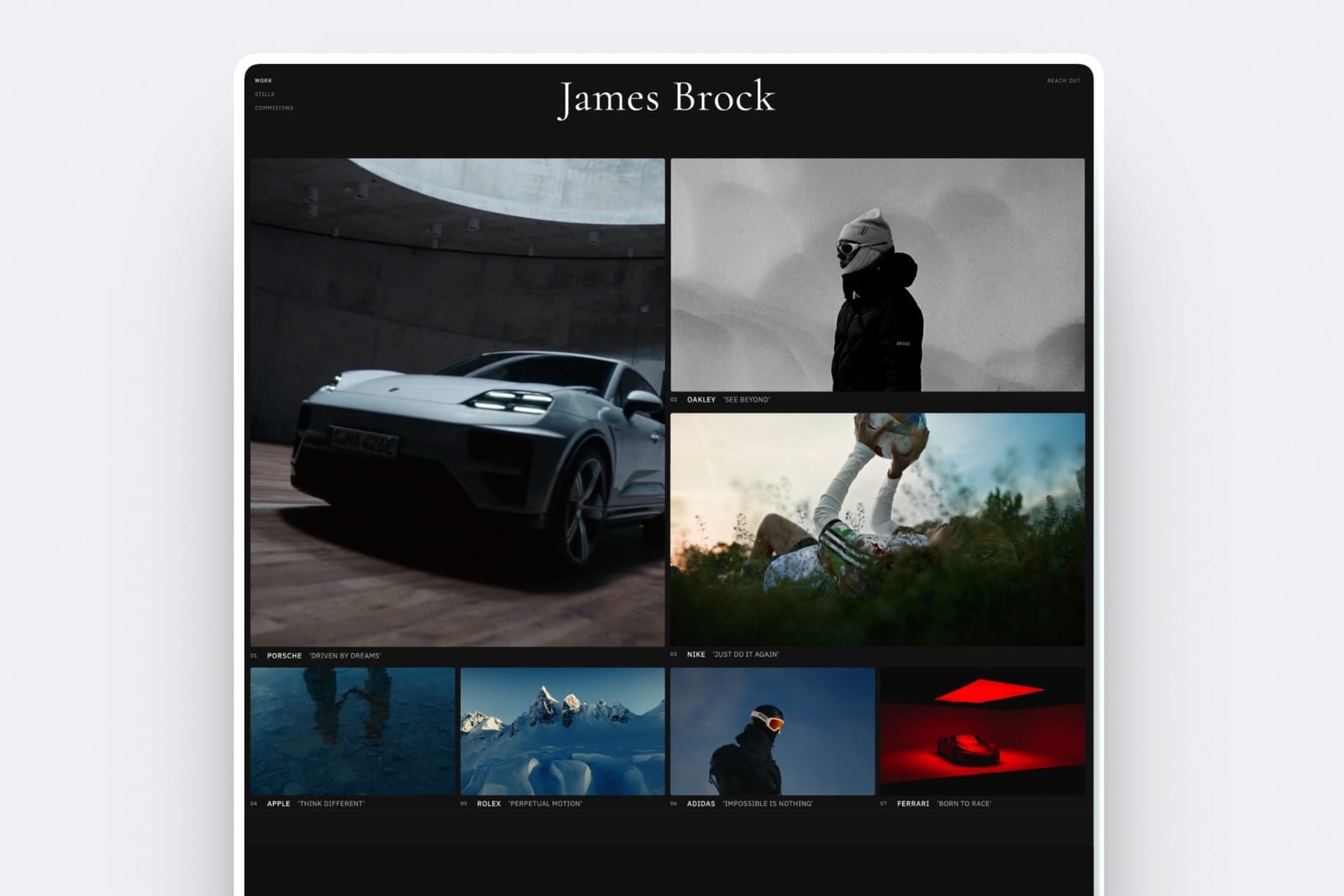
The free plan publishes a real site. Ten pages, 10GB of storage, unlimited client galleries, unlimited decks, and a working store that takes real payments. No credit card, no trial clock, no expiry.
What it withholdsyour own domain and the Framekit badge. The site lives at a framekit.ai subdomain with a small credit in the corner, and both go away on Starter.
That is the honest shape of every free tier in this category: something is held back, and the only question is whether it is the thing you needed.
The real number10GB is roughly ten delivered client jobs at 40 images each, and the video sub-pool inside it is 3GB. Clearing galleries after clients download stretches that considerably.
Who it is genuinely right fora student, a photographer with a handful of clients, anyone testing whether the output suits their work before paying, and a creator whose product sells fewer than a few hundred dollars a month, where the 5 percent fee costs less than any subscription would.
Who should not stay on itanyone printing business cards. The moment a URL goes on something physical, it needs to be your own domain.
Starter at $9: The Domain Plan
Starter exists to do one thing well, and it is not a feature list. It puts the site on your own name and takes ours off it. Thirty pages, 50GB of storage with a 15GB video sub-pool, and 1,000 signup entries a month.
The transaction fee does not move here. It is still 5 percent, the same as Free, which surprises people who assume paying starts the discount. It does not. The fee ladder begins on Pro.
The real number$84 a year on yearly billing, or $108 if you pay monthly. The $24 difference is the cheapest decision on this page.
Who should skip itif you will genuinely never need a custom domain, the free plan does everything else Starter does, and we would rather you kept the $84.
Pro at $19: The Working Plan
Pro is where the product stops being a portfolio tool and starts being a studio's infrastructure.
Two hundred pages, 300GB of storage with a 150GB video sub-pool, three team members, custom HTML, CSS and JavaScript, PowerPoint export for decks, and the transaction fee drops to 3 percent.
The standout detailthe per-file video ceiling goes to 2GB here, for both galleries and review. That single number is why most working filmmakers end up on Pro rather than Starter.
A highlight film clears 1GB more often than you would like, and discovering that mid-upload on a delivery deadline is how people learn what a per-file cap is.
The real number$180 a year on yearly billing against $228 monthly. For a three-person studio it is $60 a head a year, because seats are included rather than charged per person.
The honest gotchathe 3 percent fee is a middle rung, and middle rungs are rarely the right answer on a fee ladder. If you sell enough for 3 percent to matter, you probably sell enough for Business to be cheaper. Pro is the right plan for storage, seats and custom code, not for the fee.
Business at $39: The Zero Percent Plan
Business removes the transaction fee entirely, lifts storage to 2TB with a 750GB video sub-pool, makes pages and team members unlimited, and takes signup entries off the leash.
It is the only plan anyone should buy for the fee, and only above the crossover. Below it, Business is us taking money you did not need to spend.
The real number$372 a year on yearly billing, $468 monthly.
Enterprise at $59: The Storage Plan
Enterprise is Business with 5TB of storage and a 2TB video sub-pool. The fee is already zero on Business, so nothing about the economics changes.
It is a capacity purchase, which makes it the easiest plan on this page to advise on: if 2TB is not enough, you know who you are, and if you are unsure, it is not.
The real number$564 a year on yearly billing, $708 monthly.

The Transaction Fee, Worked on a Real Sale
The transaction fee is the second price on this page, and the only honest way to read it is against a real product rather than as a percentage in the abstract.
Carry one item through the whole ladder: a $29 preset pack, sold from your own store, with the same buyer paying by card every time.
| Plan | Our fee | Card processing | You keep |
|---|---|---|---|
| Free | $1.45 (5%) | $1.14 | $26.41 |
| Starter | $1.45 (5%) | $1.14 | $26.41 |
| Pro | $0.87 (3%) | $1.14 | $27.02 |
| Business | $0 | $1.14 | $27.86 |
Card processing is 2.9 percent plus 30 cents on that price and it is charged by Stripe on every plan, including the free one. No platform removes it, and any comparison that quotes a "0 percent" total without it is quoting the wrong number.
In one linethe whole spread from worst plan to best is $1.45 a sale, which matters enormously at volume and not at all on your first ten sales.
The $780 Crossover, and How to Check It Against Your Own Sales
If you read nothing else here, read this section, because it is the only piece of arithmetic on the page that changes which plan you should buy. Everything else is a feature preference, and this one is money you either keep or hand over every single month.
Business costs $39 a month and removes a 5 percent fee. $39 divided by 0.05 is $780. So:
- Below $780 a month in sales, the 5 percent fee costs you less than $39, and Free or Starter is the cheaper plan. Stay there.
- Above $780 a month in sales, the fee costs more than $39, and every extra dollar you sell on a percentage plan is money you are handing over for nothing.
Two worked cases, so the shape is clear:
Selling $300 a month. That is $3,600 a year, and 5 percent of it is $180. On Starter you pay $84 plus $180, so $264. On Business you would pay $372 and no fee. Starter is $108 cheaper and you should be on it.
Selling $1,200 a month. That is $14,400 a year, and 5 percent of it is $720. On Starter you pay $84 plus $720, so $804. On Business you pay $372 and nothing else. Business saves $432 a year.
The test takes thirty seconds: take your best recent month of product sales, multiply by 0.05, and compare it with $39. That is the whole decision.
In one linea percentage is a fee that grows with your success and a flat plan is one that does not, which is why the crossover, not the headline price, is the number to hold.
Yearly or Monthly: What the 20 Percent Is Worth
Yearly billing takes 20 percent off every paid plan, which is a larger discount than most software offers for the same commitment and is worth taking unless your work is genuinely seasonal. Here is what it comes to in cash across a year, per plan:
| Plan | Monthly billing | Yearly billing | Saving |
|---|---|---|---|
| Starter | $108 | $84 | $24 |
| Pro | $228 | $180 | $48 |
| Business | $468 | $372 | $96 |
| Enterprise | $708 | $564 | $144 |
The argument for paying monthly is not financial, it is optionality: a photographer whose season runs six months may prefer to pay for six.
The argument against is that the saving is a fifth of the price, which is larger than the discount most software offers for the same commitment.
Storage Is One Pool, and That Is the Part People Get Wrong
Every Framekit plan has a single storage pool shared by your website media, your client galleries, your video review files and your store's downloadable products. There is no separate gallery allowance to run out of independently.
That is mostly good news, because unused capacity in one product is available to another.
It has one consequence worth planning around: a video-heavy month eats the pool your site and galleries draw on. Hence the sub-cap in the table, which limits how much of the pool can be video: 3GB on Free, 15GB on Starter, 150GB on Pro, 750GB on Business and 2TB on Enterprise.
Worked, so it is concrete: a 900-image wedding at 12MB a file is about 11GB, which fits inside Pro's 300GB with room for a dozen more weddings alongside the video. A hybrid shooter delivering films as well is usually pushed to Pro by the video sub-pool rather than by the total.
In one linecount your video first, because that is the number that decides your plan.
The Upload Caps That Bite Before Storage Does
Storage is rarely the limit people actually hit. Per-file caps are, and they tend to be discovered mid-upload on a delivery deadline rather than while comparing plans, so here is the full list in one place before you need it.
- Website images: 25MB per file, on every plan.
- Website video: 15MB on Free, 100MB on every paid plan. A two-minute 4K clip is comfortably larger, so site video generally lives on a video host and is embedded. That is what we would recommend on any builder.
- Gallery images: up to 100MB per file on every plan, which takes full-resolution originals without complaint.
- Gallery and review video: 500MB per file on Free, 1GB on Starter, 2GB on Pro, 3GB on Business and Enterprise.
- File types galleries accept: JPEG, PNG, WebP and GIF. RAW, TIFF, PSD and HEIC are refused at upload, so sending a retoucher layered masters is a job for cloud storage, not for a gallery.
In one lineif you deliver long-form video or working files, check the per-file cap before the storage total, because it is the one you will hit first.
What Framekit Does Not Include at Any Price
A pricing guide is only useful if it tells you when not to buy. None of the following exists on any tier, and no upgrade unlocks them, so if one of these is central to how you work then the right plan for you is a different product entirely:
- A print lab. There are no prints, no albums, no wall art and no fulfilment. Photographers whose income is print sales should price a gallery platform with a print store instead.
- Paid memberships or subscription billing. The store sells one-off digital products. Recurring reader or client support runs elsewhere.
- Invoicing, deposits, contracts or e-signature. Framekit builds the page that produces the enquiry, not the paperwork that closes it.
- Merchant of record tax handling. You are the seller of record. If you want a platform to file global VAT for you, that is a different category of product.
- Per-viewer deck analytics or a password on a deck link. A share link reports a total view count and nothing per recipient.
- Per-image gallery comments or a per-user download audit trail. Access is gallery-level, controlled by a password and a download PIN.
- CMYK, bleed or print-ready export. Decks and pages are screen documents.
- An importer from another website builder. Moving in means rebuilding, which for a ten to twenty page portfolio is usually an evening.
- A multi-site agency dashboard or white-label. Studios past roughly ten client sites are administering ten subscriptions.
That list is the honest answer to "is it worth it", and it is more useful than any feature grid.
What Three Real Users Would Pay in a Year
A wedding photographer, 25 weddings, no digital products. About 25GB of delivered stills, no store income, one person. Starter on yearly billing: $84 a year, total.
The free plan's 10GB would run out around wedding ten, which is why Starter rather than Free.
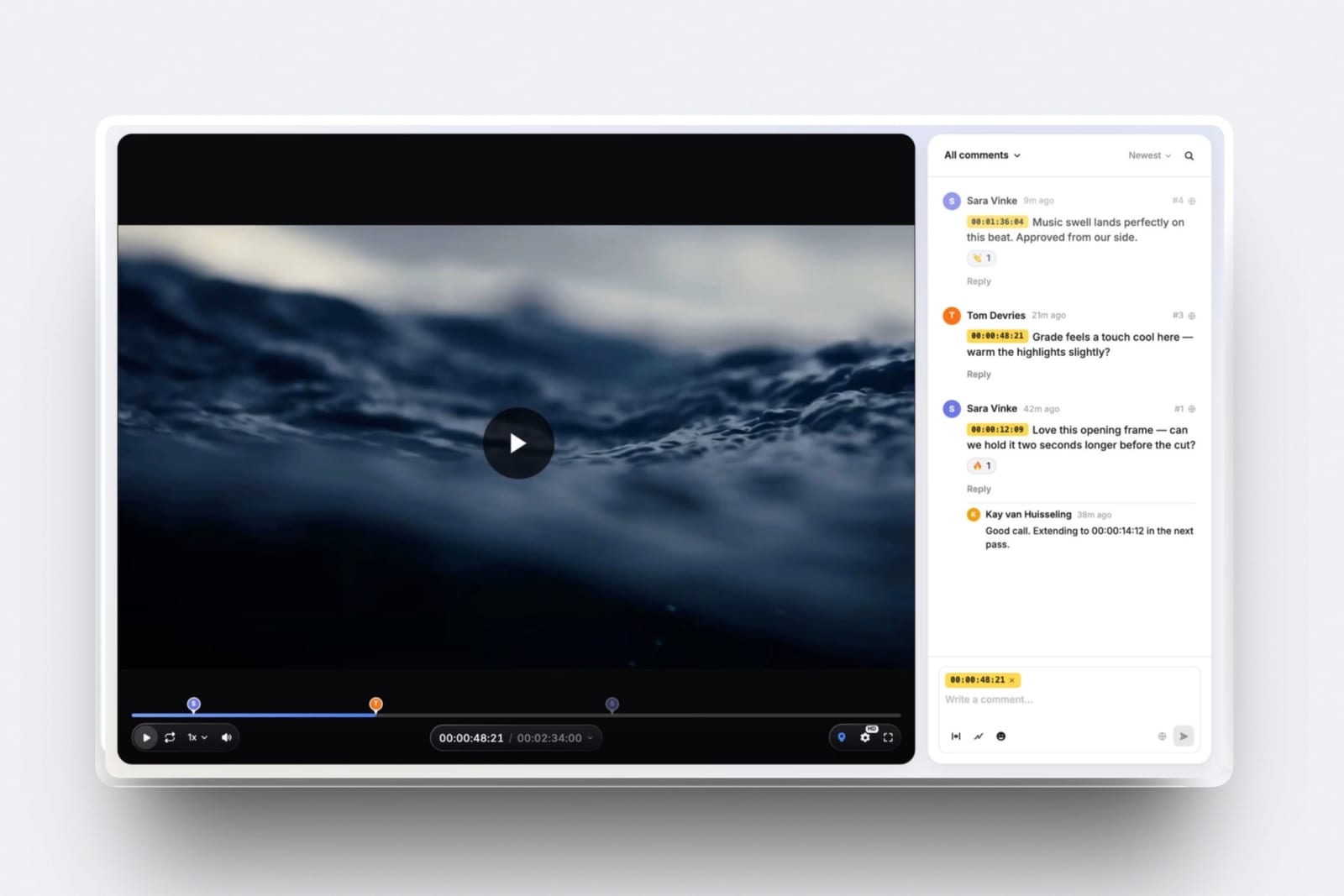
A filmmaker delivering cuts for review, plus a site. Needs the 2GB per-file review ceiling and space for the edits, which puts them on Pro: $180 a year on yearly billing.
That one plan carries the portfolio site, the client galleries, the review links and the treatments, where the equivalent hosted stack of a gallery plan, a review tool and a site subscription commonly runs $45 to $70 a month.
A designer selling templates at $1,200 a month. Above the crossover, so Business on yearly billing: $372 a year and no transaction fee, against $804 a year on Starter once the 5 percent is counted.
The upgrade pays for itself roughly four times over.
Where Something Else Is Cheaper Than Us
This is the section a vendor-written pricing page does not have, and it is the one worth reading twice. In each of the following cases a competitor costs less for the specific job, and the sensible move is to pay them rather than us:
- A single static page. Carrd is $19 a year and it is the better purchase if you will never add a second page, a store or galleries.
- Print and album sales. Pixieset, Pic-Time and ShootProof sell physical products and we do not. If prints are real revenue, their commission is worth paying and our zero is worth nothing. Our breakdown of Pixieset's pricing has those numbers.
- Reaching 0 percent at low volume. Some link-in-bio tools reach a zero seller fee below our $39. If your entire requirement is one page with a checkout, they are the cheaper route to the same zero.
- Long-form video review. Our per-file ceiling tops out at 3GB. Full ceremony films and feature cuts belong on a tool built for them, and the review tools comparison covers those.
- Global tax handled for you. A merchant of record charges more per sale and does your VAT filings. That fee is the price of not doing the paperwork, and for some sellers it is obviously worth it.
How to Choose a Framekit Plan: A Decision Guide
Work down this list and stop at the first question you answer yes to, because the plans are cumulative and the first real constraint you hit is the one that decides your tier. Most people land on question one or question five.
- Do you need your site on your own domain? No: stay on Free. It publishes a real site, and we would rather you spent nothing. Yes: continue.
- Do you sell products for more than $780 in a typical month? Yes: Business at $372 a year. The fee saving alone pays for it. No: continue.
- Do you deliver video files larger than 1GB, or need more than 50GB, or need more than one seat? Yes: Pro at $180 a year. No: continue.
- Is 2TB not enough? Yes: Enterprise. If you had to think about this, the answer is no.
- Everything else: Starter at $84 a year.
Then check one thing a year: whether your product sales crossed $780 a month. That is the only number on this page that moves.
Frequently Asked Questions
How much does Framekit cost per month in 2026?
Framekit costs $0 on the Free plan, $9 a month on Starter, $19 on Pro, $39 on Business and $59 on Enterprise. Yearly billing takes 20 percent off each paid plan, which works out to $7, $15, $31 and $47 a month respectively.
On top of the subscription, product sales carry a transaction fee of 5 percent on Free and Starter, 3 percent on Pro and 0 percent on Business and Enterprise.
Is Framekit free, and what is the catch?
The free plan is genuinely free and publishes a real site with ten pages, 10GB of storage, unlimited client galleries and a working store, with no credit card and no expiry.
The catch is stated rather than hidden: the site sits at a framekit.ai subdomain with a small Framekit badge, and product sales carry a 5 percent fee. Both the subdomain and the badge go away on Starter at $9 a month.
The fee does not move until Pro.
Does Framekit take a cut of my sales?
Yes, on product sales, and the rate depends on the plan: 5 percent on Free and Starter, 3 percent on Pro, and 0 percent on Business and Enterprise. Card processing from Stripe is charged separately on every plan.
Framekit does not take a cut of client work you invoice elsewhere, because it does not handle invoicing at all.
When is the $39 Business plan actually worth it?
Above $780 a month in product sales, which is $39 divided by 5 percent. Below that number the 5 percent fee costs less than the subscription and you are better off on Free or Starter.
Take your best recent month, multiply the sales figure by 0.05, and if the result is bigger than $39 then Business is the cheaper plan.
Can I change plans partway through a year?
Yes, and the direction matters. Upgrading takes effect immediately and the unused portion of your current term is credited against the new one, which is what makes a mid-season move to Pro painless when a video job arrives.
Downgrading takes effect at the end of the paid term rather than the day you ask, so a plan bought for a busy season runs out the year you paid for.
The practical consequence is that if your volume is seasonal, buy the plan the quiet months justify and upgrade when the work lands.
What happens to my site if I stop paying?
The site stops being served on your custom domain and the account drops back to free-plan limits, so anything beyond ten pages or 10GB is no longer published. Your files are not deleted on the day you cancel.
The practical advice is the same on every platform: keep your own copies of your images, and keep the domain registered in your own name rather than through any builder, so the address is yours to point elsewhere.
Does storage reset each month?
No. The storage pool is a total, not a monthly allowance, so 50GB on Starter means 50GB of live files at any one time. Deleting a delivered gallery frees its space immediately, which is how most photographers make a smaller plan last a full season.
Can I try Pro features before paying?
The free plan is the trial, and it is open-ended rather than a countdown. What it cannot show you are the specific paid capabilities: a custom domain, the larger per-file video ceilings, custom code and PowerPoint export.
Those only exist above the tier that includes them, and yearly billing can be cancelled inside the normal billing terms if the plan turns out to be wrong.
Is Framekit cheaper than paying for a gallery platform and a website separately?
For most creatives, yes, and the comparison is the honest way to read our pricing.
A hosted gallery plan plus a portfolio subscription commonly runs $25 to $40 a month, where one Framekit plan covers both plus decks, video review and a store.
The exception is a print-led photography business, where the gallery platform's print store earns more than the subscription costs and our lack of one is a real loss.
We cost that out in how much client galleries cost.
Do team members cost extra?
No. Seats are included in the plan rather than priced per person: one on Free and Starter, three on Pro, unlimited on Business and Enterprise.
A three-person studio on Pro pays $180 a year in total, not per head, which is the part that makes Pro cheap for small teams and is worth checking against any tool that quotes per-seat pricing.
Which plan do most photographers end up on?
Starter if they deliver stills only, Pro if they deliver video as well. The deciding number is almost never the page count and almost always the per-file video ceiling: 1GB on Starter and 2GB on Pro. Hybrid shooters cross that line in their first busy month.
Does Framekit charge for bandwidth or traffic?
No. There is no metered bandwidth, no overage billing and no traffic ceiling on any plan, so a portfolio that gets picked up somewhere does not generate a bill. Storage is the metered resource, and it is a fixed pool you can see.
Final Verdict
Framekit's pricing is simple in shape and has exactly one trap, which we have tried to defuse rather than exploit: the transaction fee is a second price, and it is the one that can cost more than the subscription.
The whole of plan selection is the $780 crossover. Below it, pay us as little as possible. Above it, pay us $39 and never think about the fee again.
Who should not pay us anything. If print and album sales are your income, a platform with a print store will earn you more than our zero commission saves.
If you need invoicing, contracts or memberships, we do not do those at any tier. If one static page is the entire requirement, a $19-a-year single-page tool is the better purchase and we will not pretend otherwise.
And if your work is long-form video that needs reviewing in full, our per-file ceiling will stop you before your storage does.
Who should. Creatives running more than one of these jobs at once: a portfolio, client delivery, a review round and a store. The case for our pricing is not that any single product is the cheapest available.
It is that one plan covers four of them, on one domain, for less than the separate subscriptions cost.
More on pricingcompare this against what client galleries cost across the category, Pixieset's four price ladders, and what it costs to sell digital products online.
Plan configuration and limits read from the shipped product in September 2026. Card processing figures from Stripe's published pricing, checked the same month.