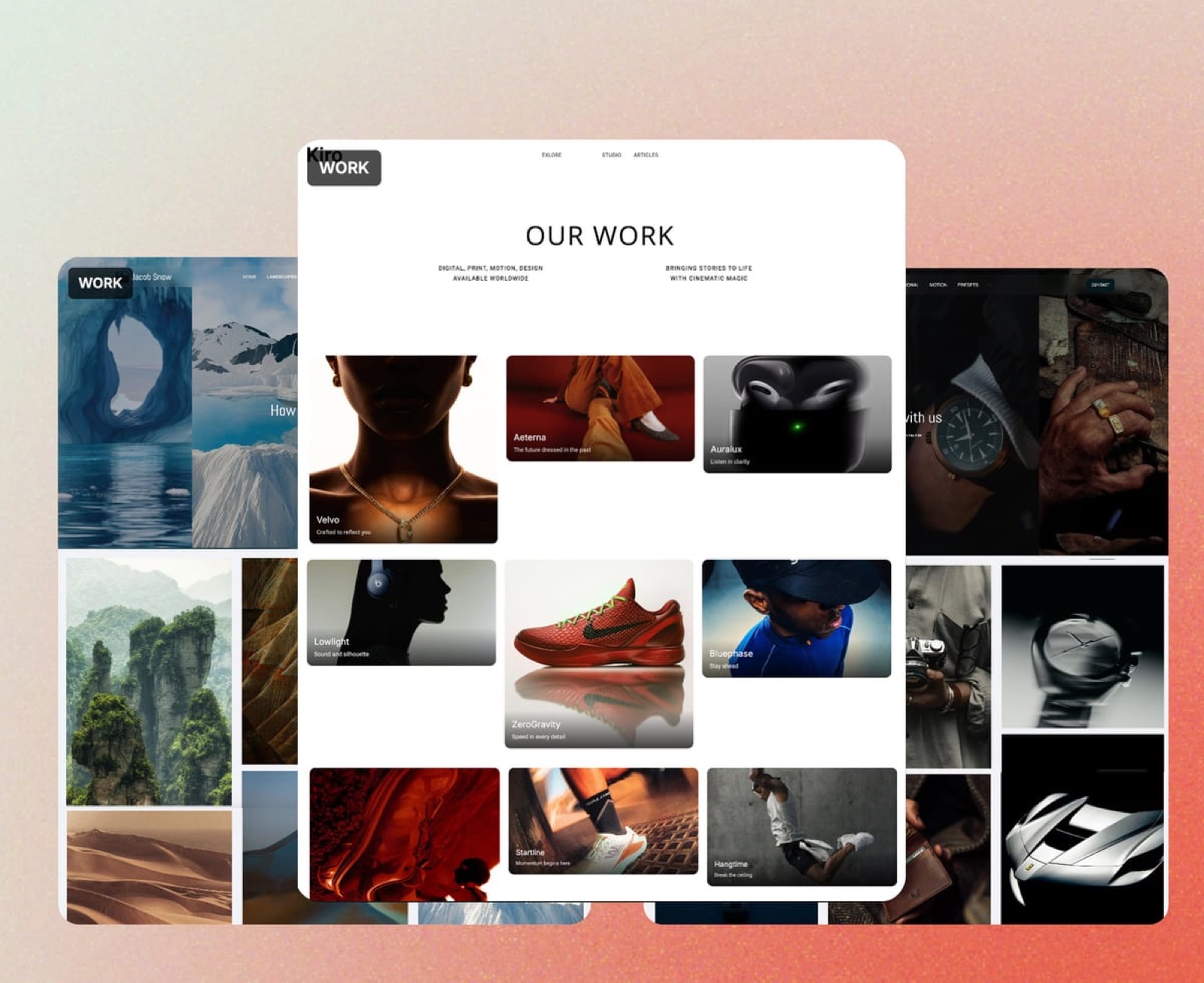
Framekit templates
Start from a designer-made template
 Use template
 Use template
 Use template
 Use template
 Use template
 Use template
 Use template
 Use template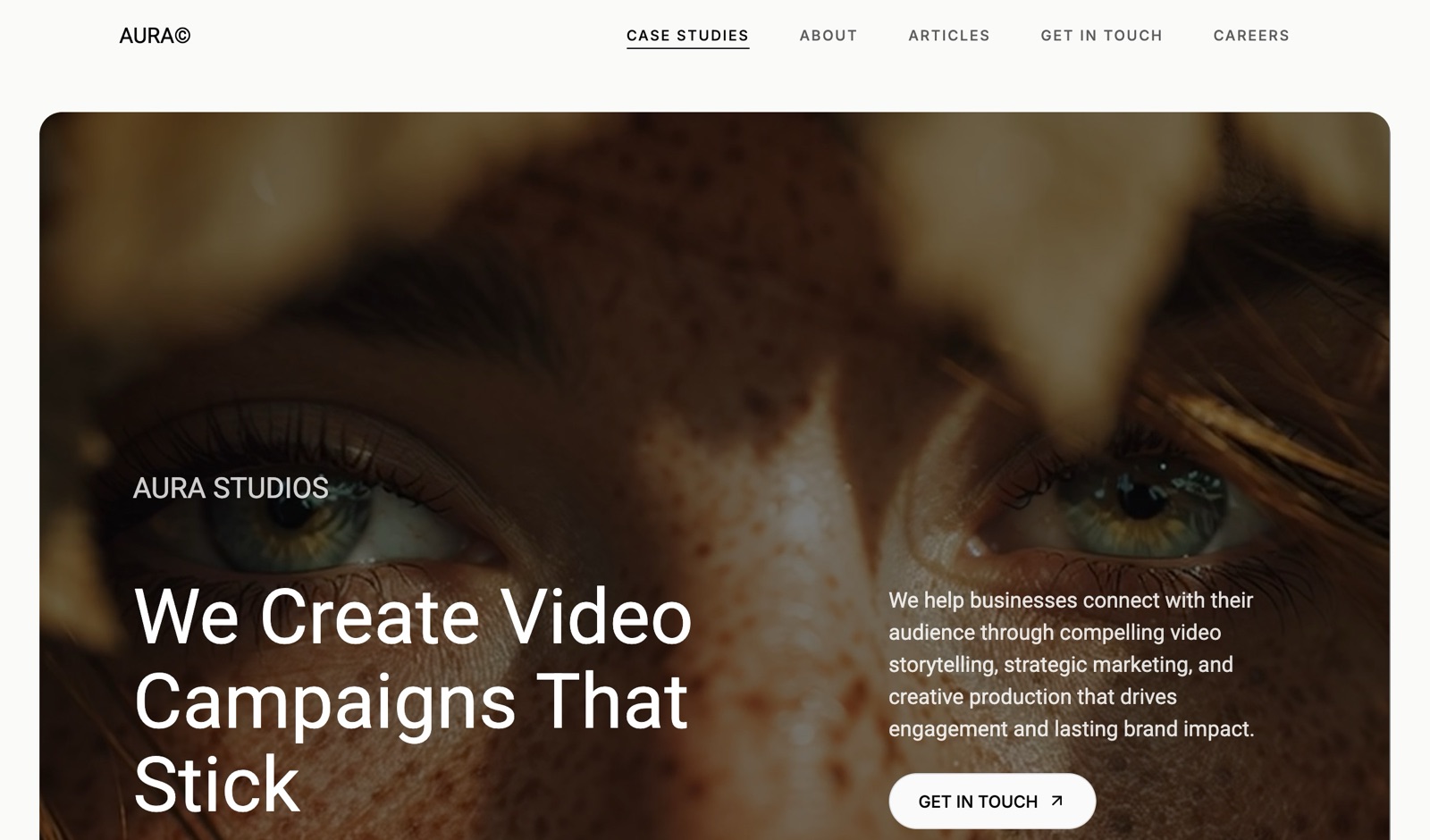
Koto's case study for Amazon opens with one sentence: an 18-month project across 15 markets and more than 50 sub-brands. A reader who spends ten seconds on the page leaves knowing the scale, the length and the client.
Most graphic design portfolio examples you will be shown are chosen for how they look; this one is worth studying for what that sentence does.
That is the lens for the twelve examples below.
You cannot copy Pentagram's client list or Koto's budget, but you can copy the structure of their pages: how projects are labelled, what the first line of a case study says, how credits are handled, and what the navigation promises.
Structure is free, and it is what a reader skimming between meetings takes in first.
A graphic design portfolio is a curated set of a designer's strongest projects, presented as a website or PDF with enough context on each (the brief, the designer's role, the work and the result) for a client or employer to judge whether to hire them.
The graphic design portfolio examples most worth studying in 2026 are studio and solo sites that make each project legible in seconds: Koto and Manual for case studies with a number and a structure up front, Order and Pentagram for labelling every project by what was delivered, Jessica Hische and Draplin for sections organised around a clear specialism, and Mike Kus for a solo site that lists services and a client quote on the homepage.
To build your own, Framekit gives you designer-made templates and an AI that builds sections from a reference image, with a custom domain from $7 a month billed yearly; Behance and Dribbble are better for being discovered, and Webflow or Framer for designers who want to build every interaction themselves.
- 1KotoTop pickBest Example of a Case Study That Leads With Scale
- 2ManualBest Example of a Repeatable Case Study Structure
- 3OrderBest Example of Labelling Every Project by Deliverable
- 4CollinsBest Example of Framing Work Around a Business Problem
- 5PentagramBest Example of One-Sentence Project Descriptions
Full disclosure: Framekit is our product and appears first in the "build yours" section, not in the list of examples; none of the twelve portfolios below is built on Framekit, and we have no relationship with any of them. We read each site in September 2026 and describe only what is on its pages. Behance and Dribbble bring an audience that a new Framekit site does not, and Webflow and Framer give more interaction control.
How These 12 Were Chosen and Read
Each example had to pass three tests: it is a live site belonging to a well-known graphic designer or design studio, it loaded for us on 19 September 2026, and it teaches one structural move a freelancer or job seeker can copy without the studio's budget.
Read at the source. We opened every homepage and, for five studios, one full case study page, and we describe only what those pages say: navigation labels, how projects are tagged, what a case study's sections are called, which numbers appear and where.
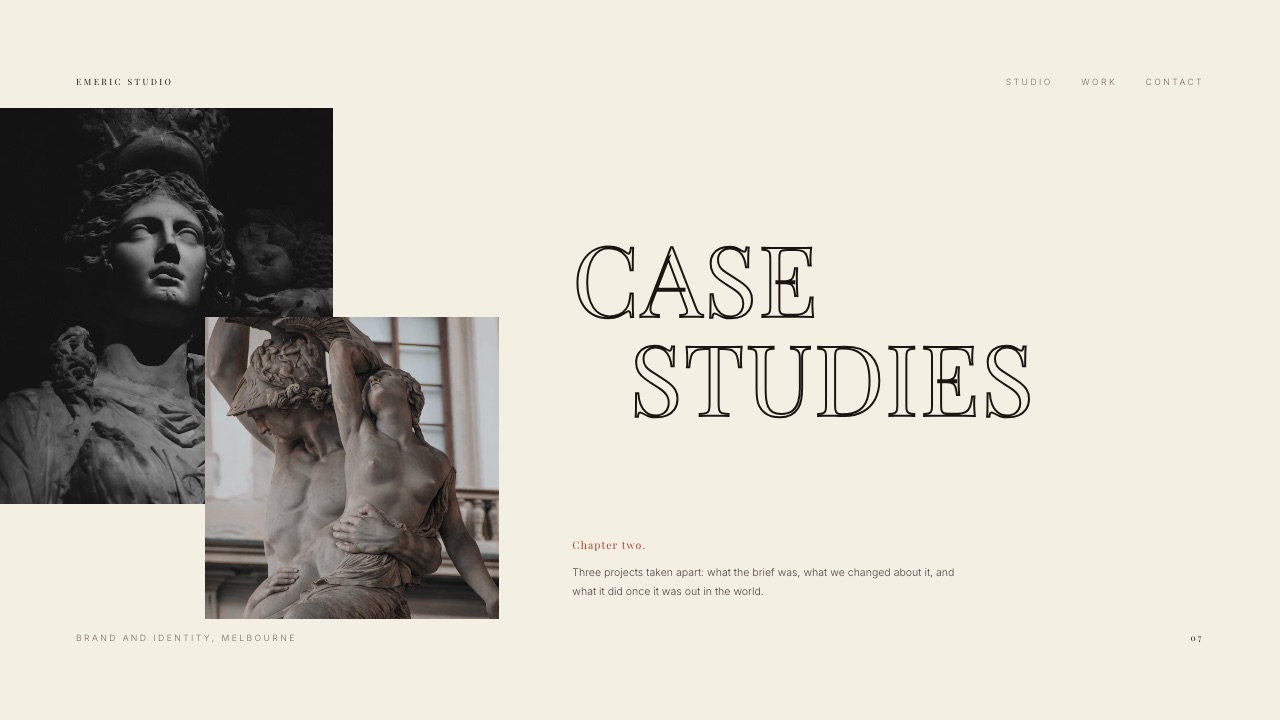
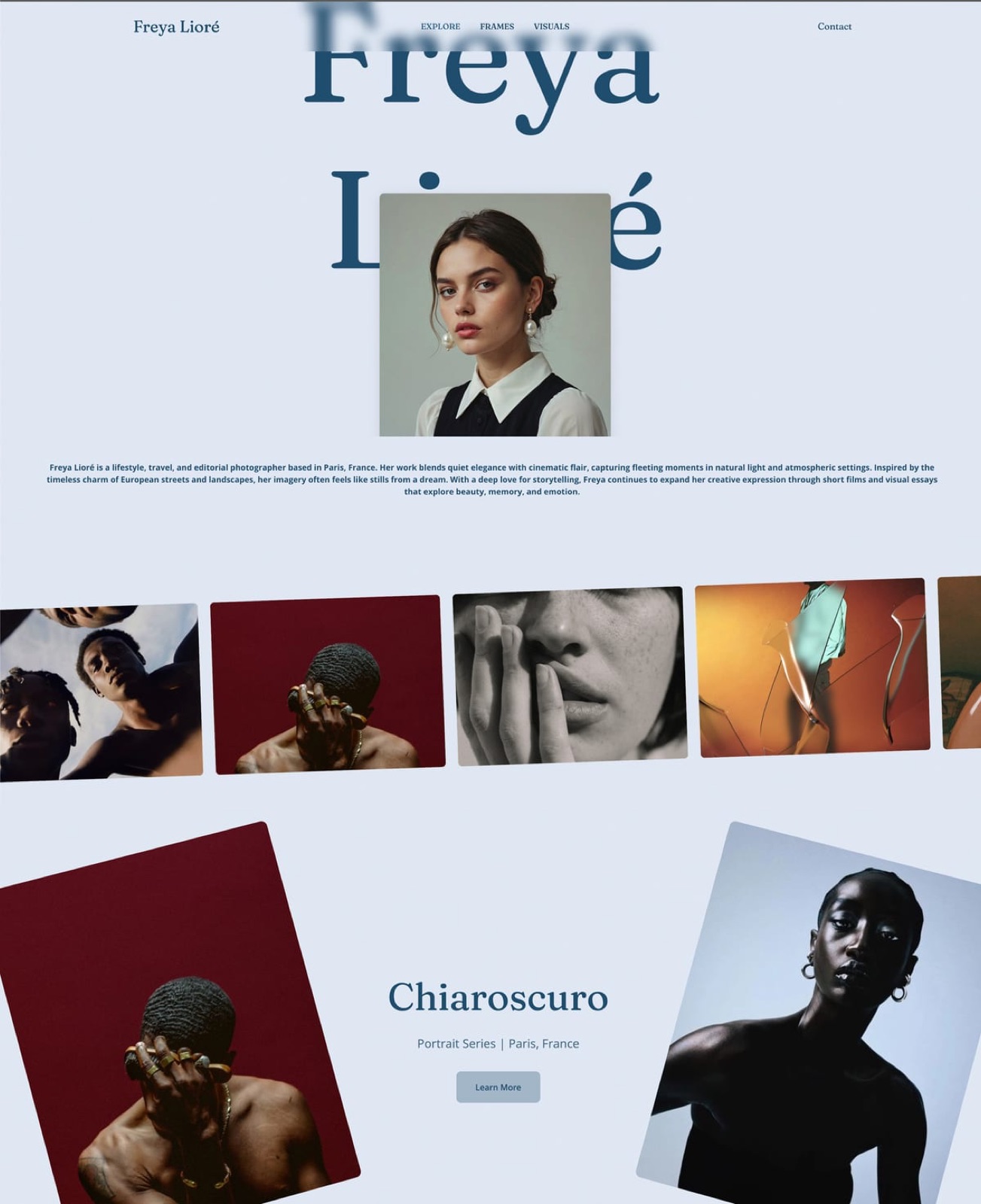
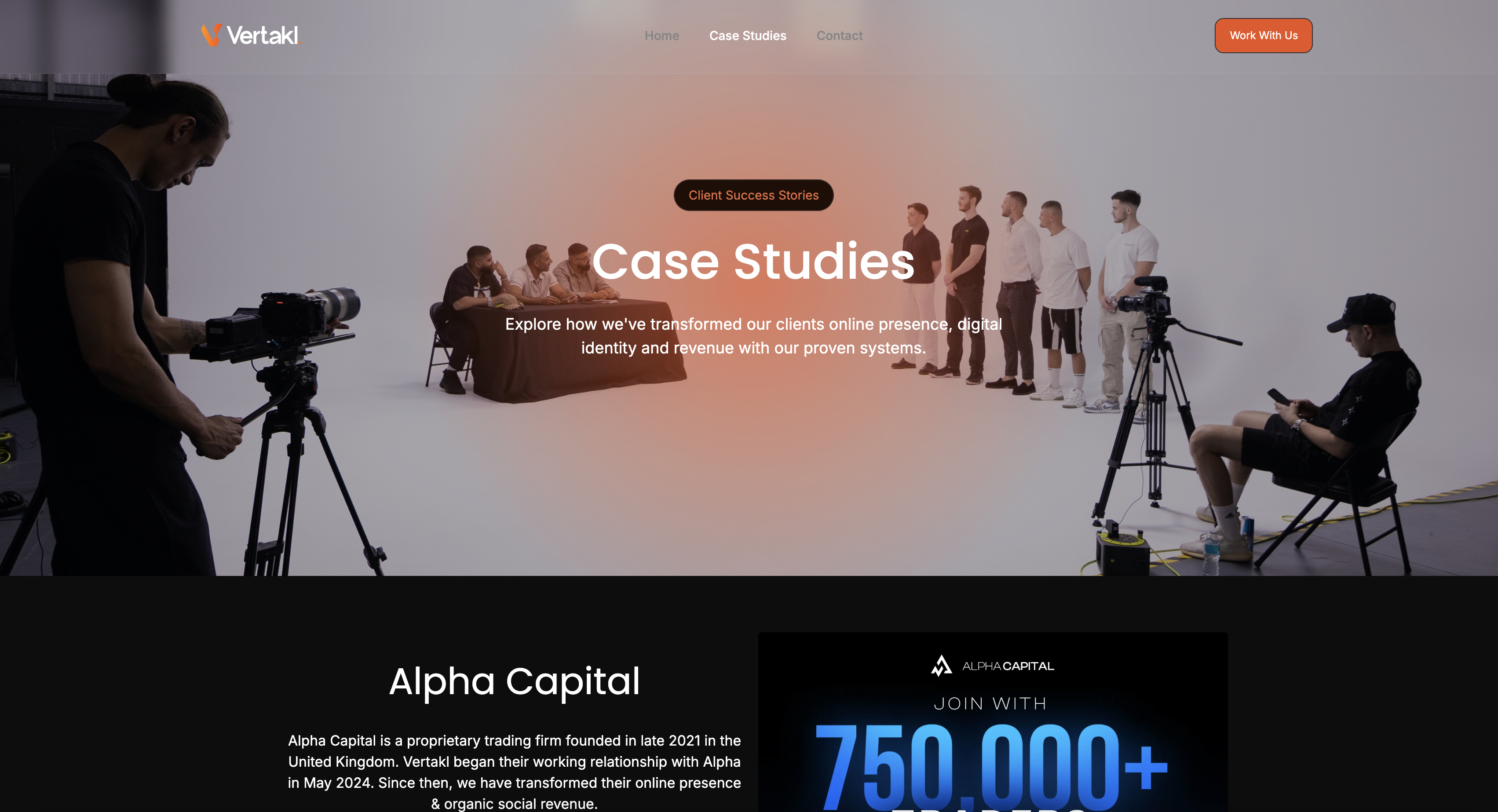
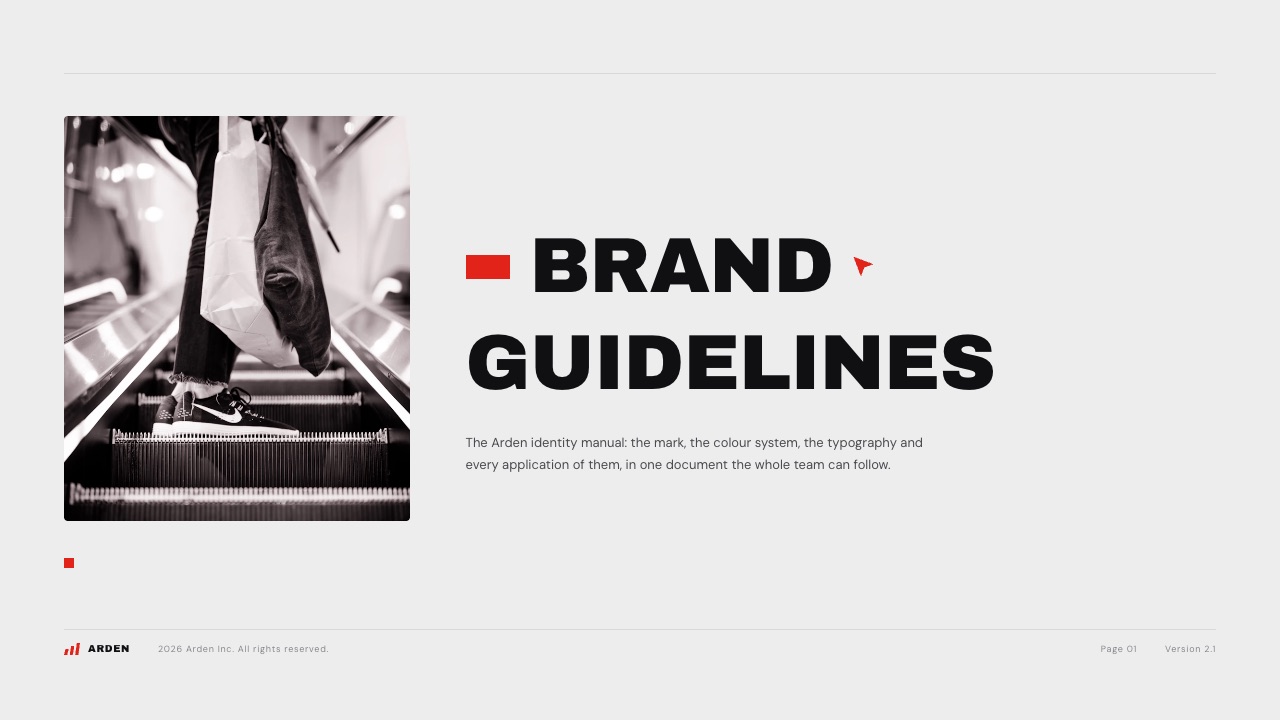
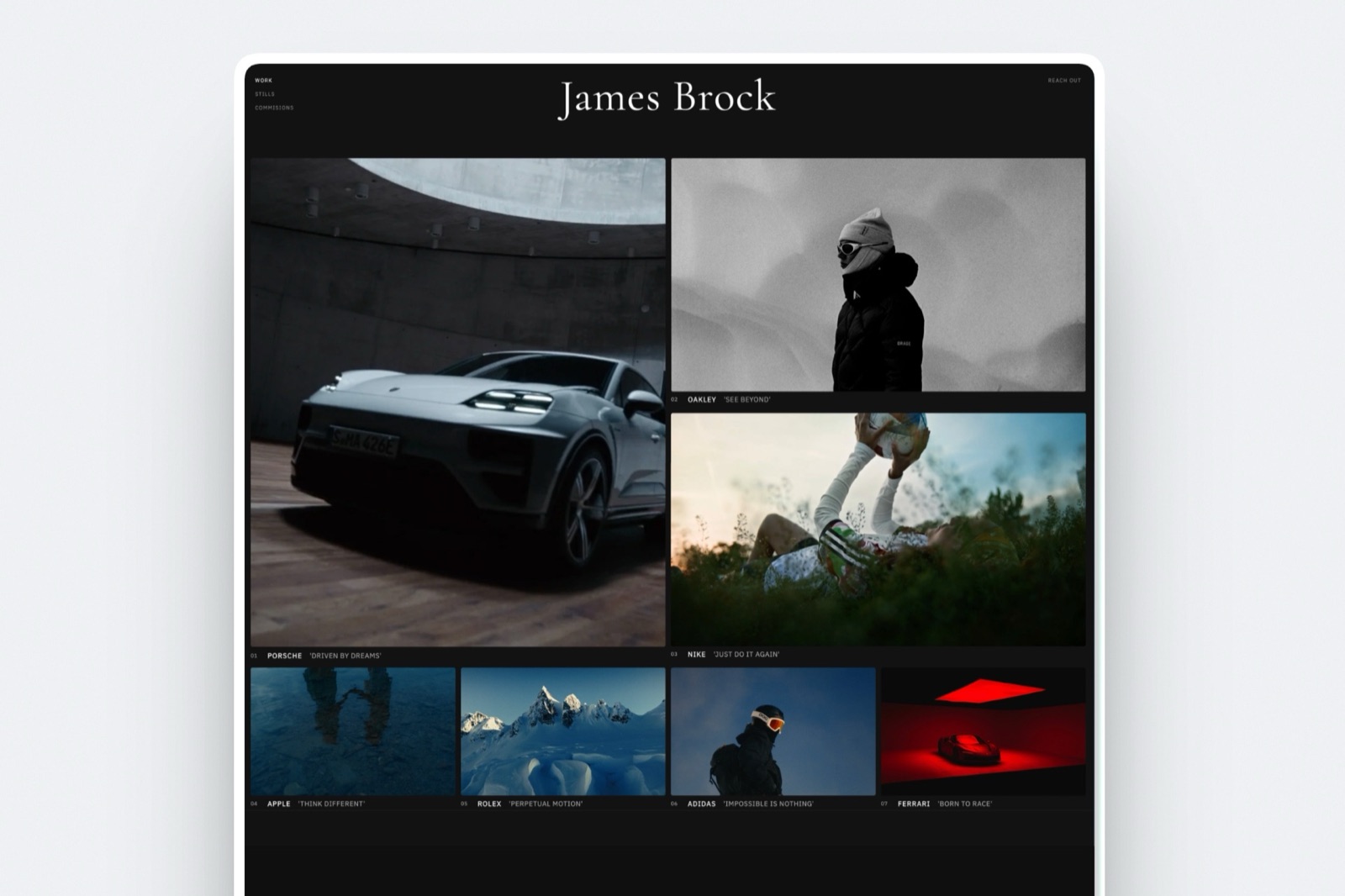
We make no claims about colours, type or layout we could not confirm from the page text, and we do not reproduce any screenshots of these sites; the images in this article are Framekit templates used to illustrate the same patterns.
Calculated. The platform costs in the "build yours" section are published prices multiplied out to a year, shown so you can check them.
Reported by users. Excluded. We found plenty of opinions about what art directors like and no data we could verify, so the advice below is tied to what these sites visibly do rather than to claims about hiring outcomes.
The carried example. A freelance graphic designer with six finished projects (two identities, a packaging range, a book cover series, a poster set and a website) building a portfolio site to win brand identity work.
Each lesson below ends with what that designer should do.
Four sites we tried were dropped: one returned an access error, one studio's domain now shows only a notice that it has become a different agency, and two did not load reliably. A portfolio example you cannot open is not an example.
The 12 Portfolios at a Glance
In one linethe twelve portfolios fall into six lessons, and a designer building a first or second portfolio should steal one move from each group rather than trying to copy any single site whole.
| # | Portfolio | Designer or studio type | The lesson | The move to copy |
|---|---|---|---|---|
| 1 | Koto | Brand studio, five offices | Case-study depth | Open each case study with scale, length and scope in one sentence |
| 2 | Manual | Brand studio | Case-study depth | Use the same named sections in every case study |
| 3 | Order | Identity design office | Identity systems | Tag every project with what was delivered |
| 4 | Collins | Brand agency | Case-study depth | Tag case studies by the business problem, not only the industry |
| 5 | Pentagram | Partner-run consultancy | Identity systems | One sentence under every project saying what it was |
| 6 | Studio Dumbar/DEPT | Identity studio, motion and sound | Motion | List motion and sound as services and show them in the case study |
| 7 | Jessica Hische | Lettering artist and author | Typography-led specialism | Organise the portfolio by output: lettering, logos, books, typefaces |
| 8 | Draplin Design Co. | Solo-led design company | Personality and process | Show process and rejected logos, not only finals |
| 9 | Timothy Goodman | Designer, illustrator, muralist | Personality and range | Split range into clear categories by medium |
| 10 | &Walsh | Creative agency | Minimal index | A short project list with a naming system of its own |
| 11 | Mike Kus | Solo designer and studio | Solo designer site | Services list and a client quote on the homepage |
| 12 | Stefan Sagmeister | Designer and author | Minimal index at scale | An archive where the titles themselves say something |
Portfolio Patterns by the Numbers
The counts below come from reading the twelve sites and five of their case study pages in September 2026, and they are the patterns that repeat often enough to be worth copying rather than one studio's taste.
- 5 of 5 studio case studies we read put a short positioning line or summary at the top of the page text: Koto, Manual, Order, Collins and Studio Dumbar.
- 5 of 5 of those case studies label the work at the top: scope at Manual, deliverables at Order, program and industry at Collins, services at Studio Dumbar, and engagement type, sector and year at Koto.
- 3 of 5 name the people who worked on the project: Manual, Order and Collins, and Collins lists the client's team as well as its own.
- 95 separate project links appear on Order's homepage, with deliverables such as Identity, Guidelines or Website listed beside the project names.
- 80 project pages are linked from Stefan Sagmeister's Work page.
- 18 sectors and 15 disciplines are the two filters on Pentagram's work, a firm its own site says is owned and run by 24 partners.
- 3 of 12 sell something besides design services from the same site: Draplin's merch store, Timothy Goodman's shop and Jessica Hische's shop.
1. Koto: Best Example of a Case Study That Leads With Scale
Koto calls itself "The Creative Company", with five offices across Los Angeles, New York, London, Berlin and Sydney, and its homepage moves straight from a showreel into case studies for Instagram, Amazon, Microsoft's Copilot+PC, Fitbit Ace LTE and Tripadvisor.
The Amazon case study is the one to read. Its first sentence gives the scale (18 months, 15 markets, more than 50 sub-brands) before explaining the work.
Below it, a chapter menu breaks the project into Challenge, Logo, Logotype, Color System, Typography, Iconography, five sub-brand cohorts and an Outcome, so a reader can jump to the part they care about.
The logo chapter notes it was the first update to the Amazon logo in over 20 years.
What to copythe one-sentence scale line and the chapter menu. For the carried example's largest identity project, that means a first line like "A six-week identity for a two-location bakery: mark, type, packaging and signage", followed by chapters named after the deliverables.
What not to copythe length. A studio with an 18-month global project has 20 chapters' worth of material; a freelancer padding a six-week project to that length will show thin chapters.
2. Manual: Best Example of a Repeatable Case Study Structure
Manual describes itself as "the brand studio for ambitious ideas", and its homepage labels each case study by the kind of engagement: Wayfinding and Signage for the Obama Presidential Center, Brand Refresh for Waabi and Care.com, Startup Launch for New Orbit, Brand Evolution for the Obama Foundation.
Its Waabi case study shows the structure every project follows. A Scope list names eight deliverables, from brand identity and messaging to 3D renders, website and motion graphics.
A Credits block names the photographer, video team, website collaborator and messaging writer. Then the story runs through five named sections: Introduction, Challenge, Insight, Solution and Result.
The standout detailthe Insight section. Most designer case studies jump from the problem to the solution; Manual puts one paragraph between them explaining what it understood about the client that changed the approach. That paragraph is where a reader sees thinking rather than output.
What to copythe five section names, word for word if you like, applied to every project. A consistent structure lets a reader compare your projects, and it makes each case study faster to write.
Our roundup of case study templates for designers has more structures to choose from.
3. Order: Best Example of Labelling Every Project by Deliverable
Order is a design office founded by Jesse Reed and Hamish Smyth that specialises in brand identity, and its site's description sets the tone: everything done for a reason, never for decoration.
The homepage is a long index of projects, each followed by what was delivered, such as "Knoll: Identity, Motion, Guidelines" or "AidKit: Identity, Guidelines, Website".
We counted 95 project links on the homepage. That is an archive most designers will never have, but the labelling is what makes it usable: an art director looking for someone who has written brand guidelines can scan the tags and find every example in seconds.
The Knoll case study adds two more habits worth copying. A Collaborators block lists the project team with roles (partner, designer, operations).
And before any new design, the page walks through Knoll's history from 1938 onward, including Herbert Matter's "circle K" logo in 1947 and Massimo Vignelli's graphics program in 1967, which shows the research that shaped the identity.
What to copydeliverable tags on every project. For the carried example, the bakery becomes "Identity, Packaging, Signage" and the book covers "Cover design, Series system", which tells a client in one line what you can do for them.
4. Collins: Best Example of Framing Work Around a Business Problem
Collins opens its homepage with a record, "8x Agency of the Year", followed by "Programs": eleven named ways it helps brands, such as Brand Refresh, Reposition, Expansion and Turnaround.
Its case studies include Bose, Red Wing Shoes, Robinhood, Target's up&up, Arcane and the San Francisco Symphony.
The Bose case study tags the project three ways: by program (Turnaround, Reposition, Premiumization), by industry (Electronics) and by stage (Enterprise).
A client reading it learns what kind of problem the work solved, not just which sector it was in. The page ends with credits for everyone involved, including named people on the Bose side and the typeface designer.
The standout detailcrediting the client's team. It signals that the work was a collaboration and makes the case study easier for those people to share.
What to copyone tag for the problem each project solved. "Rebrand for a business that outgrew its logo" tells a prospective client more than "Food and drink".
5. Pentagram: Best Example of One-Sentence Project Descriptions
Pentagram describes itself as the world's largest independent design consultancy, owned and run by 24 partners, and its homepage is a stream of projects, each with a single sentence of explanation.
Examples from the homepage in September 2026: the Guggenheim ("Visual identity for the constellation of global art museums"), the Folger Shakespeare Library ("Visual identity and signage for the world's largest Shakespeare collection"), and Rugiet ("Brand identity and custom typeface for a fast-growing leader in men's health").
Each sentence names the deliverable and the client in one breath.
The work can be filtered two ways, by 18 sectors (from Arts and Culture to Transport) and by 15 disciplines (from Books and Brand Identity to Typefaces and Verbal Identity).
What to copythe one-sentence description, formula and all: deliverable, then client, then one detail that makes it specific. For the carried example: "Packaging for a three-flavour hot sauce range from a family kitchen in Leeds."
What not to copythe filters. With six projects, two filter menus are more navigation than content.
6. Studio Dumbar/DEPT: Best Example of Showing Motion and Sound
Studio Dumbar, now part of DEPT, describes itself as creating bespoke identities with a specialism in visual design, motion design, sound and creative coding.
Its homepage is a plain list of project names, among them Google Sans Flex, PostNL, OpenAI, Feyenoord and the MTV VMAs 2022.
The Google Sans Flex project shows how a studio presents work that moves.
The page lists its services for the project (visual, motion and sound design), explains the brief in a paragraph (Google Design invited the studio to explore its new variable font under the theme "Action and Reaction"), and then relies on video, with unmute controls on each clip because sound is part of the work.
What to copyif motion is part of your offer, list it as a service on the case study and show it moving. A static frame of an animated logo undersells it.
Who can skip this lessonprint and packaging designers whose work does not move. Adding motion for its own sake to a static identity adds nothing.
7. Jessica Hische: Best Example of a Portfolio Built Around a Specialism
Jessica Hische's site describes her as a lettering artist, illustrator, type designer and author, and the portfolio menu follows that description exactly: Lettering and Illustration, Logos and Branding, Published Books, and Typefaces.
The homepage introduces her in one sentence (a lettering artist, bestselling author and serial entrepreneur based in Oakland), then shows a Featured Project with the client named and a short account of the brief; in September 2026 it was a shirt design for Invisible Creature's IC and Friends series, printed in three colours.
A "Selected Logos" strip links to the full logo archive, and a Work with Me menu lists commissions, coaching and consulting, workshops, studio tours and public speaking.
The standout detailthe portfolio categories are outputs a client buys, not skills. "Logos and Branding" is something you can commission; "Typography" is not.
What to copyname your sections after what clients hire you to make. For the carried example, that is "Identities", "Packaging" and "Books", not "Branding", "Illustration" and "Layout".
8. Draplin Design Co.: Best Example of Showing Process and Rejects
Draplin Design Co. is Aaron Draplin's company, and its navigation is the opposite of minimal: Latest Work, Merch, Gigs, Field Notes, DDC Fonts, Classes, the DDC Book and Archives, with logo work sorted into categories such as Rock and Roll, Shred, Festivals, Guitars and Eats.
What makes it worth studying as a portfolio is three pages most designers would never publish: a Logo Archive, a Logo Process page and a Logo Graveyard.
Showing rejected marks and the working behind the finals tells a client how the designer thinks, which a gallery of finished logos cannot.
The gotcha for anyone copying itthe density works because the personality is the brand. A new freelancer with nine navigation items and six projects will look like a site under construction.
What to copya process page. For the carried example, one page showing the bakery identity's first sketches, the two rejected directions and why the third won is more persuasive than a fourth finished project.
9. Timothy Goodman: Best Example of Organising Range by Medium
Timothy Goodman is a New York designer, illustrator, muralist and author, and his Work menu handles a wide range by splitting it into six mediums: Murals and Wall Wraps, Personal Projects, Products, Packaging, Editorial and Publications, and Partnerships.
Shop, About and Book sit beside it.
Range is a problem for many graphic designers: a site that mixes murals, packaging and editorial illustration in one grid can read as unfocused. Categories by medium let a packaging client go straight to packaging, while the overall menu still shows breadth.
The footer notes the site was created on Editor X, a design platform from Wix, which is a reminder that a strong portfolio does not require a custom build.
What to copyif your six projects span three mediums, give each medium its own section rather than a single mixed grid. Keep "Personal Projects" as a section too; Goodman gives it equal billing with client work.
10. &Walsh: Best Example of a Short Index With a Naming System
&Walsh is Jessica Walsh's New York creative agency, and its homepage is a short project list in which every name carries the agency's ampersand: "& Lex", "& Plenty", "& Zooba", "& Google I/O 2023", "& Bombas" and so on, 14 work pages in all when we read it.
The one-line description beneath is equally compact: a creative agency based in New York specialising in brand strategy, art direction, design and production across all platforms.
The site also links to the agency's Behance profile, a sign that even an established studio uses a discovery platform alongside its own site.
The standout detailthe naming system turns a plain list into branding. Every project name reminds the reader whose work it is.
What to copythe short list. Fourteen strong projects presented cleanly beat forty mixed ones, and for the carried example six is enough.
The Behance link is worth copying too; see our guide to Behance alternatives for where else designers get discovered.
11. Mike Kus: Best Example of a Solo Designer's Homepage
Mike Kus runs Kus Studio, and his homepage is the closest match on this list to what a freelance graphic designer needs: a positioning line ("Building brands for those who are bored of blending in"), four highlighted projects each labelled with what was delivered (such as "Slashwork: Branding and Web Design"), a list of services, and a client testimonial.
The services list is specific: brand identity design, website design, app and product design, brand strategy, art direction, illustration, photography and pitch decks.
The testimonial is from a named founder at a named client, Epic Travel, one of the four highlighted projects, so the quote and the work reinforce each other.
The gotchaa services list this long can dilute a positioning line. It works here because the four highlighted projects show branding and web design, the first two services named.
What to copythe whole homepage order. Positioning line, three or four labelled projects, services, one named testimonial, contact. For the carried example, that page can be built in an afternoon and is more useful than a full archive.
Our guide to getting clients as a freelance designer covers what to do once it is live.
12. Stefan Sagmeister: Best Example of an Archive With a Voice
Stefan Sagmeister's site has four items in its main navigation (Work, Answers, Contact and Events), and the Work page links to 80 project pages.
What makes the archive distinctive is its titles, many of which are statements: "Now is Better", "Things I Have Learned In My Life So Far", "Having Guts Always Works Out For Me" and "Everybody always thinks they are right".
This is a lesson in scale and voice rather than one to copy directly. A designer with decades of work can present it as a long list because the titles do the work; a newer designer with a long list of generic titles ("Logo 1", "Poster series") gets none of that effect.
What to copytitle projects with something specific. "Bakery identity" is a label; "A bakery that wanted to look as old as its recipes" is a reason to click.
In one lineacross all twelve, the copyable moves are small and structural: a one-sentence description, deliverable tags, a consistent case study structure, sections named after what clients buy, a process page and titles that say something.
Anatomy of a Graphic Design Portfolio Worth Hiring From
In one lineput together, the twelve examples describe a portfolio with five parts, a positioning line, a short labelled index, repeatable case studies, a process page and a contact route, and a newer designer can build all five with six projects.
Nielsen Norman Group's Rachel Krause notes that hiring managers very rarely read a portfolio word for word, which is why she advises making it scannable and cutting unnecessary detail.
That advice was written for UX portfolios, and the studio sites above apply the same idea to graphic design: one-line descriptions and tags let a skimming reader learn what a project was without opening the case study.
| Part | What it does | Who does it well above | For the carried example |
|---|---|---|---|
| Positioning line | Says who you design for, in one sentence | Mike Kus, Manual, &Walsh | "Identities and packaging for independent food and drink brands" |
| Labelled index | Lets a reader find the right project in seconds | Order, Pentagram, Jessica Hische | Six projects, each with deliverable tags and a one-line description |
| Case studies | Show the brief, your role, the thinking and the result | Koto, Manual, Collins | Three full case studies using Challenge, Insight, Solution, Result |
| Process page | Shows how you think, including rejected work | Draplin | One page of sketches and rejected directions for the main identity |
| Contact route | Makes the next step obvious | Mike Kus, Jessica Hische | A contact form and a services list on the homepage |
How many projects to show
None of the twelve sites publishes a rule, and the counts vary from 14 work pages at &Walsh to 95 project links at Order.
For a freelancer or job seeker, the useful constraint is case-study quality: three full case studies plus three shorter project pages is achievable with six finished projects, and every one should earn its place.
A weak seventh project lowers the average a reader remembers.
What goes in each case study
Manual's five sections are a good default: Introduction, Challenge, Insight, Solution and Result.
Add a Scope line of deliverables at the top (as Manual and Order do) and a credits line naming anyone you worked with (as Order and Collins do).
If the result has a number, put it at the top, as Koto does; if it does not, a short client quote or a sentence about what changed after launch is honest and enough.
A PDF version for applications
Many job applications and agency pitches still ask for a PDF. Krause's advice is to keep one master PDF or slide deck with every project and hide the ones a given application does not need.
Build it from the same case studies as the website so they never disagree; our guide to making a portfolio PDF walks through the file itself.
For beginners and students
A beginner's graphic design portfolio can follow the same anatomy with self-initiated or student projects, as long as they are presented honestly.
Label them as self-initiated, write the brief you set yourself, and apply the same five sections. Timothy Goodman's site gives Personal Projects its own category alongside client work, which is a reasonable model.
Before publishing, check the common failures in our list of portfolio mistakes that cost creatives clients.
Build Yours: Where to Host a Graphic Design Portfolio
The twelve sites above run on everything from custom builds to a Wix product, which is the honest starting point: the platform matters less than the structure, so choose on cost, how much you want to build yourself, and whether you need an audience that comes with the platform.
| Platform | Cheapest plan with your own domain | Per year | Brings an audience? | Best for |
|---|---|---|---|---|
| Framekit | Starter, $7 a month billed yearly | $84 | No | Designer-made templates plus an AI that builds sections, with galleries, Slides and a store on the same plan |
| Framer | Basic, $10 a month on yearly billing | $120 | No | Designers who want fine control of layout and interaction |
| Squarespace | Basic, EUR 11 a month billed annually (European price) | EUR 132 | No | A familiar builder with many portfolio templates |
| Cargo | One plan, $14 a month billed yearly | $168 | Some, through Cargo's own community | Experimental, typographic sites |
| Webflow | Basic site plan, $15 a month billed yearly | $180 | No | Designers comfortable building with a visual developer tool |
| Adobe Portfolio | Included with a paid Creative Cloud plan | Your Creative Cloud cost | Links to Behance | Designers already paying for Creative Cloud |
| Behance | Free profile | $0 | Yes | Discovery and a second home for case studies |
| Dribbble | Pro Lite, $4 a month billed yearly, includes a portfolio website | $48 | Yes | Discovery and inbound leads, especially for digital work |
Most designers end up with two of these: one site on their own domain that they control, and one discovery profile. &Walsh, a studio with its own site, still links to its Behance profile.
Framekit
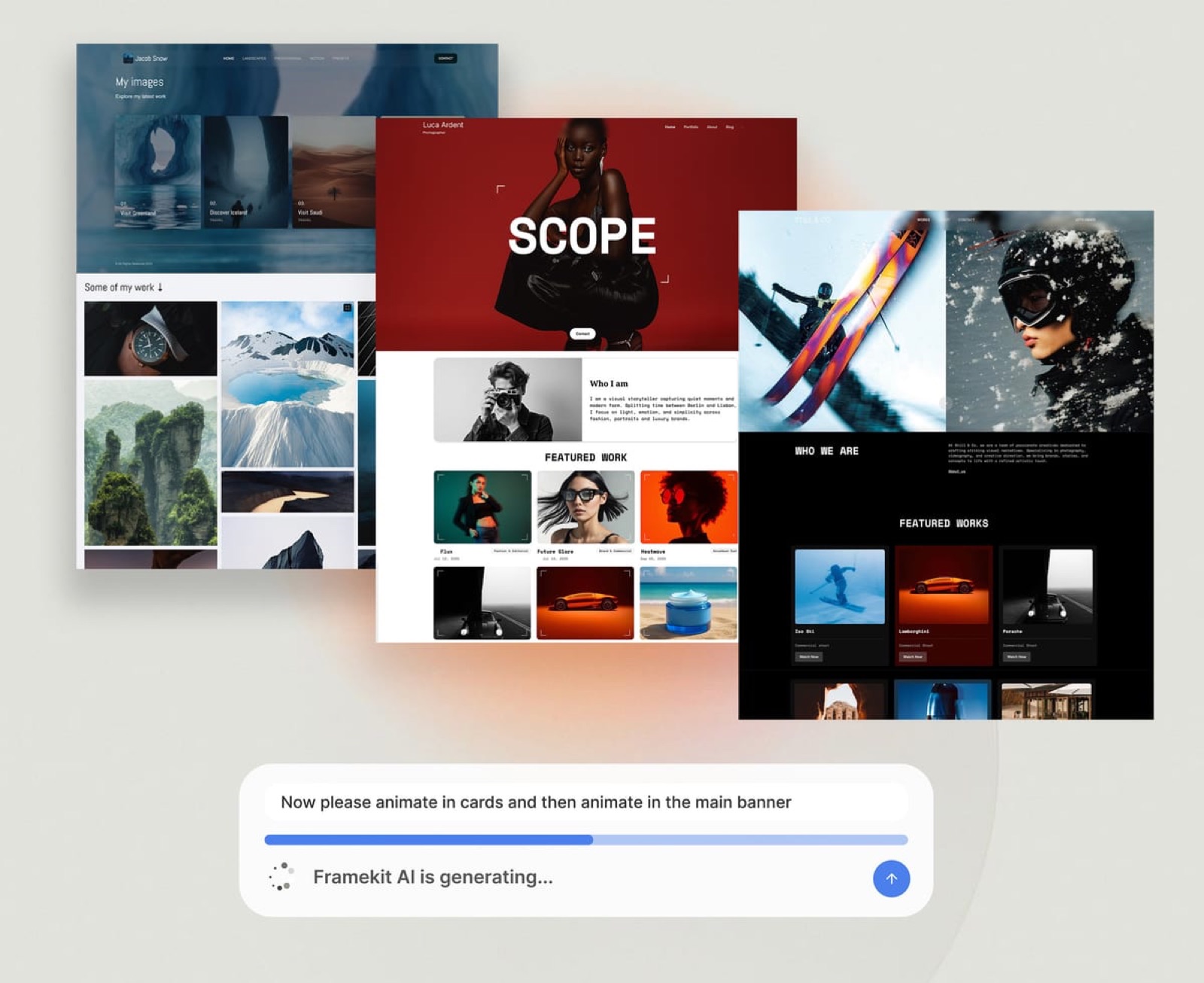
Framekit is an AI website builder with templates made by senior designers, and for a graphic designer it does two things the examples above suggest are worth doing: it lets you start from a finished portfolio structure, and it can build a new section from a description or from a reference image you upload, in your fonts and colours.
That second part is the practical way to use this article.
Take a screenshot of a pattern you want to learn from, such as a one-line project index or a case study header with a scope list, upload it as a reference, and let the AI build the section in your own type and colour.
You then fill it with your projects and your words, which keeps the structure and loses the imitation.
What every plan includeshosting, SSL and a CDN, SEO controls for titles, descriptions, the sitemap and social previews, site analytics, and contact forms whose submissions land in your dashboard and inbox. The free plan allows 10 pages on a Framekit address with a Framekit badge.
The real numberStarter is $9 a month, or $7 billed yearly ($84 a year), for your own domain, 30 pages and no badge. Pro, at $19 or $15 billed yearly, raises the limit to 200 pages and adds custom code and translation.
The same account includes client galleries, Slides for pitch decks and PDF portfolios, and a store for selling digital files such as fonts, templates or mockups.
The gotchaFramekit does not come with an audience. Nobody browses Framekit looking for a designer the way they browse Behance or Dribbble, so a new Framekit site needs you to send people to it.
Skip it ifyour work is mainly interactive and you want to design every hover state and scroll interaction yourself, in which case Framer or Webflow gives you more control.
Our comparison of the best website builders for graphic designers goes further.
Framer
Framer is a design-first site builder that many interface designers already know, with a canvas that behaves like a design tool. Framer's pricing page lists a free plan on a Framer domain and a Basic plan for creative personal sites at $10 a month on yearly billing, which includes a free custom domain and two CMS collections; Pro is $30 a month.
The gotchatwo CMS collections on Basic is enough for projects and a journal, not for projects, a journal, a shop and press. Plan the site's content types before choosing the tier.
Squarespace

Squarespace is the familiar option, with portfolio templates and commerce built in.
Its pricing page shows prices by region and loads them with a script; for European buyers in September 2026, Basic was EUR 11 a month billed annually and Core EUR 17.
It is a sound, conservative choice, and a site that looks like a Squarespace template is the risk to design against.
Cargo
Cargo has long been associated with experimental, typographic portfolio sites. Cargo's documentation states there is only one price, $14 a month billed yearly or $19 monthly, including one custom domain connection, and that any account can publish unlimited public sites on cargo.site addresses.
Selling through a site needs a commerce add-on.
Webflow
Webflow is a visual development tool rather than a template builder, and it rewards designers who think in boxes, classes and breakpoints. Webflow's pricing page lists a free plan on a webflow.io address with two static pages, a Basic plan at $15 a month billed yearly for sites without a CMS (custom domain, 300 static pages, password protection), and a CMS-capable plan at $25 a month billed yearly.
The gotchaa portfolio with case studies you add every few months usually wants a CMS, which puts it on the $25 plan rather than the $15 one.
Adobe Portfolio and Behance
Adobe Portfolio is included with paid Creative Cloud plans at no separate charge, according to Adobe's own product pages, and it connects to Behance, Adobe's free platform for publishing projects and being found by people hiring.
For a designer who already pays for Creative Cloud, it is the cheapest route to a site on a custom domain.
Our guides on whether Adobe Portfolio is worth it and on Behance alternatives cover the trade-offs.
Dribbble
Dribbble is a discovery platform with a jobs and leads business. Dribbble's Pro page lists Pro Lite at $4 a month billed yearly, including an enhanced profile, the ability to receive leads and send proposals, up to three services and a portfolio website, and Standard at $8 a month billed yearly with more visibility and project brief credits.
See Dribbble alternatives if the leads model does not suit you.
Which Route Fits Your Portfolio
The right setup follows from four questions about where your clients come from and how much you want to build, answered in order, so that the first clear answer settles the platform and the lessons above settle the structure.
Do most of your leads come from people browsing for designers? If yes, start with a Behance or Dribbble profile, publish your three best case studies there, and add a site on your own domain once you have the projects to fill it.
If not, you need your own site first.
Is your work mostly interactive, and do you want to design every interaction yourself? If yes, choose Framer or Webflow, and budget for the CMS tier if you will add case studies regularly. If not, continue.
Do you already pay for Creative Cloud and only need a clean site? If yes, Adobe Portfolio costs nothing extra and connects to Behance. If not, continue.
Do you want a finished structure to start from, the option to build sections from reference images, and room to add a PDF portfolio, client galleries or a shop for digital files later? If yes, Framekit Starter at $84 a year covers a site on your own domain plus those tools.
If you want an experimental, type-led look above all, Cargo is built for that.
Whichever you choose, apply the same five parts: a positioning line, a labelled index, three repeatable case studies, a process page and a clear contact route.
Frequently Asked Questions
What are the best graphic design portfolio examples in 2026?
The best graphic design portfolio examples to study in 2026 include studio sites such as Koto, Manual, Order, Collins and Pentagram for case study structure and project labelling, and solo designers such as Jessica Hische, Draplin, Timothy Goodman and Mike Kus for specialism, process and a homepage that sells.
Each teaches one move a freelancer can copy, such as deliverable tags or a one-sentence project description.
How many projects should a graphic design portfolio have?
A graphic design portfolio for a freelancer or job seeker works well with about six projects: three full case studies and three shorter project pages.
The studio sites in this article range from 14 work pages at &Walsh to 95 project links at Order, but those are years of studio output. For an individual, fewer strong projects presented consistently beat a long, uneven list.
What should a graphic design case study include?
A graphic design case study should include a one-line summary, a list of what was delivered, your role and any collaborators, and then the story in consistent sections.
Manual uses Introduction, Challenge, Insight, Solution and Result on every case study. Koto adds the project's scale in the first sentence, and Order and Collins credit the people involved.
Should a graphic design portfolio be a website or a PDF?
A graphic design portfolio should usually be both: a website on your own domain for clients and anyone searching for you, and a PDF for job applications and pitches that ask for one.
Nielsen Norman Group recommends keeping one master PDF or deck with every project and hiding the ones a given application does not need. Build both from the same case studies so they never disagree.
Is Behance enough for a graphic design portfolio?
Behance is enough to start a graphic design portfolio and is useful for being discovered, but most working designers pair it with a site on their own domain.
On Behance your work sits beside other designers' work and the platform controls the layout. &Walsh, an established agency, runs its own site and links to its Behance profile, which is the combination most freelancers end up with.
How do I make a graphic design portfolio with no client work?
A graphic design portfolio with no client work can be built from self-initiated projects, presented honestly as self-initiated.
Write the brief you set yourself, then use the same case study sections a client project would get: challenge, insight, solution and result.
Timothy Goodman's site gives Personal Projects its own section beside client work, which shows self-initiated work can sit comfortably in a professional portfolio.
What is the cheapest way to host a graphic design portfolio on my own domain?
The cheapest way to host a graphic design portfolio on your own domain, among the platforms compared here, is Framekit Starter at $7 a month billed yearly ($84 a year), followed by Framer Basic at $10 a month on yearly billing.
Behance is free but does not give you your own domain. Adobe Portfolio costs nothing extra if you already pay for a Creative Cloud plan.
Can I copy the layout of a portfolio I admire?
You can learn from the structure of a portfolio you admire, but you should not copy its visual design.
Structural moves such as deliverable tags, a one-sentence project description or a consistent set of case study sections are common practice.
Copying a studio's typography, layout and art direction wholesale makes your site look derivative to the very people most likely to recognise the source.
Which graphic design portfolio builder do professionals use?
Professional graphic designers use a wide range of portfolio builders; there is no single standard.
Among the twelve examples here, Timothy Goodman's site notes it was built on Editor X, a Wix design platform, while studios such as Koto and Collins run custom-built sites.
For an individual, Framekit, Framer, Squarespace, Cargo, Webflow and Adobe Portfolio are all used, and the choice matters less than the structure.
Final Verdict
The graphic design portfolio examples worth studying are the ones whose structure you can copy: Koto's scale line, Manual's five case study sections, Order's deliverable tags, Pentagram's one-sentence descriptions, Hische's sections named after what clients buy, Draplin's process page and Mike Kus's homepage order.
None of it needs a studio budget, and all of it fits a portfolio of six projects.
To build yours, Framekit is our pick for a designer who wants a finished structure, AI that turns a reference image into a section in their own style, and a site on their own domain for $84 a year, with galleries, Slides and a digital store on the same plan.
Where Framekit loses: it brings no audience, so it does not replace Behance or Dribbble for discovery, and designers who want to build every interaction by hand are a better fit for Framer or Webflow.
A designer already paying for Creative Cloud should try Adobe Portfolio before paying for anything else.
Related readingcompare builders in the best website builders for graphic designers, write stronger projects with case study templates for designers, and turn the site into work with how to get clients as a freelance designer.
For the interview that follows the site, the portfolio presentation template times each case study, and the videographer portfolio examples show the same sorting lesson applied to film work.