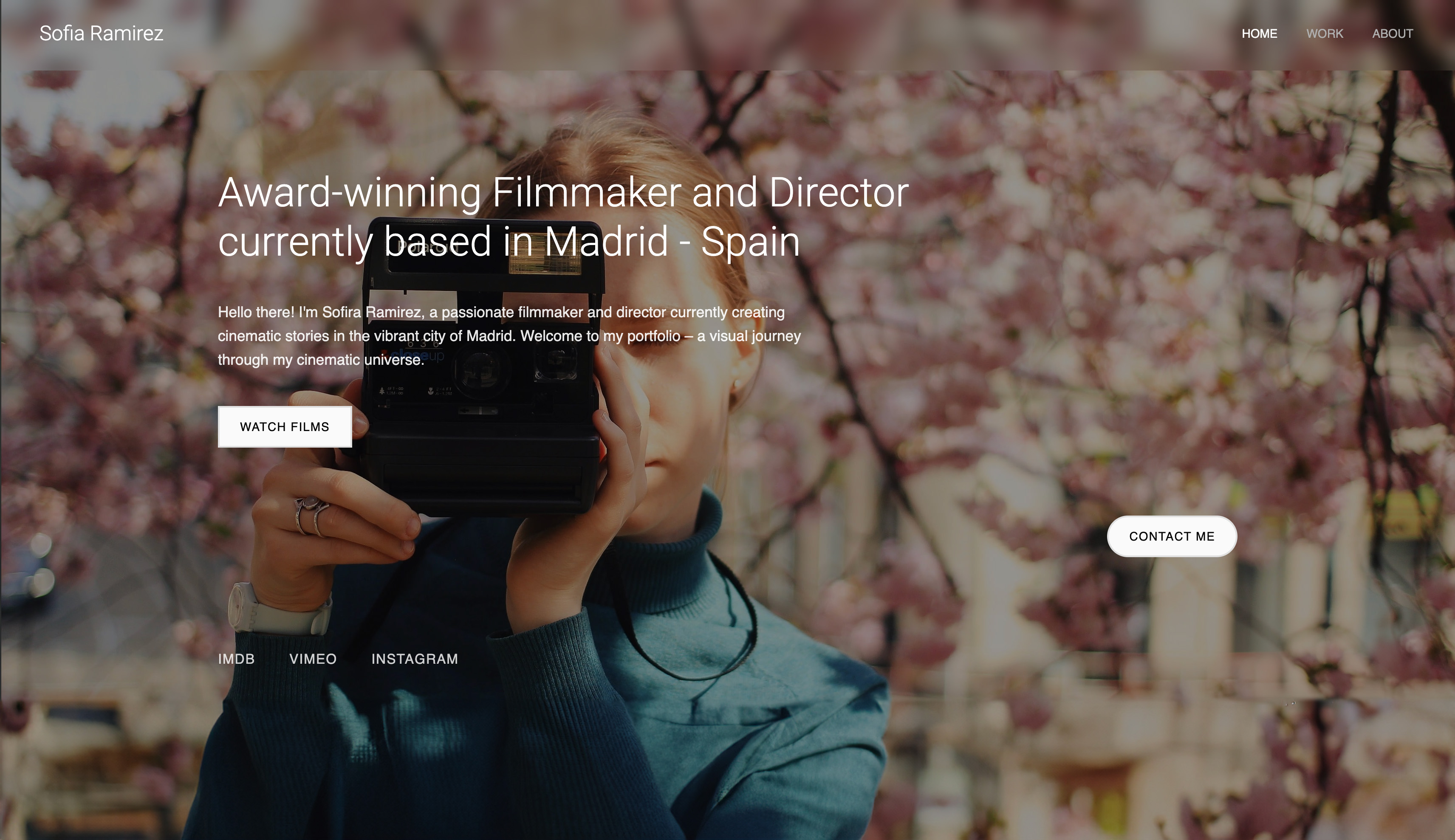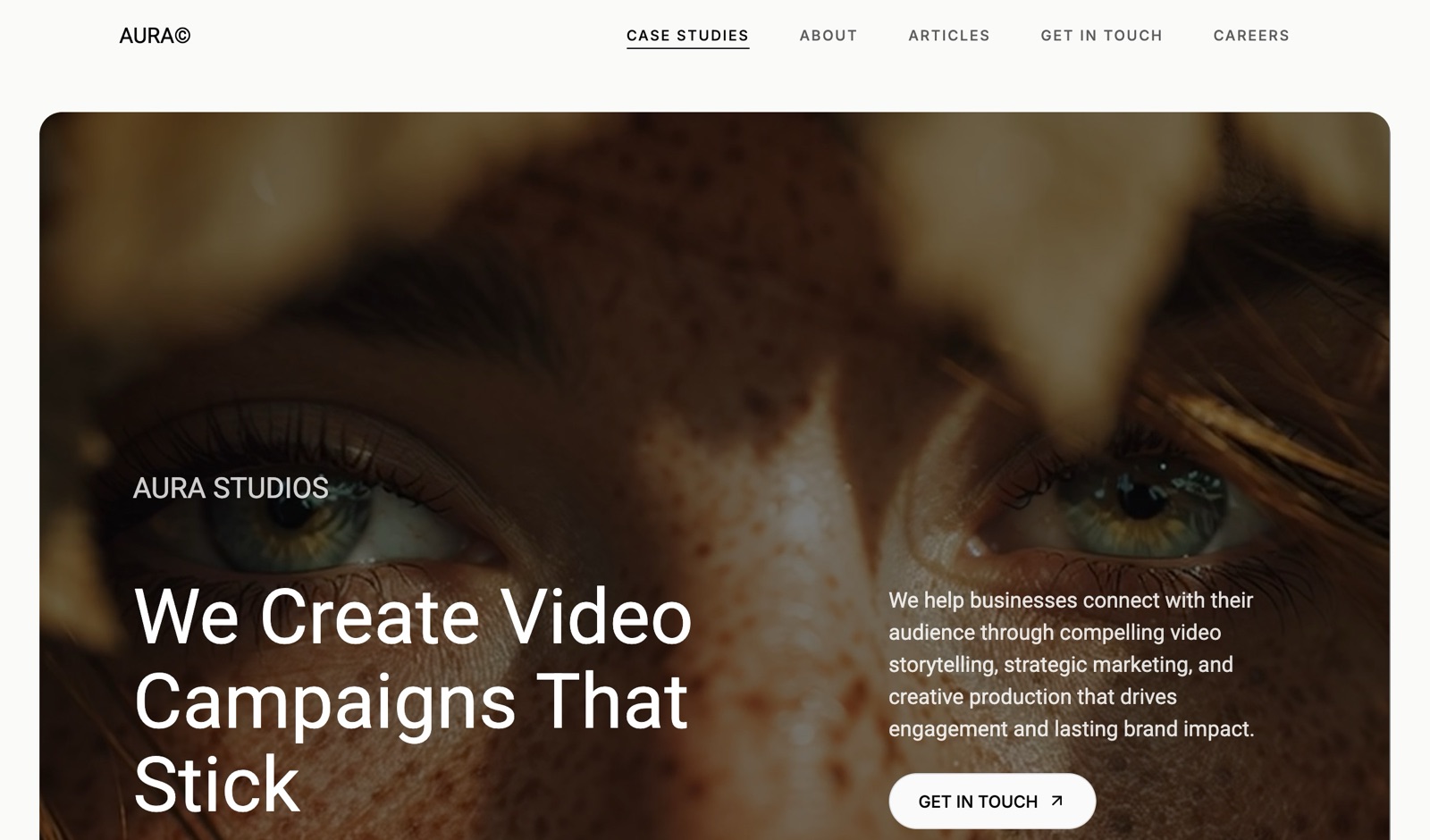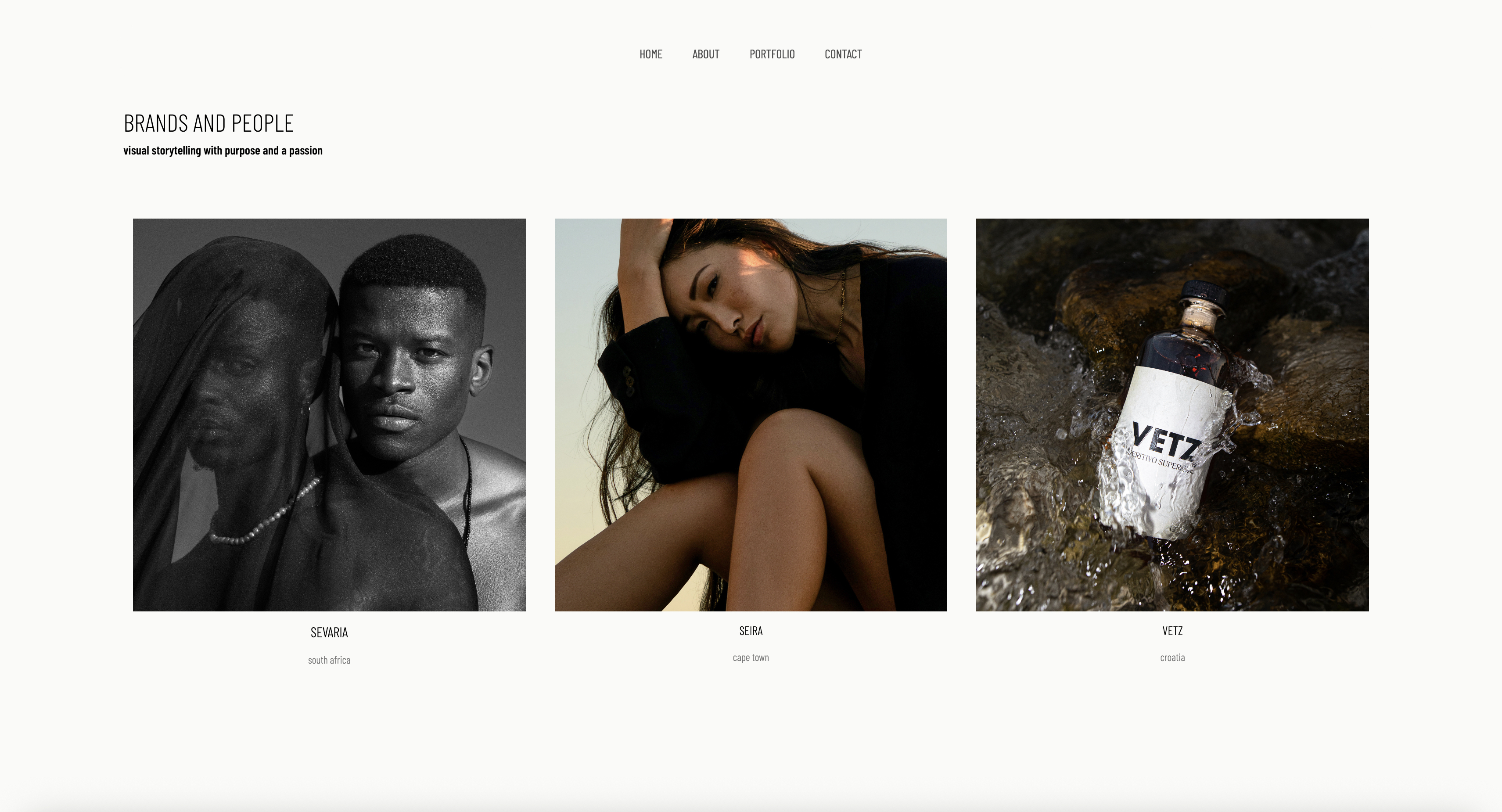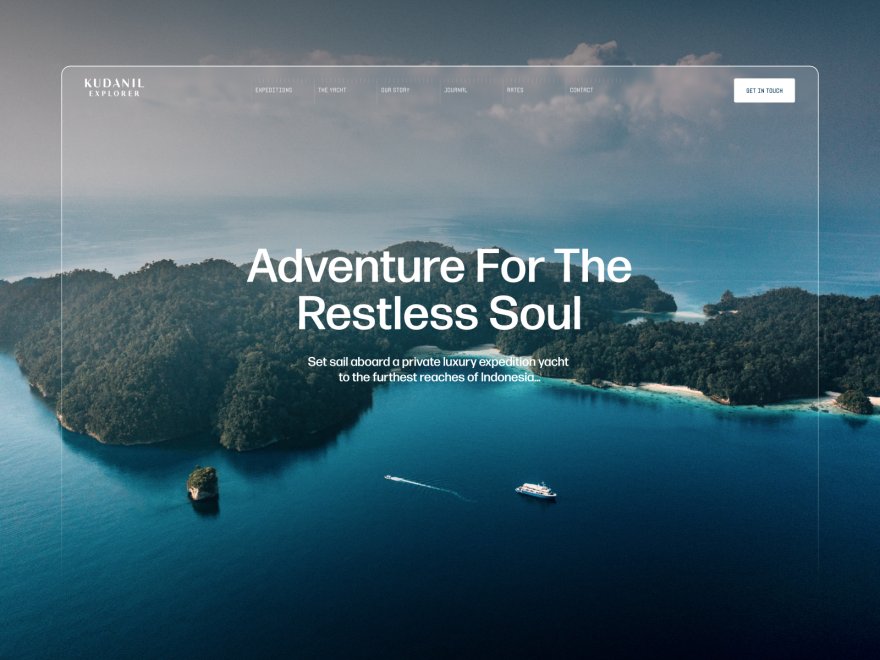
Framekit templates
Start from a designer-made template
 Use template
 Use template
 Use template
 Use template
 Use template
 Use template
 Use template
 Use template
A client opens your portfolio on a Wednesday afternoon. They have a budget, a deadline and three names from a colleague. Fifteen seconds later they close your tab and message the next name on the list. You never knew they came, and you never find out why they left.
That is how most lost work happens. The competition was rarely more talented; something on the portfolio made a ready-to-hire visitor hesitate, get confused or give up.
These portfolio mistakes cost creatives clients precisely because they are invisible to the person who made them: you know what you do and how good you are, so you cannot see the spots where a stranger gets lost.
A portfolio mistake is any choice on your site that quietly costs you a booking: not a design flaw you would notice, but the gap between what you meant and what a stranger experiences in their first fifteen seconds, from an unclear homepage line to a contact form that asks for too much.
The portfolio mistakes that cost creatives the most clients in 2026 are practical, not aesthetic: work that only lives on a link-in-bio page or a platform you do not own, a homepage that does not say what you do in one line, 30 or more projects where 8 to 12 would do, projects with no context, no price signal, no repeated call to action, and a site that is visibly out of date.
Most take under an afternoon to fix. If the audit shows the site itself is the problem, Framekit rebuilds it as an AI-drafted portfolio with galleries, review and a store in the same account, while Squarespace suits a template-led rebuild and Carrd a one-page site.
We re-verified this list on 12 October 2026: the platform facts behind each fix, from Linktree's domain rules to Framekit's form limits, were re-read on each vendor's own page, and two lines from the earlier version were removed because they leaned on a page-speed statistic and an implied build time that nobody here measured.
Full disclosure: Framekit is our product. The eleven fixes below work on any builder, and the section on whether to patch or rebuild says when staying on your current platform is the better call.
The 11 Mistakes Ranked by Where They Lose the Client
Every mistake on this list loses the booking at one of three stages, getting found, being trusted, or closing the enquiry, and the table below ranks all eleven by stage with the realistic time each fix takes, so you can start with the cheap fixes that unblock the most visitors.
| # | Mistake | Stage where it loses the client | Time to fix | Cost to fix |
|---|---|---|---|---|
| 1 | Only a link in bio, no website | Getting found | An evening to a weekend | $0 on a free plan, about $84 a year with your own domain |
| 2 | Homepage does not say what you do | Getting found | 15 minutes | $0 |
| 3 | Work trapped on platforms you do not own | Getting found | A weekend | $0 to about $84 a year |
| 4 | Showing everything you have made | Being trusted | 1 to 2 hours | $0 |
| 5 | Leading with old or weak work | Being trusted | 15 minutes | $0 |
| 6 | Work shown with no context | Being trusted | 10 minutes per project | $0 |
| 7 | Slow, heavy pages on a phone | Being trusted | 1 to 3 hours | $0 |
| 8 | An about page written as a resume | Being trusted | 1 hour | $0 |
| 9 | No prices, process or scope | Closing | 30 minutes | $0 |
| 10 | No clear call to action | Closing | 30 minutes | $0 |
| 11 | Visibly out of date | Closing | 15 minutes a quarter | $0 |
The times are planning estimates for a portfolio of 8 to 12 projects, not measurements. In one line: nine of the eleven fixes cost nothing but an hour or less, which is why fixing them usually moves enquiries faster than making new work does.
Mistakes That Make You Hard to Find
The best portfolio in the world earns nothing if the right person never reaches it, and the first three mistakes all happen before a client sees a single project, at the moment someone searches for your service or clicks the link in your bio.
1. You Only Have a Link in Bio, Not a Website
A link-in-bio page or an Instagram profile is a list of links, not a portfolio, and relying on one means you cannot rank on Google, cannot hold a real body of work with context, and cannot put the work on an address you own.
The numbers make the case.
A Linktree page always lives at linktr.ee, and Linktree's own help centre says it does not offer custom domains on any plan; its free plan also takes 12 percent of digital-product sales, according to its pricing page.
A client who types your service and city into Google will not find a link list, and an AI assistant asked for a recommendation will not cite one.
The fixa real website on your own domain. It does not need to be elaborate; five pages, home, work, about, services and contact, cover most creatives.
A free plan gets it live at $0 on a subdomain, and your own domain on Framekit Starter is $7 a month billed yearly. Keep the bio link, but point it at the site.
If you are unsure whether your work warrants a full site, here is the honest version of that question.
2. Your Homepage Does Not Say What You Do
A visitor should know what you do, who you do it for and roughly where within five seconds of landing, and many creative homepages open with a full-screen image and a one-word name that sets a mood but answers none of those three questions.
The client who needs a brand designer for a food startup cannot tell that you are one, so they leave to find someone clearer. The fix is one plain line of 10 to 20 words near the top: "Brand and packaging design for food and drink startups, based in Lisbon." Specific beats clever.
Under it, one button to the work and one to contact.
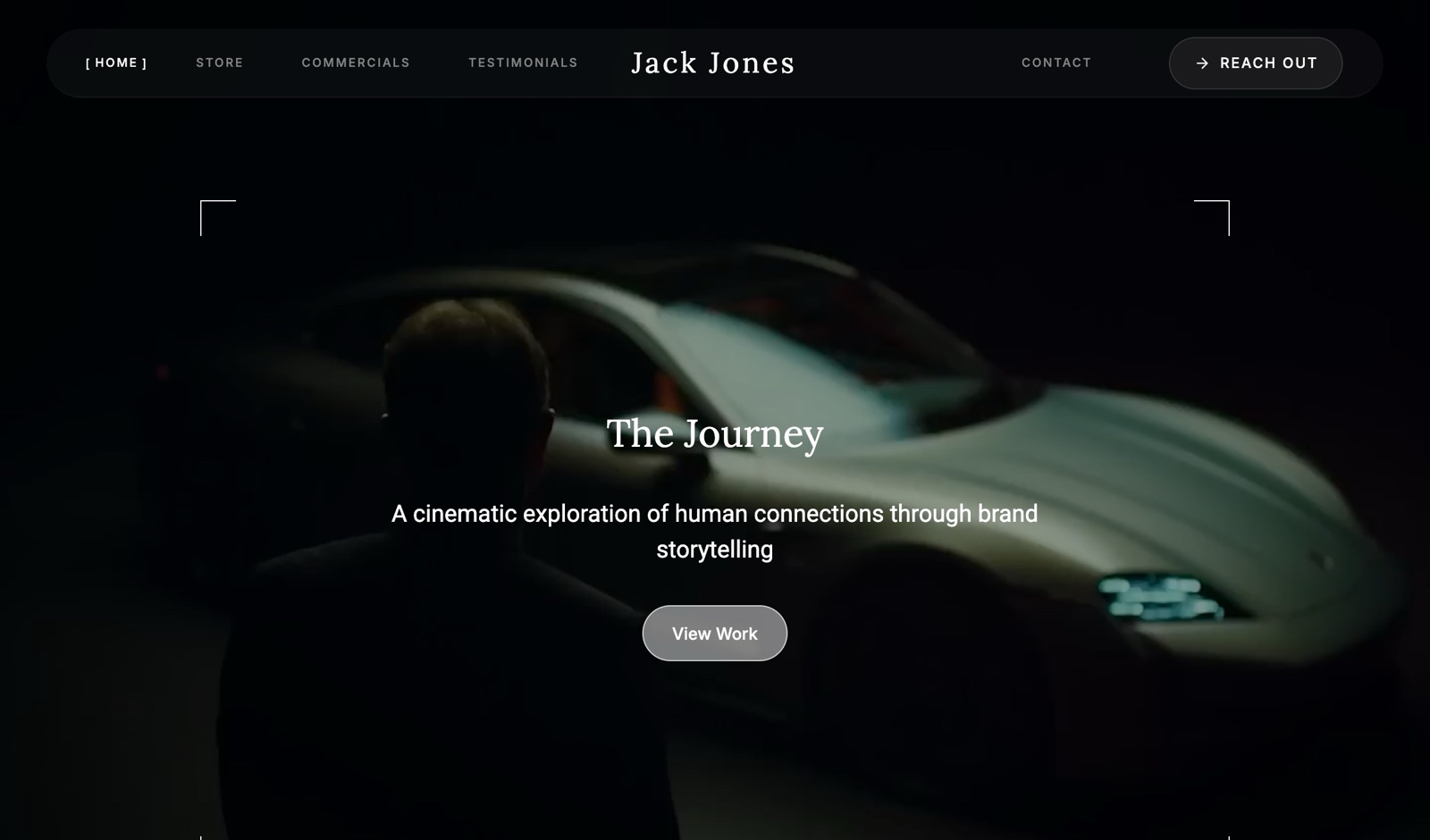
Test the line on someone outside your field. If they cannot repeat back what you do and for whom after five seconds, rewrite it.
3. Your Work Is Trapped on Platforms You Do Not Own
Behance, Dribbble, Instagram and Vimeo are good for reach and bad for ownership, because the platform decides who sees your work, how it looks and whether it exists next year, and it sits your work directly beside every competitor's.
Even a portfolio product can be rented.
Adobe Portfolio is included with most Creative Cloud plans and has no stand-alone subscription, so the site exists only while the Creative Cloud plan does; switch editing software and the website goes with it.
A Behance profile carries Behance's layout and recommendations of other people's work.
The fixkeep the profiles for discovery and make your own site the hub they all point to, on a domain you control, with the original files backed up somewhere you own. Moving your work across from Instagram is faster than it sounds, and Framekit vs Adobe Portfolio covers the move off a Creative Cloud site.
Mistakes That Make You Look Less Trustworthy
A visitor has arrived and your work has loaded, and they are now deciding in seconds whether you are a professional they can trust with a budget or a talented person they cannot quite read, and these five mistakes tip that judgment the wrong way.
4. You Show Everything You Have Ever Made
More work does not read as more skill; it reads as no editing judgment, because a portfolio with 30 or 40 projects forces the client to do the curation you should have done, and the weaker pieces drag down the average.
Curation is the skill you are demonstrating. The fix: cut to the 8 to 12 pieces that are your strongest and most aligned with the work you want more of.
A photographer's single gallery page is strongest at 15 to 25 images; a designer's case study list at 5 to 8. The test for every piece: would you be glad to be hired to do that exact job again? If not, it is padding, and padding costs you.
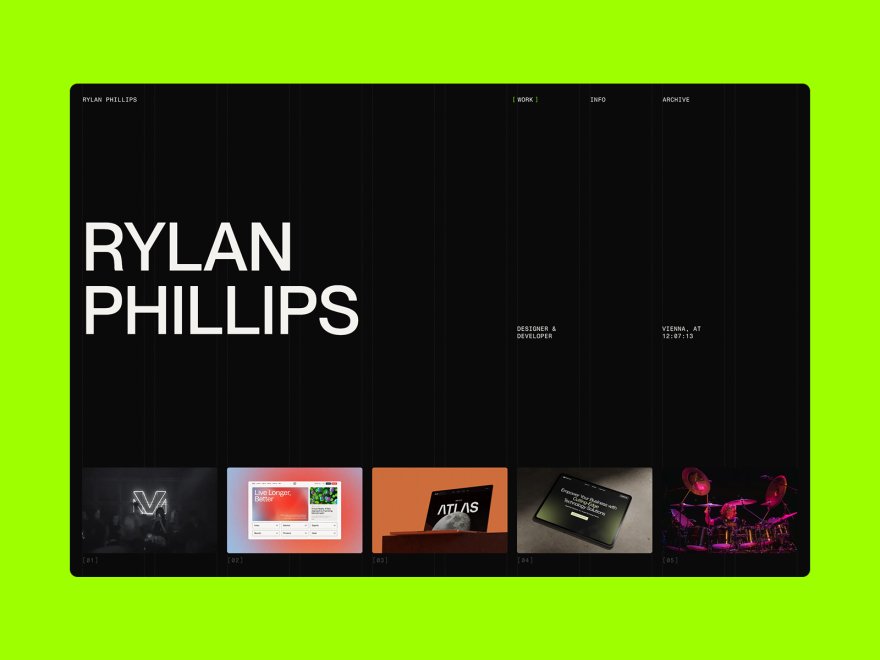
Move the cut work to an archive page you do not link from the navigation, or delete it. Nobody hires from the archive.
5. You Lead With Old or Weak Work
The first project a visitor sees sets their expectation for everything after it, and portfolios ordered by date greet every new client with the oldest, least representative work on the site.
The fixorder by strength and by the work you want next, not chronology.
Lead with the single piece that best represents the job you want to be hired for, follow with the next strongest, and never let a weak project keep a prime position out of sentiment.
Most visitors never reach the bottom of the page, so the first three positions do most of the work. Reorder every time a new project beats the current lead.
6. Your Work Has No Context
A wall of images with no words tells a client what you made but not whether you can solve their problem, because the image is the outcome and the client is buying the thinking that produced it.
The fixgive each key project three short lines, what it was, who it was for, and what it achieved or solved, plus your role if others worked on it.
"Rebrand for a 12-location bakery chain; I led identity and packaging; the new boxes cut print runs to one supplier." You do not need a full case study on everything, but a project with zero context is decoration, not evidence.
Three of your top projects deserve a longer write-up of 200 to 400 words with the brief, the constraint and the result.
7. Your Pages Are Slow and Heavy on a Phone
Most clients first open a portfolio on a phone, often between other tasks, and a gallery stuffed with oversized images makes them wait, which costs you the few seconds of attention you were given.
This is about respect for the visitor rather than a score. The fix is part discipline and part platform.
Export web images at around 2,000 to 2,500 pixels on the long edge rather than uploading 40-megapixel originals, keep a single page to the images it needs, and embed video from Vimeo or YouTube rather than uploading masters.
Then choose a builder that handles hosting and a global CDN for you; every Framekit plan includes hosting, SSL and a CDN, and Framekit site pages take image uploads up to 25MB each.
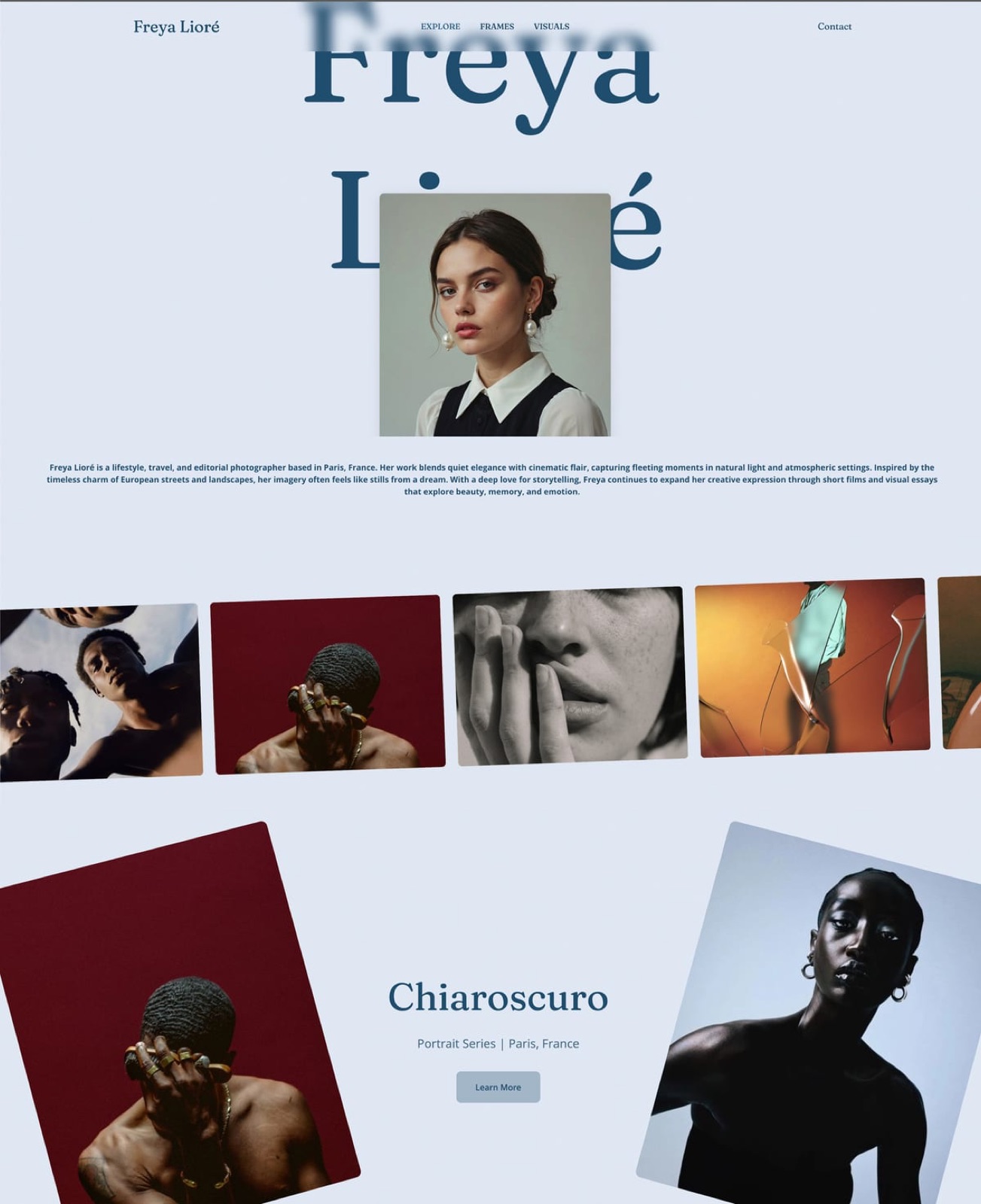
Check every page on your own phone over mobile data, not on office wifi. If you notice the wait, a client will too.
8. Your About Page Is a Resume, Not a Reason to Trust You
The about page is one of the most visited pages on a portfolio and one of the most wasted, because a list of software and past employers answers a question the client did not ask instead of the one they did: why you, and what is it like to work with you.
The fixwrite it as a reason to trust you in 150 to 300 words. Cover the kind of problems you like to solve, how a project runs with you from first call to delivery, where you work and whether you travel, and one honest, human detail.
Add a real photo of you, ideally at work. People hire people, and a page that sounds like one wins over a page that sounds like a CV.
Mistakes That Lose the Booking at the Finish Line
The visitor found you, trusted the work and wants to go further, and they still do not become a client because of one of these last three mistakes, each of which is about what happens in the final thirty seconds before an enquiry.
9. You Hide Your Prices, Process and Scope
A client who cannot find any signal of price, process or scope has to start the conversation blind, and many simply will not, because silence on price reads as a guessing game rather than exclusivity.
The fixyou do not need a full price list, but give one signal: a "projects from" figure, a typical budget range, or a short description of how you scope work.
Three lines on process, such as "call, proposal within 3 working days, 50 percent deposit to book", reassure the right clients and filter out mismatches before they reach your inbox.
A rate signal also makes the enquiries you do get more serious.
10. There Is No Clear Call to Action
A visitor decides they like your work, and on too many portfolios nothing happens next, because there is no button, no enquiry link and no obvious next step, so the moment of interest passes.
The fixone unmissable, repeated call to action, in the navigation, after the work on the homepage, at the end of each project and on the about page, which is at least four places.
Keep the form to 5 fields or fewer: name, email, project type, timing and budget range. Test it from a phone and confirm the notification reaches an inbox you actually read.
On Framekit, contact forms are on every plan and enquiries land in your dashboard and inbox, with 500 submissions a month on Free and 1,000 on Starter.
11. Your Portfolio Is Visibly Out of Date
A copyright line that says 2023, a "latest work" from two years ago, a dead link or a service you no longer offer each tell a client the same thing: this person may not be active or may not be careful, and an out-of-date portfolio is worse than a small one because it signals neglect.
The fixa 15-minute review every quarter. Swap in the strongest recent project, fix dead links, check the form still delivers, update the year and remove services you no longer sell. A portfolio is not a thing you finish; it is a thing you keep.
Put the four review dates in your calendar today.
What These Mistakes Cost: The Enquiry Arithmetic
Portfolio mistakes are easy to dismiss because their cost is invisible, so the quickest way to take them seriously is to put your own numbers through a simple enquiry calculation that turns hesitation into lost bookings and lost bookings into money.
The model has four inputs you can read from your own analytics and invoices: monthly visitors, the share who send an enquiry, the share of enquiries you book, and your average job value.
As an illustration only, not a benchmark, take 300 visitors a month, a 1 percent enquiry rate, a 1 in 3 booking rate and a $1,200 average job. That is 3 enquiries and 1 booking a month, or $14,400 a year.
Lift the enquiry rate to 1.5 percent by fixing mistakes 2, 9 and 10 and the same traffic produces 4.5 enquiries and 1.5 bookings, which is $21,600 a year.
| Monthly visitors | Enquiry rate | Bookings a month at 1 in 3 | Revenue a year at $1,200 a job |
|---|---|---|---|
| 300 | 1.0% | 1.0 | $14,400 |
| 300 | 1.5% | 1.5 | $21,600 |
| 300 | 2.0% | 2.0 | $28,800 |
Run it yourselftake last quarter's visitors from your site analytics, divide by three for a monthly figure, count the enquiries that came through the site in the same period, and multiply by your booking rate and average job value.
Every half-point you add to the enquiry rate is worth exactly that figure divided by your current rate.
Framekit includes site analytics with visitors, pages and sources on every plan, so the inputs are on the dashboard rather than in a separate tool.
The Mistakes Your Platform Can Fix for You
Some of these mistakes are discipline and some are built into the platform you chose, so before you spend a weekend patching, check which fixes your current builder makes easy, which it makes impossible, and what moving would cost at October 2026 prices.
| Platform | Own domain from | Separate project pages | Galleries or review for clients | The structural mistake it risks |
|---|---|---|---|---|
| Linktree | Not offered on any plan | No, one page | No | 1 and 3: no owned site |
| Carrd | $19 a year (Pro Standard) | No, one page with sections | No | 6: little room for context |
| Adobe Portfolio | Included with Creative Cloud | Yes | No | 3: tied to the subscription |
| Wix | $17 a month billed yearly (Light) | Yes | Photo Albums closed to new sites | 7: 2GB on Light fills with full-size images |
| Squarespace | $19 a month billed yearly (Basic) | Yes | No | None structural; delivery needs a second tool |
| Framekit | $7 a month billed yearly (Starter) | Yes, 10 pages on Free | Both, every plan | Long video must be embedded |
Prices and limits were read on each vendor's own page in October 2026; Wix's plans page lists Light at $17 a month billed yearly with 2GB of storage.
The head-to-heads go deeper: Framekit vs Linktree, Framekit vs Carrd, Framekit vs Wix and Framekit vs Squarespace.
How to Audit Your Own Portfolio in 20 Minutes
The most reliable way to find your own portfolio mistakes is to experience the site as a stranger would, on a phone, logged out, against a timer, and to write down every moment you hesitate, because each hesitation is a mistake and the order you hit them is the order to fix them.
- Minute 0 to 2. Open the homepage on your phone over mobile data. Can you say what this person does, for whom and where, before you scroll?
- Minute 2 to 5. Find the strongest project. Is it in the first three positions, and does it carry a line of context and your role?
- Minute 5 to 8. Count the projects. More than 12? Mark the weakest for cutting.
- Minute 8 to 11. Find a price signal and a description of how a project runs. Could a client self-qualify?
- Minute 11 to 14. Find the contact step from three different pages. Submit the form with your own email.
- Minute 14 to 17. Look for dates: the copyright year, the newest project, any "upcoming" notice that has passed.
- Minute 17 to 20. Check that the notification from step 5 arrived, then list every hesitation in the order you hit it.
Fix the cheapest items first. A clear homepage line, a visible call to action and a current year take minutes.
If the audit shows the deeper problem is the site itself, slow, scattered, one page, or on a platform you do not own, read the next two sections before you start patching.
Where Framekit Fits

Framekit is an AI website builder that drafts a portfolio from a description or a screenshot of a site you like and keeps client galleries, video review, Slides decks and a digital-download store in the same account, so a rebuild fixes the structural mistakes on this list and covers the client work that follows a booking.
What it feels like. You describe your work and who you want to reach, and the AI drafts the sections, writes first-pass copy and applies one theme; every block stays editable by hand.
Project pages each carry their own title and description for search, the sitemap and social previews are handled on every plan, and contact forms send enquiries to your dashboard and inbox.
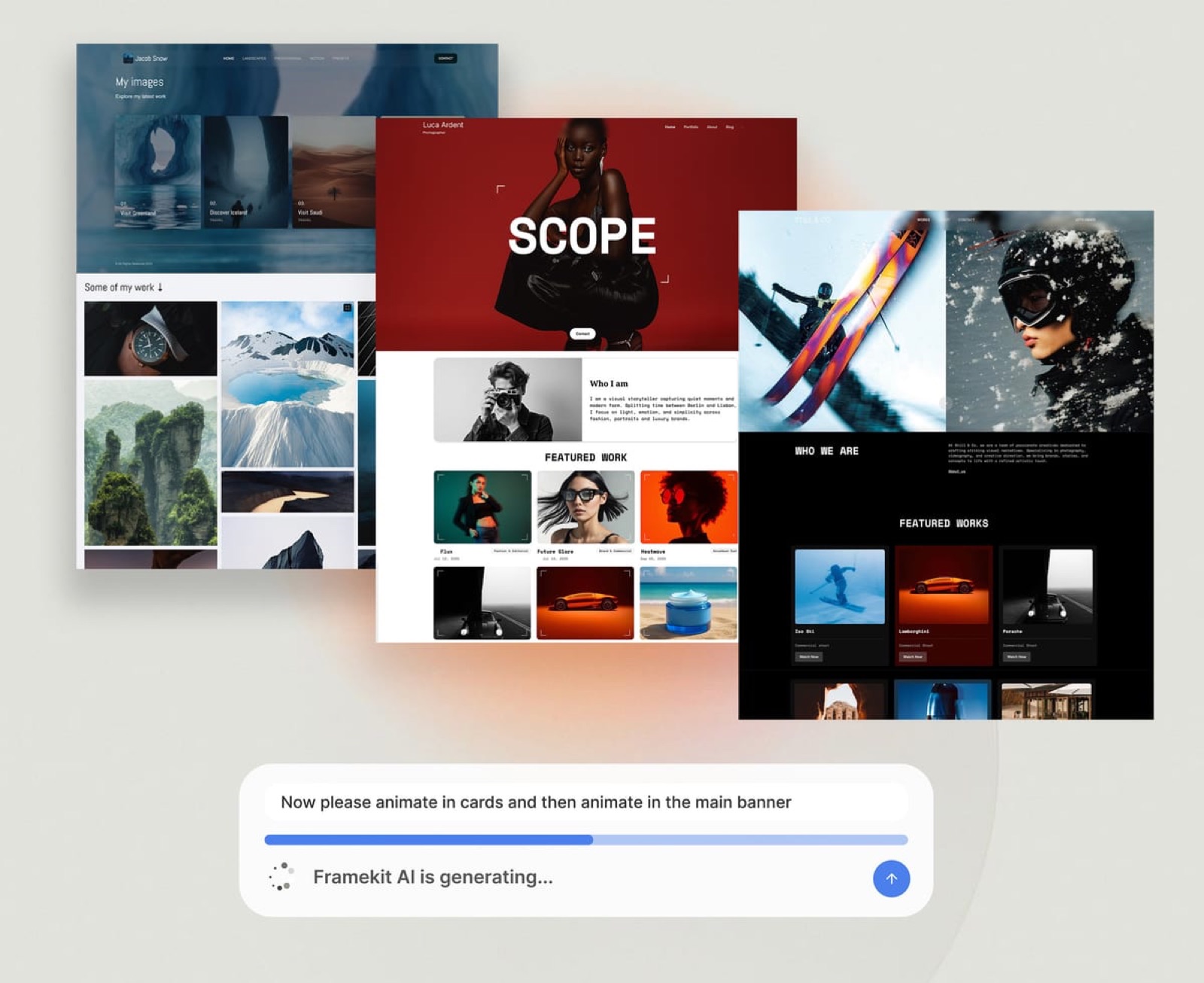
The number that matters. The free plan publishes 10 pages with 10GB of pooled storage on a framekit.ai address with a small badge; Starter at $7 a month billed yearly adds your own domain, removes the badge and opens the full template library with 50GB.
The standout detail. The same account delivers the finished work. A client gallery sits at /client/ on your own site, the client's first heart asks only for an email, and every download is the full-resolution original.

The honest gotcha. There is no redirect manager, so old addresses from a previous site will not forward; robots.txt is not editable; there is no RSS feed; and site video uploads stop at 15MB on Free and 100MB on paid plans.
AI drafting draws on a monthly allowance that grows with the plan, while editing by hand never does.
Skip it if your current site already avoids these mistakes and ranks well on years of established addresses, or if you sell physical prints, which Framekit's store does not.
Verdict: for a creative whose audit turned up structural problems, a link-in-bio-only presence, a one-page site that has run out of room, or a rented platform, Framekit is the most complete rebuild per dollar on this list; for a site that only needs a better homepage line, a rebuild is the wrong answer.
When to Patch Your Portfolio and When to Rebuild It
Most portfolios should be patched rather than rebuilt, because eight of the eleven mistakes are content decisions that any platform can fix, and a rebuild only pays when the audit points to the platform itself: no owned domain, no room for project pages, or a site you cannot edit without help.
| Your audit found | Patch or rebuild | Why |
|---|---|---|
| Mistakes 2, 4, 5, 6, 8, 9, 10 or 11 only | Patch | Content and order, fixable in any builder |
| Mistake 1, a link-in-bio page with no site | Build | There is nothing to patch |
| Mistake 3, a site tied to a subscription or platform | Rebuild when convenient | Ownership compounds the longer you wait |
| Mistake 7 on a builder you cannot optimise | Rebuild | The platform is the bottleneck |
| A site that ranks well on established addresses | Patch | Moving costs search history, especially without redirects |
If you do rebuild, keep the old site live until the new one is published, list every address that gets search traffic, and decide how each will be handled; Google's guide to site moves with URL changes explains why redirects matter.
On Framekit, which has no redirect manager, the practical route is to keep page addresses the same where you can.
The full process is in how to switch website builders without losing SEO.
Frequently Asked Questions
What is the most common portfolio mistake?
The most common portfolio mistake is showing too much work. Creatives include everything for fear of leaving something out, and the weaker pieces drag down the strong ones, so a client reads the portfolio as lacking judgment.
Cutting to 8 to 12 of your strongest, most relevant projects is the highest-return change most portfolios can make.
How many pieces should a portfolio have?
A portfolio should have 8 to 12 strong, relevant projects for most creative fields, or 15 to 25 images on a single photography gallery page.
The rule behind the number matters more than the number: every piece should be work you would happily be hired to do again, and anything that fails that test is padding.
Is a Linktree or Instagram profile enough instead of a portfolio website?
A Linktree or Instagram profile is not enough for a creative who wants new clients from search, because neither ranks for your service on Google and neither lives on a domain you own; Linktree does not offer custom domains on any plan.
Keep the profile for reach and point it at a website, which can start free and costs $84 a year on Framekit Starter with your own domain.
How often should I update my portfolio?
A portfolio should get a 15-minute review every quarter: swap in the strongest recent project, fix dead links, test the contact form and update the year.
Add a deeper review once a year where you re-cut the project list to 8 to 12 and rewrite the homepage line if your specialty has shifted.
Should I show prices on my portfolio website?
A portfolio website should show at least one price signal, such as a "projects from" figure or a typical budget range, even if you never publish a full price list.
Total silence turns the first contact into a guessing game that busy clients skip, while a range filters out mismatches before they reach your inbox.
Can a portfolio mistake really cost me clients if my work is good?
A portfolio mistake can cost clients even when the work is excellent, because a client cannot judge work they never found or did not understand.
An unclear homepage, a slow gallery or a missing contact step loses the visitor before your talent is assessed, which is why these mistakes are worth fixing first.
How do I know which mistakes my portfolio is making?
The 20-minute stranger audit finds them: open your portfolio on a phone over mobile data, logged out, start a timer and note every moment you hesitate while trying to learn what you do, find your best work, see a price signal and send an enquiry.
Each hesitation is a mistake, already in priority order.
Should I fix my current portfolio or rebuild it on a new platform?
You should fix your current portfolio if the problems are content, such as too many projects, no context or no call to action, because any builder handles those.
Rebuild only if the platform is the problem: no owned domain, a one-page tool with no room for project pages, a site tied to a subscription, or a site that ranks well enough that moving would cost search history.
Will moving my portfolio to a new builder hurt my Google ranking?
Moving a portfolio to a new builder can cost search traffic if page addresses change without redirects, so list the pages that get search visits before you move and keep those addresses where you can.
Framekit has no redirect manager, so on Framekit the safest route is matching old page paths; Squarespace, Wix and Webflow's paid plans offer redirects.
Framekit vs Squarespace for rebuilding a portfolio: which is better?
Framekit is better for a creative who also delivers galleries, sends work for review or sells digital files, because all of that is in the same account from $7 a month billed yearly.
Squarespace is better for a creative who wants a large library of finished templates, sells physical products or needs scheduling, from $19 a month billed yearly with a 14-day trial.
Does a portfolio on a free plan look unprofessional to clients?
A portfolio on a free plan does not look unprofessional if the work is curated and the homepage is clear; the visible costs are a subdomain address and a small builder badge. Clients judge the work and the clarity first.
Move to your own domain when you start sending the link in proposals, which is $84 a year on Framekit Starter.
What should a portfolio homepage say in the first five seconds?
A portfolio homepage should say what you do, who you do it for and where, in one plain line of 10 to 20 words near the top, with one button to the work and one to contact.
"Brand and packaging design for food and drink startups, based in Lisbon" beats any clever tagline because a visitor can act on it.
The Bottom Line
None of these 11 portfolio mistakes is about talent, and that is the good news: they are practical, visible once you look for them, and most are fixable in an afternoon at no cost.
Run the 20-minute audit this week, fix the cheapest items first, and measure enquiries rather than compliments.
Where Framekit loses: a creative whose site already ranks on years of established addresses should patch rather than move, because Framekit has no redirect manager; one whose income is physical prints is a better fit for a print-selling platform; and one who only needs one page is cheaper on Carrd at $19 a year.
For a creative whose audit points at the platform, a rebuild on Framekit fixes the structure and adds galleries, review and a store in the same account.
Fixing the portfolio is one channel of several, and how to get clients as a freelance designer ranks them by how much explaining each requires.
Many of these failures start with a template whose demo structure was left intact, which portfolio website templates and what they really cost goes into.