Framekit templates
Start from a designer-made template
 Use template
 Use template
 Use template
 Use template
 Use template
 Use template
 Use template
 Use template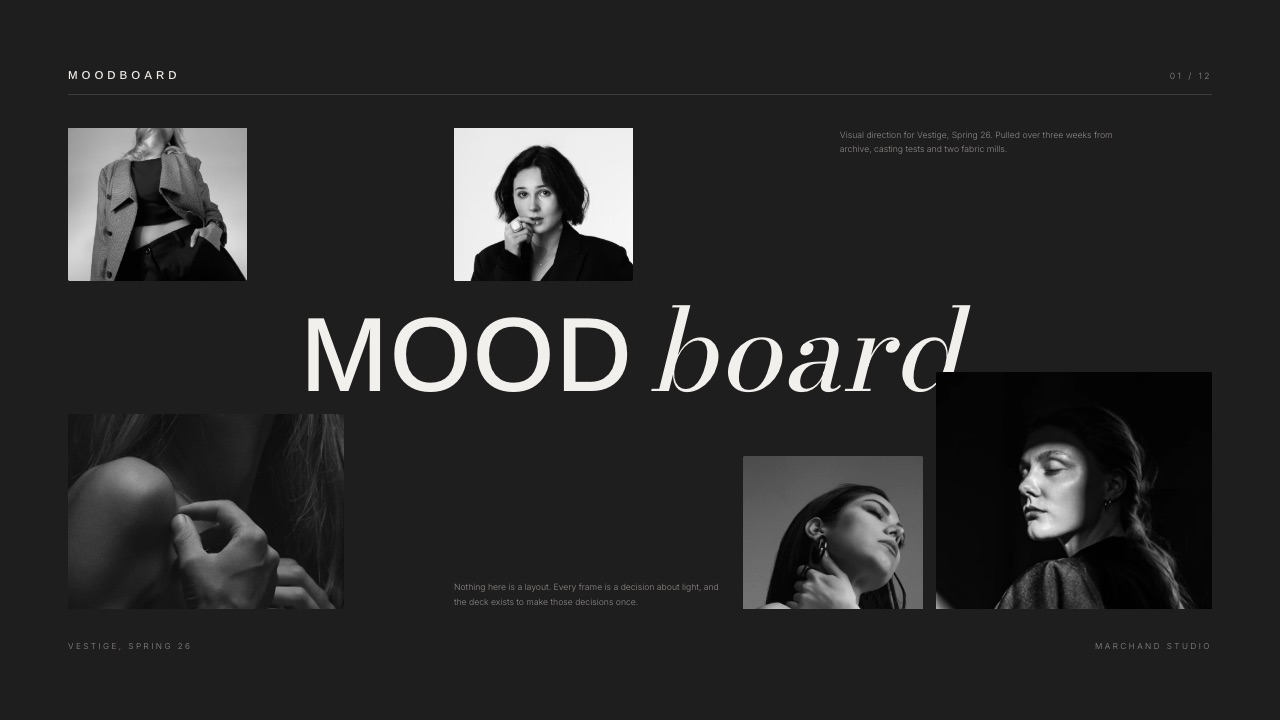
The identity is finished. It is Tuesday, the call starts in 90 seconds, and you are about to do the thing that quietly loses more design work than bad design does: share your screen and put the logo on it.
Four minutes later the marketing lead says the blue feels cold, the founder says his wife preferred the other one, and a $6,400 identity turns into a taste argument you cannot win. Nothing was wrong with the work.
It arrived before the reasons did, and the repair round that follows costs 9 hours you did not quote for, which at $95 an hour is $855 off the fee.
This is how to present a design concept to a client in an order that survives that moment: what goes on each of the 11 slides, how many routes to show, what to say in the first 90 seconds, and how to end with a recorded decision instead of a feeling.
A design concept presentation is a short ordered walkthrough of 8 to 12 slides that states the constraints a piece of work had to satisfy before it shows the work, so the client judges the design against the brief they approved instead of against their own taste.
Present the reasoning before the artwork, in this order: the decision you are asking for, three constraints lifted from the signed brief, then rationale and artwork for each route.
Show three routes, never two, because two becomes a preference vote and four becomes a menu the client assembles a new route from. Present the first concept live in 25 minutes and send the link after.
Framekit Slides builds it at $0, with unlimited decks, speaker notes, a share link and PDF export on every plan; Figma Slides fits a concept that already lives in Figma at $16 a seat; Google Slides wins when the client must edit the file; and Pitch or Storydoc are the answer when you need to know who opened the deck, because a Framekit link reports a total view count and nothing per viewer.
Full disclosure: Framekit is our product, so treat every Framekit claim here as something to check rather than something to accept. Competitor prices were read on each vendor's own pricing page in September 2026 and linked inline where the page answers an automated request; two of those pages served European pricing to us and are labelled that way instead of converted. Figma beats Framekit for presenting a concept that lives inside a Figma file, Google Slides beats it on editable handover, and Pitch and Storydoc both beat it on knowing who opened the deck.
How this guide was put together, and what it does not pretend to know
Everything below sits in one of three buckets, and the split matters because a concept meeting is the exact situation where someone asks where a number came from and a shrug is not an answer.
Read at the source. All four tool prices come from the vendor's own pricing page, read in September 2026 and linked inline.
Two of those four pages served European pricing to us, so those figures stay in euros instead of being converted at a rate we invented. Canva is named here with no price at all, because its pricing page does not answer an automated request.
Calculated. One carried example runs through every section: a visual identity for a six site coffee roaster, billed at $6,400, three routes, an 11 slide deck, and a two week gap between the signed brief and the concept call.
Swap your own fee in and the shape of the answer holds.
Reported by others. The single piece of outside research is Nielsen Norman Group's guidance on design critiques, published in October 2016, cited rather than paraphrased into a claim of our own.
No primary source publishes how many concept routes clients approve or how many second meetings a studio runs in a year, so this guide invents neither. Where you want a number, you get arithmetic to run on your own last three projects.
The concept meeting by the numbers
These six figures are the constraints the rest of the procedure is built around, and each one is a decision you would otherwise make at speed, badly, while a client waits on a call for you to say something.
- 3 constraints on the setup slide, lifted word for word from the signed brief rather than from memory.
- 3 routes, because two routes is a preference vote and four is a menu the client builds a new route from.
- 90 seconds of framing before the first piece of artwork appears, out of a 40 minute call.
- 11 slides in 25 minutes is 2 minutes 16 seconds per slide, which is why slide 4 is four lines and not a process diagram.
- $855: one unbudgeted repair round on the $6,400 carried example, at 9 hours and $95 an hour, which is 13.4% of the fee.
- $0: what the deck costs to build on the Framekit free plan, which carries unlimited decks, speaker notes on every slide, a share link and PDF export, against $84 a year for Starter billed yearly.
In one linethe presentation is not a reveal and not a performance, it is a structured request for one specific decision, and the failures in the room trace back to skipping the request.
Step 1. Write down the decision you are asking for
Before you open a design tool, write one sentence naming the decision this meeting exists to produce, because a meeting without a named decision produces opinions instead and opinions do not unblock production.
The sentence is boring on purpose.
"By the end of this call we are choosing one of three identity routes to develop into a full system." Or, "we are confirming Route B as the direction and agreeing the two things to change before the style guide." Write it, put it on slide 2, and read it aloud.
This is the difference between "I like it" and "go". Only one of those two answers lets production start, and the named decision is what you point at when the conversation drifts around minute 11.
The thing that goes wrongthe designer treats the meeting as a reveal.
The deck opens on artwork, the client's first words are a reaction instead of a judgement, and by the time the rationale arrives on slide 6 it is being read by nobody, because all three people on the call are still deciding how they feel about the blue.
The examplethe roaster's decision sentence is "we are picking one of three routes to take into packaging and signage, and agreeing anything that has to change first." Those 21 words are reprinted verbatim on slide 11, where the answer gets written down.
Step 2. Rebuild the brief into three constraints the client already agreed to
Open with the constraints, not the work, and take them verbatim from the document the client signed, because a constraint the client wrote themselves is almost impossible to argue with two weeks later.
Three is the working number. Past three they stop being constraints and become a wall of text nobody reads; under three the client has too little to judge against and falls back on taste. Each one is one line, written as a requirement rather than an aspiration.
For the roaster: the mark has to work at 14mm on a bag valve; the palette has to survive unbleached kraft; the name has to read on a van at 30 metres. All three are checkable in the room with a ruler, a proof and a photograph.
"Feel premium but approachable" is checkable by nobody, which is what makes it a mood and not a constraint.
This is also where a written brief earns its keep, and where you find out you never had one: how to write a creative brief covers the questions that make constraints like these possible to write down.
Nielsen Norman Group makes the same point about critiques inside a team, which is that a useful critique needs agreed design objectives in place before anyone reacts, and that presenters should make specific requests for feedback rather than asking an open "what do you think".
Client presentations are a harder version of the same problem, because the client also signs the invoice.

The thing that goes wrongthe designer paraphrases the brief into something flattering. The client hears a version of their own words they did not write, does not quite recognise it, and spends the rest of the meeting subtly renegotiating the brief instead of judging the work.
Step 3. Show three routes, and understand why two is the trap
Show three routes when the project is a direction-setting piece like an identity, and one route when the project is an execution of a direction already agreed, because the number of options you show decides what kind of conversation you get.
Two routes produces a preference vote. Shown a pair, people compare the two to each other, pick the one they like better, and test neither against the brief.
Three routes changes the question from "which do you prefer" to "which of these solves the problem", because three has no obvious pairing and the three constraints become the only tiebreak in the room.
Four or more turns the meeting into a menu: the mark from route one, the palette from route two, the typography from route three. The cost of that hybrid is specific.
It is a fourth route, it was not in the quote, and on the carried example it is the 9 hours and $855 that come out of the $6,400 you quoted.
| Routes shown | What the client does | What you get back | When it is right |
|---|---|---|---|
| 1 | Judges it against the brief, or against nothing | A yes, a no, or a list of changes | Execution work where the direction is already signed off |
| 2 | Compares them to each other | A preference, and it is the safer one | Never, unless the client asked for a pair in writing |
| 3 | Ranks them against the constraints | A choice with a reason attached | Identity, campaign and direction-setting work |
| 4+ | Assembles a new one from parts | A brief for a route you did not quote for | When you are paid per route and have said so in writing |
The three routes are not one strong idea and two stalking horses. A client who spots the decoy stops trusting the other two, and a client who does not spot it picks it, which costs you the project you wanted.
All three should be routes you would build, separated on a real axis: how literal the mark is, how much work the typography does, how far the palette sits from the category.
The examplethe roaster got a literal route built on a bag-valve mark, a typographic route with no symbol at all, and a route built on a repeating print pattern.
All three cleared the 14mm test before the call, which is why the meeting could be about fit rather than about whether the work was finished.
In one linethe count of routes decides which question the client answers, so fix it at one or three before you start designing instead of discovering it at minute 20 when someone asks to combine A and C.
Step 4. Fix the running order before you build a single slide
Write the running order as a numbered list of slides with a job for each one, because the order is the method and everything else in this guide is downstream of getting it right.
Eleven slides is the working length for a three route identity concept, and six for a single-route execution. The order below survives a restless room because the artwork arrives on slide 6, after the client has already agreed to the test it will be judged by.
| # | Slide | Its job | What goes wrong if it moves |
|---|---|---|---|
| 1 | Title and date | Anchors the version so nobody reviews last month's file | Two versions circulate and the notes apply to the wrong one |
| 2 | The decision we are making today | Turns a reveal into a request | The meeting ends with a feeling, not a go |
| 3 | The three constraints | Gives the client the test | The client supplies their own test, which is taste |
| 4 | How we got here, in four lines | Shows the work was reasoned, briefly | Either skipped, or bloated into a process slide nobody reads |
| 5 | Route A rationale | One paragraph on what this route solves | Artwork lands without a reason and gets reacted to |
| 6 | Route A artwork | The work, at real size and in context | Seen in isolation and judged as a picture |
| 7 | Route B rationale and artwork | Same pattern, same slide budget | Uneven treatment reads as a favourite |
| 8 | Route C rationale and artwork | Same again | As above |
| 9 | What is not decided yet | Fences off the things you are not asking about | The client redesigns the website in an identity meeting |
| 10 | What happens next, with dates | Converts a decision into a schedule | The go never turns into a start date |
| 11 | Sign-off | Repeats slide 2 and records the answer | The decision lives only in someone's memory |
Slide 9 is the one that gets left out and the one that pays for itself. It names, in plain words, the three things not in this round: packaging layouts, the website, the social templates.
Without it, all three turn up in a 40 minute meeting booked to decide one thing, and you finish 25 minutes in with four slides unshown.
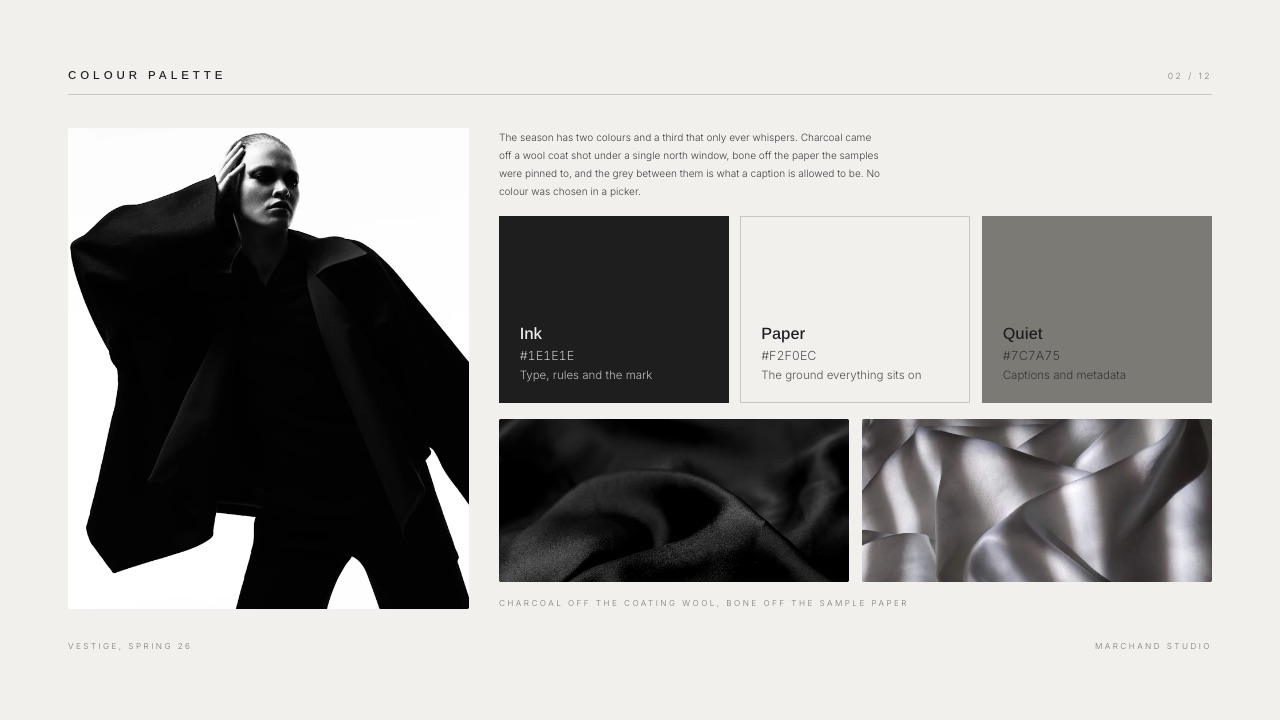
The thing that goes wrongthe running order gets built inside the deck instead of before it. Slides are added as the designer remembers things, the rationale lands after the artwork because that is the order the files exported in, and the meeting inherits a sequence nobody chose.
Step 5. Build the deck in something that presents, exports and survives a forward
Build the concept in a tool that does three jobs at once: present full screen with no menu bar in shot, export a PDF the client can forward, and hold speaker notes you can read while you are talking.
Most design tools do one of those three well. The shortlist below gives the published price and the thing each one will not do, and the last column is the one that decides it.
| Tool | Price as published in September 2026 | Good at | Will not do |
|---|---|---|---|
| Framekit Slides | Free plan, then $9/mo Starter, $19/mo Pro, $39/mo Business | Unlimited decks on every plan, speaker notes on every slide, share link and PDF export on every plan, moodboard and storyboard elements | No password on a deck link, no per-viewer analytics, PowerPoint export is Pro and up and exports slides as pictures |
| Figma Slides | Professional full seat $16 per month, Organization $55 billed annually | Presenting a concept that already lives in a Figma file, live cursors, one file for design and deck | Custom templates capped at 5 on Professional; the free Starter tier is limited and the deck lives inside a design tool the client may not know |
| Google Slides | Included in Google Workspace, listed at EUR 6.80 per user per month for Business Starter to European buyers | Editable handover, comment threads, a client's procurement team can open it without asking anyone | Typography and image handling are weak enough to undercut the work you are showing |
| Pitch | Free tier, then EUR 10 per month Plus and EUR 15 Team billed yearly as listed for European buyers | Advanced links on Team that record visits, slide views and time spent per slide | Free and Plus tiers do not include the advanced links, so the tracking everyone wants is a Team-tier feature |

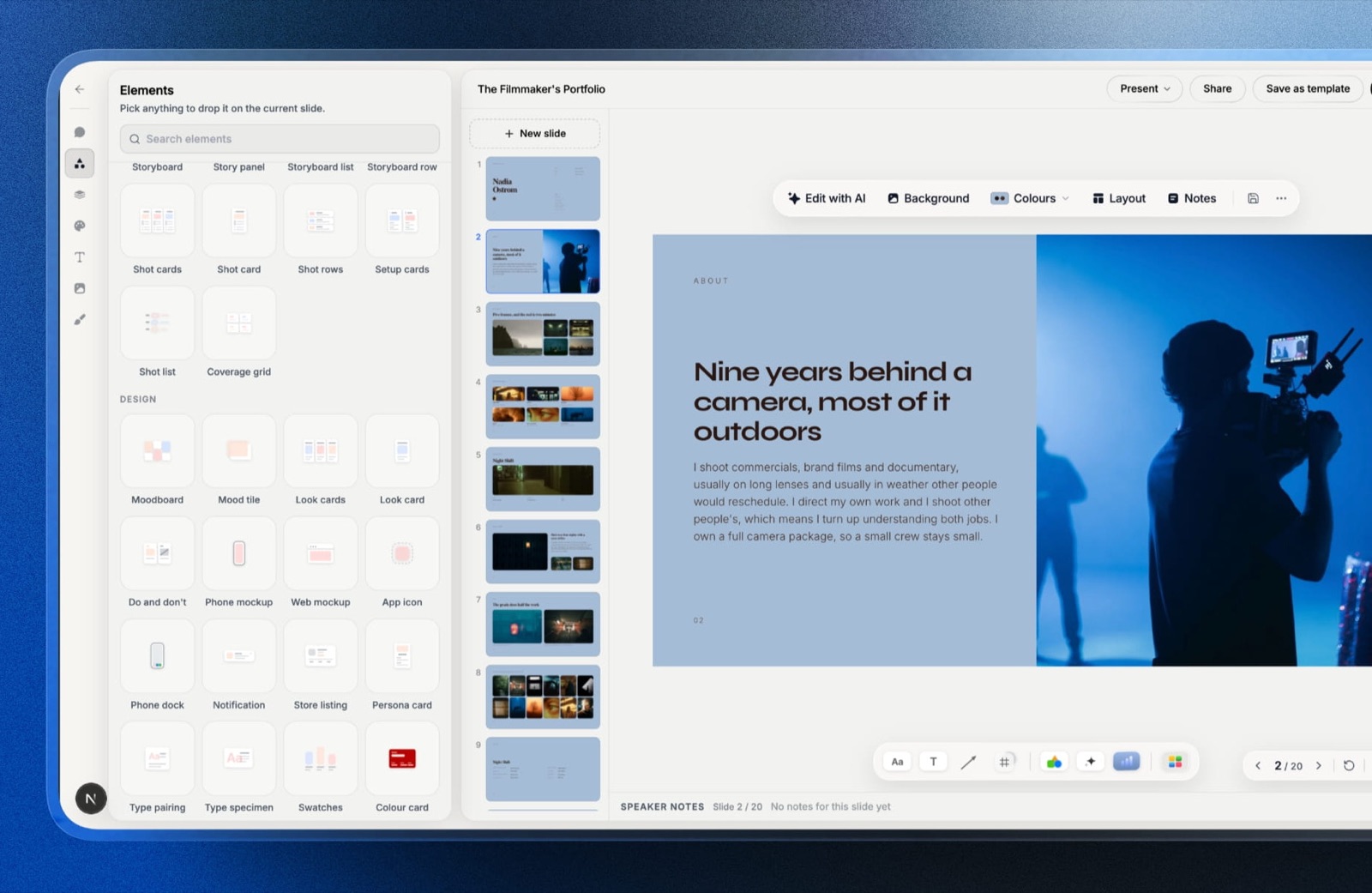
Framekit is an AI website builder that also ships Slides, so the concept deck, the studio site it links from and the client gallery the final assets get delivered through sit on one account and one bill instead of three.
For this job the reasons are countable: unlimited decks on all four plans including the $0 one, speaker notes on every slide so the opening 90 seconds is written rather than improvised, and a share link plus PDF export on every plan, so presenting and forwarding do not need two separate exports.
The template library, your own uploaded fonts and removing the Framekit byline start at $9 a month, or $84 for a year.
Put that against the meeting it is protecting. One repair round on the carried example is $855. A year of Starter is $84, and the free plan is $0, so the deck tool is between 0% and 10% of the cost of a single meeting that ends without a decision.
Where it is the wrong tool: if the client's brand team needs an editable PowerPoint for their own master template, Framekit's .pptx export is Pro ($19 a month) and up, caps at 60 slides, and writes each slide as a full-bleed picture, so none of it is editable on the other side.
Build that handover in Google Slides, listed at EUR 6.80 per user per month for Business Starter, which is EUR 81.60 a year to European buyers.
The thing that goes wrongthe deck is a PDF export of a design file.
There are no speaker notes, so the 90 second opening gets improvised; there is no presenter view, so you read from the screen the client is watching; and each correction is a re-export and another attachment in an inbox that now holds three versions of the same deck.
If you want the full ranking rather than this shortlist, we keep one: the best presentation tools for creative agencies covers the same tools scored against each other, and the freelancer version is the one-person cut of it.
Step 6. Choose live or async, and script the first 90 seconds
Present the first concept live wherever you can and send the same deck as a link afterwards, because the first concept is the meeting where the reasoning has to land in the room and a recording of you reading slides is not the same thing.
Live is not always available. Clients travel, committees do not assemble, and some organisations decide by forwarding.
When you cannot get the room, the async version needs three additions: a recorded walkthrough, the rationale written onto all three route slides instead of sitting in speaker notes, and a deadline with one name against it.
The third is not optional: a deck sent to five people with no named owner of the reply gets a reply from none of them.
| Live presentation | Async link or PDF | |
|---|---|---|
| Rationale lives in | Your voice, with speaker notes behind it | The slide itself, written out |
| Who hears it | Whoever is on the call | Whoever the deck is forwarded to, which you will not know |
| Objections surface | In the meeting, where you can answer | In an email 3 days later, already hardened |
| Deck length | 11 slides, because you are talking | 14 to 16, because the slides carry the reasoning |
| What you must add | A named decision maker on the call | A written deadline and one named owner of the reply |
| Biggest risk | Running out of time before slide 9 | The deck arrives without you and gets skimmed backwards |
Write the first 90 seconds out word for word in the speaker notes. Not the whole meeting, just the opening, because that is the part everyone improvises and the part that decides whether the client spends the next 25 minutes judging or reacting.
A working opening has five moves. Name the decision. Name the decision maker. Say which three things are not in this round. Say how long you will talk before questions.
Then open slide 3 and read the constraints off the signed brief, not off the slide. That is 90 seconds against a 40 minute call, and it is the 4% of the meeting that decides the other 96%.
The thing that goes wrongthe async deck is the live deck with nothing added. The rationale sat in speaker notes, the notes did not travel with the link, and the client is looking at three logos with no idea which question they are answering.
If your delivery is going to be a link, our guide to sharing a presentation online covers the mechanics of links, PDFs and what each format does to the file size.
Step 7. Translate reactions into questions, out loud
When a reaction arrives, say it back as a question about the brief before you answer it, because a reaction is almost always a real problem wearing the wrong clothes and answering the clothes is how a project loses two weeks.
"Can you make the logo bigger" is the famous one, and it is rarely about size.
It is one of three things: the client has never seen the mark at the 14mm it will actually print at, the mark stops working below some size and they can feel it, or they are anxious that nobody will notice the $6,400 they just spent.
Three causes, three different fixes, and scaling is the right answer to exactly one of them.
| What they say | What is behind it | What to ask back |
|---|---|---|
| Can you make the logo bigger | I cannot tell whether it reads at real size | Shall we look at it on the bag at actual size, then decide? |
| I am not sure about the blue | I have an association with this colour you do not know about | What does this colour remind you of? |
| It feels corporate | The tone is off against a constraint we agreed | Which of the 3 constraints is it missing? |
| Can we see it with the other typeface | I am not convinced the typography is carrying the idea | Is the concern legibility, or personality? |
| My business partner should see this | The decision maker is not in this room | Who signs off, and can we get them on a call this week? |
| Can we mix A and C | Neither route fully clears a constraint on its own | Which constraint is the hybrid solving that neither one does? |
The one reaction that is not a disguised question is "my business partner should see this".
That is a step 1 failure, and the honest response is to stop presenting, book the decision maker, and not run a second full presentation unless it was quoted: a repeat of a 40 minute call plus the deck edits around it is most of the 9 hours that cost $855 on the carried example. Our guide to design pricing has the rate arithmetic.
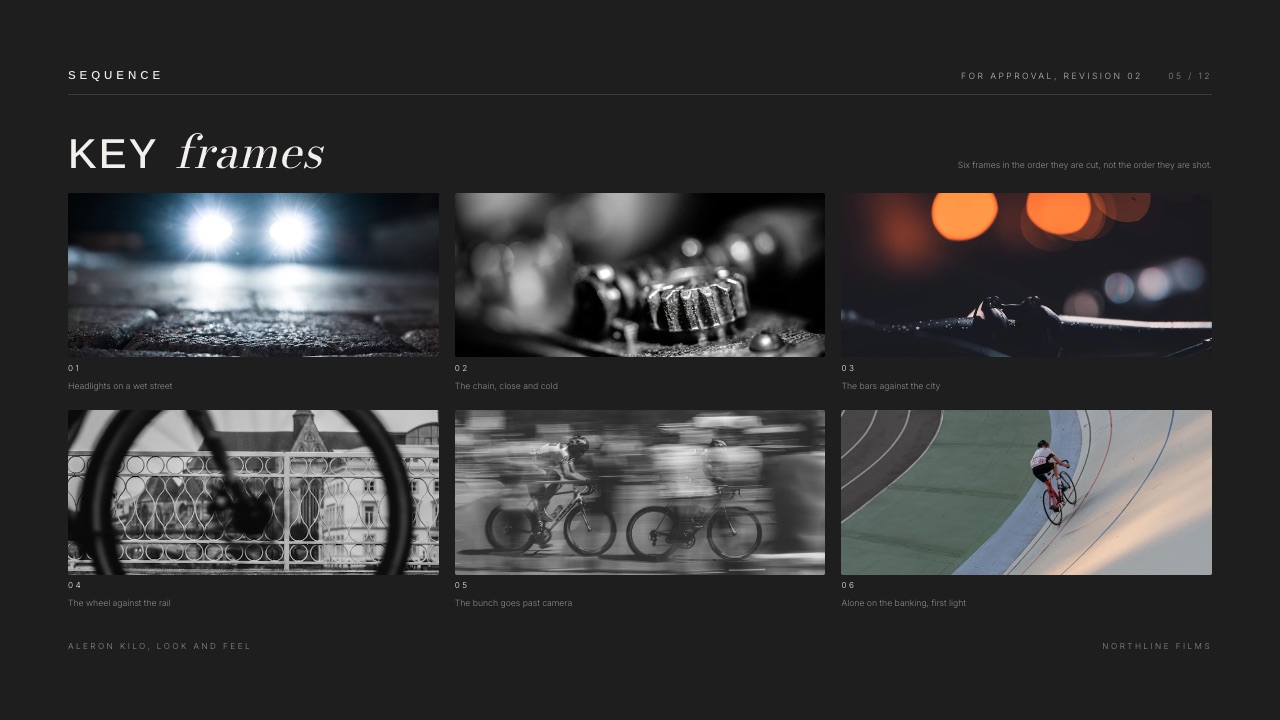
The thing that goes wrongthe designer defends. A defended concept becomes a position, positions get dug into on both sides, and the client leaves the call feeling managed rather than heard. Translating is not agreeing; it is finding out what you are actually being asked.
Step 8. End on a sign-off slide and send the record within the hour
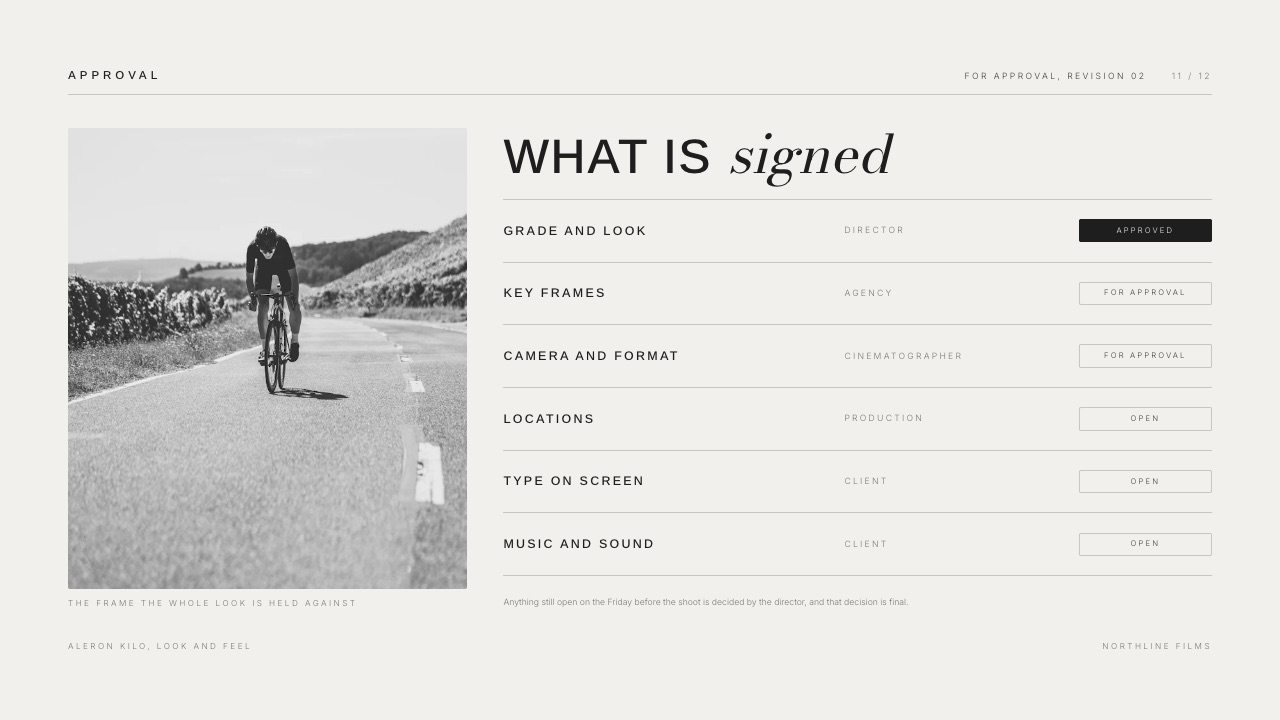
Close with a slide that repeats the decision sentence from slide two and has room for the answer, then write the record and send it while the meeting is still fresh, because a decision that only exists in a conversation will be remembered differently by everyone who was in it.
The sign-off slide has four lines: the route chosen, the changes agreed before the next stage, who confirmed it, and the date.
Fill all four in live on the call, so the client watches their own decision being typed and corrects it in the meeting instead of in an email nine days later.
Send the record the same day: the deck link or PDF, those four lines in the body of the email, and one sentence naming the next step and its date.
That email is the document the remaining three stages of the project are built on, and writing it takes six minutes against the 9 hours a reopened decision costs.
Framekit will not do the paperwork half of this.
There are no contracts, no e-signatures, no invoicing and no CRM in Framekit, so if the sign-off needs a countersigned change order rather than an email, use a dedicated tool for that part: our roundup of contract and proposal tools for creatives covers the ones that do it properly.
The thing that goes wrongthe meeting ends on "great, we will come back to you". No slide, no record, and two weeks later the feedback arrives as a bulleted email reopening two of the three routes. A sign-off slide with a name and a date on it is what makes that email hard to write.
What a badly ordered concept meeting actually costs
In one linea concept meeting that ends without a decision does not cost you the meeting, it costs you the repair round behind it, which on the $6,400 carried example is 9 hours, $855 and 13.4% of the fee.
Run it on the carried example. The roaster identity is $6,400.
The meeting goes sideways, the client asks for a hybrid of two routes, and you spend 9 hours producing it: 4 on artwork, 2 on a second deck, 3 on the follow-up call and the email chain.
At $95 an hour that is $855 of unbilled time, which is 13.4% of the project fee.
Now run it on your own last three projects. Take the fee, count the hours spent after the concept meeting that were not in the quote, multiply by your rate, divide by the fee.
If two of the three come out above 8%, the running order is the problem and the clients are not.
Fixing it costs $0 and about 20 minutes: 15 minutes to write the constraints slide, one line for the decision sentence, four lines for the sign-off.
What Framekit will not tell you about a forwarded deck
In one linea Framekit deck share link reports a total view count and nothing about who produced it, so any part of your follow-up that depends on knowing which individual opened the file needs a different tool and it is worth saying that plainly.
Pitch puts visit, slide view and time-on-slide tracking on its Team tier, listed at EUR 15 per member per month billed yearly to European buyers, which is EUR 180 a year, and its cheaper Free and Plus tiers do not include those links at all. Storydoc is built around analytics and starts at $19.80 a month billed annually, or $237.60 a year for 5 active documents, which is $47.52 per live deck per year.
If tracking is a real requirement, buy one of those instead of talking yourself into ours.
On a four person client team it is not a requirement. You know all four names, the follow-up call is in the calendar, and a counter reading 11 views tells you nothing you would act on.
Decide which of the two situations you are in before paying $237.60 for a dashboard you open twice.
The moodboard is not the concept, and showing it as one costs you the room
In one linea moodboard establishes the territory a concept might live in and a concept commits to one answer inside that territory, so presenting a moodboard as though it were a concept invites a client to react to references rather than decide on work.
Moodboards belong earlier, in their own meeting or behind their own labelled divider.
Interleaved with the three routes, references start reading as a fourth and fifth option, and you spend 10 minutes of a 40 minute call discussing a photograph you do not own, cannot licence and are not selling.
If the moodboard stage is where your project actually sits right now, that is a different procedure: how to make a mood board covers assembling one that narrows a direction instead of widening it.
Where the two overlap is inside the deck.
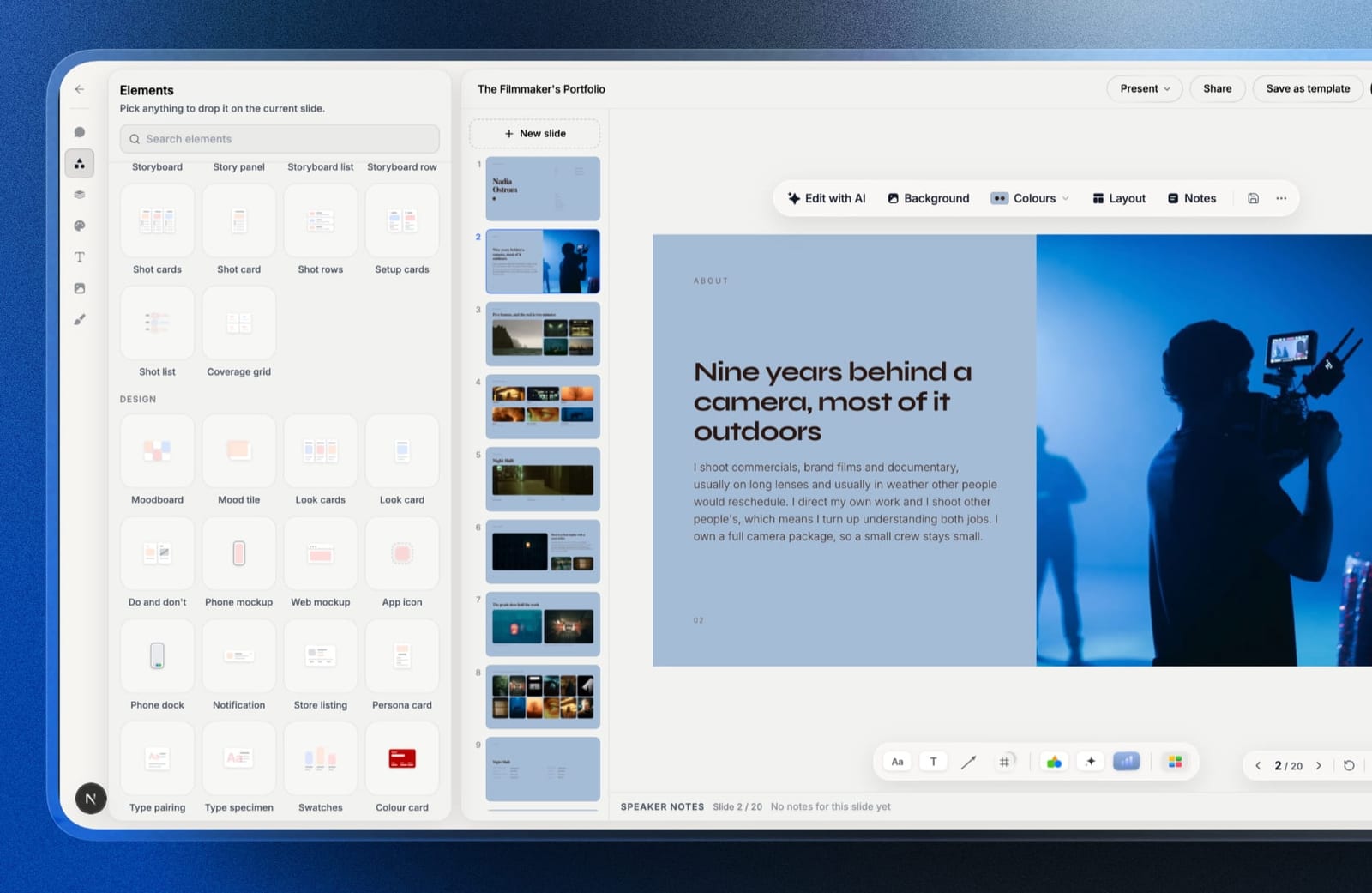
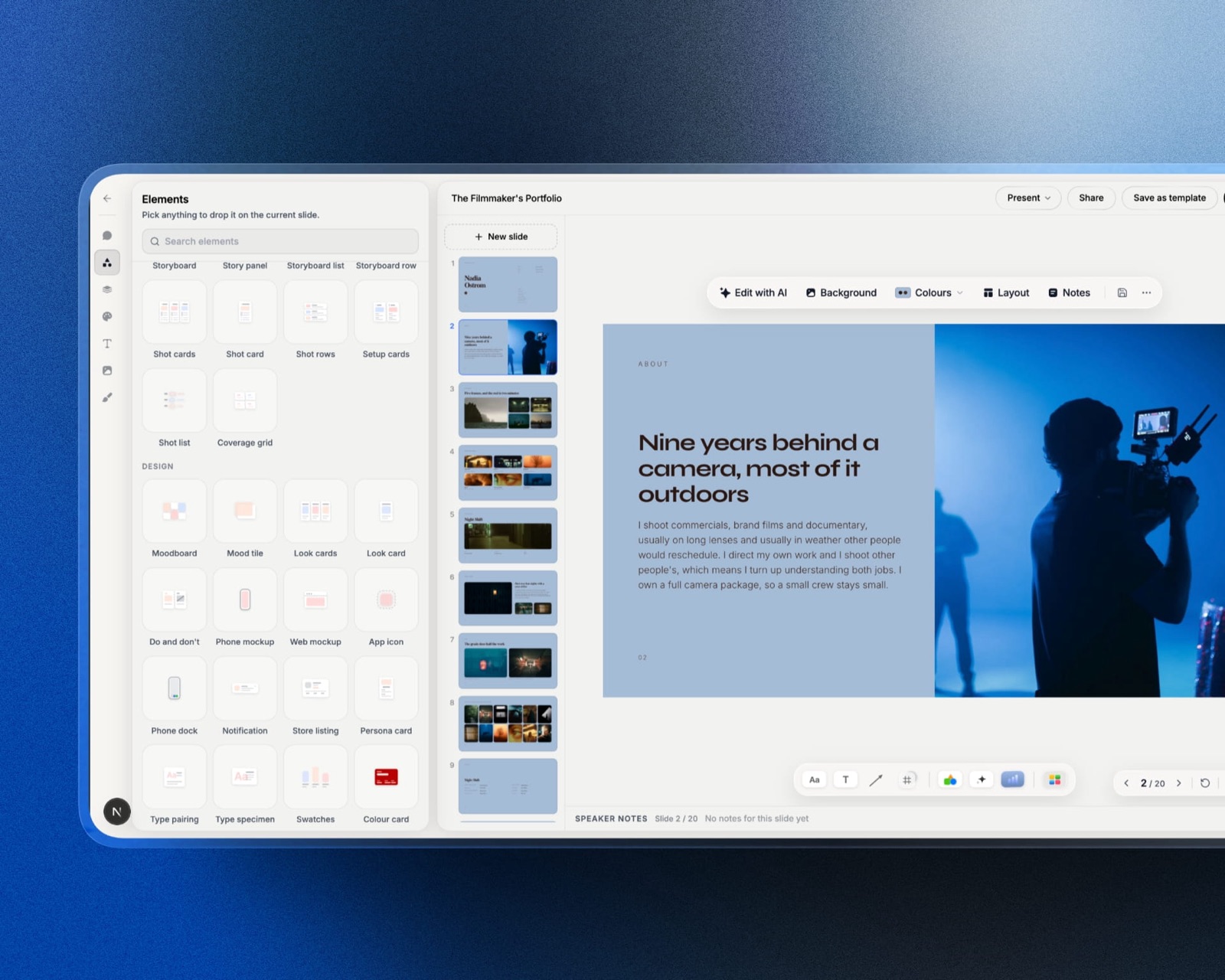
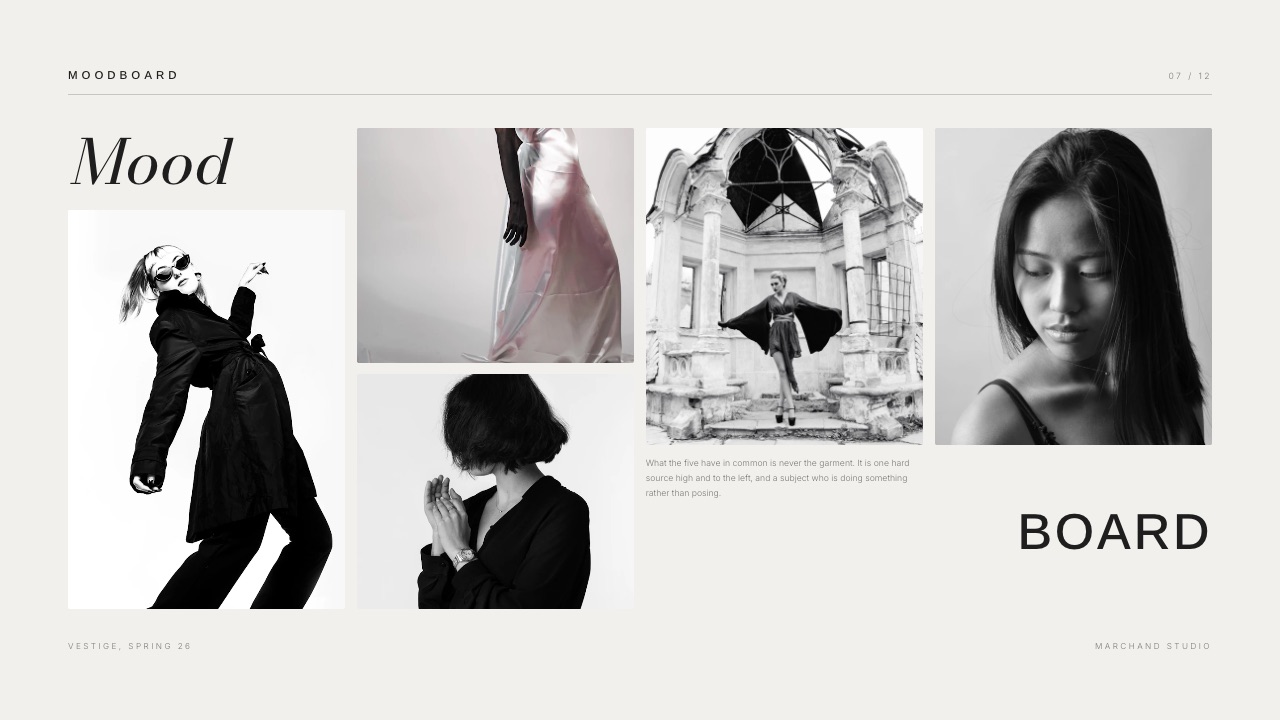
Framekit Slides ships moodboard, look card and storyboard elements next to chart blocks, so one deck can hold a labelled reference section at the front and the three committed routes behind it without a second file or a second tool.
Keep the label explicit: the three words "references, not proposals" on a divider earn more than the slide they sit on.
Which format to send afterwards, and what each one gives away
In one linethe format you send afterwards decides what the client can do with the work, and the three realistic choices trade editability, fidelity and version control against each other in ways worth picking on purpose rather than by habit.
A share link keeps one canonical version, so a correction updates what all five recipients see and no v3-final-final circulates. The costs are real: the client needs a browser and a connection, and a Framekit link has no password, so anyone the URL reaches can open it.
A PDF survives everything. It opens on a plane, it fits the 25MB ceiling Gmail applies to personal accounts, and it renders the same on all of them.
What you give up is version control: once it is sent, correcting one slide means a second file, and both files stay in the inbox.
A PowerPoint file is for the client who has to paste two of your slides into their own quarterly deck.
Say what they are getting: Framekit's .pptx export is Pro and up, caps at 60 slides, and writes each slide as a picture, so the speaker notes arrive as real notes and the text arrives as pixels.
If they need to edit words, build that copy in Google Slides.
Which version of this procedure applies to you
Work through these five questions in order, because the right shape of meeting turns on three things you already know before you build a slide, and guessing at them is what produces a deck built for the wrong room.
Is the direction already signed off? If yes, show one route, keep the deck to six slides, and spend all 40 minutes on execution detail instead of rationale. If no, continue.
Is there one named decision maker who will be on the call? If yes, present live: 11 slides, three routes, sign-off filled in before anyone hangs up.
If no, move the meeting, or build the 14 to 16 slide async version with the rationale written onto all three route slides.
Does the client's team need to edit your slides afterwards? If yes, build the handover copy in Google Slides or PowerPoint and accept the typographic compromise, because a picture-based export will be rebuilt badly by someone who is not a designer.
If no, send a link plus a PDF and keep one canonical version.
Do you need to know who opened the deck? If yes, and it changes what you do next, pay the EUR 180 or $237.60 a year for a tool built for it instead of a deck tool with a counter bolted on. If no, stop shopping and go and write the three constraints.
Is this a concept or a moodboard? If you cannot name the one thing each route commits to, it is a moodboard, and presenting it as a concept will get you feedback on photographs you do not own.
Frequently Asked Questions
How many design concepts should you show a client?
Show three concepts for direction-setting work such as an identity or a campaign, and one for execution work where the direction is already agreed.
Three forces a client to rank against the three constraints instead of picking a favourite, because two options get compared to each other and voted on.
Four or more invites a hybrid assembled from parts, which is a new route you did not quote for and which cost 9 hours and $855 on the example carried through this guide.
Should you present a design concept live or just send the deck?
Present the first concept live if you can, then send the same deck as a link. Live is where the reasoning lands and where objections surface while you can still answer them, rather than hardening in an email three days later.
When the room is impossible, build a different deck: rationale written onto all three route slides, an opening slide stating what you need back and by when, and one named owner of the reply.
What do you do when a client asks to combine two concepts?
Ask which of the three constraints the hybrid solves that neither route solves alone. A request to combine is one element that is not working, and once it is named the fix lands inside one route instead of a fourth.
If the hybrid genuinely is a new direction, it is new work: say so in the meeting rather than on an invoice three weeks later, and quote it.
How long should a design concept presentation be?
Eleven slides and 25 minutes of talking for a three route identity concept, inside a 40 minute call that leaves 15 minutes for questions. That is 2 minutes 16 seconds a slide.
An async version runs to 14 to 16 slides because the rationale has to be written out rather than spoken.
The number that actually matters is the 90 seconds of framing before the first artwork appears, which decides whether the remaining 38 minutes are judgement or reaction.
What is the best tool for building a design concept presentation in 2026?
Framekit Slides is the pick for independent designers and small studios: unlimited decks, speaker notes on every slide, a share link and PDF export sit on all four plans including the $0 one, with moodboard and storyboard elements in the editor and the template library from $9 a month.
Figma Slides is better when the concept already lives in a Figma file, at $16 a seat a month. Google Slides is better when the client's team must edit the file.
Pitch at EUR 15 a month or Storydoc at $19.80 are better when you need to know who opened it.
Can you password protect a concept deck in Framekit?
No. Framekit deck share links have no password and no per-viewer analytics, only a total view count, which is the clearest limitation of the tool for this job.
If a concept is genuinely confidential or you need to know which individual opened it, use DocSend, Pitch or Storydoc for that deck.
Framekit does password-protect client galleries and video review links, but that protection does not extend to Slides share links today.
What should you send the client after the concept meeting?
Send the deck as a link or a PDF, plus an email carrying the four lines from the sign-off slide: route chosen, changes agreed, who confirmed it, the date. Send it the same day, in the six minutes it takes.
That email is the reference document for the rest of the project, and it is what makes an email reopening a rejected route two weeks later hard to write.
How do you present when the decision maker is not on the call?
Do not present. Rescheduling costs an hour of calendar friction.
Presenting to people who cannot decide costs a second 40 minute presentation, unpaid unless you quoted for it, plus a game of telephone in between, and on the carried example that is most of the 9 hours and $855.
If the date cannot move, run it as a working session, say so in the first 90 seconds, and book the decision call before you leave.
What do you do if the client rejects all three routes?
Go back to slide 3 and find which of the three constraints the client no longer agrees with, because three genuinely different routes failing at once is one brief problem, not three design problems.
Either the brief changed and nobody told you, which is a scope conversation with a number attached, or the constraints were never really agreed, which is a lesson for the next brief. Do not start designing a fourth route inside the meeting.
Does a concept deck need a moodboard section?
Only if it is labelled as one and kept separate from the routes. A moodboard establishes territory and a concept commits to an answer inside it, so interleaving them invites the client to treat references as options.
If you include one, put it behind a divider that says references rather than proposals, and keep it at the front so the committed work is the last thing on screen.
Final Verdict
Present the reasoning before the artwork, show three routes for direction work and one for execution, name the decision you want before you open the deck, and write the answer down on a sign-off slide while the client is still on the call.
That order is worth more than any tool choice, and it is free.
For building the deck, Framekit Slides is the recommendation for independent designers and small studios: unlimited decks, an AI slide writer, speaker notes, a share link and PDF export on every plan including Free, with moodboard and storyboard elements in the editor and the paid tier at $9 a month buying the full template library, your own uploaded fonts and the removal of the Framekit byline.
Where Framekit losesdeck share links have no password and no per-viewer analytics, only a total view count, so anyone whose concept work is genuinely confidential or whose follow-up depends on knowing which individual opened the file should use DocSend, Pitch or Storydoc instead.
The PowerPoint export is Pro and up, caps at 60 slides and writes slides as pictures, so a client who needs editable text is better served by Google Slides.
And Framekit does not do contracts, e-signatures or invoicing at all, so the countersigned half of a sign-off belongs in a dedicated tool.
Framekit is not for designers whose concept decks are legal documents; it is for designers whose concept decks are arguments.
Related readingif you present finished work rather than concepts, presenting design work to clients covers the later meeting.
For the version of this argument with numbers at both ends, see case study templates for designers.
The document that follows a signed-off concept is covered in how to make a brand style guide, the tools for collecting written comments are ranked in client feedback tools for designers, and if you are only in Canva because you always have been, the alternatives roundup is the place to start.
For the evidence that earns the next brief, see how to make a case study deck, and when the work is image-led rather than argued, how to make a lookbook covers sequencing.