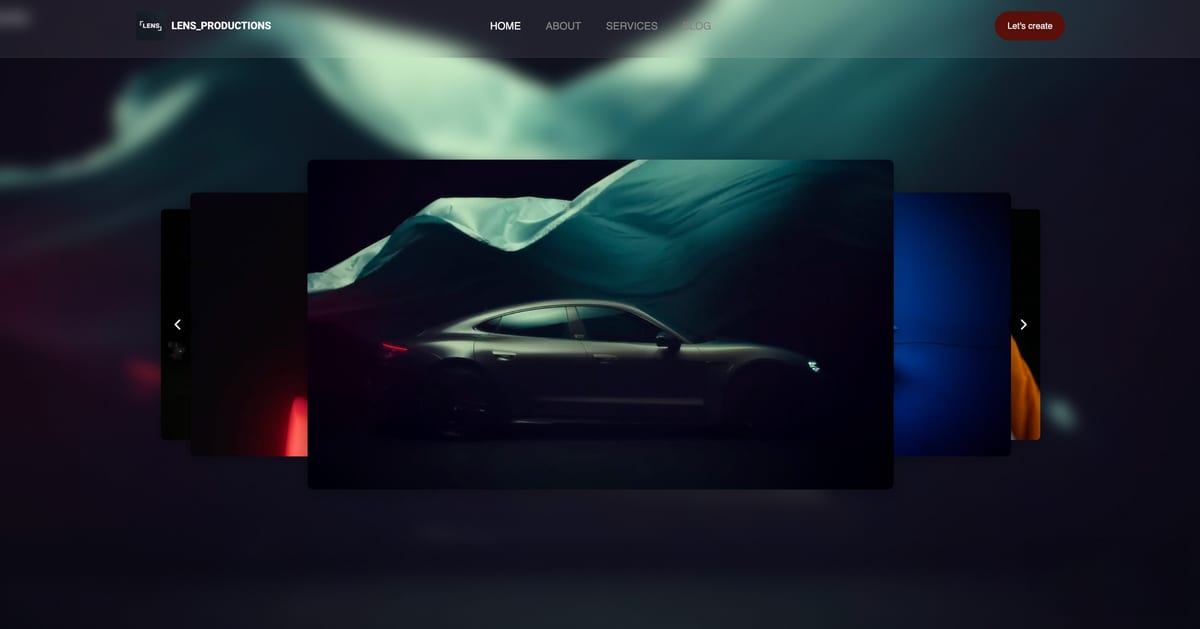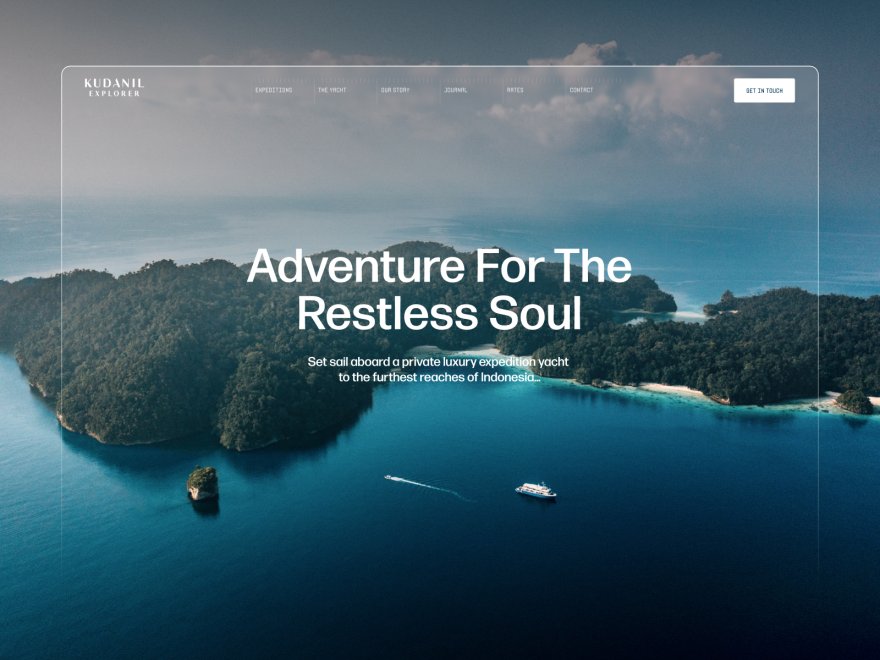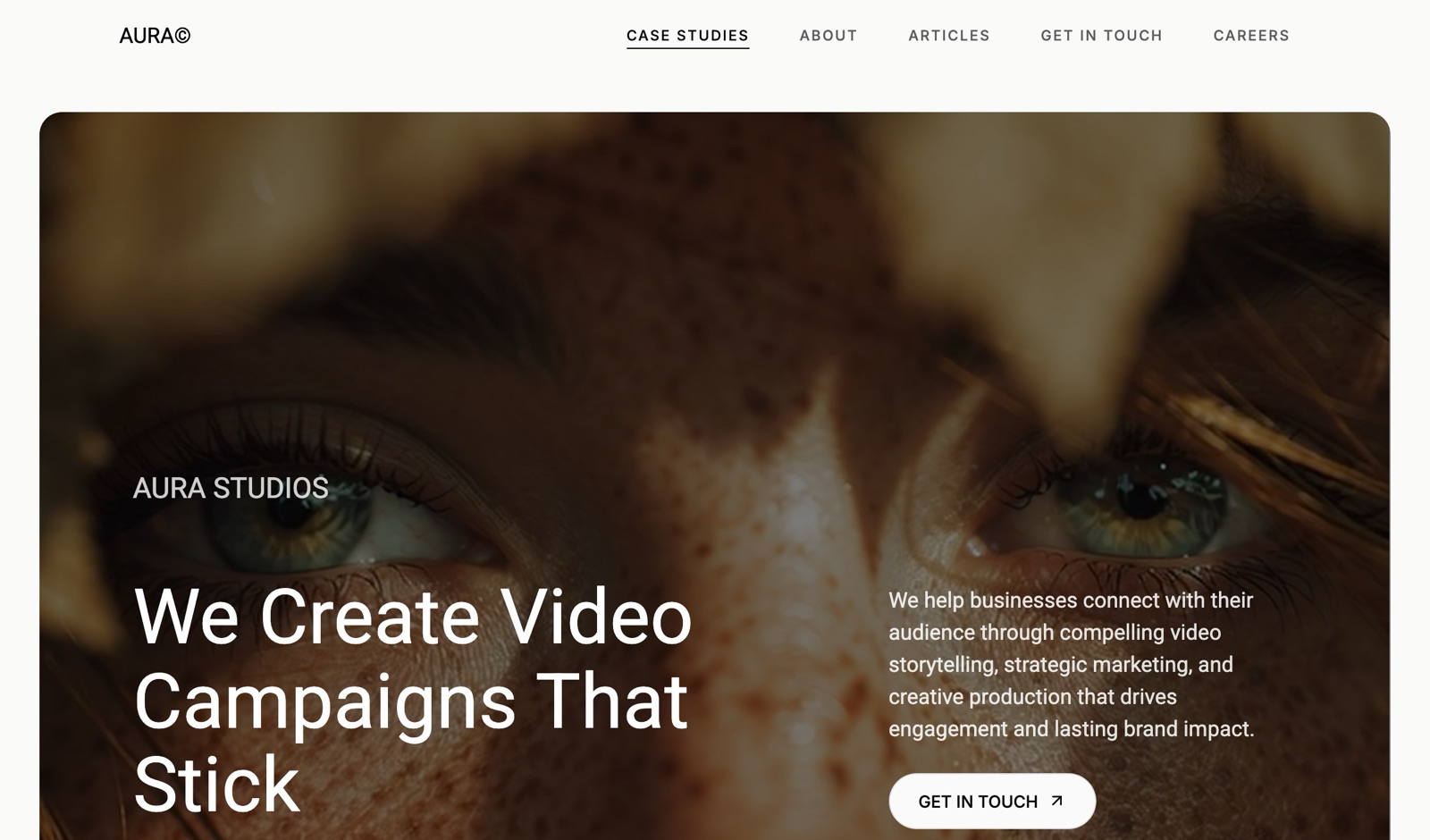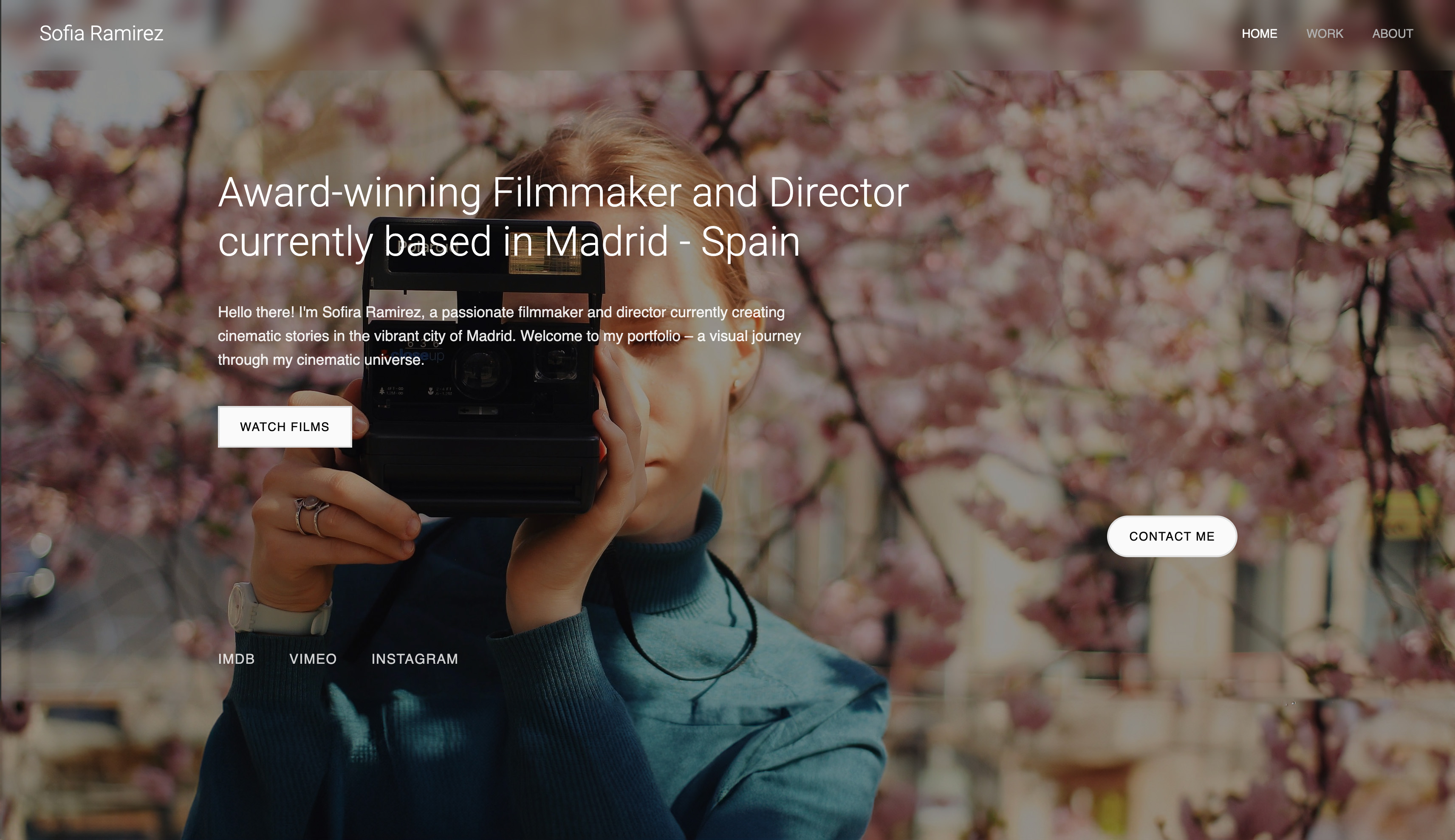
Framekit templates
Start from a designer-made template
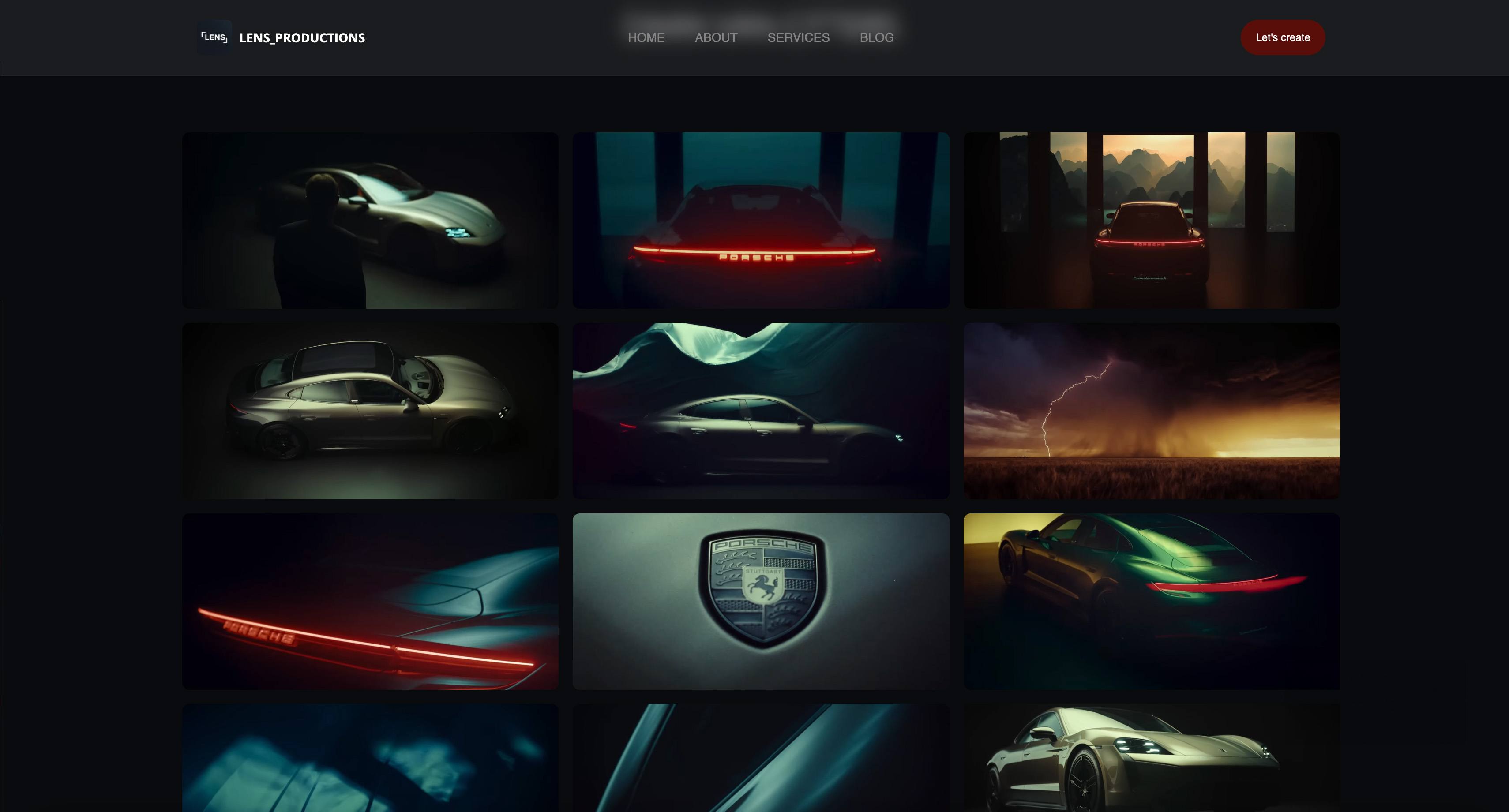 Use template
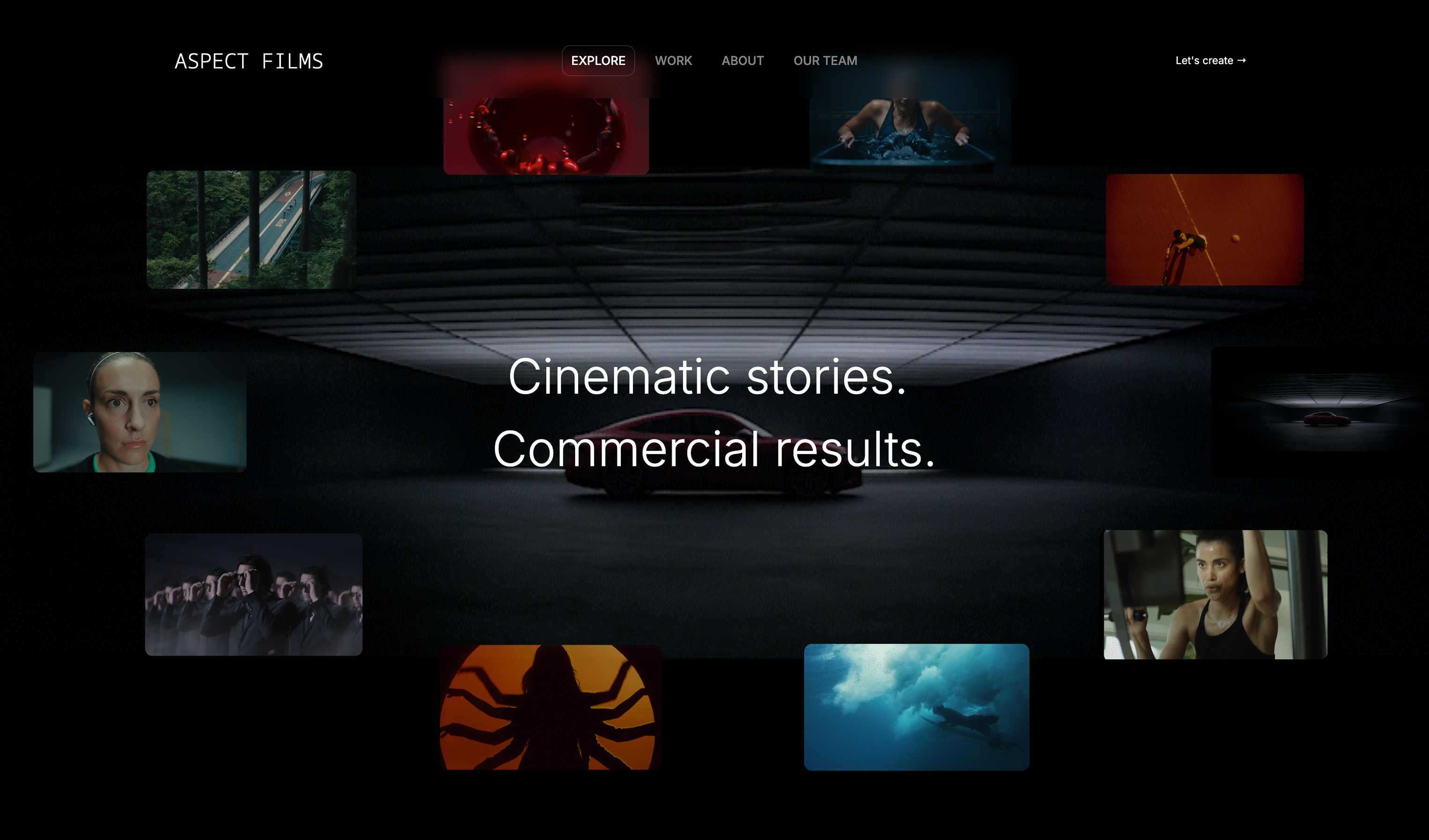 Use template
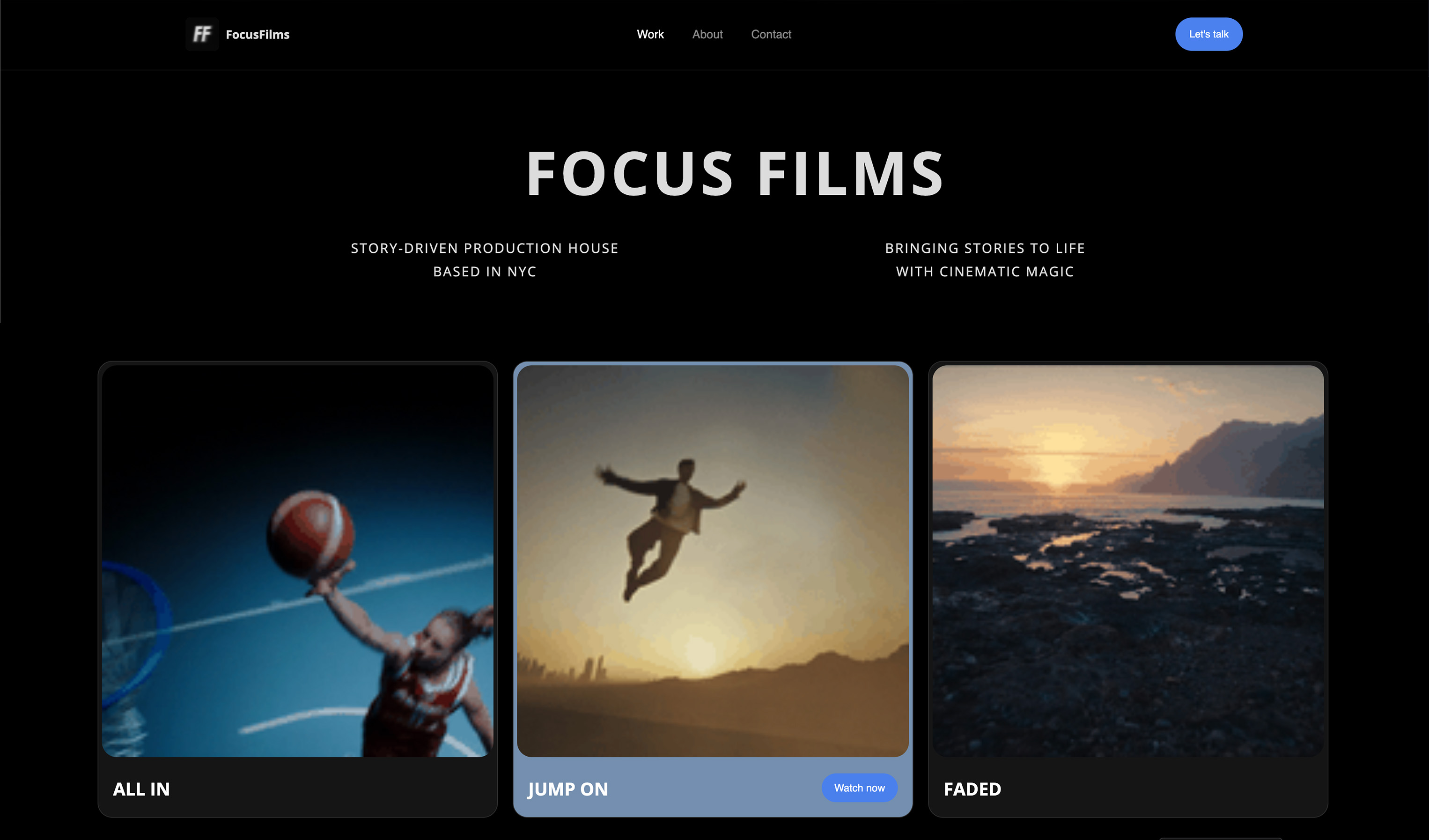 Use template
 Use template
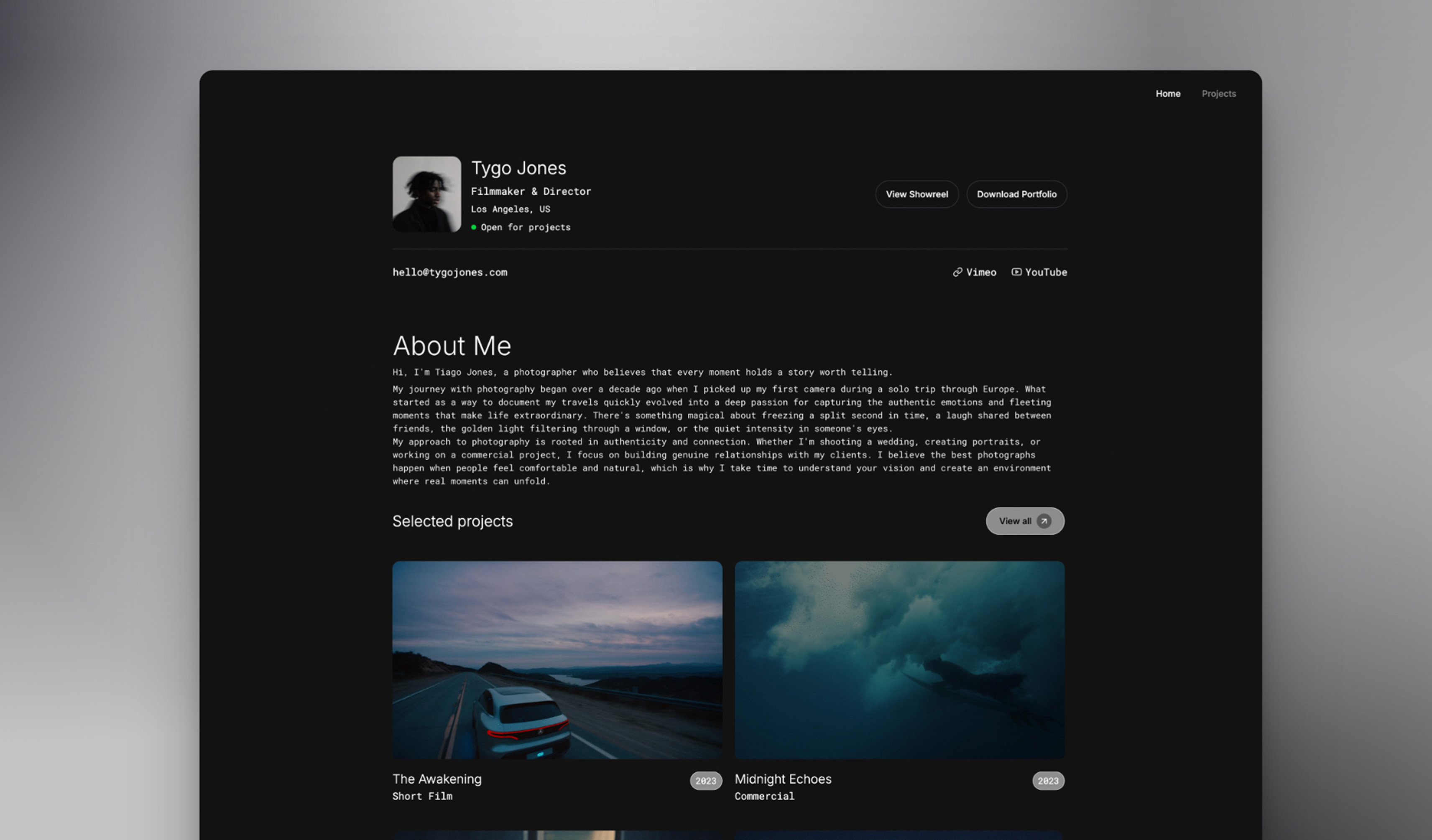 Use template
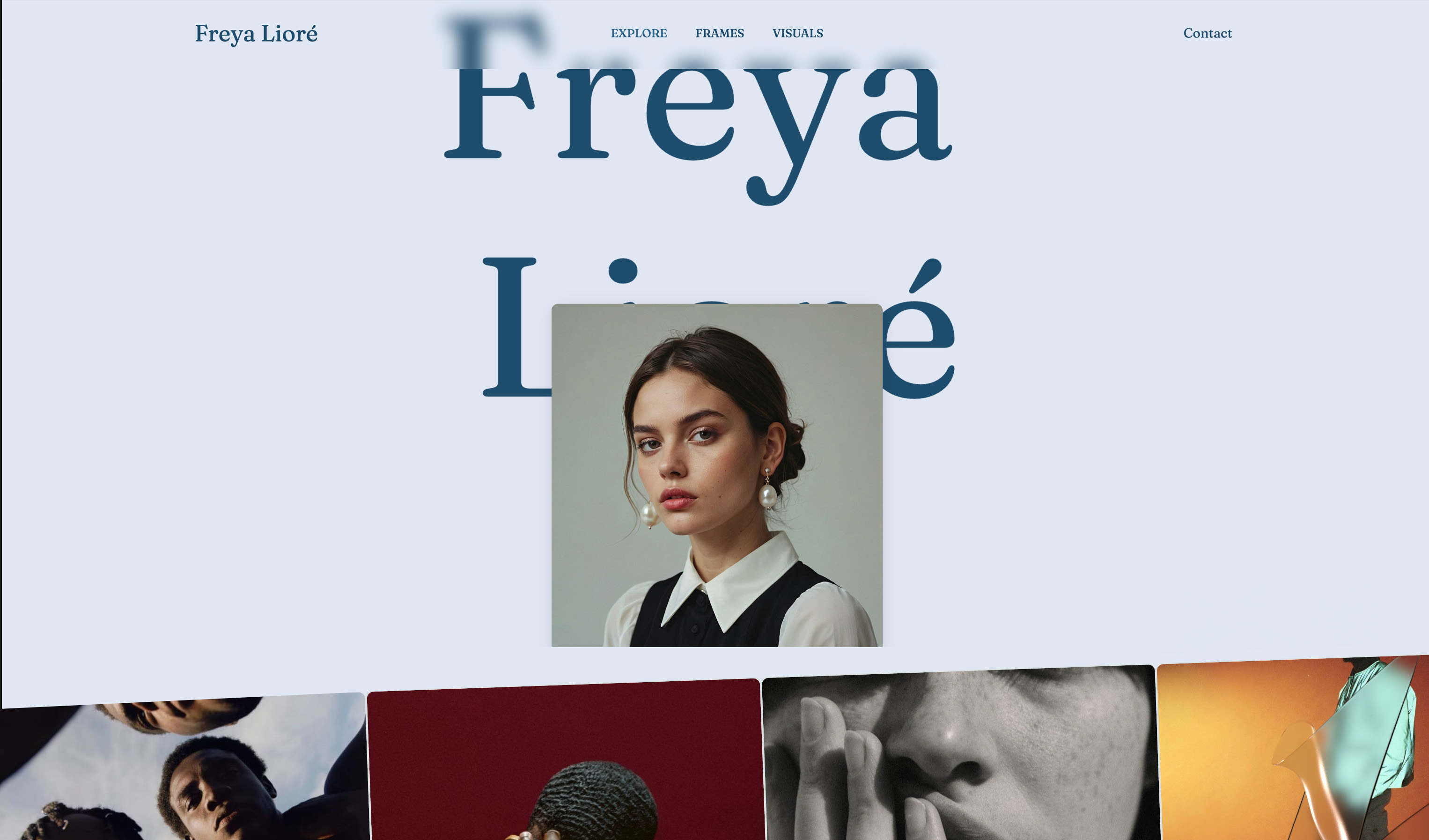 Use template
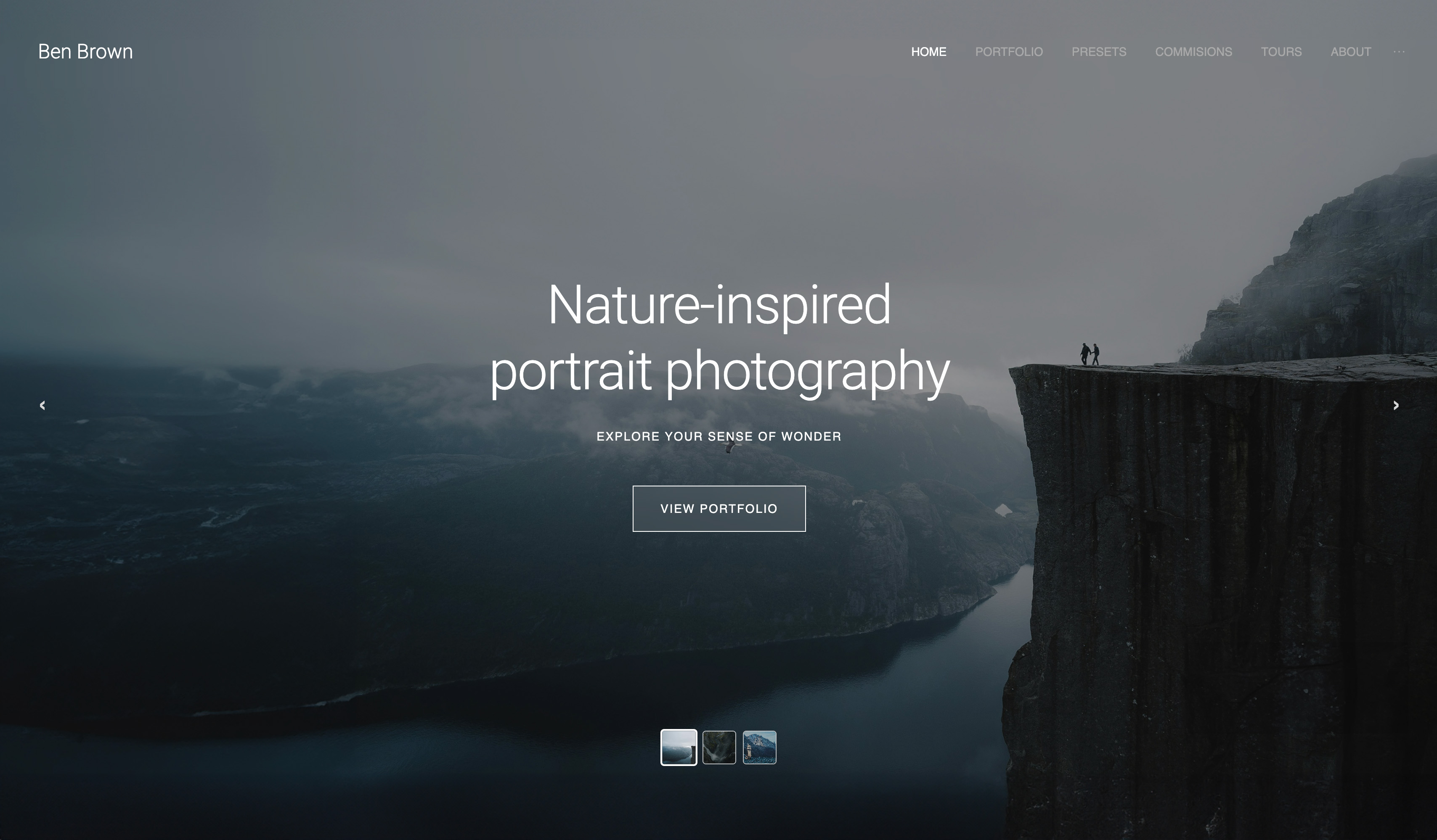 Use template
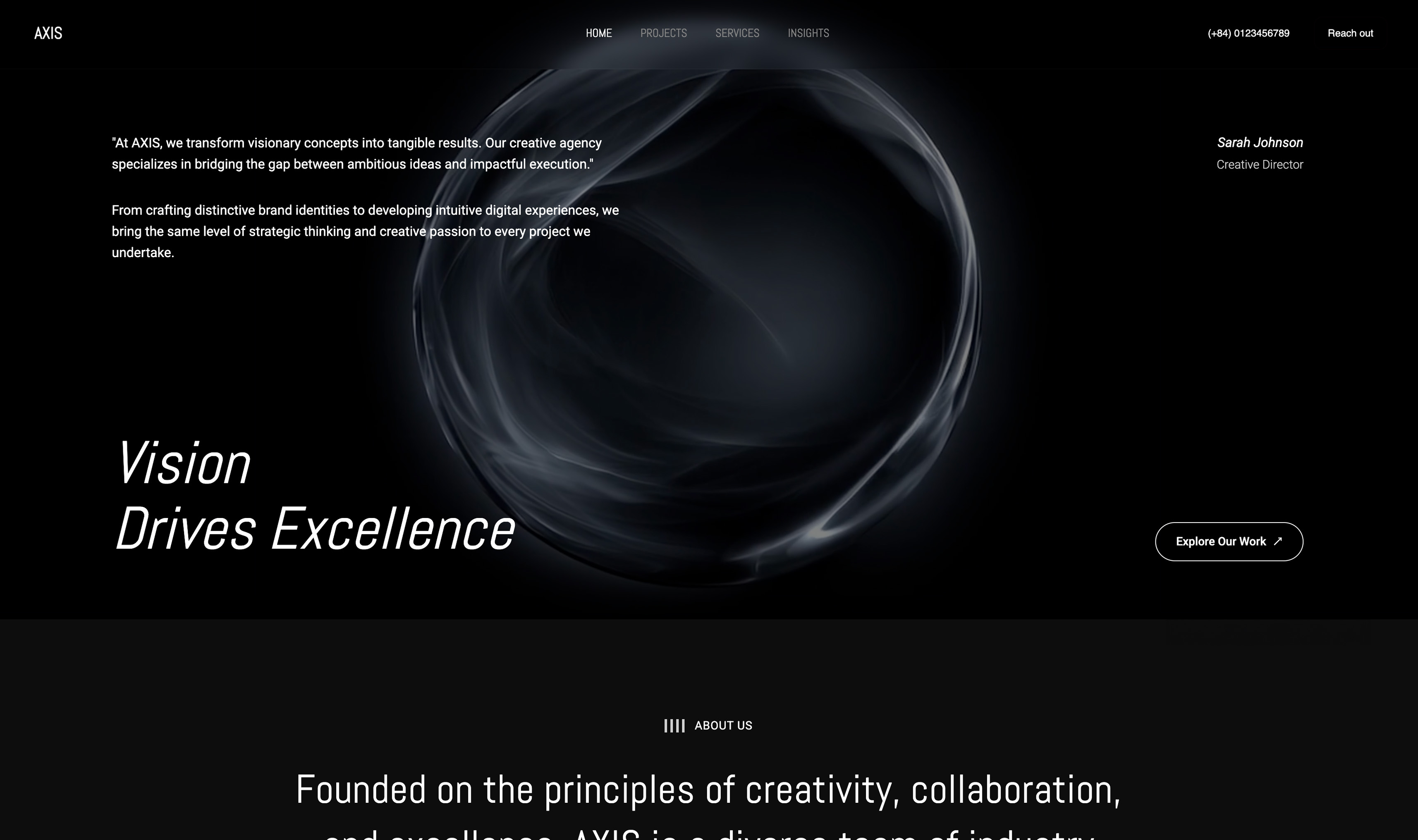 Use template
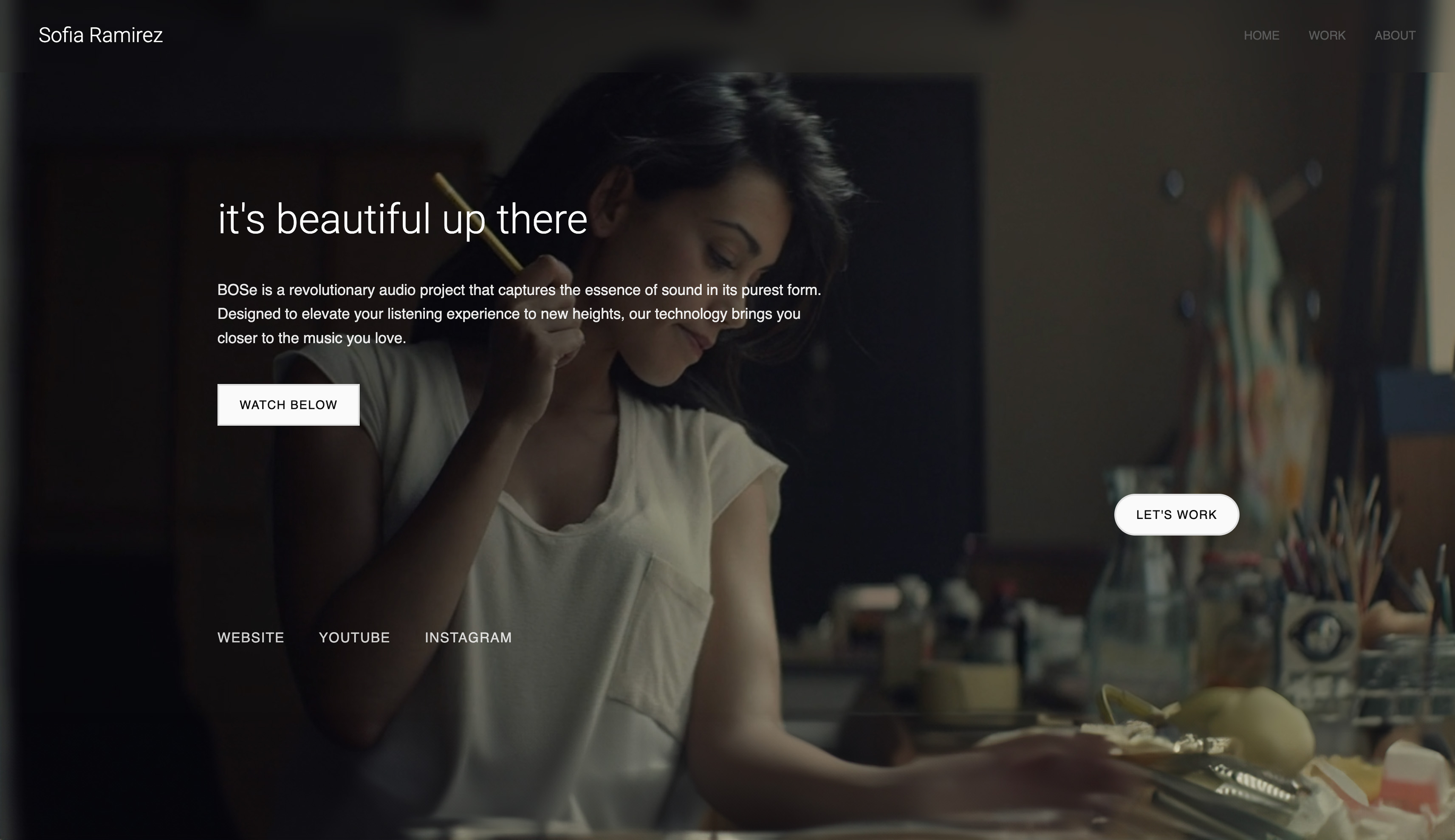
What should a filmmaker portfolio include? Find out the moment it gets tested.
A producer messages you on a Tuesday: they liked a spot you shot, they have a brand film in pre-production, and they ask, "Where can I see more of your work?" You send a Vimeo link, or a Drive folder of files named FINAL_v3, or a reel with no names and no roles.
The producer is not judging your craft at that moment. They are answering four questions in under two minutes: can this person shoot, have they done my kind of job, what exactly did they do on it, and how do I book them.
A reel answers the first. The other three are what a filmmaker portfolio is for, and they are where most filmmakers lose the job without knowing it was on the table.
A filmmaker portfolio is a website that presents your film and video work so a paying client can navigate it, judge your role on each project and contact you, built around a short reel but organised into individual project pages with credits, context and an obvious way to hire you.
A filmmaker portfolio in 2026 should include a 60 to 120 second reel that opens on your strongest shot, 6 to 12 individual project pages, 3 to 5 genre categories, a credit line on every project naming your role, an about page with one clear specialty, a contact form of no more than 5 fields, real credibility proof such as laurels or client names, and video embedded from Vimeo or YouTube rather than uploaded raw.
Framekit builds that structure as a site and keeps review links, delivery galleries and treatments in the same account; Squarespace suits filmmakers who want long films hosted on the page, and Carrd suits a one-page reel site.
We re-verified this checklist on 12 October 2026: every platform price and video limit quoted below was re-read on the vendor's own page that week, Framekit's site and video caps were checked against its published plan table, and the earlier version's single-table checklist was expanded into the numbers a producer actually looks for.
Full disclosure: Framekit is our product, so treat its section as a claim to check; the checklist itself works on any builder, and the platform table says plainly where Squarespace, Format and Carrd are the better fit.
The Filmmaker Portfolio Checklist at a Glance
A filmmaker portfolio needs eight parts, and each one has a number you can hit, so the table below compresses the whole checklist into what to build, the target to aim for, and the producer question each part answers before they decide whether to send a brief.
| # | What to include | The number to hit | The producer question it answers |
|---|---|---|---|
| 1 | A hero reel | 60 to 120 seconds, best shot inside the first 10 | Can this person shoot? |
| 2 | Individual project pages | 6 to 12 projects, each with its own page | Have they done my kind of job? |
| 3 | Genre or type organisation | 3 to 5 categories, one click from the homepage | Where is the work like mine? |
| 4 | Context on every project | 1 credit line plus 2 to 3 sentences | What exactly did they do on it? |
| 5 | An about page with a specialty | 150 to 250 words, 1 specialty sentence | Why this person and not the next one? |
| 6 | An obvious way to hire you | 3 places on the site, 5 form fields or fewer | How do I book them? |
| 7 | Credibility proof | Real laurels, 3 to 8 client names, 1 to 3 quotes | Has anyone like me trusted them? |
| 8 | Fast, embedded video | Nothing autoplays with sound; hero loops under the upload cap | Will this load on my phone between meetings? |
In one linethe reel earns ten seconds of attention and the other seven parts convert it, so a filmmaker with a strong reel and none of the structure is spending their best asset on a page that cannot book them.
Why a Reel Alone Is Not a Portfolio
A reel is a trailer for your skills, cut to impress in about 90 seconds, and it answers one question well: can this person make good images?
A hiring producer, agency or couple has at least three more questions, and a reel structurally cannot answer them because it has no room for names, roles, genres or a booking path.
Consider what a reel hides. It mixes a car commercial you shot as DP with a music video you directed and a documentary you only graded, so a viewer cannot tell your role on any frame.
It removes context: the budget, the brief, the client, the constraint you solved. It removes the full piece, so a producer who loved the six seconds of a wedding film cannot watch how you handle the vows.
And it removes the next step, because a reel ends on a title card, not a contact form.
A portfolio is the structure that puts all four answers within two clicks, with the reel as its front door.
For the platforms that build that structure, the best website builders for filmmakers ranks nine of them on video limits, client review and three-year cost.
1. A Hero Reel That Earns Its First Ten Seconds
Your reel is the first thing a producer plays and often the only thing, so it has to win inside its first ten seconds by opening on the single strongest shot you own, not a logo sting, a slow push-in on a title, or a black frame with music building underneath.
Keep the whole reel between 60 and 120 seconds. Under 60 rarely shows range; over 120 starts losing busy viewers, and anything longer belongs on a project page.
Cut it towards the work you want more of rather than the work you have done most of: if you want commercials, the first 20 seconds are commercial frames even if weddings pay the rent today.
Place the reel at the top of the homepage, ready to play, with sound off until the viewer chooses it.
Write one line beside it that says what you do and for whom, for example "Director of photography for brand films and music videos, based in Lisbon." That line does more work than any montage, because it tells the producer in five seconds whether to keep watching.
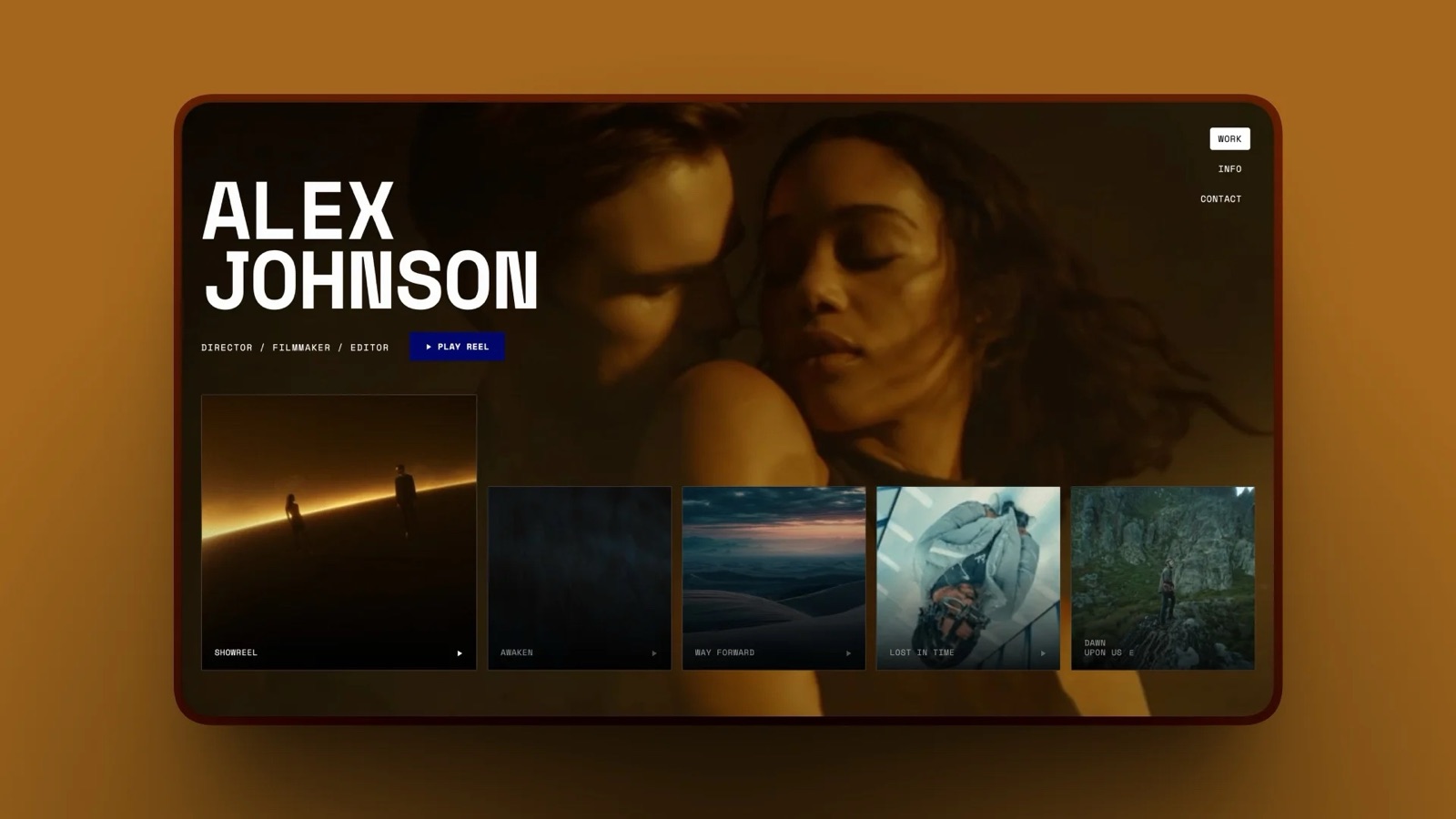
Refresh the reel at least once a year, and swap the opening shot whenever a new project beats it.
2. Individual Project Pages, Not Just One Reel
A reel proves range, but it does not let a client see the one kind of job they came for, so each significant project needs its own page with the full piece embedded, a handful of stills and the credit block that explains your part in it.
A wedding couple wants weddings, an agency wants commercials, a label wants music videos. If the whole site is one montage, every visitor has to hope their kind of work is buried somewhere in it.
Individual pages fix that: each page holds the full film, 3 to 6 graded stills, a credit line and two or three sentences of context, and each page has its own address you can paste straight into an email.
Show 6 to 12 projects. Fewer than 6 reads as thin for anyone past their first year; more than 12 starts to show your weaker work and makes the visitor do the editing. Every project should clear one bar: you would be glad to be hired to do that exact job again.
Project pages also help search. Each one carries its own page title and description, so "music video director in Manchester" or "wedding films in the Cotswolds" has a specific page to land on rather than a homepage that tries to rank for everything.
3. Clear Organisation by Genre or Type
Filmmakers rarely do only one kind of work, and an unsorted pile of narrative, commercial, music video and documentary projects makes the client do the sorting, so group the work into 3 to 5 clearly labelled categories that a visitor can reach in one click from the homepage.
Use the categories a buyer would search for, not internal shorthand. "Commercials", "Music Videos", "Documentary" and "Weddings" are clear; "Narrative Works" and "Selected Visual Experiments" are not.
If you have one category with a single project in it, fold it into another until it has at least 2.
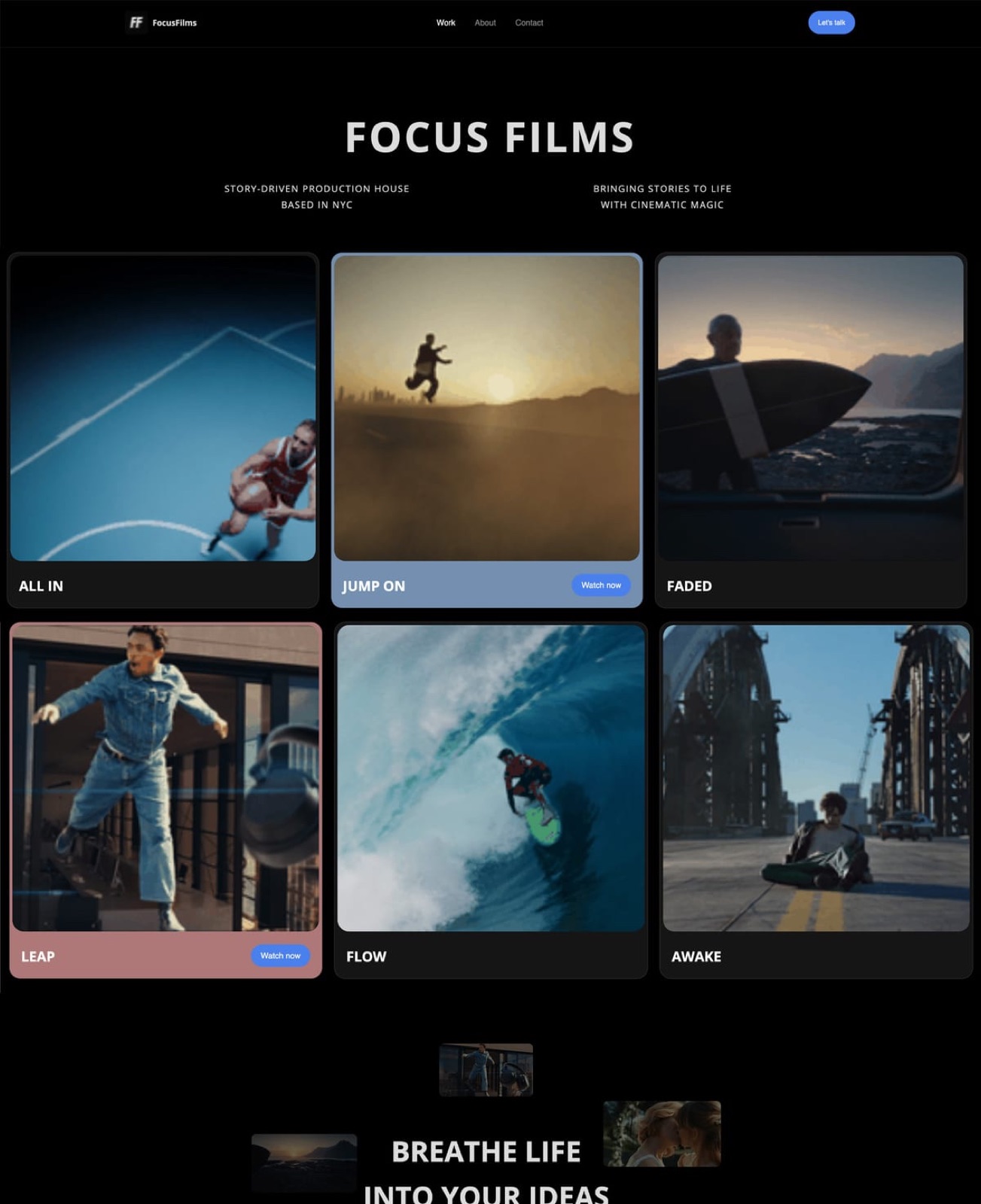
Clear organisation is not tidiness for its own sake. It tells each visitor, instantly, that you do exactly their kind of project, which is the single fastest way to turn a casual click into an enquiry.
4. Real Context for Every Project
A video with no information is a clip, and a video with a credit line and two sentences of context is evidence, so every project page needs your role, the client or production company, the format and year, and a short note on the brief and what you solved.
Use a fixed credit block so every page reads the same way:
- Role: Director and DP (or DP only, or Editor, or Colourist).
- Client and production: the brand, the agency and the production company, if you have permission to name them.
- Format and year: "60-second spot and 6 cutdowns, 2026".
- Brief and result: two or three sentences on what you were asked to do and the constraint you solved, such as "two shoot days, one location, a night exterior lit with practicals only".
Filmmaking is collaborative, and a client genuinely needs to know what you did rather than what the whole team did. Vague credits read as either false modesty or padding, and both cost trust.
If you shot it as second unit or graded someone else's footage, say so: precise credits make the strong ones believable.
5. An About Page With a Clear Specialty
Producers hire filmmakers for a point of view and a way of working, not a list of cameras, so the about page should state your specialty in one sentence, explain how a job runs with you in 150 to 250 words, and show a photo of you working rather than a passport-style headshot.
Open with the specialty: "I direct documentary-style brand films for food and hospitality companies." Follow with three things a buyer checks: where you are based and whether you travel, the size of crew you usually run, and how a typical project moves from first call to delivery.
End with one honest, human detail that makes you memorable.
A filmmaker who reads as a clear documentary specialist wins documentary jobs over a vague generalist. A blank or generic about page makes the client guess, and guessing clients hire someone else.
6. An Obvious Way to Hire You
A producer with a deadline should never have to hunt for how to reach you, so put the contact step in three places, the navigation, under the reel and at the end of every project page, and keep the form to 5 fields or fewer.
The five fields that start a useful film conversation are name, email, project type, shoot window and budget range. Anything more, such as a full treatment or shot list, blocks warm leads who are still figuring out scope.
Write the confirmation message so it sets expectations: "Thanks. I reply within one working day; if your shoot is inside two weeks, put the dates in your message."
Test the form from a phone before you publish, then again after any change. A form whose notifications go to an address you never check makes a live site look dead.
On Framekit, contact and booking forms are on every plan and enquiries land in the dashboard and your inbox, with 500 form submissions a month on Free, 1,000 on Starter, 5,000 on Pro and unlimited on Business.
7. Credibility Proof: Laurels, Clients and Press
A client choosing between two filmmakers looks for signs that other people have already trusted you, so show real festival laurels, 3 to 8 recognisable client or brand names, and 1 to 3 short testimonials with a name and role attached, placed where a visitor sees them without clicking.
Two rules keep proof credible. Use only what is true and what you have permission to show: a brand logo from a job you shot under NDA can cost you the next job from that agency.
And attribute every quote to a real person with their role, because an anonymous "Amazing to work with!" reads as invented, and invented praise is worse than none.
Placement matters too: a strip of laurels or client names directly under the reel does more than a "Press" page few visitors open.
8. Fast, Properly Embedded Video
Video is heavy, and a filmmaker portfolio that stutters or loads slowly on a phone undermines the exact thing it is selling, so host the full films on a platform built for video, usually Vimeo or YouTube, and embed those players into your pages instead of uploading masters to the site.
Most website builders cap or meter video on the page itself.
Framekit takes site video uploads up to 15MB on Free and 100MB on paid plans, which suits a 6 to 10 second muted hero loop, and its embed block handles Vimeo and YouTube for the full reel.
Squarespace hosts 30 minutes of video on Basic and 5 hours on Core; Format hosts 15 minutes on Pro and 120 minutes on Pro Plus; Carrd's Pro plans include video uploads.
For the reel itself, Vimeo Starter is $12 a month billed yearly, $144 a year, with 2TB of storage, and a YouTube embed costs nothing.
Never autoplay with sound. A producer often has five tabs open, and the one that starts shouting is the one that gets closed. Set a poster frame for every embed so the page looks finished before anything plays.
If you are weighing where the reel should live, the best showreel hosting platforms compares the options.
What Else Producers Ask For: Rates, Kit and a Deck
Beyond the eight essentials, three extras regularly decide whether a producer sends a brief, a signal of your rates, a list of the kit you bring, and a short portfolio deck or PDF they can forward to a client who will never open your website.
A rate signal. You do not need a full rate card online, but a "day rates from" line or a typical budget range filters out mismatches before they reach your inbox.
If you prefer to keep rates private, send them in a deck after the first call. The videographer rate card template lays out what to include.
A kit list. For DPs and shooter-directors, a short list of camera bodies, lenses and lighting answers the producer's budgeting question early. Keep it to what you own and bring; hired kit belongs in the quote.
A portfolio deck. Agencies forward PDFs. A 10 to 15 slide deck with your reel link, 3 to 4 case studies, credits, kit and rates travels where a website link does not.
Framekit Slides includes a Director and DP Portfolio template with case study, credits, kit and rates slides (the template library opens on Starter), and on any plan the AI can build a whole deck from a brief: it asks up to three quick questions, asks you to paste your real credits and rates, proposes an outline for your approval, then builds the slides with speaker notes, marking anything you did not supply as a placeholder.
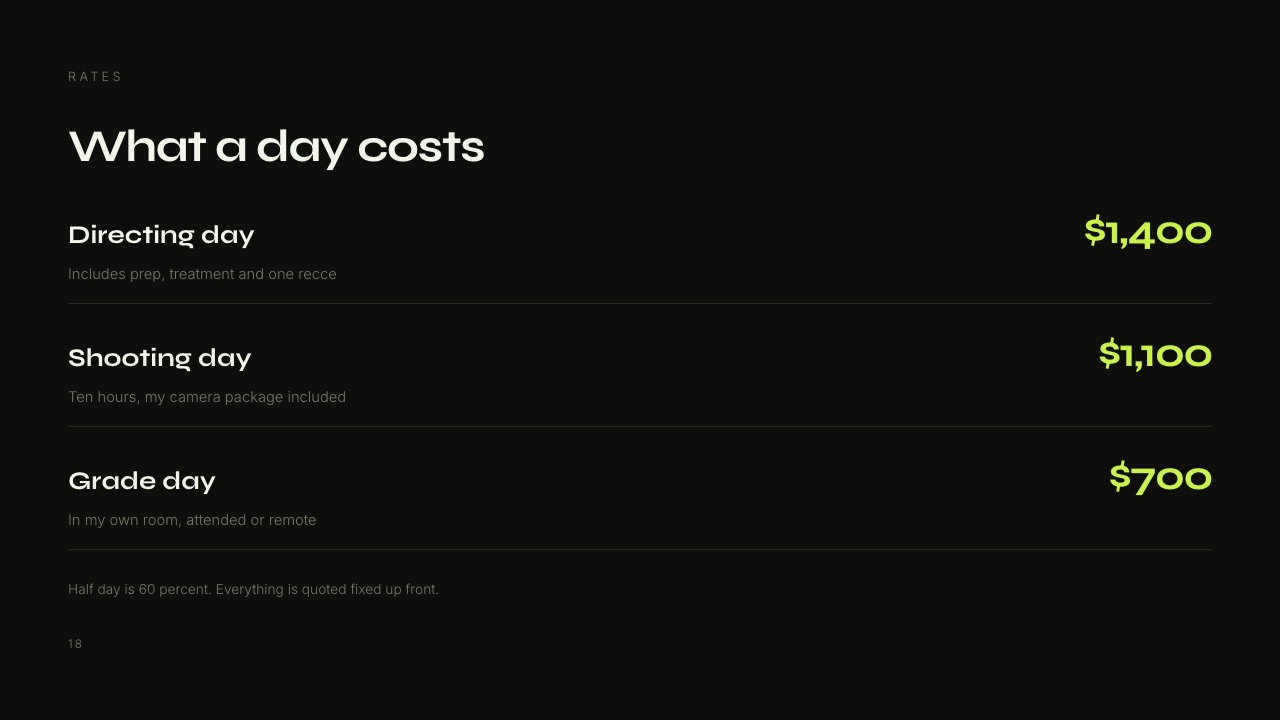
Decks are unlimited on every Framekit plan, each holds up to 40 slides, every deck exports to PDF, and AI generation draws on the monthly AI allowance every plan carries while editing slides by hand does not.
Deck links have no password and no per-viewer analytics, so send a confidential rate deck as a PDF.
For treatments specifically, the best treatment software for filmmakers compares the dedicated tools.
What Happens After the Booking: Review and Delivery
A portfolio wins the job, but the job then runs through two more client-facing moments, the review round where the client gives notes on a cut and the delivery where they receive the finished film, and both shape whether that client books you again or refers you.
The review round. A cut sent as a download link comes back as an email reading "at about 1:20 the music feels loud". A cut sent on a review link comes back as a note pinned to 01:20:14 on the exact frame.
Framekit's video review lets clients comment at the frame, draw on it and reply without creating an account, keeps v1, v2 and v3 in a version stack with their notes, and marks each round needs review, in progress, approved or needs changes.
Review links can be password or email gated, which suits unreleased work.
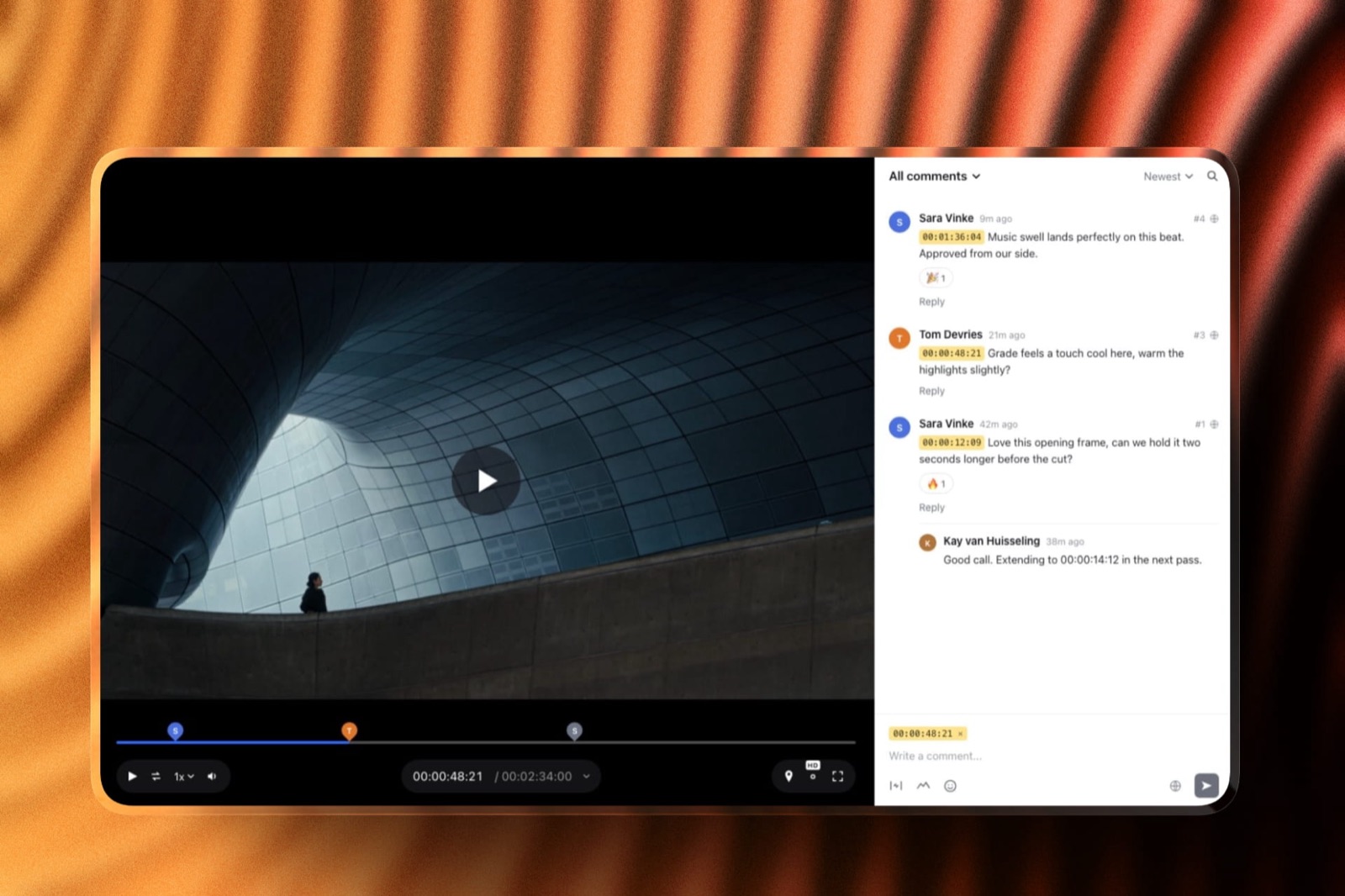
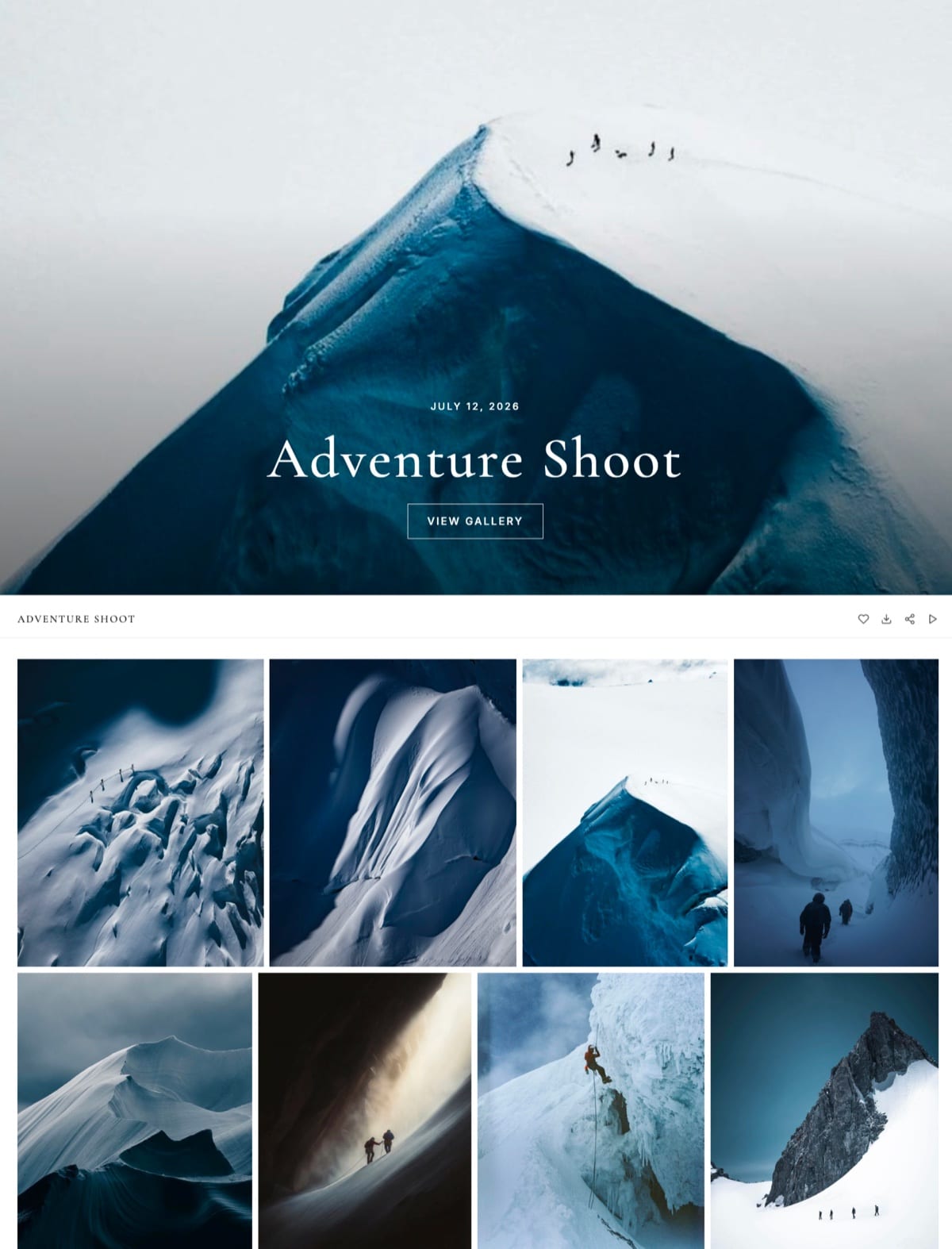
The delivery. The finished film, cutdowns and graded stills go into one gallery with one link.
On Framekit, galleries sit at /client/ on your own site, videos are transcoded for smooth playback and never watermarked, and every download delivers the full-resolution original.
Per-file video caps are 500MB on Free, 1GB on Starter, 2GB on Pro and 3GB on Business.
What it does not do: there are no Premiere, Resolve or Final Cut panels, no camera-to-cloud, no side-by-side version compare, and notes are not carried forward between versions.
A post house that lives inside an editing suite is better served by Frame.io, and the complete client workflow for filmmakers walks through every stage from enquiry to invoice.
Where to Build It: What Each Platform Gives a Filmmaker
Every major builder can hold the eight essentials, so the choice comes down to three things a filmmaker feels later: how much video plays on the page itself, whether client review and delivery live in the same account, and what the site costs once your own domain is attached.
| Platform | Video on the page itself | Client review and delivery | Free plan | Entry price with your domain |
|---|---|---|---|---|
| Framekit | 15MB uploads on Free, 100MB paid, plus Vimeo and YouTube embeds | Both built in, every plan | Yes, permanent | $7 a month billed yearly (Starter) |
| Squarespace | 30 minutes on Basic, 5 hours on Core | Not offered | No, 14-day trial | $19 a month billed yearly (Basic) |
| Format | 15 minutes on Pro, 120 on Pro Plus | Image galleries, no frame review | No | $10 a month billed yearly (Basic) |
| Carrd | Video uploads on Pro plans | Not offered | Yes, up to 3 sites | $19 a year (Pro Standard) |
| Adobe Portfolio | Embeds from video hosts | Not offered | Included with Creative Cloud | $0 extra with a plan |
| A Vimeo profile | Full films, within your plan's storage | A video host, not a delivery gallery | Yes | $144 a year (Starter, 2TB) |
Prices were read on each vendor's page in October 2026; Squarespace's pricing page lists Basic at $19 a month billed yearly with a 14-day trial, and Carrd's Pro page lists Pro Standard at $19 a year.
A Vimeo profile is a host, not a portfolio: it sits your work beside other filmmakers' and gives you little control over order, credits or the contact step.
For the head-to-heads, see Framekit vs Squarespace, Framekit vs Format, Framekit vs Carrd and Framekit vs Adobe Portfolio.
Where Framekit Fits

Framekit is an AI website builder that builds the reel-led portfolio and keeps the work that follows the booking, frame-accurate review, delivery galleries, treatments and portfolio decks in Slides, and a store for LUTs, in the same account with one storage pool.
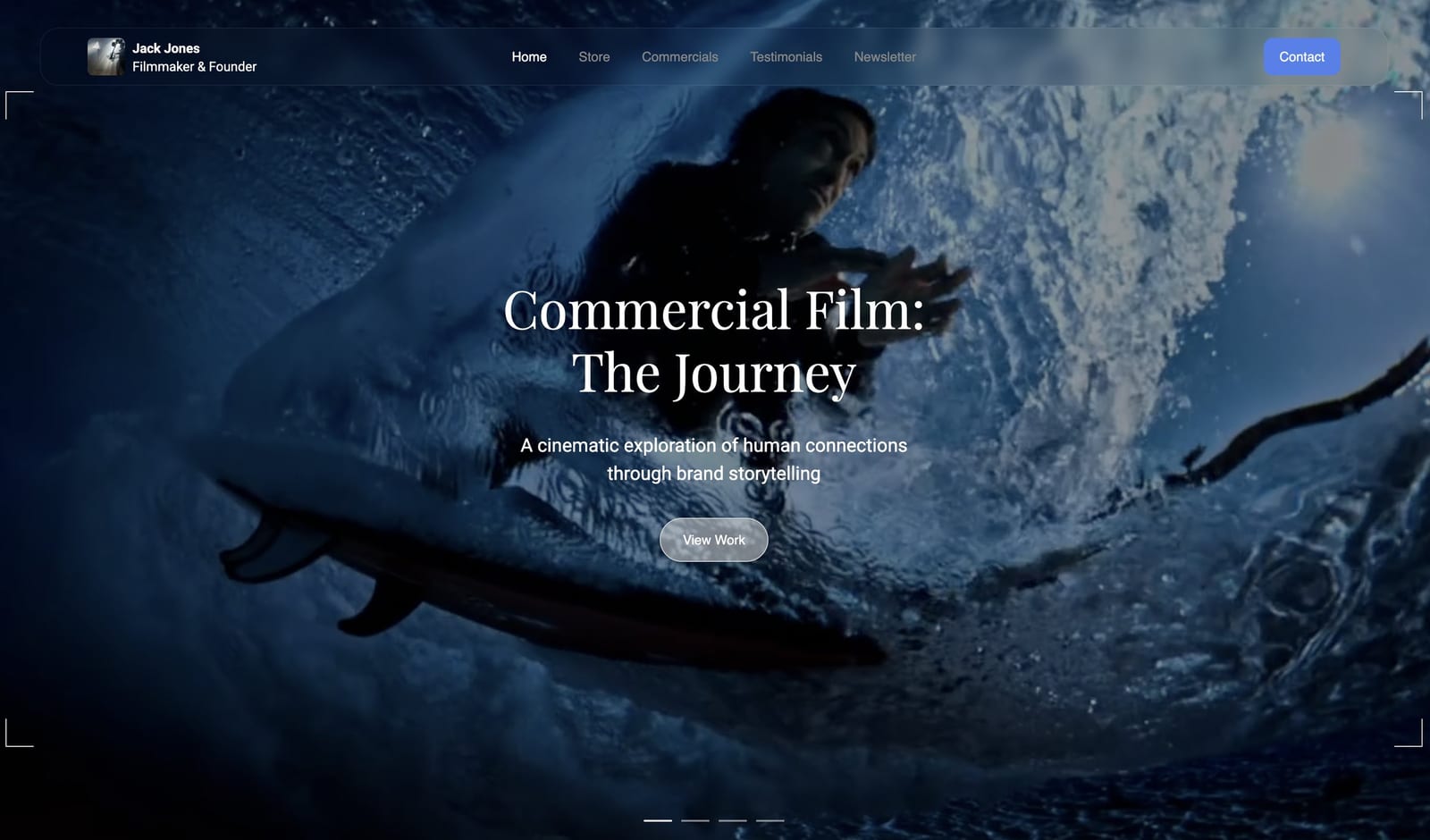
What it feels like. Describe your work, or upload a screenshot of a director's site whose structure you like, and the AI drafts the sections, writes first-pass copy and applies one theme of colours and type.
Every block stays editable by hand. Project pages hold an embedded reel and stills, and each page has its own title and description for search, with a sitemap and social previews handled on every plan.
The number that matters. Starter at $7 a month billed yearly puts the site on your own domain without the Framekit badge, with 50GB of pooled storage, 15GB of it video, and review files up to 1GB.
Pro at $15 a month billed yearly raises that to 300GB with 150GB of video and 2GB files. The free plan publishes 10 pages on a framekit.ai address with a small badge.
The standout detail. A client who approved a cut on a review link receives the final film in a gallery on the same domain as your portfolio, and neither link asks them to sign up for anything.
The honest gotcha. The site is not a video host: page uploads stop at 100MB on paid plans, so the full reel is a Vimeo or YouTube embed. There is no redirect manager, robots.txt is not editable and there is no RSS feed.
Team members on Pro and Business are website admins only, so review cuts, galleries and decks stay with the account holder. AI drafting draws on a monthly allowance that grows with the plan; editing by hand never does.
Skip it if you want long films playing natively on the page, which Squarespace does better, or a motion-led showpiece site, which Framer does better.
Verdict: for a working filmmaker who sends cuts for notes and delivers finished films, Framekit holds the portfolio and both of those jobs for $84 a year on Starter; for a filmmaker who only needs a homepage reel and never shares a cut, it is a good builder rather than the obvious one.
What a Filmmaker Portfolio Costs in Year One
A filmmaker portfolio costs anywhere from $19 to about $400 in its first year depending on whether the site also has to run client review, and the table below prices three realistic setups at October 2026 yearly-billing rates so you can find yours.
| Setup | What it covers | Year-one cost | What it does not cover |
|---|---|---|---|
| Carrd Pro Standard plus a free YouTube embed | One page: reel, credits, bio, email | $19 | Separate project pages, review, delivery |
| Framekit Starter | Multi-page portfolio, review, delivery galleries, decks, store | $84 | Long video hosted on the page |
| Squarespace Basic plus Frame.io Pro for one member | Multi-page portfolio with native video, plus review | $228 + $156 = $384 | Delivery galleries, decks |
Add a domain registration to the Carrd and Framekit rows; Squarespace includes a domain for the first year on annual plans.
Frame.io Pro is $15 a member a month on monthly billing and about $13 on annual, which is the $156 used here, and it includes far more storage and editing-suite integrations than Framekit review, so these rows compare jobs done rather than identical products.
Run it yourselflist every subscription you pay beside your site for hosting reels, sending cuts for notes and delivering files, add them up for a year, and compare the total with the cheapest single plan that covers the same jobs at your busiest month's video volume.
Run the Producer Test on Your Own Portfolio
The fastest way to find what your filmmaker portfolio is missing is to run the test a producer runs without knowing it, on a phone, logged out, with a two-minute timer, and to write down every moment you hesitate.
- Seconds 0 to 10: does the homepage tell you what this filmmaker does and for whom, and does the reel start on a strong shot?
- Seconds 10 to 30: can you reach a project in your target genre in one tap?
- Seconds 30 to 60: on that project page, can you tell the filmmaker's exact role, the client and the year?
- Seconds 60 to 90: can you find one piece of real proof, a laurel, a client name or an attributed quote?
- Seconds 90 to 120: can you send an enquiry without scrolling back up, and does the form ask 5 questions or fewer?
Then submit the form with your own email and confirm the notification arrives. Every "no" in that list is a fix, and they are already in priority order, because a producer who fails step 1 never reaches step 5.
Common Filmmaker Portfolio Mistakes
Filmmakers with strong work lose jobs to the same handful of mistakes, and nearly all of them are structural rather than creative, which is good news because structure is quicker to fix than craft.
The biggest is treating the reel as the whole portfolio, with nothing structured around it.
Close behind: a reel that opens slowly, projects with no role or client named, work that cannot be filtered by type, a contact form that asks for a treatment before the first reply, and a "latest work" section that is two years old.
Autoplaying audio is a quiet one, since it makes a producer scrambling to mute a tab associate your name with annoyance.
Unreleased or NDA work posted publicly is the expensive one: it can end a relationship with the agency that hired you, so send it privately on a password-gated review link instead.
The wider pattern is covered in our guide to the portfolio mistakes that cost creatives clients.
Frequently Asked Questions
What should a filmmaker portfolio include in 2026?
A filmmaker portfolio in 2026 should include a 60 to 120 second reel, 6 to 12 individual project pages, 3 to 5 genre categories, a credit line naming your role on every project, an about page with one stated specialty, a contact form of 5 fields or fewer placed in three spots, real credibility proof, and video embedded from Vimeo or YouTube.
Together those turn a reel into a site that books work.
Is a reel enough, or do I need a full portfolio website?
A reel is not enough on its own for most working filmmakers. It proves you can shoot, but it cannot show whether you have done a client's specific kind of project, what your exact role was, or how to hire you.
A portfolio website answers those around the reel. The exception is a filmmaker booked entirely by referral, for whom a one-page reel site at $19 a year on Carrd can be enough.
How long should a filmmaker reel be?
A filmmaker reel should run 60 to 120 seconds, with your strongest shot inside the first 10 seconds. Under 60 seconds rarely shows range, and over 120 loses busy viewers.
Cut it towards the work you want more of, and put full-length projects on their own pages rather than stretching the reel.
How many projects should a filmmaker portfolio show?
A filmmaker portfolio should show 6 to 12 projects, each on its own page. Fewer than 6 reads as thin past your first year, and more than 12 usually means weaker work is diluting the strong pieces. Every project should be one you would be glad to be hired to do again.
Can I upload my showreel directly to a Framekit site?
Framekit takes site video uploads up to 15MB on the Free plan and 100MB on paid plans, which suits a short muted hero loop rather than a full reel. Embed the reel from Vimeo or YouTube with Framekit's embed block.
Review links and delivery galleries take much larger files, up to 3GB per video on Business.
Should a filmmaker portfolio show day rates?
A filmmaker portfolio should show at least a rate signal, such as "day rates from" or a typical project budget, because a producer who sees no price at all has to guess and often moves on.
If you prefer to keep exact rates private, put them in a short portfolio deck or PDF you send after the first call.
How do I show NDA or unreleased work in a filmmaker portfolio?
NDA or unreleased work should stay off your public portfolio until the client approves its release. Describe the project in a sentence without footage if your contract allows it, and send the cut privately.
On Framekit, review links can be password or email gated on every plan, which suits a private screening for a single producer.
Framekit vs Squarespace for a filmmaker portfolio: which is better?
Framekit is better for a filmmaker who sends cuts for client review and delivers finished films, because both are included on every plan and Starter costs $84 a year billed yearly.
Squarespace is better for a filmmaker who wants long films hosted natively on the page, with 5 hours of video on Core at $29 a month billed yearly, and who is happy to add a review tool separately.
Do I still need Vimeo if my portfolio is on Framekit?
You usually still want Vimeo or YouTube for the public reel, because Framekit caps site video uploads at 100MB on paid plans. Vimeo Starter is $144 a year with 2TB, and a YouTube embed is free.
What a Framekit filmmaker no longer needs is a separate tool for client review or delivery, since both are in the same account.
How much does a filmmaker portfolio website cost per year?
A filmmaker portfolio website costs from $19 a year for a one-page Carrd site to about $350 a year for a multi-page Squarespace Core site, before domain fees.
Framekit Starter is $84 a year billed yearly and includes review and delivery galleries; Squarespace Basic plus Frame.io Pro for one member runs $384 a year.
Should my filmmaker portfolio be a website or a PDF deck?
A filmmaker portfolio should be a website first and a PDF deck second. The website is what Google indexes, what your links point to and what a producer finds on their own; the deck is what an agency forwards to a client.
Framekit Slides builds the deck in the same account, up to 40 slides, with PDF export on every plan.
What is the biggest mistake on filmmaker portfolio sites?
The biggest mistake on filmmaker portfolio sites is publishing a reel without project pages or credit lines, which leaves a producer unable to tell which shots were yours or whether you have done their kind of job.
Adding 6 to 12 project pages with a credit line on each fixes most of it in a weekend.
The Bottom Line
A filmmaker portfolio needs a strong reel, but the reel is only the trailer: the eight parts above, project pages, genre organisation, honest credits, a clear specialty, an obvious contact step, real proof and fast embedded video, are the structure that turns attention into a booked job.
Where Framekit loses is video on the page and post-production depth. It caps site uploads at 100MB, so the reel is an embed, and it has no editing-suite panels or camera-to-cloud.
A filmmaker who wants long films hosted natively is a better fit for Squarespace, a one-page reel site is cheaper on Carrd, and a post house living inside Premiere is a better fit for Frame.io.
For everyone who sends cuts and delivers films, the portfolio and both of those jobs fit in one Framekit account.
For the full build, follow the step-by-step guide on how to build a filmmaker website that books clients, and if a festival run is part of the plan, the best film festival submission platforms prices a thirty-festival campaign before you commit.