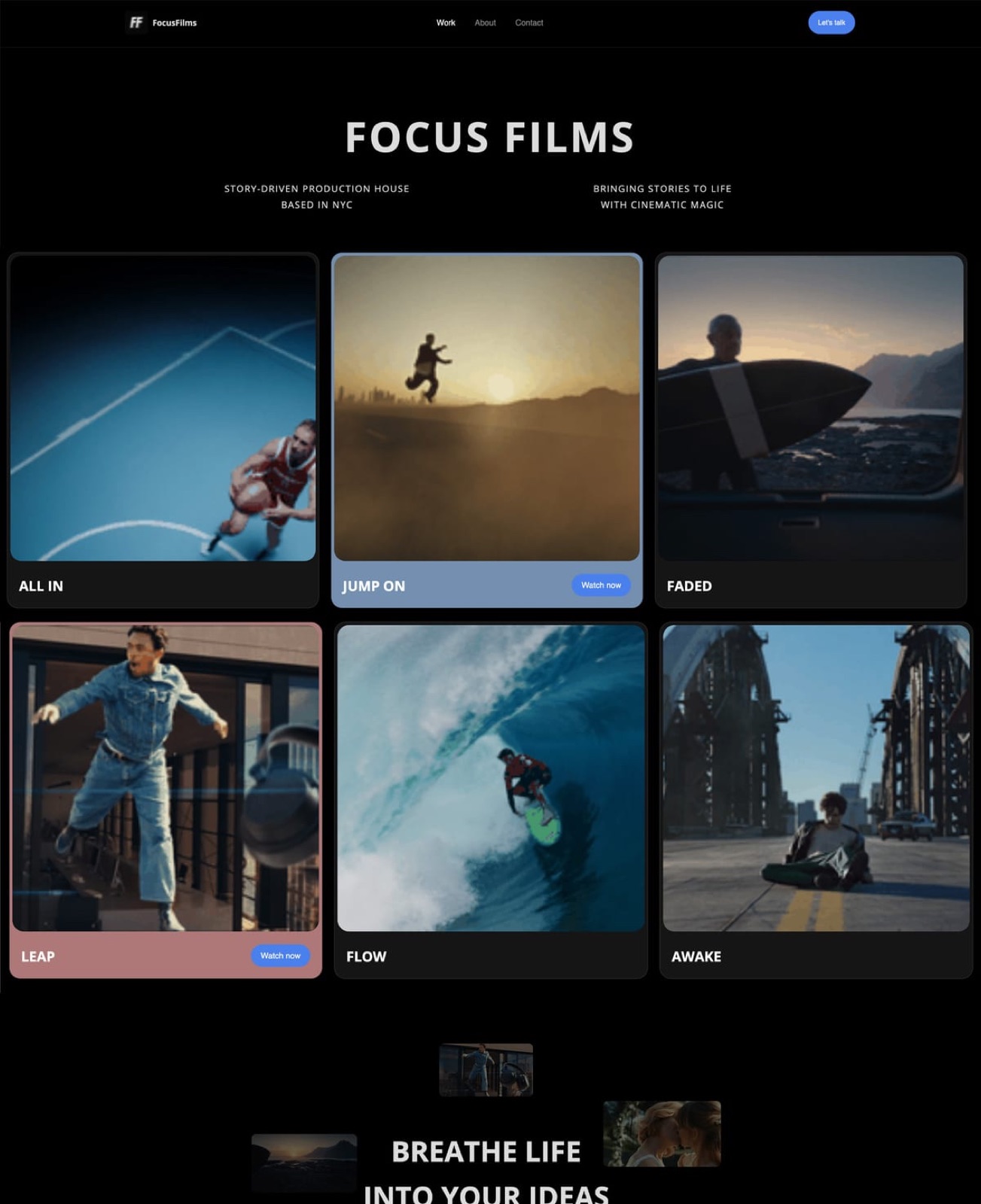
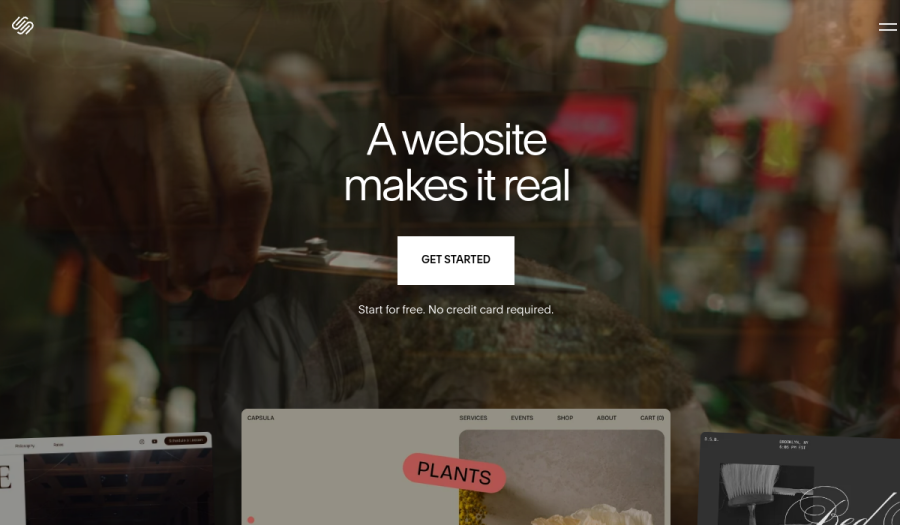
Framekit templates
Start from a designer-made template
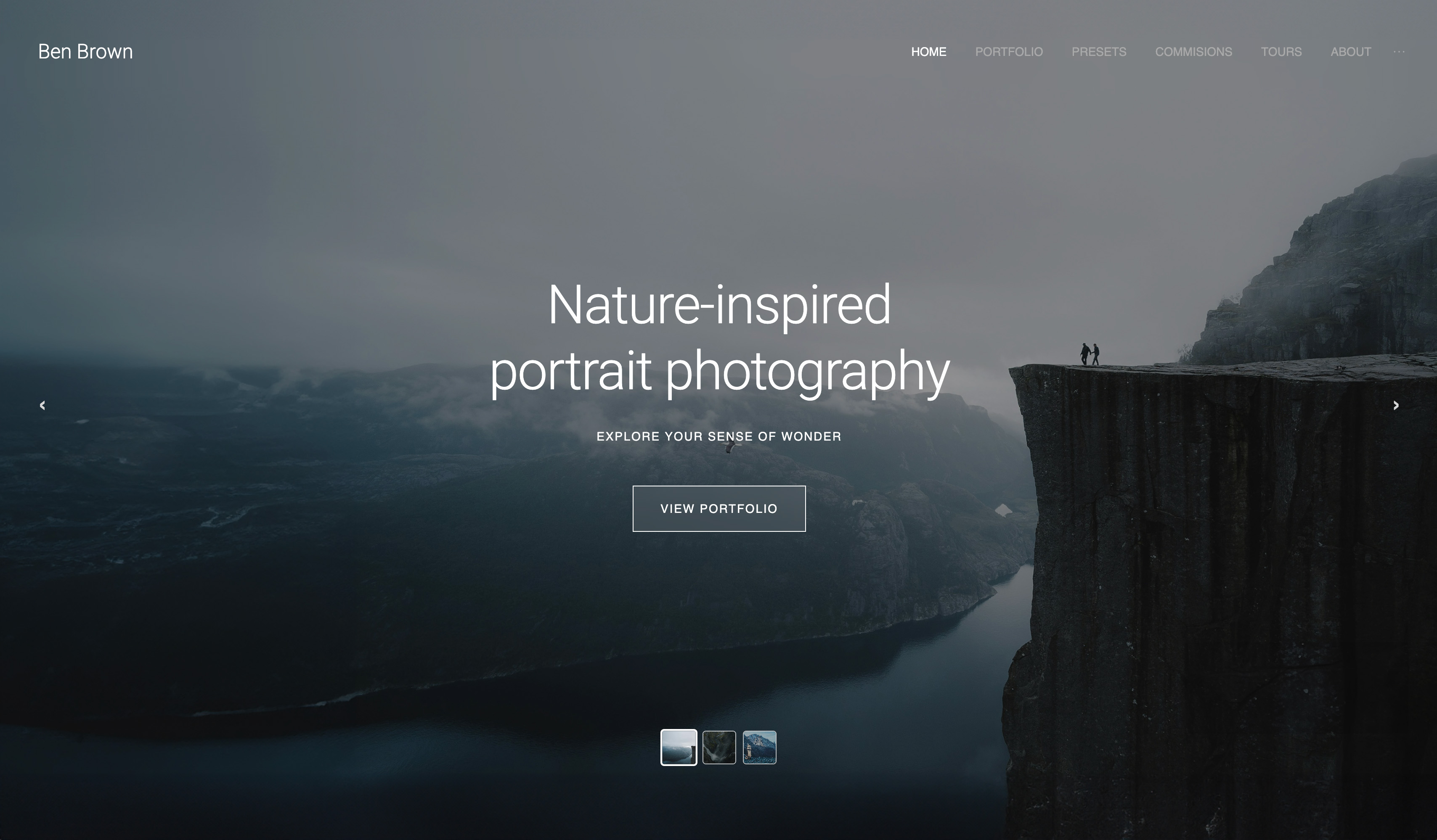 Use template
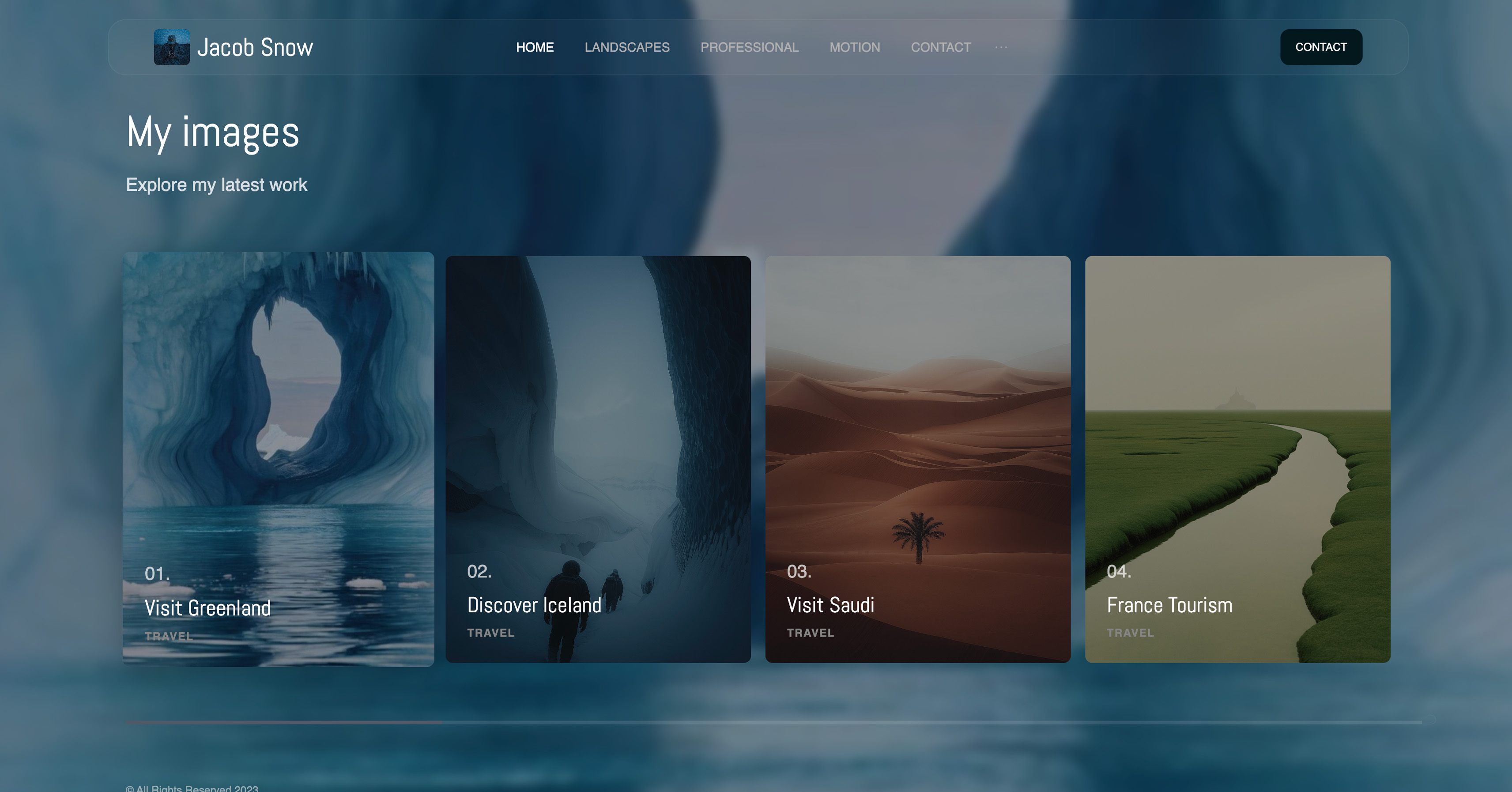 Use template
 Use template
 Use template
 Use template
 Use template
 Use template
 Use template
Two seconds. That is roughly how long a food brand's art director gives the hero image on a shortlisted photographer's site before her thumb decides for her. Not two minutes on the portfolio, not a careful read of the about page.
Two seconds for the first frame to land and make her hungry, on a phone, on a train, between other tabs.
That number is the whole problem with a food photography website. Your job is to trigger appetite in a viewer's first scroll, and appetite is not a slow emotion: it fires before thought, or it does not fire.
The images that fire it best, big, color-saturated, richly textured plates shot at full resolution, are exactly the heavy files that drag a page's load speed down past those two seconds.
Beauty and weight pull in opposite directions, and your portfolio is where they collide hardest.
Here is the reframe most roundups skip. Every other photography niche can afford a site that is merely fast or merely gorgeous. A wedding photographer's client has already decided to hire someone and is comparing styles.
A food photographer's client is a restaurant owner, a food-brand manager, a cookbook editor, or an editorial agency, scrolling a phone, deciding in the time it takes a page to paint.
So a food photography site has a problem the other niches do not face this acutely.
It must look mouth-watering at full image quality and load fast, at the same time, because the appetite-trigger has to fire before the page even finishes painting.
A builder that makes you choose between a beautiful image and a fast page has already lost you the client.
We compared 7 builders, from their published plans, templates and image-handling documentation, on the four criteria that decide a food photographer's bookings: visual impact at full image quality, whether rich images render with their color and texture intact; mobile speed under heavy image galleries, whether a dense gallery of large files still loads before a thumb moves on; range presentation, whether the site can show breadth across cuisines, clients, and styles like editorial, packaging, and restaurant menus without flattening it all into one look; and the honest cost over three years rather than the headline monthly price.
Food photography, the commercial craft of shooting dishes, ingredients, and drinks for menus, packaging, cookbooks, and editorial, sits between fine art and advertising, and the website tooling around it has never reckoned with the fact that its core asset is also its heaviest.
Framekit, the AI website builder trained by senior designers, was our pick for an appetite-first portfolio built to stay fast under heavy galleries, and the free plan needs no credit card to try.
Food photographers should choose Framekit in 2026.
Its designer-trained AI builds an image-first portfolio, the platform sizes every plate for the visitor's screen and serves it from a global CDN, and client galleries and a download store come in the same account from $9 a month with your own domain.
Squarespace is the runner-up, and the better choice if a large recipe blog is central to your work.
- 1FramekitTop pickIs It the Best Website Builder for Food Photographers?
- 2SquarespaceIs It Good for a Food Photography Website?
- 3FormatIs It a Good Website Builder for Food Photographers?
- 4Adobe PortfolioIs It Worth It for Food Photographers?
- 5PixpaIs It a Good Budget Website Builder for Food Photographers?
Full disclosure: Framekit, ranked #1 below, is our own product. Every alternative is linked and we name where each beats us: Format is photo-forward from the first click, Adobe Portfolio is free if Creative Cloud is already on your card, Webflow gives hand-built control our AI does not, Squarespace has the broader ecosystem, and Pixpa is cheaper as a bundled all-in-one.
How This Ranking Was Weighted
Food photography is commissioned from the image alone, which makes the weighting narrower than a general portfolio comparison.
Image presentation at large sizes carries the most weight, then how quickly a new shoot can be added between jobs, then what the plan covers beyond the portfolio, then cost.
Under the opposite weighting, where the site is an art-directed statement rather than a shop window for the pictures, Cargo or Webflow wins and Framekit places third.
Quick Comparison: Food Photography Website Builders
These four tools cover what most food photographers weigh first. Looking mouth-watering and loading fast are the whole decision.
| Tool | Best For | Starting Price |
|---|---|---|
| Framekit | A fast, appetite-first portfolio | Free / $9 mo |
| Squarespace | Template-first site with strong blogging | $19 mo |
| Format | Photographer-built image-first templates | $10 mo |
| Wix | Huge template selection, niche food themes | $17 mo |
How We Compared These Food Photography Website Builders
A food photography site is judged by a buyer on a phone, in seconds, deciding whether your work makes them hungry. Google's mobile-speed benchmark research found that most mobile visitors abandon a page once it passes three seconds to load.
We judged every tool on four criteria.
Visual impact at full image quality. A food image lives or dies on color saturation and texture, the gloss on a glaze, the crumb of a loaf.
We checked what each builder documents about resizing and compression, because that is where a hero shot gets flattened. Aggressive optimization can make a page fast by quietly making the food less appetizing.
Mobile experience under heavy image galleries. The question is whether a heavy gallery still feels responsive before a thumb moves on.
We did not build or scroll-test galleries on each tool; this criterion rests on what each vendor documents about responsive images, hosting and a CDN, and the honest way to settle it is to load your own heaviest gallery on a phone during each free trial.
Range presentation. A food photographer's book spans editorial, packaging, restaurant menu work, drinks, and recipe stills. We judged whether each builder's page structure can group and show that breadth so a buyer sees range fast.
Real 3-year cost. We calculated total cost over 36 months on the plan a working food photographer actually ends up on, and we name that plan.
The ratings below are ours, based on published features and templates rather than on a food portfolio built in each tool.
If you shoot more than food, our wider guide to the best website builders for photographers covers general portfolio use.
The 7 Best Food Photography Website Builders: Full Comparison
Here is how all 7 tools compare. We weighted visual impact and mobile speed under heavy galleries heaviest, because together they decide whether your work triggers appetite before a buyer scrolls away.
| Tool | Best For | Built-in Blog | Starting Price | Our Rating |
|---|---|---|---|---|
| Framekit | A fast, appetite-first portfolio | Good for occasional posts | Free / $9 mo | 9.5/10 |
| Squarespace | Template-first with strong blogging | Strong, full blog | $19 mo | 8.4/10 |
| Format | Photographer image-first templates | Basic | $10 mo | 8.0/10 |
| Adobe Portfolio | Free with a Creative Cloud plan | None | Included with CC Photography | 7.8/10 |
| Pixpa | Budget all-in-one | Basic | $5 mo | 7.7/10 |
| Wix | Niche food templates, add-ons | Decent | $17 mo | 7.6/10 |
| Webflow | Technical control | Strong CMS | $15 mo | 7.7/10 |
The Framekit free plan includes AI generation within a monthly AI allowance, so you can build a real food portfolio and load a heavy gallery on your own phone, with no credit card.
1. Framekit: Is It the Best Website Builder for Food Photographers?

Our rating: 9.5/10
Framekit is an AI website builder for creative professionals, and its AI was trained by senior designers, so it generates real layout, hierarchy, spacing, and type rather than dropping your photos into a template.
For a food photographer, that matters most in the one place this niche is hardest: a portfolio built to look mouth-watering and load fast, rather than one that makes you trade one for the other by hand.
Best forFood photographers who need a portfolio that triggers appetite on the first phone scroll and still loads before a buyer moves on.
What stands out. The headline reason is how it handles image weight.
Framekit is built for fast-loading sites, and every image on a published page is served from its CDN at a width sized to the visitor's screen, in a modern format the browser picks, so a dense gallery of large plates does not ship full camera files to a phone.
Performance is handled at the platform level, with fast hosting, SSL, and a global CDN on every plan, so you never hand-tune a single image.
The trade to check is the one every builder makes: resizing and format conversion lighten the file, and Framekit publishes no quality setting, so open your richest plate on a phone and judge the gloss on the glaze yourself before you commit.
The designer-trained AI also handles range: drop in a screenshot of an editorial layout you admire and it generates a matching design direction, and when you add a section to group packaging work apart from restaurant menus, it inherits your existing fonts, colors, and spacing.
The marketing side is built in. Hosting, SSL, the CDN, and SEO with server-side rendering and sitemaps all ship by default.
You can also sell digital products straight from the site, a recipe ebook or a styling guide, with a low platform fee that drops to 0% on the Business plan. On a niche where the buyer decides during the load, that speed is bookings.
Pricing:
- Free: $0, no credit card, framekit.ai address and a small site badge
- Starter: $9 per month, custom domain and the site badge removed; client galleries keep a small Made with Framekit footer line on every plan
- Pro: $19 per month, 300GB pooled storage, custom code
- Business: $39 per month
Here is the three-year math, and which plan it uses.
A working food photographer needs a custom domain and no builder badge on the site, so the honest comparison is Framekit's $9 Starter plan against Squarespace Basic at $19 per month and Wix Light at $17 per month.
Over 36 months Squarespace Basic runs about $684 and Wix Light about $612. Framekit Starter is about $324 over the same period, and its price is flat, so it does not rise at renewal.
Pros:
- Built for fast-loading, performance-optimized sites on heavy galleries, so the appetite-trigger fires during the load
- Images resized for each screen and served from a global CDN automatically, so you upload full-resolution files and skip manual export presets
- Designer-trained AI groups range cleanly across editorial, packaging, and menu work
- Flat $9 Starter pricing that does not rise at renewal
Cons:
- Not built to be a large recipe content site. Framekit handles occasional posts well, but if you publish recipes constantly and your blog is the main act, a dedicated blogging platform or Squarespace's blog will serve you better.
- No print lab and no comment-based approvals. Clients can select favorites inside a private gallery, but there is no threaded approval workflow and no print store, so print-led or agency-approval work still wants a tool like Pixieset alongside it.
- No built-in booking, scheduling, or CRM, so a food photographer who wants intake forms and appointments in one place will need a separate tool.
- The third-party plugin ecosystem is smaller than Wix's, so rare niche integrations are worth confirming before you migrate.
Verdict: Framekit is our pick for the food photographer's core conflict, because it sizes heavy plates for each screen automatically on a platform built for fast loading, keeps galleries and a download store in the same account, and costs $9 a month with your own domain. Our Framekit vs Squarespace for photographers comparison goes deeper, and the free plan at framekit.ai lets you check your own plates first.
2. Squarespace: Is It Good for a Food Photography Website?

Our rating: 8.4/10
Squarespace built its reputation on beautiful, curated templates, and that holds up for food work.
Its gallery and editorial templates suit rich imagery, and it has the strongest built-in blog of any tool here, which matters if a recipe or editorial blog is central to what you do.
Best forFood photographers who run a real recipe or editorial blog and want template-led design with genuine blogging built in.
What stands out. The templates are genuinely well-designed, the editing experience is reliable, and the blog is a real content management system. For a food photographer who publishes regularly, that is a meaningful edge over most builders here.
The honest weakness is flexibility: design options drop sharply once you push past a template's intent.
Pricing (USD, annual billing) from Squarespace pricing: Basic $19 per month, Core $29 per month, Plus $49 per month, Advanced $99 per month.
Pros:
- Genuinely well-designed templates suited to rich food imagery
- The strongest built-in blog in this roundup, ideal for a recipe site
- Reliable, widely supported, and easy to learn
Cons:
- Design flexibility drops once you push past template intent
- No one-time pricing, so the subscription runs indefinitely
Verdict: Squarespace is the strongest runner-up and the right call if your recipe or editorial blog is the main act. If the portfolio comes first, its template-bound layouts give you less room to group range than an AI-built page.
3. Format: Is It a Good Website Builder for Food Photographers?
Our rating: 8.0/10
Format was built by a company that serves only photographers, and it shows in the templates. They are clean, image-first, and put your work on the screen with minimal chrome, which suits a food portfolio where the plate should carry the page.
Best forFood photographers who want a no-fuss, gallery-led portfolio from a photographer-focused platform.
What stands out. Format's templates are restrained and let large images breathe, and it includes client-proofing galleries on every plan, a real point in its favor if proofing matters to your workflow, though Framekit now matches it with client galleries and favourite lists on every plan.
The weaker side is reach. Format's blogging is basic, and its design ceiling is lower than a flexible builder once you want a layout the templates do not anticipate.
Pricing (USD, annual billing) from Format pricing: Basic $10 per month, with higher tiers for more pages and storage.
Pros:
- Clean, image-first templates made specifically for photographers
- Built-in client-proofing galleries
- Simple to set up with no steep learning curve
Cons:
- Basic blogging, weak for a recipe content site
- Lower design ceiling than a fully flexible builder
- Heavy-gallery speed varies by build rather than being guaranteed
Verdict: Format is a solid, honest pick for a food photographer who wants a clean gallery and values client proofing. It trades flexibility and blogging depth for simplicity.
4. Adobe Portfolio: Is It Worth It for Food Photographers?
Our rating: 7.8/10. Adobe Portfolio is included with an Adobe Creative Cloud Photography plan, so if you already edit your food work in Lightroom it costs nothing extra.
It produces a clean, simple portfolio and syncs neatly with Lightroom galleries, which is genuinely convenient.
The trade is depth: layout options are limited, there is no blogging and no commerce, and you cannot extend it far beyond a straightforward image showcase.
It is a strong free bonus for a photographer already paying for Creative Cloud, not a platform to grow a marketing-driven food business on.
5. Pixpa: Is It a Good Budget Website Builder for Food Photographers?
Our rating: 7.7/10. Pixpa is the budget all-in-one here, bundling a portfolio, client galleries, a basic blog, and a small store from Pixpa pricing at $5 per month on Essentials.
For a food photographer starting out who wants proofing and a store without paying more, that breadth at the price is hard to match. The cost is polish. Templates and the editor feel a step behind the design-led tools.
A sensible starter that you may outgrow once design starts costing you bookings.
6. Wix: Is It a Good Website Builder for Food Photographers?
Our rating: 7.6/10
Wix offers the largest template library of any builder here, including food-specific and restaurant themes, so you can start from a layout already shaped for the niche. Its app marketplace is also unmatched if you want to bolt on booking or other tools.
Best forFood photographers who want a niche-specific template starting point and a large add-on ecosystem.
What stands out. The template selection genuinely covers food and restaurant work, the drag-and-drop editor is approachable, and the 500-plus app marketplace covers almost any add-on.
The decisive weakness for this niche is weight: every app you bolt on adds scripts to the page, and the editor's freedom makes cluttered, image-crowded layouts easy to produce.
Pricing (USD, annual billing) from Wix pricing: Light $17 per month, Core $29 per month, Business $36 per month.
Pros:
- Largest template library, including niche food and restaurant themes
- Unmatched app marketplace for add-ons
- Approachable drag-and-drop editor for beginners
Cons:
- Each added app adds scripts to the page
- Heavy galleries need manual cleanup to feel finished
- Editor freedom can produce cluttered, inconsistent layouts
Verdict: Wix gives you the most templates and the most add-ons, but on a niche where load speed decides the booking, every add-on is weight you have to justify. We compare the two in our easiest portfolio website builder to use guide.
7. Webflow: Is It a Good Website Builder for Food Photographers?
Our rating: 7.7/10. Webflow is a visual development platform that gives you near-total control over layout, interaction, and responsive behavior, and a capable CMS for an editorial or recipe section.
A skilled user can build a fast, distinctive food portfolio with it. The cost is time. Expect 20-40 hours before Webflow feels comfortable, and a heavy gallery still needs deliberate image optimization rather than being fast by default.
It is the right tool for a food photographer who wants total control and has the bandwidth to learn it, and overkill for one who simply needs a fast portfolio live this week.
How to Choose the Right Food Photography Website Builder for You
What you should pick comes down to whether the portfolio or the recipe blog is the main act.
If your portfolio is the main act and bookings hinge on speed, the page has to be fast and beautiful at once.
That points to Framekit, built for fast-loading sites even on heavy galleries, with every image sized to the screen automatically. This is the path for most working food photographers.
If a recipe or editorial blog is central to your work, be honest about volume. Framekit handles occasional posts well, but it is not a 500-recipe content engine. If you publish constantly, Squarespace's blog will serve that content far better.
If you already pay for Adobe Creative Cloud, Adobe Portfolio costs nothing extra and syncs with your Lightroom galleries, as long as you do not need blogging or commerce.
If budget is the hard constraint, Pixpa bundles a portfolio, galleries, and a store from $5 per month, and Format starts at $10 with photographer-built templates and proofing.
Frequently Asked Questions
What is the best website builder for food photographers in 2026?
The best website builder for food photographers in 2026 is Framekit, because it handles the niche's core conflict for you: its designer-trained AI builds an image-first portfolio, the platform sizes every plate for the visitor's screen, and sites are built for fast loading, even on heavy galleries.
Squarespace is the strongest runner-up, especially if you run a real recipe blog.
Why does page speed matter so much for a food photographer website?
Because a food photograph's job is to trigger appetite, and appetite fires before thought, or not at all. Buyers shortlist photographers on a phone, and Google's benchmark data shows 53% of mobile visits are abandoned past a 3-second load.
If your rich hero shot crawls down the screen, the appetite-trigger misses its window and you lose the booking before your work is even judged.
Can Framekit handle a recipe blog as well as a portfolio?
It handles occasional posts well, with the same fast hosting and clean SEO as the rest of your site. But Framekit is a portfolio-and-marketing builder, not a content engine built for hundreds of constantly updated recipes.
If a large, heavily-updated recipe blog is the main act, Squarespace's blog or a dedicated blogging platform is the stronger choice, and you can still run the portfolio elsewhere.
Does compressing food images for speed make them look worse?
It can, and that is the trade to watch. Aggressive optimization makes a page fast by quietly dulling color and texture, which is the opposite of what food work needs.
Framekit resizes each image to the visitor's screen and serves it in a modern format from a global CDN, which keeps phones from downloading full camera files; it publishes no quality setting, so load your richest plate on a phone and judge it before you commit.
How much does a food photography website cost over three years?
On Framekit, the $9 Starter plan is about $324 over 36 months, with flat pricing and no renewal hike.
A subscription builder on the tier a working photographer needs runs higher: Squarespace Basic is about $684 over 36 months and Wix Light about $612, based on pricing pages observed at time of writing.
Adobe Portfolio adds nothing if you already pay for a Creative Cloud Photography plan.
Do food photography website builders include client-proofing galleries?
Most photographer-focused ones do. Format and Pixpa include client-proofing galleries, and Framekit includes unlimited client galleries on every plan, where clients favourite shots into named lists with notes and send them back to you.
What Framekit lacks is a per-image approval round, so a food photographer who needs recorded sign-off on every frame might still pair it with a dedicated proofing tool like Pixieset.
Is a website builder enough, or do food photographers need a developer?
For almost all food photographers, a builder is enough. The work that decides bookings is curation, sequencing, and a fast, appetite-first homepage, none of which needs code.
Framekit's AI handles layout, hierarchy, and performance, so a developer is only worth it if you want a highly custom interactive site, in which case Webflow is the better starting point.
Do food photographers need a separate page for recipe or editorial clients?
Usually yes, because the two buyers judge different things.
A restaurant or brand client wants to see menu, product, and lifestyle work shot consistently and delivered on deadline, while an editorial or cookbook client wants styling range and a point of view.
One combined gallery asks each of them to filter the other's work out. Two clearly named pages, linked from the same portfolio, converts better than one page trying to serve both.
Summary: Food Photography Website Builders Compared
| Tool | What it is | Best for | Key strength | Starting price |
|---|---|---|---|---|
| Framekit | AI builder for creative pros | A fast, appetite-first portfolio | Built for fast-loading sites on heavy galleries | Free / $9 mo |
| Squarespace | Template-first builder | A portfolio with a real recipe blog | Strongest built-in blog here | $19 mo |
| Format | Photographer-built builder | A clean gallery-led portfolio | Image-first templates plus proofing | $10 mo |
| Adobe Portfolio | Bonus with Creative Cloud | Lightroom users on a budget | Free with a CC Photography plan | Included with CC Photography |
| Pixpa | Budget all-in-one | A cheap portfolio plus store | Most features at the lowest price | $5 mo |
| Wix | Mass-market builder | A niche food-template starting point | Largest template library | $17 mo |
| Webflow | Visual development platform | Full technical control | Near-total design freedom | $15 mo |
Final Verdict
After comparing 7 builders, the pattern is clear. Food photography is the niche where image beauty and image weight collide hardest, and every builder trades file weight against image quality somewhere.
The question is whether it makes that trade for you sensibly or leaves it to you.
Framekit is the best website builder for food photographers in 2026. It sizes your plates for each screen automatically on a platform built for fast-loading, performance-optimized sites, so the appetite-trigger has its best chance to fire during the load, and galleries and a download store sit in the same account.
Add flat pricing from $9 a month and it is also the best long-term value.
Squarespace is the strongest runner-up and the better pick if a real recipe blog is central to your work. Format suits a photographer who wants a clean gallery with proofing, Adobe Portfolio is a fine free bonus for Creative Cloud subscribers, and Pixpa is the budget all-in-one. Wix offers the most templates and the most add-ons to weigh a page down, and Webflow rewards those with time to learn it.
If your bookings hinge on that first phone scroll, build your portfolio in Framekit. It is free to start, and you can see a heavy food gallery for yourself before you commit.
For the wider field, see our guides to the best website builder for portrait photographers and the best website builder for product photographers.
_Re-verified July 2026: each builder's current plan pricing confirmed at source. Updated 12 October 2026 to describe Framekit's client galleries and image handling correctly, and to remove gallery-building and speed tests no record supports._