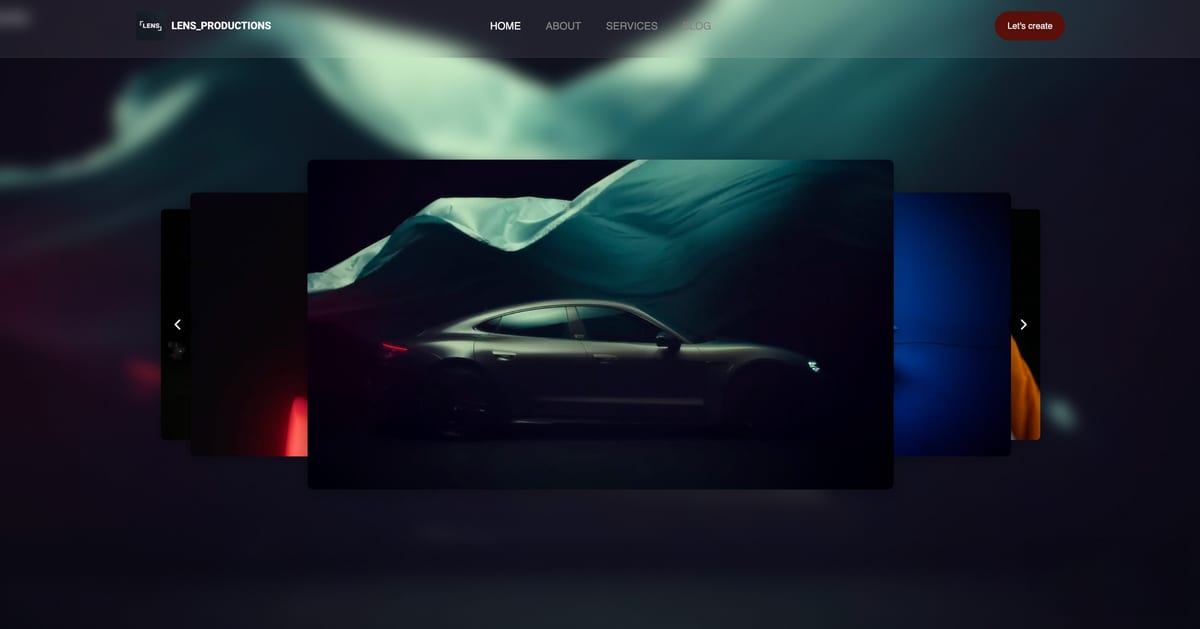
Framekit templates
Start from a designer-made template
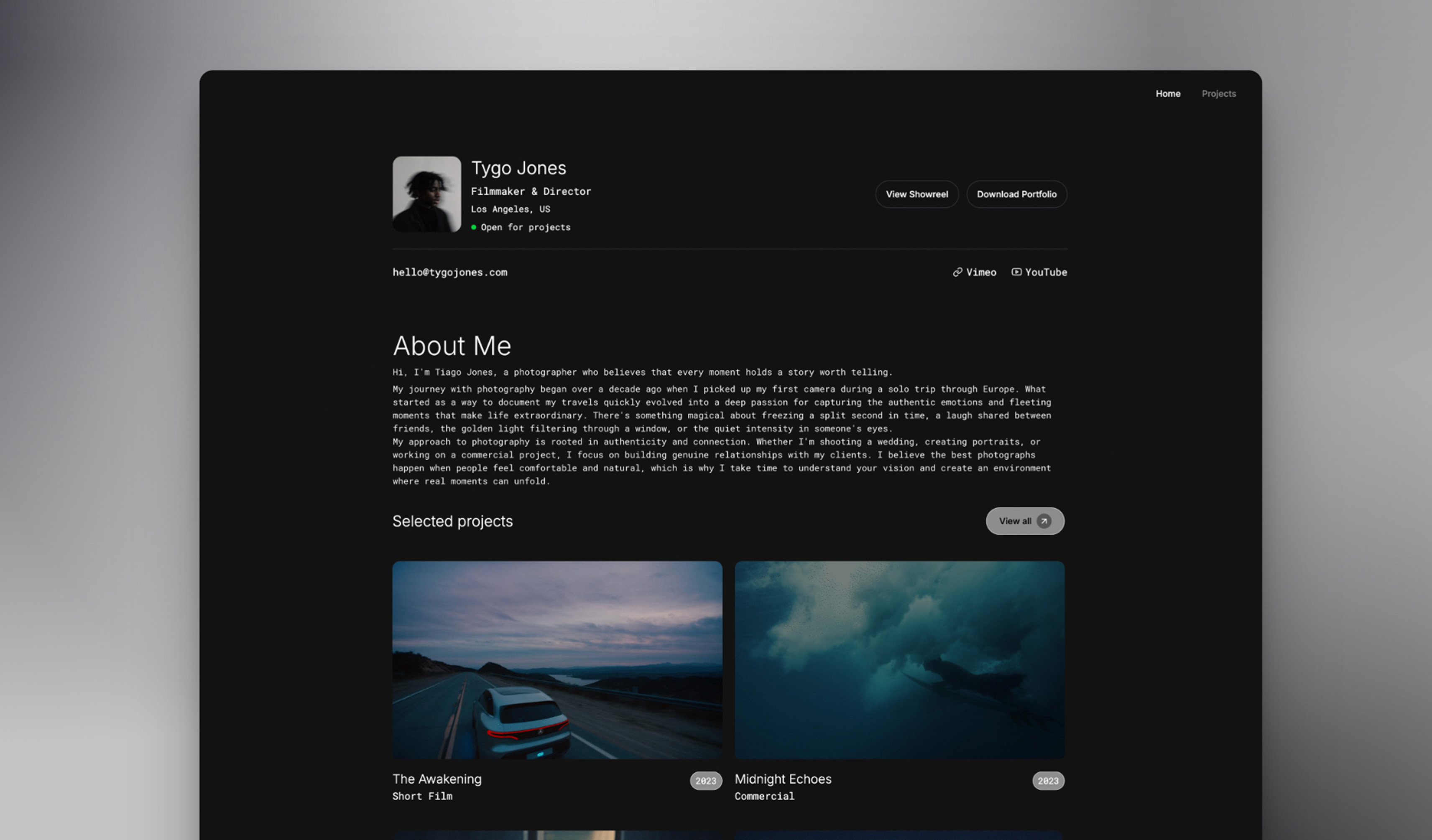 Use template
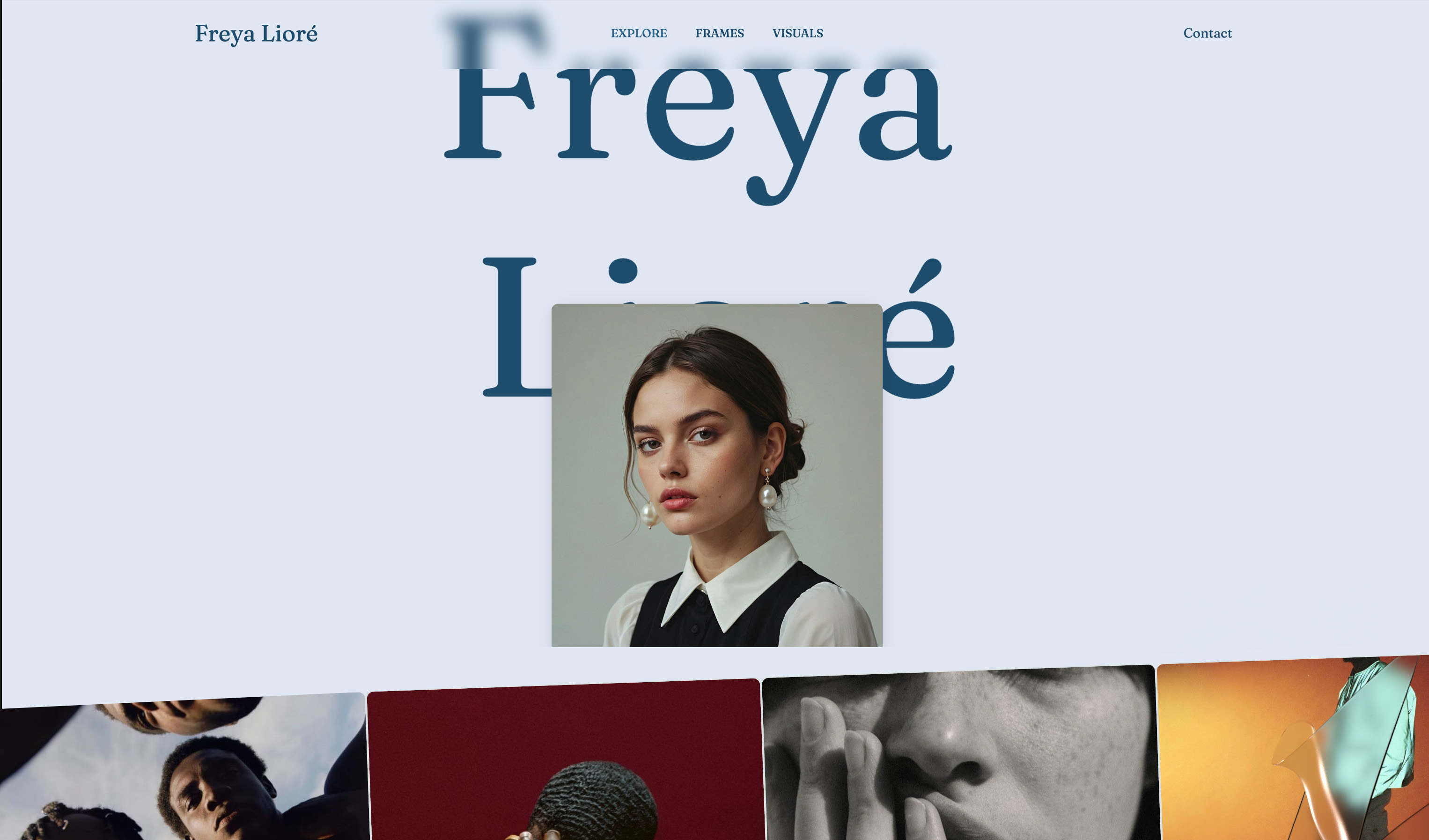 Use template
 Use template
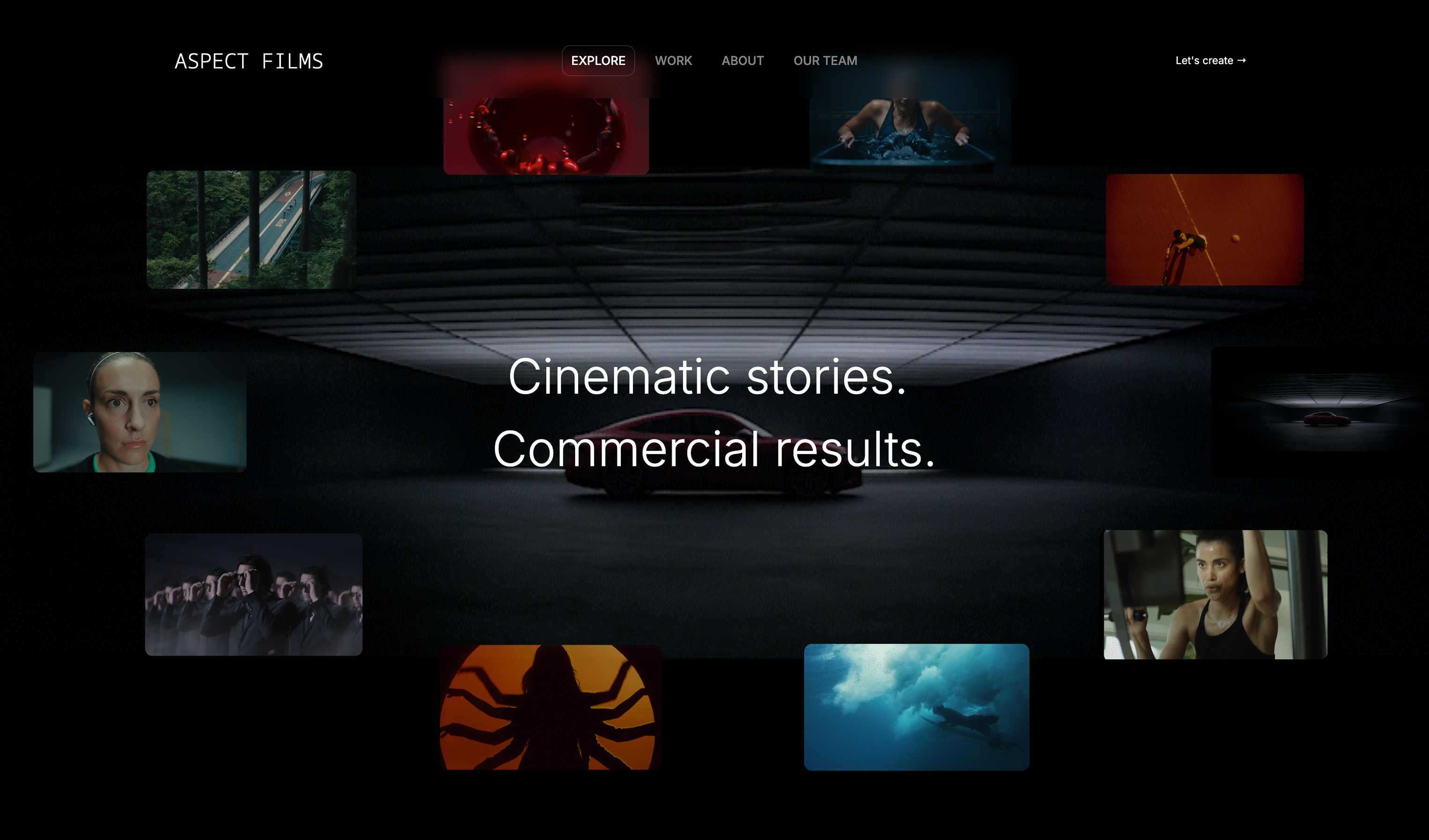 Use template
 Use template
 Use template
 Use template
 Use template
You have the reel, a folder of graded stills and three projects you are proud of.
What you do not have is a filmmaker website that books clients: a site where a producer can watch the reel, find a project like theirs, see what you did on it and send an enquiry, all in under two minutes on a phone.
So the build gets postponed again, usually at the moment a builder asks you to pick from 80 templates.
This guide shows how to build that filmmaker website in eight steps, each with a number to hit, from choosing where the site lives to the first-week checks after launch.
It also covers what happens after the first booking, because a filmmaker's site starts the job and the review round, the treatment and the delivery finish it.
A filmmaker website is a portfolio site on a domain you own that holds your reel, individual project pages with credits, an about page and a contact form, built so a producer, agency or couple can judge your work, see your role on each project and book you without leaving the page.
To build a filmmaker website that books clients in 2026, gather a reel link, 6 to 12 projects with 3 to 6 stills each and a one-line positioning statement; choose a builder by how it handles video and client work; draft the site from that positioning; put the reel above the fold; give every project its own page with a credit line; write a 150 to 250 word about page; add a contact form of 5 fields or fewer; set page titles, descriptions and your domain; then publish and test on a phone.
Framekit drafts the site with AI and keeps review links, treatments and delivery galleries in the same account; Squarespace hosts more video on the page, and Carrd is cheaper for a one-page reel site.
Updated for October 2026: we re-verified every step on the 12th against Framekit's published plan table and each competitor's own pricing page, replaced the earlier per-step timings that read like a measured build with clearly labelled time boxes, and corrected the free subdomain and plan details.
Full disclosure: Framekit is our product and it is the worked example here, so read its section as a claim to check; every step works on any modern builder, and Step 1 says when Squarespace or Carrd is the better home.
The Eight Steps at a Glance
Building a filmmaker website is eight decisions made in a fixed order, and each one has a number you can set before you start, which is what keeps the build from drifting into a week of template browsing and redesigns.
| Step | What you build | The number to hit | Time box |
|---|---|---|---|
| 1 | Choose where the site lives | 1 platform, chosen on video and client work | 30 minutes |
| 2 | Positioning and first draft | 1 line of 10 to 20 words | 45 minutes |
| 3 | Homepage led by the reel | Reel above the fold, 60 to 120 seconds | 45 minutes |
| 4 | Project pages | 6 to 12 pages, 3 to 6 stills each | 2 to 3 hours |
| 5 | About page | 150 to 250 words, 1 specialty sentence | 45 minutes |
| 6 | Contact form | 5 fields or fewer, tested twice | 20 minutes |
| 7 | Titles, descriptions and domain | 1 unique title and description per page | 45 minutes |
| 8 | Publish and phone test | 3 people outside your field review it | 30 minutes |
The time boxes are a planning suggestion for someone whose reel and stills are already exported, not a measurement of how long the build takes. Most of the real time goes into Step 4, because writing honest credits and choosing stills is editing, and editing is slow.
What to gather firstyour reel link on Vimeo or YouTube; 6 to 12 projects, each with its full film link and 3 to 6 stills exported at 2,000 to 2,500 pixels on the long edge; your role, client and year for each; a headshot taken on set; and one reference site whose structure you like.
Step 1: Choose Where the Site Lives
The platform decision for a filmmaker turns on two questions general reviews skip, how much video plays on the page itself and whether client review and delivery live in the same account, so answer those before you look at a single template.
| Platform | Video on the page | Client review and delivery | Free plan | Your own domain from |
|---|---|---|---|---|
| Framekit | 15MB uploads on Free, 100MB paid, plus Vimeo and YouTube embeds | Both built in, every plan | Yes, 10 pages | $7 a month billed yearly |
| Squarespace | 30 minutes on Basic, 5 hours on Core | Not offered | No, 14-day trial | $19 a month billed yearly |
| Format | 15 minutes on Pro, 120 on Pro Plus | Image galleries, no frame review | No | $10 a month billed yearly |
| Framer | 5MB uploads on Free | Not offered | Yes | $10 a month |
| Carrd | Video uploads on Pro plans | Not offered | Yes, up to 3 sites | $19 a year |
Figures were read on each vendor's own page in October 2026, including Squarespace's pricing page and Framer's pricing page.
Choose Squarespace if you want long films playing natively on the site and you do not send cuts for notes. Choose Carrd if the whole site is one page, a reel, three credits and an email, at $19 a year.
Choose Framer if the site itself must be a motion-design showpiece and you have design skills. Choose Framekit if you send cuts to clients, deliver finished films, write treatments, or sell LUTs, because those jobs are in the same account.
The rest of this guide uses Framekit as the worked example; every step translates to the others. The best website builders for filmmakers ranks all nine options in full.
Step 2: Write Your Positioning Line and Draft the Site
A filmmaker website needs one positioning line before it needs a design, because the line decides the homepage headline, the project order and the about page, and a site drafted from a mood ("dark cinematic portfolio") drifts in a way a site drafted from a business sentence does not.
Write the line in 10 to 20 words: what you make, for whom, and where.
"I direct founder-led brand films for food and drink companies, based in Bristol and travelling across the UK." Then describe the site in a few sentences that include that line, your client type and the pages you need.
In Framekit, that description is your first prompt. A good one reads: "Build a filmmaker website for a director of brand films for DTC and tech companies. Tone is cinematic but clean. The goal is enquiries from producers and founders.
Pages: home, projects, about, contact." The AI drafts the sections, writes first-pass copy and applies one theme of colours and type that new sections inherit.
If you have a reference site, upload a screenshot and the AI rebuilds its structure with your content; that works on every plan, Free included.
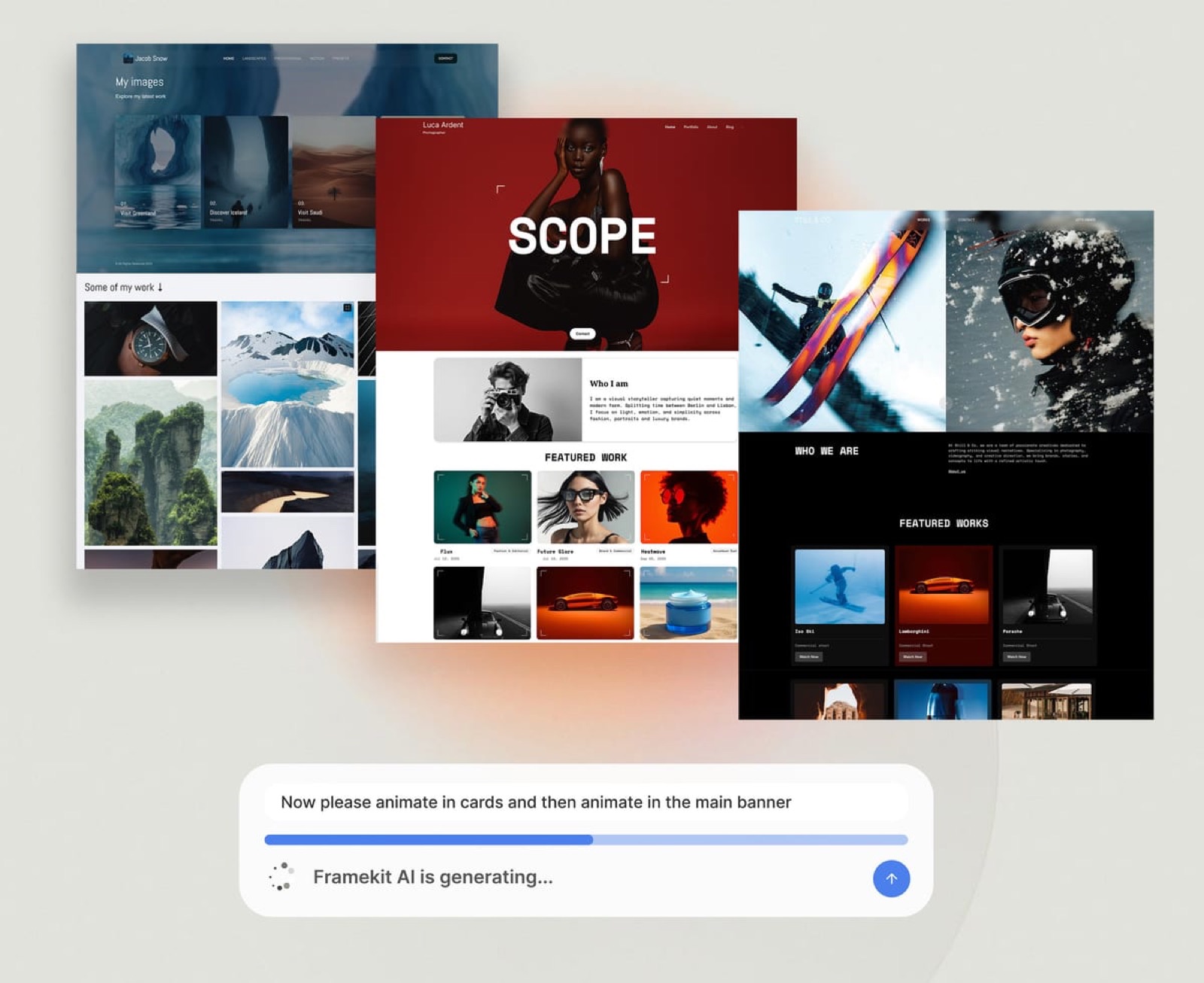
Two limits to know. The free plan includes a starter set of templates and the full library opens on Starter.
AI drafting draws on a monthly AI allowance that every plan carries and that grows with the plan, while editing any block by hand never does, so draft with AI and refine by hand.
Step 3: Build a Homepage That Leads With Your Reel
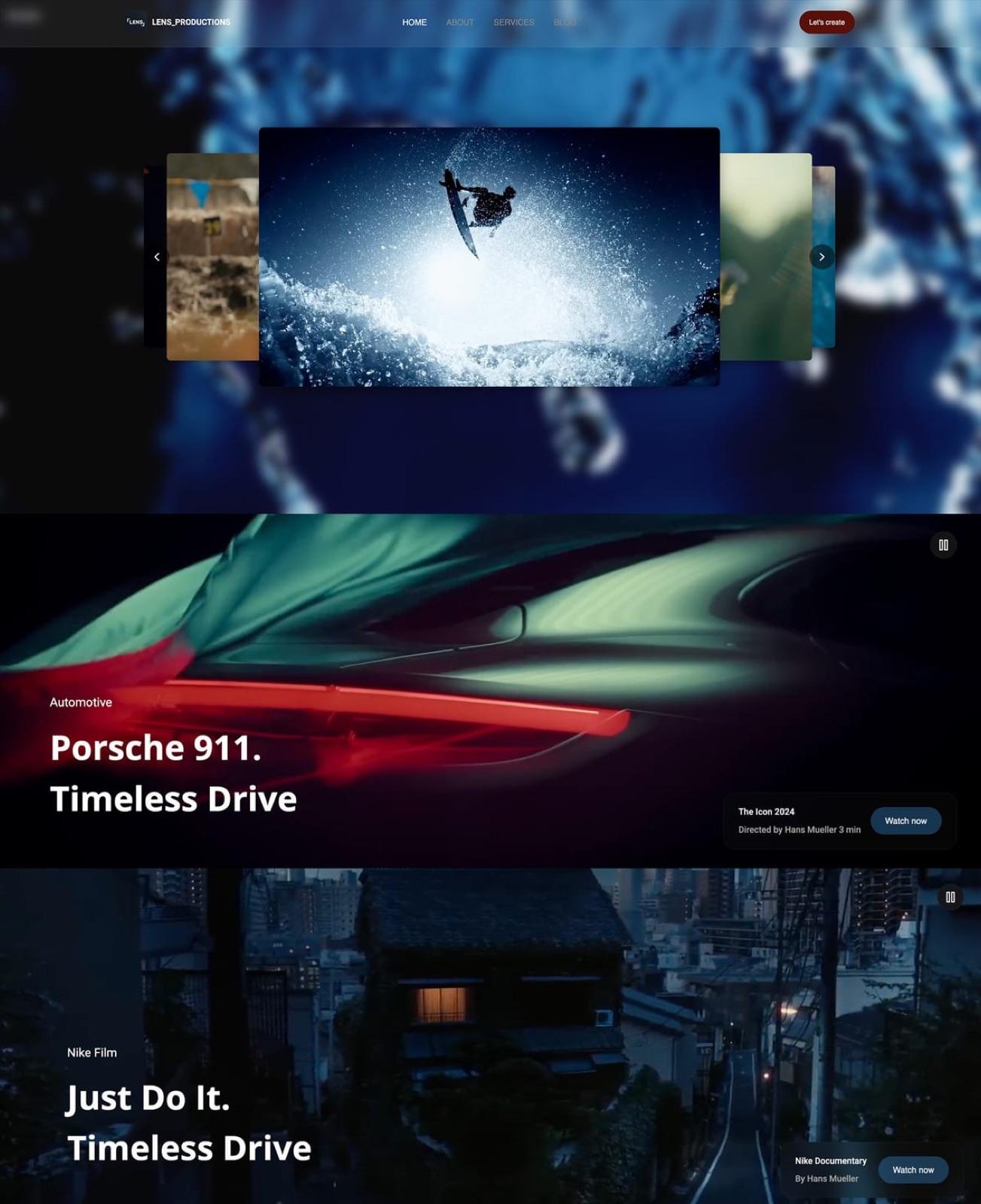
The homepage decides whether a producer keeps watching or closes the tab, so put the reel above the fold on desktop and within the first screen on a phone, with one outcome-focused headline beside it and nothing between the visitor and the play button.
Structure the homepage in five blocks, top to bottom: the positioning headline and reel; two or three featured projects; a credibility strip of laurels or client names; a one-paragraph introduction; and a contact button.
Keep the reel between 60 and 120 seconds, opening on your strongest shot.
Embed the full reel from Vimeo or YouTube rather than uploading it.
Framekit's site pages take video uploads up to 15MB on Free and 100MB on paid plans, which suits a 6 to 10 second muted hero loop behind the headline, while the embed block carries the reel itself.
Set the reel to play only when the visitor chooses, and give it a poster frame so the page looks finished before anything loads.
Write the headline for the buyer: "Brand films that feel cinematic and still sell the product" beats "Visual storyteller". If you would not say it to a producer on the phone, cut it.
Step 4: Build 6 to 12 Project Pages With Credits
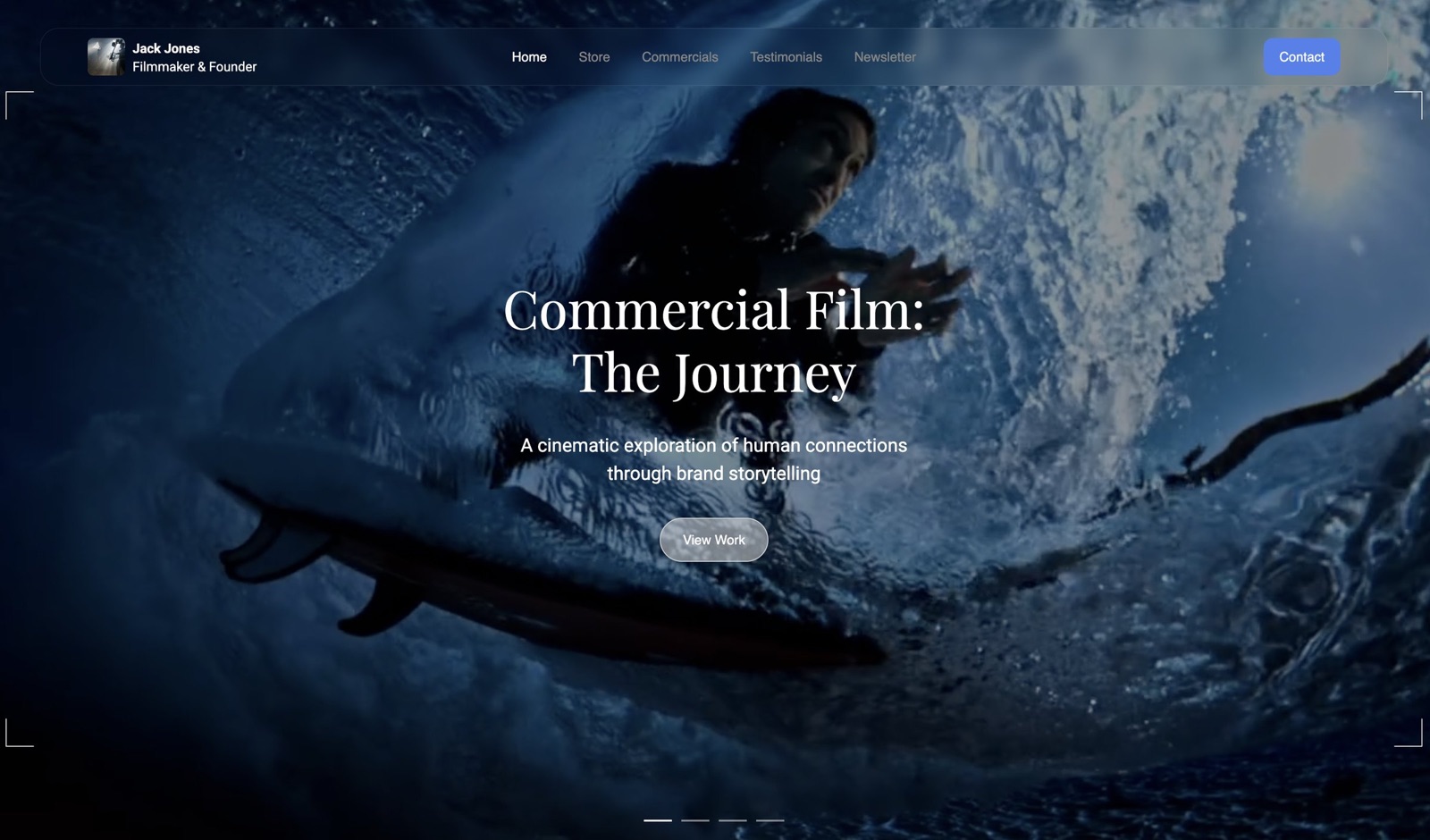
Project pages are where a filmmaker website books the job, because each one lets a client watch a full piece in their genre and see exactly what you did on it, so build one page per project with the film, 3 to 6 stills, a credit block and two or three sentences of context.
Use the same credit block on every page: role (Director, DP, Editor, Colourist), client and production company, format and year, and the brief in two or three sentences, such as "Two shoot days, one location, a night exterior lit with practicals only." Order the projects by the work you want next, not by date: if you want more founder-story films, lead with that work even if it is six months old.
Group projects into 3 to 5 categories a buyer would recognise, such as Brand Films, Music Videos, Documentary and Weddings.
Each project page on Framekit has its own title and description for search, so a page called "Night-shoot brand film for a Bristol coffee roaster" can rank for searches the homepage never would.
On Free, the 10-page limit fits home, about, contact and up to 7 projects; Starter allows 30 pages and Pro 200.
Step 5: Write an About Page Producers Can Scan
Producers scan an about page for fit, reliability and process rather than biography, so write 150 to 250 words that open with your specialty, say how a project runs with you, and answer the practical questions a producer would otherwise email to ask.
Open with one specialty sentence: "I direct films for founders and creative teams who want emotional storytelling without agency overhead." Follow with practical detail in three short lines: typical project length from first call to delivery, the crew size you usually run, and the regions you cover or travel to.
Add one attributed testimonial if you have permission to use it, with the person's name and role, and a photo of you working on set.
Keep it to two sections. A tight about page reads as confident; five thin sections read as padding.
Step 6: Set Up a Contact Form That Actually Delivers
The contact form is the one page that turns interest into a paid conversation, so keep it to 5 fields, send notifications to the inbox you actually read, and test it with a real submission before and after publishing.
The five fields: name, email, project type, shoot window and budget range. Asking for a treatment, a shot list or a full budget up front blocks warm leads who are still figuring out scope.
Write the confirmation message to set expectations: "Got it. I reply within one working day. If your shoot is inside two weeks, include the dates."
On Framekit, contact and booking forms are on every plan and enquiries land in your dashboard and your inbox; the plan table allows 500 submissions a month on Free, 1,000 on Starter, 5,000 on Pro and unlimited on Business.
Put a secondary contact line under the form, such as an agent's email, and link the form from the navigation, the homepage and the end of every project page.
Step 7: Set Titles, Descriptions and Your Domain Before You Publish
Search engines and AI assistants read your page titles and descriptions before they read anything else, so give every page a unique, specific title and description, and decide on your domain before the first share, because changing the address later costs the links you have already sent.
Write titles that name the work and the place: "Brand Film Director in Bristol | Sam Ortiz" for the homepage, and the project name plus the genre for each project page.
Keep titles short enough to display in full, roughly 50 to 60 characters, and descriptions to a sentence or two that would make a producer click.
Google's own guidance on title links explains how it chooses what to show.
On Framekit, per-page titles, descriptions, a sitemap and social previews are on every plan, Free included.
The free plan publishes on a yourname.framekit.ai address with a small Framekit badge; Starter at $7 a month billed yearly connects a domain you register anywhere and removes the site badge; delivery galleries keep a small Made with Framekit footer line on every plan.
After launch, verify the site in Google Search Console and submit the sitemap.
One limit to plan around: Framekit has no redirect manager and robots.txt is not editable, so choose page addresses you can keep, and if you are moving from an older site, match its most-visited paths where you can.
Step 8: Publish, Test on a Phone and Share the Link
Publishing is the easy part of building a filmmaker website, so put the effort into the 30 minutes after: test every page on a phone over mobile data, send the link to three people who hire or refer filmmakers, and replace every old link to your work with the new address.
Ask the three reviewers one question: "Is anything unclear about what I do or how to book me?" Make only the edits two of them agree on. Then update your Instagram bio, email signature, proposal template, LinkedIn contact section and Vimeo profile to point at the site.
A clear, working site with your best work beats an unfinished masterpiece every time. Ship it, then improve one page a week.
After the First Booking: Review Rounds, Treatments and Delivery
A filmmaker website wins the job, and then the job runs through three client-facing stages, a treatment or deck before the shoot, review rounds on the cut, and delivery of the finished film, each of which either lives in the same account as your site or becomes another subscription.
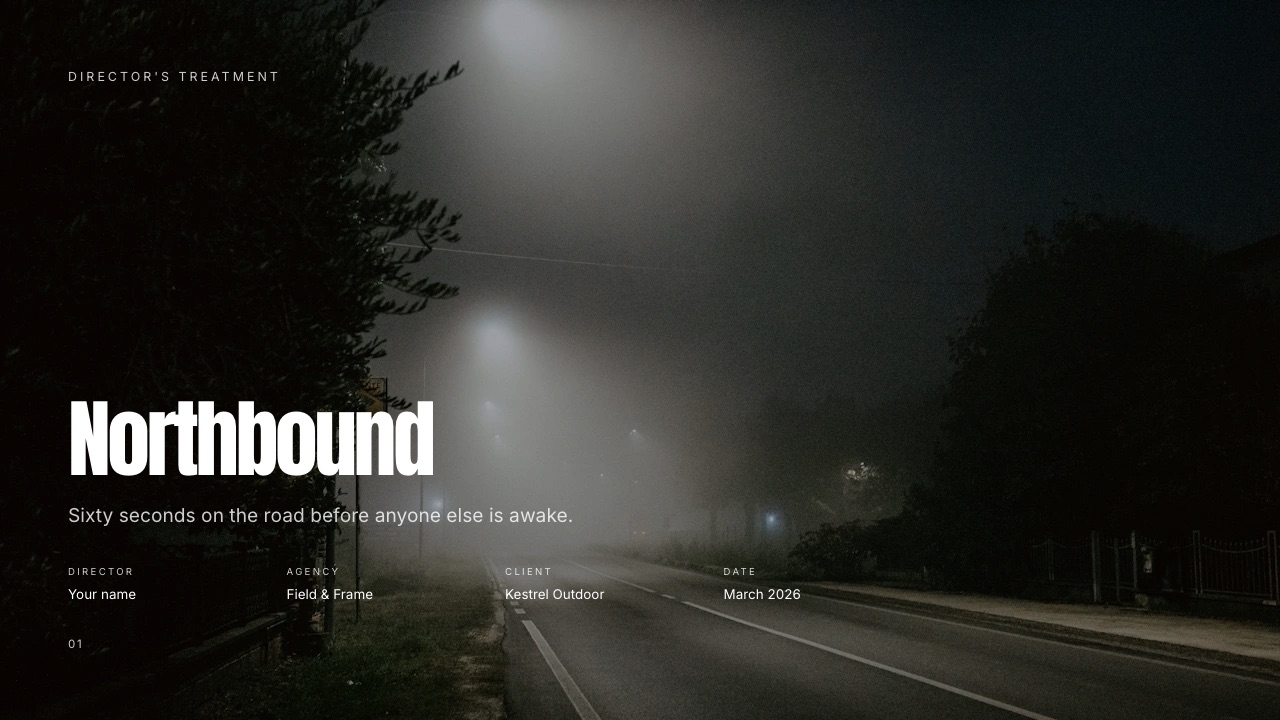
Treatments and pitch decks. Framekit Slides builds director's treatments, lookbooks and pitch decks.
Describe the deck and the AI asks up to three quick questions, picks a style, asks you to paste the real logline, credits and budget lines, proposes an outline for your approval, then builds the slides with speaker notes, marking anything you did not supply as a placeholder.
Decks are unlimited on every plan, cap at 40 slides each and export to PDF; the treatment template library opens on Starter.
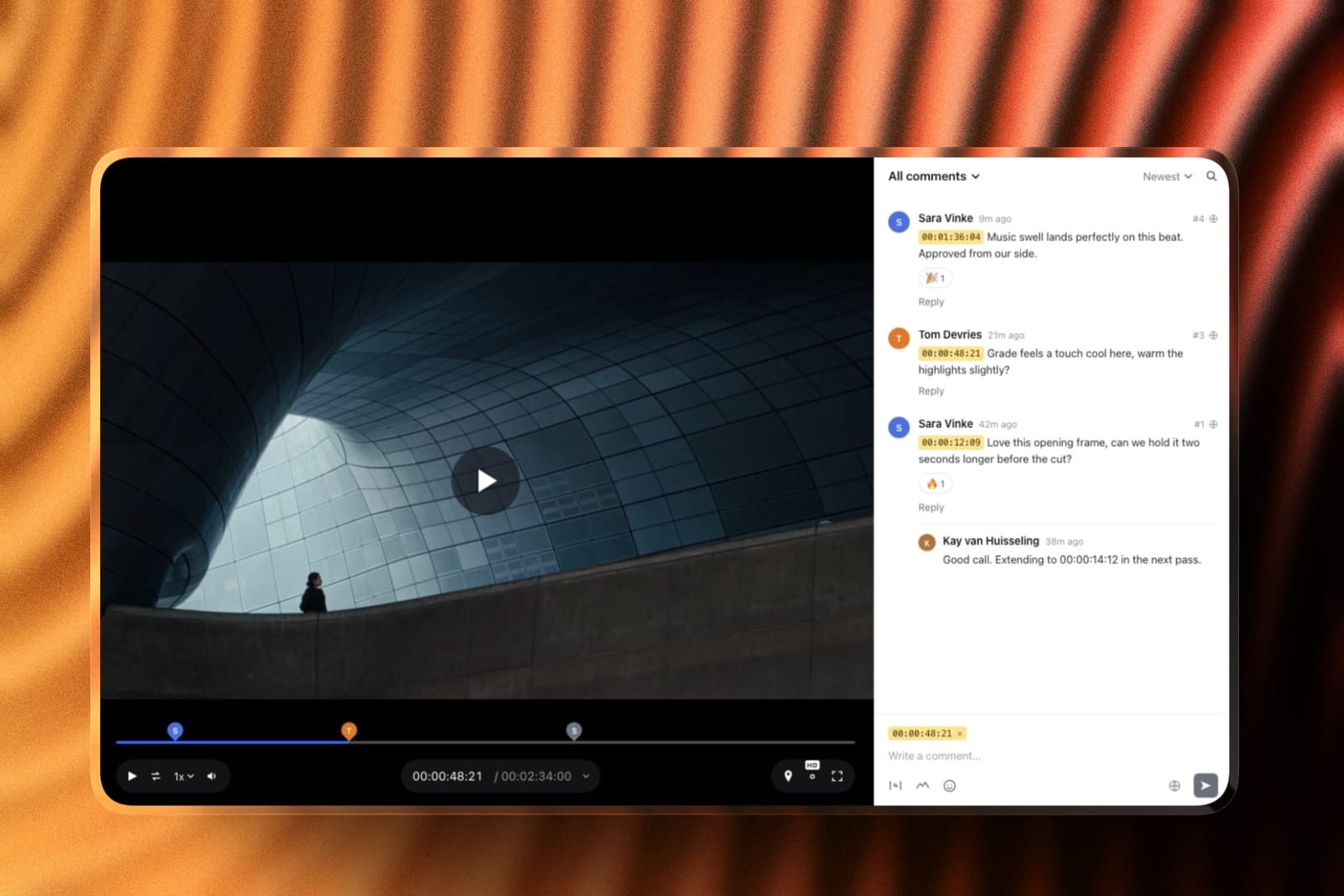
Review rounds. Upload a cut, share a link, and the client comments at the exact frame, draws on it and replies without an account.
Upload v2 and the earlier version keeps its notes; mark each round needs review, in progress, approved or needs changes. Review videos run up to 2 hours, with per-file caps of 500MB on Free, 1GB on Starter, 2GB on Pro and 3GB on Business.
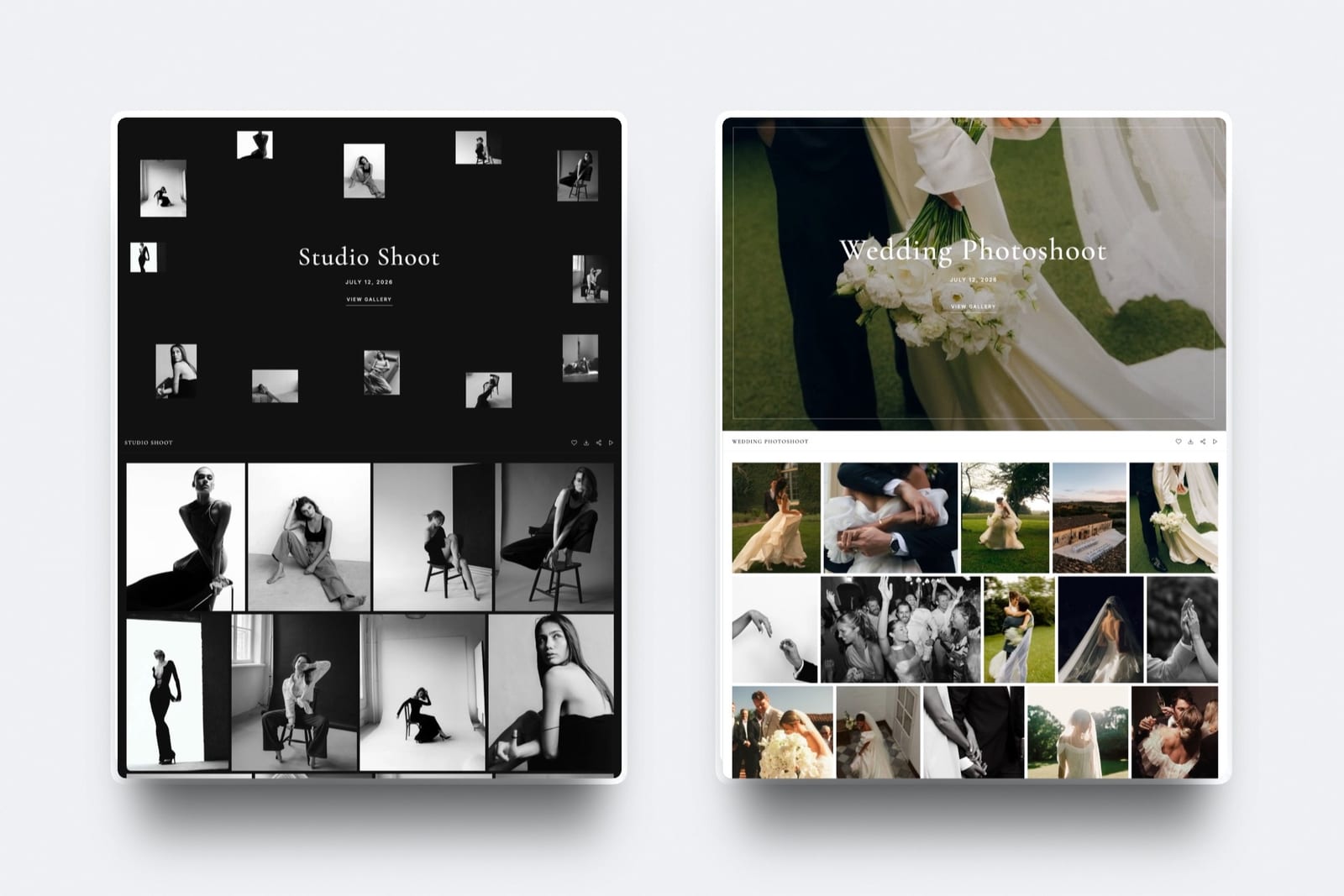
Delivery. Finished films and stills go into one gallery at /client/ on your own site.
Videos are transcoded for smooth playback and never watermarked, an optional download PIN can sit on top of the gallery password, and every download is the full-resolution original.
What is not covered: Framekit has no Premiere, Resolve or Final Cut panels, no camera-to-cloud and no side-by-side version compare, and team members on Pro and Business are website admins only, so cuts, galleries and decks stay with the account holder. The complete client workflow for filmmakers covers every stage from enquiry to invoice.
Where Framekit Fits

Framekit is an AI website builder that drafts a filmmaker's portfolio from a written brief or a reference screenshot and keeps the review round, the treatment, the delivery gallery and a LUT store in the same account, with one storage pool shared by all of them.
What it feels like. You describe your work, the AI drafts the sections and copy in one theme, and every block stays editable by hand.
When a new commercial wraps, the project page you add matches the existing look, and the same dashboard sends the cut for review and the final film to the client.
The number that matters. Starter at $7 a month billed yearly gives your own domain, 30 pages and 50GB of storage, 15GB of it video; Pro at $15 a month billed yearly gives 200 pages and 300GB, 150GB of it video, with review files up to 2GB.
The standout detail. Clients never create an account: they comment on a review link, then download from a gallery on your site, on your own domain from Starter.
The honest gotcha. The site is not a video host, with page uploads capped at 100MB on paid plans, and there is no redirect manager, no editable robots.txt and no RSS feed.
Skip it if you want feature-length films playing natively on the page, a motion-led showpiece, or notes inside your editing timeline; Squarespace, Framer and Frame.io answer those better.
Verdict: for a filmmaker who sends cuts and delivers films, Framekit is the build that covers the site and the client work for $84 a year on Starter; for a filmmaker who only needs a reel page, Carrd at $19 a year is the cheaper honest answer.
What the Build Costs in Year One and by Year Three
A filmmaker website costs between $19 and about $400 a year depending on what it has to do, and the gap widens over three years once review and delivery are priced in, so the table below runs three setups at October 2026 yearly-billing prices, held flat.
| Setup | What it covers | Year one | By year three |
|---|---|---|---|
| Carrd Pro Standard plus Vimeo Starter | One-page reel site, reel hosting with 2TB | $19 + $144 = $163 | $489 |
| Framekit Starter | Multi-page site, review, delivery, decks, store | $84 | $252 |
| Squarespace Basic plus Frame.io Pro, one member | Multi-page site with native video, plus review | $228 + $156 = $384 | $1,152 |
Add a domain registration to the Carrd and Framekit rows; Squarespace includes a domain for the first year on annual plans.
Frame.io Pro is $15 a member a month on monthly billing and about $13 on annual, and it brings far more storage and editing-suite integrations than Framekit review, so the rows compare jobs done rather than identical products.
A filmmaker delivering 25 films a season at about 2GB each needs Framekit Pro at $180 a year for the 150GB video share.
Run it yourselfadd up what you pay in a year for reel hosting, a review tool and a delivery or transfer service beside your site, then compare that total with the single plan whose video share fits your busiest month.
Run the Launch Test Before You Share the Link
The last step before you send the link to anyone who matters is a five-minute launch test on your own phone, logged out, over mobile data, because the editor view hides every problem a producer would hit first.
- Open the homepage in a private window. Count the seconds until you can press play on the reel.
- Tap into a project in your main genre. Confirm the film plays and the credit line names your role.
- Find the contact form from that project page without scrolling back to the top.
- Submit the form with your own email and confirm the notification arrives.
- Paste the homepage link into a message to yourself and check the preview shows the right title and image.
Then paste your homepage title into a search for your own name a week later. If the site does not appear yet, confirm the sitemap was submitted in Search Console; new sites can take days to be crawled.
Mistakes Filmmakers Make When Building Their Website
Filmmakers lose most of their website's value to four building mistakes, each of which comes from treating the site as an archive or a mood board rather than a decision document for a client who has two minutes and a budget.
Treating the portfolio like an archive
Every project carries emotional weight, and cutting work feels like erasing effort, but clients read a portfolio as a shortlist. Keep the strongest 6 to 12 and rotate quarterly.
Leading with style before clarity
Hours spent on transitions before stating what you do leave visitors admiring the site without knowing whether you shoot commercials, documentaries or weddings. Lead with the positioning line, then let style reinforce it.
Writing the about page for peers instead of buyers
Peers care about cameras and festivals; buyers care about process, reliability and deadlines. Rewrite around client outcomes and how a project runs.
Overcomplicating the contact form
Asking for treatment details, shot lists and full budgets before the first reply blocks warm leads. Ask only what starts a useful conversation, in 5 fields or fewer.
Frequently Asked Questions
How long does it take to build a filmmaker website?
A filmmaker website takes most people a focused day or a weekend if the reel and stills are already exported, and most of that time goes into writing credits and choosing stills for 6 to 12 project pages rather than into the builder.
AI drafting shortens the layout work, but the editing decisions are still yours.
Do I need coding skills to build a filmmaker website?
You do not need coding skills to build a filmmaker website on a modern builder.
Framekit drafts layouts from a written brief or a screenshot, and every block is edited visually; custom HTML, CSS and JavaScript are available from Pro if you want them, but no step in this guide needs code.
What pages should a filmmaker website have?
A filmmaker website should have a homepage with the reel above the fold, 6 to 12 individual project pages with credits, an about page of 150 to 250 words and a contact page with a short form.
A services or rates page and a page for a portfolio deck are useful additions once the core five are live.
Is Framekit free for filmmakers?
Framekit has a permanent free plan with no credit card that publishes 10 pages on a framekit.ai address with a small badge, with 10GB of pooled storage of which 3GB can be video, plus review links and delivery galleries.
Your own domain and badge removal start on Starter at $9 a month, or $7 billed yearly.
Can I upload my reel directly to my filmmaker website?
You can upload short clips, but most builders cap or meter video on the page, so the full reel is best embedded from Vimeo or YouTube. Framekit site uploads stop at 15MB on Free and 100MB on paid plans; Squarespace hosts 30 minutes on Basic and 5 hours on Core.
How do I get my filmmaker website to show up on Google?
A filmmaker website shows up on Google faster when every page has a unique title and description that names the work and the place, the sitemap is submitted in Google Search Console, and each project has its own page.
Framekit handles titles, descriptions, the sitemap and social previews on every plan.
Framekit vs Squarespace for a filmmaker website: which is better?
Framekit is better for a filmmaker who sends cuts for review and delivers finished films, because both are included and Starter costs $84 a year billed yearly.
Squarespace is better for a filmmaker who wants long films hosted natively on the page, with 5 hours of video on Core at $348 a year, and is happy to add a review tool separately.
Should I use a template or let AI draft my filmmaker website?
Use whichever gets you to a clear homepage line and real project pages fastest.
A template suits a filmmaker with a strong sense of the layout they want; an AI draft from a written brief or a reference screenshot suits one who knows the business but not the design.
On Framekit you can do both, and editing by hand never draws on the AI allowance.
What happens to my filmmaker website if I stop paying?
On Framekit, the account falls back to the permanent free plan: the site moves to a framekit.ai address with a badge and must fit 10 pages and 10GB of storage, so archive large galleries and review files first.
Squarespace has a 14-day trial rather than a free plan, so a Squarespace site has no free tier to fall back to.
Can my editor or producer help me manage the site?
On Framekit, Pro includes 3 team members and Business unlimited, and team members can edit the website, but they are website admins only: review cuts, galleries and decks belong to the account holder.
A team that needs several people uploading cuts is better served by a per-member review tool such as Frame.io.
Can I sell LUTs or presets from my filmmaker website?
You can sell LUTs and presets from a Framekit site as instant downloads on every plan, with a 5% fee on Free and Starter, 3% on Pro and 0% on Business.
Payment runs through your own Stripe account, so you are the merchant of record, and checkout is a page hosted by Framekit with your name and logo.
What if my site does not look as good as an agency-built filmmaker site?
The gap between a self-built filmmaker site and an agency build usually comes from content decisions, not the platform: a clear positioning line, a reel that opens strong and a tight set of 6 to 12 credited projects close most of it.
If you still want a bespoke build, Webflow with a designer is the route, at a very different budget.
Final Verdict: Build the Site, Then Build the Workflow Around It
Building a filmmaker website that books clients is eight ordered decisions: choose the platform on video and client work, write the positioning line, lead with the reel, give every project a credited page, write a scannable about page, keep the form to five fields, set titles and the domain, then test on a phone and share.
Framekit is the strongest home for that build when the work continues after the booking, because review rounds, treatments and delivery galleries live in the same account for $84 a year on Starter.
Where Framekit loses: a filmmaker who wants long films hosted natively is a better fit for Squarespace, a one-page reel site is cheaper on Carrd at $19 a year, a motion-led showpiece is a better fit for Framer, and a post house living inside Premiere is a better fit for Frame.io.
If you want to confirm the platform choice first, Framekit vs Squarespace and Framekit vs Carrd price both setups, what a filmmaker portfolio should include is the content checklist behind Step 4, and how to get clients as a videographer covers the channels that send people to the site.