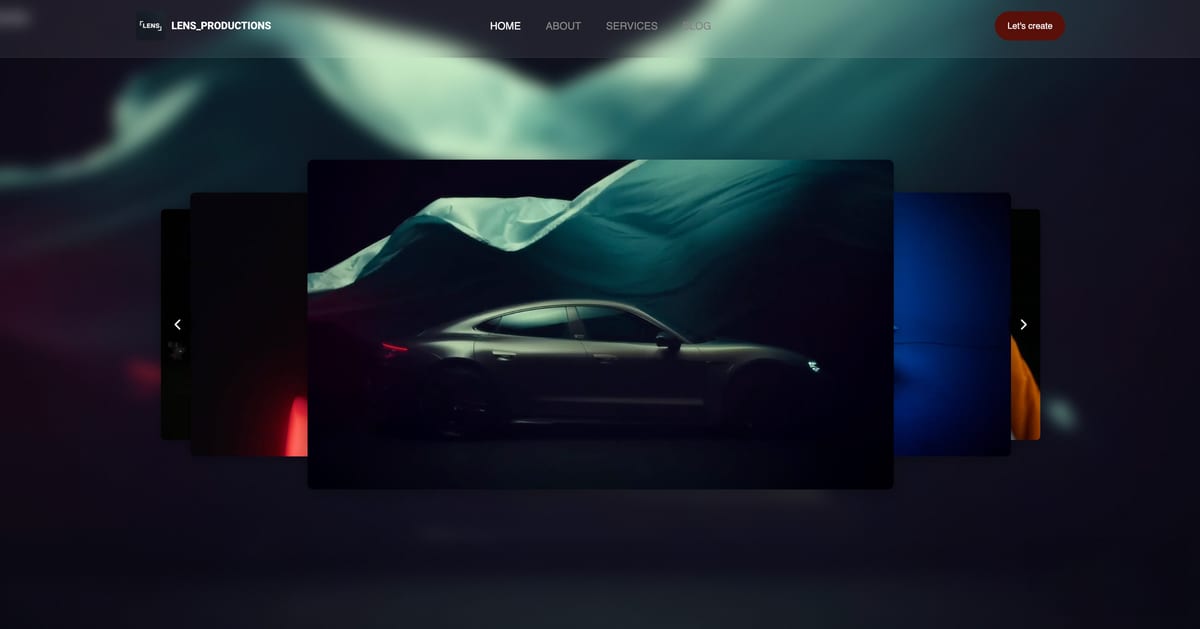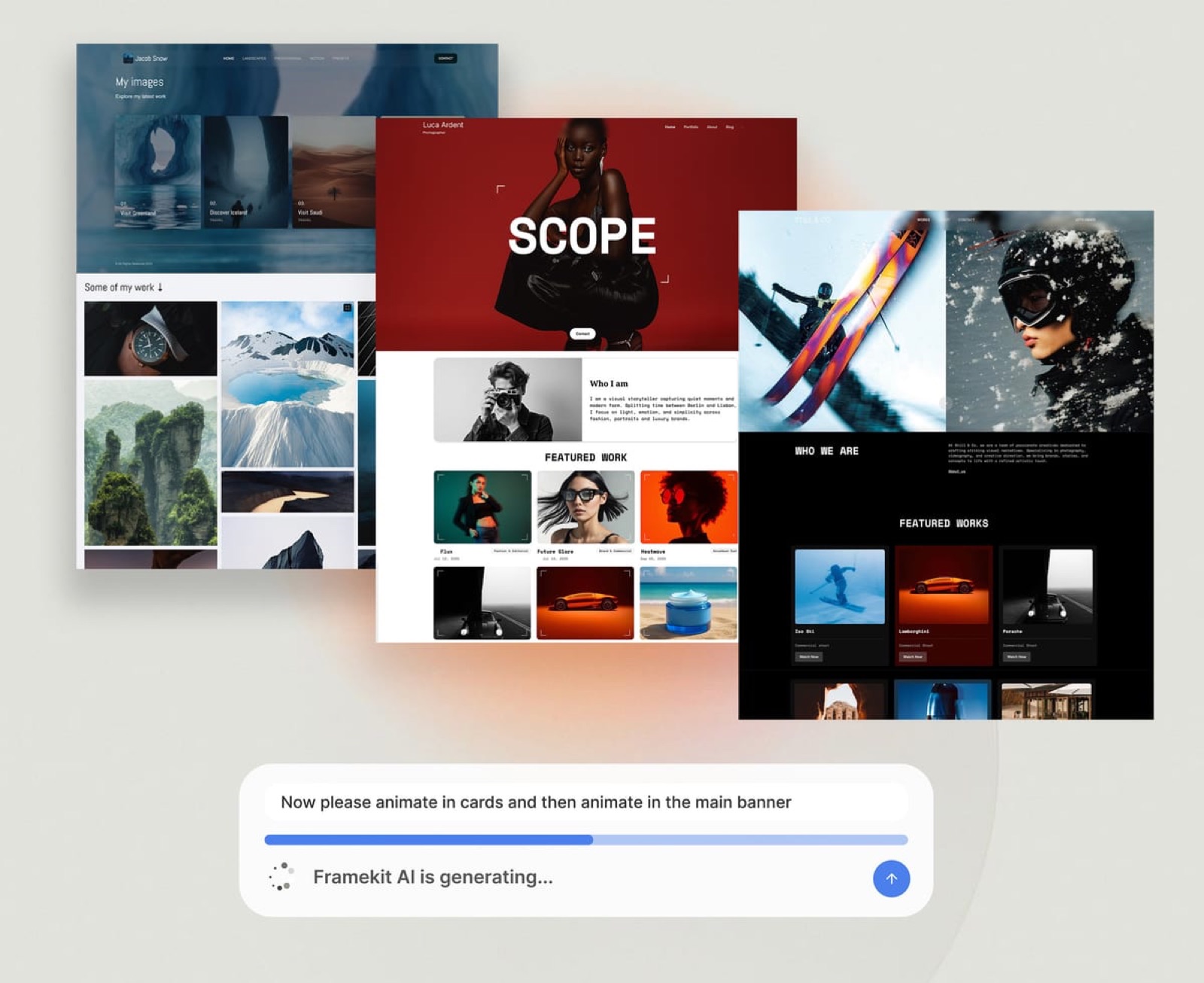
Framekit templates
Start from a designer-made template
 Use template
 Use template
 Use template
 Use template
 Use template
 Use template
 Use template
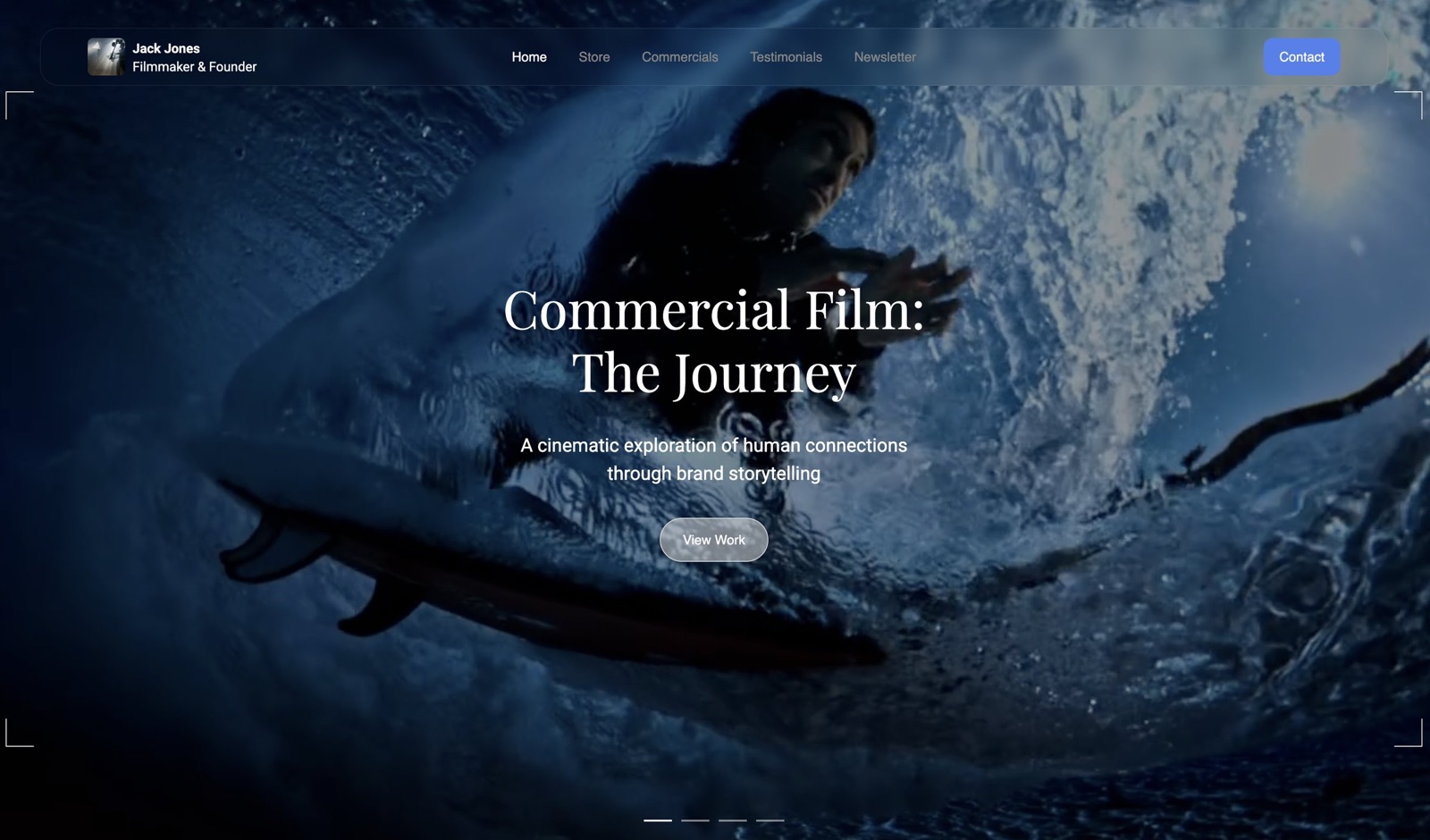
 Use template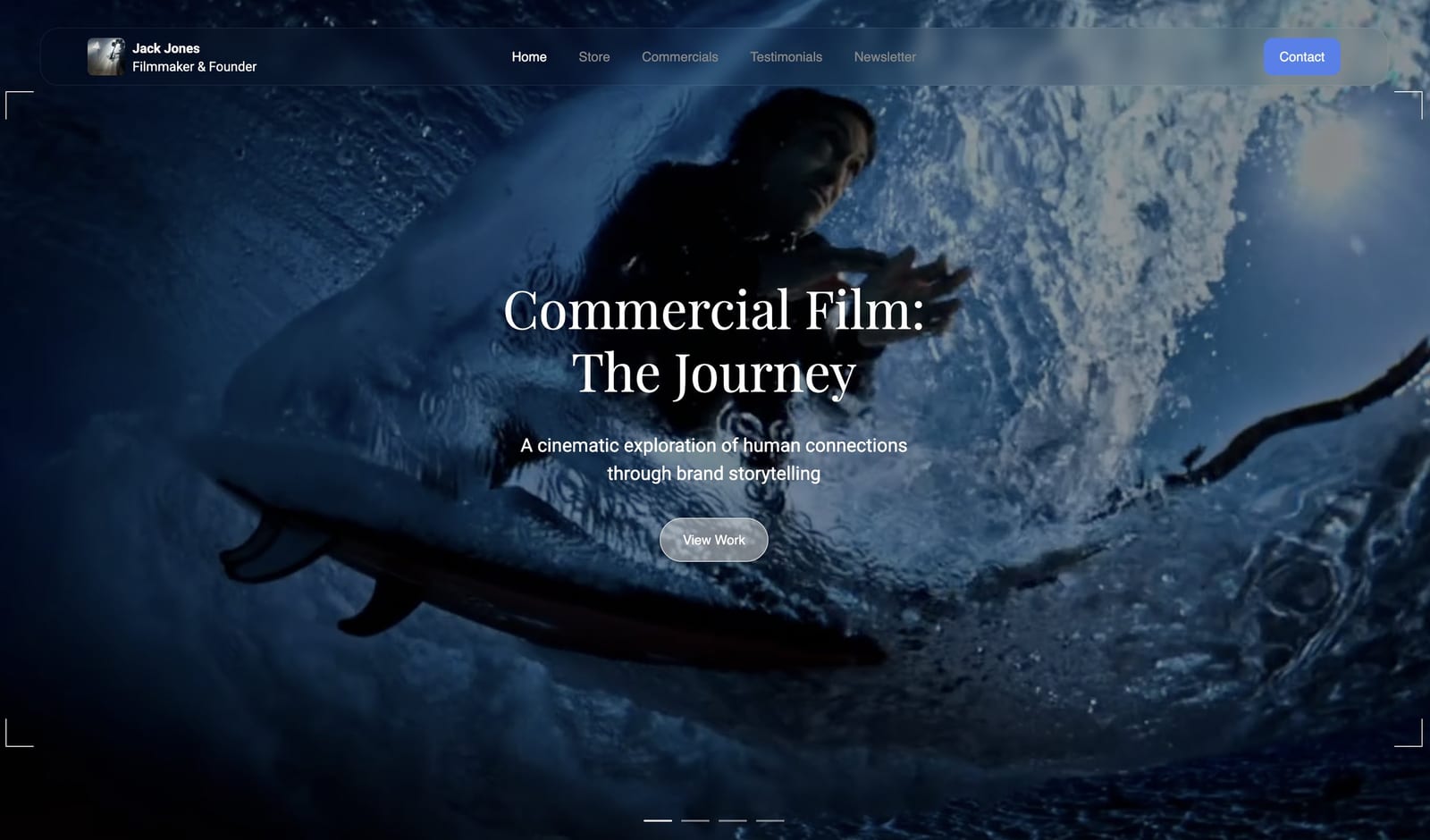
Framekit vs Vimeo is a comparison most filmmakers arrive at sideways. You pay Vimeo to host the reel, you pay something else for the site the reel sits on, and somewhere in the annual renewal you wonder whether one of them could do both.
The short version is that one of them can, and it is not the one you expect.
Vimeo hosts video better than any website builder will, including ours, and it is not close. What it does less well is be the place your work lives.
Framekit is an AI website builder for photographers, filmmakers, designers and creators, with client galleries, video review, decks and a store on one account.
A video host is a service that stores, transcodes and streams your files through a player you embed elsewhere, which is a genuinely different product from a website.
Framekit is the better home for the work: a portfolio site on your own domain, client galleries, review links and a store for $84 to $180 a year.
Vimeo is the better video host and you should almost certainly keep it, since its Starter plan is $144 a year with 2TB and a player you can embed anywhere, where Framekit caps site video at 100MB a file and expects you to embed rather than upload.
For most filmmakers the answer is both, and the subscription worth cancelling is usually the separate website one, not Vimeo.
Full disclosure: Framekit is our own product. This comparison ends in a recommendation to keep paying Vimeo, which is the honest conclusion rather than a rhetorical move. We verified Vimeo's plan prices against its published pricing in September 2026 and ours against the shipped plan configuration.
How We Compared Them
We published the same filmmaker portfolio twice: once as a Vimeo-hosted reel embedded in a Framekit site, and once trying to do as much as possible inside each tool alone. Then we ran a two-round client review of a two-minute commercial cut through both.
The honesty split:
- Measured hands-on: the two builds, the review rounds, the upload limits each tool enforces, and what a client sees at the end of a share link.
- Verified from primary sources: Vimeo's plan prices, seats and storage from Vimeo's pricing page, read September 2026. Framekit's from the shipped plan configuration.
- Not tested: Vimeo's live streaming, its AI editing tools and its enterprise video library features, none of which Framekit attempts.
No load times, playback benchmarks or performance scores appear for either tool.
Framekit vs Vimeo at a Glance
The weighting: the first two rows decide this comparison, and they point in opposite directions, which is why so many people end up paying both. Everything below row four is a preference.
| Framekit | Vimeo | |
|---|---|---|
| Video hosting and streaming | No, embed from a host | Yes, this is the product |
| Site video upload cap | 15MB Free, 100MB paid | Multi-gigabyte files |
| Storage | 10GB Free, 50GB Starter, 300GB Pro | 1GB Free, 2TB on Starter |
| Multi-page portfolio site on your domain | Yes | Limited, a video-led page |
| Client galleries with password and download PIN | Yes | No |
| Review with timecoded comments | Yes, up to 3GB a file | Yes, lighter than a dedicated tool |
| Store selling digital files | Yes | No, separate OTT product |
| Player embeddable anywhere | No | Yes |
| Entry paid plan, a year | $84 Starter | $144 Starter |
| Billing | Per account | Per seat |
In one lineVimeo owns the file and the player, Framekit owns the address and everything around the video.
Where Vimeo Wins, and You Should Keep Paying It
Vimeo wins in four areas, and the first is close to absolute for anyone whose deliverable is moving pictures. It is the reason this comparison ends with a recommendation to keep paying them rather than to switch, which is not a conclusion we expected to write.
It actually hosts video. Framekit caps a site video upload at 100MB on paid plans and 15MB on the free plan.
A two-minute 4K clip is comfortably larger, so video on a Framekit site is embedded from a host rather than uploaded. Vimeo takes multi-gigabyte masters, transcodes them into adaptive renditions and streams them properly.
This is not a limitation we are working around; it is a deliberate division of labour and we would recommend a video host on any website builder.
Storage economics. Vimeo Starter is $144 a year and includes 2TB. Framekit Pro is $180 a year with 300GB. Per gigabyte, Vimeo is dramatically cheaper and any comparison that dodges this is not counting.
The player travels. A Vimeo embed works in your site, a client's intranet, a festival submission page and an email. Framekit's video review player lives on a Framekit link. If your reel needs to be portable, that is a real difference.
Public distribution. Vimeo is a destination with an audience, a channel, staff picks and a discovery layer. Framekit publishes to your domain and to search engines, which is a different kind of reach.

Where Framekit Wins
Framekit wins on three points, and none of them are about video files, which tells you most of what you need to know about how these two products divide the work. They are the things that happen before the reel plays and after it finishes.
A real portfolio site. Vimeo can give you a video-led page.
Framekit generates a multi-page portfolio with project pages, an about page, a contact form, SEO output and your own domain, built around the work rather than around a player.
For a director whose site has to win the job before the reel is watched, that is the deliverable.
Client delivery. Password-protected galleries with download PINs, unlimited in number, on your own domain, with no commission. Vimeo has no equivalent, so a filmmaker delivering stills and finished files alongside the reel is paying for something else as well.
Selling. A store on your own domain for LUTs, presets and project files, with a fee of 5 percent falling to 0 percent on the $39 Business plan. Vimeo's selling product is a separate on-demand offering built for video, not for a colourist's LUT pack.
In one lineeverything Framekit wins here is a thing that happens before or after the video plays.
Review: The One Place They Genuinely Overlap
Both tools collect timecoded comments from clients who do not need an account, which is the core of a review round. The differences are narrow and worth knowing.
Vimeo's review is bundled with hosting you already pay for, which makes it close to free at the margin, and its share controls are good: passphrases, expiry, disabling downloads and comments, and hiding older versions, all from the Starter tier upward.
Framekit's review caps a file at 500MB on Free, 1GB on Starter, 2GB on Pro and 3GB on Business, so short-form fits and long-form does not.
What it adds is context: the review link sits on the same account as the galleries the finished film is delivered through and the site the client found you on.
Neither is Frame.io. If review is the centre of your workflow rather than a step in it, our Frame.io comparison covers the tool that beats both of these.
In one lineif you already pay Vimeo, its review is the cheaper option; if you need galleries and a site too, ours arrives attached to them.
The Money: Three Filmmakers
A director with a reel and a site. Vimeo Starter at $144 a year hosts the reel. Framekit Starter at $84 a year on yearly billing carries the site, galleries and store. Total $228.
The alternative most directors are actually on is Vimeo plus a general website subscription at $200 to $290 a year, which is the same money for fewer products.
A wedding filmmaker delivering films and stills. Vimeo Starter for hosting at $144, Framekit Pro at $180 for the 2GB review ceiling, the 300GB pool and delivery. Total $324, replacing a hosting plan, a gallery plan and a website plan.
A three-person production company. Vimeo bills per seat, so three seats on Standard is around $900 a year at list. Framekit Pro includes three members for $180 total.
The seat model is where the two diverge most sharply, and it is worth checking how many of your people genuinely need a Vimeo login rather than a link.

The Recommendation Most Filmmakers Should Take
Keep Vimeo for hosting. Embed the player in a Framekit site. Deliver finished files through Framekit galleries. Run short review rounds wherever is cheaper for you, which if you already pay Vimeo is usually Vimeo.
Then look at what else is on the card. In our experience the redundant subscription is almost never the video host, because nothing replaces it properly.
It is the separate website builder, the separate gallery platform, or both, which is the specific overlap this product exists to remove.
How to Choose: A Decision Guide
Take these in order, and the first yes is your answer. The first one disqualifies a tool outright rather than counting against it, so nothing further down should change your answer if you hit it.
- Do you need to host and stream video files yourself? Yes: Vimeo. Framekit caps site video at 100MB and is not a host.
- Does the player need to embed on sites you do not control? Yes: Vimeo.
- Do you need a multi-page portfolio on your own domain, client galleries or a store? Yes: Framekit. Vimeo does none of these.
- Are your review files over 3GB? Yes: Vimeo or Frame.io, not us.
- Is your team more than one person who needs a login? Framekit includes three members on Pro for the account; Vimeo bills per seat.
- Most filmmakers: both, with the separate website subscription cancelled.
Frequently Asked Questions
Can Framekit host my showreel?
Not the file itself. Site video uploads are capped at 15MB on the free plan and 100MB on paid plans, which a real reel exceeds, so the reel lives on Vimeo or another host and embeds in the page.
That is the same advice we would give on any website builder, because none of the ones we tested accept a multi-gigabyte master either.
Framekit's own video handling is built for client review and gallery delivery, where the per-file ceiling runs from 500MB to 3GB.
Is Framekit a Vimeo alternative?
Not for hosting, and it would be misleading to claim otherwise. It is an alternative to the website builder sitting next to Vimeo in your subscriptions, and to the gallery platform you deliver through.
Filmmakers who switch generally keep Vimeo and cancel the separate site plan, because that is where the overlap actually is.
Which is cheaper, Framekit or Vimeo?
They price differently enough that the comparison only makes sense per job. Vimeo Starter is $144 a year with 2TB, which is far cheaper per gigabyte of video than anything we offer.
Framekit Starter is $84 a year and carries a site, galleries, decks and a store rather than video storage. Most filmmakers end up paying both, at around $228 a year, and cancelling something else.
Does Vimeo do client galleries?
No, not in the sense photographers and filmmakers mean.
Vimeo has share links with passphrases, expiry and download controls, which handle sending a cut, but there is no branded gallery for delivering a set of finished files with favourites and download PINs.
That job sits with a gallery platform or with Framekit, where galleries are unlimited on every plan including the free one.
Vimeo review or Framekit review: which is better?
If you already pay for Vimeo, its review is effectively free at the margin and its share controls are better than ours, including passphrases and expiry which we do not offer.
Framekit's review is better if you want the link to live on the same account as the galleries and the site, and if your files are under 3GB. Neither matches Frame.io for a review-heavy workflow.
Can I sell my film through Framekit?
You can sell downloadable files such as LUT packs, project files or a digital release through the Framekit store, with a fee of 5 percent falling to 0 percent on the $39 Business plan.
What you cannot do is run a streaming rental or subscription service, which is Vimeo's on-demand product. For a filmmaker monetising a back catalogue by streaming, that is Vimeo's job rather than ours.
Does embedding a Vimeo player hurt my site?
No, and it is what we recommend. An embedded player streams from Vimeo's infrastructure with adaptive renditions, which is better for the viewer than any self-hosted file a website builder would serve.
The practical tips are the same everywhere: use a poster frame so the page has something to show before playback, and do not autoplay a reel with sound.
How many people can use one account?
Framekit includes one member on Free and Starter, three on Pro at $19 a month and unlimited on Business at $39, all in the plan price. Vimeo bills per seat, so three people at list on its Standard tier is around $900 a year.
Before paying for seats on either, check how many of your team genuinely need a login rather than a share link, because reviewers and clients are free on both.
What happens to my reel if I stop paying Vimeo?
The embed stops working and any page relying on it shows a gap, which is the strongest argument for keeping a local master of everything you publish.
The same applies to us: a cancelled Framekit account drops back to free-plan limits, so anything beyond ten pages or 10GB is no longer served. Keep originals, and keep the domain registered in your own name rather than through any platform.
Should a filmmaker use Framekit or Squarespace with Vimeo?
Both work, and the deciding factor is usually what else you need. Squarespace is the broader general builder with a bigger ecosystem.
Framekit adds client galleries, video review and a digital store on the same plan, which Squarespace does not, so a filmmaker who also delivers files and sells LUTs consolidates more subscriptions.
If the site is genuinely all you need beside Vimeo, pick on design preference.
Final Verdict
These two products are complements that the market keeps describing as competitors. Vimeo hosts and streams video better than any website builder, ours included, and at $144 a year with 2TB it is cheap for what it does.
Framekit builds the site the player sits in, delivers the finished files, runs the short review rounds and sells the downloads.
Who should not use Framekit. Anyone whose need is video hosting, because we do not do it and cap site uploads at 100MB. Anyone whose player must embed on sites they do not control. Anyone reviewing cuts over 3GB.
Anyone who needs a passphrase or an expiry date on a share link, which Vimeo offers and we do not.
Who should. Filmmakers paying for a video host, a website and a gallery platform separately. Keep the host. The other two are one subscription, and that is the entire argument.
Related readingFramekit vs Frame.io on review, Frame.io vs Vimeo compared, and the best website builders for filmmakers.
Vimeo pricing read from its published pricing page in September 2026. Our upload caps and storage pools come from the shipped plan configuration, checked the same month.