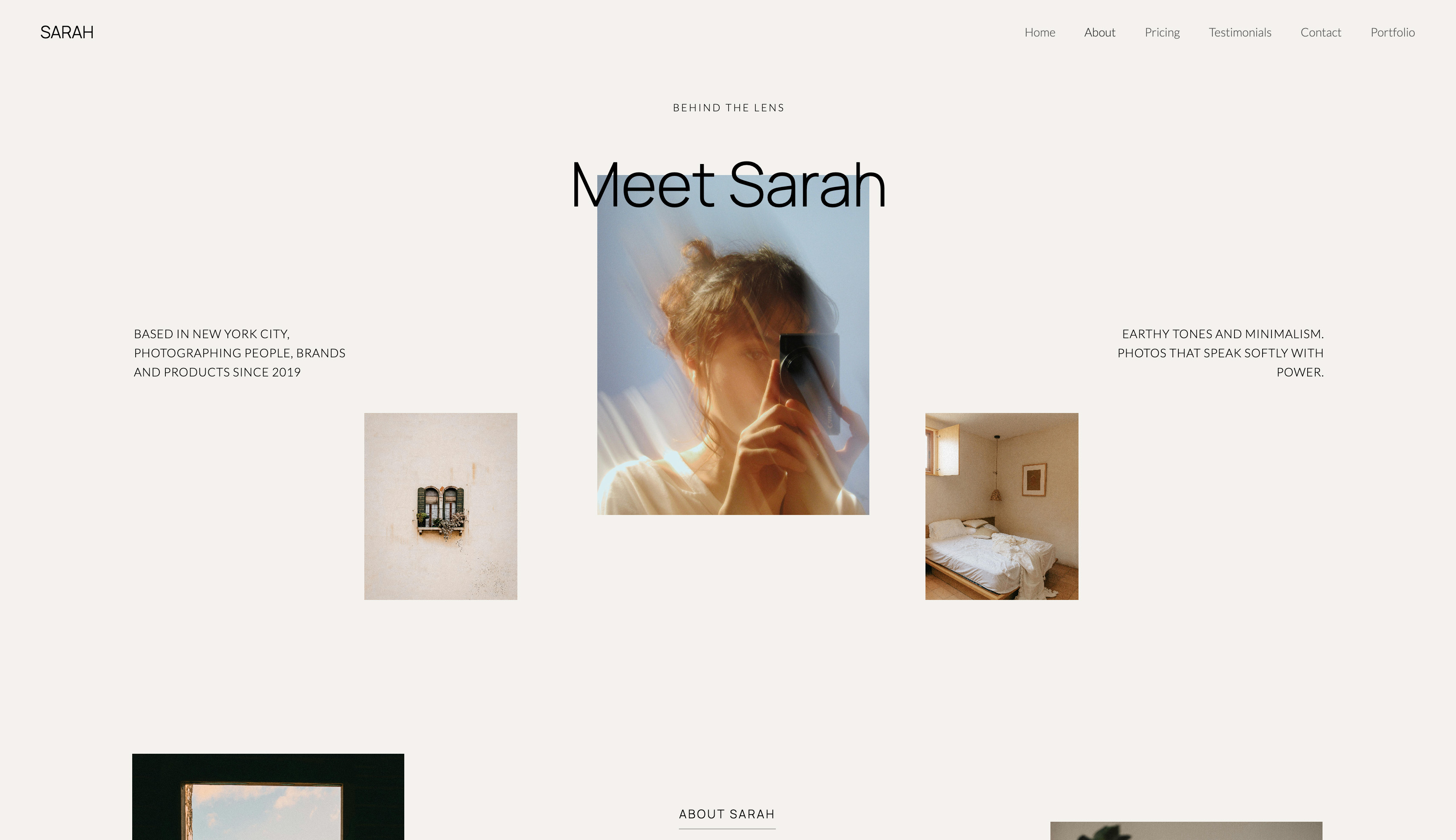
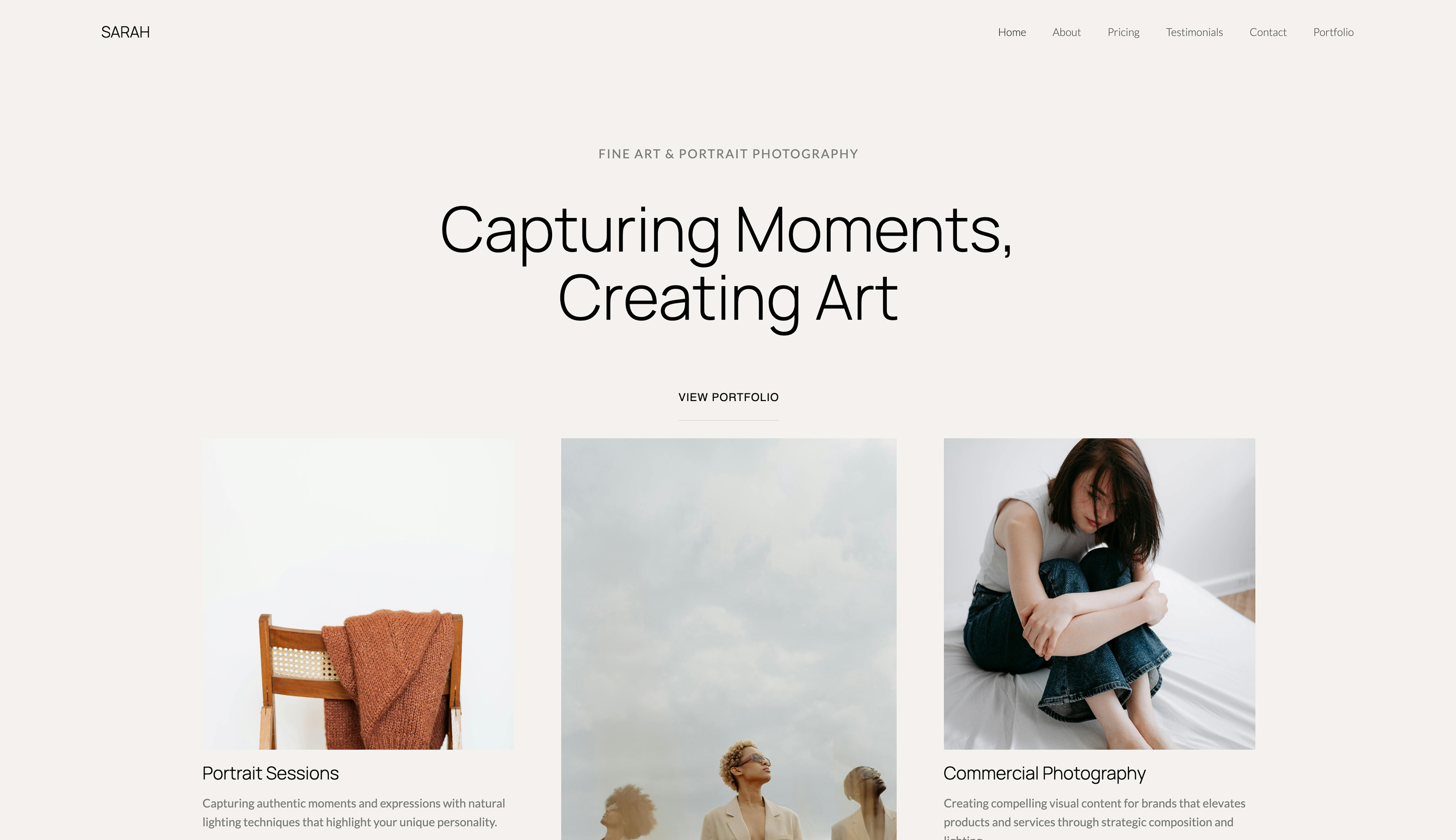
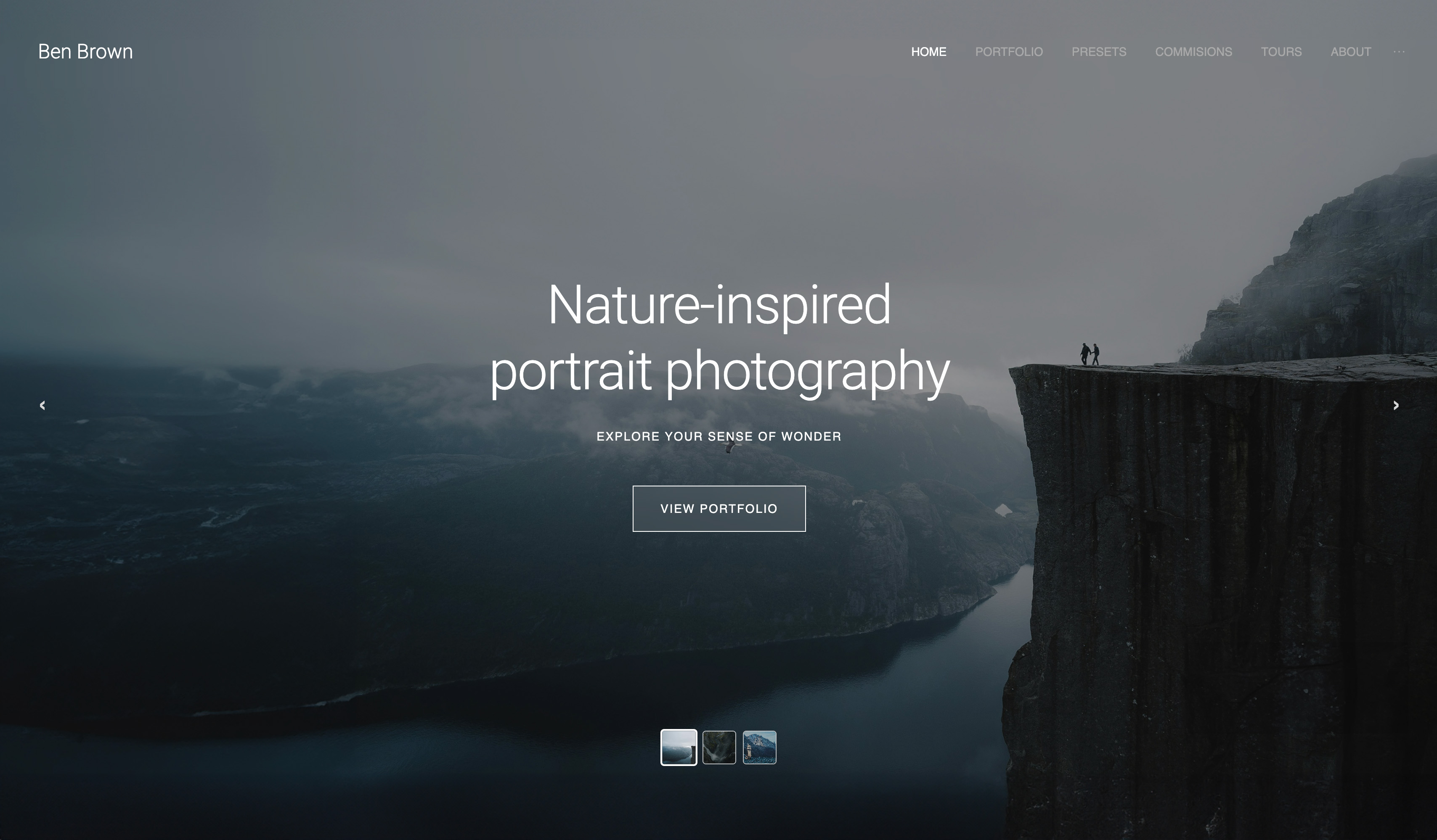
Framekit templates
Start from a designer-made template
 Use template
 Use template
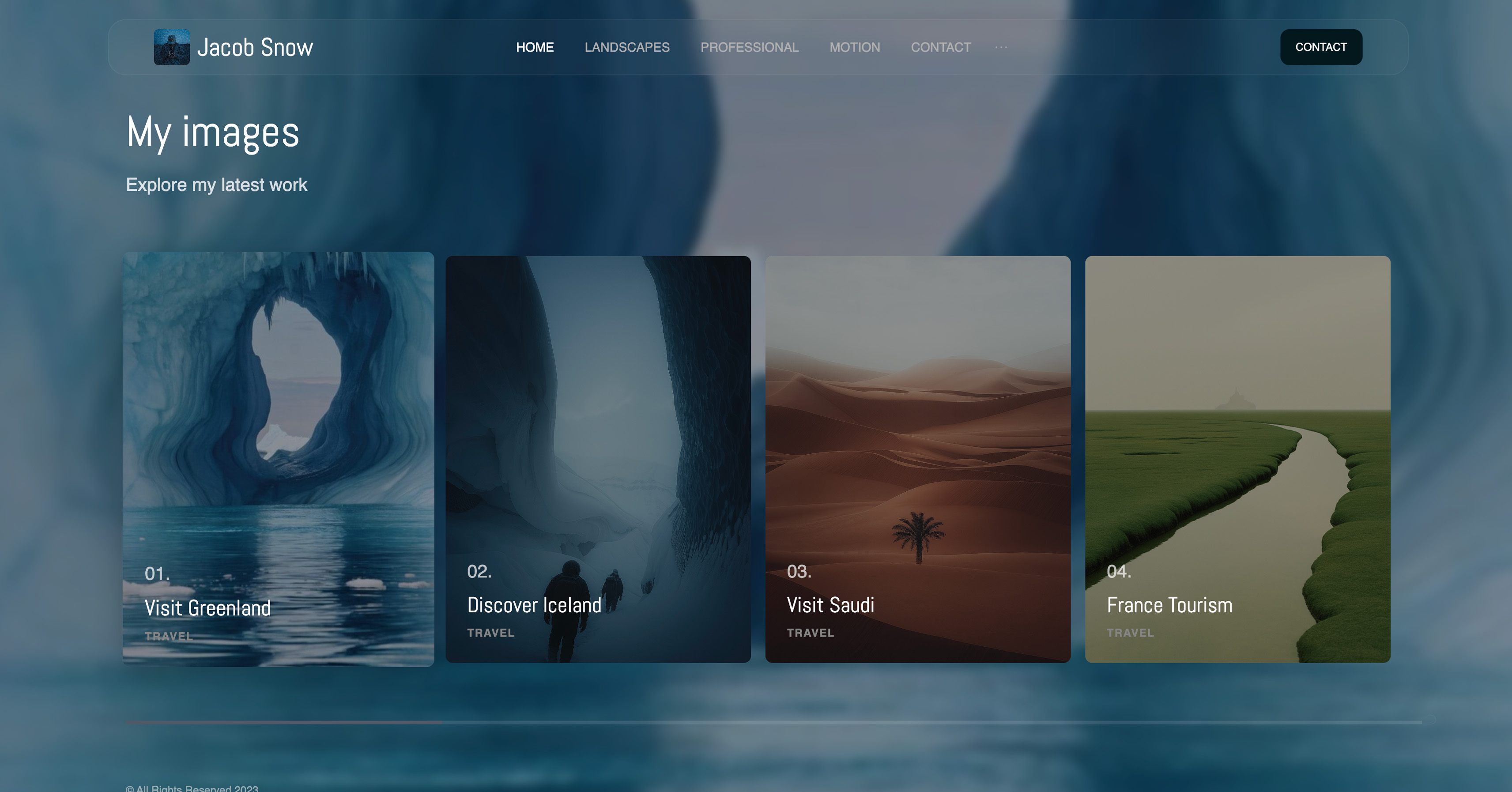 Use template
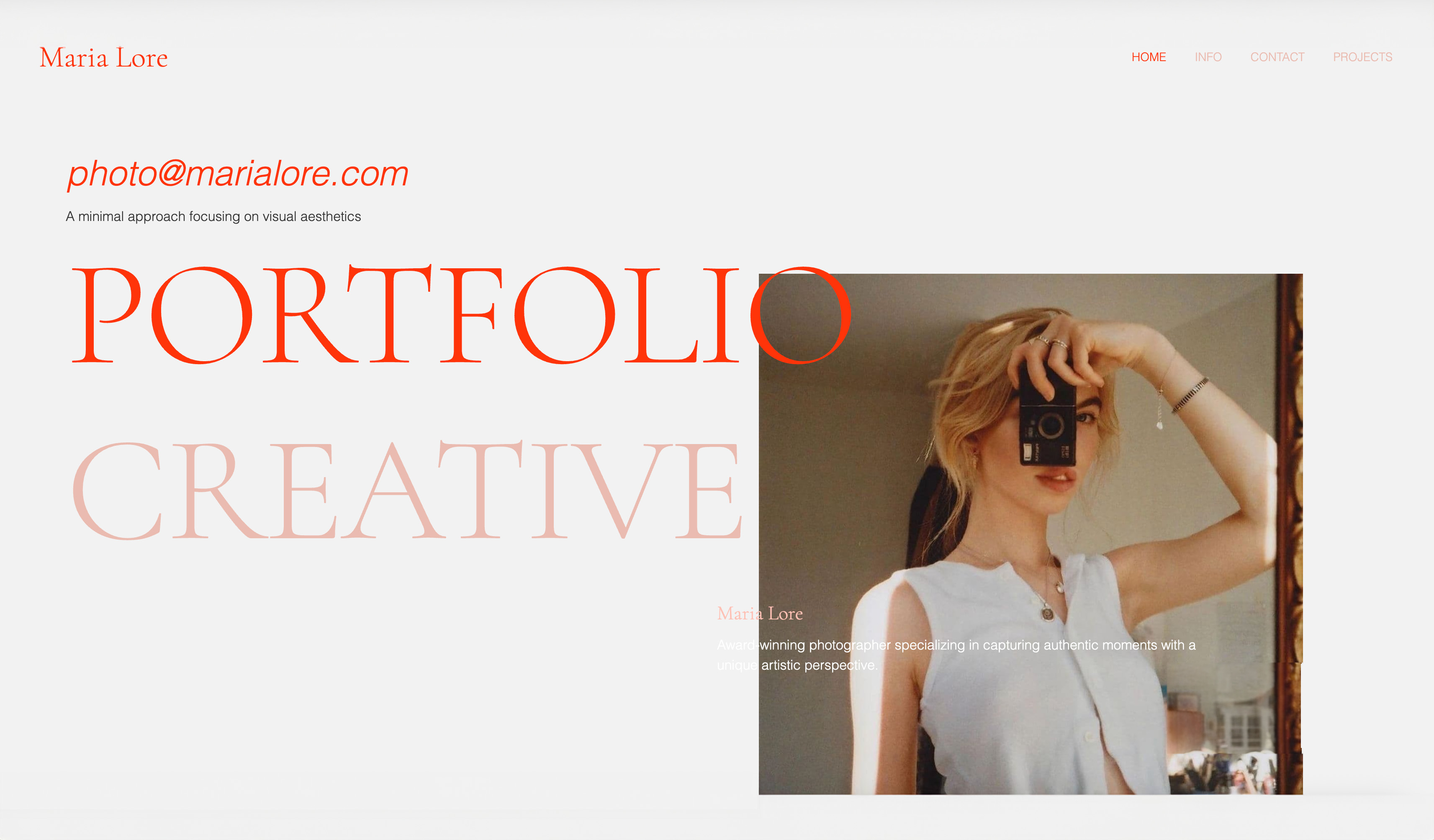 Use template
 Use template
 Use template
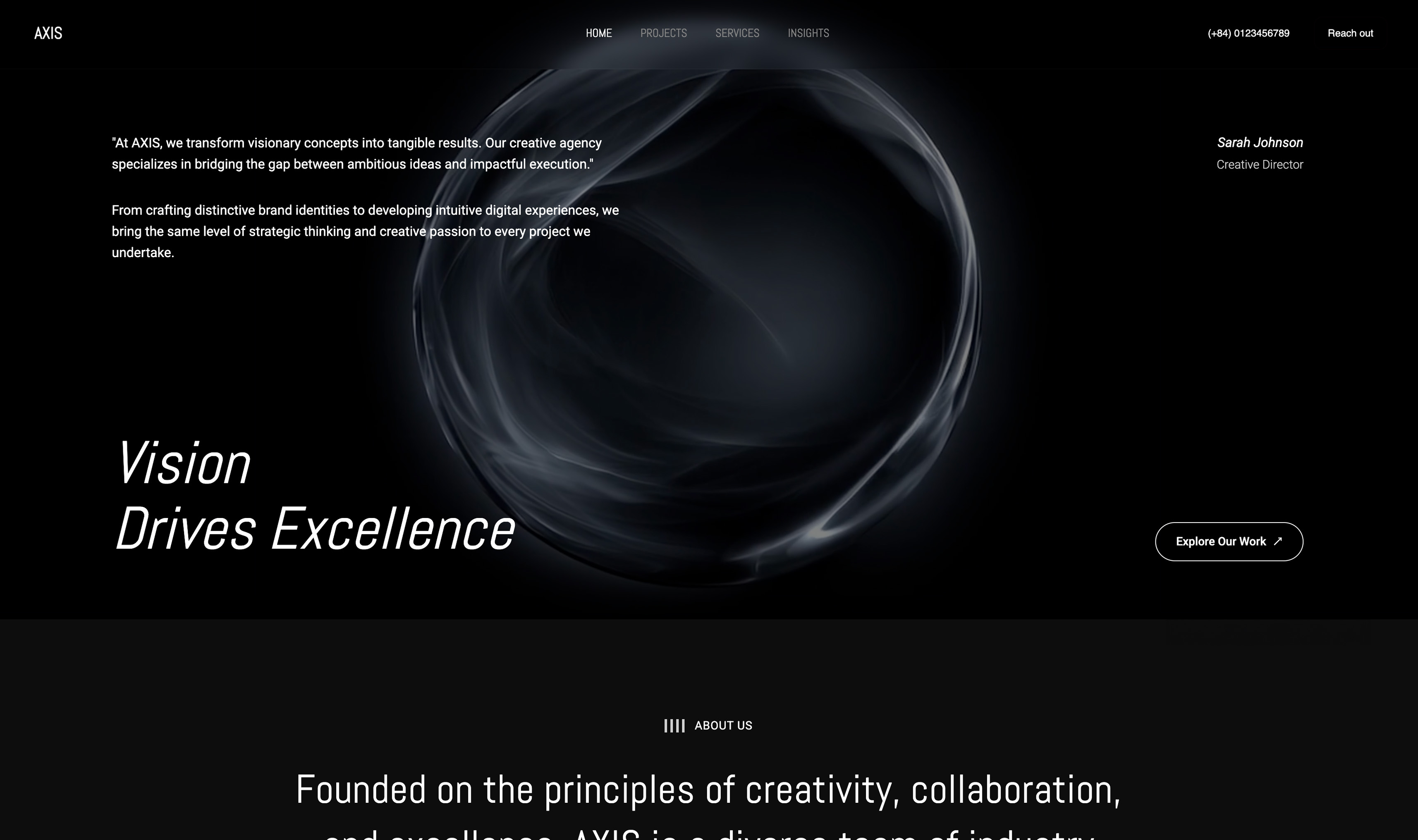 Use template
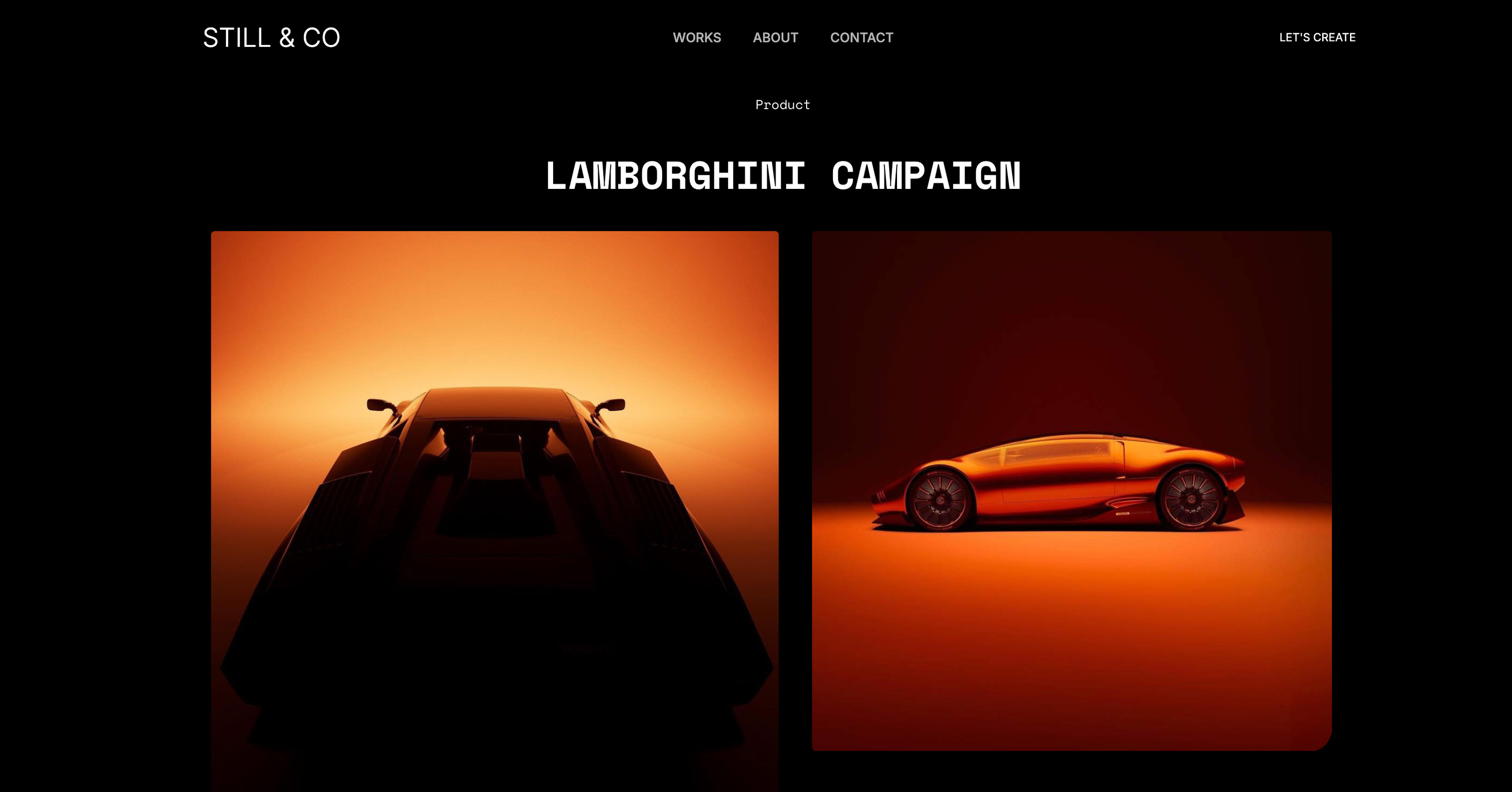 Use template
Every photographer eventually does this arithmetic. You spent two or three years building a colour style people now recognise as yours, and a pack of Lightroom presets would let them buy it while you are out shooting.
Sell that $25 pack on a marketplace and roughly $3 to $4 of every sale goes to fees before you see it, the buyer's email stays with the platform, and your pack sits beside a hundred others.
Sell it on your own website and you keep more of the price, the customer and the context, which is your portfolio.
This guide shows how to sell Lightroom presets on your website from start to finish: building and testing the pack, exporting the right files, pricing it, building the product page and checkout, delivering files, handling tax and refunds, and launching to the audience you already have.
Every step carries real numbers, so you can price your own version before you build anything.
A Lightroom preset is a saved set of edit settings that applies one colour and tone style to a photograph in a single click.
Selling Lightroom presets on your own website means hosting the product page, checkout and file delivery on a site you control, instead of listing on a marketplace that takes a cut of every sale and keeps the customer relationship.
To sell Lightroom presets on your own website, build a tested pack of 8 to 12 presets, export XMP files for desktop and DNG files for mobile, price it between $15 and $60 (most first packs land near $25), and put it on a product page with automatic delivery.
On Framekit's free plan a $25 sale leaves you $22.72 after the 5% fee and Stripe's processing; Gumroad leaves $20.97. Above $780 a month in sales, Framekit's $39 Business plan drops the fee to 0%, so a $25 sale keeps $23.97.
Framekit is an AI website builder with a digital-download store in the same account, so the portfolio, the preset page and the checkout are one setup rather than three.
Its plans, store fees and checkout behaviour were re-verified against its pricing page and shipped checkout on 12 October 2026, along with every competitor figure on this page.
Why Your Own Website Beats a Marketplace for Presets
A marketplace brings one thing your website does not have on day one, buyers already browsing for presets, and charges for it on every sale forever, while your own site keeps the margin, the customer list and the brand once you have any audience of your own.
The trade is clearest in numbers.
On a $25 pack, Gumroad keeps about $4.03 of each direct sale (10% plus 50 cents, plus card processing of 2.9% plus 30 cents) and Etsy about $2.83 before ads (a 20-cent listing fee, a 6.5% transaction fee and 3% plus 25 cents processing).
A Framekit store keeps $2.28 on its free plan and $1.03 on Business, which is only Stripe's processing.
The second difference is who owns the buyer. On your own site the order email is yours, so the person who bought a summer pack in June can hear about the winter pack in December. On a marketplace that relationship mostly belongs to the platform.
The honest case for a marketplace remains discovery.
If nobody follows your work yet, Etsy's search traffic can make your first sales, and the strongest setup for many photographers is both: a marketplace listing as a discovery channel and your own site as the store you send your audience to.
Our best platforms to sell presets ranks the options.
Step 1: Build and Test a Pack Worth Paying For
A preset pack sells when it produces one recognisable look across many kinds of photographs, so build 8 to 12 presets that share a single style and test every one on at least 40 images before you price anything.
Keep it tight. Ten presets with one clear identity outsell forty that try everything, because the buyer is paying for your look, not for volume. A useful structure is one base preset plus variations for bright, overcast, indoor and night light.
Test on photographs you did not edit for. Run each preset on 40 to 50 images across at least five situations: harsh midday sun, overcast, mixed indoor light, low light, and a range of skin tones.
Note where it breaks, usually in skin, highlights or greens, and fix those sliders. A pack that only works on the six photos it was designed on produces refund requests.
Name everything clearly. "Coastal 01 - Base", "Coastal 02 - Overcast" tells a buyer what to try first. Number them so they sort in a sensible order inside Lightroom.
Write the install guide now. Two to four pages with screenshots covering Lightroom Classic, Lightroom desktop and the mobile app. A buyer who cannot install your pack does not buy the next one, and most preset support emails are installation questions.
Step 2: Export the Files Buyers Expect
Buyers expect XMP files for Lightroom Classic and Lightroom desktop, DNG files for anyone who edits only in the free mobile app, and a short PDF guide, so package all three in one ZIP that downloads in a single click.
Adobe's preset documentation explains how presets are created, imported and shared. In practice a pack looks like this:
| File | What it is for | Typical size |
|---|---|---|
| XMP presets, one per look | Lightroom Classic and Lightroom desktop import | A few kilobytes each |
| DNG files, one per look | Importing the look into the free Lightroom mobile app | About 10 to 30MB each, depending on the source image |
| Install guide PDF | Step-by-step for desktop and mobile | 1 to 5MB |
| Before-and-after JPEGs (optional) | Showing buyers what each preset does | 1 to 3MB each |
Mind the platform limits. A ten-preset pack with full-resolution DNGs can run to 200MB or more. Etsy caps digital listings at 5 files of 20MB each, so DNG-heavy packs often have to be split or compressed there.
Gumroad allows 20GB per file on paid products but caps free products at 250MB in total. Framekit publishes no per-file ceiling or bandwidth allowance. Payhip allows 5GB per file.
Make a free sample. Export one preset as a standalone free download. It is the best lead magnet a photographer has, because it lets a stranger try your look on their own photograph before paying.
Step 3: Price the Pack With the Fees in View
Most Lightroom preset packs sell for $15 to $60, and a first pack from a photographer with a modest following usually does best near $20 to $30, so pick a price in that band and check what each platform leaves you before you commit.
What each platform keeps from one sale. Card processing is 2.9% plus 30 cents wherever it is charged separately.
| Price | Framekit Free (5%) | Framekit Pro (3%) | Framekit Business (0%) | Gumroad direct | Etsy, no ads | Lemon Squeezy |
|---|---|---|---|---|---|---|
| $15 | $13.52 | $13.82 | $14.27 | $12.27 | $13.13 | $13.75 |
| $25 | $22.72 | $23.22 | $23.97 | $20.97 | $22.17 | $23.25 |
| $49 | $44.83 | $45.81 | $47.28 | $41.88 | $43.89 | $46.05 |
What that becomes over a year. For a $25 pack, the total cost of selling (platform fees, processing and any plan price, with Framekit's paid plans billed yearly):
| Monthly sales | Framekit, cheapest plan | Gumroad | Etsy, no ads | Lemon Squeezy |
|---|---|---|---|---|
| $500 (20 packs) | $546 (Free) | $966 | $678 | $420 |
| $2,000 (80 packs) | $1,356 (Business) | $3,864 | $2,712 | $1,680 |
| $5,000 (200 packs) | $2,832 (Business) | $9,660 | $6,780 | $4,200 |
Lemon Squeezy is cheapest at $500 a month because its 5% plus 50 cents includes processing and it files your tax as merchant of record; Framekit Business becomes cheaper than it above about $1,100 a month.
Framekit's own plans cross at $780 a month ($39 divided by 5%), so stay on Free below that and move to Business above it.
Resist underpricing. A preset has no per-unit cost, so the goal is a fair price charged to people who already like your work, not volume. Use a time-limited launch discount rather than a permanently low price.
Our guide to pricing digital products covers bundles and tiers.
Step 4: Build the Product Page
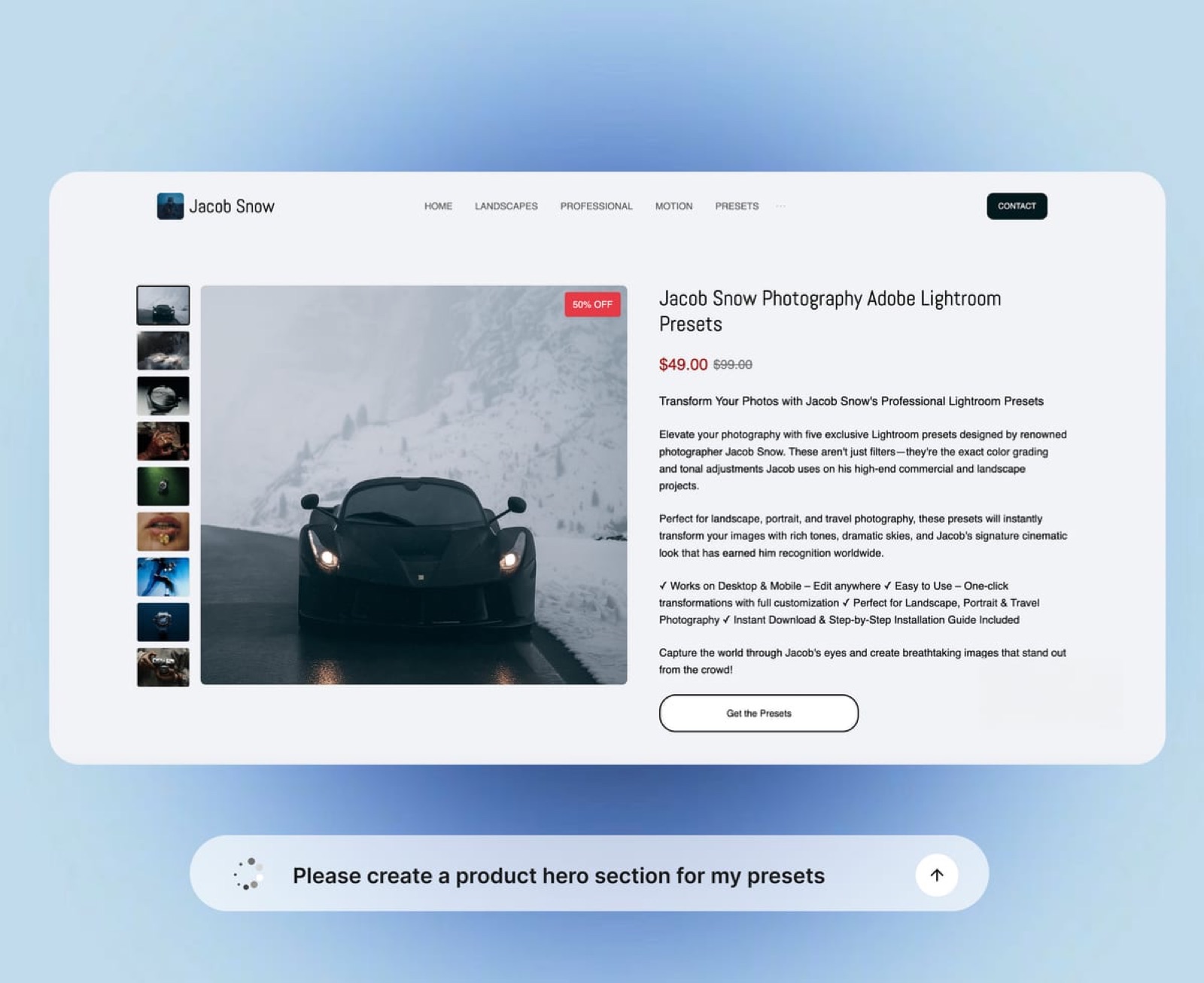
The product page does the selling, so give it 4 to 6 before-and-after pairs from the genres your buyers shoot, a plain list of what is included, the price, and a short FAQ that answers compatibility and refund questions before anyone has to ask.
Before-and-afters first. Use photographs a buyer would recognise from their own work: a backlit portrait, a cloudy landscape, an indoor reception shot.
A slider or side-by-side pair beats a gallery of finished images, because the buyer wants to see what the preset does, not only what you can do.
State the contents exactly. "10 Lightroom presets (XMP for desktop, DNG for mobile), install guide PDF, works with Lightroom Classic, Lightroom desktop and Lightroom mobile." Name the Lightroom versions you tested against.
Show the price and the policy. Put the price beside the buy button and link a one-paragraph refund policy. Digital buyers who can read the policy before paying dispute less often.
On Framekit, the product appears as a section you can place on any page: under the portfolio gallery that shows the look, at the end of a behind-the-scenes post, or on a dedicated presets page in the main navigation.
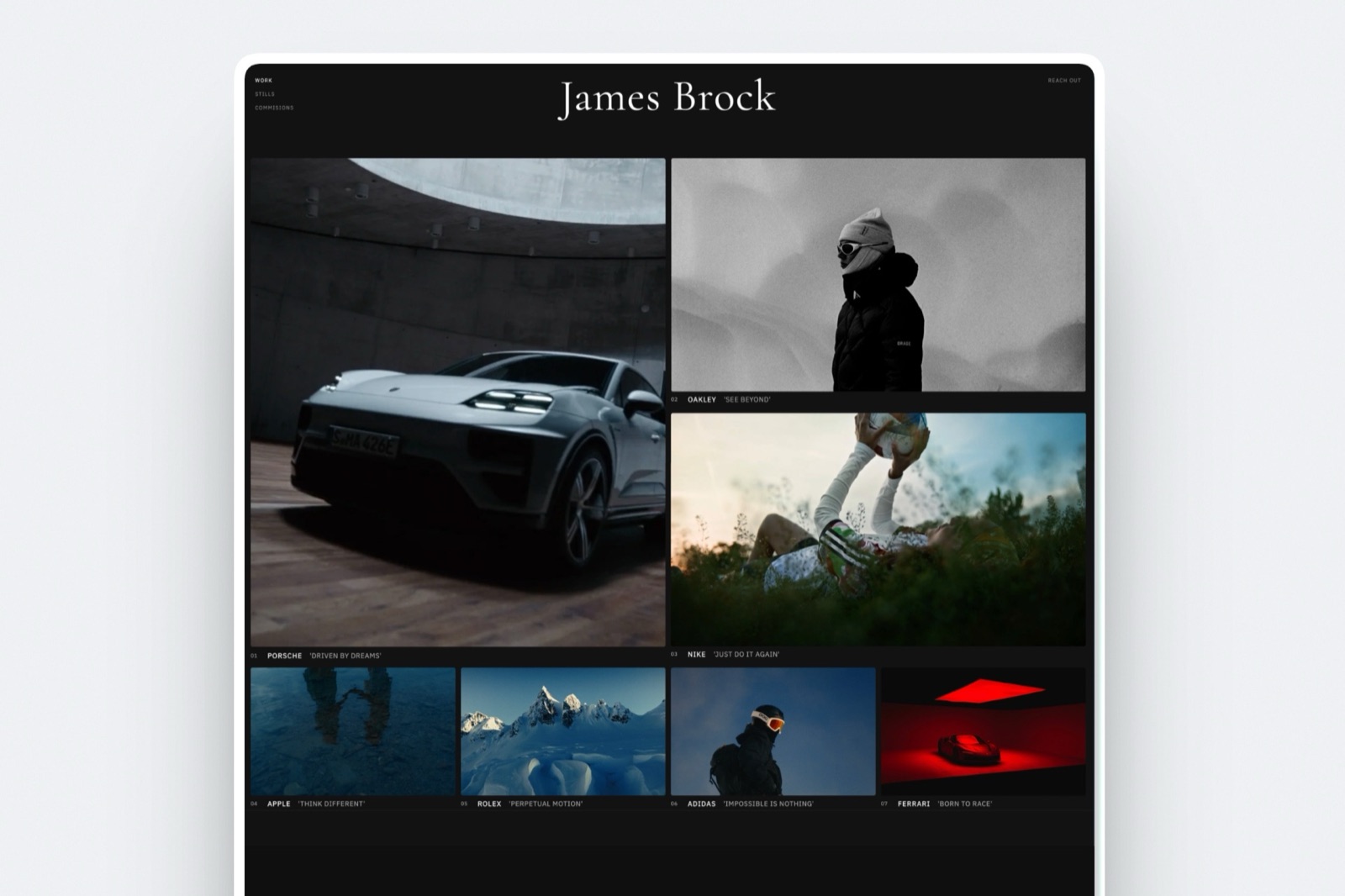
You can ask the AI to draft a product hero section, as in the screenshot above, and then edit every word.
Each product also gets a direct buy link at framekit.ai/buy, which works in an Instagram bio or a YouTube description with no site in between.
Our guide to writing a sales page for a digital product goes deeper on copy.
Step 5: Set Up Checkout and Getting Paid
Checkout needs three decisions: which payment methods buyers see, where the money lands, and when it reaches your bank, and on a Framekit store all three are settings on your own Stripe account rather than the platform's.
Where the money goes. Framekit charges each sale as a direct charge on your connected Stripe account.
The money is in your Stripe balance at the moment of sale, Framekit's percentage comes off as an application fee, and Stripe pays out on your schedule; Stripe typically makes the first payout 7 to 14 days after your first live payment and can pay daily after that.
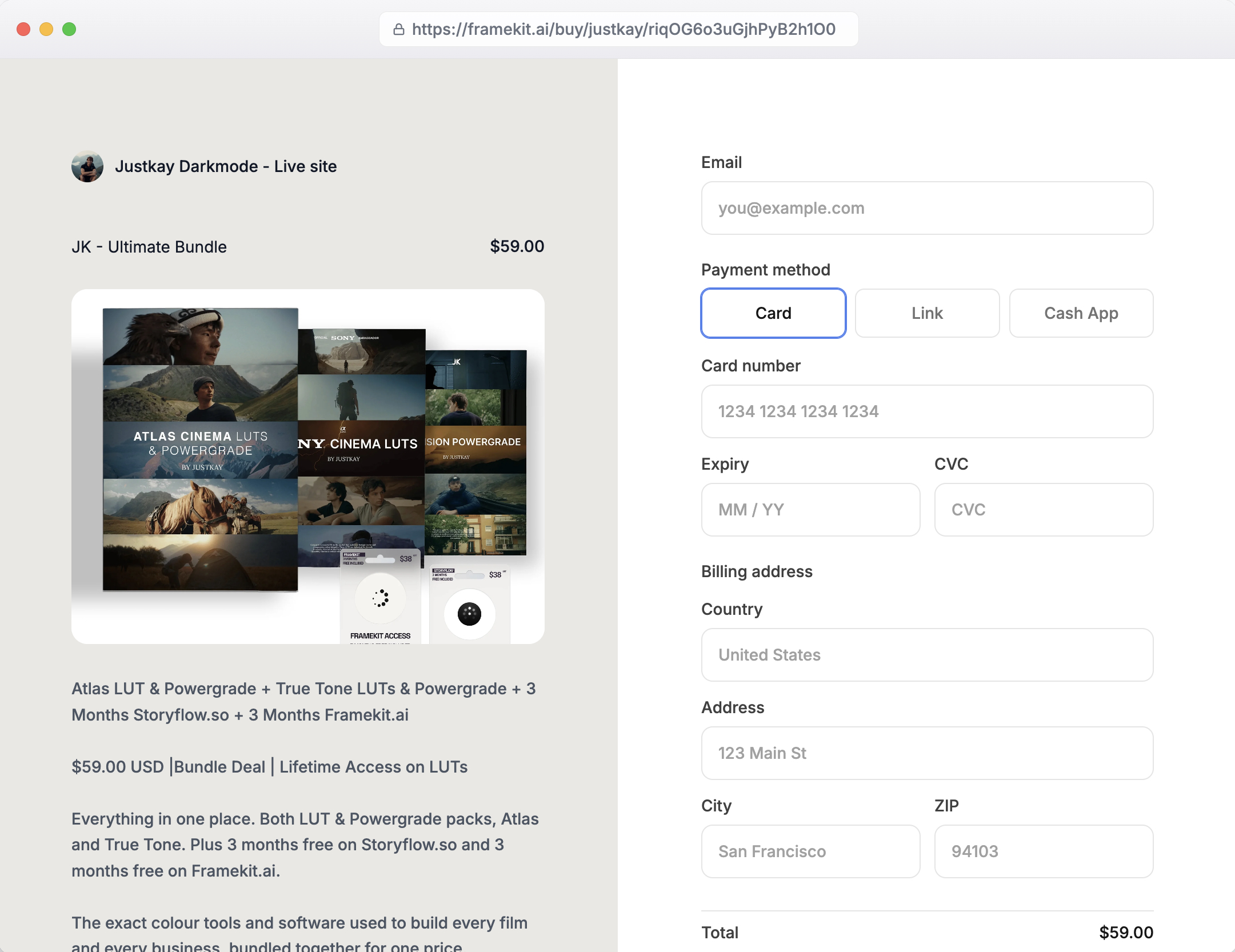
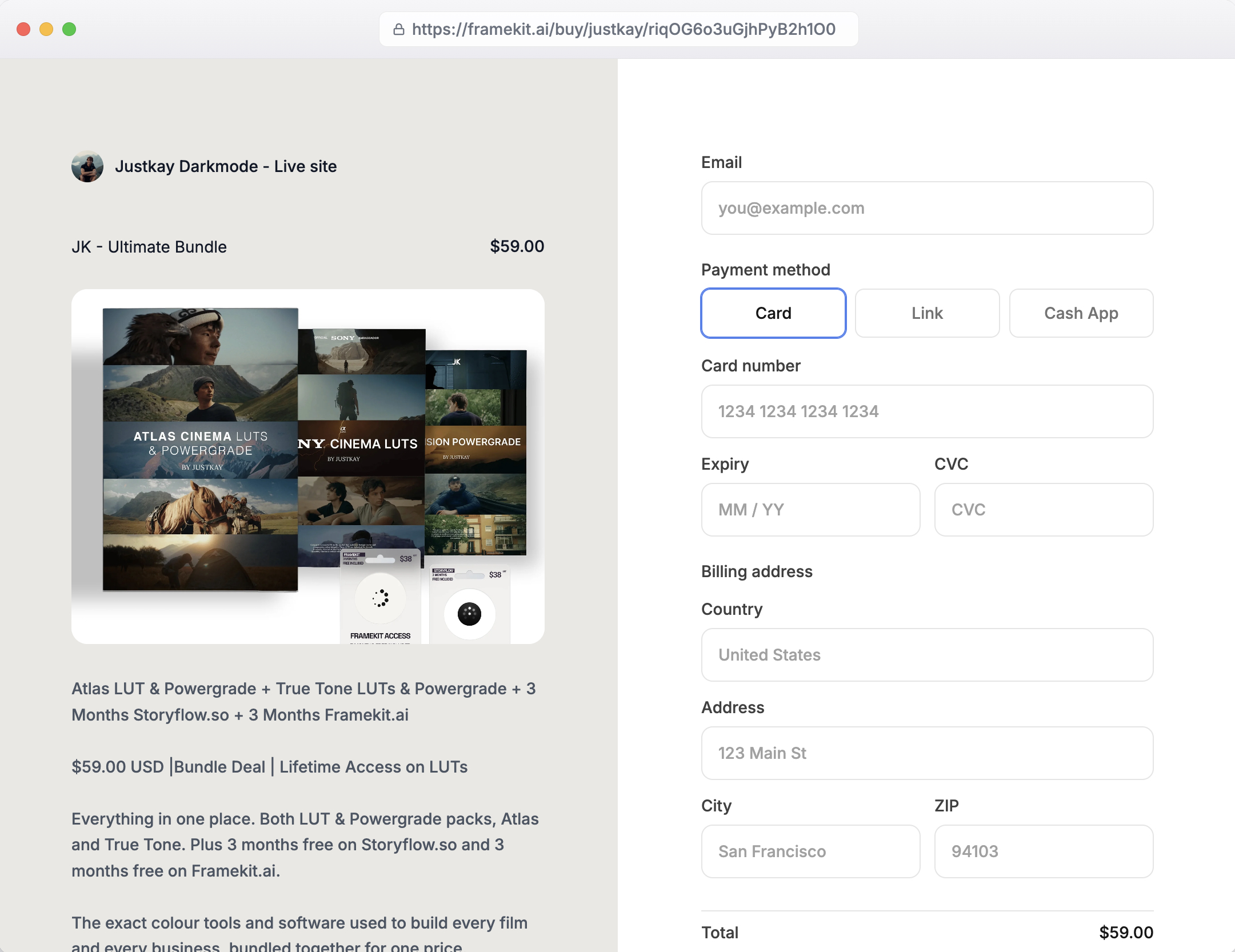
What the buyer sees. The hosted checkout at framekit.ai/buy shows your name and logo, the product and the price, and the payment methods you have enabled in Stripe, which for a US buyer typically means card, Link and Cash App Pay.
It carries a "Powered by Framekit" line on every plan, and it does not run on your own domain even when the rest of your site does.
Discount codes. Codes for a launch or a newsletter offer are available on Framekit's Pro and Business plans, and the fee is charged on the amount after the discount, so a $25 pack sold at 30% off pays 3% of $17.50 on Pro, not of $25, and nothing on Business.
How it compares. Gumroad holds weekly payouts for at least 7 days and needs a $100 balance; Lemon Squeezy pays twice a month after a 13-day hold with a $50 minimum; Etsy makes new shops' funds eligible 14 days after a sale.
For a photographer who launches a pack and wants the money before the next shoot, money in your own Stripe account is the fastest of the four.
Step 6: Deliver the Files and Handle Updates
Automatic delivery should put the ZIP in the buyer's hands the moment payment clears, give them a way back to the files later, and leave you a plan for sending improved versions to people who already bought.
On Framekit, the download appears on the confirmation page straight after payment, and the order email carries download links valid for 7 days.
If a buyer loses the files in month three, you resend fresh links from the order. Framekit does not push updated files to past buyers, so when you release version 2 of the pack, email past buyers from the list your orders built.
Elsewhere, Gumroad sends a receipt with a View content button and offers a Gumroad Library; Lemon Squeezy gives buyers a My Orders account where new files appear automatically; Payhip lets you set download limits and expiring links.
If you plan to update the pack every season, Lemon Squeezy's automatic updates are the strongest feature among these.
Version the files. Put the version and date in the ZIP name ("Coastal-Presets-v1.1-2026-10.zip") so a buyer who emails you can tell you which one they have.
On piracy. No platform stops a determined person from sharing XMP files. What works is making the official version the convenient one: clear names, an install guide, updates for buyers and a fair price.
Our piracy protection tools guide covers stamping and link limits.
Step 7: Handle Tax, Refunds and Chargebacks Before They Happen
Selling from your own site usually makes you the seller of record, which means you decide your refund policy, answer disputes yourself and handle any VAT or sales tax you owe, so set all three up before launch rather than after the first awkward email.
Tax. Framekit does not calculate, add, collect or remit VAT or sales tax; it charges buyers through your own Stripe account, so any tax you owe comes out of your price.
A seller outside the EU owes VAT on digital sales to EU consumers from the first sale, usually through the EU's One Stop Shop; a non-UK seller owes UK VAT on digital sales to UK consumers from the first sale too; and EU-based sellers get a €10,000 a year threshold for cross-border digital sales.
In the US, most states require registration only past an economic nexus threshold, commonly $100,000 a year, and many do not tax digital downloads.
If a large share of your buyers are in Europe and you would rather not file, a merchant of record such as Lemon Squeezy or Gumroad, or Payhip for EU and UK VAT, does it for you.
Our VAT on digital products guide goes further.
Refunds. Decide your policy now. A common one for presets is a refund within 14 days if the presets do not install, with a request for a screenshot.
On Framekit you issue refunds from Stripe and the order is marked refunded; Framekit keeps its fee ($1.25 on a $25 sale on Free, $0.75 on Pro, nothing on Business) and Stripe keeps its processing fee of about $1.03.
Gumroad and Lemon Squeezy return their own fees on a refund.
Chargebacks. On your own Stripe account a dispute costs $15 for US accounts, plus another $15 if you counter, returned if you win. Framekit emails you and marks the order disputed, but you write the evidence.
For a download, the strongest evidence is the order record, the delivery email and your posted refund policy. Our refunds and chargebacks guide covers what to send.
Step 8: Launch to the People Who Already Like Your Work
You are not selling to strangers; you are selling to people who already follow your photography because they like your look, so announce the pack where they already are and give them a reason to buy in the first 72 hours.
A simple launch week:
- Day minus 7: post the free sample preset and collect emails from everyone who downloads it.
- Day minus 3: show before-and-afters from new work on Instagram, with the pack named but not yet on sale.
- Launch day: email the list and post the direct buy link. If you are on Pro or Business, add a 25% launch code that expires in 72 hours.
- Day 3: a last-call email to anyone who opened but did not buy.
- Day 14: ask buyers for one edited photo you can share, with credit.
Make it findable. Put "Presets" in your site's main navigation and the buy link in your link in bio.
The photographers who do well with presets are rarely the ones with the largest reach; they are the ones who made buying effortless for a warm audience. How to launch a digital product covers the email side in more detail.
Selling Presets on Framekit

Framekit is built for the photographer who wants presets to sit beside the portfolio that sells them, because the site, the store, client galleries and video review all live in one account, and the preset pack is a section on the same pages as the work.
What it costs. The free plan sells presets at 5% plus Stripe's processing, with no card needed to start; Starter at $9 a month ($7 yearly) adds your own domain and removes the website badge (checkout keeps a small Powered by Framekit line); Pro at $19 ($15 yearly) drops the fee to 3% and adds discount codes; Business at $39 ($31 yearly) charges 0%.
Storage is pooled across site, galleries and review: 10GB, 50GB, 300GB or 2TB.
What it does well. Unlimited products on every plan, free products for sample presets, a direct buy link for each product, money straight into your own Stripe account, and a fee charged after discounts.
Where it falls short. It is not a merchant of record and adds no tax at checkout. It does not offer subscriptions for a monthly preset club, licence keys, pay-what-you-want, affiliates, upsells or abandoned-cart emails.
It keeps its fee on refunds, sends 7-day download links rather than a buyer account, does not push updated files, and checkout always opens at framekit.ai/buy.
Who should pick something elsea photographer with no audience yet (start on Etsy), one who sells mostly to Europe and will not register for VAT (Payhip or Lemon Squeezy), or one planning a monthly preset subscription (Gumroad or Lemon Squeezy).
Run the Numbers on Your Own Pack
The fastest way to decide where to sell is to price your own year with three numbers you already have, your expected price, your expected packs per month and the share of buyers outside your country.
- Monthly sales: price times packs per month. A $25 pack selling 30 times a month is $750.
- Framekit Free cost: 7.9% of monthly sales plus 30 cents per pack. On $750 that is $59.25 plus $9.00, or $68.25 a month.
- Framekit Business cost: $39 plus 2.9% of sales plus 30 cents per pack: $39 plus $21.75 plus $9.00, or $69.75. Business wins only above $780 a month.
- Gumroad cost: 12.9% of sales plus 80 cents per pack: $96.75 plus $24.00, or $120.75 a month.
- Multiply the gap by twelve. At this volume, a Framekit store keeps about $630 a year more than Gumroad.
- Check the tax line. If a third of your buyers are in the EU and you live outside it, add the cost of a VAT registration and quarterly returns to the Framekit column before deciding.
Common Mistakes When Selling Presets
Four mistakes sink most preset launches, and each one is cheap to avoid in the week before launch and expensive to fix once a few hundred buyers already have the pack.
An untested pack. Presets that only work on the designer's own photos produce refunds and quiet word of mouth. Test on 40 or more images in five lighting situations.
Fear pricing. A $5 pack reads as disposable to the people who would have paid $25. Price for your existing audience and use a 72-hour launch discount instead.
A hidden store. No link in the navigation, no email to the list, no before-and-afters on Instagram, so even a warm audience never finds the pack.
No plan for tax and updates. Discovering a VAT obligation or a version-2 delivery problem after 200 sales is far harder than deciding the policy on day one.
Frequently Asked Questions
How much can you make selling Lightroom presets?
Preset income for most photographers is a side income of a few hundred to a few thousand dollars a year, scaling with audience size and how recognisable the style is.
At 30 sales a month of a $25 pack, $750 a month in sales, a Framekit store keeps about $680 a month after fees and processing, against about $630 on Gumroad.
How much should I charge for a Lightroom preset pack?
Most Lightroom preset packs sell for $15 to $60, and a first pack of 8 to 12 presets from a photographer with a modest following usually does best near $20 to $30.
A signature pack from a photographer whose look people already ask about can hold $40 to $60. Use a time-limited launch discount rather than a permanently low price.
Can I sell presets on Framekit's free plan?
Yes. Framekit's free plan includes the store, with unlimited products, free sample presets and a direct buy link, at a 5% fee per sale plus Stripe's processing, and no card is needed to start.
A custom domain starts on Starter at $9 a month, discount codes on Pro at $19, and the 0% fee on Business at $39, which is cheaper than Free above $780 a month in sales.
Your own website vs Gumroad for presets: which keeps more?
Your own website keeps more. A $25 preset sale leaves $22.72 on Framekit's free plan and $23.97 on Business, against $20.97 on Gumroad after its 10% plus 50 cents and processing.
At $2,000 a month that is $1,356 a year on Framekit Business against $3,864 on Gumroad. Gumroad's advantages are that it files your sales tax and VAT as merchant of record and can bring buyers through Discover.
Do I have to charge VAT on presets sold to EU buyers?
If you sell from your own site and live outside the EU, you owe VAT on preset sales to EU consumers from the first sale, normally declared through the EU's One Stop Shop.
Framekit does not calculate or add VAT, so it comes out of your price. A merchant of record such as Lemon Squeezy or Gumroad handles it for you, and Payhip collects and remits EU and UK VAT.
What file formats should Lightroom presets come in?
Sell Lightroom presets as XMP files for Lightroom Classic and Lightroom desktop, plus DNG files for buyers who use only the free mobile app, with a short PDF install guide, all in one ZIP.
XMP files are a few kilobytes each; DNG files usually run 10 to 30MB each, which matters on Etsy, where digital listings are capped at 5 files of 20MB.
How do buyers get their preset files after paying?
On Framekit, buyers download the ZIP on the confirmation page straight after payment, and the order email carries links valid for 7 days that you can resend from the order if they lose the files later.
Gumroad offers a receipt link and a Library, and Lemon Squeezy a My Orders account.
How do I send preset updates to people who already bought?
On Framekit, updated files are not pushed to past buyers, so email them from the list your orders built with a fresh link or a note that version 2 is out.
Lemon Squeezy shows new files in buyers' My Orders pages automatically, and Gumroad lets you resend receipts or post an update to past customers.
Does Framekit refund its fee if I refund a preset buyer?
No. Framekit keeps its fee when you refund: $1.25 on a $25 sale on Free, $0.75 on Pro and nothing on Business, and Stripe keeps its processing fee of about $1.03. Gumroad and Lemon Squeezy return their own fees on a refund, so a refund costs a little less there.
Can I sell a monthly preset subscription from my website?
Not on Framekit, which sells one-off digital downloads only, with no subscriptions or memberships. Gumroad offers memberships and Lemon Squeezy offers subscriptions, so a monthly preset club belongs there, with your Framekit site linking to it.
Is the checkout on my own domain?
On Framekit, no. Your site and preset page can run on your own domain from the Starter plan, but the payment page always opens at framekit.ai/buy with your name, your logo and a "Powered by Framekit" line, on every plan.
Should I also sell presets on Etsy?
Yes, if you have little audience of your own, because Etsy's search traffic brings buyers your site cannot reach on day one. A $25 sale leaves $22.17 on Etsy before ads, or $18.42 if it came through Offsite Ads at 15%.
Use Etsy for discovery and your own site for repeat buyers. Etsy vs Framekit prices both.
The Bottom Line
Selling Lightroom presets is one of the few income streams a working photographer has already built the product for: your style. The decision is where it lives.
A marketplace rents you discovery and charges on every sale; your own website keeps the margin, the customer and the brand.
Build a tested pack of 8 to 12 presets, export XMP and DNG files with a guide, price it near $25 for a first pack, put it on a product page beside your portfolio, decide your refund and tax policy before launch, and point your audience at it.
On Framekit that means a free start at 5%, a 0% fee on Business above $780 a month, and money in your own Stripe account. It also means handling your own tax, emailing updates yourself and sending buyers to a checkout at framekit.ai/buy.
If tax filing is the part you never want to touch, Lemon Squeezy or Gumroad is the better home, and the fee is what that service costs.
If you are still deciding whether you need a site at all, read our take on whether photographers need a website, and if you also sell LUTs, how to sell LUTs online covers the video side.