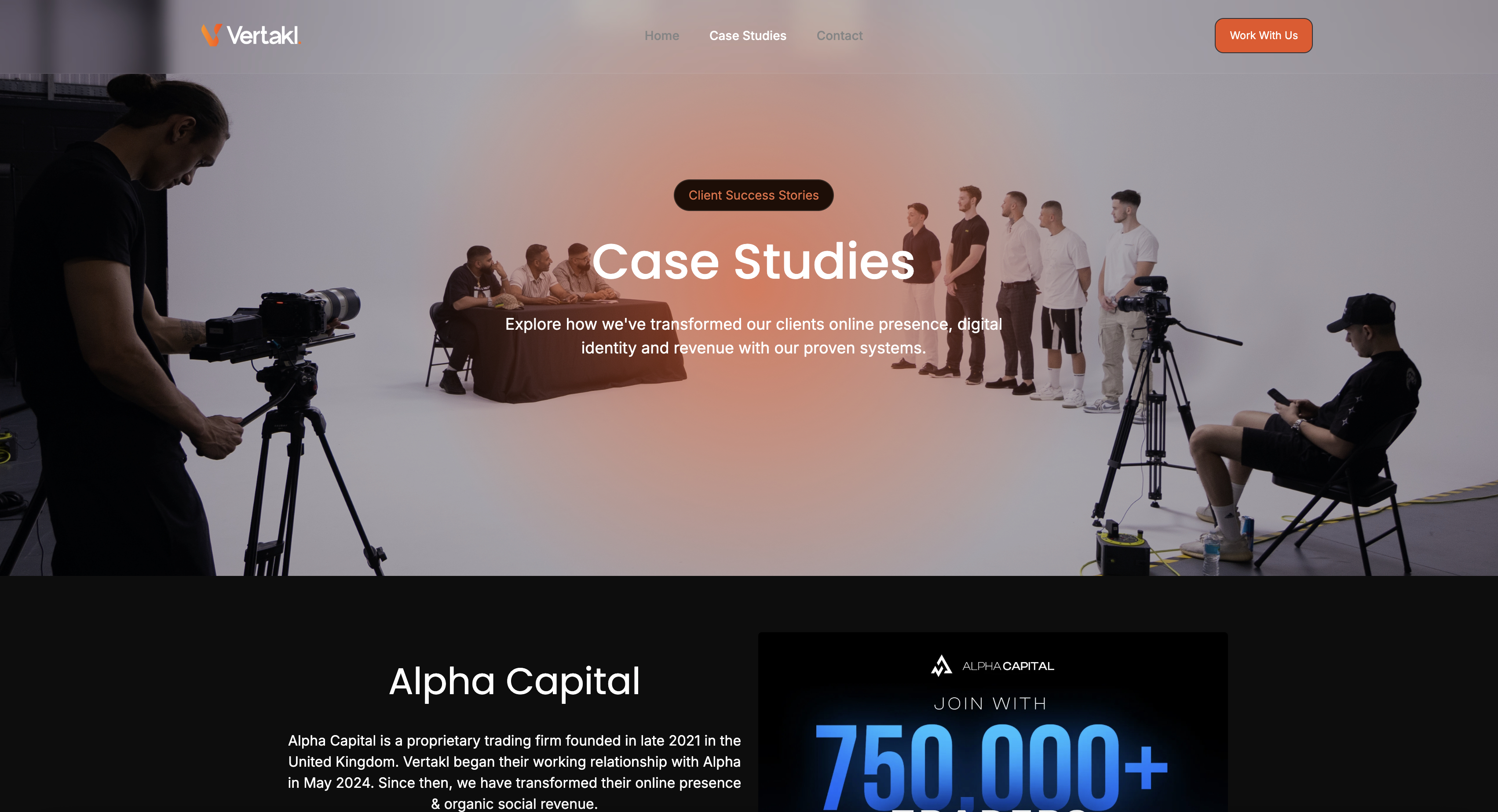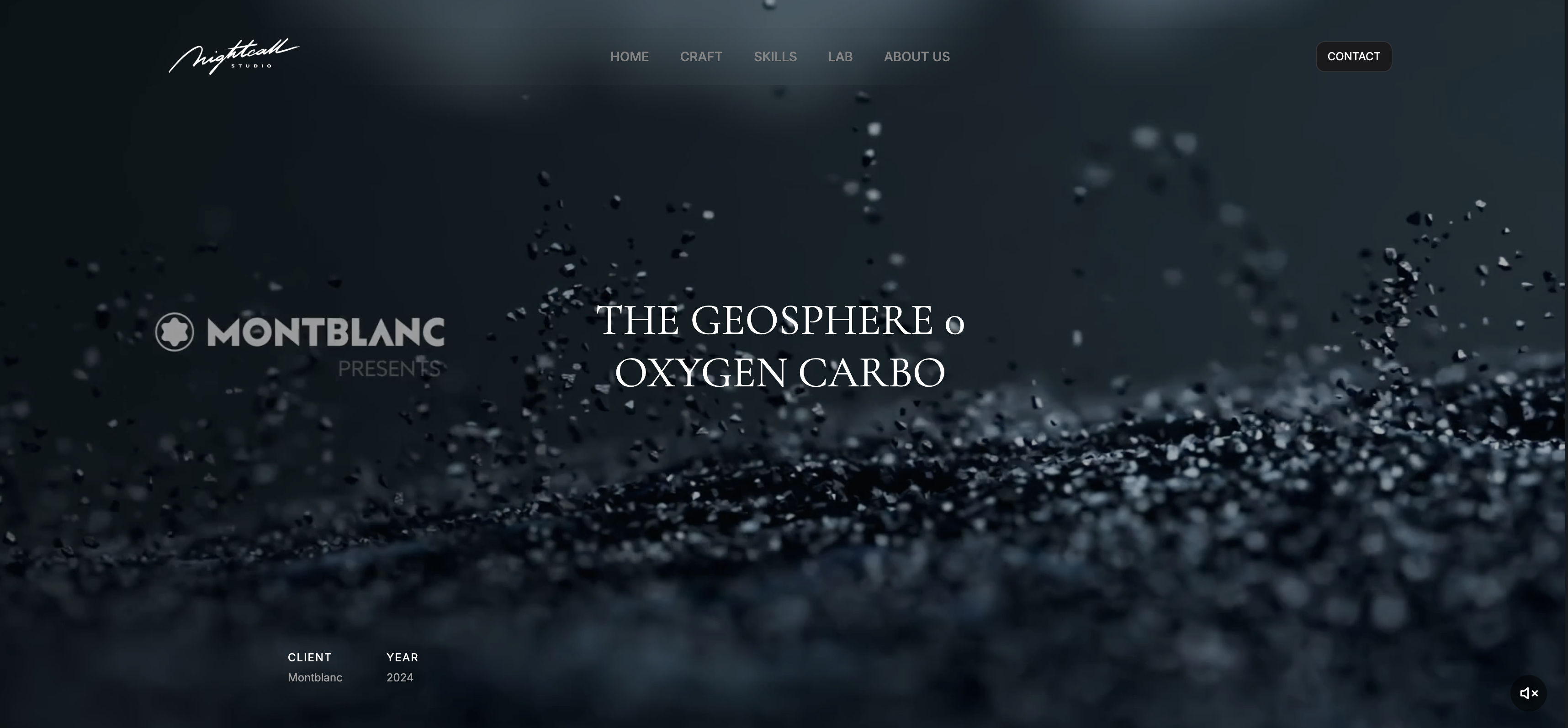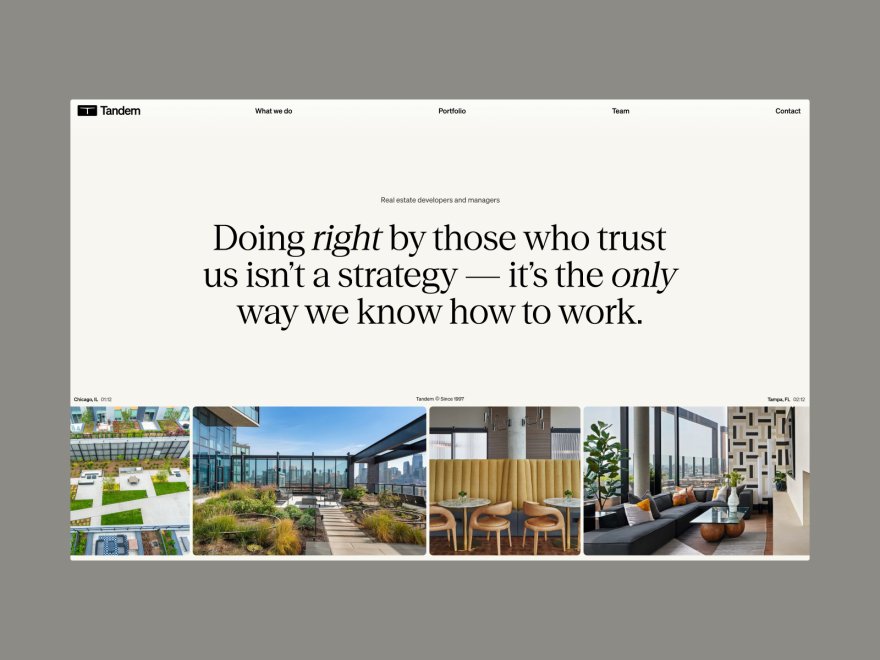
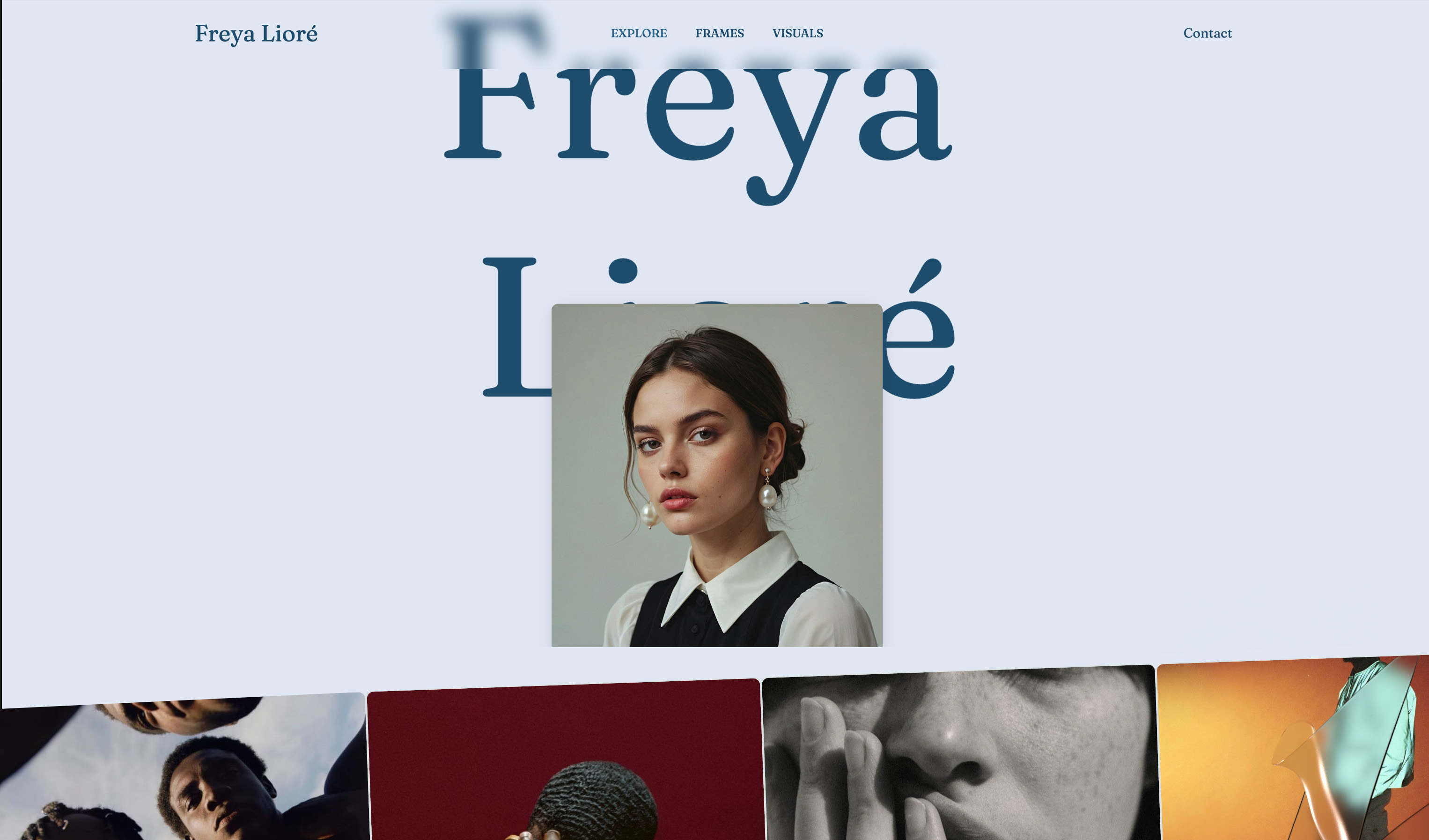
Framekit templates
Start from a designer-made template
 Use template
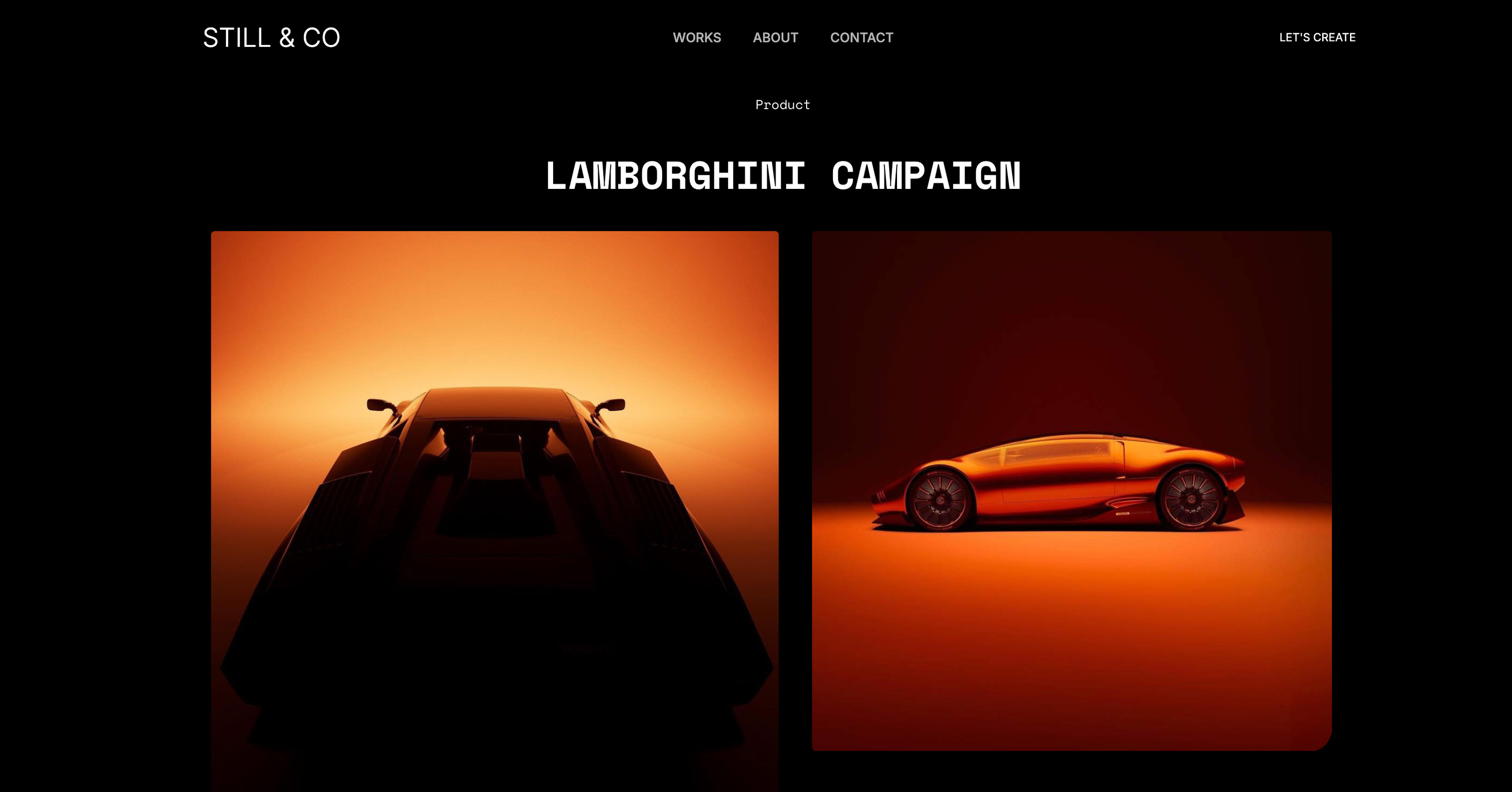 Use template
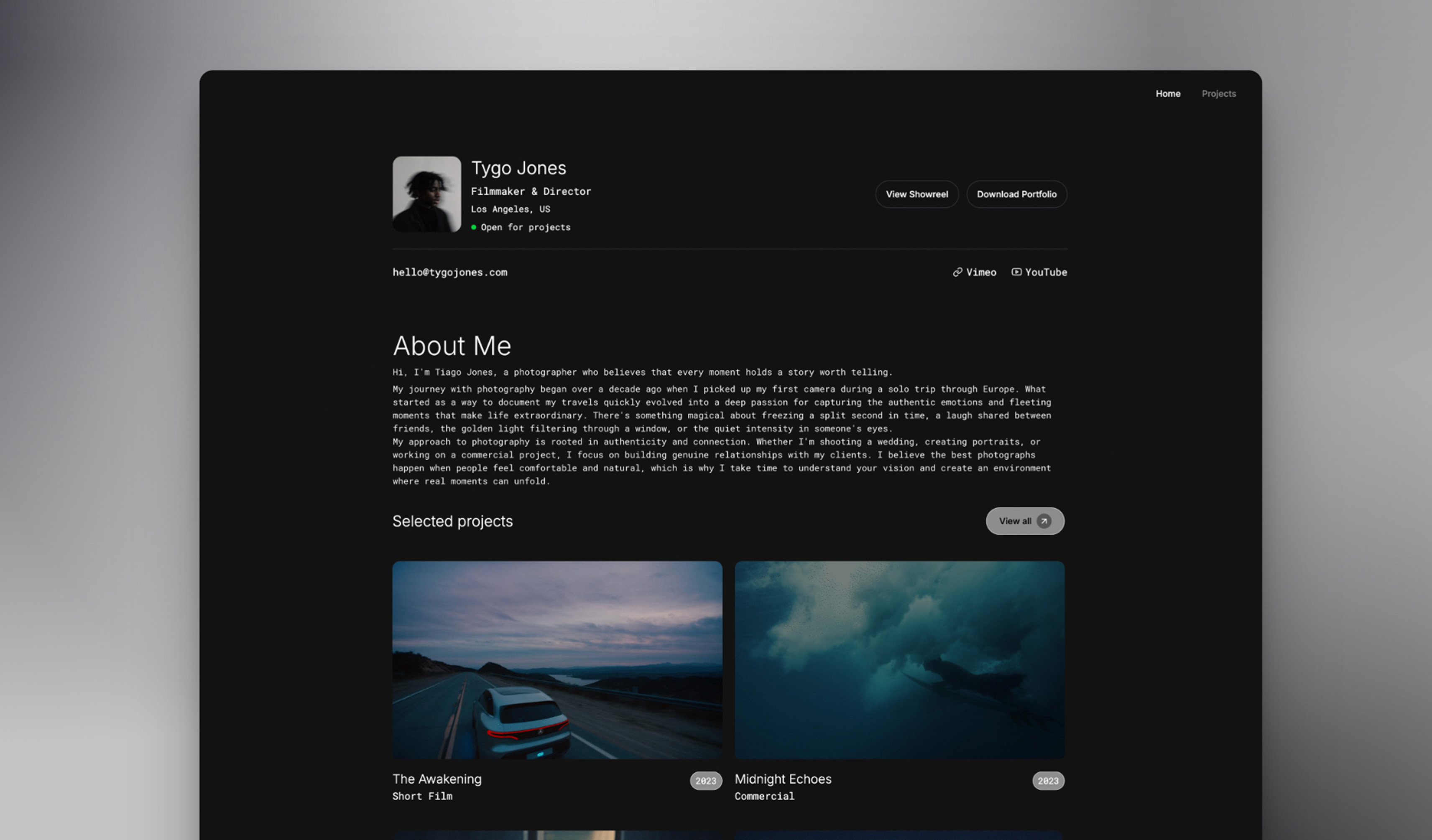 Use template
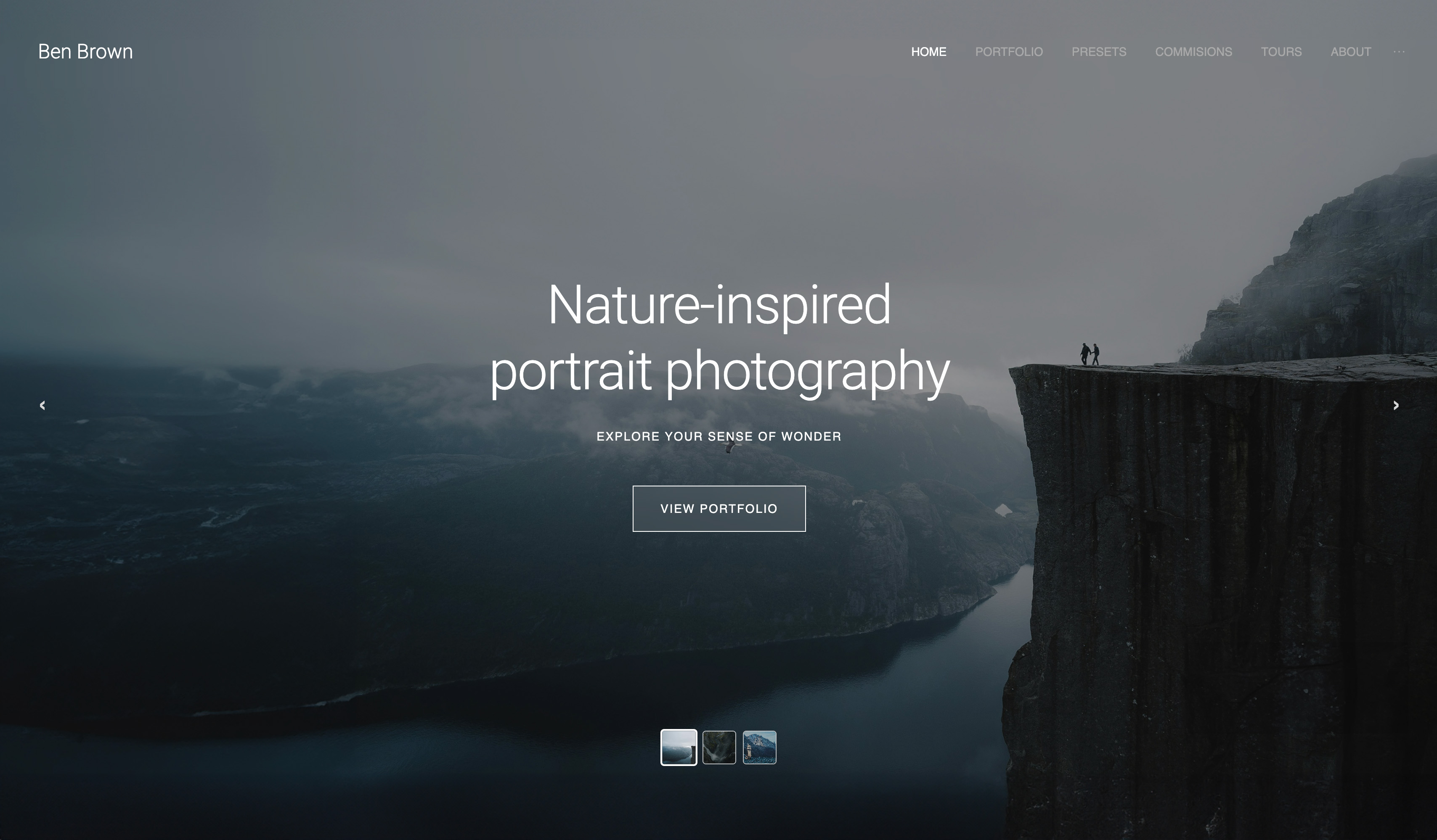 Use template
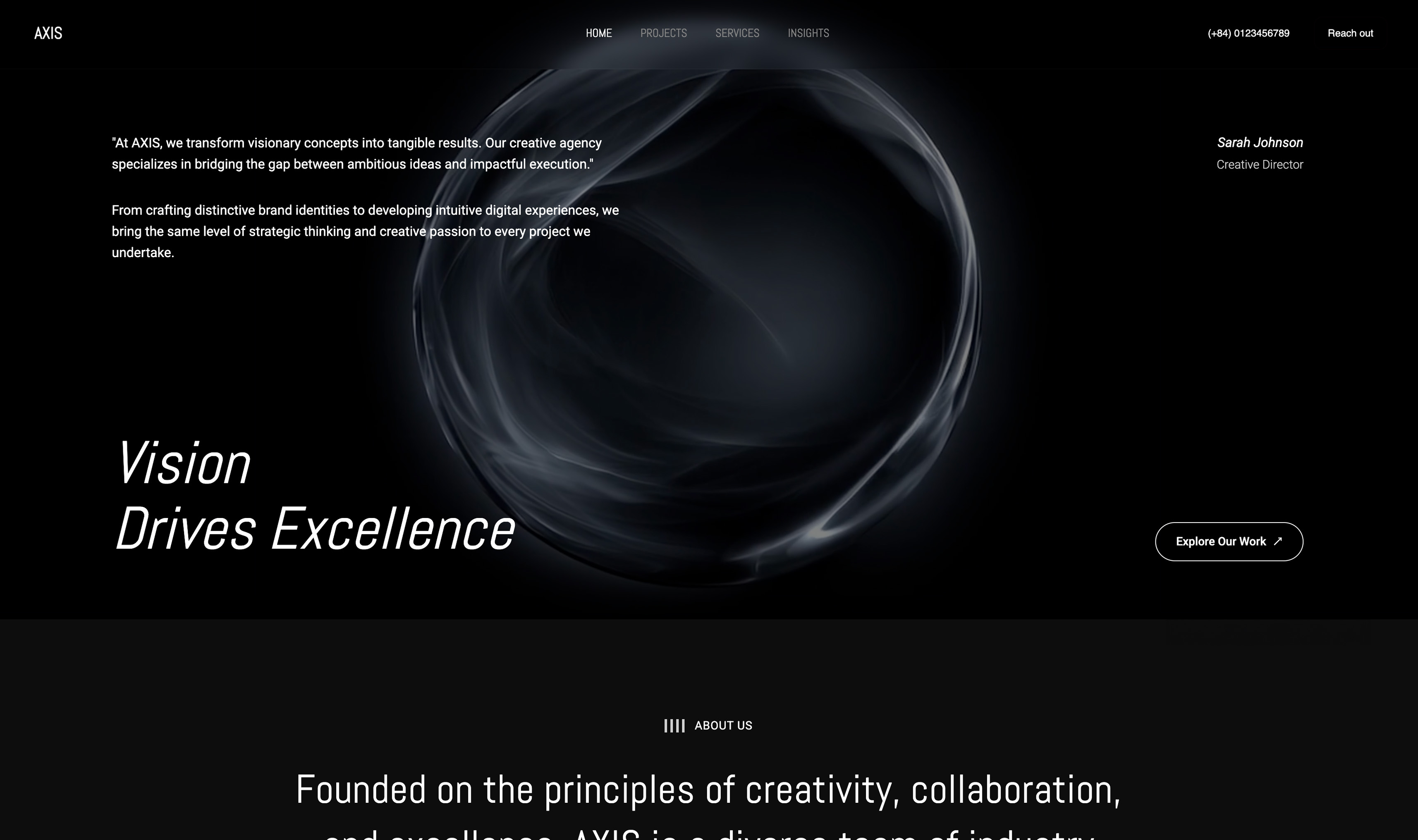 Use template
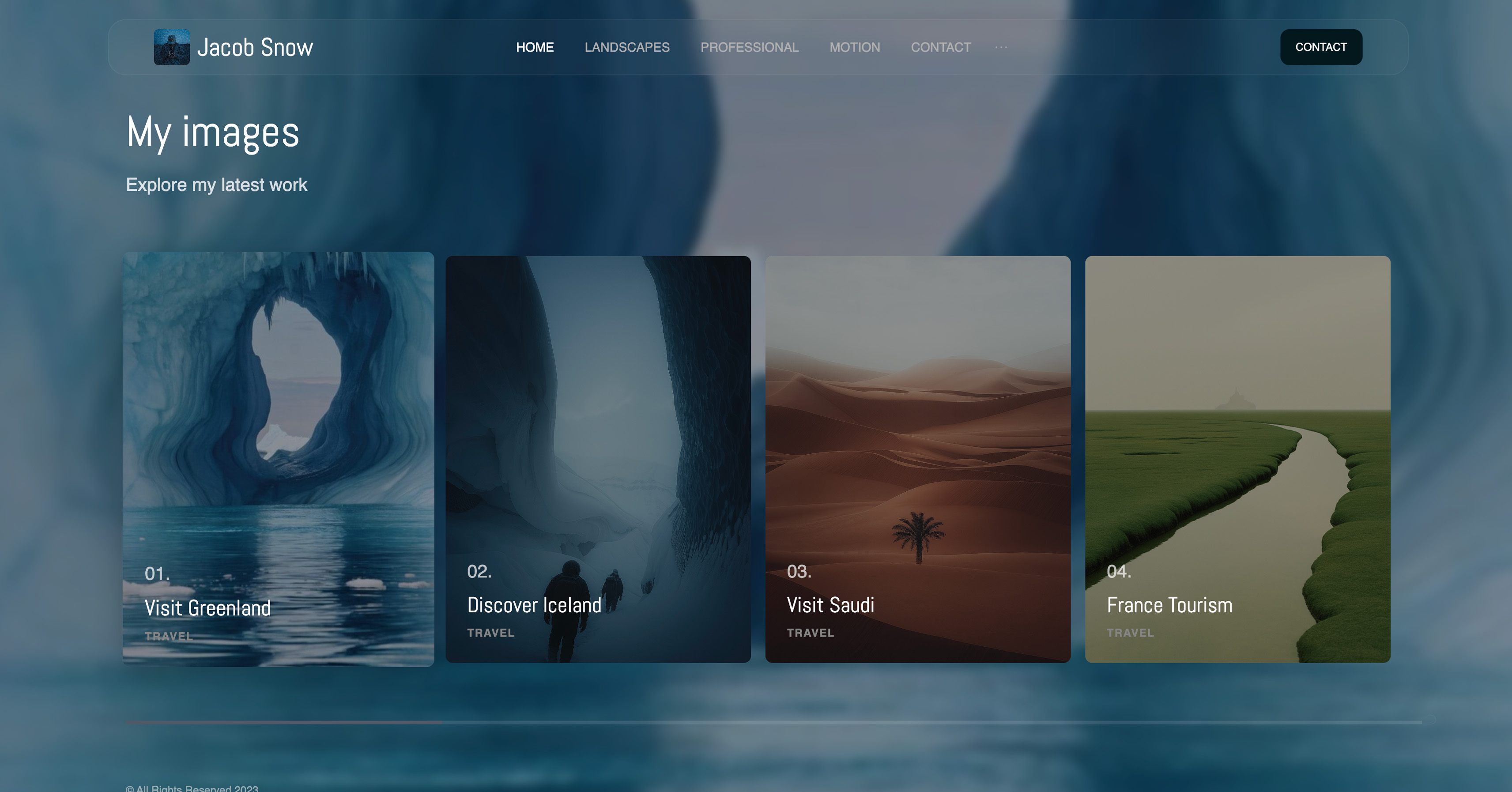 Use template
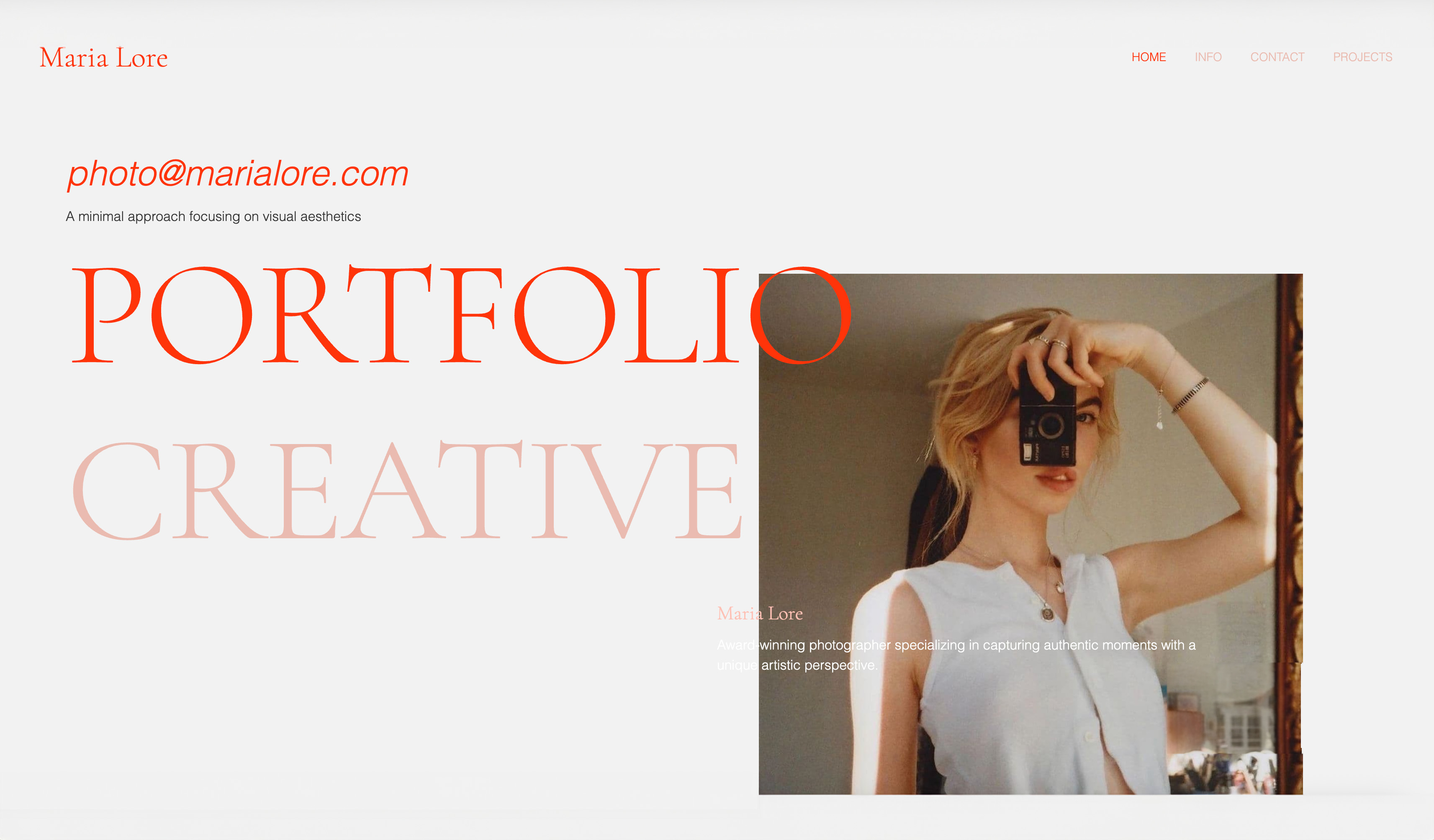 Use template
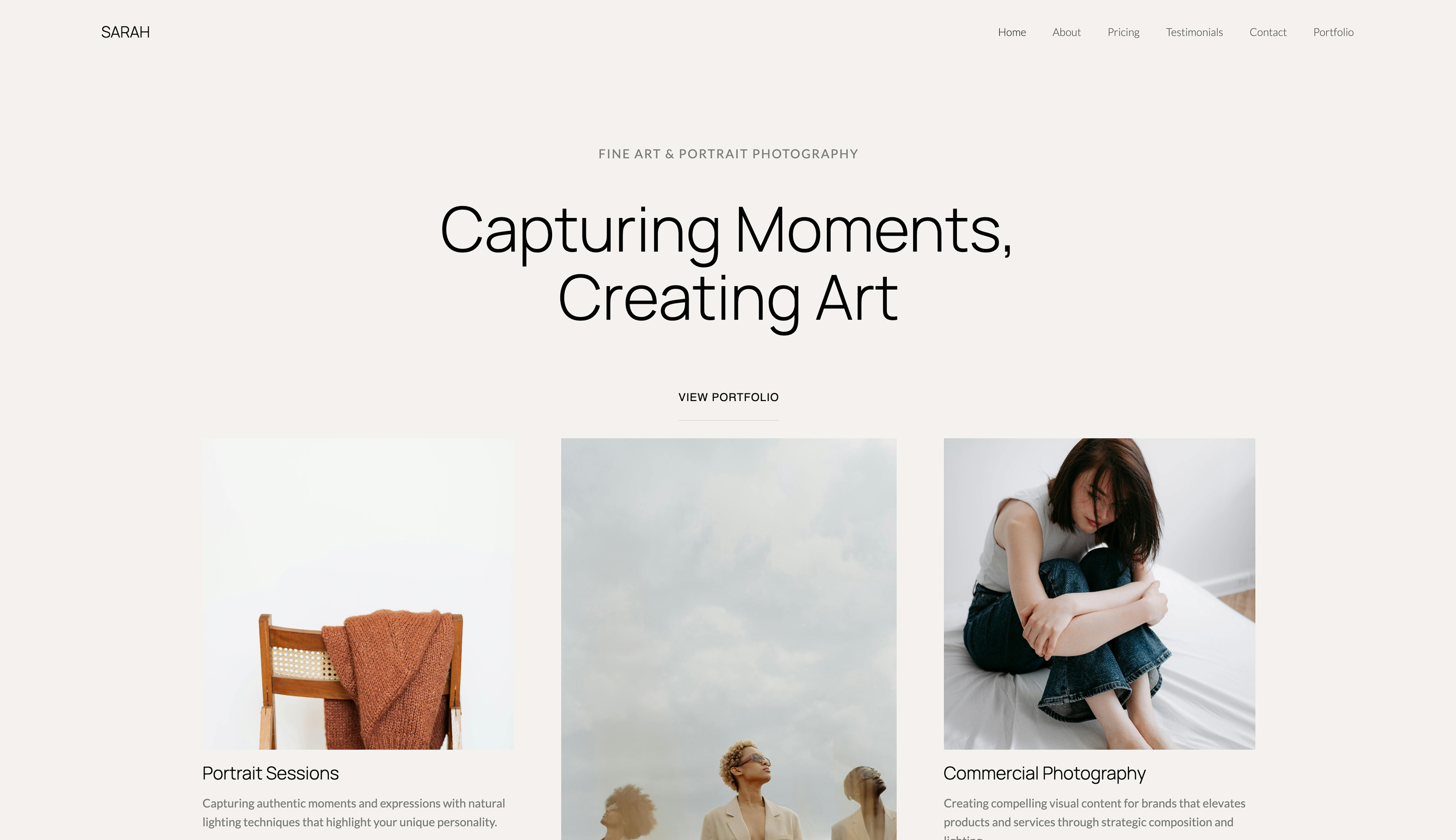 Use template

You have the work: a folder of finished pieces good enough to show a client or a hiring manager.
What you do not have, as a student or someone just starting out, is $16 or $25 every month to keep a website alive while you wait for that work to start paying.
You want a free portfolio website with no subscription, and you want it to stay online in month two.
The problem is not that good free options are missing in 2026. It is that "free" is one of the most stretched words in website marketing. Some tools that rank for it mean a 14-day trial, after which the site goes dark without a card.
Others mean free until you want a real address, or free with the builder's ads on your homepage. The word does a lot of quiet work.
A free portfolio website is a live site that shows your work, a short introduction and a way to contact you at no recurring cost, on a plan that stays online indefinitely without a card on file, usually on the builder's own subdomain and with the builder's branding until you pay.
You can build a free portfolio website with no subscription in 2026 by choosing a permanent free plan rather than a trial and publishing on its subdomain.
Framekit Free publishes 10 pages on a yourname.framekit.ai address with a small badge, a starter set of templates and 10GB of pooled storage, plus client galleries, video review, decks and a store at a 5% fee; your own domain needs Starter at $7 a month billed yearly.
Carrd Free suits a single page, Google Sites can connect a domain you own from its settings, so you pay only the registrar, and GitHub Pages is free with a custom domain if you can write the site yourself.
Updated for October 2026: we re-verified every free-plan limit in this guide against each vendor's own page on the 12th, corrected the earlier version's Framekit subdomain (it is framekit.ai), its claim that free plans cannot sell (Framekit's can, at a 5% fee), and a line that promised Framekit prices stay flat at renewal, which is not something we can verify.
Full disclosure: Framekit is our product. Its free plan is exact below, including what it leaves out, and the comparison says where Google Sites, Carrd and GitHub Pages are the better free choice.
Free Plan or Free Trial: The One Test That Matters
The single test that separates a real free portfolio plan from a disguised trial is blunt: fourteen days after you publish, with no card on file, is the site still online at the same address, and the table below answers it for the builders creatives ask about most.
| Builder | Permanent free plan? | What happens after 14 days with no card | Free address |
|---|---|---|---|
| Framekit | Yes | Stays online | yourname.framekit.ai |
| Wix | Yes | Stays online | A wixsite.com address |
| Carrd | Yes, up to 3 sites | Stays online | A Carrd subdomain |
| WordPress.com | Yes | Stays online | A WordPress.com subdomain |
| Framer | Yes | Stays online | A free Framer domain |
| Webflow | Yes, 2 pages | Stays online | A Webflow subdomain |
| Google Sites | Yes | Stays online | A sites.google.com address, or your own domain |
| GitHub Pages | Yes, if you write the site | Stays online | A github.io address, or your own domain |
| Squarespace | No, 14-day trial | Goes offline until you pay | Not applicable |
| Format | No | Not applicable | Not applicable |
Squarespace's pricing page offers a 14-day trial and its cheapest plan is $19 a month billed yearly, so it does not belong on a no-subscription shortlist. Every other row above can keep a portfolio online at $0.
What Framekit's Free Plan Includes, and What It Leaves Out

Framekit is an AI website builder whose free plan is permanent and needs no credit card, and because free plans are where vague promises hide, this section lists exactly what it includes and exactly what it holds back, from Framekit's published plan table in October 2026.
| Framekit Free includes | Framekit Free does not include |
|---|---|
| A 10-page site on a yourname.framekit.ai address | Your own domain (Starter and up) |
| Hosting, SSL and a global CDN | Removal of the small Framekit badge (Starter and up) |
| A starter set of site templates | The full template library (Starter and up) |
| 10GB of storage pooled across site, galleries and review, 3GB of it video | Custom fonts (Starter and up) |
| AI drafting from a brief or a reference screenshot, within a monthly AI allowance | Custom code and site translation (Pro and up) |
| Per-page titles and descriptions, a sitemap, social previews and site analytics | PowerPoint export of decks (Pro and up) |
| Contact forms, up to 500 submissions a month | Store discount codes (Pro and up) |
| Unlimited client galleries with every gallery feature | Files attached to review comments (Pro and up) |
| Video review, up to 500MB and 2 hours per video | Team members (Pro has 3, Business unlimited, website admins only) |
| Unlimited decks with PDF export, with a "Made with Framekit" badge | The deck template library and byline removal (Starter and up) |
| A store with unlimited digital products at a 5% fee | Your own domain on the checkout page; Framekit hosts checkout on every plan |
Site pages take image uploads up to 25MB each and video uploads up to 15MB, so a long reel is a Vimeo or YouTube embed. The monthly AI allowance grows on paid plans; editing any page by hand never draws on it.
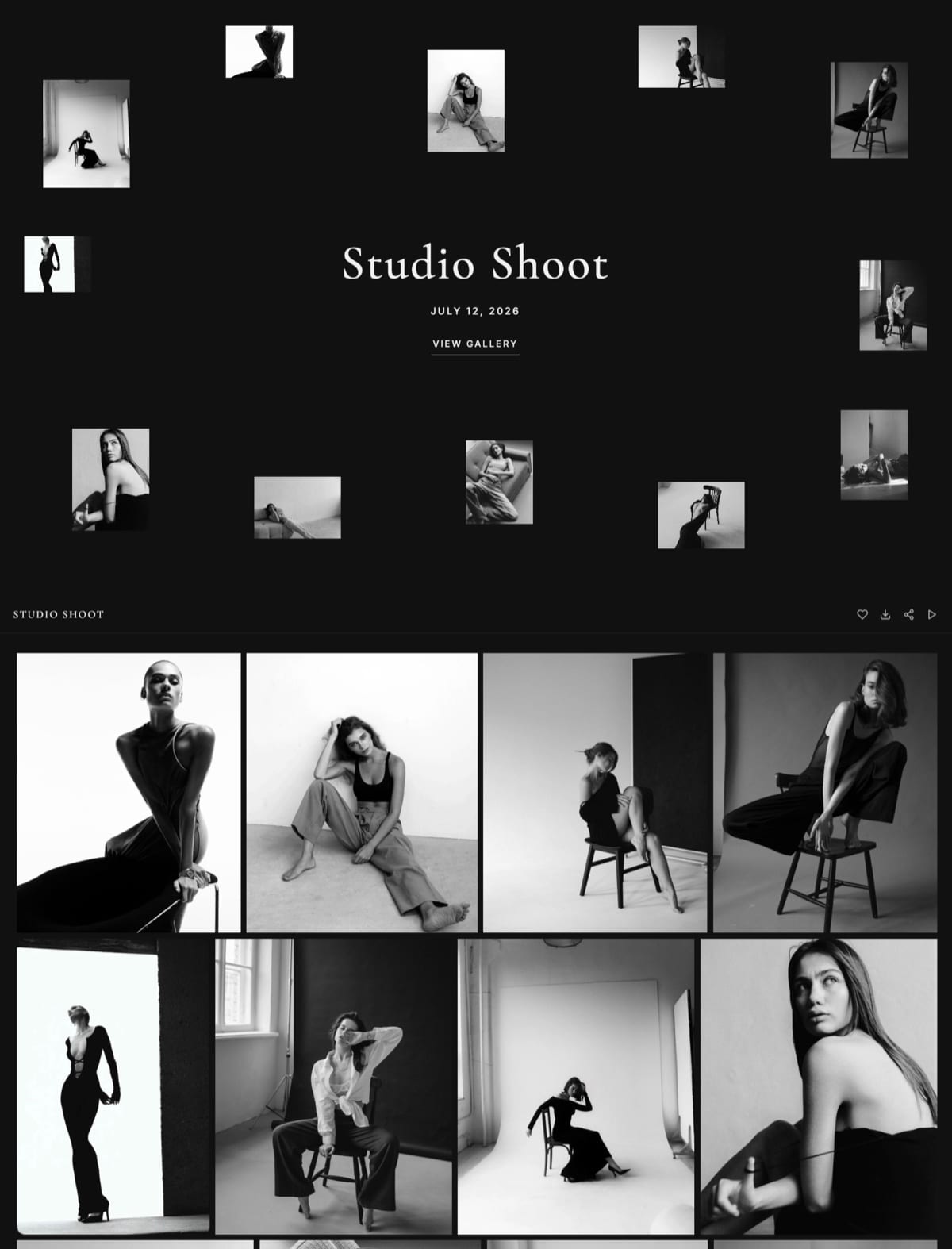
Where it fits. A photographer, filmmaker or designer starting out gets a real multi-page portfolio and the client tools that usually cost extra, galleries, review links and a store, without a bill.
The step up is Starter at $9 a month, or $7 billed yearly, for your own domain, no site badge, the full template library and 50GB; client galleries keep a small Made with Framekit footer line on every plan, Starter included.
Where it loses. The free plan cannot use your own domain, and Google Sites and GitHub Pages can. The badge stays on until Starter. Carrd is simpler for a single page.
There is no redirect manager, robots.txt is not editable, and there is no RSS feed, which matters if you plan to blog.
And the free plan's 10 pages fill quickly if every project gets its own page: home, about and contact leave room for 7 projects.
Every Real Free Portfolio Option Compared
Each permanent free plan withholds something different, an own domain, storage, pages, branding or the ability to sell, so the useful comparison is what each one leaves out and what it costs to fix that, read on each vendor's own page in October 2026.
| Free option | What the free plan gives you | Branding or ads | Biggest limit | Your own domain costs |
|---|---|---|---|---|
| Framekit Free | 10 pages, 10GB, galleries, review, decks, store | Small Framekit badge | No own domain | $84 a year (Starter, billed yearly) |
| Carrd Free | Up to 3 one-page sites | Carrd branding | One page per site | $19 a year (Pro Standard) |
| Wix Free | The Wix editor, 500MB storage, 1GB bandwidth | Wix branding, sometimes ads | No payments, little storage | $204 a year (Light, billed yearly) |
| WordPress.com Free | Unlimited pages and posts, 1GB | WordPress.com ads shown to visitors | No plugins | $48 a year (Personal, billed yearly) |
| Framer Free | Full canvas, 1GB bandwidth, 5MB uploads | Free Framer domain | No own domain | $10 a month (Basic) |
| Webflow Free | Designer tools on 2 pages | A Webflow subdomain | 2 pages | $15 a month billed yearly (Basic) |
| Google Sites | Multi-page site with a Google account | None described | Basic design | $0 plus the domain itself |
| GitHub Pages | Any static site you build, 1GB | None | You write the code | $0 plus the domain itself |
The no-code options
Carrd's Pro page lists Pro Standard at $19 a year with custom domains, forms and embeds, which makes it the cheapest paid step for a single-page portfolio.
Wix's plans page puts Light at $17 a month billed yearly; its free plan cannot take payments and carries Wix branding.
WordPress.com's free plan shows its own ads to your visitors and does not allow plugins, while Personal at $4 a month billed yearly connects a domain.
Framer's pricing page gives the free plan 500 AI credits to try, 1GB of bandwidth and 5MB file uploads, with a custom domain from Basic.
The free-domain options
Google's help centre says you can connect a custom domain to a site published on Google Sites, up to five per site, verifying ownership through Search Console, which makes it the cheapest route to yourname.com: the registrar fee and nothing else.
The trade is design, which stays plain.
GitHub Pages hosts a static site for free on a github.io address or your own domain, with a 1GB size limit and a soft bandwidth limit of 100GB a month according to its documentation; you write and publish the site yourself.
The profiles that are not sites
Behance, Dribbble and Instagram are free and useful for discovery, but they are profiles inside someone else's platform, laid out their way and sitting beside other creatives' work.
Adobe Portfolio is not free on its own: it is included with Creative Cloud plans and has no stand-alone subscription. Keep the profiles, and point them at a site you control.
The full ranked list is in the best free website builders, and Framekit vs Carrd, Framekit vs Wix and Framekit vs WordPress cover the closest pairs.
Step 1: Decide What the Site Must Do
Before comparing a single tool, decide what the free portfolio has to do, because a free plan only feels limiting when you ask it for things you do not need, and a starting portfolio needs three jobs done well rather than ten done thinly.
The three jobs: show your best work in a gallery or project list, tell a visitor who you are and why to trust you, and give them a way to reach you.
That maps to five pages at most: home, work (or one page per project for up to 7 projects), about, and contact.
Write down any extra job you genuinely need in the next six months, delivering client photos, sending a film for notes, selling a preset pack, because that is what decides between the free plans above.
Step 2: Match the Free Plan to the Job
The right free plan follows from the job list in Step 1, and four common shapes cover almost every creative starting out, each with a free plan that fits it and a clear point where paying starts to make sense.
- One page, one link for your bio: Carrd Free. Pay $19 a year when you want your own domain.
- A multi-page portfolio, plus delivering galleries, sending review links or selling downloads: Framekit Free. Pay $84 a year billed yearly on Starter when you want your own domain and no badge.
- Your own domain at $0, and plain design is fine: Google Sites, paying only the registrar.
- You write code and want total control: GitHub Pages, paying only the registrar.
If you are a designer whose portfolio must itself prove design skill, Framer's free canvas is strong, but its free plan keeps you on a Framer address and its 5MB upload limit is tight for image-heavy work.
Step 3: Gather 8 to 12 Pieces and Write Three Things
The slow part of building a portfolio is never the builder; it is choosing the work and writing about it, so do both before you open any tool and the build itself becomes arranging rather than staring at empty boxes.
Choose 8 to 12 of your strongest pieces, the work you would be glad to be hired to do again.
Export images at about 2,000 to 2,500 pixels on the long edge so pages stay quick on a phone; Framekit's site pages accept uploads up to 25MB and its image CDN serves a resized copy to each screen, so a sensible export size mainly saves your storage and upload time.
Then write three things in a notes app:
- One line of 10 to 20 words: what you do, for whom, and where. "Illustration and lettering for packaging and editorial clients, based in Glasgow."
- An about paragraph of 120 to 200 words that gives a reason to trust you: what you like to work on, how you work, one human detail.
- Two or three lines per project: what it was, who it was for, and your role.
Step 4: Build the Site
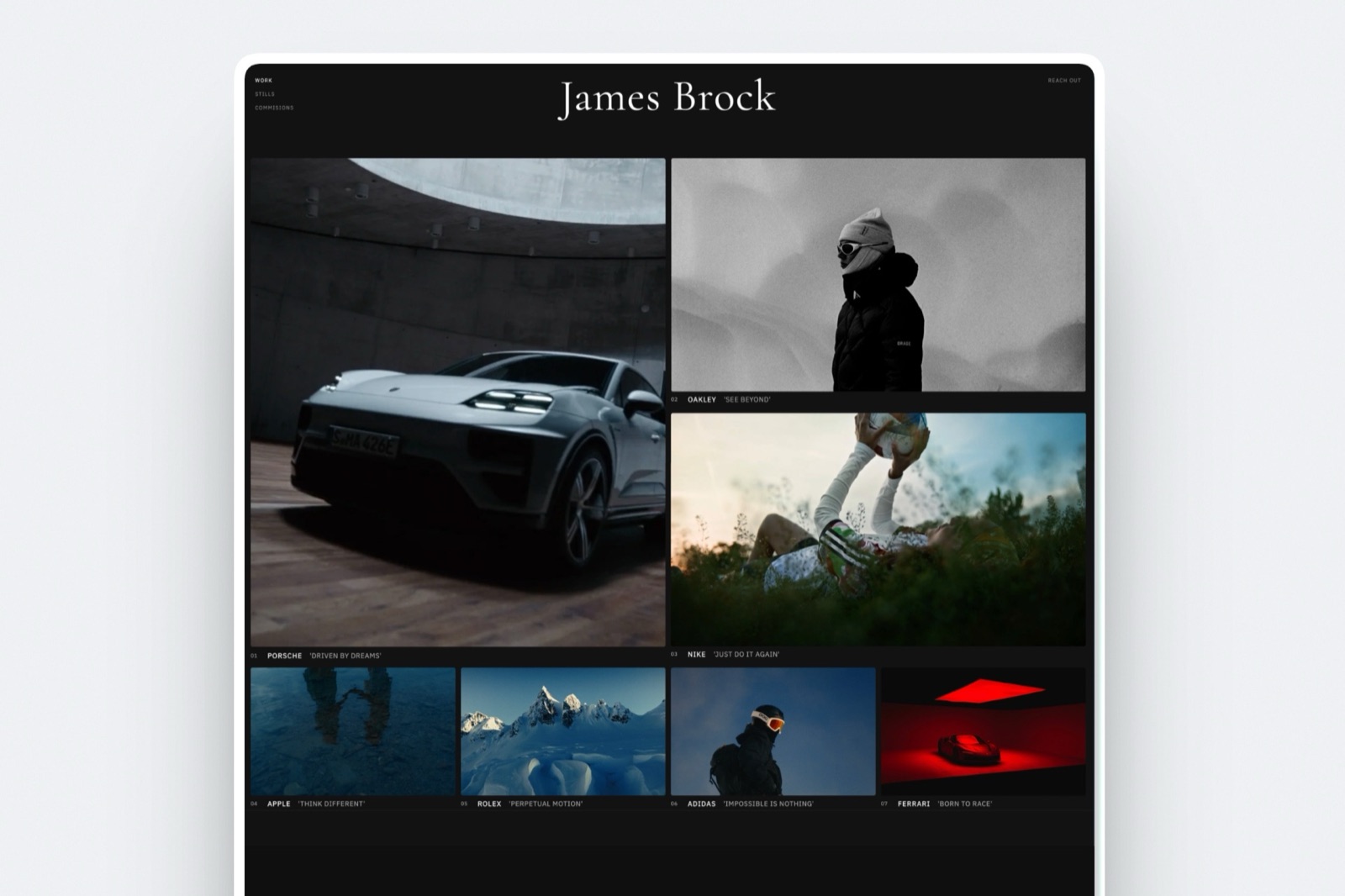
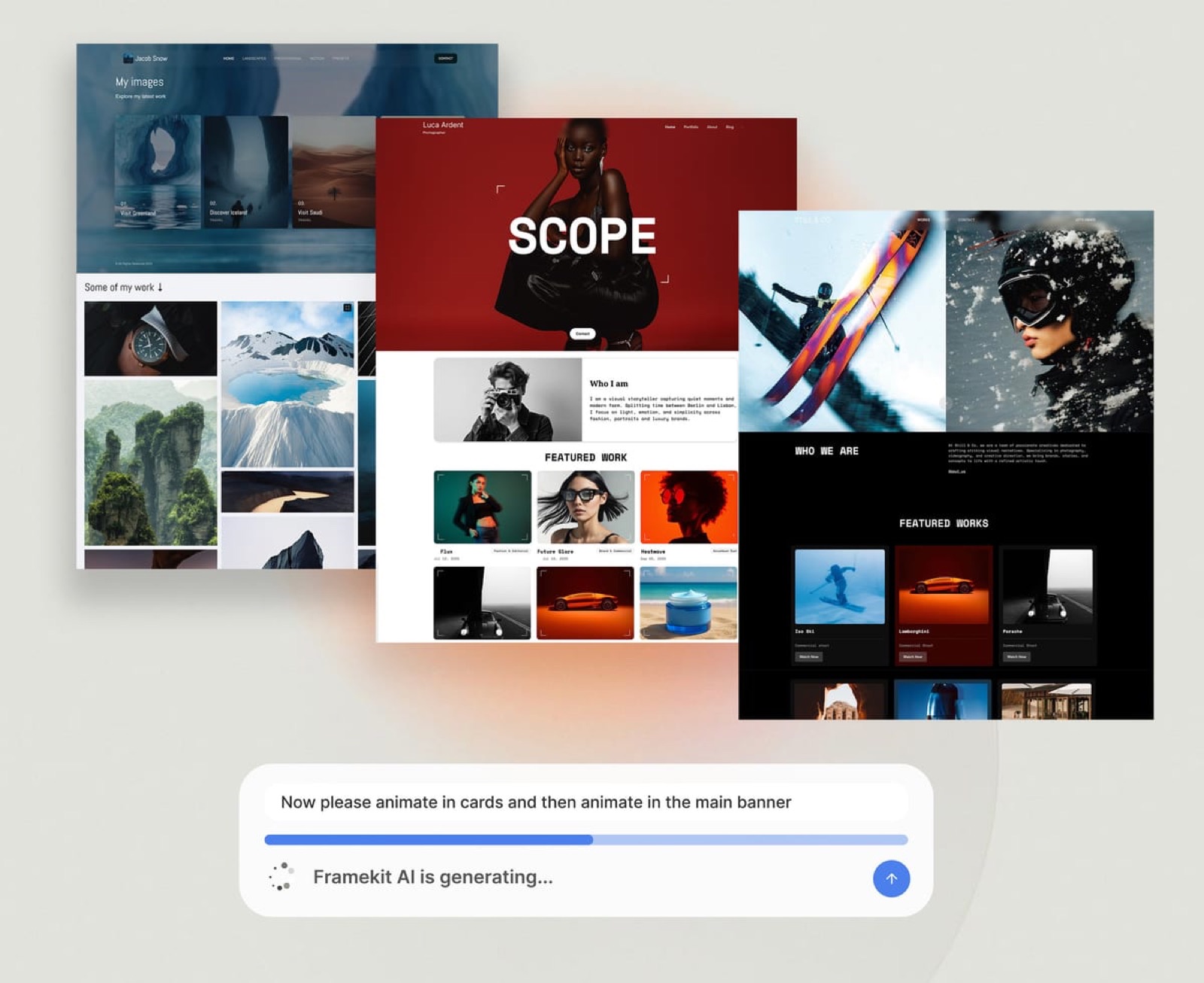
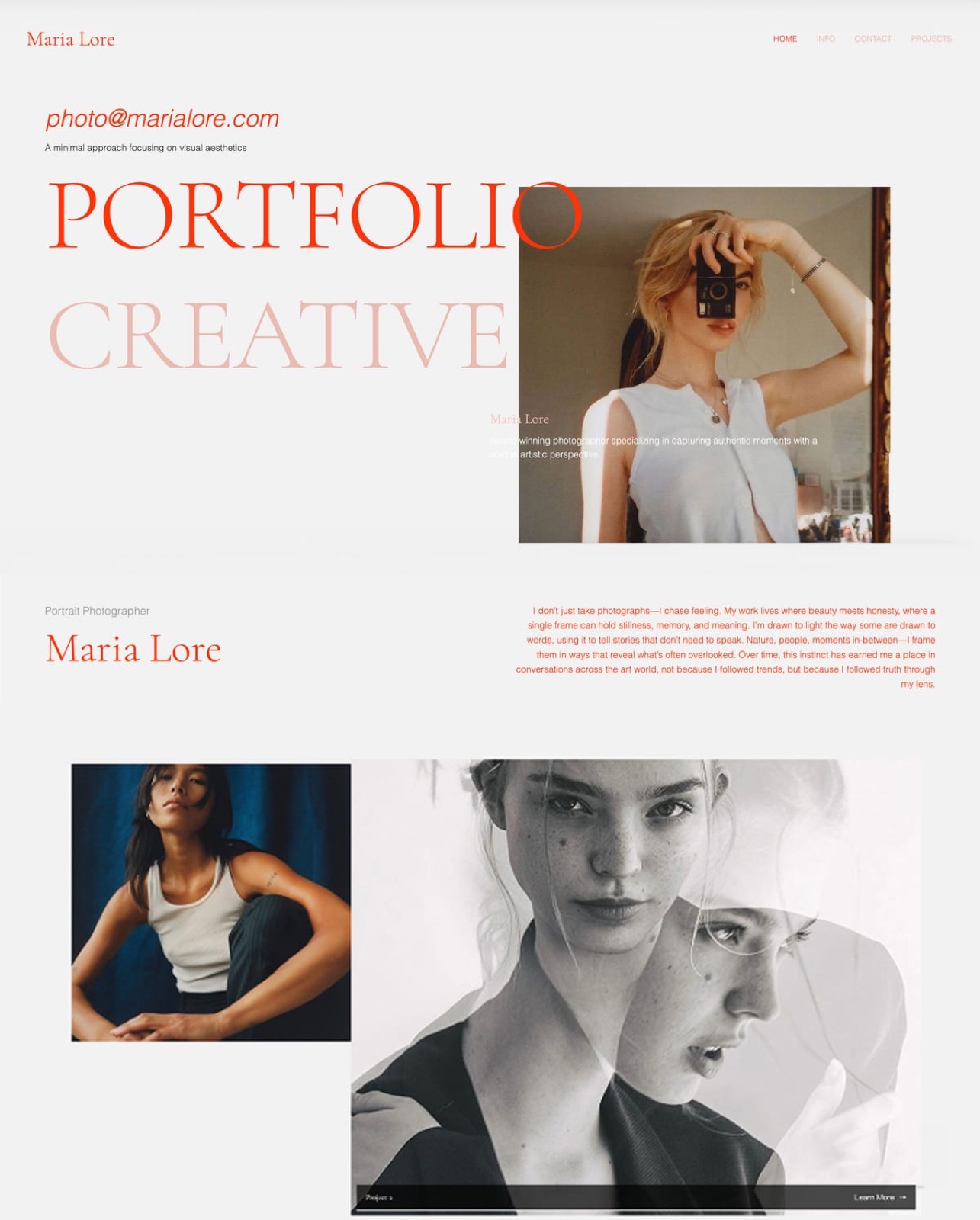
With work and words ready, the build is quick on any modern builder, and on Framekit's free plan you can start from a starter template or let the AI draft the pages from your one-line description or a screenshot of a site you admire.
A useful first prompt: "Build a portfolio for an illustrator who does packaging and editorial work. Clean, plenty of white space, the work first.
Pages: home, work, about, contact." The AI drafts the sections and first-pass copy in one theme; replace the copy with your three pieces of text, then upload your images and order them strongest first.
AI drafting uses the free plan's monthly AI allowance, so draft once, then refine by hand, which never draws on it.
Resist adding pages to "use" the free plan. A focused four or five page portfolio reads as more confident than a sprawling one, and it leaves headroom inside the 10-page limit for the projects you will add next.
Step 5: Set Page Titles, Descriptions and the Contact Form
A free portfolio can be found on Google as easily as a paid one if every page has a specific title and description and the contact form actually reaches you, so set both before you share the link with anyone.
Give the homepage a title that names what you do and where, such as "Packaging Illustrator in Glasgow | Ana Reyes", and give each project page its own title naming the project and the discipline.
On Framekit, per-page titles, descriptions, a sitemap and social previews are on the free plan.
Add a contact form of 5 fields or fewer, name, email, project type, timing and budget, then send yourself a test submission and confirm it arrives; the free plan allows 500 submissions a month.
Step 6: Decide the Domain Question Honestly
The domain is the one place where "no subscription" needs an honest footnote, because a free plan keeps you on the builder's subdomain and your own address always costs something, even if only the registrar's yearly fee.
On a free plan, your site lives at an address like yourname.framekit.ai. That works, it is free, and many people run a starting portfolio on a subdomain for a year or more.
Your own domain, yourname.com, typically costs $10 to $20 a year at a registrar. That fee is not a builder subscription, but connecting it usually requires one:
| Route to yourname.com | Builder cost a year | Plus the domain |
|---|---|---|
| Google Sites | $0 | Yes, $10 to $20 |
| GitHub Pages | $0 | Yes, $10 to $20 |
| Carrd Pro Standard | $19 | Yes |
| WordPress.com Personal, billed yearly | $48 | First year included on annual plans |
| Framekit Starter, billed yearly | $84 | Yes |
| Framer Basic | $120 | Yes |
| Wix Light, billed yearly | $204 | First year included on annual plans |
So the honest answer to "a free portfolio website with my own domain and no subscription" is Google Sites or GitHub Pages. If you want galleries, review links or a store beside the portfolio, Framekit's free plan does more at $0 but keeps you on its subdomain until Starter.
Step 7: Publish and Keep It Alive
Publishing on a free plan takes one click; keeping the portfolio alive is the part people forget, and a stale free site with a 2023 project in the lead position signals neglect more loudly than a small, current one.
Open the published site on your phone over mobile data, logged out, and click through every page.
Put four 15-minute review dates in your calendar for the year: swap your newest strong piece into the lead position, fix any broken links, test the form, and update the year in the footer.
What a Free Portfolio Costs Over Three Years
A free portfolio costs $0 for as long as you stay on the subdomain, and the real comparison starts the day you want your own domain, so this table runs the cheapest own-domain step on each platform over three years at October 2026 prices, before registrar fees.
| Platform and plan | Year one | By year three | What you get beyond a portfolio |
|---|---|---|---|
| Google Sites | $0 | $0 | Nothing beyond the site |
| Carrd Pro Standard | $19 | $57 | Forms and embeds on one page |
| WordPress.com Personal | $48 | $144 | A blog and pages |
| Framekit Starter | $84 | $252 | Galleries, review, decks, a store at 5% |
| Framer Basic | $120 | $360 | A motion-capable canvas |
| Wix Light | $204 | $612 | An app market |
| Squarespace Basic | $228 | $684 | A large template library, a store at 2% |
Prices are yearly billing held flat; WordPress.com and Wix annual plans include a domain for the first year, and Squarespace does too. If you also need a gallery service beside a general builder, add it: Pixieset Basic is $96 a year for 10GB of galleries, per its pricing page.
Run it yourselflist the jobs your portfolio must do in the next 12 months, cross out every platform above that cannot do one of them, and pick the cheapest that remains. If the cheapest is a free plan on a subdomain, stay there until a client asks for your own address.
Run the 14-Day Test Before You Commit
The surest way to know a free plan is really free is to run it for 14 days with no card on file and check five things on day 15, because a builder's marketing page and its behaviour at the end of a trial window are not always the same thing.
- Sign up without entering a card. If the signup demands one, it is probably a trial.
- Publish a two-page test site with your real work.
- On day 15, open the site logged out. It should still be online at the same address.
- Check what visitors see: badge, banner or ads, and where.
- Read the plan table for the one limit you will hit first, pages, storage or uploads, and note the price of fixing it.
Common Mistakes When Building a Free Portfolio
Three mistakes turn a free portfolio build into a frustrating one, and all three come from treating "free" as the goal rather than as the starting point for a site that has to win work.
The first is picking a trial and not noticing until the site goes dark. The second is treating the subdomain as embarrassing and buying a domain and a plan before anyone has seen the work, when clients judge the work and the clarity first.
The third is overstuffing the site to get value from the free plan, when a tight portfolio of 8 to 12 pieces always beats a padded one.
For a wider list, see the portfolio mistakes that cost creatives clients.
Frequently Asked Questions
Is a free portfolio website really free, or are there hidden costs?
A free portfolio website on a permanent free plan is genuinely free to build and keep online on the builder's subdomain; the visible costs are the builder's badge or branding and the subdomain address.
The one optional cost is your own domain, about $10 to $20 a year at a registrar, and on most builders connecting it also needs a paid plan.
What is the difference between a free plan and a free trial?
A free trial keeps a site online for a fixed period, often 14 days, and then takes it offline unless you pay; Squarespace works this way.
A free plan keeps the site online indefinitely at $0 with limits such as a subdomain and branding; Framekit, Wix, Carrd, WordPress.com, Framer, Webflow and Google Sites all offer one.
Which free website builder lets me use my own domain?
Google Sites and GitHub Pages are the free options that connect a domain you own without a paid plan: Google's help centre describes connecting up to five custom domains to a site, and GitHub Pages supports custom domains for sites you build yourself.
Framekit, Wix, Carrd, Framer and WordPress.com all require a paid plan for your own domain.
What exactly is included in Framekit's free plan?
Framekit's free plan includes a 10-page site on a yourname.framekit.ai address with a small badge, a starter set of templates, 10GB of pooled storage of which 3GB can be video, AI drafting within a monthly allowance, SEO controls, contact forms, unlimited client galleries, video review, unlimited decks with PDF export, and a store with unlimited products at a 5% fee.
Your own domain starts on Starter.
Can I sell my work from a free portfolio website?
You can sell digital work from Framekit's free plan, with unlimited products at a 5% fee and a checkout hosted by Framekit, paid into your own Stripe account.
Wix's free plan cannot take payments, and Linktree's free plan takes 12% of digital-product sales. Framekit does not sell physical prints.
Framekit Free vs Carrd Free: which is better for a portfolio?
Carrd Free is better for a single scrolling page, such as a bio link with three projects, and it allows up to 3 sites.
Framekit Free is better for a multi-page portfolio with a page per project, plus galleries, review links and a store; it allows one 10-page site with a small badge. For your own domain, Carrd costs $19 a year and Framekit $84 billed yearly.
Will a free portfolio website look unprofessional to clients?
A free portfolio does not have to look unprofessional; the visible signs are a subdomain address and a small builder badge, and both matter less than curated work and a clear homepage line.
Avoid free plans that show a builder's ads to your visitors, such as WordPress.com Free, if clients will see the site.
Is a free website builder bad for SEO?
A free website builder is not bad for SEO in itself; a site on a free plan can rank if each page has a specific title and description, clear text and a sitemap, all of which Framekit Free includes.
A subdomain is a weaker brand signal than your own domain, and thin or stale content hurts ranking more than the plan does.
How many pages do I get on a free portfolio plan?
Framekit Free allows 10 pages, Webflow's free plan 2 pages, Carrd Free one page per site across up to 3 sites, and WordPress.com Free unlimited pages and posts within 1GB. Ten pages fits a home, about and contact page plus 7 project pages, which covers most starting portfolios.
What happens when I outgrow the free plan?
When you outgrow a free plan, you upgrade in place rather than rebuild: on Framekit, Starter at $9 a month or $7 billed yearly adds your own domain, removes the badge, opens the full template library and raises storage to 50GB and pages to 30.
Choose a free plan whose paid step you could live with, because moving builders later costs time and links.
Does Framekit's free plan show ads on my site?
Framekit's free plan does not show ads; it shows a small Framekit badge on a framekit.ai address, and Starter removes the badge. Wix's free plan carries Wix branding and sometimes ads, and WordPress.com's free plan shows WordPress.com ads to your visitors.
Can I use a free portfolio plan for client work, not just showing work?
Framekit's free plan handles client work as well as the portfolio: unlimited galleries with favourites, a download PIN and full-resolution downloads, and video review links where clients comment at the exact frame without an account, all inside the 10GB pool.
Most other free plans only publish the site, so client delivery means a second tool.
The Bottom Line
A free portfolio website with no subscription is the correct starting move in 2026 for anyone with real work and no budget yet: pick a permanent free plan, not a trial, build a tight site around 8 to 12 pieces, publish on the free subdomain and add your own domain only when a client asks for it.
Where Framekit loses: if your own domain at $0 is the requirement, Google Sites or GitHub Pages wins, because Framekit's free plan stays on a framekit.ai address with a badge; for a single page, Carrd is simpler.
Where Framekit wins is everything beside the portfolio, galleries, review links, decks and a store, on the same free plan, which matters the day your first client needs files delivered.
Related readingthe best one-page website builders, the cheapest website builders for creatives, how to choose a domain name for your portfolio and the best portfolio websites for students.