Framekit templates
Start from a designer-made template
 Use template
 Use template
 Use template
 Use template
 Use template
 Use template
 Use template
 Use template
It is Monday night. Saturday's wedding is edited down to 520 frames, the 11-minute highlight film finished rendering an hour ago, and the couple fly out on honeymoon on Thursday morning.
Knowing how to create a client gallery properly is what decides whether they spend Wednesday evening hearting album picks on the sofa or spend the first day of their trip emailing you about a link that asks for a PIN nobody sent.
The upload is the easy part on every platform.
What goes wrong is a handful of settings nobody explains: whether a watermark actually protects the files a client downloads, whether downloads are on for a proofing round that should not have them, whether the gallery expires before the people who need it get around to opening it, and whether the film is even small enough to upload on your plan.
A client gallery is a private web page that delivers one finished shoot to one client behind a link you control, with favourites, download rules and an optional expiry date, so the handoff arrives as a designed product rather than a folder of files.
To create a client gallery, pick a platform that fits the job, export finished JPEGs under 100MB each and any film under your plan's per-file video cap, name the gallery after the client and date, split it into 4 to 7 sets, choose a cover, set a password and a separate download PIN, decide on downloads and watermarks for that round, turn on favourites, set expiry only for proofing rounds, test it logged out on a phone, then send a four-line email.
The first one takes 30 to 45 minutes and later ones about 10. On Framekit every one of those settings, video included, works on the free plan.
This guide was rewritten and re-verified on 12 October 2026: every platform price and cap below was re-read on the vendor's own pricing page that day, and an earlier claim that we had built the same gallery on several platforms has been removed because we cannot document it.
Full disclosure: Framekit makes one of the platforms in this guide, so the steps are written to work on any modern gallery tool, the cost table includes a competitor that beats Framekit on price for stills-only work, and the section on when another platform is the better place to build a gallery comes before the Framekit walkthrough.
Before You Start: What to Have Ready
Gather six things before you open any gallery editor, because each one is a decision that otherwise interrupts the build halfway through and turns a 30-minute job into an evening of switching windows.
| Have ready | Concrete target | Why it matters |
|---|---|---|
| The final edit, culled | 40 to 80 frames per portrait hour, 400 to 700 for a full wedding day | Near-duplicates double the client's selection time |
| Export settings | sRGB JPEG, roughly 8MB to 15MB a frame, nothing over 100MB | Most galleries refuse RAW, TIFF and PSD, and 100MB is a common per-photo ceiling |
| Any film | MP4 or MOV, length and file size noted | Per-file video caps run from 500MB to 3GB by plan on Framekit |
| The client's details | Names as they want them spelled, the shoot date, their email address | The gallery name becomes the link, the email subject and the ZIP name |
| Two codes | A gallery password and a different 4 to 6 digit download PIN | Viewing and downloading are separate permissions |
| Two dates | A selection deadline for proofs, or a decision that finals do not expire | Expiry is far easier to set before sending than to explain afterwards |
Step 1: Pick the Kind of Platform the Job Needs
Choose the platform by the job the gallery has to do after delivery, because a print-selling portrait studio, a hybrid wedding photographer delivering films and a commercial shooter running a selects round need three different products, and picking the wrong category is the only mistake in this guide that costs money rather than minutes.
If prints and albums are income, start with a print-store gallery. Pixieset, Pic-Time, ShootProof, Zenfolio and CloudSpot all connect galleries to labs.
ShootProof charges 0% commission on every plan including free, per its plans page, while Pixieset takes 15% of store sales on its free plan and 0% on paid plans.
Framekit has no print store at all, so this branch does not lead to it.
If you deliver digital files and films, look at delivery-first galleries. Framekit puts photos and films in one gallery on every plan, Free included.
Pixieset meters video in hours from its Basic plan (30 minutes on Basic, 5 hours on Ultimate), and CloudSpot galleries take films as Vimeo or YouTube links rather than hosted files.
If the client is an art director picking selects from RAW, use a proofing tool. PicDrop accepts RAW and TIFF, adds colour markers and votes, and lets clients upload, which no delivery gallery here does.
Its free plan is 1GB and 3 galleries; Pro is $15.99 a month billed yearly for 500GB.
Check the gallery cap before the price. CloudSpot's free plan stops at 3 galleries and its $7 Entry plan at 15. PicDrop's free plan stops at 3.
Framekit, Pixieset, Pic-Time, ShootProof and Zenfolio do not cap gallery count, so a headshot day split into 40 per-person galleries only costs storage.
Then ask where a forwarded link should land. A wedding gallery reaches parents and a dozen guests within a week, and the page they open sits either on your own domain beside your portfolio or on a vendor's subdomain.
Step 2: Export the Finals at the Right Size
Export finished, colour-corrected JPEGs in sRGB at full resolution and keep every file under 100MB, then work out each film's file size from its length and bitrate before you upload, because a film that is 300MB over your plan's per-file cap is refused at upload no matter how much storage you have free.
Photos. A 24 to 45 megapixel camera exported as a high-quality JPEG usually lands between about 8MB and 20MB a frame, comfortably inside the 100MB per-photo cap Framekit and Pixieset both publish.
Framekit accepts JPEG, PNG, WebP and GIF; it refuses RAW, DNG, TIFF, PSD and HEIC, so convert iPhone HEIC files and send layered or RAW deliverables by another route.
Use 10MB a frame as a planning figure: a 520-frame wedding is about 5.2GB, a 60-frame portrait session about 600MB.
Films. File size in megabytes is the bitrate in megabits per second, times the running time in seconds, divided by eight. An 11-minute highlight film at 16 Mbps is 16 times 660 divided by 8, or 1,320MB. A 25-minute ceremony edit at 10 Mbps is 1,875MB.
Match the film to the cap. Framekit's per-file video caps are 500MB on Free, 1GB on Starter, 2GB on Pro and 3GB on Business, and no single video may run longer than 2 hours on any plan.
The 1,320MB highlight film above fits Pro but not Starter; re-exported at 11 Mbps it becomes 908MB and fits Starter. Accepted containers are MP4, M4V, MOV, WebM and MKV, and Framekit transcodes the upload so it plays in the browser.
Name files for the client. Commercial clients often ingest files into systems that expect a pattern such as "Brand-Campaign-001.jpg", and the filename you upload is the one they download.
Step 3: Create the Gallery and Name It for the Client
Name every gallery after the client and the date, in the words the client would search for, because the name usually becomes the web address, the subject of the delivery email and the name of the ZIP archive the client keeps on their laptop for the next ten years.
"Harper and Lee Wedding, 14 June 2026" beats "HW26-final-v3" for one reason: in eighteen months the couple will search their inbox for their own names, not your job code.
On Framekit the gallery lives at /client/ plus a URL name you set, so /client/harper-and-lee-wedding/ on your own site reads far better than a job code.
Link the gallery to a contact record if your platform has one. On Framekit, the contacts linked to a gallery are the people who receive the expiry reminder three days before an expiry date, so linking the couple now saves a manual email later.
For corporate headshots, make one gallery per person rather than one shared gallery of 40 faces; with no gallery cap, that privacy costs nothing extra.
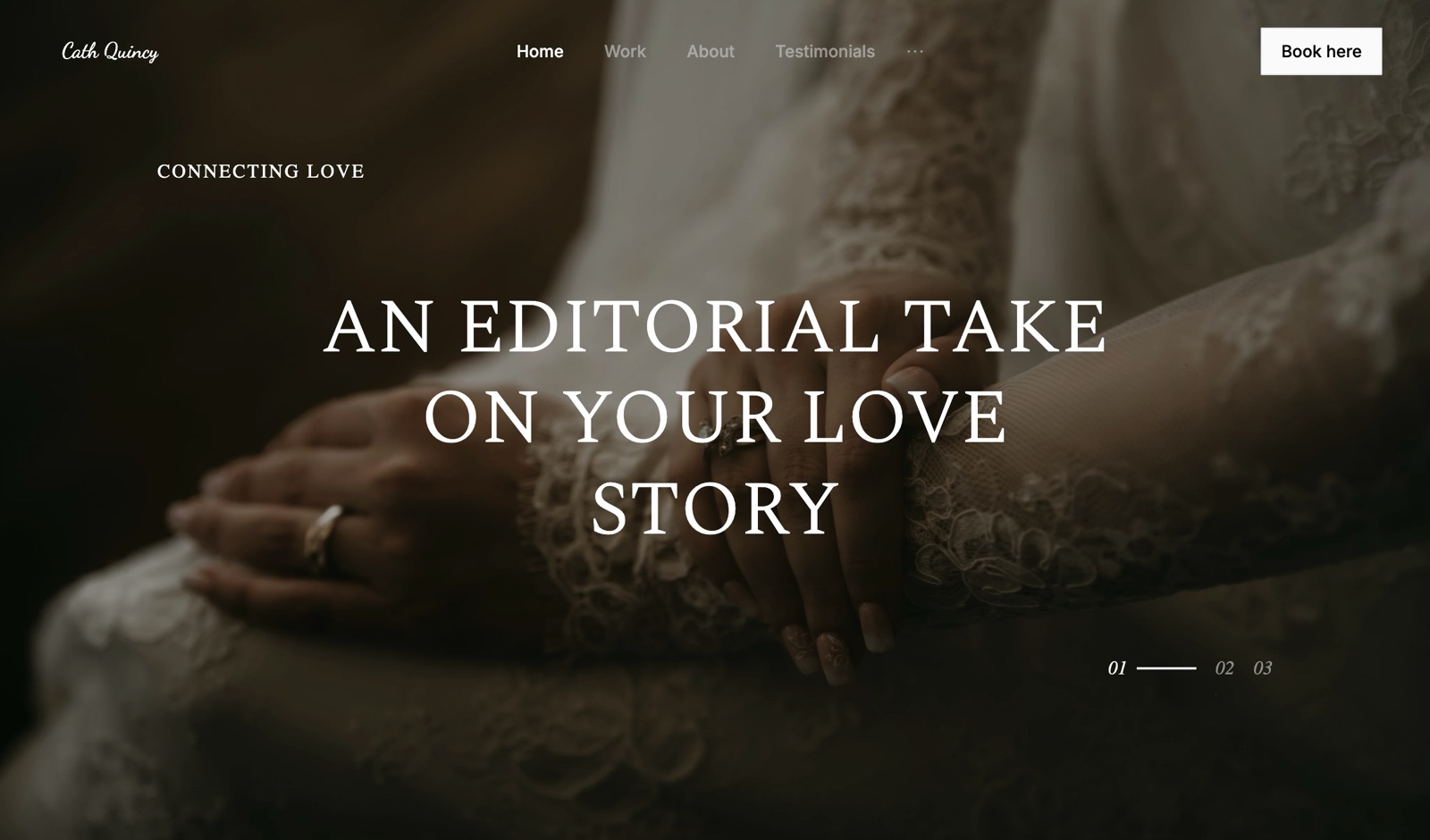
Step 4: Split the Shoot Into Sets
Split anything over about 150 frames into four to seven named sets that follow the order of the day, because a client scrolling 520 photos on a phone stops around frame 90, while the same 520 photos in six labelled sets get opened one chapter at a time and actually reviewed.
A wedding usually splits cleanly: Getting Ready, Ceremony, Family, Portraits, Details, Reception. A brand shoot splits by use: Hero, Product, Lifestyle, Team, Crops. A family session rarely needs sets at all under 80 frames.
Order matters inside a set too. Framekit slots each upload batch in by capture time, so a second shooter's card dropped in after yours interleaves with it rather than landing as a block at the end.
If you rearrange a set by hand, later uploads append instead, so finish arranging after the last upload rather than in between.
Keep the strongest 8 to 12 frames at the top of the first set, because those are what a forwarded link shows a stranger first.

Step 5: Choose the Cover and the Layout
Choose the cover image and layout deliberately rather than accepting the default, because the cover is the first full screen the client sees, the image that appears when the link is shared in a message, and the page every forwarded guest judges your studio by before scrolling.
Pick a cover that works at two crops: wide on a laptop and tall on a phone. Faces near the centre of the frame survive both; a horizon on the bottom third does not. Framekit lets you set a focal point on the cover photo so the important part stays visible as the crop changes.
Then choose a cover style.
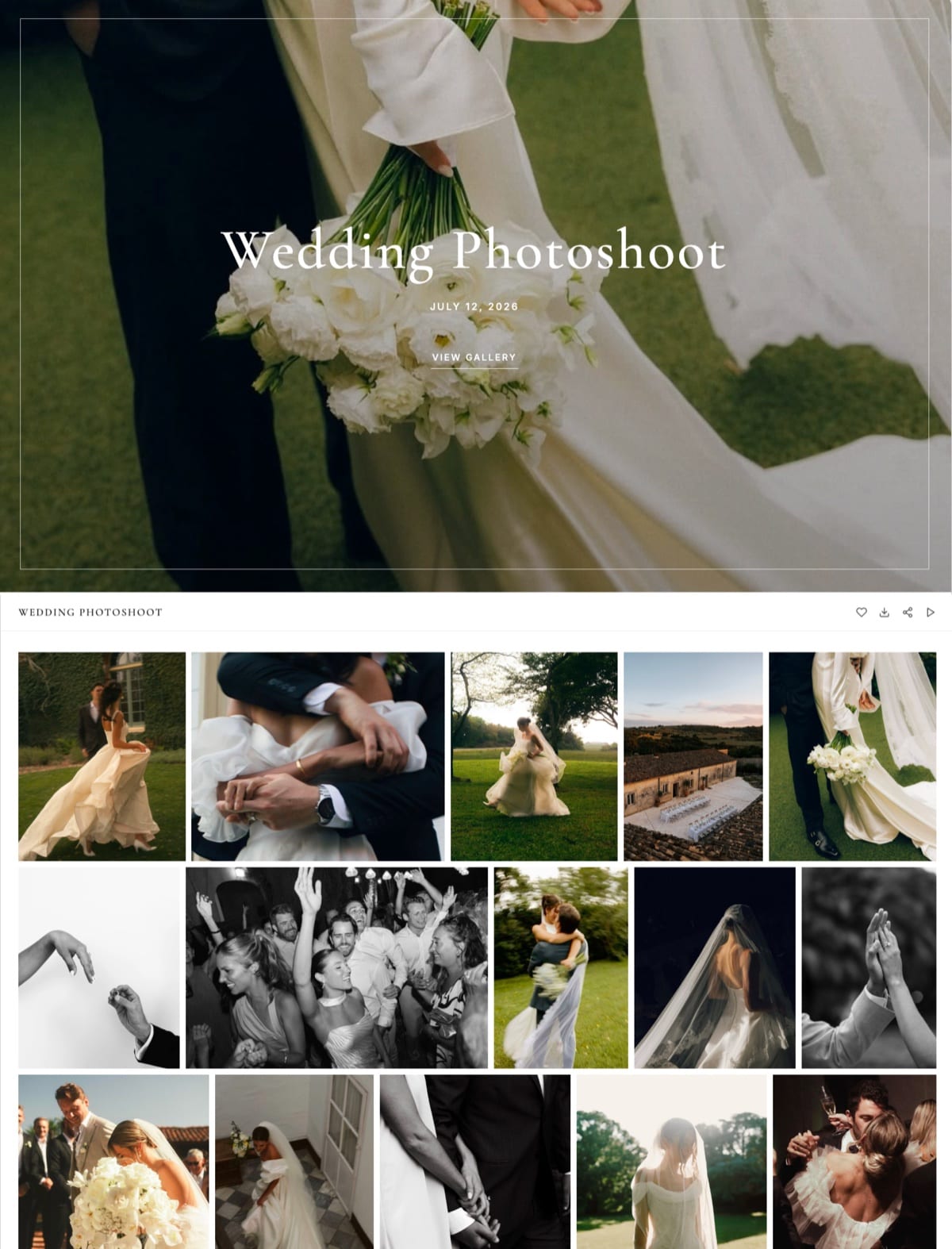
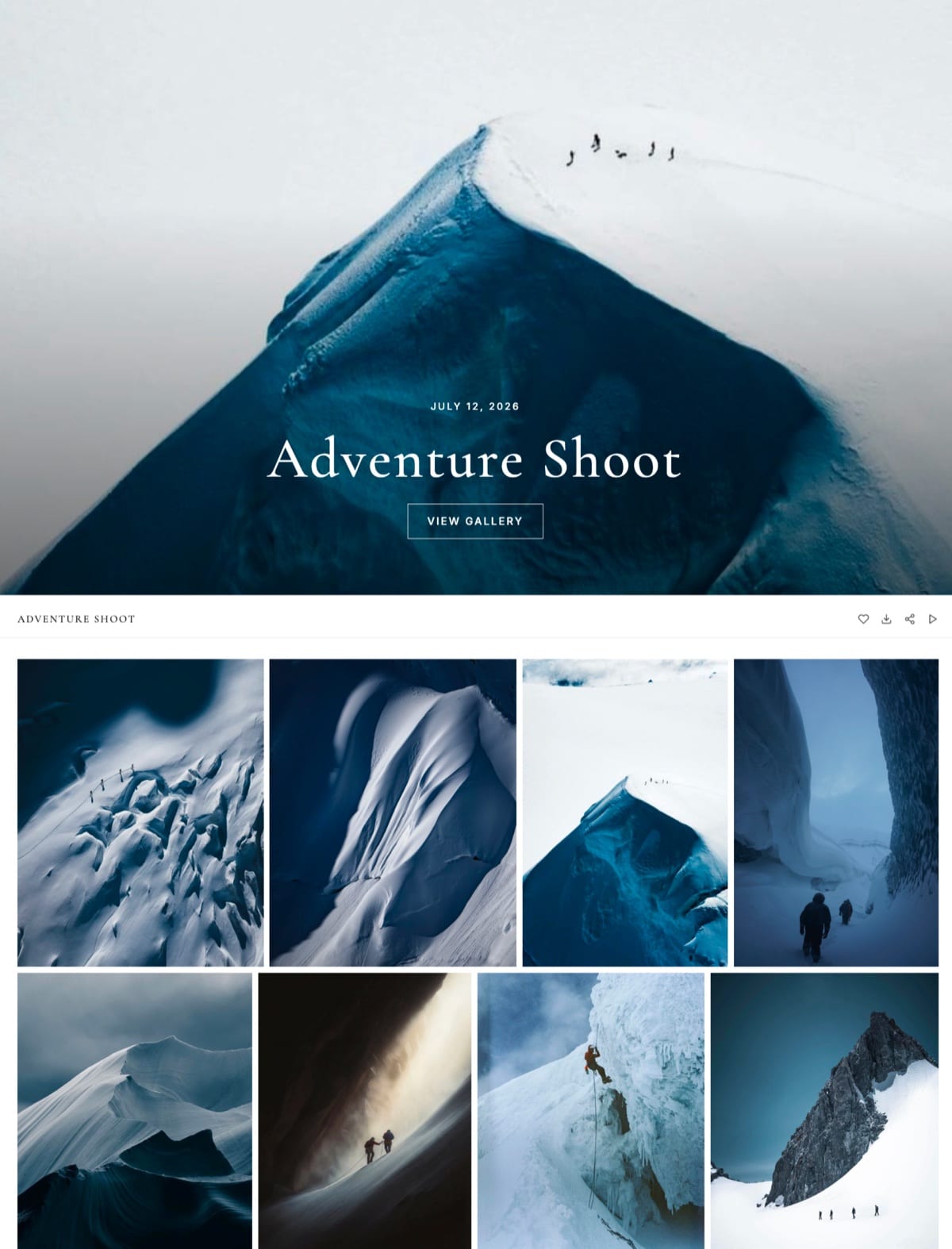
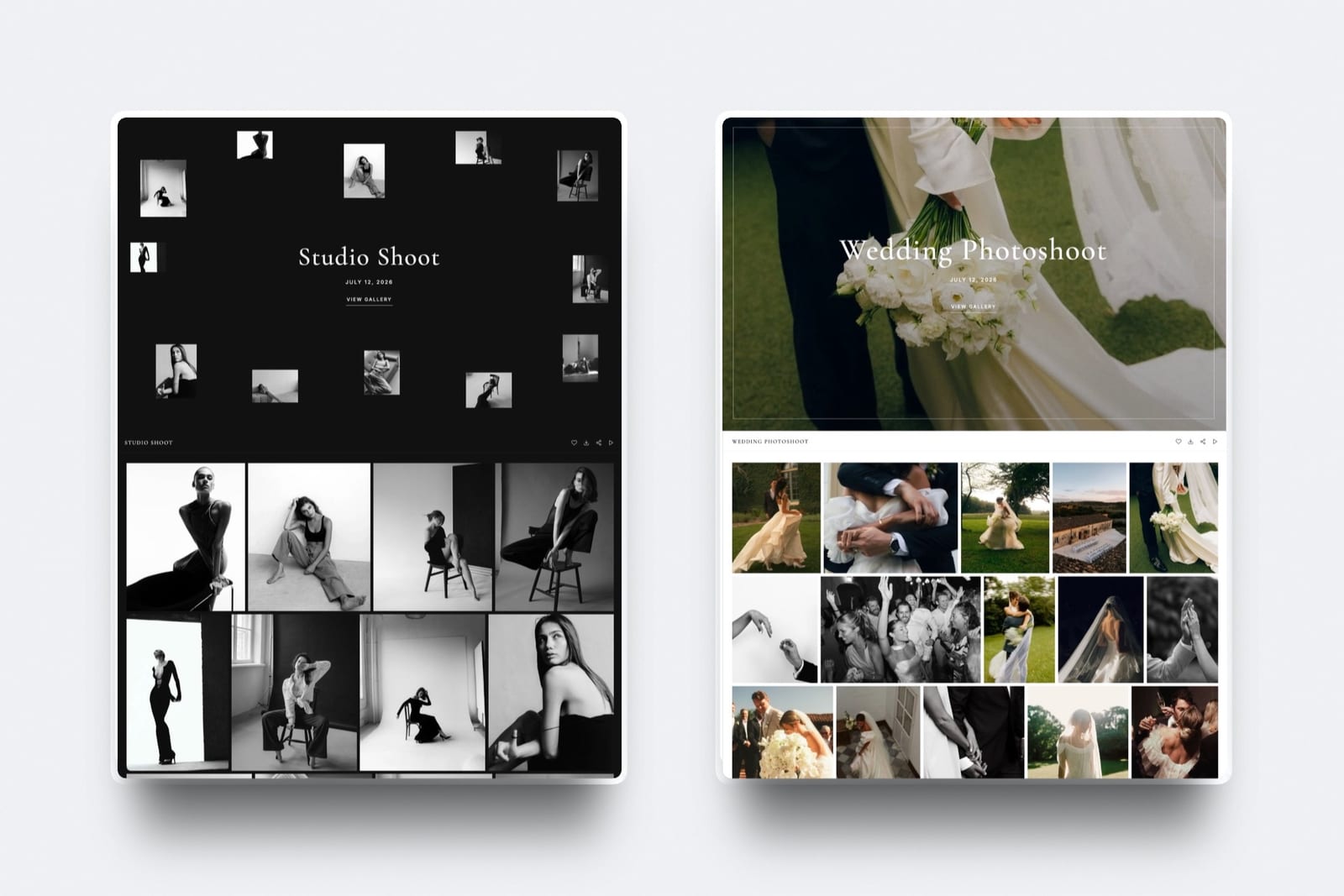
Framekit has 17 of them, from a centred title over a full-bleed photo to a scattered collage of thumbnails, plus 18 typography presets, 3 grid layouts (masonry, rows and an even grid) and a light, dark or custom colour theme.
A monochrome studio session usually looks best on a dark theme with a collage-style cover; a wedding usually wants a light theme and a single full-bleed image.
The gallery interface itself comes in 7 languages: English, Spanish, German, French, Dutch, Portuguese and Italian.
Reuse one combination as your house style and the second gallery takes ten minutes, not forty.

Step 6: Set Access, Downloads and Watermarks for This Round
Set four controls separately for every gallery, a password for who can open it, a PIN for who can download, a downloads switch, and a watermark, because each one answers a different question and copying one gallery's settings into the next round is how finished work gets delivered watermarked or proofs get downloaded free.
Password. A gallery password decides who can open the page at all. Use a different one per gallery rather than a studio-wide password, so a link forwarded by one client never opens another client's photos.
Framekit also offers email registration, which asks each visitor for their email before the gallery opens and records who came in.
Download PIN. A PIN is a separate code that gates downloading, not viewing.
This is the control that lets a couple forward the gallery to forty wedding guests who can look and heart but cannot download every full-resolution file, while the couple holds the PIN.
On Framekit the PIN is available on every plan, Free included, and the Activity panel records which downloads used it.
Downloads on or off. For a proofing round where the client is choosing which frames to pay for, switch downloads off. For a final delivery, switch them on and let the PIN decide who uses them.
Watermark. Here is the detail most guides get wrong: on Framekit a watermark protects what the client sees in the gallery, not what they download. Downloads always deliver the clean original.
So a watermark alone never protects an unpaid proofing round; downloads off, or a PIN you have not yet sent, does that. Watermarks can be an image or text, placed in a corner, centred or tiled, and they apply to photos only.
Videos are never watermarked.
| Setting | Proofing round (client chooses what to buy) | Final delivery (client has paid) |
|---|---|---|
| Password | On, unique to this gallery | On, unique to this gallery |
| Email registration | On, so you know who looked | Optional |
| Downloads | Off | On |
| Download PIN | Not needed while downloads are off | On if the link will be forwarded to guests |
| Watermark | On, to discourage screenshots | Off, or on if guests will view without the PIN |
| Favourites | On | On, for album and print picks |
| Expiry | 14 to 21 days after sending | None, or 12 months with a reminder |
Step 7: Turn On Favourites and Explain Them in One Line
Turn favourites on for every gallery and explain them in one sentence, because a heart on a photo replaces the email describing "the one where she is laughing by the window", and album design, print orders and retouching choices are built on those picks.
On Framekit the first heart a client taps asks for their email address, with no password and no account to create, and their picks are saved under it so they can sort photos into named lists of their own, such as "Album", "Parents" or "Print for the hallway".
Each photo in a list can carry a written note, such as "warm this up" or "crop out the exit sign". When they are done, a Send to photographer button notifies you in Framekit and by email, with an optional message.
Lists can also be shared. The couple can email a list to a parent or copy a link to it, and the gallery has a Show favourites only filter and a Download favourites option, so the person building the album downloads exactly those frames and nothing else.
Give the client a number. "Pick up to 60 for the album by 30 June" gets a list back in a week. "Let me know your favourites" gets a list back in two months, or never.
Step 8: Decide on Expiry Before You Send
Decide the expiry before the link goes out, set a date only for proofing rounds and time-limited work, and leave finished deliveries open for at least a year, because reprint requests and "can you send the one of grandma again" emails tend to arrive months after a wedding, not in the first week.
For a proofing round, 14 to 21 days is long enough for a busy client and short enough to keep the decision moving. For an embargoed commercial campaign, use the embargo date. For finals, either no expiry or 12 months.
On Framekit, a gallery with an expiry date unpublishes itself that day and returns to draft with every file intact, so you can republish it; visitors see a note asking them to contact the photographer.
If you switch on the expiry reminder, Framekit emails you and every contact linked to the gallery three days before the date, with a link to open the gallery and download before it closes.
A live gallery also holds storage: 24 weddings of 520 frames kept online is about 125GB, which fits Framekit Pro's 300GB pool but not Starter's 50GB.
Step 9: Test It Logged Out on a Phone
Open the finished gallery in a private browser window on a phone over mobile data and do everything a client would do, because the owner's view hides the password screen, the PIN prompt and the download behaviour, and every surprise in this six-minute test is one a client would have hit first.
Run the test in this order and time it:
- Open the link in a private window. Confirm the password screen appears and the cover looks right on a tall phone screen.
- Enter the password. Scroll to the third set and back. Note anything that loads slowly or looks cropped badly.
- Heart three photos. Add a note to one. Confirm you are asked for an email to save the list.
- Tap a single photo's download. Confirm the PIN prompt appears, enter the PIN, and check the file opens at full size with no watermark.
- Use Download favourites. Confirm the ZIP contains exactly the three photos.
- Play the film, if there is one, and skip to the middle.
Very large galleries download as several archive parts, and Framekit offers "Email me when it's ready" so a client on a phone can close the tab and come back to a link. Try it once so you can describe it in your email.
Run it yourselfcount the support emails you received after your last ten deliveries, sort them into password, PIN, download, expiry and "where is the film", then repeat this test on your next gallery and see which category disappears.
Step 10: Send the Delivery Email
Send a four-line delivery message that leads with the link, puts the password on its own line, explains downloading in one sentence and names the next deadline, because most clients act on the first line of an email and never read the fifth, and anything buried in a paragraph becomes a reply asking for it.
A template that works, line by line:
- Line 1: "Your gallery is ready", followed by the gallery link and nothing else.
- Line 2: "Password: harper0614", on a line of its own.
- Line 3: "Tap the heart on your favourites, then the download arrow at the top right; you will need the download PIN, which I will text you."
- Line 4: "Please send your album picks, up to 60, by 30 June."
Send the PIN by a different channel only for sensitive work such as boudoir; for a wedding it just gives the couple two things to lose. Send from the platform where you can, so the email carries your branding.
Framekit sends gallery emails to up to 20 recipients at once, with six starter templates for a ready gallery, a wedding, a portrait session, editorial work, an event and a reminder, and saves your own templates for next time.
After Delivery: Follow Up, Watch Activity, Archive
Close the loop with one follow-up after five to seven days, a look at the gallery's activity record, and a written archive date, because galleries that are sent and forgotten are where selection deadlines slip, downloads never happen and old shoots quietly fill your storage.
Check activity before you chase. Framekit's Activity panel has two tables per gallery. Favourite activity lists each client's named lists, how many photos and notes they hold, and whether they were sent to you.
Download activity lists every download, split into whole-gallery ZIPs and single photos, each logged against the client's email with the photo count, the PIN used and the date.
Both tables export to CSV, and the gallery's share panel shows how many times it has been viewed.
If nobody has opened the gallery by day five, resend the email; if the couple have hearted 140 frames but not pressed Send to photographer, a one-line nudge naming the deadline usually does it.
Then put the archive date in writing: "Your gallery stays online until June 2027; download a copy for safekeeping."
Keep your own originals on your own drives and an offsite backup. A gallery, on Framekit or anywhere else, is a delivery copy, not a backup.
When Another Platform Is the Better Place to Build It
Build your gallery somewhere other than Framekit when prints, studio paperwork, RAW selects or very large archives are part of the job, because Framekit has none of those on any plan and no setting covers for a missing product.
Prints and albums. Pixieset, Pic-Time and ShootProof sell prints inside the gallery with lab fulfilment, and ShootProof keeps 0% commission even on its free plan.
Our Framekit vs Pixieset and Framekit vs Pic-Time comparisons put numbers on that gap.
Contracts, invoices and booking. CloudSpot from Lite at $17 a month and Pixieset's Suite bundle studio admin with galleries. Framekit has no contracts, invoicing or booking calendar.
Volume and school work. Zenfolio's Volume Wizard and QR workflows handle sports and school days with athlete matching, which Framekit does not do.
RAW selects and client uploads. PicDrop accepts nearly every format and lets clients upload; see Framekit vs PicDrop for the two-stage workflow many commercial studios run.
An unlimited archive. SmugMug stores unlimited full-resolution JPEGs from $20 a month billed yearly. Framekit tops out at 2TB on Business and has no native mobile app.
How to Create a Client Gallery in Framekit

Framekit is an AI website builder with client galleries, video review, Slides and a digital store on one account, so a gallery there is a page of your own portfolio site rather than a separate delivery service, and every feature in the steps above is on the free plan.
The build follows the ten steps above: create the gallery, link it to one of your sites, drop in photos and films together, pick a cover style, set the access controls, publish.
The gallery appears at /client/ followed by its URL name on your site, a framekit.ai address on Free and your own domain from Starter.
The number that matters$0 for unlimited galleries with every feature, inside a 10GB pool on Free. Starter is $9 a month ($7 billed yearly) for 50GB and your own domain, Pro $19 ($15 yearly) for 300GB, and Business $39 ($31 yearly) for 2TB. Of each pool, up to 3GB, 15GB, 150GB or 750GB may be video.
The detail most guides missthe same storage pool also runs your portfolio site and Framekit's video review, so a filmmaker can collect frame-accurate notes on the cut, mark it approved, and deliver the final film in the client gallery without a second subscription.
The gotchaper-file video caps are separate from the pool. A 2.4GB film will not upload to Pro even with 250GB free; it needs Business at 3GB or a re-export. One gallery holds up to 5,000 photos.
What it does not dono print ordering or lab fulfilment, no price sheets, no native mobile app, no client uploads into a gallery, no RAW, no unlimited storage, and no school or volume workflows.
Verdict: if you deliver digital files, especially photos and films from the same shoot, Framekit puts them in one branded gallery on your own domain on the same plan as your site; if prints are a real line in your accounts, build the gallery on a print-store platform instead.
What It Costs to Create Galleries on Each Platform
Creating client galleries costs between $0 and about $450 a year at the volume most working photographers deliver, and the cheapest plan that fits depends on how much you keep online at once, whether you need favourites on the plan you pick, and whether gallery count is capped.
The table prices one realistic year: 25 portrait sessions of 60 photos and 10 weddings of 520 photos, about 67GB kept online for twelve months, stills only, with favourites and passwords needed.
Prices are each vendor's yearly billing rate (CloudSpot's published list price), re-read on 12 October 2026.
| Platform | Cheapest plan that fits 67GB | Cost for the year | Catch |
|---|---|---|---|
| Zenfolio | Professional, 150GB | $138 | No free plan; selling adds a 7% fee per order |
| Framekit | Pro, 300GB pooled with your site | $180 | No print store; Starter's 50GB is too small here |
| PicDrop | Pro, 500GB | $191.88 | Built for selects; no website or print store |
| Pixieset | Plus, 100GB | $192 | Video metered in hours from Basic |
| ShootProof | Standard, 100GB | $200.04 | Online booking is a $6.99 a month add-on |
| CloudSpot | Lite, 100GB | $204 | Entry's 15-gallery cap rules it out at 35 galleries |
| Pic-Time | Professional, 100GB photos | $252 | Free plan shrinks to 3GB after three months |
| SmugMug | Pro, for client favouriting | $444 | Direct at $240 stores unlimited JPEGs but lacks favouriting |
The honest reading: Zenfolio is the cheapest home for this stills-only year, and Framekit is the cheapest that also includes a full portfolio website, films in the same gallery and video review.
If half of those 35 jobs also delivered a 20-minute film, Pixieset would need extra video hours at $5 a month each while Framekit Pro's 150GB video share would absorb them.
SmugMug's figure comes from its plans page, Zenfolio's from its pricing page.
Frequently Asked Questions
How do I create a client gallery step by step?
Create a client gallery in ten steps: choose a platform for the job, export finished JPEGs under 100MB, name the gallery after the client and date, split it into 4 to 7 sets, choose a cover and layout, set the password, download PIN, downloads switch and watermark, turn on favourites, decide on expiry, test it logged out on a phone, and send a four-line email with the link and password.
The first takes 30 to 45 minutes.
Can I create a client gallery for free?
Yes. Framekit's free plan creates unlimited galleries with every gallery feature, video included, inside a 10GB pool shared with your website.
Pixieset's free plan has 3GB, takes 15% of store sales and lists full-resolution download as a paid feature; CloudSpot's free plan allows 3 galleries with downloads capped at 2048px; PicDrop's free plan is 1GB and 3 galleries; ShootProof's free plan is 3GB for photos only.
Does a watermark stop clients downloading my photos?
No, not on Framekit. A Framekit watermark marks the photos clients see in the gallery, but downloads always deliver the clean original, so a watermark alone does not protect an unpaid proofing round.
To stop downloads, switch downloads off for that gallery or set a download PIN and send it only after payment. Other platforms handle watermarked downloads differently, so test one before you rely on it.
What is the difference between a gallery password and a download PIN?
A gallery password controls who can open the gallery; a download PIN controls who can save files from it.
Using both lets a couple forward the link to guests who can browse and heart photos but cannot download them, while the couple keeps the PIN.
Framekit offers both as separate codes on every plan, including the free one, and logs which downloads used the PIN.
What file types and sizes can I upload to a client gallery?
On Framekit, photos can be JPEG, PNG, WebP or GIF up to 100MB each, and videos MP4, MOV, M4V, WebM or MKV up to 2 hours long, with per-file caps of 500MB on Free, 1GB on Starter, 2GB on Pro and 3GB on Business.
RAW, DNG, TIFF, PSD and HEIC are refused, so convert them before upload or deliver them by another route.
Can I put a video in the same client gallery as the photos?
Yes, on Framekit, on every plan. Films sit in the same gallery link as the stills, are transcoded for smooth browser playback and are never watermarked.
Pixieset also hosts video from its Basic plan but meters it in hours, 30 minutes on Basic up to 5 hours on Ultimate, while CloudSpot galleries add films as Vimeo or YouTube links rather than hosted files.
How long should a client gallery stay online?
Keep proofing galleries online for 14 to 21 days and finished deliveries for at least 12 months, because reprint and re-send requests often arrive months after the shoot.
On Framekit a gallery with no expiry date stays published until you take it down; with a date, it unpublishes that day and returns to draft with its files intact, and an optional reminder goes out three days before.
Do clients need an account to view or download a client gallery?
No. On Framekit a client opens the gallery with the link, plus the password and PIN if you set them, without creating an account. They only type an email if you turn on email registration or when they start hearting favourites, and neither needs a password.
How many photos can one client gallery hold?
A Framekit gallery holds up to 5,000 photos, and storage usually bites first: at about 10MB a frame, 5,000 photos is 50GB, the whole of Starter's pool. Split a very large event into one gallery per day or session.
Can clients order prints from a gallery I create in Framekit?
No. Framekit has no print store, lab fulfilment or price sheets on any plan.
Clients can heart and send you a list of frames to print, and you place the order with your own lab and invoice outside Framekit, which keeps your full margin but takes about 15 minutes per order.
If prints are regular income, Pixieset, Pic-Time or ShootProof are the better place to build the gallery.
Is Framekit or Pixieset better for creating client galleries?
Pixieset is better if you sell prints, because its gallery store sends orders to pro labs with 0% commission on paid plans, and it has native mobile gallery apps.
Framekit is better if you deliver digital files and films, because every gallery feature is on its free plan, photos and video share one gallery without an hours meter, and the same plan runs your website and video review.
The Verdict
Creating a client gallery is a 30-minute job the first time and a 10-minute job once your house style is settled, and the minutes that matter are the four access settings in Step 6 and the six-minute phone test in Step 9, because those are where nearly every post-delivery support email comes from.
Choose the platform by what the gallery must do after delivery. If prints, albums or studio paperwork are part of the job, a print-store platform is the better fit, and Framekit is not the tool for it.
If you deliver digital files and films and want them on your own domain beside your portfolio, Framekit does every step here on the free plan and moves to your own domain from $7 a month billed yearly.
Do one thing before your next delivery: build a test gallery with three photos and a short clip, open it on your phone in a private window, and download one photo with the PIN. Whatever confuses you in that minute is what your clients have been working around.
Related readingwhat a client gallery is, how much client galleries cost, are client galleries worth it, and how to deliver photos and video together.
When the gallery is livehow to get clients to download their photos, how long client galleries should stay online, and the full client gallery platform comparison.