Framekit templates
Start from a designer-made template
 Use template
 Use template
 Use template
 Use template
 Use template
 Use template
 Use template
 Use template
Ask ten photographers what a client gallery is and you get ten answers from different angles: a delivery page, a proofing tool, a print shop, a branded link, a backup.
Each is partly true and none is the whole thing, which is why so many people pay for a print store they never open or deliver a wedding through a shared folder that asks the bride's grandmother to sign in.
The confusion has a cost. Pick the wrong kind of tool and you either pay every month for features you never use, or you discover the missing one on the night a client asks for it.
A client gallery is a private, branded web page where a photographer or videographer delivers a finished shoot to the person who paid for it, with controls over who can open it, who can download, which images the client marks as favourites, and how long it stays online.
A client gallery is private delivery software for finished photos and films: the client opens one link on your branding, browses the shoot in sets, hearts favourites and downloads full-resolution files, while you control the password, a separate download PIN, watermarks and an optional expiry date.
It differs from a shared folder because it presents pictures rather than files and returns selections, and from a portfolio because it is private and made for one client.
Plans run from $0 (Framekit, Pixieset, ShootProof and others have free tiers) to about $50 a month, and some add print sales.
This explainer was re-verified on 12 October 2026 against each platform's own pricing and help pages, and it now covers films as well as stills, because most of the questions we receive about galleries in 2026 come from hybrid shooters delivering both.
The same day we struck a line saying paid plans remove the Framekit badge from galleries, which they do not.
Full disclosure: Framekit, which publishes this guide, makes a client gallery, so we have kept the definitions vendor-neutral, named the jobs Framekit does not do (prints, studio paperwork, RAW, client uploads), and put every competitor figure next to the date we read it.
What a Client Gallery Does: The Six Jobs
A client gallery does six jobs that a folder or a file transfer does not, and a useful test of any tool calling itself a gallery is to count how many of those six it handles, because anything doing fewer than four is a file transfer with a nicer background.
1. It presents the work. A cover image, the client's name and date, and photographs laid out for looking at rather than for sorting. The first full screen is designed, which matters because the link gets forwarded to parents, friends and colleagues within days.
2. It controls who gets in. A password per gallery means a forwarded link only opens for people who also have the code. Some platforms add email registration, which asks every visitor for their email before showing anything.
3. It controls who takes files. Viewing and downloading are separate permissions. The best galleries gate downloads with their own PIN, so forty wedding guests can browse while only the couple saves full-resolution files.
4. It collects selections. Favourites tell you which frames the client loves, which is what album layouts, print orders and retouching rounds are built on. Better tools let clients make several named lists and add notes to individual photos.
5. It manages time. An optional expiry date closes a proofing round on schedule, and a reminder email before the date stops the "it says unavailable" email after it.
6. It leads to the next step. A print store with lab fulfilment on some platforms, a link back to your portfolio and booking page on others, or simply a clear way for the client to ask for more.
Everything else, slideshows, mobile apps, social sharing, analytics, is refinement on top of those six.
How a Client Gallery Works From Upload to Download
The mechanics are close to identical across every platform in this category, so once you know the sequence you know what to expect from any of them, and the differences that matter sit in the limits rather than in the steps.
You upload finished files. Edited JPEGs, usually 8MB to 20MB each, and on platforms that host it, exported video.
Most galleries refuse camera RAW and layered files: Framekit accepts JPEG, PNG, WebP and GIF photos up to 100MB each and MP4, MOV, M4V, WebM and MKV films up to 2 hours.
You organise them into sets. A wedding becomes Getting Ready, Ceremony, Portraits, Reception; a brand shoot becomes Hero, Product, Lifestyle. Sets turn 520 photos into six chapters a client can actually get through on a phone.
You set the rules. A cover photo and layout, a password, a download PIN, whether downloads are on, whether photos carry a watermark, whether favourites are on, and whether the gallery expires.
You share one link. Usually by email from the platform, with the password in the message and the PIN either in the same message or sent by text for sensitive work.
The client opens it, often on a phone. They enter the password, scroll the sets, tap hearts on the frames they love, play the film if there is one, and download either single photos or the whole set as a ZIP archive.
On Framekit, very large galleries download in several archive parts, and the client can ask to be emailed when the download is ready instead of waiting on the page.
You see what happened. Which lists the client made and sent, which files were downloaded by whom, and when. Framekit shows this in a per-gallery Activity panel that exports to CSV.
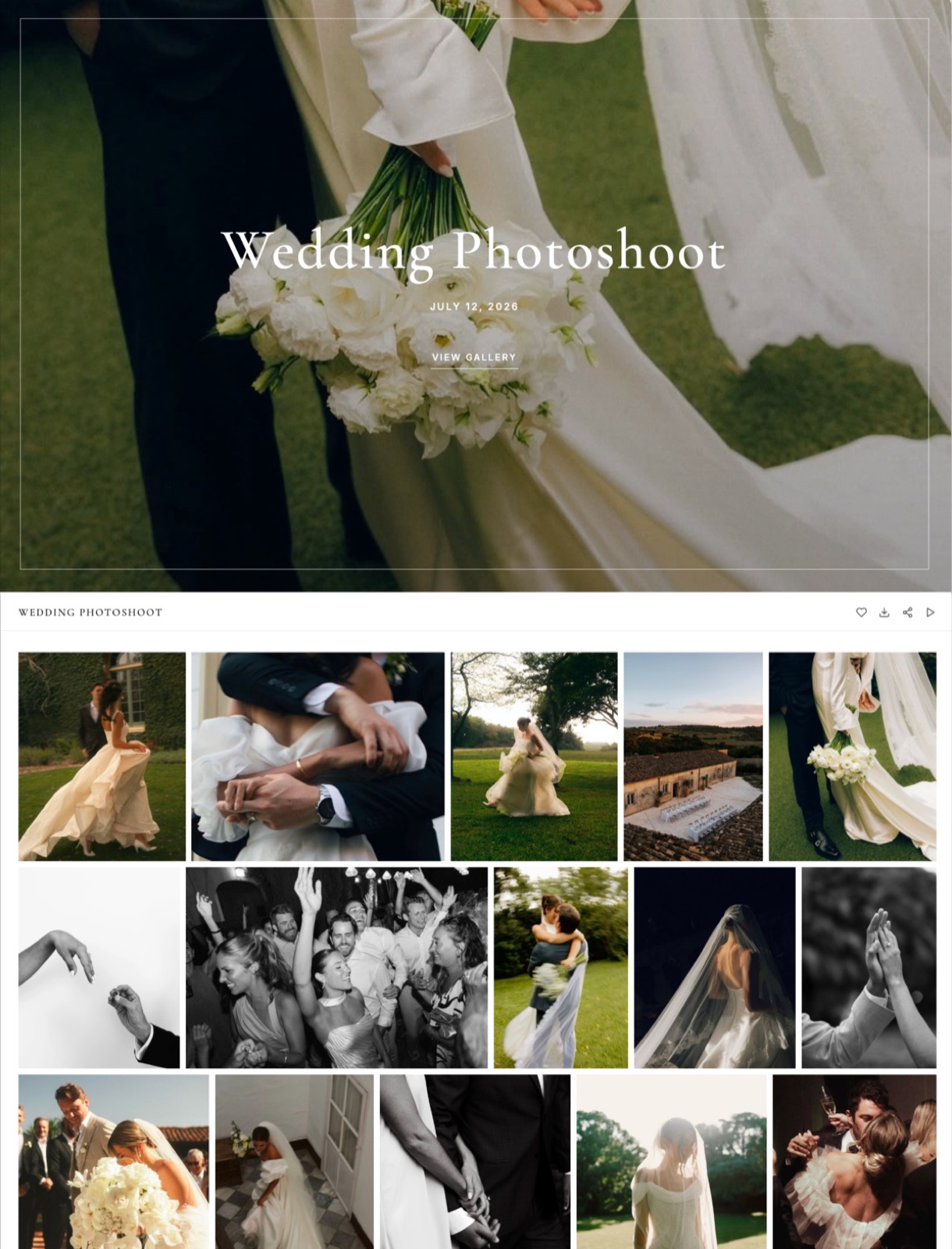
The Parts of a Client Gallery, Named
Most confusion about what a client gallery is comes from vendors using different words for the same part, so this table names each component, says what it does in one line, and gives a concrete example of how it is set on a real platform in October 2026.
| Part | What it does | Concrete example |
|---|---|---|
| Cover | The first full screen: title, date, hero photo | Framekit offers 17 cover styles and a focal point so faces survive phone crops |
| Sets | Named chapters inside one gallery | 6 sets for a 520-frame wedding |
| Gallery password | Decides who can open the gallery | One unique code per client |
| Download PIN | Decides who can save files, separately from viewing | Guests browse, the couple holds the PIN |
| Watermark | Marks the photos shown on screen | On Framekit, downloads still deliver the clean original |
| Favourites | Clients heart frames and send you the list | Named lists with per-photo notes and a Send to photographer button |
| Expiry | Takes the gallery offline on a date | Framekit emails you and linked contacts 3 days before |
| Email registration | Asks for an email before viewing | Tells you who opened a forwarded link |
| Activity log | Records lists and downloads | Logged by client email, exportable to CSV |
| Custom domain | Puts the gallery on your web address | yourstudio.com/client/harper-wedding/ from Framekit's Starter plan |
| Print store | Lets the client order prints from a lab | Pixieset, Pic-Time, ShootProof; not offered on Framekit |
Two of these parts get confused more than any others.
A password and a PIN look alike but answer different questions, and using both is what lets a wedding gallery travel through a family group chat without every guest downloading 520 full-resolution files.
A watermark and a download lock look alike too, but on Framekit the watermark only marks the photos as displayed, so an unpaid proofing round is protected by switching downloads off, not by the watermark.
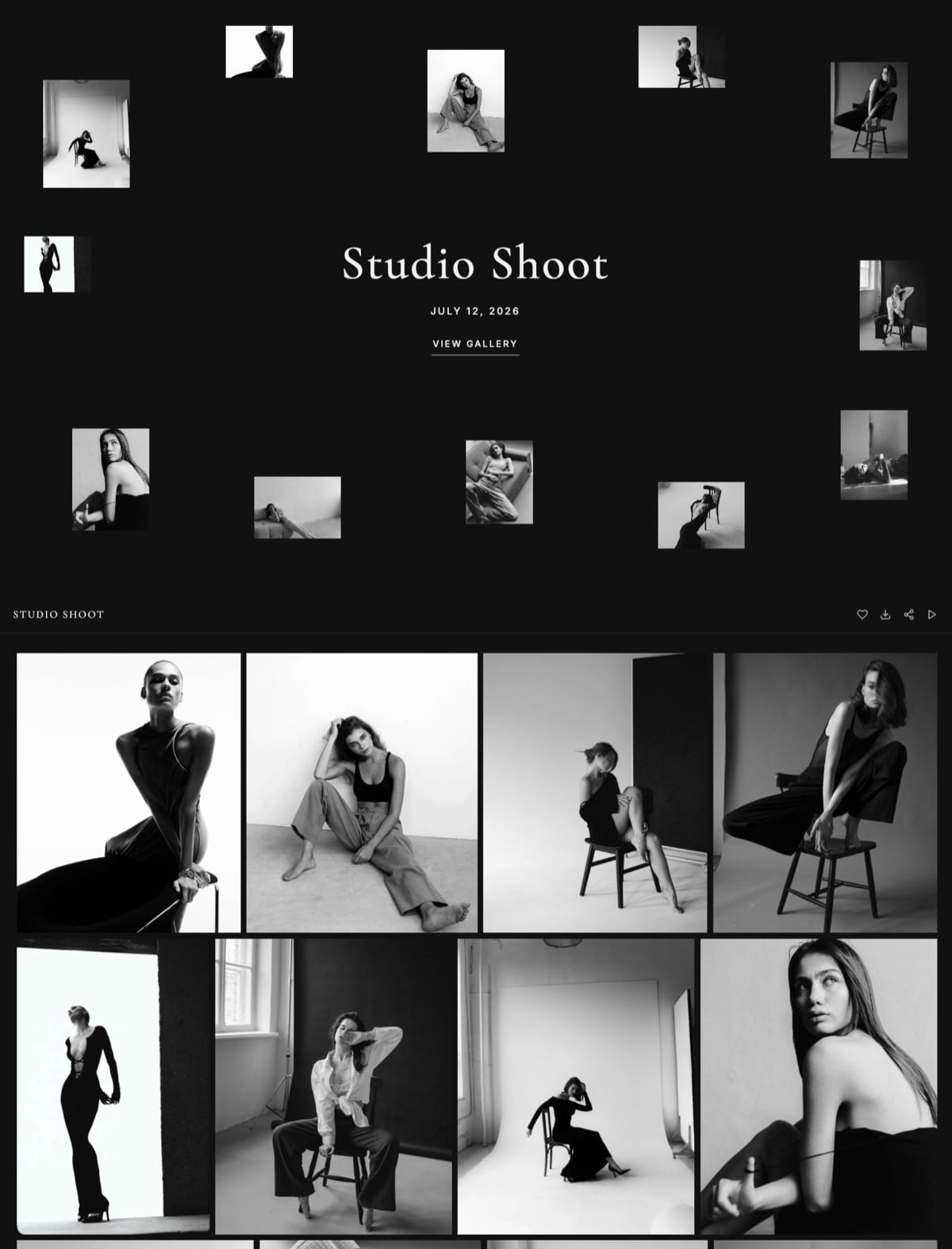
Client Gallery vs Shared Folder vs File Transfer vs Portfolio Page
A client gallery, a shared cloud folder, a file transfer and a portfolio page all put photos behind a link, but they serve four different audiences, and the clearest way to tell them apart is to ask who opens the link and what they need to do when they get there.
| Client gallery | Shared folder (Google Drive) | File transfer (WeTransfer) | Portfolio page | |
|---|---|---|---|---|
| Who it is for | One paying client | A collaborator | Anyone, one send | The public |
| What opens | A designed page of photos and films | A list of files | A download page | Your best work |
| Account needed to view | No | No, with "anyone with the link" sharing | No | No |
| Password | Per gallery | No password option; access by named people or link | Every plan | Usually none |
| Separate download gate | PIN on some platforms | Can stop viewers downloading, but no PIN | No | No |
| Favourites | Yes | No | Yes, on previews when switched on | No |
| How long the link lives | Until you set an expiry | Until you change sharing | Up to 3 days on Free and Starter | Permanent |
| Expiry dates | Built in | Only on eligible work or school accounts | Fixed by plan | Not applicable |
| Best for | Final delivery and selections | Working files and two-way exchange | Large one-off sends | Winning new clients |
The Google Drive row comes from Google's own sharing help page, read on 12 October 2026: anyone with the link can open a shared file without signing in, owners can stop viewers and commenters downloading, and expiry dates are only available on eligible work or school accounts.
The WeTransfer row comes from its pricing page the same day: transfers on Free and Starter live for up to 3 days, and Free is for non-commercial use only.
The practical rule follows from the audience: a portfolio for strangers, a folder for professionals, a transfer for one-off sends, a gallery for customers.
Our head-to-heads with Dropbox and WeTransfer cover where each of those tools still wins.
Photos and Video in One Client Gallery
A modern client gallery can hold the film from a shoot as well as the stills, but platforms meter video in completely different ways, by hours, by gigabytes, by monthly conversion time or not at all, so a hybrid photographer has to read the video terms before the photo terms.
| Platform | How video is handled | What that means for a 25-minute wedding film |
|---|---|---|
| Framekit | Hosted in the same gallery on every plan, Free included; counted in bytes against a video share of the storage pool | At 10 Mbps it is about 1.9GB: fits Pro's 2GB per-file cap and 150GB video share |
| Pixieset | Uploads from Basic, metered in hours: 30 minutes on Basic to 5 hours on Ultimate | One film uses most of Basic's 30 minutes; extra hours are $5 a month each |
| Pic-Time | Video storage by plan: 1GB free, 5GB, 30GB, 60GB | About 30 such films fit Advanced's 60GB |
| PicDrop | Unlimited playback, conversion metered at 1, 2 or 4 hours a month | Three such films in one month exceed Pro's 1 hour of conversion |
| CloudSpot | Vimeo or YouTube links added to the gallery | You also need a video host |
Pixieset's allowances come from its pricing page, and every other row from the vendor's pricing page read on 12 October 2026. Framekit never watermarks video, and transcodes uploads so they play smoothly in the browser.
For filmmakers the gallery is often the second link a client receives. The first is a review link for the cut, where the client leaves notes at exact moments, and only the approved version goes into the delivery gallery.
Framekit runs both on one account, with video review included on every plan; the guide to delivering photos and video together covers the handover.


The Main Kinds of Client Gallery Platform
Client gallery platforms fall into five families, each built around a different job that happens after delivery, and knowing which family a tool belongs to tells you more about whether it fits than any feature list, because the core job decides the pricing, the limits and what the client sees.
Print-store galleries make money after delivery by selling prints and albums through pro labs: Pixieset, Pic-Time, ShootProof and Zenfolio. Studio-suite galleries bundle contracts, invoices and booking: CloudSpot from its Lite plan and Pixieset's Suite. Archive-and-sell platforms keep a large library online and sell or license from it: SmugMug and PhotoShelter. Selects tools run professional proofing on RAW and working files: PicDrop. Website-first galleries put delivery on the same account as your portfolio site: Framekit.
| Platform | Family | Free plan, checked 12 Oct 2026 | Entry paid plan, billed yearly |
|---|---|---|---|
| Framekit | Website-first | 10GB pooled, unlimited galleries, every feature, video included | Starter, $7 a month, 50GB, own domain |
| Pixieset | Print store | 3GB, unlimited galleries, 15% commission on store sales | Basic, $8 a month, 10GB |
| Pic-Time | Print store | 10GB photos and 1GB video, shrinking to 3GB after 3 months | Beginner, $7 a month, 20GB plus 5GB video |
| ShootProof | Print store | 3GB, photos only, 0% commission | Starter, $8.33 a month, 20GB |
| Zenfolio | Print store and volume | Free trial only | Basic, $7 a month, 15GB; selling starts on Professional |
| CloudSpot | Studio suite | 5GB, 3 galleries, downloads capped at 2048px | Entry, $7 a month list, 15GB, 15 galleries |
| SmugMug | Archive and sell | 14-day trial only | Direct, $20 a month, unlimited JPEG storage |
| PhotoShelter | Archive and sell | 14-day trial only | Basic, $10 a month, 4GB |
| PicDrop | Selects | 1GB, 3 galleries | Pro, $15.99 a month, 500GB |
Each row is expanded in our head-to-heads: Framekit vs Pixieset, vs ShootProof, vs CloudSpot, vs SmugMug and vs PicDrop.
What a Client Gallery Costs in 2026
A client gallery costs $0 to about $600 a year in 2026, and most working photographers pay between $84 and $250, with the subscription often smaller than the two hidden costs: commission on store sales from free plans, and caps on gallery count that force an upgrade mid-season.
The arithmetic is simple to run. A free plan that takes 15% of store sales costs $450 on $3,000 of prints, more than any entry paid plan. A plan capped at 15 galleries stops a photographer delivering weekly within about four months.
And because galleries hold storage while they are live, a wedding photographer keeping 24 weddings of 520 frames online needs about 125GB, which is a mid-tier plan on nearly every platform.
The full worked breakdown, three shooting volumes priced on eight platforms, is in how much client galleries cost, and the case for and against paying at all is in are client galleries worth it.
When You Do Not Need a Client Gallery
You do not need a client gallery when nobody on the other end of the link is a paying client judging your studio by what they see, and being honest about those cases matters because a subscription bought for a problem you do not have leaves your account every month for nothing.
Your recipients are professionals. Retouchers, editors, colourists and art directors want working files and two-way folders, not a designed page. Cloud storage or a transfer service is the right tool, and a gallery that refuses RAW and TIFF is the wrong one.
You deliver very few jobs. If you deliver fewer than about six shoots a year, a free plan covers you, and some photographers at that volume are fine with a shared folder.
Your contract hands over camera files. When the deliverable is RAW or layered files, it is a file transfer by definition, and most galleries reject those formats anyway.
You need guests to upload. Wedding guest-upload apps solve a different problem. Delivery galleries, Framekit's included, do not take client uploads.
What Happens When: The Mechanics Clients Ask About
The questions clients send after a gallery goes out are almost always about mechanics rather than photographs, so knowing how a typical gallery behaves in these six situations, described here as Framekit implements them, answers most of them before they are asked.
The client has no account and does not want one. They open the link and type the password if you set one. The first time they heart a photo, Framekit asks for their email address so their picks are saved, with no password and nothing to sign up for.
The client forgets the password. They ask you, and you read it from the gallery's settings. Repeated wrong guesses are rate-limited, and the client sees a "try again later" message rather than an open door.
A guest tries to download. If you set a download PIN, the guest is asked for it and cannot save files without it, even though they can browse and heart photos.
The gallery is huge. The ZIP is built on the server and, for very large galleries, split into several parts the client saves one at a time; they can leave an email to be told when it is ready.
The film is longer than allowed. Framekit refuses any video over 2 hours, or over the plan's per-file cap of 500MB, 1GB, 2GB or 3GB, at upload, before the client ever sees a broken link.
The expiry date arrives. The gallery unpublishes itself and returns to draft with its files intact; visitors see "This gallery is no longer available" and are asked to contact the photographer. A reminder can go to you and the client three days earlier.
Where Framekit Fits

Framekit is an AI website builder that includes client galleries, video review, Slides and a digital store on the same account, so in the five families above it is the website-first option: each gallery is a page of your own portfolio site rather than an account on a separate delivery service.
What you get on every plan, Free includedunlimited galleries; photos and films in one gallery, with films transcoded and never watermarked; a gallery password, a separate download PIN, a downloads switch and photo watermarks; favourites with named lists, per-photo notes and a Send to photographer button; optional expiry with a reminder three days before; email registration; sharing by email to up to 20 recipients; 17 cover styles, 18 typography presets and 7 interface languages; and an Activity panel logging lists and downloads by client email.
What the paid plans addyour own domain on galleries from Starter ($9 a month, $7 billed yearly), your own uploaded fonts, and a bigger pool: 50GB on Starter, 300GB on Pro ($19, or $15 yearly) and 2TB on Business ($39, or $31 yearly), shared with your site and video review.
Up to 3GB, 15GB, 150GB or 750GB of the pool may be video. No plan removes the small Made with Framekit credit at the foot of each gallery.
Where it livesat /client/ plus the gallery's name on your site, on a framekit.ai address on Free and your own domain from Starter, so a client returning in a year comes back to your address; the gallery page itself has no menu linking to your portfolio or enquiry page.
What it does not dono print ordering or lab fulfilment, no price sheets or print packages, no native mobile app, no client uploads, no RAW files, no unlimited storage, and no school or volume workflows. Photographers who sell prints are better served by a print-store gallery.

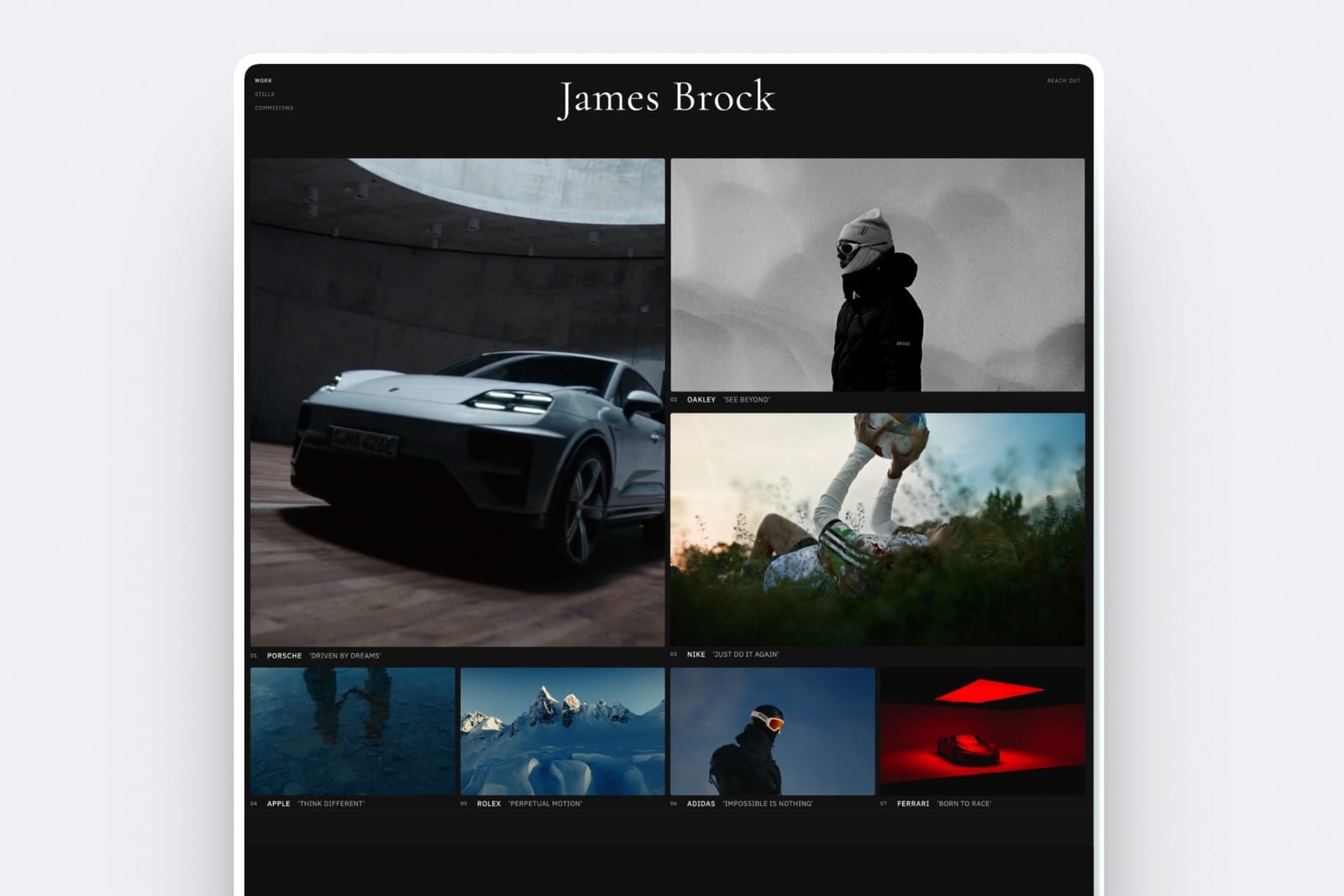
How to Tell Whether a Gallery Is Good Enough
You can judge any client gallery platform in about ten minutes with a free trial or free plan, a test gallery of 20 photos and one short clip, and a phone in a private browser window, because the client-side experience is the part that vendor feature lists describe least honestly.
Run this sequence and score one point for each pass:
- The link opens to a designed cover on a phone, not a file list.
- A password screen appears before anything else.
- You can set a download PIN that is different from the password.
- Hearting a photo works without creating an account.
- The favourites come back to you as a list you can read, with notes.
- A single photo downloads at full resolution, and you can confirm whether it is watermarked.
- The whole gallery downloads as a ZIP without a desktop app.
- The clip plays in the browser without downloading it first.
- You can set an expiry date and see what a visitor sees after it.
- The page can sit on your own domain.
A score of 8 or more is a real client gallery. Below 6, it is a file transfer with branding. Run the same ten checks on the tool you use today before deciding to switch; the scores usually make the decision for you.
Frequently Asked Questions
What is a client gallery in photography?
A client gallery in photography is a private, branded web page where a photographer delivers a finished shoot to one paying client, who can browse it in sets, heart favourites and download full-resolution files, while the photographer controls the password, a download PIN, watermarks and expiry.
Platforms such as Framekit, Pixieset and ShootProof provide them, several on free plans.
What is the difference between a client gallery and a portfolio?
A portfolio is public and shows your best work to strangers to win new clients; a client gallery is private and shows one client's whole shoot to that client so they can choose favourites and download files.
On Framekit both live on the same site: the portfolio pages are public, and each gallery sits at a private /client/ page behind its own password.
What is the difference between a client gallery and Google Drive?
A client gallery presents photos on a designed page with favourites, a password, a separate download PIN and expiry, while Google Drive shares folders of files.
Drive lets anyone with the link view without signing in and can stop viewers downloading, but has no password, no favourites, and expiry dates only on eligible work or school accounts, per Google's help centre in October 2026.
Is a client gallery the same as a proofing gallery?
A proofing gallery is a client gallery used before the final delivery, usually with downloads off, watermarks on and an expiry date, so the client picks frames to edit or buy.
The same platform normally handles both rounds; what changes is the settings. On Framekit a watermark marks the displayed photos only, so switch downloads off for proofing rather than relying on the watermark.
Do clients need an account to use a client gallery?
No. On well-designed platforms, Framekit included, a client opens the gallery with the link and a password if you set one, and downloads with a PIN if you set one, without creating an account.
On Framekit they type an email address only if you turn on email registration or when they start hearting favourites, and no password is ever involved.
Can a client gallery include video as well as photos?
Yes, on many platforms, but the metering differs. Framekit hosts films in the same gallery on every plan up to 2 hours long, with per-file caps from 500MB to 3GB and no watermark.
Pixieset meters video in hours from its Basic plan, Pic-Time in gigabytes, PicDrop in monthly conversion hours, and CloudSpot adds films as Vimeo or YouTube links.
How long does a client gallery stay online?
As long as you choose. On Framekit a gallery stays published until you take it down or an expiry date you set arrives; on that date it returns to draft with the files kept, and an optional reminder goes out three days before.
A sensible default is to expire proofing rounds after 14 to 21 days and leave final deliveries online for at least a year.
How much does a client gallery cost?
A client gallery costs $0 to about $600 a year.
Free plans exist on Framekit (10GB, unlimited galleries), Pixieset (3GB, 15% store commission), ShootProof (3GB, photos only), Pic-Time (shrinking to 3GB after three months), CloudSpot (3 galleries) and PicDrop (1GB, 3 galleries).
Entry paid plans run about $7 to $16 a month billed yearly.
Can clients order prints from a client gallery?
On print-store platforms, yes: Pixieset, Pic-Time, ShootProof and Zenfolio's selling plans send orders to pro labs that print and ship them.
On Framekit, no; it has no print store, lab or price sheets, so clients send you a favourites list and you order prints yourself. If prints are regular income, choose a print-store gallery.
Is a client gallery private enough for boudoir or unreleased work?
A client gallery is private enough for sensitive work when you combine a unique password, a separate download PIN sent by a different channel, downloads switched off until approval, and an expiry date.
Framekit offers all four on every plan, and rate-limits repeated wrong passwords. No web gallery stops a determined viewer taking screenshots, so watermark proofs and limit the set to what the client must see.
Should a beginner choose Framekit or Pixieset for a first client gallery?
A beginner who delivers digital files, or films as well as photos, should start on Framekit's free plan, because it has 10GB, unlimited galleries and every gallery feature, plus a portfolio website on the same account.
A beginner who expects prints to be income should start on Pixieset, whose paid plans sell through pro labs at 0% commission, though its free plan takes 15%.
What happens to a client gallery when it expires?
On Framekit an expired gallery unpublishes itself on the date and returns to draft with every file still in your account, and visitors see a message that it is no longer available with a prompt to contact the photographer.
You can republish it at any time. Other platforms differ: some archive galleries, and Pic-Time's free plan deletes galleries over its 3GB limit.
The Short Version
A client gallery is the private, designed handover of a finished shoot: it presents the work, controls who gets in and who downloads, collects favourites, manages time, and points to what happens next. Six jobs; anything doing fewer than four is a file transfer with a background.
Pick the family before the brand. If prints are income, a print-store gallery is the better fit and Framekit does not compete there. If studio paperwork is the bottleneck, a studio suite.
If you deliver digital files and films and want the delivery on the same domain as your portfolio, Framekit does all six jobs on its free plan and adds your own domain from $7 a month billed yearly.
Related readinghow to create a client gallery, the client gallery platform comparison, client gallery vs Google Drive, client gallery vs WeTransfer, and what to include in a client gallery.