Framekit templates
Start from a designer-made template
 Use template
 Use template
 Use template
 Use template
 Use template
 Use template
 Use template
 Use template
The headshot day went well: 38 people in four hours, a meeting room turned into a studio, a comms manager who kept the queue moving. Then the delivery begins. Marketing wants the team page images by Friday.
HR wants one file per person, named so they can find "the new finance director" next spring. An agency building the annual report wants the full-resolution set.
And someone from IT replies-all to ask where the files are hosted, who can see the link, and how access gets removed when the project ends.
A couple never asks any of that. A company always does, eventually.
A corporate photo delivery is the handover of finished images to an organisation rather than a person, and it has to satisfy several departments at once: files sized and named for the systems they will be loaded into, licence terms that reach the people who actually download, access you can control and revoke, and answers to the hosting questions procurement or IT will raise.
To deliver photos to corporate clients, agree the deliverable spec in writing before the shoot, structure the gallery by how the company will use the images rather than by shoot order, deliver both full-resolution files and a web-sized set, name every file with company, project and person, put a one-line licence summary where downloaders will see it, lock viewing with a password and downloading with a separate PIN, keep the gallery live for the licence term, and offer a clean ZIP for the company's own asset library.
Framekit handles the gallery side on every plan, from your own domain; PhotoShelter for Brands is the better fit when the client needs named-user logins or Single Sign-On, and PicDrop when the job is a RAW selects round or EU hosting is a contract term.
We rewrote this guide on 12 October 2026 and re-verified every Framekit delivery control in it against the shipped product that day, including what its download log records and how its ZIP files are named; competitor details were re-read on PhotoShelter's and PicDrop's own pages.
The September version told you to put licence terms "in the gallery description" and to "provide a web-sized set" as if the gallery made one; Framekit galleries show no description to clients and every download is the original file you uploaded, so both steps are now written the way they actually work.
Framekit is an AI website builder with client galleries, video review, Slides and a digital store in one account, so a corporate delivery arrives at /client/ on your own studio domain rather than on a consumer photo platform.
Full disclosure: Framekit is our product. The steps work on any gallery, and two sections explain when PhotoShelter for Brands or PicDrop is the better delivery route for an organisation.
How Corporate Delivery Differs From Consumer Delivery
Corporate delivery differs from a wedding or portrait delivery in five ways, who receives it, who has read the contract, where the files end up, who asks about hosting and how far usage drifts, and photographers moving into commercial work tend to meet all five on their first big job.
| Difference | Consumer delivery | Corporate delivery |
|---|---|---|
| Who receives it | One person or a couple | 3 to 6 departments plus at least one agency |
| Who read the contract | The person downloading | Usually only the person who signed it |
| Where files end up | A phone and a laptop | An asset library, intranet, CMS or slide template |
| Hosting questions | None | Where, who can see it, for how long, how access ends |
| How usage drifts | Social posts | Press releases, recruitment, paid campaigns, packaging |
The recipient is a chain. Marketing, internal comms, HR, legal and an agency touch the same files, and none of them were at the shoot.
Files enter a system. A headshot lives on under whatever name it had when it was loaded into the company's library. Name it well and it is found for years; name it DSC_4471 and it gets renamed by a stranger.
Usage expands quietly. A headshot shot for the website turns up in a press release, on a conference badge and in a recruitment campaign. That is either licensed or it is a conversation you should have had earlier.
Step 1: Agree the Deliverable Spec Before the Shoot
Agree in writing what you will deliver, in which sizes, crops and file names, by when and through what route, before the shoot day, because a corporate client changes its mind far less often than it simply never says what it needed, and every unstated requirement becomes a re-export.
Send a one-page spec with the quote and ask the client to confirm it. Six lines cover nearly every job:
- Quantity. "5 to 8 retouched finals per person" for headshots; "60 to 120 selects" for an event; "3 to 6 angles per product" for product work.
- Sizes. Full resolution for print and design, plus a web set at 2,000 pixels on the long edge.
- Crops. Which aspect ratios they need: square for profiles, 4:5 for social, 16:9 for web headers and slides.
- File names. Their pattern if they have one; yours below if they do not.
- Timing. Same-day selects for events, finals in 3 to 7 business days; our guide on how long photo delivery should take has windows by genre.
- Route. A gallery link, plus a ZIP for their asset library if they want one.
The spec also protects you. When the agency asks for TIFFs in month two, the confirmed spec turns "can you just" into a small, billable re-export rather than an argument.
Step 2: Structure the Gallery by Use, Not by Shoot Order
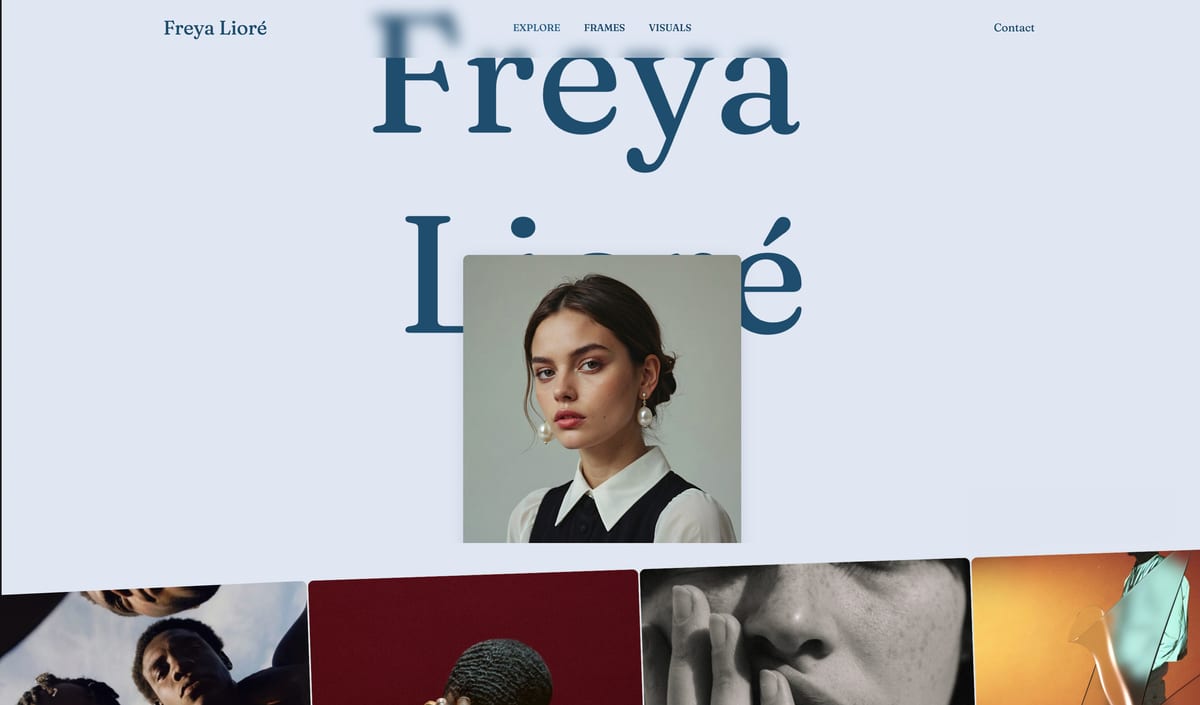
Organise the corporate gallery into sets named after what each department will do with the images, because a comms manager looking for a wide team photo for the intranet does not know or care that it was taken in the second hour, and sets named by use route every department to its files without an email to you.
| Set name | What goes in it | Who opens it |
|---|---|---|
| Highlights | The 15 to 25 strongest frames across the job | Leadership, the agency |
| Headshots | One or more finals per person, named by person | HR, comms, the website team |
| Team and Culture | Groups, candids, people at work | Recruitment, social |
| Office and Environment | Spaces, signage, wide establishing shots | Website, annual report |
| Web Headers 16x9 | Wide crops with space for text | Web and slide designers |
| Press Set | 15 to 30 captioned frames at web size | PR and communications |
On Framekit, a new gallery starts with one set called Highlights; add the others, drag them into order and move selected photos between sets in one go. Keep it to six or seven sets. Beyond that, people stop navigating and start scrolling.
One gallery or many for headshots? If the company manages the images centrally, one gallery with a Headshots set is simpler for HR.
If each employee should receive only their own photos, make one gallery per person; Framekit galleries are unlimited on every plan, so 38 galleries cost nothing extra beyond the storage, and the share email reaches up to 20 recipients per send.

Step 3: Deliver Two Sizes and the Crops They Will Use
Deliver every final at full resolution and as a web set around 2,000 pixels on the long edge, plus the crops the company uses, because non-designers handed only 30MB masters either drop them full-size into slides and emails or resize them badly, and both outcomes end up looking like your work.
Export the web set yourself. On Framekit, every download is the original file you uploaded, at full resolution; there is no smaller web-size option for clients.
So the web set is a second export you upload as its own set, for example "Web 2000px", typically 400KB to 1MB a frame against 8MB to 20MB for the masters.
Export the crops yourself. Gallery software does not reframe images for aspect ratios. Square, 4:5 and 16:9 versions of the key frames are separate exports, each in its own clearly named set, so the web team never crops a head off in PowerPoint.
Keep formats boring. sRGB JPEG for almost everything.
Framekit accepts JPEG, PNG, WebP and GIF up to 100MB a photo and refuses RAW, DNG, TIFF, PSD and HEIC; if the agency needs TIFFs or layered files, send them by a transfer service or through the agency's own system.
Budget the storage. A 38-person headshot day with 6 finals each is 228 masters at about 12MB, roughly 2.7GB, plus a web set of about 0.2GB.
A two-day conference of 800 frames with a web set is about 10GB, which is the whole of Framekit's free pool and a fifth of Starter's 50GB.

Step 4: Name Files So They Survive the Asset Library
Name every file with the company, the project, the subject and a sequence, because the name you give a file is the name it carries into the client's asset library, and it is the only label that still identifies the image after the gallery link has long expired.
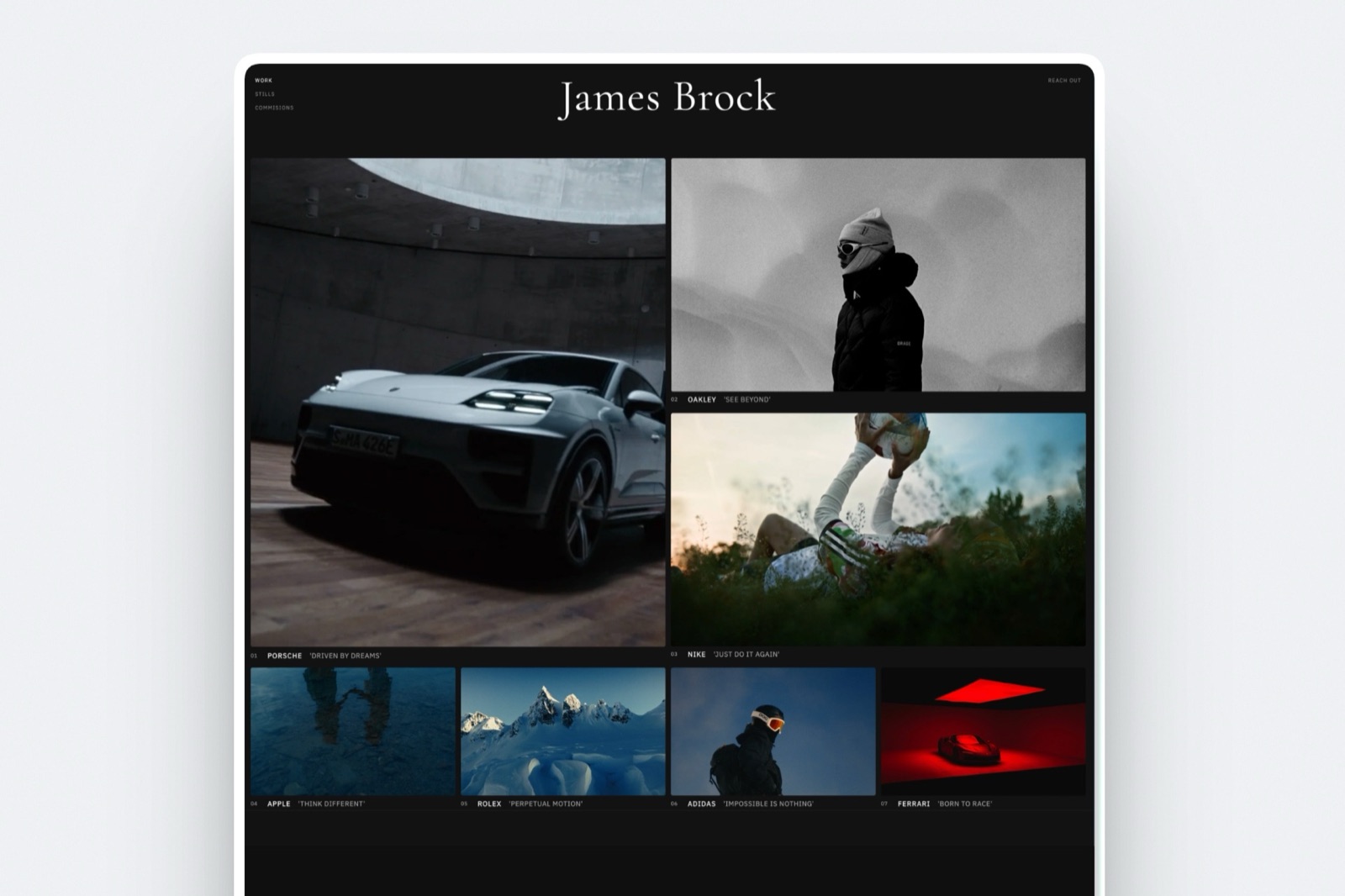
A pattern that works: company-project-subject-sequence.jpg, for example northfield-2026-headshots-okafor-amara-01.jpg or northfield-2026-agm-keynote-014.jpg.
Put the person's name on every headshot, surname first if HR sorts that way, because HR asks for files by name and never by frame number.
On Framekit, whole-gallery and favourites downloads arrive as one ZIP named after the gallery, with every file at the top level and no set folders, so the subject in the file name is what keeps the archive usable once it is unzipped.
A ZIP holds up to 2,000 photos and very large archives arrive in parts.
You can rename a single photo inside the gallery and the new name is what downloads, which suits fixing the one headshot that went out under the wrong person's name; for anything more, fix the export preset.
Embed the creator, copyright notice, credit line and contact details in the metadata on export.
It travels into asset libraries with the file and is often the only thing that identifies you two years later; our guide to protecting client photos online covers the fields.
Step 5: Put the Licence Where Downloaders Will See It
Put a one-line licence summary in front of the people who actually download the files, not only in the contract, because the most common corporate photography dispute is about scope rather than money, and it happens because the terms lived in a document nobody downstream ever read.
| Licence element | Example wording | Why it matters |
|---|---|---|
| Licensee | Northfield Group and its subsidiaries | Stops the agency assuming it owns the files |
| Channels | Web, social, internal comms, print collateral | The line most often exceeded |
| Excluded uses | Paid advertising, out-of-home, packaging, resale | Names the expensive uses explicitly |
| Territory | Worldwide | Rarely disputed; state it anyway |
| Term | 24 months from 14 October 2026 | Sets the renewal date you will invoice |
| Credit | Photo: Studio Name | Ask for it on press use |
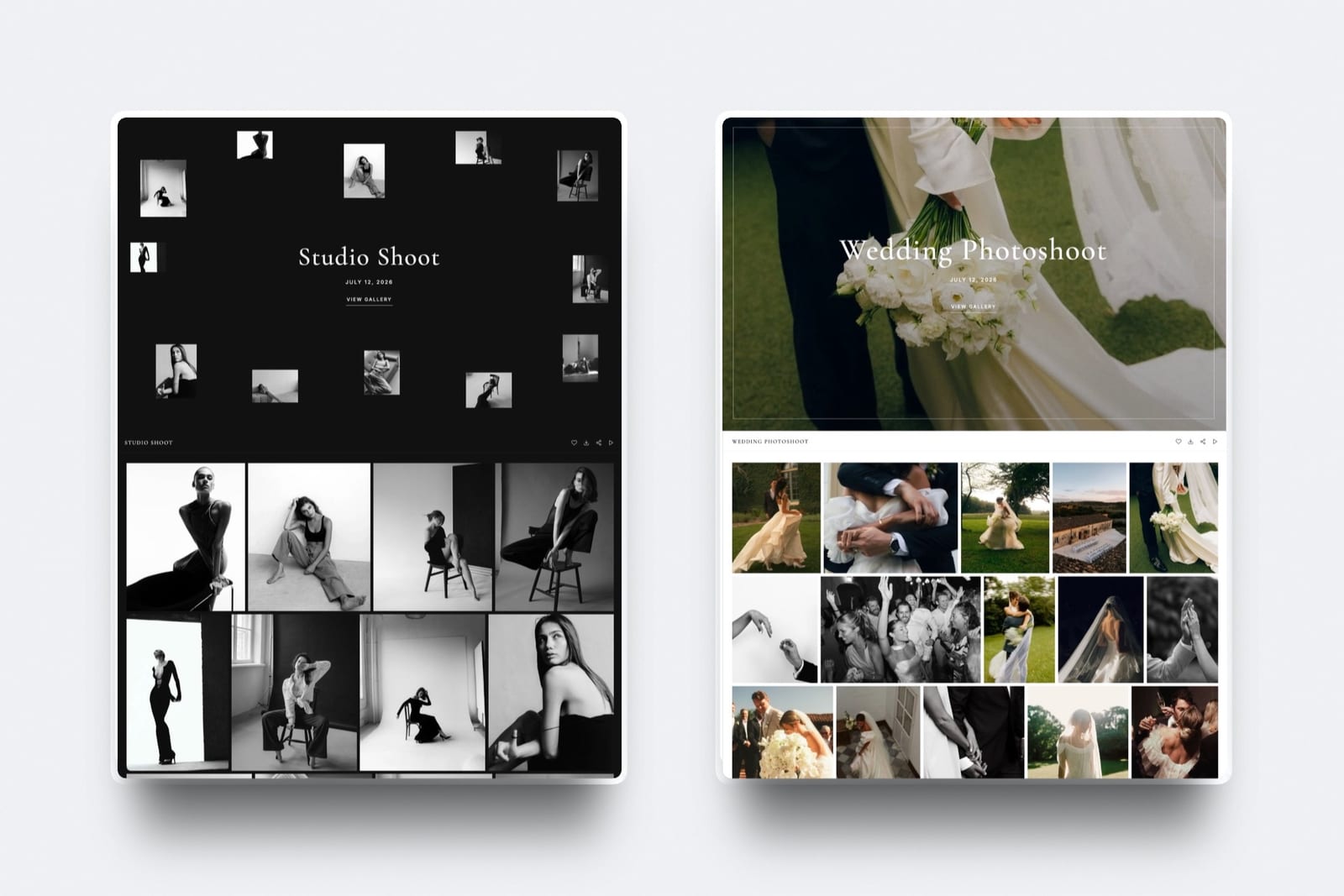
Where to put it on Framekit. A Framekit gallery shows clients no description text, so put the licence line in three places they will see: the share email (save it as your own template so every corporate send carries it), the name of one set such as "Licensed to Northfield, web and print, to Oct 2028", and, if you want it inside the gallery itself, a simple licence card uploaded as the first frame of Highlights.
Attach the full licence to the invoice as a PDF.
Diarise the renewal. A 24-month licence expiring in month 25 is a renewal invoice you send, not a claim you make. Put the date in your calendar the day you deliver.
Agree the leaver policy. Decide before the shoot whether headshots of people who leave are withdrawn from active use within, say, 30 days or kept for archive only. It is one line in the contract and saves an awkward request later.
Step 6: Lock Viewing, Downloading and Time Separately
Set three separate controls on a corporate gallery, a password for who can view, a PIN for who can download and a date for when access ends, because a corporate link will be forwarded internally within hours and you need to be able to say exactly who could do what, and for how long.
Password. A unique password per gallery lets the client circulate the link internally. If the link leaks, change the password: on Framekit anyone who unlocked the gallery with the old password has to enter the new one.
Download PIN. Give the PIN to the people who should collect full-resolution files, usually the marketing lead and the agency. Everyone else can view and favourite. On Framekit both codes are on every plan, Free included.
Email Registration. Framekit's Email Registration setting asks every visitor for an email address before the gallery opens, which suits internal galleries where you want people to identify themselves.
Note what it does not do: the Activity panel lists downloads and favourites lists, not those sign-ins.
Expiry. For a job with a licence term, set the gallery's expiry to match it or leave it live for the term; for an embargoed launch, keep downloads off until the embargo date.
A Framekit gallery with an expiry date returns to draft on that day with its files intact, and an optional reminder emails you and the linked contacts 3 days before.
Removal on request. If the client asks for access to end now, take the gallery offline; it can come back online later from its header without rebuilding it.
Step 7: Have the Hosting and Audit Answers Ready
Prepare short, specific answers to the five questions corporate IT and procurement ask about any gallery, where the files are hosted, who can open the link, how long it stays live, how access is removed and who downloaded what, because vague answers read as unprofessional however good the photographs are.
| Question you will be asked | The answer to have ready | On Framekit |
|---|---|---|
| Where are the files hosted? | The platform and the address the link uses | Your studio domain from Starter, a framekit.ai address on Free |
| Who can open the link? | Anyone with the link and password | Password per gallery; optional Email Registration |
| Who can download full resolution? | Only people with the download PIN | Separate PIN on every plan |
| How long does it stay live? | Until a stated date | Expiry date with optional reminder, or take offline by hand |
| Who downloaded what? | A log by email and date | Activity panel: each download with email when known, PIN used and date; CSV export |
Two answers to give honestly. Framekit records downloads against the visitor's email when it has one, for example after they sign in to save favourites, and as Anonymous otherwise; it does not use named-user logins or Single Sign-On.
And Framekit has no setting to choose a hosting region, so a contract that requires EU-only data residency is a reason to deliver through a platform that states it, such as PicDrop, or through the client's own system.
Our guide to GDPR-compliant client galleries compares the options.
Run it yourselfbefore your next corporate delivery, open the gallery in a private window on your phone, try to download without the PIN, then download one photo with it and export the Activity CSV.
If you can answer all five questions above from what you just saw, you are ready for the IT email.
Step 8: Send a Delivery Email Written to Be Forwarded
Write the corporate delivery email as a short document rather than a personal note, because it will be forwarded to people who were not on the thread, and the forwarded version has to explain what the files are, how to get them and what they may be used for without anyone calling you.
Six lines, in this order:
- Line 1: what was shot and when: "Headshots and team photography, Northfield London office, 14 October 2026."
- Line 2: the gallery link, on its own line.
- Line 3: the password on its own line, and who holds the download PIN.
- Line 4: the sets, in one sentence, so readers go straight to theirs.
- Line 5: the licence summary in one line.
- Line 6: how long the gallery stays live, and an offer of a ZIP for their asset library.
Framekit's share email reaches up to 20 recipients per send, can include the gallery password with one checkbox, and keeps your own saved templates next to six starter ones, so a corporate template written once carries the licence line every time.
Our photo delivery email guide has the consumer version for comparison.
Step 9: Follow Up, Hand Over the Archive Copy, Book the Renewal
Close a corporate delivery with three actions inside two weeks, a check of who has downloaded, a clean handover copy for the company's own systems and a calendar entry for the licence renewal, because corporate clients rebook the photographer who made the last job easy to finish.
Check the log at day 3 to 5. Framekit notifies you when someone downloads, at most once an hour per visitor per gallery, and the Activity panel shows the detail. If the agency has not downloaded by day five, resend the link and PIN to the agency contact directly.
Offer the ZIP proactively. Many organisations want the final set inside their own asset library regardless of your gallery. Offering a well-named ZIP is a service, not a defeat, and a natural moment to restate the licence in writing.
Book the renewal and the next job. Put the licence end date in your calendar with a reminder 60 days before. New starters need headshots every quarter at most companies; offer a standing half-day twice a year.
Where Framekit Fits Corporate Delivery

Framekit fits photographers and small studios who deliver finished corporate work and want it to arrive on their own studio domain, because every gallery control in this guide, password, separate download PIN, Email Registration, expiry, download log and CSV export, is on every plan, and films and stills share one gallery.
What it feels like to the client. The comms manager opens a link on your domain, enters the password, sees sets named Headshots, Team and Culture, Web Headers 16x9 and Press Set, and downloads what they need with the PIN.
The agency does the same. Nobody creates an account.
The number to remember. $0 for unlimited galleries with every gallery feature inside 10GB of storage shared with your website.
Your own domain starts on Starter at $9 a month ($7 billed yearly) with 50GB; Pro is $19 ($15 yearly) with 300GB; Business is $39 ($31 yearly) with 2TB. A gallery holds up to 5,000 photos.
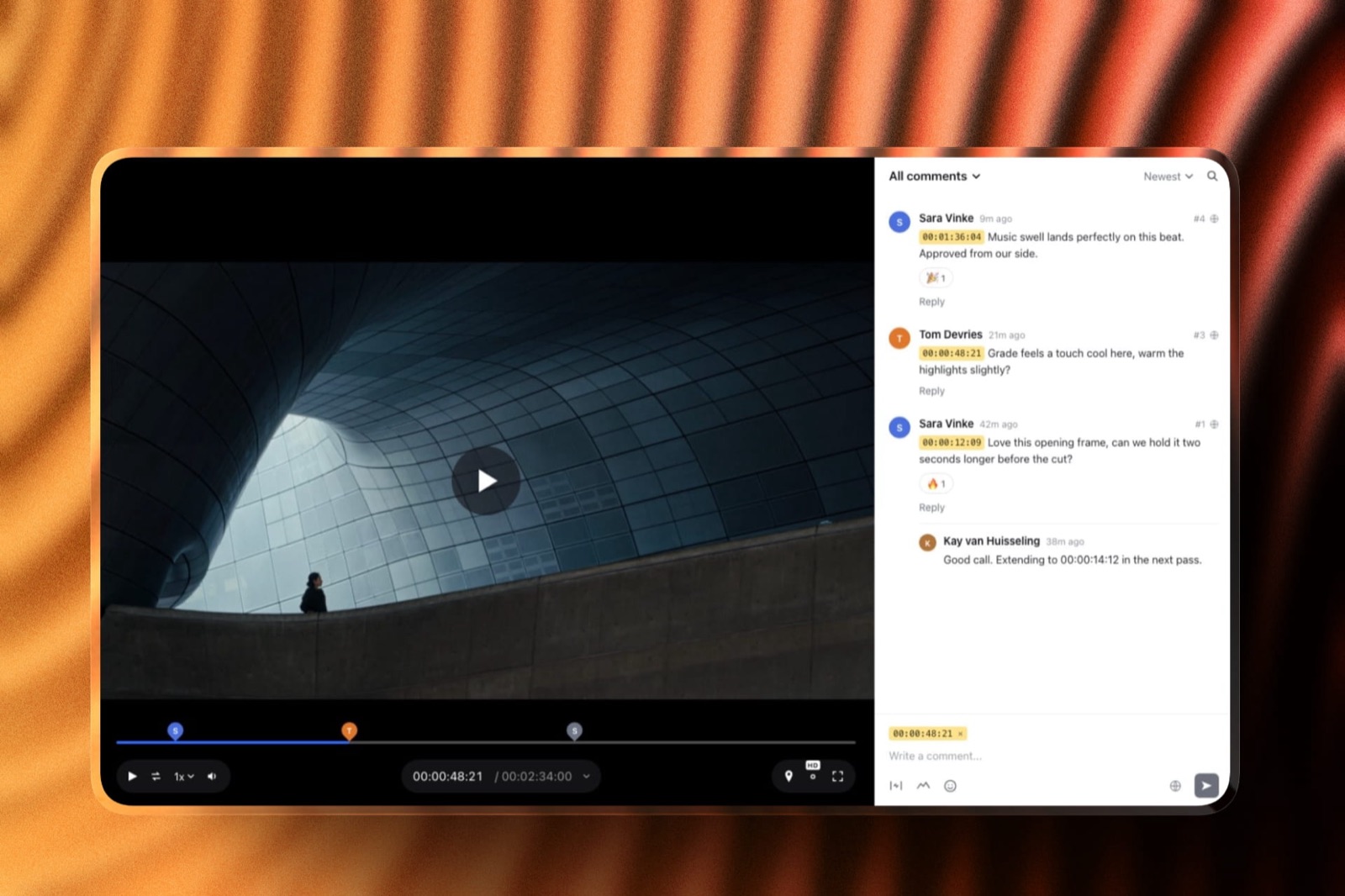
The standout detail. Corporate video and stills go through one account: a brand film can collect frame-accurate notes and an approval in Framekit's video review, then land in the same gallery as the stills, with per-file video caps of 500MB, 1GB, 2GB and 3GB by plan.
The honest gotcha. No named-user logins, no Single Sign-On, no choice of hosting region, no client-facing description field, no web-size downloads and no set folders in ZIPs, so the web set, the licence line and the file names are your job.
Galleries belong to the account holder: team members on Pro and Business can edit the website but cannot build or manage galleries, so a studio with several photographers delivers through one owner account.
Who should skip it. Agencies running RAW selects rounds or needing client uploads, institutions that require named logins, anyone who needs print ordering, price sheets, a mobile app, unlimited storage or school and volume workflows.
Verdict: for a commercial photographer delivering finished stills and films to companies that are happy with a password, a PIN and a download log, Framekit puts a professional delivery on your own domain on any plan; for a client whose IT requires named logins or SSO, it is the wrong tool.
When PhotoShelter for Brands Is the Better Home
PhotoShelter for Brands is the better delivery home when the client is an institution that needs per-person access to a long-lived image library, because PhotoShelter documents specific-user access with email logins or Single Sign-On for its brands product, which Framekit does not offer on any plan.
PhotoShelter's own article on access permissions describes those specific-user options and notes that password and open access record only the visitor's IP address.
For a university, a hospital group or a global brand that wants to own the library and grant access person by person, that is the right model, and the institution usually holds the subscription.
Its photographer plans, from $120 a year, are a different product aimed at archives and licensing. Framekit vs PhotoShelter compares the photographer side in detail.
When PicDrop Fits a Corporate Selects Round
PicDrop is the better tool when the corporate job includes a selects round with an art director or agency, because it accepts RAW and TIFF, lets clients mark frames with colours and votes, and lets them upload files of their own, and because it states that its data is hosted in Germany.
Its free plan holds 1GB and 3 galleries, and Pro is $15.99 a month billed yearly for 500GB, per its pricing page, checked October 2026.
Many commercial studios run both stages: selects on PicDrop, finished delivery on their own site.
PicDrop has no website, and Framekit has no RAW, colour markers or client uploads. Framekit vs PicDrop covers the two-stage workflow.
Frequently Asked Questions
How should I deliver photos to a corporate client?
Deliver corporate photos through a password-protected gallery organised by use, with sets such as Headshots, Team, Office and Press, full-resolution files plus a web set at about 2,000 pixels, file names that include company, project and person, a one-line licence summary in the delivery email, and a separate download PIN for the people collecting files.
Offer a clean ZIP for the company's own asset library as well.
What file names should I use for corporate headshots?
Use company, project, person and a sequence, such as northfield-2026-headshots-okafor-amara-01.jpg, set once in your export preset, because HR requests files by name and the name you deliver is the one the asset library keeps.
Never deliver camera defaults. Gallery ZIP downloads usually arrive as one flat folder, so the person's name in the file is what keeps 228 headshots findable.
Should I deliver web-size and full-resolution corporate photos?
Yes, both. Non-designers given only 30MB masters drop them into slides and emails at full size or resize them badly. Export a web set at about 2,000 pixels on the long edge, typically under 1MB a frame, and upload it as its own set.
On Framekit every download is the original you uploaded, with no automatic web-size option, so the web set must be exported by you.
Where should licence terms go in a corporate gallery?
Put a one-line licence summary where downloaders see it, not only in the contract: in the delivery email, in a set name such as "Licensed to Northfield, web and print, to Oct 2028", or on a licence card uploaded as the first frame.
Framekit galleries show clients no description text, so those three places do the job. Attach the full licence to the invoice.
How long should a corporate gallery stay online?
Keep a corporate gallery online for at least the licence term, often 24 months, because companies come back at rebrands, annual reports and new hires.
On Framekit a gallery with no expiry date stays published until you take it offline, and one with a date returns to draft on that day with its files intact and an optional reminder 3 days before.
What will corporate IT ask about my photo gallery?
Corporate IT usually asks where files are hosted, who can open the link, who can download full resolution, how long the gallery stays live and who downloaded what.
On Framekit the answers are: your studio domain from Starter, anyone with the password, only people with the PIN, until the date you set, and an Activity log by email when known, PIN and date, with CSV export.
Does Framekit support Single Sign-On or named logins for clients?
No. Framekit galleries use a password, an optional Email Registration step and a separate download PIN, and clients never create accounts. There are no named-user logins, no Single Sign-On and no per-person permissions inside a gallery.
Institutions that require those should use an enterprise library such as PhotoShelter for Brands, which documents specific-user access with email logins or Single Sign-On.
Can I see which employees downloaded corporate photos?
Partly.
Framekit's Activity panel lists every download with the visitor's email when Framekit has one, for example after they sign in to save favourites, otherwise as Anonymous, along with the PIN used, photo count and date, and exports to CSV.
It does not list Email Registration sign-ins. For a strict per-person audit trail, an enterprise library with named logins is the better tool.
Is EU hosting a problem for corporate photo delivery?
It can be, if the contract requires EU-only data residency.
Framekit has no setting to choose a hosting region, so for those contracts deliver through a platform that states EU hosting, such as PicDrop, which says its data is hosted in Germany, or through the client's own system.
Most corporate clients ask the question without requiring EU residency, so ask what the contract actually says.
Should corporate headshots be one gallery or one per person?
Use one gallery with a Headshots set when HR or comms manages images centrally, and one gallery per person when each employee should see only their own photos.
On Framekit galleries are unlimited on every plan, so 38 per-person galleries cost only storage, about 2.7GB for 6 finals each, and the share email reaches up to 20 recipients per send.
Is Framekit or PicDrop better for corporate photography delivery?
PicDrop is better for selects rounds, because it accepts RAW and TIFF, adds colour markers and votes, takes client uploads and hosts data in Germany.
Framekit is better for the finished delivery on your own domain, with films and stills in one gallery, a download PIN, expiry and a download log on every plan, plus the website and video review in the same account.
What should a corporate photo delivery email include?
A corporate delivery email should say what was shot and when, give the gallery link and password on separate lines, name who holds the download PIN, list the sets in one sentence, state the licence in one line, say how long the gallery stays live, and offer a ZIP for the asset library.
Write it as a document, because it will be forwarded.
The Verdict
Corporate delivery is a spec, a structure and a set of answers as much as a gallery: agree sizes, crops and names before the shoot, organise by use, deliver a web set beside the masters, put the licence in front of downloaders, control viewing, downloading and time separately, and have the five IT answers ready.
For commercial photographers delivering finished stills and films, Framekit covers the gallery side on every plan, on your own domain, with a download PIN, expiry, a download log and video review in one account.
Where Framekit loses: no named logins or Single Sign-On, no hosting-region choice, no web-size downloads, no RAW, client uploads, print ordering, price sheets, mobile app, unlimited storage or school and volume workflows, and galleries are run from the owner's account.
For institutions that need named access, PhotoShelter for Brands is the better fit, and for RAW selects rounds, PicDrop.
Before the next corporate job, write the one-page spec and send it with the quote. Most of the delivery problems in this guide never happen once the client has signed it.
Related readingbest client galleries for corporate photographers, best client galleries for headshot photographers, how to organise client galleries, how to deliver photos to clients, and best client galleries for creative agencies.
The American Society of Media Photographers publishes business practice guidance on licensing commissioned work.