Framekit templates
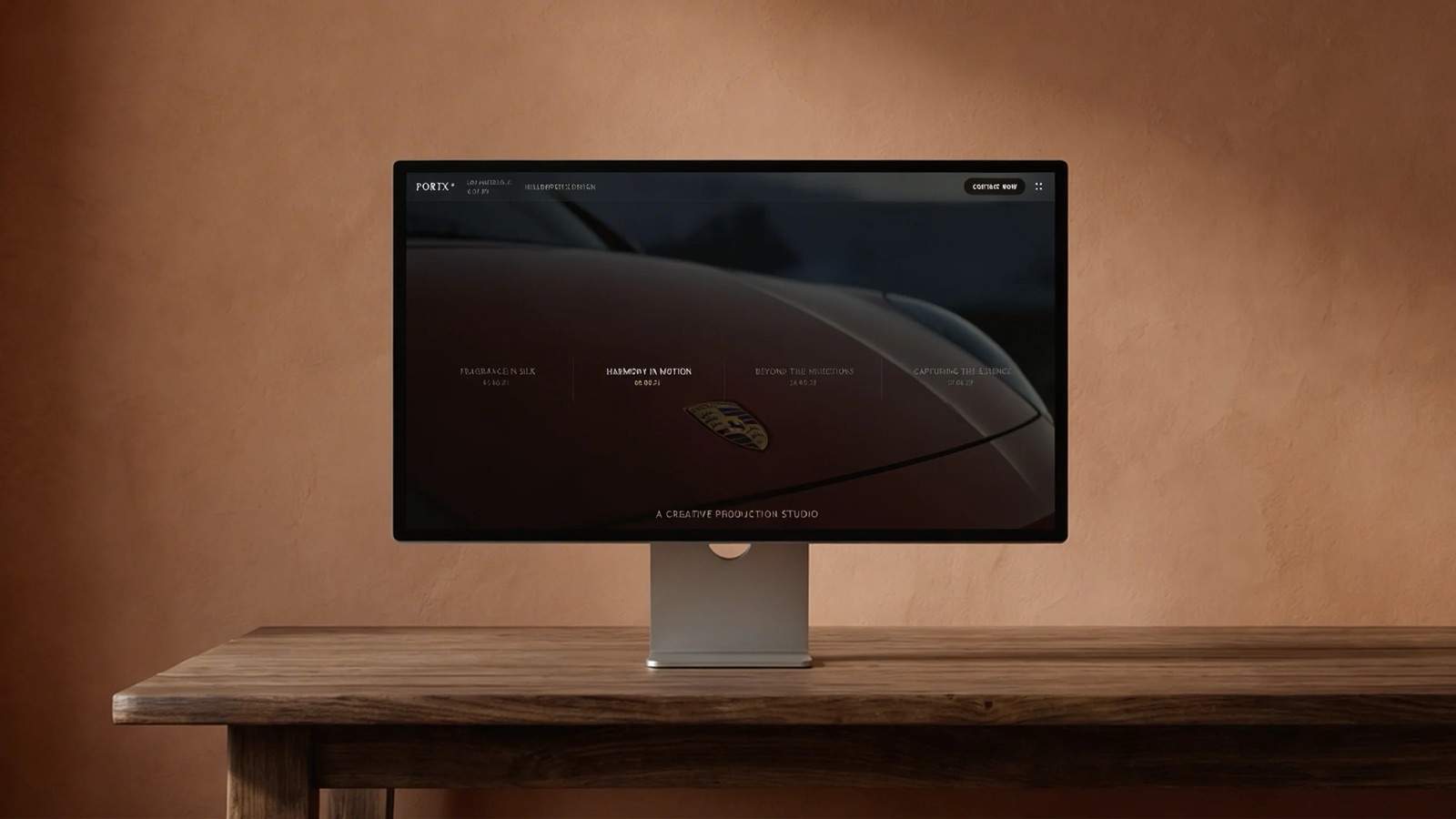
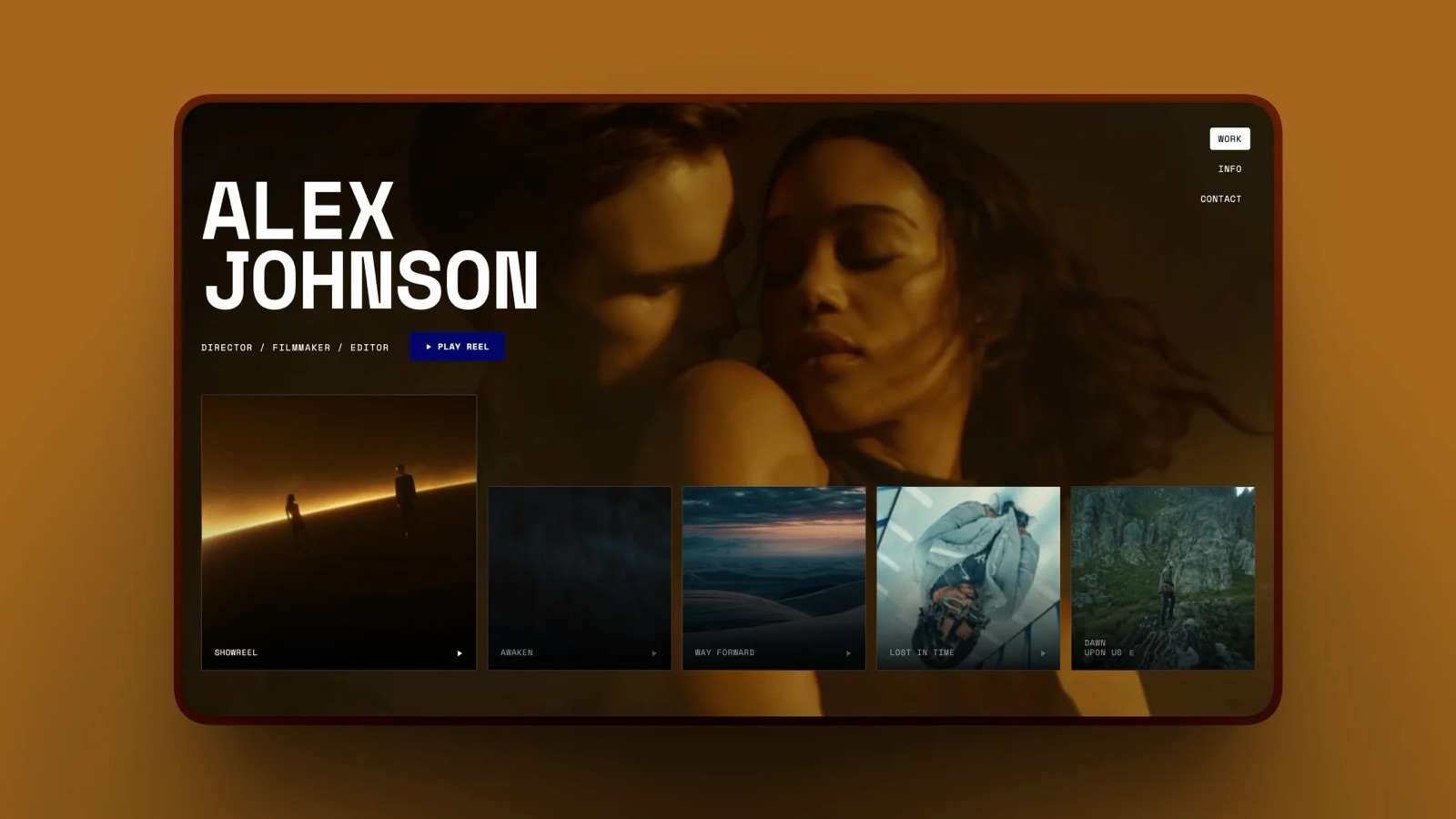
Start from a designer-made template
 Use template
 Use template
 Use template
 Use template
 Use template
 Use template
 Use template
 Use template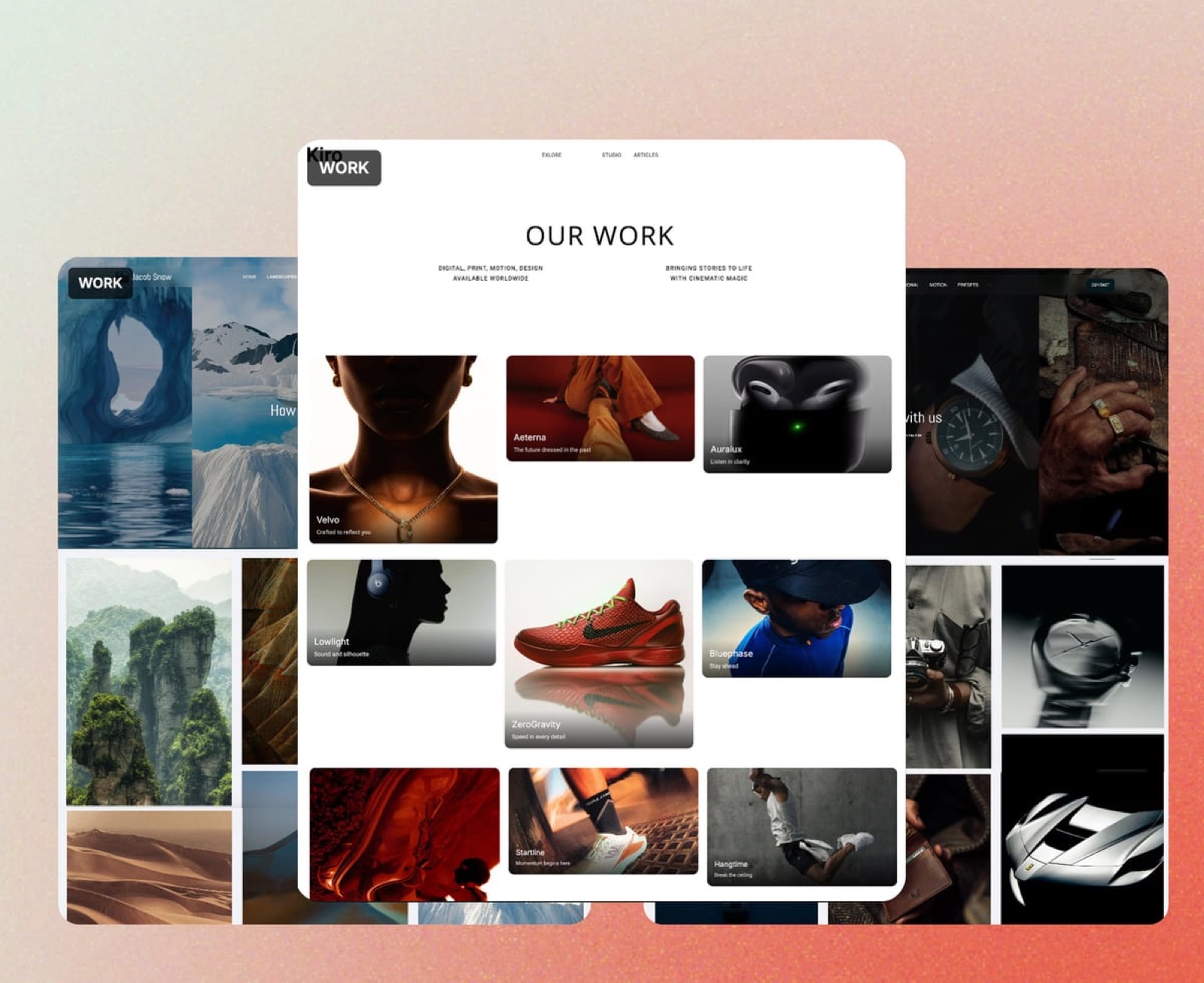
Nobody chooses to pay for five creative subscriptions. It accretes, one reasonable decision at a time, and then one January you add it up.
The number is usually between $600 and $1,400 a year.
Learning how to replace three tools with one starts with an audit rather than a purchase, and the audit frequently concludes that two of your five subscriptions are genuinely necessary and one of the others is doing a job something else already covers.
A software stack is the set of tools a business pays for to operate, and creative stacks grow by accident because each addition solves a real problem on the day it is bought.
Framekit is an AI website builder that carries client galleries, video review, decks and a store on one account, which is a consolidation play rather than an attempt to be the strongest tool in every category.
Framekit replaces the overlap most creatives have between a website builder, a client gallery platform and a store, for $84 to $180 a year, and often a deck tool as well.
It does not replace a video host, cloud storage for working files, an accounting tool or a course platform, and trying to make it do those is how consolidation goes wrong.
Run the audit below before buying anything: list every subscription, write what each is genuinely for, and look for two that answer the same sentence.
Full disclosure: Framekit is our own product and this article is about cutting software spend, which is an awkward combination. The sections below name three categories we cannot replace and say to keep paying for them.
Run the Audit First
Before making any tool decision at all, get the actual picture of what you are currently paying, because almost everyone underestimates their own stack by about two subscriptions plus one annual renewal bought during a busy month and never reviewed since.
Open your card statement for the last twelve months and list every creative subscription with its annual cost, the way the FTC's guidance on subscription tracking suggests for any recurring spend.
Then write one sentence per tool describing what it is genuinely for, in terms of the job rather than the features.
The sentences are the point. When two tools produce nearly the same sentence, you have found the overlap. "Where clients see my work" and "where clients download their photos" are close enough to be worth examining.
In one linethe audit takes twenty minutes and finds the answer more reliably than any comparison article, including this one.
The Overlap Almost Everyone Has
Across the creative stacks we look at, the same duplication turns up again and again, and it is reliably not the one people expect to find when they start the audit. It is also the most expensive one, because both halves of it charge monthly.
It is not the video host. It is not cloud storage. It is the website subscription sitting beside the client gallery platform, both of which are hosting your images, both of which are charging monthly, and only one of which the client ever sees as yours.
A typical photographer stack looks like this:
| Tool | Typical annual cost | What it is for |
|---|---|---|
| Website builder | $200 to $290 | Where clients see my work |
| Client gallery platform | $200 to $360 | Where clients download their photos |
| Cloud storage | About $144 | Where my working files live |
| Video host | About $144 | Where my films stream from |
| Deck or design tool | $0 to $120 | Where proposals and treatments are made |
Rows one and two are the overlap. Rows three and four are not replaceable by anything in this category, ours included.
In one linethe redundant pair is almost always the site and the galleries.

What One Plan Can Genuinely Absorb
Five things, and being specific about them matters far more than being enthusiastic, because a consolidation that quietly leaves a gap costs more in a scramble later than the subscription it saved in January. Here is exactly what one plan covers:
- The portfolio site. A multi-page site on your own domain, ten pages free, 30 on Starter at $9 a month, 200 on Pro.
- Client galleries. Unlimited in count on every plan, limited by storage, with a password and a separate download PIN.
- Short-form video review. Timecoded client comments on files up to 500MB free, 1GB on Starter, 2GB on Pro, 3GB on Business.
- A digital store. Product pages, checkout and automatic file delivery, at 5 percent falling to 0 percent on Business at $39 a month.
- Decks and treatments. Unlimited on every plan, with PDF export free and your own fonts from Starter.
All of that draws on one storage pool: 10GB free, 50GB on Starter, 300GB on Pro, 2TB on Business.
In one lineone plan covers the site, the galleries, the review links, the store and the decks, which for most creatives is three or four of the five rows above.
What It Cannot Absorb, and You Should Keep Paying For
There are three categories one plan cannot absorb, and they are stated plainly here because this is precisely where consolidation advice usually goes quiet and ends up costing somebody a working month when they discover the gap mid-job.
A video host. Site video uploads cap at 100MB on paid plans, so reels and films stream from a host and embed. That is the advice on any website builder, and Vimeo at about $144 a year with 2TB is cheaper per gigabyte than anything we sell.
Cloud storage for working files. Galleries accept JPEG, PNG, WebP and GIF only.
RAW, DNG, TIFF, PSD and project folders are refused at upload, so Dropbox or similar stays for the working half of the job, and at about $144 a year for 2TB it is cheaper per terabyte than we are.
Anything with recurring billing or a course. No memberships, no subscription billing, no course player, no email campaigns, no invoicing and no contracts.
Those need Podia, Ghost, an invoicing tool or an accountant, and a store that sells one-off files is not a substitute for any of them.
In one lineconsolidate the overlap, not the stack.
What the Saving Actually Looks Like
Here are three realistic stacks costed before and after, with the specialist tools that should survive the cut deliberately kept in place rather than quietly dropped to make the saving look larger than it is.
| Creative | Before | After | Saved |
|---|---|---|---|
| Photographer: site, galleries, cloud, deck tool | $600 to $790 | Framekit Starter $84 plus cloud $144 | $370 to $560 |
| Filmmaker: site, galleries, video host, review tool | $700 to $900 | Framekit Pro $180 plus host $144 | $375 to $575 |
| Designer: site, store platform, deck tool | $450 to $620 | Framekit Starter $84 | $365 to $535 |
The kept rows are deliberate. Every one of these keeps paying for the thing we cannot do, which is why the savings are in the $400 range rather than the $1,000 range a more enthusiastic version of this article would claim.
In one linerealistic consolidation saves roughly $400 a year for most solo creatives, not four figures.
When Not to Consolidate
There are good reasons to keep a specialist tool, and ignoring them is how people end up switching back six weeks later having wasted a rebuild.
Keep the specialist when it earns money directly. A print-selling gallery platform taking 7 to 15 percent on a $6,000 print year is earning you $5,000 you cannot make on a platform with no print lab. That commission is worth paying.
Keep it when the file sizes rule us out. Long-form video review over 3GB, working files, RAW delivery.
Keep it when the workflow is the product. An editor who lives in Premiere gets real value from Frame.io's panels, and losing them to save $150 is a bad trade.
In one lineconsolidate where the tools overlap, and never where the specialist is generating revenue or handling files we refuse.
How to Switch Without Breaking Anything
Four steps, and the order matters more than any of the individual steps, because doing them out of sequence is how people lose control of a domain or break a client link that was still in active use.
- Move the domain to a registrar in your own name if it is currently held through a builder. This is the step that makes every future move a redirect rather than a reprint.
- Build the new site before cancelling anything. Publish it on a subdomain, check it properly, then point the domain.
- Migrate only live client galleries, not the archive. Most photographers only have a handful of deliveries that anyone will open again.
- Keep the old subscription running for a month past the switch so existing client links do not break mid-job.
Nothing in this category imports another platform's site, ours included, so budget an afternoon for a portfolio rebuild and longer if you have a large blog.
Frequently Asked Questions
How much do creatives typically spend on software a year?
Most solo creatives we see are between $600 and $1,400 a year across five or six subscriptions, accumulated one reasonable purchase at a time.
The largest single line is usually a website builder or an all-in-one gallery platform, and the most commonly forgotten is an annual renewal bought during a busy month and never reviewed since.
Which two tools overlap most often?
A website builder and a client gallery platform. Both host your images, both charge monthly, and only one of them is the address a client associates with you.
That pair is the overlap in the majority of photographer and filmmaker stacks, and collapsing it is where the realistic saving comes from rather than from dropping a specialist tool.
Can one tool really replace a website, galleries and a store?
For the overlap, yes. Framekit carries a multi-page portfolio, unlimited client galleries, short-form video review, decks and a digital store on one plan at $84 to $180 a year, drawing on a single storage pool.
What it does not replace is a video host, cloud storage for working files, or anything involving recurring billing, courses or invoicing, and those should stay on the card.
Will I lose anything by consolidating?
Usually specialist depth, and sometimes revenue. A dedicated gallery platform sells prints and we do not, so a print-led photographer loses income rather than saving money. A dedicated review tool handles long-form files and we cap at 3GB.
The audit is what tells you whether the depth you would lose is depth you actually use.
What should I never try to replace?
A video host, cloud storage for working files, and anything handling recurring payments or courses.
All three are cheaper or simply unavailable elsewhere: Vimeo is cheaper per gigabyte of video than we are, Dropbox is cheaper per terabyte, and we have no subscription billing at all.
Consolidation advice that tells you to drop those is advice worth ignoring.
How long does switching take?
An afternoon for a ten to twenty page portfolio, plus however long your live client galleries take to re-upload. There is no importer in this category in any direction, so the site is rebuilt rather than migrated.
The longer job is a large blog, where sixty posts is a genuine week rather than an afternoon.
Should I move my domain first?
Yes, and it is the single most important step. A domain registered through a website builder is the most common way people get stuck mid-switch.
Move it to an independent registrar in your own name before you do anything else, and every subsequent platform change becomes a DNS update rather than a rebrand of everything you have printed.
What is the cheapest professional creative stack?
For a photographer: Framekit's free plan alongside the cloud storage you already pay for, at about $144 a year total, which covers ten live galleries, a ten-page site, decks and a store.
The upgrade when you outgrow it is Starter at $84, moving the site and galleries onto your own domain. For a filmmaker, add a video host at about $144.
Does consolidating hurt my SEO?
Only if you break links. Rebuilding a site on a new platform loses nothing if the domain stays the same and your important URLs keep their paths or get redirected.
What does damage search is moving to a subdomain you do not own, or letting a domain lapse during a switch, both of which the sequence above is designed to prevent.
Is an all-in-one always worse than specialist tools?
At any single job, usually yes, and that is the honest trade. A dedicated gallery platform does galleries better than we do in several respects, particularly print sales.
The case for consolidation is not that any one product is best, it is that four adequate products on one plan for $180 frequently beats two excellent ones for $500 when you use all four.
Final Verdict
Consolidation is an audit, not a purchase. List the subscriptions, write one sentence per tool about what it is for, and look for two sentences that are nearly the same.
For most creatives that pair is the website and the client gallery platform, and collapsing it saves roughly $400 a year.
What to keep paying for. A video host, because we cap site video at 100MB and Vimeo is cheaper per gigabyte. Cloud storage, because our galleries refuse RAW and layered files and Dropbox is cheaper per terabyte.
Anything recurring: memberships, courses, invoicing, email campaigns. A print-selling gallery platform if prints are real revenue, because its commission earns you more than our zero saves.
What one plan can take over. The portfolio site, client galleries, short-form review, decks and a digital store, on one storage pool from $84 a year.
That is three or four lines off most stacks, and the free plan lets you test the fit before cancelling a single thing.
Related readingthe best all-in-one platforms for photographers, how to switch website builders, and Framekit's full pricing.
Framekit plan limits and storage pools read from the shipped configuration in September 2026. Competitor costs verified against published pricing the same month.