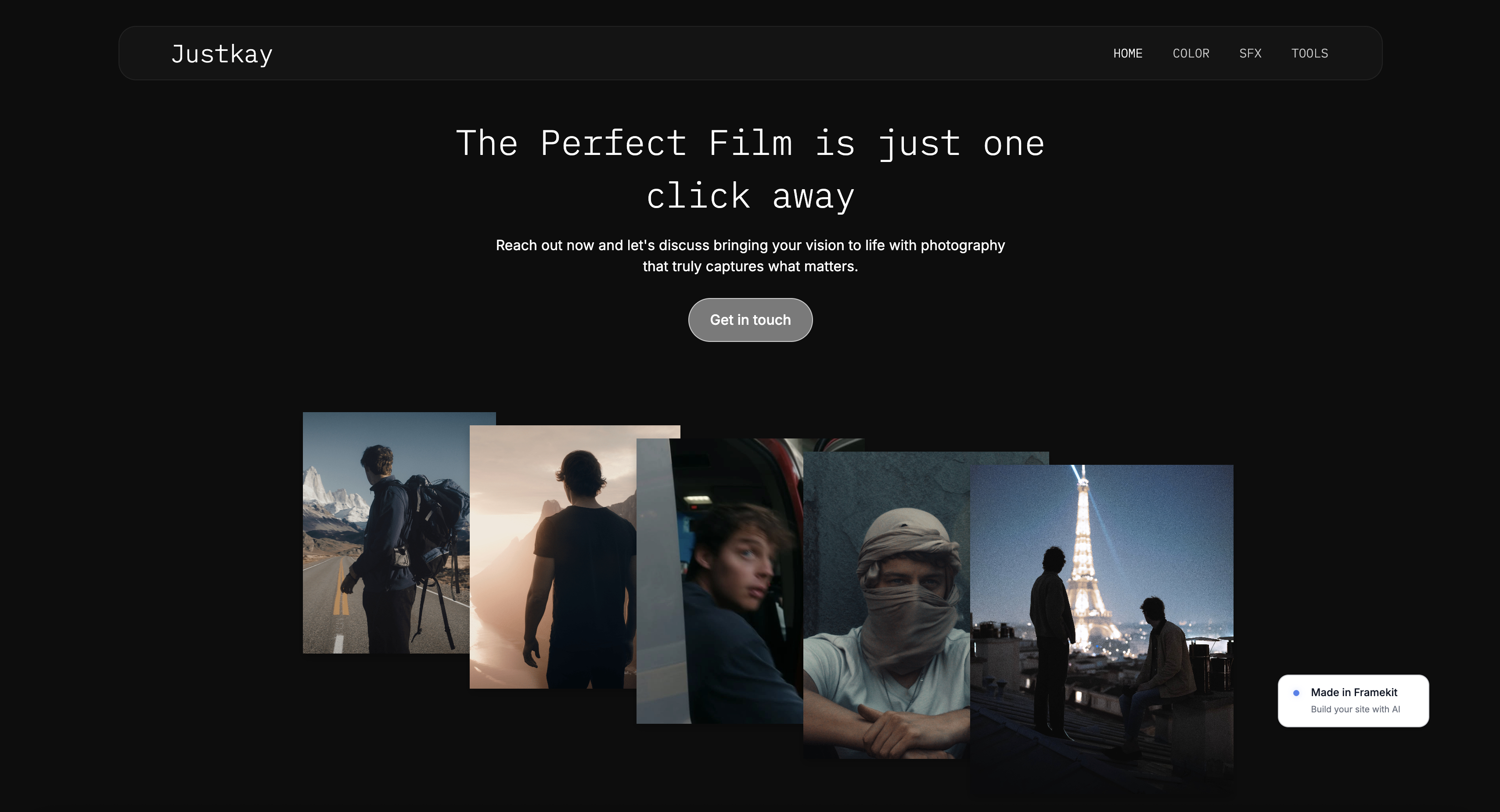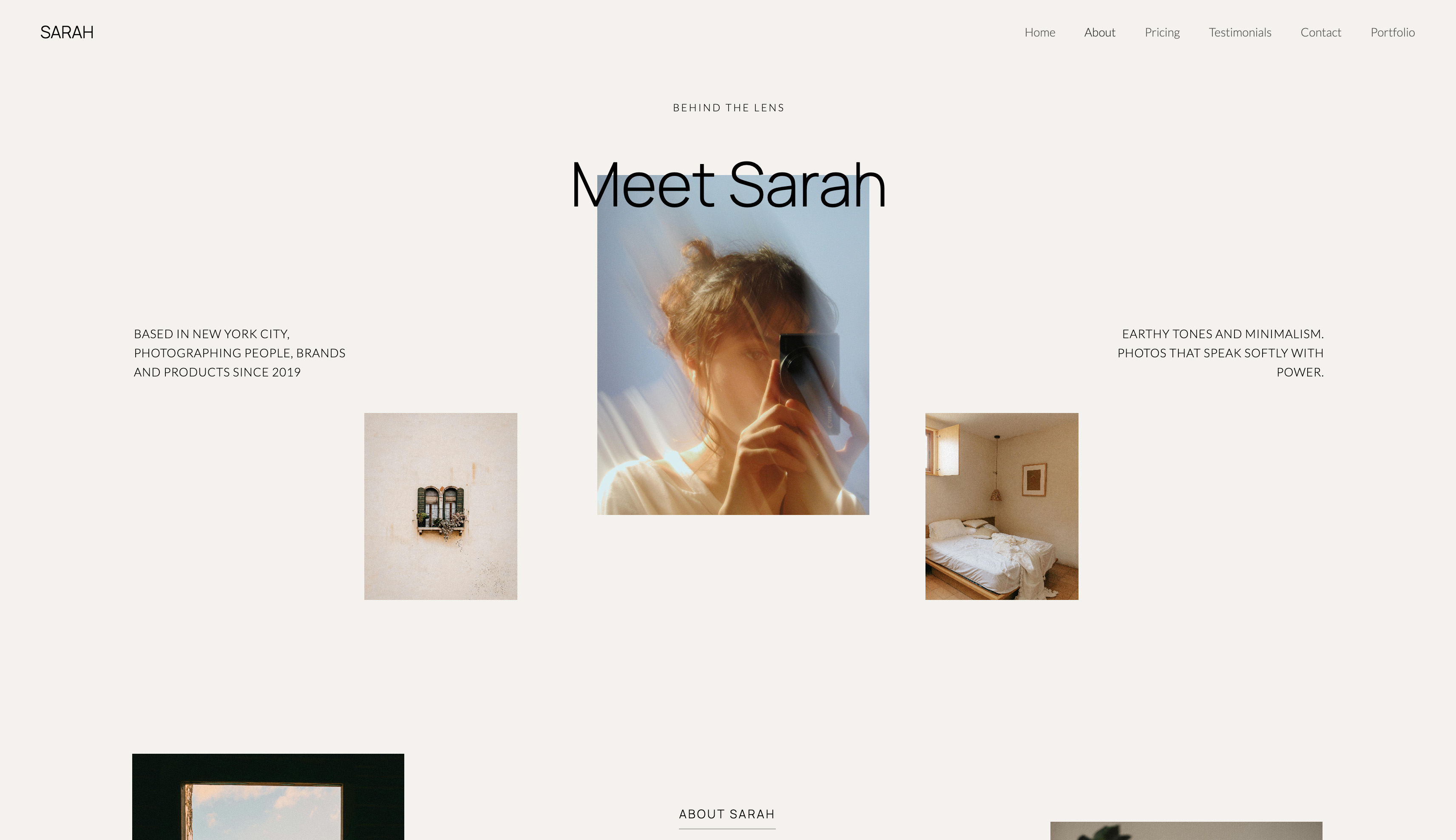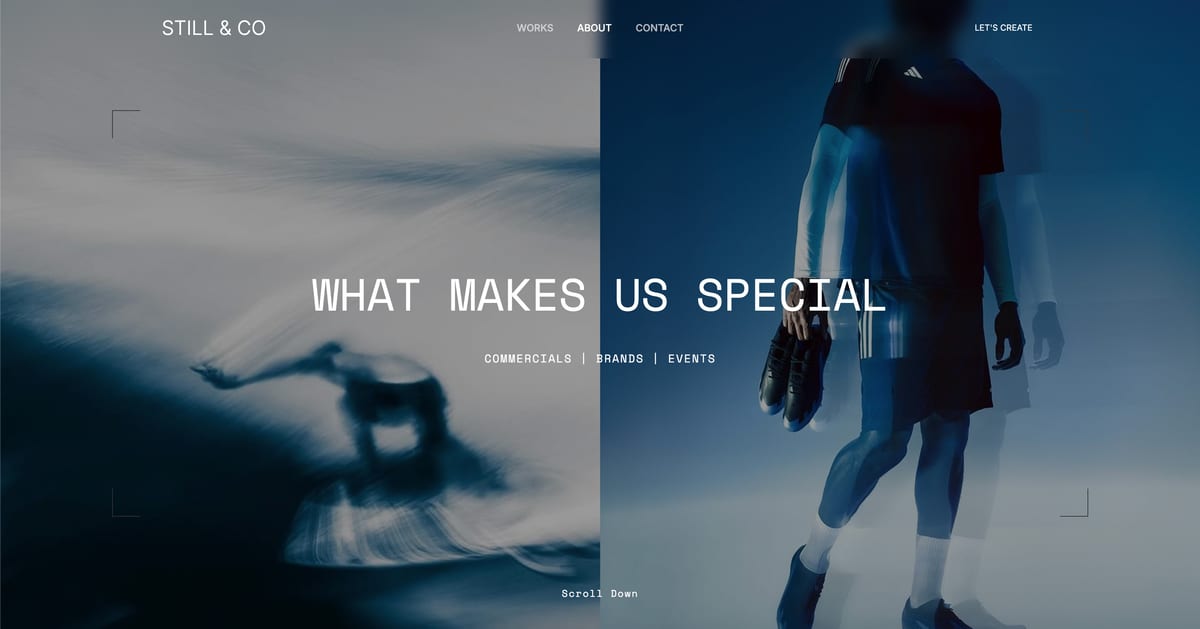
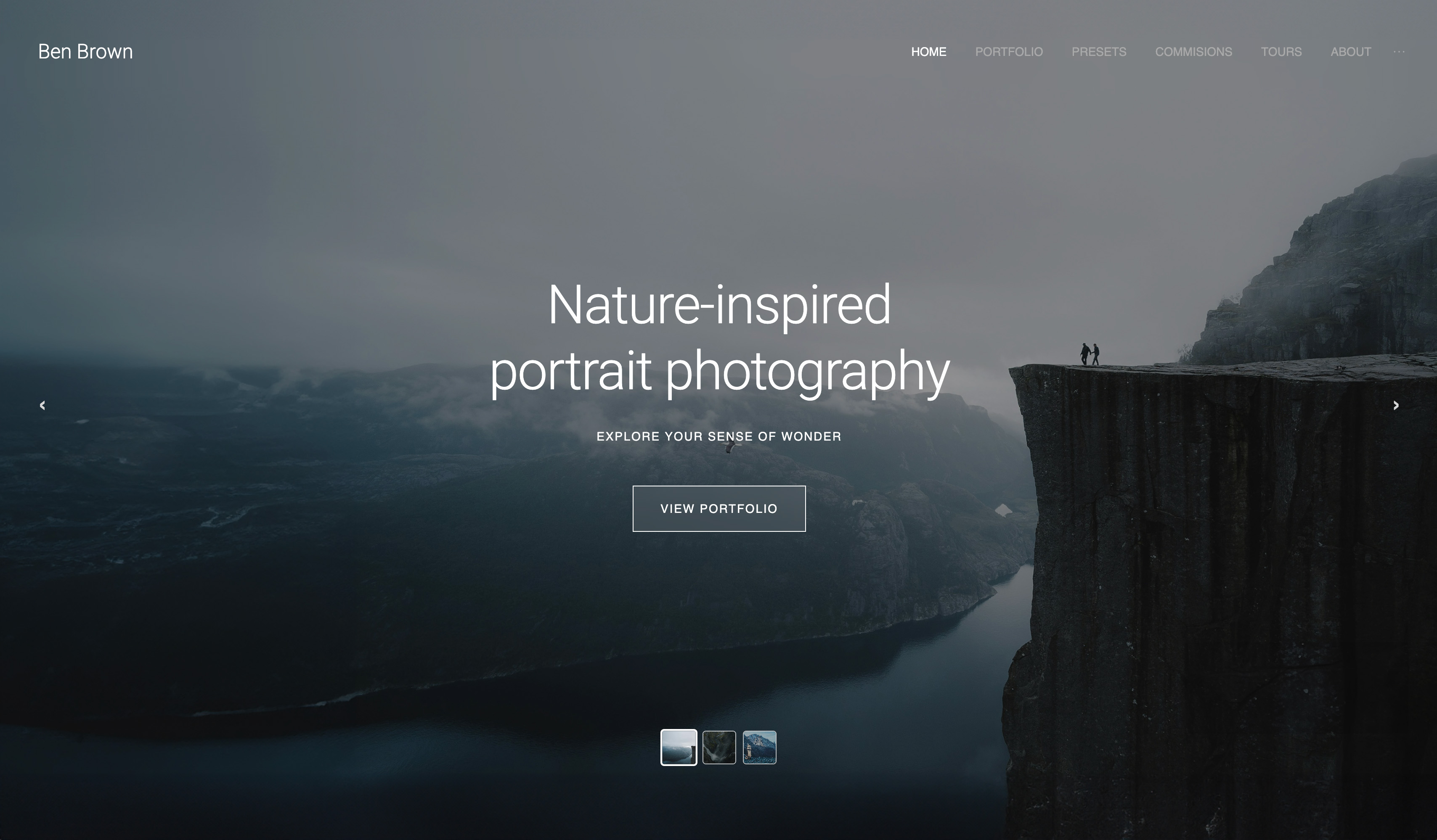
Framekit templates
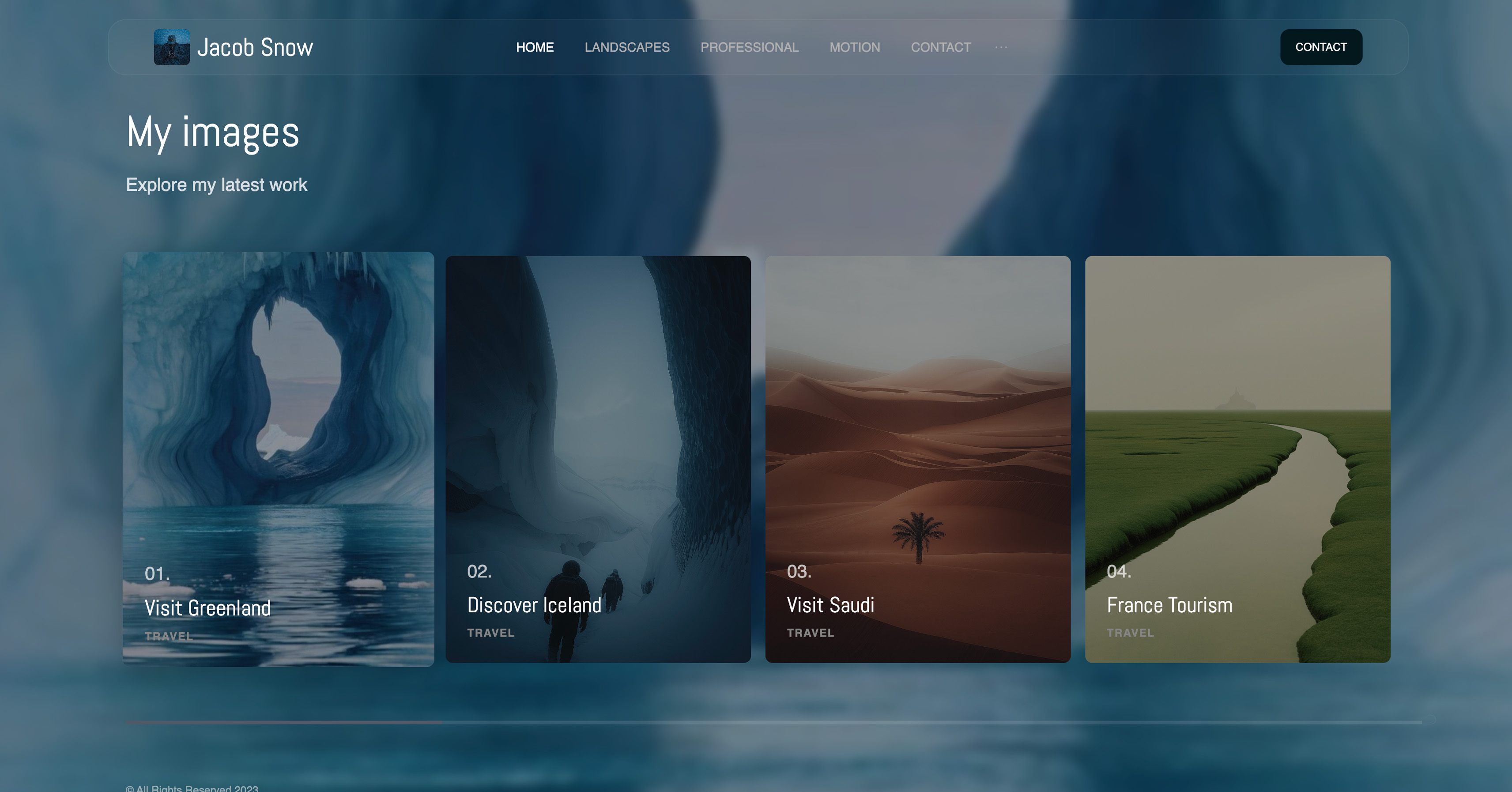
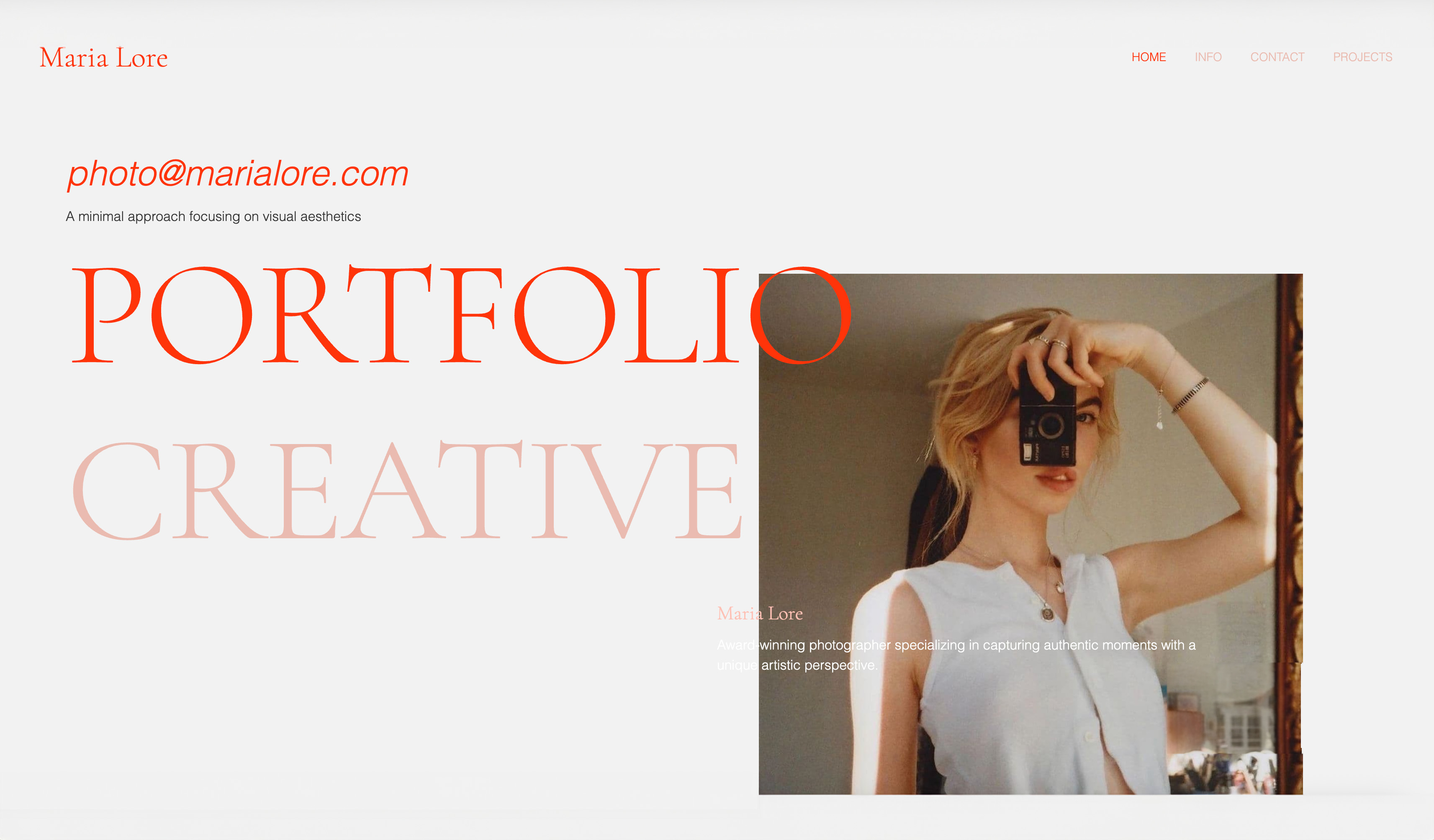
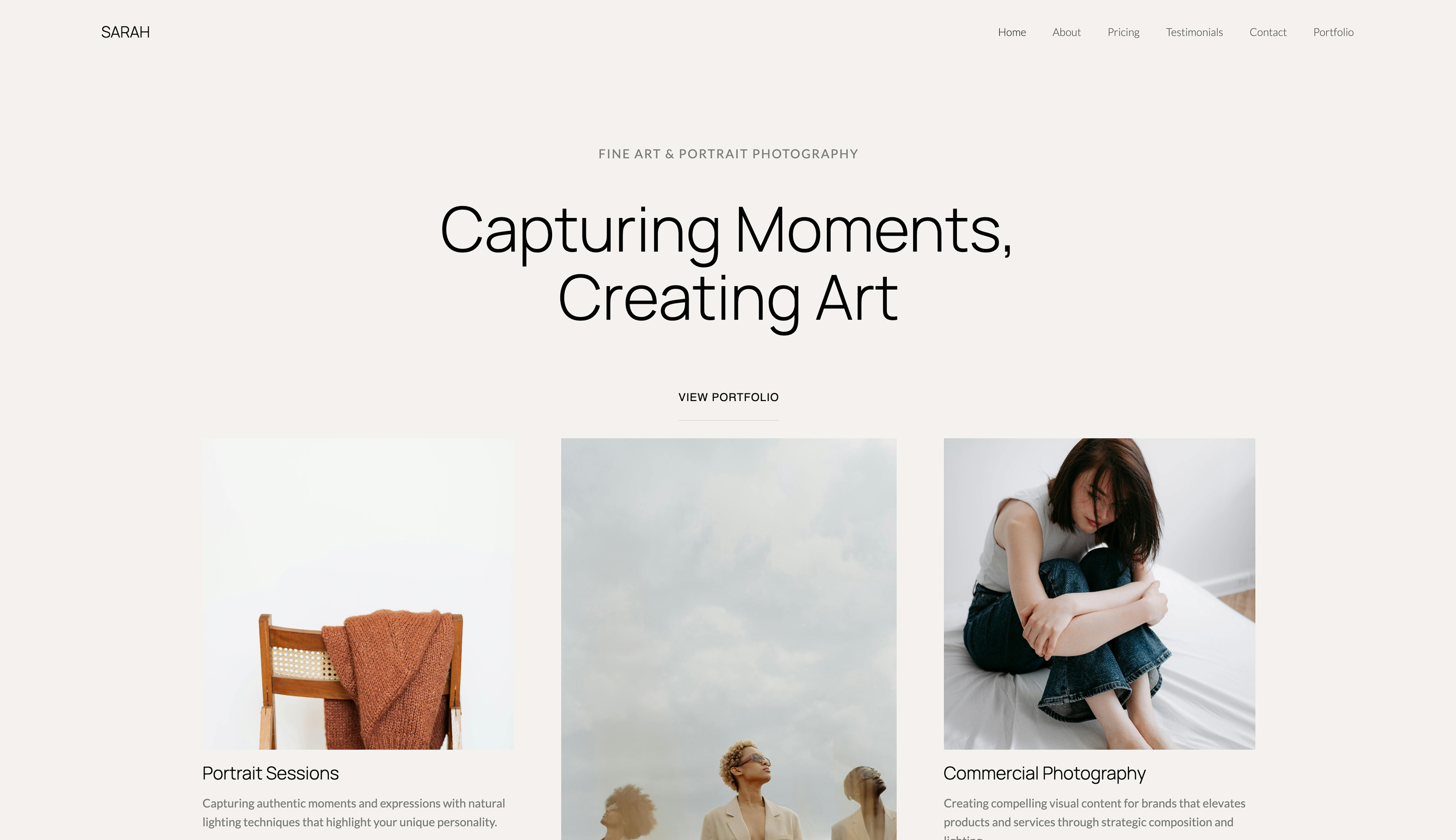
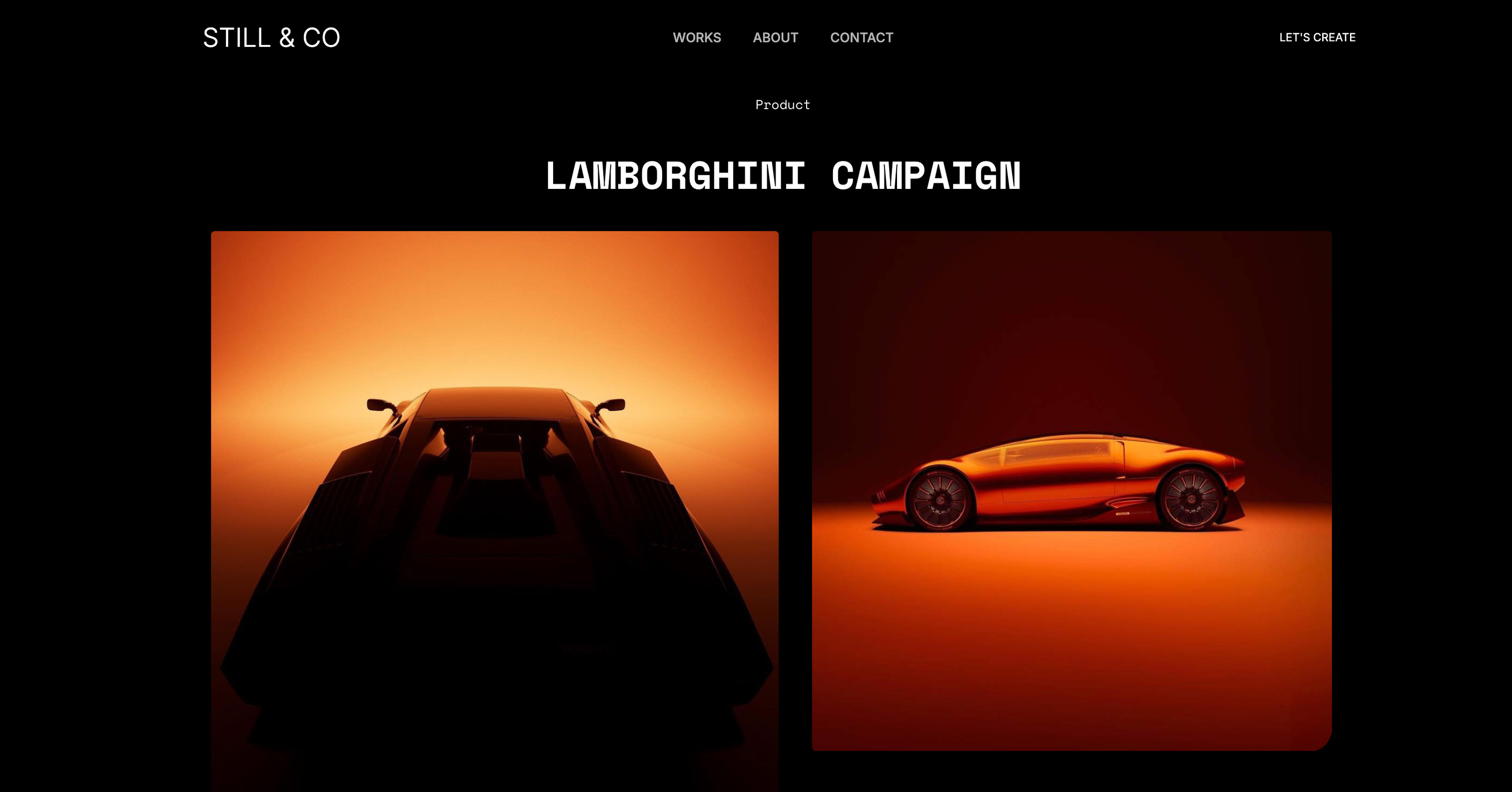
Start from a designer-made template
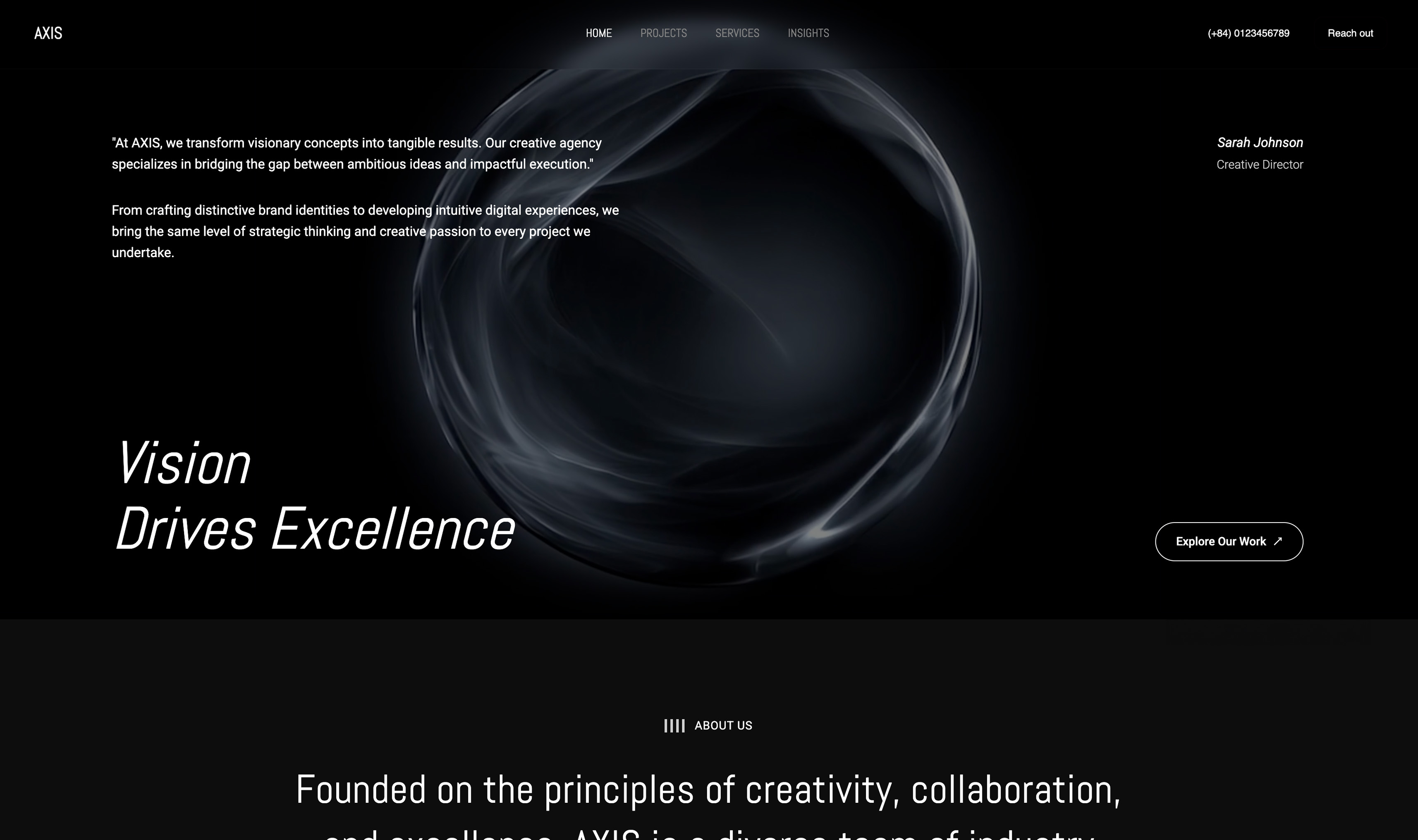
 Use template
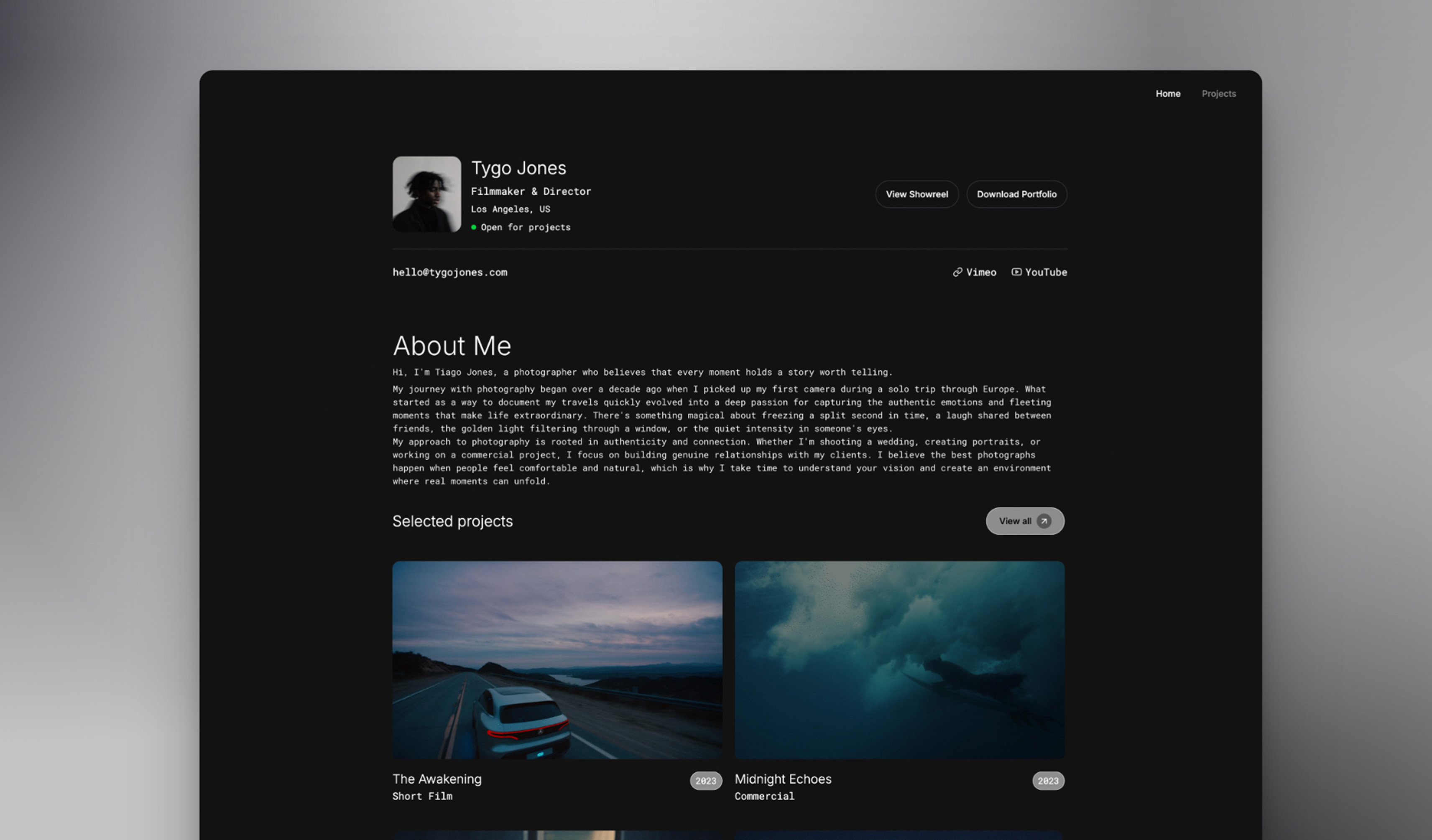
 Use template
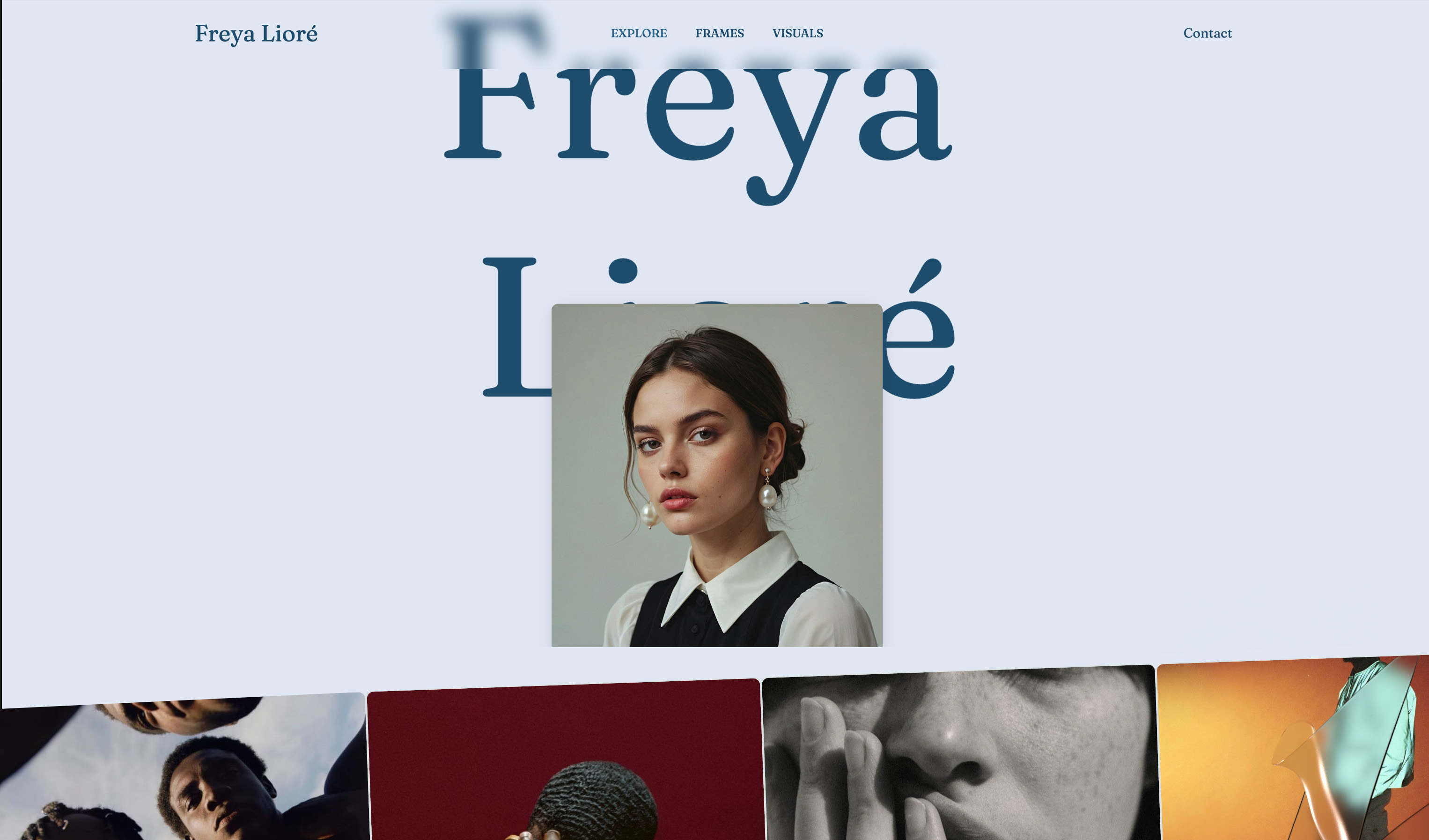
 Use template
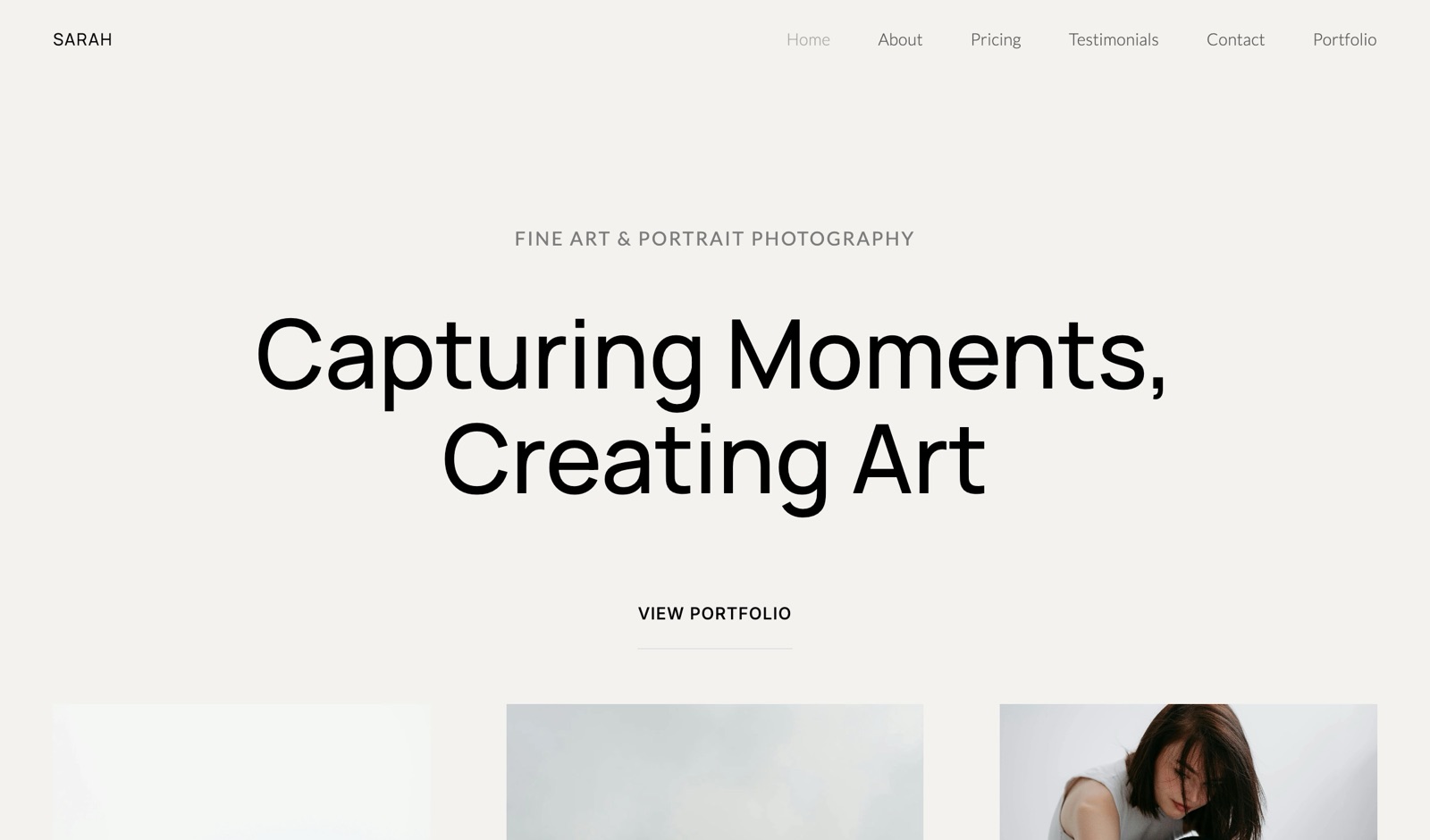
 Use template
 Use template
 Use template
 Use template
 Use template
You shoot your first paid portrait session on a Saturday.
By Sunday night you want two things: a website that does not look like a hobby, and a private way to send the client forty edited frames that they can pick favourites from and download.
You search for a free website builder for photographers, find six that promise exactly that, and discover that each one gives away a different half of what you need.
That is the honest shape of free photography websites in 2026.
Every free plan withholds something, a custom domain, storage, a second page, payments, or the client gallery, and the free plan that suits a photographer is the one whose missing piece you can live with until your bookings pay for the upgrade.
The second question is what that upgrade costs in year one and by year three, because almost every working photographer makes it.
A free website builder for photographers is a platform that publishes a real portfolio at no cost, on the platform's own address and with its branding, in exchange for limits on storage, pages, selling or your own domain, and the useful ones for photographers also let you deliver client galleries before you pay anything.
Framekit is the best free website builder for photographers in 2026, because its permanent free plan publishes a 10-page portfolio with 10GB of storage and also includes unlimited client galleries with favourites, watermarks and PIN-protected downloads, plus a preset store at a 5% fee.
Pixieset's free plan is the better pick if you sell prints, Adobe Portfolio if you already pay for Lightroom, WordPress.com for a free photo blog, and Carrd for a free one-page site.
Full disclosure: Framekit is our product and it is ranked first, so read this as a claim to check. Each free plan's limits were read on the vendor's own page in October 2026, and the text says plainly where others win: Pixieset sells prints and Framekit does not, Carrd's paid plan is cheaper than ours for one page, and no free plan here, ours included, gives you your own domain.
Recently updated on 12 October 2026: the claim that seven free plans had each been used to build a test portfolio was removed because no record of that exercise exists, as were statements about how each builder compresses images; every free-plan limit and upgrade price was re-verified at the source, Webador was replaced by WordPress.com and Framer, and the galleries, store and Slides on Framekit's free plan were added.
A later pass the same day corrected what upgrading removes: the site badge, not the small credit in the gallery footer.
How These Free Plans Were Compared
These free plans were compared on what each vendor publishes about its own free tier and its first paid step, plus worked examples you can recalculate, because free-tier limits and upgrade prices are facts on a pricing page while impressions of image quality are not something we can document.
Read at the source. Free-plan storage, pages, branding, selling terms and the price of the first paid plan with your own domain come from each vendor's pricing page or help centre in October 2026, linked inline where the page answered our request.
Calculated. How many sessions and weddings fit in each free plan's storage, using file sizes we state as assumptions, and what three photographers pay in year one and by year three once galleries and selling are counted.
Not claimed. The July version described a portfolio build on each of seven free plans and judged their image quality.
Nothing documents that, so it is gone, and this page makes no claim about how any builder compresses or serves images. The section on testing a free plan tells you how to check that on your own photographs in an evening.
Free Photography Websites by the Numbers
Six figures explain most of this ranking, because each is a free-tier limit or an upgrade price that decides how long a working photographer can stay on $0 and what leaving costs.
- 10GB is Framekit's free storage, shared by the site, client galleries and review, against 3GB on Pixieset's free plan.
- 500MB is Wix's free storage, which holds roughly one portrait session of full-resolution files.
- 15 percent is the commission Pixieset's free plan takes on store sales, against 0 percent on its paid plans.
- 5 percent is Framekit's store fee on the free plan, charged on preset and download sales.
- $0 extra is Adobe Portfolio for a photographer who already pays at least US$11.99 a month for a Lightroom plan.
- $19 a year is Carrd Pro Standard, the cheapest way anywhere here to put a one-page site on your own domain.
The Nine Free Plans at a Glance
The table puts every free plan side by side, and the columns that decide most photographers' choice are storage and client galleries, because a free site you cannot deliver from sends you to a second service on your first paying job.
| Rank | Free plan | Storage | Client galleries on the free plan | Selling on the free plan | Branding or ads | First paid step with your domain, yearly |
|---|---|---|---|---|---|---|
| 1 | Framekit Free | 10GB pooled | Unlimited, every feature | Downloads at a 5% fee | Small Framekit badge | $84 (Starter) |
| 2 | Pixieset Free | 3GB | Unlimited galleries | Gallery store at 15% commission | Pixieset branding | Suite from $336 |
| 3 | Adobe Portfolio | With a Lightroom plan | Not offered | Not offered | None | $143.88 (Lightroom 1TB) |
| 4 | Wix Free | 500MB | Not offered; Photo Albums closed to new sites | No payments | Wix branding | $204 (Light) |
| 5 | WordPress.com Free | 1GB | Not offered | 10% fee listed | Ads shown to visitors | $48 (Personal) |
| 6 | Carrd Free | Not stated | Not offered | No | Carrd branding | $19 (Pro Standard) |
| 7 | Framer Free | 5MB per upload | Not offered | No store listed | Framer subdomain | $120 (Basic) |
| 8 | SITE123 Free | 250MB, 250MB bandwidth | Not offered | No | SITE123 tag | About $130 (Premium, paid upfront) |
| 9 | Webflow Free | Not checked | Not offered | No | webflow.io address | $180 (Basic) |
In one lineonly Framekit and Pixieset let a photographer deliver client galleries at $0, Pixieset is the one that sells prints, and the cheapest route to your own domain is Carrd for one page or WordPress.com for a blog, neither of which delivers galleries.
The Weights Behind This Ranking, and Where Framekit Gives Ground
The rubric is published so you can reweight it: what the free plan lets a photographer do for clients, meaning galleries, delivery and selling (35 percent), what the free site itself publishes (25 percent), the cost of the first paid step by year three (25 percent), and how visible the free plan's branding or ads are (15 percent).
| Criterion | Weight | Leader | Framekit's place |
|---|---|---|---|
| Client galleries, delivery and selling at $0 | 35% | Framekit, then Pixieset | 1st, though Pixieset alone sells prints |
| What the free site publishes | 25% | Framekit, with Wix close | 1st |
| Cost of the first paid step by year three | 25% | Carrd at $57; WordPress.com at $99 prepaid | 3rd, behind Carrd and WordPress.com |
| Visibility of branding or ads | 15% | Adobe Portfolio, then Framekit | 2nd |
The upgrade row is where the house pick gives ground.
Carrd puts one page on your own domain for $57 over three years and WordPress.com Personal a whole blog for $99 on a three-year term, against $252 for Framekit Starter, and neither of those needs anything else if you never deliver galleries.
Client work at $0 carries 35 percent because it is what a photographer needs on the first paying job, and only two free plans offer it. If the cost of the first paid step counted 60 percent and client work nothing, Carrd would rank first, WordPress.com second and Framekit third.
1. Framekit: Best Free Website Builder for Photographers

Framekit is an AI website builder whose permanent free plan is a working photography business rather than a preview: a 10-page portfolio on a framekit.ai address, unlimited client galleries for photos and video with every gallery feature, video review, unlimited Slides decks and a store for presets, all on 10GB of pooled storage with no card.
What working in it feels like. You describe your photography, or upload a screenshot of a photographer's site whose layout you like, and the AI drafts the sections, writes the copy and applies one theme of type and colour; every block stays editable by hand.
When a client books, the same dashboard opens a gallery: upload the set, share one link, and the client hearts favourites and downloads.
The free plan includes a starter set of templates and a monthly AI allowance; the full template library opens on Starter.

The number that matters10GB at $0, shared by the site, galleries and review, of which 3GB can be video, with photo files up to 100MB and up to 5,000 photos per gallery.
When you outgrow it, Starter at $84 a year billed yearly, or $9 monthly, adds your own domain, removes the website badge and raises storage to 50GB; client galleries keep a small Made with Framekit line in the footer on every plan, paid included.
The detail nobody writesthe free plan gets the whole gallery product, not a cut-down version.
Named favourite lists with per-photo notes, a Send to photographer button, watermarks that mark only what clients see, a gallery password plus a separate download PIN, an Activity panel listing every download and the PIN used, expiry with a reminder three days before, and 17 cover styles in 7 languages are all on Free.
The gotcha that bites on the first wedding10GB is one wedding. At about 10MB a frame, 800 edited frames fill 8GB, so a second wedding means archiving the first or moving to Starter.
The free site sits on a framekit.ai address with a small badge and no custom domain, there is no print ordering or lab fulfilment, there is no client upload into a gallery, and site video uploads stop at 15MB on Free, so a film on a page is a Vimeo or YouTube embed.
Skip it ifprints and albums are part of your income, you need a free custom domain, which no plan here offers, or you only want a free photo blog with RSS. Pixieset and WordPress.com fit those better.
Verdict: the best free website builder for photographers because it is the only free plan that runs the site and delivers client galleries with full proofing, so a photographer can take and deliver real paid work before spending anything. For a photographer who will never deliver a gallery, Carrd or WordPress.com is a cheaper first upgrade.
2. Pixieset: Best Free Gallery Plan for Photographers Who Sell Prints
Pixieset is the best free option for a photographer whose clients buy prints, because its free plan includes unlimited client galleries with a gallery store, up to 3 mobile gallery apps and, on paid plans, print orders sent to a pro lab with 0 percent commission, which no other free plan here touches.
Its pricing page, read in October 2026, lists the free plan with 3GB of photo storage, unlimited galleries and selling directly in galleries, with its FAQ stating a 15 percent commission on free-plan store sales.
Paid Client Gallery plans are $8, $16, $24 and $40 a month billed yearly for 10GB, 100GB, 1TB and unlimited photo storage, and the Suite, which adds Pixieset Website and Studio Manager, is $28, $38 or $55 a month billed yearly.
The real number3GB holds about 300 full-resolution frames at 10MB each, so one wedding does not fit on the free plan, and the cheapest plan that holds a season is Pro at $288 a year.
The gotchathe website is the companion product, sold in the Suite; Pixieset's FAQ says free accounts get most features across its products, Website included, but the pricing page does not spell out the free website's limits, so check them before building your portfolio there.
There is no frame-accurate video review.
Verdict: the right free start for a print-led portrait or wedding photographer, and an expensive one once the website and a season of storage are paid for. Framekit vs Pixieset prices a full year on both.
3. Adobe Portfolio: Best Free Site if You Already Pay for Lightroom
Adobe Portfolio is not free on its own, but it costs nothing extra for a photographer who already pays Adobe, because Adobe's photography plan comparison in October 2026 listed it on Lightroom (1TB) at US$11.99 a month, Photography (1TB) at US$19.99 and Creative Cloud Pro at US$69.99, each billed annually, with a custom domain and Lightroom syncing included.
For a working photographer already on one of those plans, that is the only option here with no branding and your own domain at no extra cost.
It has no client galleries, no store and no print sales, and the site exists only while the subscription does, so cancelling Lightroom takes the website with it.
If you do not need Adobe's apps, the cheapest plan that lists Portfolio is US$143.88 a year, more than Framekit Starter. Verdict: effectively free and genuinely good for a Creative Cloud subscriber who takes enquiries by email; Framekit vs Adobe Portfolio covers the move when you need galleries.
4. Wix: Biggest Free Template Library, Smallest Free Storage
Wix's free plan publishes a full multi-page site from a very large template library, which makes it the most flexible free site builder here for layout, but its plans page, read on 12 October 2026, lists the free plan with 500MB of storage, Wix branding and no payments, and Light at $17 a month billed yearly with 2GB as the first step to your own domain.
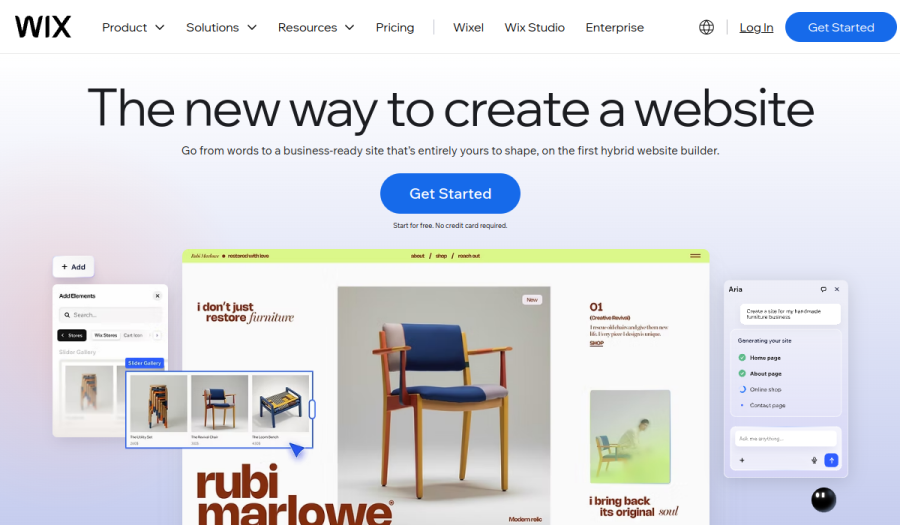
The gotcha for photographers500MB holds roughly 50 full-resolution frames, and client delivery is off the table because Wix closed its Photo Albums app to new sites in April 2024. Light's 2GB is still small, and selling starts on Core at $29 a month billed yearly.
Verdict: a free site with the most layout freedom and the least room for photographs; Framekit vs Wix compares the paid paths.
5. WordPress.com: Best Free Plan for a Photo Blog

WordPress.com suits a photographer who writes, travel journals, behind-the-scenes posts, gear notes, because it is a real blogging platform with RSS, and its pricing page, read in October 2026, lists the free plan with 1GB of storage and ads shown to visitors, and Personal at $4 a month on a yearly term, or $2.75 a month on a three-year term, with 6GB, no ads and a domain free for the first year.
Collecting payments with PayPal or Stripe starts on Premium at $8 a month billed yearly.
There are no client galleries, so delivery means a separate service. Verdict: the cheapest route from a free blog to your own domain, and a thin portfolio-and-delivery tool; Framekit vs WordPress compares the creative setup.
6. Carrd: Best Free One-Page Photo Site
Carrd builds one-page sites, and its free tier allows up to 3 of them with Carrd branding and no custom domain, while its Pro plans page, read in October 2026, lists Pro Standard at $19 a year for 10 sites with custom domains, forms, embeds and video uploads.
A single scrolling page with twelve images, a short bio and an enquiry form is a credible start for a photographer with no clients yet, and the paid step is the cheapest own-domain plan in this guide.
There are no galleries, no project pages with their own addresses and no store. Verdict: the lightest free start and the cheapest upgrade, outgrown on the first gallery delivery; Framekit vs Carrd maps the move.
7. Framer: Best Free Plan for Photographers Who Design
Framer's free plan publishes a site on a Framer subdomain with 500 AI credits once, and its pricing page, read on 12 October 2026, caps free file uploads at 5MB and lists Basic at $10 a month billed yearly with 30 pages and a domain free in year one as the first paid step.
A photographer with design skills gets the most expressive canvas here at $0, but a 5MB upload cap means exporting every image for the web, and there are no galleries or store. Verdict: a free playground for a design-minded photographer and a poor delivery tool; Framekit vs Framer compares the paid setups.
8. SITE123: Simplest Free Start for Absolute Beginners
SITE123 walks a beginner through a guided setup, and its pricing page, read in October 2026, lists the free plan with 250MB of storage, 250MB of bandwidth and a SITE123 subdomain, with a floating SITE123 tag that is removed only on Premium.
The FAQ puts Premium, the plan with your own domain, at as low as $10.8 a month on an annual plan paid upfront, about $130 a year, with 3GB of storage and a domain free for the first year.
A 250MB bandwidth allowance is the tightest limit for a photographer here, since visitors viewing full-size images use it up. Verdict: a gentle free start for a handful of images, and the wrong home for a growing portfolio or any client delivery.
9. Webflow: Free Plan for Photographers Who Want to Learn Web Design
Webflow's free plan publishes 2 pages on a webflow.io address, and its pricing page, read on 12 October 2026, lists Basic at $15 a month billed yearly without a CMS and Premium at $25 with 20,000 CMS items as the paid steps.
For a photographer who wants to learn real web design, the free plan is a capable sandbox; for one who wants a portfolio this weekend, two pages and a steep learning curve are a poor trade.
There are no galleries, proofing or store. Verdict: a learning tool more than a free photography site; Framekit vs Webflow for agencies covers the studio case.
What You Can Deliver to Clients for $0
Client delivery is where free plans differ most for a photographer, because a portfolio wins the booking but the gallery is what the client pays for, and only two free plans in this guide deliver one, so this section sets out exactly what each allows at $0.
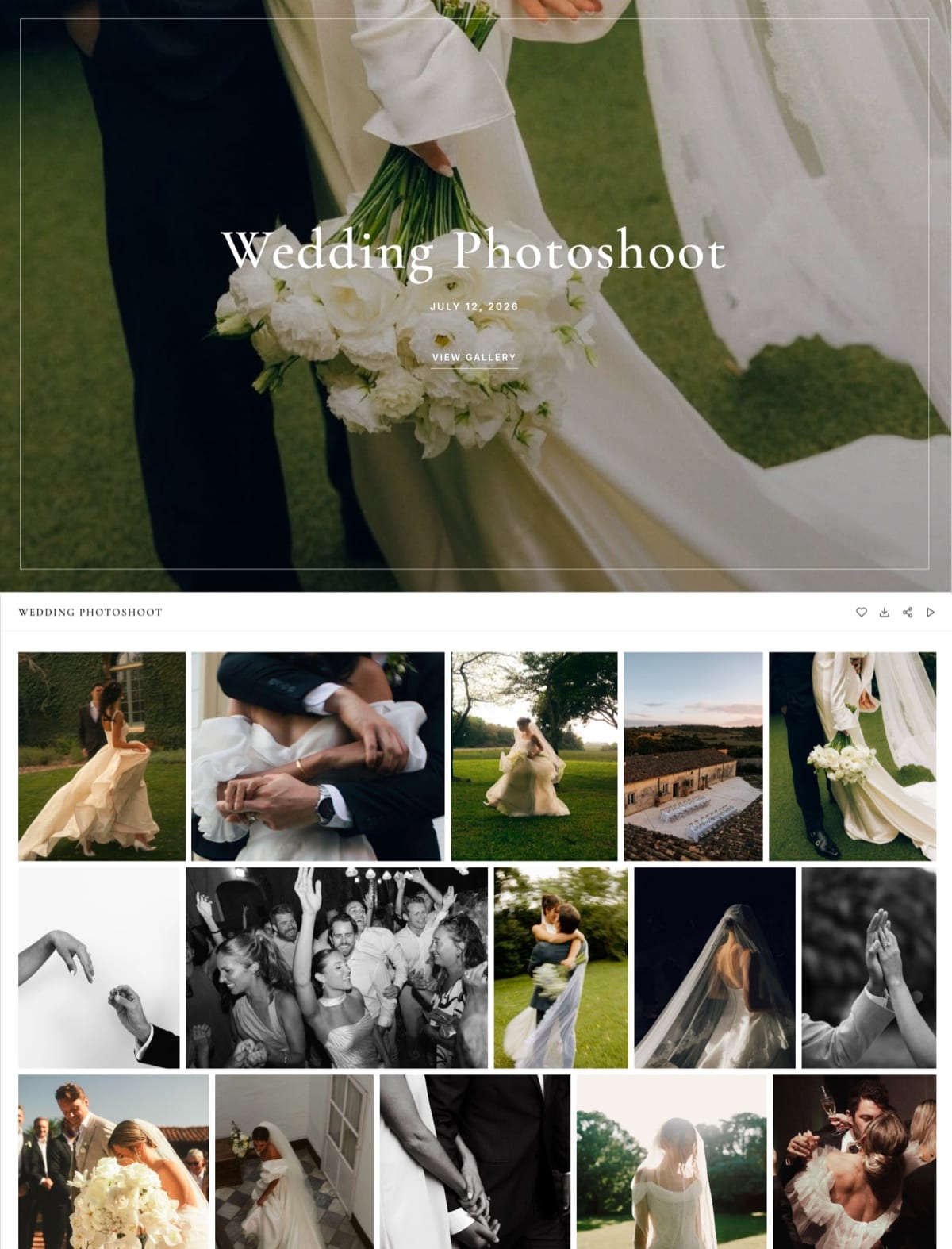
On Framekit's free plan, a gallery is a private page on your site at a /client/ address, shared by email from Framekit to up to 20 recipients. Clients heart favourites, and their first heart asks only for an email, never an account.
They can build named favourite lists with per-photo notes and press Send to photographer when the album picks are done.
Downloads always deliver the full-resolution original, a password can lock the gallery and a separate PIN the downloads, and watermarks mark only what clients see on screen.
On Pixieset's free plan, galleries are unlimited within 3GB, clients can favourite and download, and the gallery store sells prints and products at a 15 percent commission.
Every other free plan here delivers nothing: a photographer on Wix, WordPress.com, Carrd, Framer, SITE123 or Webflow sends client files through a separate gallery service or a file-transfer link.
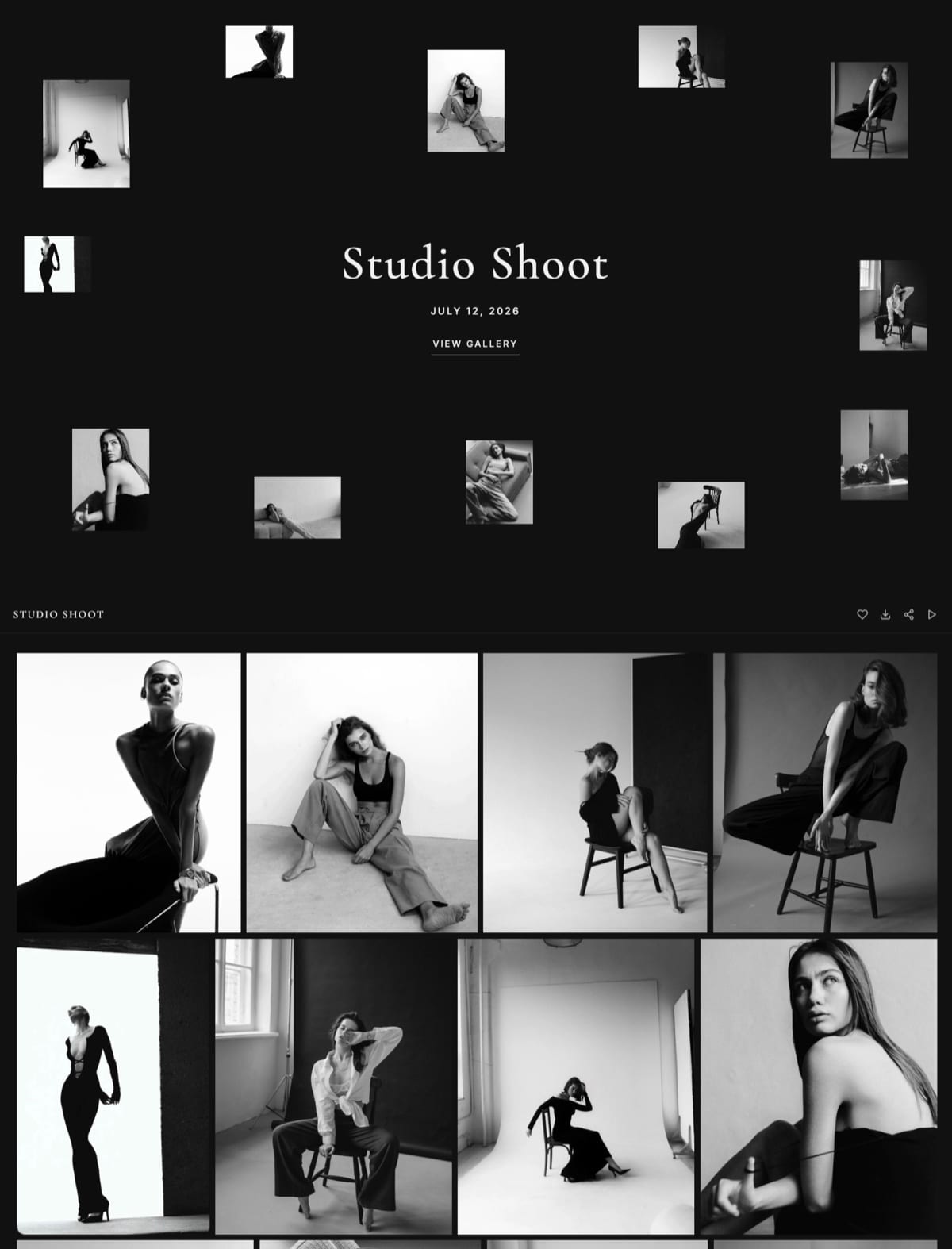
The same free Framekit account also runs video review for a hybrid shooter's films, holds unlimited Slides decks for a pricing guide or portfolio book, with a "Made with Framekit" badge on free deck links, and sells presets through a buy link at a 5 percent fee, with payment going to your own Stripe account.
How Many Shoots Fit in Each Free Plan
Storage decides how long a working photographer can stay free, and this table runs typical jobs through each free plan's published allowance, using file sizes we assume for illustration rather than measured figures, so you can swap in your own export sizes.
| Free plan | Free storage | Portrait sessions of 50 frames at 10MB (500MB each) | Weddings of 800 frames at 10MB (8GB each) | If you deliver web-size JPEGs at 2MB |
|---|---|---|---|---|
| Framekit Free | 10GB pooled with the site | About 19, leaving room for the site | 1 | About 5 weddings |
| Pixieset Free | 3GB | About 6 | 0 | 1 wedding |
| WordPress.com Free | 1GB | About 2 | 0 | Not a delivery tool |
| Wix Free | 500MB | About 1 | 0 | Not a delivery tool |
| SITE123 Free | 250MB, with 250MB bandwidth | 0 at full size | 0 | Not a delivery tool |
In one linea portrait photographer can run a real first season on Framekit's free plan, a wedding photographer can run exactly one wedding, and every other free plan except Pixieset is a portfolio rather than a delivery tool.
Framekit downloads always deliver the files you uploaded, so uploading web-size JPEGs is the only way to deliver smaller files from a Framekit gallery; there is no setting that offers clients a web-size version of a full-resolution upload. How much storage photographers need works the numbers by genre.
What Leaving Free Costs in Year One and Year Three
Almost every working photographer leaves the free plan within a season, and the honest comparison is the first paid plan with your own domain plus any gallery service it needs, priced over year one and by year three at renewal rates, from each vendor's page in October 2026.
| Builder | First paid plan with your domain | Year one | By year three | Galleries at that step | Domain |
|---|---|---|---|---|---|
| Carrd | Pro Standard | $19 | $57 | No | Register your own |
| WordPress.com | Personal, yearly term | $48 | $144 | No | Free in year one |
| WordPress.com | Personal, 3-year term | $99 upfront | $99 | No | Free in year one |
| Framekit | Starter | $84 | $252 | Yes, unlimited, 50GB | Register your own, about $11 a year |
| Framer | Basic | $120 | $360 | No | Free in year one |
| SITE123 | Premium, annual, paid upfront | About $130 | About $389 | No | Free in year one |
| Adobe Portfolio | Lightroom (1TB) plan | $143.88 | $431.64 | No | Connect your own |
| Webflow | Basic | $180 | $540 | No | Register your own |
| Wix | Light | $204 | $612 | No | Free in year one |
| Pixieset | Suite, entry tier | $336 | $1,008 | Yes | Check the plan page |
In one lineCarrd and WordPress.com are the cheapest ways to put a photography site on your own domain, and Framekit is the cheapest step that still includes client galleries, which is the line item that reorders this table for any photographer who delivers work.
Three Photographers' Real Bills, Galleries Included
Framekit is the cheapest complete setup for all three photographers below, from $0 against $96 a year for a beginner to more than $200 a year for a wedding photographer, because a gallery service costs more each year than the cheapest website it sits beside.
Assumptions: US prices read in October 2026, yearly billing, held flat for three years, card processing excluded, domains excluded, so add about $11 a year to Framekit's own-domain rows.
Pixieset gallery plans are $96 for 10GB, $192 for 100GB and $288 for 1TB billed yearly; Gumroad keeps 10 percent plus $0.50 a sale, per Gumroad's pricing page.
Each cell shows year one, then the three-year total.
| Photographer | Framekit | Carrd plus Pixieset | WordPress.com plus Pixieset | Wix plus Pixieset |
|---|---|---|---|---|
| Starting out on a free address, 5GB of galleries | Free: $0 / $0 | Carrd Free plus Pixieset Basic: $96 / $288 | WordPress.com Free plus Pixieset Basic: $96 / $288 | Wix Free plus Pixieset Basic: $96 / $288 |
| Portrait, own domain, 40GB of galleries | Starter: $84 / $252 | Pro Standard plus Pixieset Plus: $211 / $633 | Personal plus Pixieset Plus: $240 / $720 | Light plus Pixieset Plus: $396 / $1,188 |
| Wedding, own domain, 150GB of galleries, $1,000 of presets (40 at $25) | Pro plus 3% fee: $210 / $630 | Pro Standard plus Pixieset Pro plus Gumroad ($120): $427 / $1,281 | Personal plus Pixieset Pro plus Gumroad: $456 / $1,368 | Light plus Pixieset Pro plus Gumroad: $612 / $1,836 |
Honest caveats. Pixieset sells prints through a lab at 0 percent on its paid plans and Framekit sells no prints at all, so a photographer with steady print orders should count that income before switching.
Gumroad acts as merchant of record and handles sales tax, which Framekit's store does not. And Pixieset's free plan would cover the beginner's galleries at $0 if they fit inside 3GB.
Run it yourselfadd up the gigabytes of galleries you keep online, find the cheapest gallery plan that holds them, add the site plan you would need for your own domain, and compare the total with the Framekit plan whose storage fits.
Testing a Free Plan on Your Own Photographs
The fairest way to choose a free photography builder is to test two of them on your own images, because how a site presents a photograph depends on your files, your edits and your taste, none of which a ranking can measure for you, and the test costs only an evening.
Pick twelve images that include a high-contrast frame, a dark frame and a vertical portrait.
On Framekit's free plan and one other free plan, publish a homepage, a gallery page and an about page from the same images and the same paragraph of copy.
Open both sites on your phone and on a good laptop screen and compare the shadows, the highlights and how vertical frames sit in each layout.
Then send a client-style link to a friend: on Framekit, a private gallery; on the other builder, whatever delivery method it offers.
Whichever site you would send to a paying client, and whichever delivery your friend found easier, is the right free plan.
What Happens When You Outgrow a Free Plan
These are the moments when free stops being enough for a photographer, answered from what each vendor publishes, so you meet each one with a plan rather than a full storage bar the night before a delivery.
Storage fills mid-season. On Framekit the 10GB is pooled, so archiving a delivered gallery frees room; the next step is Starter's 50GB at $84 a year. On Pixieset, Basic adds 10GB for $96 a year.
A client wants prints. Framekit galleries take no print orders; Pixieset's store does, at 15 percent on the free plan and 0 percent on paid plans.
You want your own domain. No free plan here offers one. The cheapest steps are Carrd at $19 a year for one page, WordPress.com Personal at $48 a year with a domain free in year one, and Framekit Starter at $84 a year plus a domain you register.
A gallery expires. On Framekit, expiry turns the gallery back into a draft rather than deleting it, with an optional reminder to the client three days before.
You stop paying after upgrading. Framekit drops back to its permanent free plan, so galleries within 10GB stay live on a framekit.ai address, though links you shared on your own domain stop working; Wix, Carrd and WordPress.com also keep a free tier, while Squarespace, Format and SmugMug have trials rather than free plans.
Photography Builders With No Free Plan
Several of the best-known photography platforms have no free plan at all, only a trial, and they belong in this guide because a photographer searching for a free option will meet them first and should know what the trial turns into.
Squarespace offers a 14-day trial, then Basic at $19 a month billed yearly with no client galleries.
Format offers a 14-day trial with no card, then Basic at $10 a month billed annually with 70 images, or Pro at $12 with 50 client galleries.
SmugMug offers a 14-day trial before Direct at $20 a month billed yearly with unlimited JPEG storage. Zenfolio offers a trial before Basic at $7 a month billed yearly with 15GB and no selling.
Each is a paid platform from day fifteen, and the best website builders for photographers ranks them on the paid tiers.
Choosing a Free Photography Builder: A Decision Tree
Work down these questions in order and stop at the first yes, because for a photographer the free plan that fits is decided by how you earn from photographs, and design preferences only matter once that is settled.
1. Do your clients buy prints or albums? If yes, Pixieset's free plan, whose store sells prints at 15 percent commission until you upgrade to 0 percent. If no, go to question 2.
2. Do you need to deliver private client galleries now? If yes, Framekit Free, with unlimited galleries and every gallery feature on 10GB. If no, go to question 3.
3. Do you already pay for a Lightroom or Creative Cloud plan? If yes, Adobe Portfolio costs nothing extra and includes your own domain. If no, go to question 4.
4. Is the site mostly a blog? If yes, WordPress.com Free, then Personal at $48 a year. If no, go to question 5.
5. Is one page enough? If yes, Carrd Free, then Pro Standard at $19 a year. If no, Framekit Free is the most complete free photography site here, and Starter at $84 a year adds your domain.
Frequently Asked Questions
What is the best free website builder for photographers in 2026?
Framekit is the best free website builder for photographers in 2026, because its permanent free plan publishes a 10-page portfolio with 10GB of storage and also includes unlimited client galleries with favourites, watermarks and PIN-protected downloads, plus a preset store at a 5% fee.
Pixieset's free plan is better for photographers who sell prints, and Adobe Portfolio for Creative Cloud subscribers.
Framekit vs Pixieset free plan: which is better for a photographer?
Framekit's free plan is better for a photographer paid for the session who delivers digitally, with 10GB against Pixieset's 3GB, a 10-page portfolio, video review and a 5% store fee.
Pixieset's free plan is better if clients buy prints, since its gallery store sells them at 15% commission on free and 0% on paid plans, with up to 3 mobile gallery apps.
Are free photography website builders really free?
Yes, in that you pay nothing, but every free plan withholds something.
Framekit keeps a small badge and a framekit.ai address, Wix shows branding and allows no payments, WordPress.com shows ads to visitors, Carrd and SITE123 add their branding, and none of them connects your own domain for free.
Can I get a free custom domain for a photography website?
No free plan here connects your own domain. The cheapest paths are Carrd Pro Standard at $19 a year for one page, WordPress.com Personal at $48 a year with a domain free in year one, and Framekit Starter at $84 a year plus a .com registered separately for about $11 a year.
Does Framekit's free plan include client galleries?
Yes.
Framekit's free plan includes unlimited client galleries with every gallery feature: favourites with named lists and notes, watermarks, a gallery password, a separate download PIN, full-resolution downloads, an Activity panel and expiry dates.
Storage is 10GB pooled with the site, so a portrait photographer can run a season and a wedding photographer about one wedding before upgrading.
How much storage do free photography website plans include?
Framekit Free includes 10GB pooled across site and galleries, Pixieset Free 3GB, WordPress.com Free 1GB, Wix Free 500MB, and SITE123 Free 250MB with 250MB of bandwidth. At about 10MB per full-resolution frame, that is roughly 1,000, 300, 100, 50 and 25 images respectively.
Can I sell prints on a free website plan?
Yes on Pixieset, whose free plan sells prints and products from galleries at a 15 percent commission, falling to 0 percent on paid plans.
Framekit sells digital downloads only, such as presets and guides, and has no print ordering or lab fulfilment on any plan, so a print-led photographer should use Pixieset for that part of the business.
Can I sell Lightroom presets from a free photography website?
Yes on Framekit, whose free plan sells presets as instant downloads at a 5 percent fee through your own Stripe account, with a buy link that works without the site.
Wix's free plan takes no payments, and WordPress.com starts payment collection on Premium, so photographers on those usually sell through Gumroad at 10 percent plus $0.50 a sale.
Is Adobe Portfolio free for photographers?
Adobe Portfolio is free only as part of a paid Creative Cloud plan; Adobe offers no standalone Portfolio subscription.
The cheapest plan that lists it in October 2026 was Lightroom (1TB) at US$11.99 a month billed annually, about $144 a year, which includes a custom domain but no client galleries or store.
Does Squarespace have a free plan for photographers?
No. Squarespace offers a 14-day free trial, after which Basic costs $19 a month billed yearly or $25 monthly, with no client-proofing galleries.
Format and SmugMug also offer 14-day trials rather than free plans, so a photographer looking for a permanent $0 option should compare Framekit, Pixieset, Wix, WordPress.com and Carrd.
When should a photographer upgrade from a free plan?
Upgrade when a paying client would see the free plan's limits: the platform's address and badge on your portfolio, or galleries that no longer fit in the free storage.
Upgrading removes the website badge only; the small Made with Framekit line in a gallery's footer stays on every plan.
On Framekit that moment usually arrives with your own domain or a second wedding, and Starter at $84 a year billed yearly covers both with 50GB.
Will a free plan hurt my photography website's SEO?
Not by itself. A free subdomain can be indexed and rank, and Framekit's free plan includes per-page titles and descriptions and a sitemap.
Your own domain does build lasting value under a name you control, so photographers who rely on search usually move to a paid plan early; Framekit has no redirect manager, so choose page addresses carefully from the start.
What happens to my galleries if I downgrade back to Framekit's free plan?
The account drops back to the permanent free plan with 10GB of pooled storage, a framekit.ai address and a Framekit badge, and galleries within that limit stay online with every gallery feature.
Download or archive larger galleries before downgrading, since anything over 10GB will not fit.
The Best Free Website Builders for Photographers in 2026: Final Verdict
Framekit is the best free website builder for photographers in 2026, because its free plan is the only one that runs a real portfolio and delivers client galleries with full proofing at $0, and when you outgrow it, a portrait photographer with 40GB of galleries pays $252 over three years on Starter where Carrd plus Pixieset costs $633.
Where Framekit loses is prints and the cheapest possible upgrade.
It sells no prints and has no lab fulfilment, so a print-led photographer is a better fit for Pixieset; Carrd and WordPress.com put a site on your own domain for less if you never deliver galleries; and a Creative Cloud subscriber already has Adobe Portfolio at no extra cost.
No free plan here, ours included, gives you your own domain.
The test costs nothing: publish your portfolio on Framekit's free plan this week, deliver one real client gallery from it, and upgrade only when a paying client would notice the framekit.ai address or the website badge.
Related readingthe best website builders for photographers, the cheapest website builders for creatives, the best client gallery platforms, how much a photography website costs and the best Pixieset alternatives.