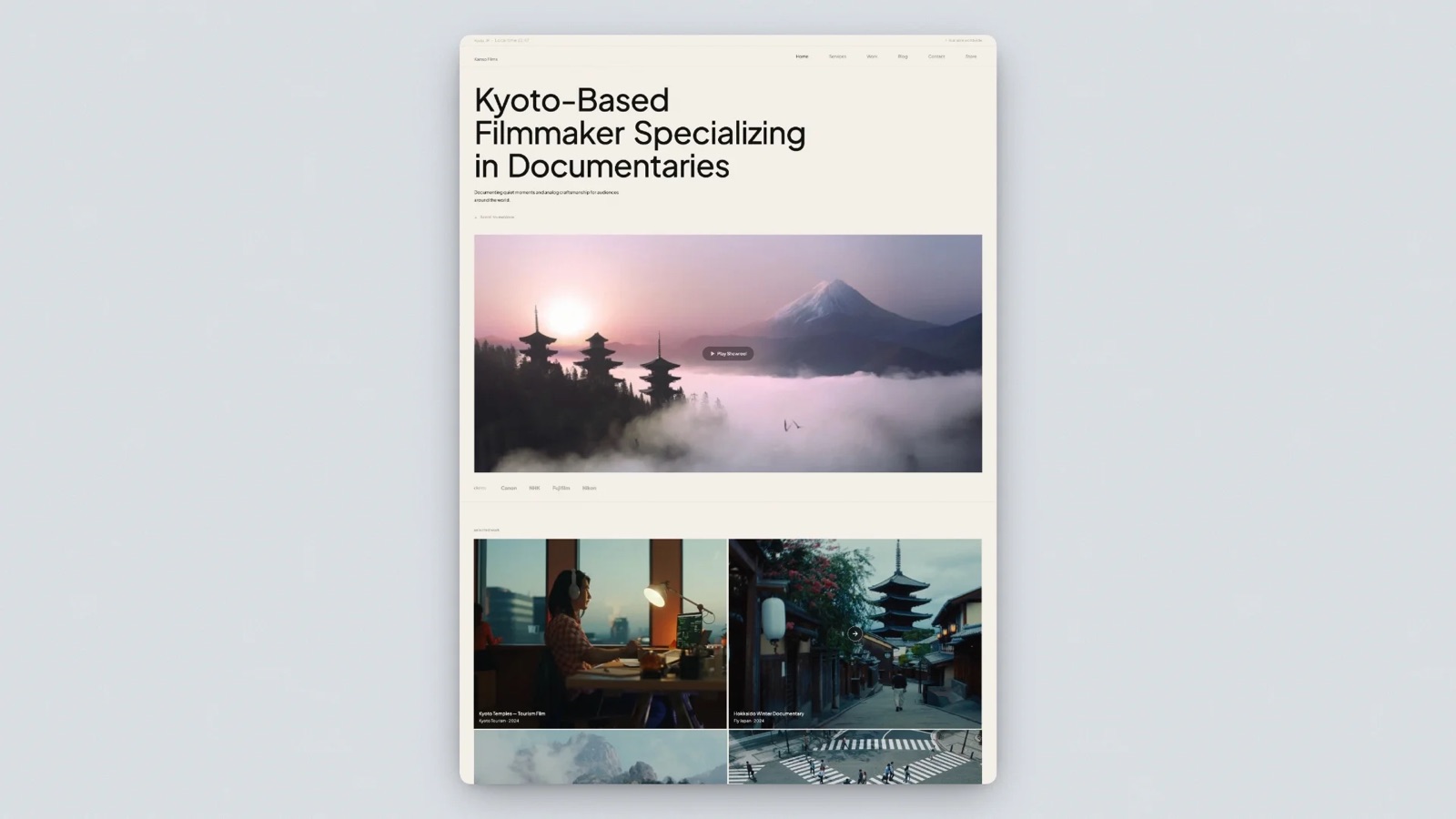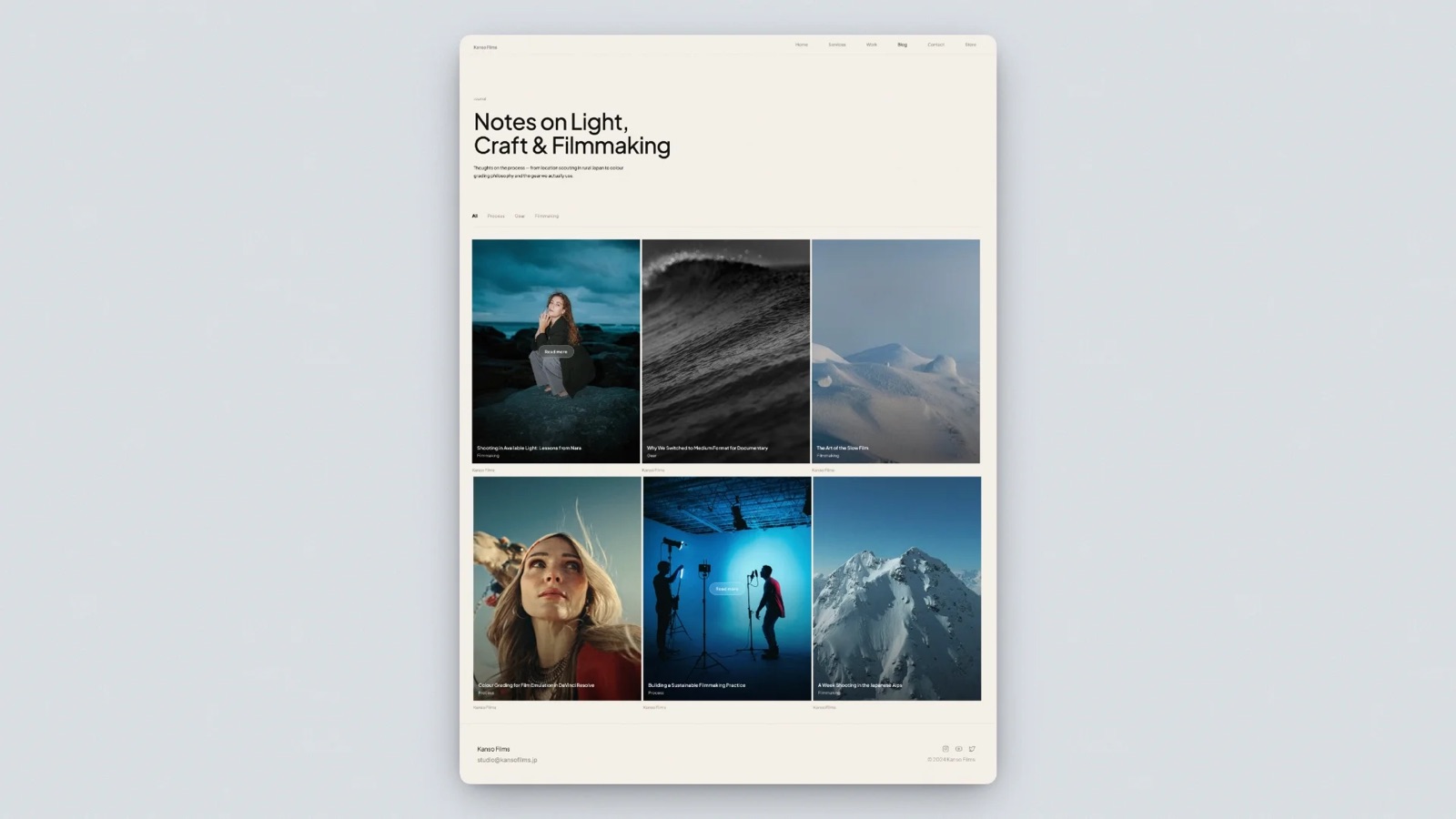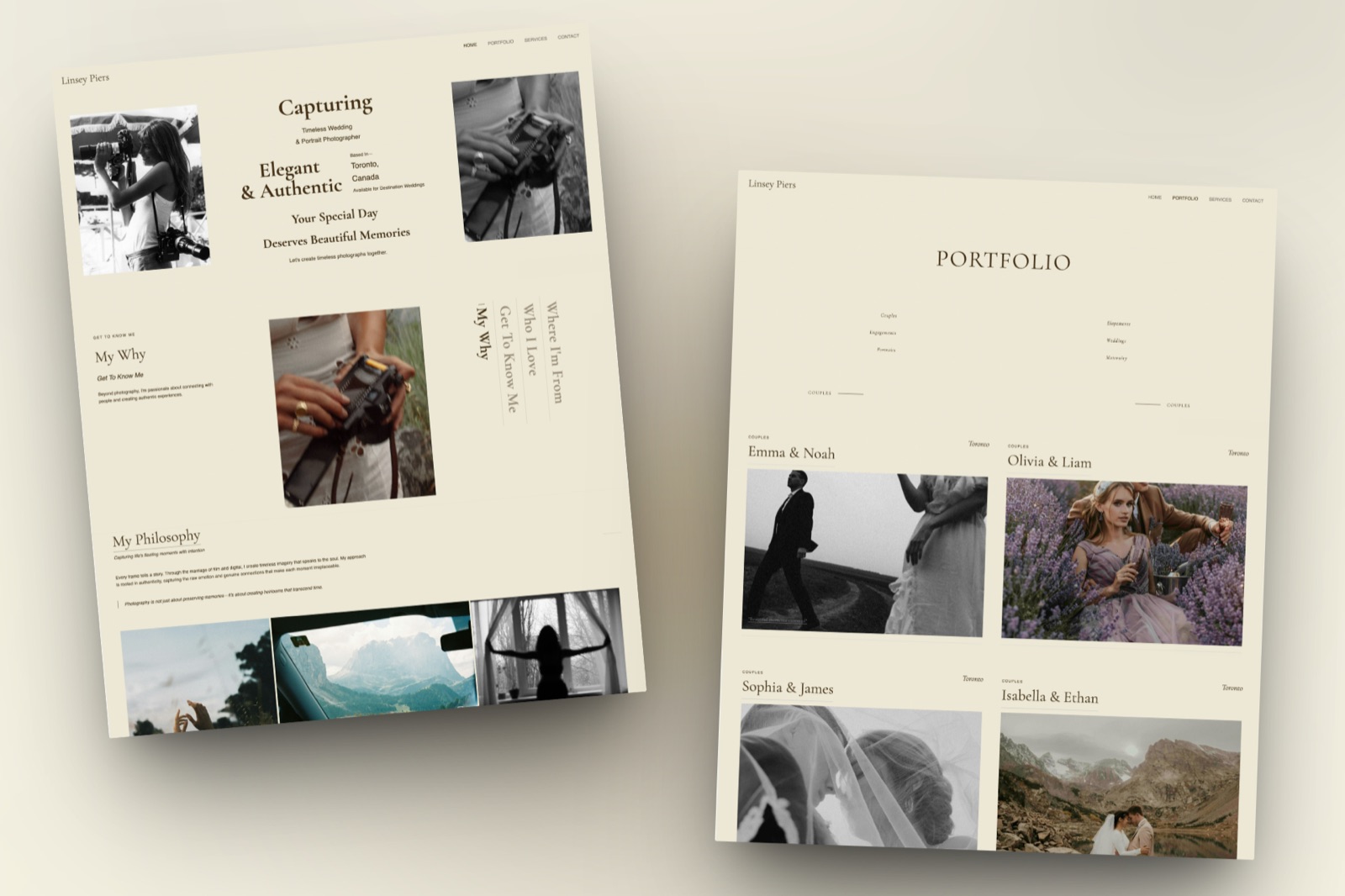
Framekit templates
Start from a designer-made template
 Use template
 Use template
 Use template
 Use template
 Use template
 Use template
 Use template
 Use template
Most photographers who compare Framekit and CloudSpot are already paying for at least three things: a gallery tool, a website, and something that sends contracts and invoices.
CloudSpot and Framekit both promise to collapse that stack, but they collapse different halves of it. CloudSpot wraps your galleries in a studio manager.
Framekit wraps them in a full website, a review room for films, a deck tool and a digital store.
So the useful question is not which gallery is prettier. It is which second bill you want to stop paying.
A photographer whose evenings disappear into invoices and contract reminders should read this page differently from one whose portfolio site costs more than the galleries it links to.
A client gallery platform is software that delivers a finished shoot to a paying client through a private, branded link with favourites, downloads and access controls, and in this comparison each product adds a different layer on top: studio management and a print store on one side, a website and creative tools on the other.
Framekit is an AI website builder with client galleries, video review, Slides and a digital-download store in one account, and that is the bundle we weigh against CloudSpot's studio-and-store bundle below.
Choose CloudSpot if you sell prints or your admin is the bottleneck, because from Lite at $17 a month it bundles contracts with e-signatures, invoicing, scheduling, questionnaires and mini-sessions with commission-free galleries, a print store with automatic fulfilment and 100GB of storage.
Choose Framekit if you deliver digital files or films and pay separately for a portfolio site, because every gallery feature is on every plan including free, films are hosted inside the gallery rather than linked from Vimeo, and $15 a month on Pro (billed yearly) covers 300GB shared with your website, video review, Slides and a digital store.
The trade-off: Framekit sells no prints and has no invoicing, contracts or scheduling at any price.
Full disclosure: Framekit is our product, so read this as a vendor comparison written to be checkable. We re-verified every CloudSpot plan, storage figure, gallery cap, file-type rule and commission on 12 October 2026 against CloudSpot's own pricing page and help centre, and every Framekit figure against the plan table on framekit.ai. This rewrite replaces an August 2026 version that described Framekit as having only a website and video review; Framekit now ships full client galleries, and the gallery facts below come from the shipped product. We also corrected two lines that said paid plans take Framekit's credit off galleries; they do not.
How We Built This Framekit vs CloudSpot Comparison
This comparison rests on what CloudSpot and Framekit publish about their own plans in October 2026, plus arithmetic you can redo with your own shoot sizes, so every number below traces back to a vendor page or a formula rather than to our impressions of either app.
Read at the source. CloudSpot's pricing page and plan comparison table, which list storage, gallery counts, mobile app counts, accepted file types, commission, deposit timing and Studio Manager features per plan, plus its help article on changing your gallery subdomain, dated January 2026.
For Framekit, the plan comparison at framekit.ai/pricing and the gallery, review and store settings the product ships.
Calculated. Storage for three shooting volumes, using 10MB per delivered JPEG and a 10 megabit per second export for films.
Megabits per second times seconds, divided by eight, gives megabytes, so a 25-minute film at 10 Mbps is 1,875MB.
CloudSpot's page lists monthly prices with a promotional $3 a month for the first three months and offers on annual plans; we price CloudSpot at its list monthly rate times twelve, so the figure holds once the promotion ends.
Framekit figures use yearly billing unless a row says monthly.
Not tested. We did not run a CloudSpot print store through a season, sign a client contract in Studio Manager, or time uploads on either platform.
Where a CloudSpot feature is listed without a plan gate we can read, we say so rather than guess which tier includes it.
Framekit vs CloudSpot at a Glance
The short version is that both platforms deliver private, branded galleries with watermarks, email capture and download controls, and the decision turns on the rows around the gallery: prints, studio admin, video hosting, the website and how storage is priced.
| Framekit | CloudSpot | |
|---|---|---|
| What it is | AI website builder with client galleries, video review, Slides and a digital store | Client galleries and print store, with Studio Manager from Lite |
| Free plan | Unlimited galleries, 10GB pooled, every gallery feature, video included | 5GB, up to 3 galleries, JPEG only, downloads capped at 2048px, 15% commission |
| Entry paid plan | Starter, $7 a month billed yearly ($9 monthly), 50GB, own domain | Entry, $7 a month list, 15GB, up to 15 galleries, 15% commission |
| First plan with studio admin | Never; no contracts, invoices or scheduling | Lite, $17 a month list, 100GB, commission-free |
| Upper plans | Pro $15 a month yearly (300GB); Business $31 (2TB) | Pro $34 a month list (500GB); Unlimited $50 (unlimited storage) |
| Print and album sales | None | Gallery storefront, automatic or custom fulfilment, albums, cards |
| Video in galleries | Hosted files on every plan, from the shared pool | Vimeo or YouTube links added to the gallery |
| Full website | Included on every plan | Social Site, a link-in-bio page |
| Video review before delivery | Timecoded comments, drawing, versions, approvals | Not offered |
| Native mobile gallery apps | No | Up to 3 on Free, 15 on Entry, unlimited from Lite |
In one lineCloudSpot runs the business side of a print-selling studio and Framekit runs the creative side of a session-fee studio, so the rows about prints, admin and the website settle most cases before price comes up.
Eight Numbers That Decide Framekit vs CloudSpot
These figures settle most Framekit vs CloudSpot decisions, each read from CloudSpot's or Framekit's own pages in October 2026 or calculated from them, and each one points at a specific kind of photographer rather than at an overall winner.
- 3 and 15. The gallery caps on CloudSpot Free and Entry. Lite and above are unlimited. Framekit has no gallery cap on any plan, free included.
- 15%. CloudSpot's commission on store sales on Free and Entry. Lite, Pro and Unlimited are commission-free.
- 2048px. The longest edge of a download from a CloudSpot free gallery, per its plan table. Framekit's free plan offers full-resolution downloads.
- $17 a month. CloudSpot Lite's list price, the cheapest way into its Studio Manager: contracts and e-signatures, invoicing and payments, questionnaires, scheduling, lead forms and mini-sessions.
- 2.5%. The card processing rate CloudSpot lists for invoices on its full-suite plans, which it compares against a typical 2.9% to 3.5%. Invoicing and online payments are US-only.
- 150GB. The video share of Framekit Pro's 300GB pool at $15 a month billed yearly. CloudSpot galleries take video as Vimeo or YouTube links instead.
- 2 hours. The longest single film a Framekit gallery or review accepts on any plan, with per-file caps of 500MB, 1GB, 2GB and 3GB by plan.
- $0 extra. What Framekit charges for galleries on top of the plan that already runs your portfolio site, review links, decks and digital store.

Where CloudSpot Wins
CloudSpot wins for any photographer who earns money after the session or loses evenings to admin, because from Lite upward it puts a commission-free print store, contracts, invoicing, scheduling and questionnaires in the same login as the galleries, and Framekit offers none of those tools.
A studio manager, not just a gallery. CloudSpot's full-suite plans include contracts and e-signatures, questionnaires, project management, invoicing with tipping, lead forms, scheduling and mini-sessions.
If you were about to buy a studio management tool separately, Lite at $17 a month makes the galleries close to free. Framekit has no contracts, no invoices, no booking calendar and no questionnaires on any plan.
A store built into each gallery. The CloudSpot storefront sells prints, digital files, custom-designed albums and printed cards, with automatic fulfilment through its labs, custom fulfilment if you use your own, augmented-reality previews so a client can see a canvas on their wall, discount codes and an abandoned-cart reminder.
Paid plans deposit store revenue in two days; the free plan takes four. Framekit cannot sell a print, an album or a card at any price.
More file types once you pay. From Lite, CloudSpot galleries accept JPEG, GIF, TIFF, PNG, PSD and PDF, which helps a commercial photographer delivering layered or print-ready files.
Framekit galleries accept JPEG, PNG, WebP and GIF for photos and refuse TIFF, PSD and RAW.
Apps and integrations. CloudSpot turns galleries into mobile apps for clients, exports straight from Lightroom, connects to Zapier, Plann and SmartSlides, and its team offers to migrate your photos from another platform.
Framekit has no Lightroom plugin, no Zapier connection and no mobile app.
The number that matters$450. That is what CloudSpot Entry's 15% would take from $3,000 of print sales in a year, and it is the reason Lite at $204 a year is the real starting plan for a print seller. On Lite the same sales cost nothing in commission.
The gotchathe cheaper tiers are tighter than the headline suggests. Free holds 3 galleries and caps downloads at 2048 pixels, Entry holds 15 galleries and accepts JPEG only, and both take 15% of store sales.
Video is a link, not a file, so films live on Vimeo or YouTube. And your default gallery address is yourbusinessname.client-gallery.com, which carries neither your brand nor CloudSpot's until you change it.
Skip it ifyour clients never buy prints, your contracts and invoices already live in a tool you like, or you deliver films that you want hosted in the gallery rather than embedded from somewhere else.
Verdict: CloudSpot Lite is one of the best-value bundles in photography software for a print-selling, admin-heavy studio, and nothing below changes that. If you are weighing it against other gallery tools, the best CloudSpot alternatives and ShootProof vs CloudSpot cover the neighbours.
Where Framekit Wins

Framekit wins for photographers and videographers paid for the shoot rather than the print, because every gallery feature is on every plan, films are hosted inside the same gallery as the stills, and one subscription also runs the portfolio website, a Frame.io-style review room, Slides and a digital store.
No gallery cap and no cut-down free tier. Framekit galleries are unlimited on every plan, and watermarking, a gallery password, a separate download PIN, favourites, slideshows, full-resolution downloads, ZIP downloads of everything or favourites only, email registration, auto expiry and sending the gallery by email from Framekit are all on the free plan.
Paid plans add your own domain and let you upload your own fonts, while a small Made with Framekit line stays in the gallery footer on every plan. CloudSpot's free plan, by contrast, stops at three galleries.
Favourites that come back as decisions. A client hearts frames into favourite lists they name themselves, such as "Album" or "Print for Mum", writes a note on any photo, and presses Send to photographer, which notifies you in Framekit and by email.
The gallery's Activity panel logs favourite activity and download activity: which email took what, whether a single photo, a set, a list or the whole gallery, at which resolution, with which PIN and when, and both logs export to CSV.
Films in the gallery, not beside it. Videos go into the same gallery as the stills, are transcoded so they play smoothly in the browser, and are never watermarked.
Accepted containers are MP4, MOV, M4V, WebM and MKV up to 2 hours long.
Storage is one pool shared with your site and review files: 10GB on Free, 50GB on Starter, 300GB on Pro and 2TB on Business, of which 3GB, 15GB, 150GB and 750GB may be video.
A real website on the same domain. Each gallery publishes at /client/ followed by its name on your own site, so a client who comes back in a year lands on the same domain as your portfolio and about page.
CloudSpot's Social Site is a link-in-bio page that showcases your work, which is useful on Instagram and not the same thing as a portfolio built to win bookings.
The number that matters300GB for $180 a year. CloudSpot's closest storage step, Pro at 500GB, lists at $408 a year, and Lite stops at 100GB for $204.
The detail most comparisons missa high-resolution download on Framekit is the clean original. The watermark protects what the client sees in the gallery, not the file they download, so you control access with the download PIN or by switching downloads off rather than by watermarking the deliverable.
The gotchathe per-file video cap is separate from the pool. A 2.3GB film will not upload to Pro even with 200GB free; it needs Business at 3GB or a lighter export, and nothing longer than 2 hours uploads anywhere.
There is also no print store, no lab, no invoicing, no contracts, no scheduling, no mobile app, no TIFF, PSD or RAW, and no unlimited storage tier.
Skip it ifprints or albums are part of your packages, you want your contracts and invoices in the same login as your galleries, or your archive needs more than 2TB online.
Verdict: Framekit is the better fit when the gallery is the last step of a digital job, especially one with a film, and you would rather pay one plan for the site, the review round and the delivery than three.

Gallery Limits and Plan Gates Side by Side
This is the table to keep open while you decide, because it collects each platform's published caps, file rules and plan gates in one place, with every CloudSpot figure read from its pricing page in October 2026.
| Spec | Framekit | CloudSpot |
|---|---|---|
| Galleries | Unlimited on every plan | 3 on Free, 15 on Entry, unlimited from Lite |
| Storage by plan | 10GB, 50GB, 300GB, 2TB, pooled with your site and reviews | 5GB, 15GB, 100GB, 500GB, unlimited |
| Photo formats | JPEG, PNG, WebP, GIF; 100MB per photo | JPEG only on Free and Entry; JPEG, GIF, TIFF, PNG, PSD, PDF from Lite |
| Video | Hosted files: MP4, MOV, M4V, WebM, MKV up to 2 hours; 500MB to 3GB per file by plan | Vimeo and YouTube links |
| Free-plan download size | Full-resolution original | Capped at 2048px |
| Watermarks | Every plan; photos only, videos never watermarked | Custom watermarks |
| Gallery password and download PIN | Both on every plan, as separate codes | Listed security features not broken out by plan on the pricing page |
| Email capture | Email registration on every plan | Email capture and email reminders |
| Favourites | Named lists, per-photo notes, Send to photographer | Favourites and purchasing in the gallery and app |
| Activity log | Favourite and download activity by email, exportable to CSV | Not detailed on the pricing page |
| Gallery address | /client/ on your Framekit site; your own domain from Starter | yourbusinessname.client-gallery.com by default |
| Store payouts | Stripe Connect into your own account, digital products only | Deposits in 4 days on Free, 2 days on paid plans |
| Mobile apps | None | 3, 15, then unlimited |
| Team members | 3 on Pro, unlimited on Business (site admins) | Plans are for individual photographers; studios with more than two photographers get custom pricing |
Two rows deserve a second look. CloudSpot's file-type row is a real reason a commercial or print-heavy photographer starts on Lite, because Free and Entry are JPEG-only.
And the gallery-address row is the one that surprises people: CloudSpot's help article says the business name you enter at signup becomes your subdomain, that the first change keeps old gallery links working, and that a second change means resending every gallery you sent before.
What Happens When Things Go Off Script
The situations that cost a photographer an evening rarely appear in a feature list, so this section walks through seven of them and says what each platform documents, without filling the gaps with guesses.
The client never makes an account. Neither platform asks a client to sign up to view a gallery.
On Framekit you can add a password, ask for an email before entry, or both, and a client who wants to keep favourite lists signs in with an email address only. CloudSpot captures emails at the gallery door and uses them for reminders.
You hit gallery number sixteen. On CloudSpot Entry, the pricing page caps you at 15 galleries, so the next client means archiving an old gallery or moving to Lite at $17 a month. On Framekit the count never matters; storage does.
The wedding film needs delivering. On CloudSpot you upload the film to Vimeo or YouTube and add the link to the gallery, which means a second account, a second set of privacy settings and a film that downloads, or does not, on Vimeo's terms.
On Framekit the film uploads into the gallery itself, provided it fits your plan's per-file cap and runs under 2 hours.
A client wants prints. On CloudSpot they order inside the gallery, the lab prints and ships, and on Lite and above CloudSpot keeps none of the sale.
On Framekit you take the order by email, place it with your own lab and invoice outside Framekit, which keeps the whole margin and costs you some admin time on every order.
The gallery should come down. Framekit unpublishes a gallery on the expiry date you set and returns it to draft with every file intact, shows visitors a message to contact the photographer, and, if you switch the reminder on, emails you and the gallery's linked contacts three days before.
CloudSpot lists email reminders among its gallery features; check how its expiry works in the plan you choose.
You want to know who downloaded. Framekit's Activity panel shows each download by email address, scope, resolution and PIN, with a CSV export.
CloudSpot's pricing page lists email capture and reminders but does not describe a download log, so confirm what it records before you rely on it for a dispute.
You rename your business. On CloudSpot, the subdomain follows your business name, and the second change breaks earlier gallery links until you resend them.
On Framekit, galleries live under /client/ on your site, so changing the site's address is one domain change rather than a gallery-by-gallery resend; plan any domain move before a busy season either way, because Framekit has no redirect manager.
A Year of Costs at Three Shooting Volumes
Year-one cost depends on how many galleries you keep online, whether you sell prints and whether you deliver film, so these three worked examples run from a weekend portrait business to a hybrid wedding studio, with the arithmetic shown.
Assumptions: 10MB per delivered JPEG, films exported at 10 Mbps, every gallery kept online for the full year. CloudSpot is priced at its list monthly rate times twelve, before any introductory offer.
Framekit is priced on yearly billing and includes the website, video review, Slides and store.
| Shooting volume | What gets stored | CloudSpot plan that fits | CloudSpot, a year | Framekit plan that fits | Framekit, a year |
|---|---|---|---|---|---|
| Weekend portraits: 15 sessions of 50 photos, no film | 7.5GB in 15 galleries | Entry (15GB, 15 galleries, JPEG only, 15% commission) | $84 | Free, or Starter for your own domain | $0 or $84 |
| Full-time weddings, stills only: 24 weddings of 500 photos | 120GB | Pro (500GB), since Lite stops at 100GB | $408 | Pro (300GB) | $180 |
| Hybrid weddings: the same 24 weddings plus a 25-minute film each | 120GB of photos and 45GB of film | Pro, plus a Vimeo or YouTube account for the films | $408 plus film hosting | Pro (165GB of 300GB, 45GB of the 150GB video share, 1.9GB per film) | $180 |
The first row is a tie on paper, and it is fair to call it that.
The difference is what the money buys: CloudSpot Entry gives you a print store with a 15% commission and a 15-gallery ceiling, Framekit Starter gives you unlimited galleries and a website on your own domain but no print store at all.
The second and third rows move because CloudSpot's storage jumps from 100GB on Lite to 500GB on Pro.
If you take wedding galleries down after six months, the stills-only year needs about 60GB online and Lite at $204 fits, which narrows the gap with Framekit Pro to $24 a year.
At that point CloudSpot's Studio Manager is close to free, and for a photographer who would otherwise pay for contracts and invoicing, CloudSpot is the cheaper whole.
Prints push the comparison further toward CloudSpot. Suppose those 24 couples order $3,000 of prints and albums. On CloudSpot Lite or Pro the commission is 0% and the lab ships. On CloudSpot Entry, 15% would take $450.
On Framekit the order cannot happen inside the gallery, so the honest comparison for a print seller is $180 plus the margin you lose or the evenings you spend ordering by hand.
Run it on your own numbers. Count last year's galleries and multiply photos by your average JPEG size; add each film's length in seconds times your export bitrate, divided by eight; then add last year's print revenue and the price of whatever studio manager you pay for today.
If prints plus the studio manager are worth more than about $300 a year, price CloudSpot Lite first. If you deliver film and pay for a website separately, price Framekit Pro first.

Studio Manager: The Half of CloudSpot Framekit Does Not Have
CloudSpot's strongest argument is not its galleries but its Studio Manager, because contracts, invoices, scheduling, questionnaires and lead forms are the tools a busy portrait or wedding studio uses every day, and Framekit has no equivalent for any of them.
The workflow CloudSpot is built around starts before the shoot.
A lead fills in a form, books a slot or a mini-session from your calendar, signs a contract with an e-signature, pays a retainer on an invoice with optional tipping, and answers a questionnaire about the day.
After the shoot the gallery goes out from the same account, and the print store and abandoned-cart reminders keep working after delivery.
CloudSpot says its invoice processing runs at 2.5%, and that invoicing and online payments are available only in the US, which matters if you work in Europe or Australia.
Framekit's workflow starts earlier and ends later in different places. It starts with the website that brings the lead in, generated by the AI builder from a description or a reference screenshot, hosted with SSL on every plan.
It can include a proposal or lookbook made in Slides, with unlimited decks on every plan and a monthly AI allowance for generation. It ends with the gallery, and for videographers a review round before it.
What it does not include is the paperwork in the middle, so a Framekit studio keeps a separate tool for contracts and invoices; our roundup of studio management tools for photographers covers the options.
The practical split many photographers land on is to let one product own the paperwork and the other own the public face. If CloudSpot's Studio Manager is the tool you would buy anyway, its galleries come almost free.
If you already run contracts in a tool you like, you are paying for CloudSpot's best feature twice.
Video: Links in CloudSpot, Files in Framekit
Video is where the two platforms differ most in kind, because CloudSpot treats film as a link to Vimeo or YouTube placed inside a photo gallery, while Framekit stores the film in the gallery itself and adds a review step before delivery.
CloudSpot's pricing page lists "add video links" among its gallery features and names Vimeo and YouTube integrations that place a video directly into a gallery.
That works well for a highlight film the couple will share, and it keeps the film out of your CloudSpot storage.
The cost is a second platform: the film's privacy, playback and download rules are set on Vimeo or YouTube, and a client who wants the file has to get it from there.
On Framekit, the film is a file in the gallery.
It uploads on every plan, free included, within per-file caps of 500MB, 1GB, 2GB and 3GB by plan and a 2-hour maximum length, and it is transcoded so ProRes or HEVC MOV files play in the browser.
Clients stream it alongside the stills and download it when downloads are on.
The bigger difference sits before delivery.
Framekit's video review runs on the same account: upload the cut, send a link, and the client leaves comments at the exact frame, draws on the frame, replies and reacts, without creating an account.
Upload version 2 and version 1 stays in the stack with its notes; set the status to approved; then deliver the final film in the gallery.
CloudSpot has no review tool, so a hybrid studio on CloudSpot usually runs that round in Vimeo or Frame.io, and our guide to delivering a wedding film walks through both routes.

The Website Question: Social Site or a Full Portfolio
The website is the clearest difference between the two bundles, because Framekit is a full AI website builder with galleries inside it, while CloudSpot offers a Social Site, a link-in-bio page that showcases your work and points people to your galleries and store.
A link-in-bio page does one job well: it turns an Instagram profile into a tidy menu. A photography website does several more.
It ranks for "wedding photographer in your city", carries case studies and an about page, holds an enquiry form, and gives every gallery a home on the same domain.
CloudSpot photographers who need that usually pay for Squarespace, Showit or another builder on top of CloudSpot, and our list of the best website builders for photographers covers that route.
On Framekit, the site is the core product. Templates are built with AI and trained by senior designers, the builder generates full sections and writes copy, and it can recreate a layout from a reference screenshot.
Hosting, SSL and a global CDN are included on every plan, with a free framekit.ai address or your own domain from Starter. Every client gallery lives under /client/ on that site, so the delivery link and the portfolio share one address.

The same account sells digital products if you have them, such as Lightroom presets or a posing guide, through a hosted checkout with your name and logo.
The fee is 5% on Free and Starter, 3% on Pro and 0% on Business, with Stripe processing on top and you as the merchant of record. It sells files, not prints, so it complements CloudSpot's store rather than replacing it.
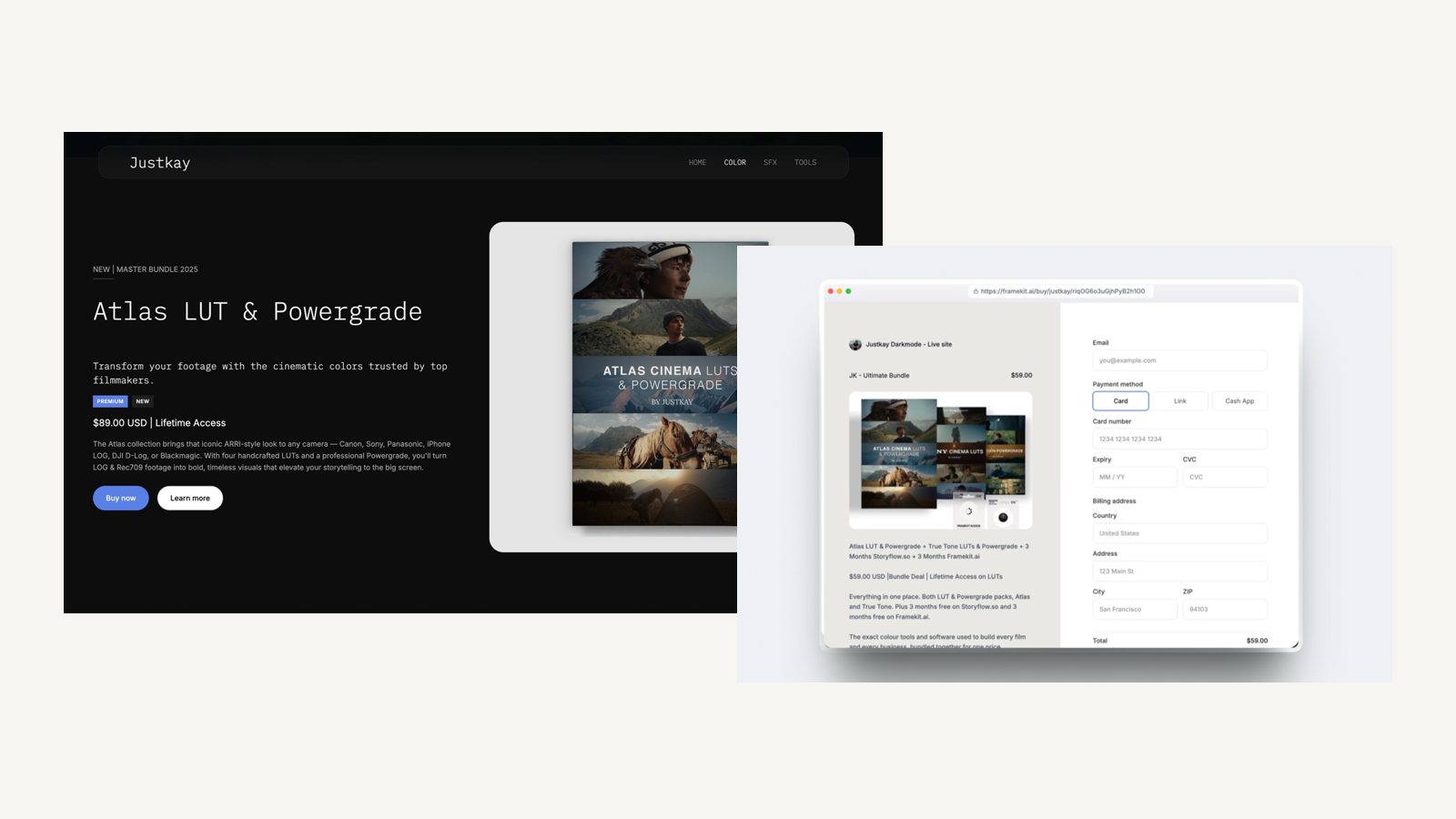
Switching From CloudSpot to Framekit, Step by Step
A move from CloudSpot to Framekit works best as a forward switch, where new jobs go to Framekit from a chosen date and existing CloudSpot galleries run until they expire, because neither platform imports the other's galleries and Framekit has no redirect manager for old links.
| Step | What to do | Why it matters |
|---|---|---|
| 1. Solve prints and paperwork first | Keep a CloudSpot plan for the store and Studio Manager, or move contracts and invoices to another tool and open your own lab account | Framekit has no print store, contracts, invoices or scheduling |
| 2. Export what clients chose | Save favourites, orders and any contract or invoice records from active galleries | Selections and paperwork do not travel between platforms |
| 3. Keep originals | Make sure every gallery you still owe a client exists on your own drives | Treat any platform as a copy, never the only copy |
| 4. Build the site | Generate the Framekit site, then connect your domain on Starter or above | Galleries publish under /client/ on that domain |
| 5. Check file types | Convert any TIFF, PSD or PDF deliverables to JPEG or PNG, or send them by another route | Framekit galleries accept JPEG, PNG, WebP and GIF only |
| 6. Move films into the gallery | Re-export films that exceed your plan's per-file cap: 1GB Starter, 2GB Pro, 3GB Business | Films that lived on Vimeo now live in the gallery itself |
| 7. Rebuild active galleries | Upload only galleries clients still need, then set watermark, password, PIN and expiry on each | Most photographers move a season, not an archive |
| 8. Overlap | Keep CloudSpot running until the last gallery sent there has expired | Old client-gallery.com links will not redirect to your new site |
The upload work for one season is a weekend. The slower decision is step 1, and for many studios the honest answer is to keep CloudSpot Lite for paperwork and prints while the site, films and digital deliveries move.
How to Choose Between Framekit and CloudSpot
This decision path asks the questions in the order that eliminates options fastest, starting with prints and paperwork, because those two answers settle Framekit vs CloudSpot for most portrait and wedding photographers before storage or price matter.
1. Do prints, albums or cards bring in more than about $1,000 a year, or would they if the store were there? If yes, choose CloudSpot Lite or above, where sales are commission-free and the lab ships. If no, go to question 2.
2. Do you need contracts, invoices, scheduling or questionnaires in the same login as your galleries, and do you work in the US? If yes, CloudSpot's Studio Manager is the reason to buy it.
If you already have a studio tool you like, or you invoice outside the US, go to question 3.
3. Do you deliver films, and do you want them hosted in the gallery with a review round before delivery? If yes, Framekit Pro holds 150GB of video with timecoded review on the same account. If you deliver stills only, go to question 4.
4. Do you deliver TIFF, PSD or PDF files, or want native gallery apps for clients? If yes, choose CloudSpot Lite, which accepts those formats and offers unlimited apps. If not, go to question 5.
5. Do you pay separately for a portfolio website? If yes, Framekit replaces the site and the galleries at one price, so price it first.
If you have no site and want only galleries, CloudSpot Entry and Framekit Starter both cost $84 a year, and the choice is a print store with a 15-gallery cap against unlimited galleries with a website.
Frequently Asked Questions
Framekit vs CloudSpot: which is better in 2026?
CloudSpot is better for photographers who sell prints or need studio admin, because from Lite at $17 a month it bundles contracts, invoicing, scheduling and questionnaires with a commission-free print store and 100GB of storage.
Framekit is better for photographers and videographers paid in session fees, because every gallery feature is on every plan, films are hosted in the gallery, and one plan also runs the website, video review, Slides and a digital store.
Does Framekit have client galleries like CloudSpot?
Yes.
Framekit ships unlimited client galleries on every plan, with watermarks, a gallery password, a separate download PIN, named favourite lists with notes, slideshows, full-resolution and ZIP downloads, email registration, auto expiry and email sharing, all on the free plan.
Photos and videos share one gallery. Comparisons written before September 2026 often describe Framekit only as a website builder.
Does Framekit have invoicing, contracts or scheduling?
No. Framekit has no contracts, e-signatures, invoices, questionnaires or booking calendar on any plan. CloudSpot includes all of them from Lite at $17 a month list, although its invoicing and online payments are US-only.
Photographers on Framekit run a separate studio manager for that work or keep CloudSpot for it.
How much does CloudSpot cost in 2026?
CloudSpot lists Free at $0, Entry at $7 a month, Lite at $17, Pro at $34 and Unlimited at $50, per its pricing page in October 2026, with a promotional $3 a month for the first three months and offers on annual plans.
Storage runs 5GB, 15GB, 100GB, 500GB and unlimited. Free and Entry are gallery-only with a 15% commission; Lite and above add Studio Manager and drop commission to 0%.
Is CloudSpot's free plan enough to deliver client work?
Only for very light use. CloudSpot Free holds up to 3 galleries and 5GB, accepts JPEG only, caps downloads at 2048 pixels on the long edge and takes 15% of store sales.
Framekit's free plan has unlimited galleries, 10GB shared with your website and reviews, high-resolution downloads and every gallery feature, though it uses a framekit.ai address and, like every Framekit plan, shows a small Made with Framekit line in the gallery footer.
Can CloudSpot host video in a gallery?
CloudSpot's pricing page lists video as links, with Vimeo and YouTube integrations that place a video directly into a gallery, so the film itself lives on Vimeo or YouTube.
Framekit hosts the film inside the gallery on every plan, in MP4, MOV, M4V, WebM or MKV up to 2 hours long, with per-file caps of 500MB, 1GB, 2GB or 3GB by plan.
Which is cheaper for a wedding photographer, Framekit or CloudSpot?
Framekit is cheaper on subscription once you keep more than 100GB online. Twenty-four weddings of 500 photos come to about 120GB, which needs CloudSpot Pro at $408 a year, while Framekit Pro holds it for $180.
If you take galleries down after six months, CloudSpot Lite at $204 fits, and its Studio Manager and print store may make it the cheaper whole.
Does CloudSpot charge commission on print sales?
CloudSpot takes 15% of store sales on Free and Entry and nothing on Lite, Pro or Unlimited, per its pricing page. On $3,000 of prints a year, Entry's commission would be $450, more than twice the cost of a year of Lite.
Framekit takes no commission on gallery delivery, and charges 5%, 3% or 0% by plan only on digital products sold through its store.
Can I sell prints from a Framekit gallery?
No. Framekit has no print lab, price sheet, album ordering or print store on any plan.
Photographers who sell prints from Framekit take the order by email, place it with their own lab and invoice outside Framekit, or keep a CloudSpot plan for its store.
The guide to selling prints from a client gallery covers both routes.
What is CloudSpot's default gallery address?
CloudSpot's help centre says the business name you enter at signup becomes your subdomain, in the form yourbusinessname.client-gallery.com, and that the address covers both your portfolio and gallery links.
You can change it, and the first change keeps old gallery links working, but after a second change any previously shared gallery has to be resent.
Can clients upload photos or find themselves by face in either gallery?
Framekit galleries do not accept client uploads and have no face or keyword search; clients favourite, write notes, download and send their list to you. CloudSpot's pricing page does not list client uploads or face search either.
If guests need to upload wedding photos, the roundup of client galleries with client uploads lists tools built for it.
Does Framekit work for school or volume photography?
No. Framekit has no student ID lookup, subject matching, parent ordering or yearbook workflow, and CloudSpot is built around individual client galleries too.
Volume photographers should look at dedicated school and sports platforms, compared in the best client galleries for school photographers.
Should I switch from CloudSpot to Framekit?
Switch if your income is session fees and digital delivery, you deliver films you want hosted in the gallery, or you pay separately for a portfolio site.
Stay on CloudSpot if prints, albums, contracts, invoices or scheduling are part of how you run the business. Many studios split the work: CloudSpot Lite for paperwork and prints, Framekit for the website, films and digital deliveries.
Final Verdict
CloudSpot is the stronger choice for a print-selling, admin-heavy studio, because Lite at $17 a month puts a commission-free store with automatic fulfilment, contracts, invoices, scheduling, questionnaires and unlimited client apps in one login, and that is a bundle Framekit does not try to match.
Framekit is the stronger choice for photographers and videographers paid in session fees.
Every gallery feature is on every plan, galleries are unlimited even on the free plan, films are hosted in the gallery with a review round before delivery, and $180 a year on Pro also pays for the website, Slides and a digital store.
Where Framekit loses, plainly: it does not sell prints, does not offer price sheets, albums or cards, does not do contracts, invoices or scheduling, does not have a mobile app, does not accept TIFF, PSD, RAW or client uploads, and does not offer unlimited storage.
If any of those runs your business, CloudSpot is the better fit.
Related reading: the best client gallery platforms ranks the wider field, Pic-Time vs CloudSpot and Pixieset vs CloudSpot cover the other shortlists, and do you need a client gallery with a website weighs the bundling question.
More head-to-heads: Framekit vs Pixieset, Framekit vs ShootProof and Framekit vs Pic-Time.