Framekit templates
Start from a designer-made template
 Use template
 Use template
 Use template
 Use template
 Use template
 Use template
 Use template
 Use template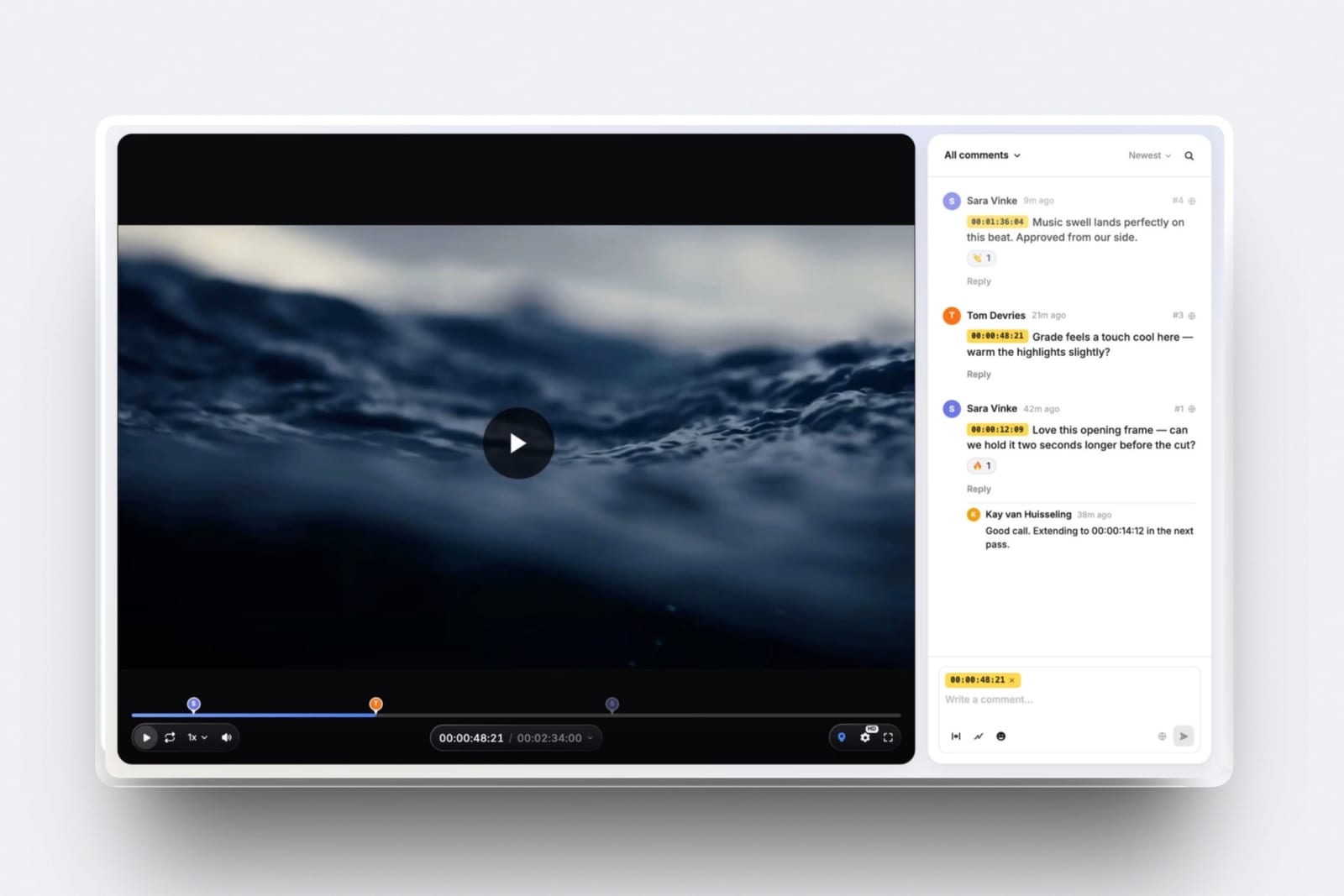
You finish a 6-minute brand film on a Thursday, export a master, and drop it in a transfer link.
On Monday the client replies with fourteen lines of prose: "the intro drags", "the bit with the bikes feels off", "can we try the other music near the end". Nothing in that email tells you where.
So you open the timeline and hunt.
Learning how to send a video to a client for review is mostly about the return trip, not the send: at $65 an hour, translating fourteen vague notes into timecodes costs about 1.4 hours, or $91, and you do it twice per job before anyone has changed a single frame.
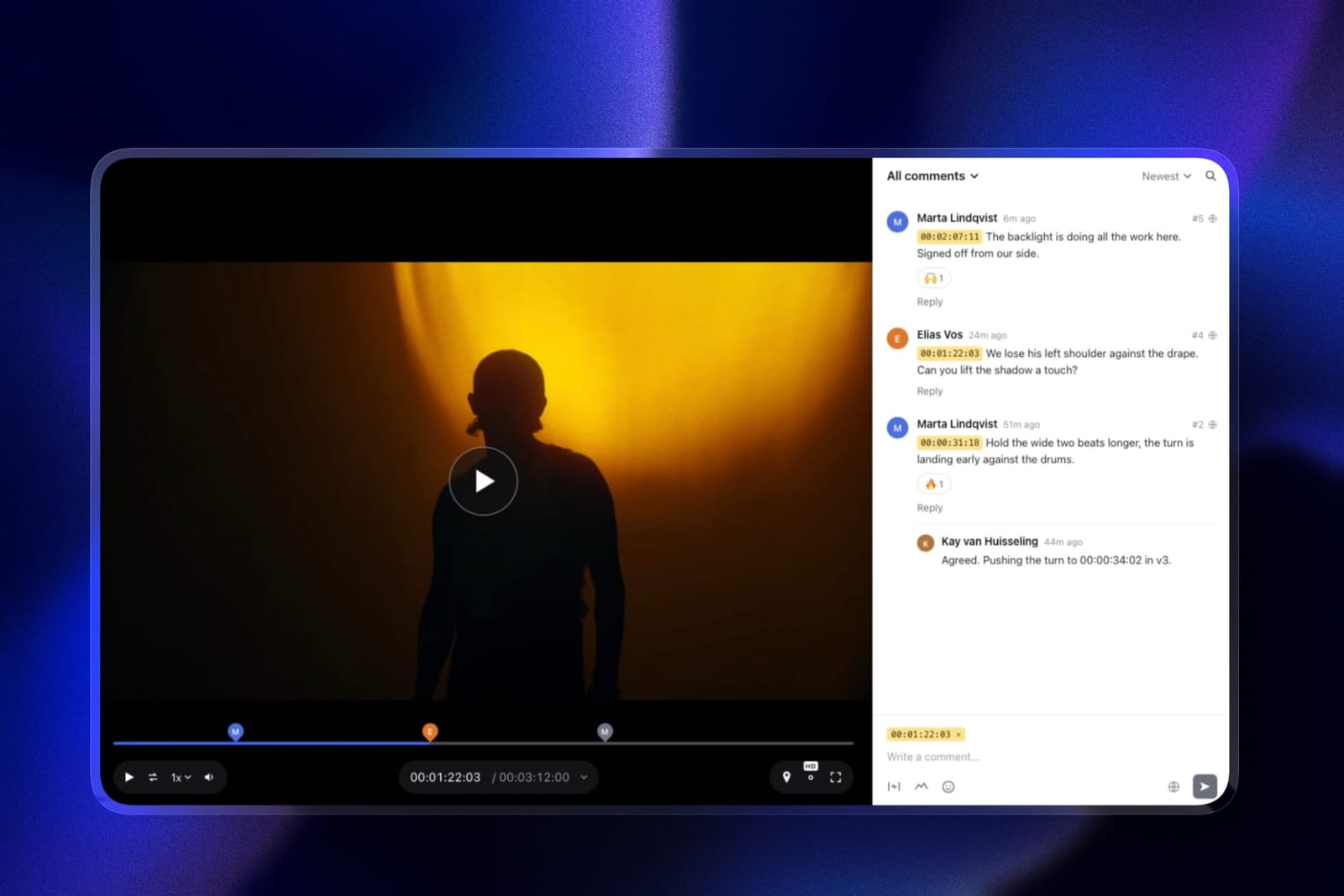
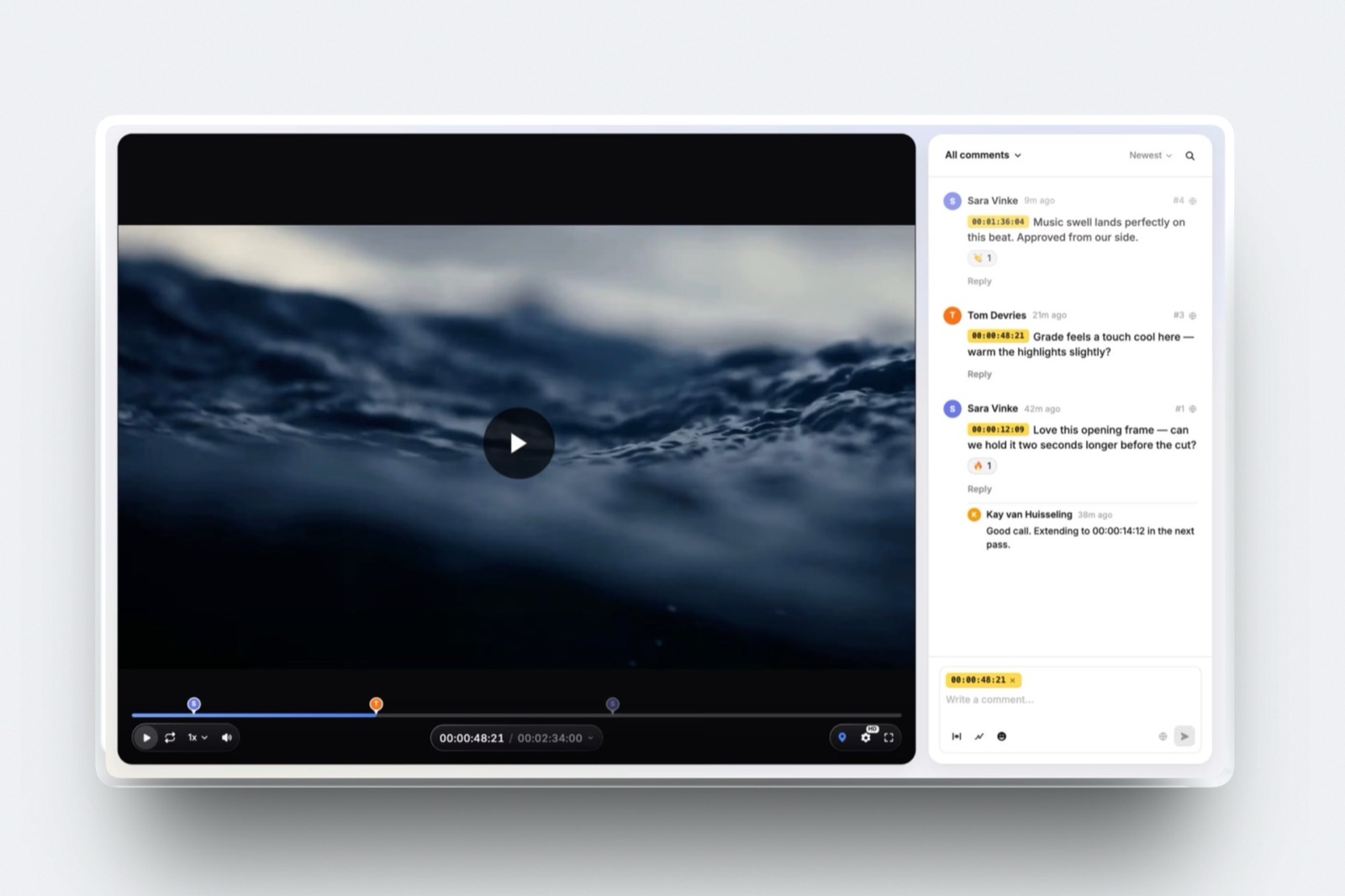
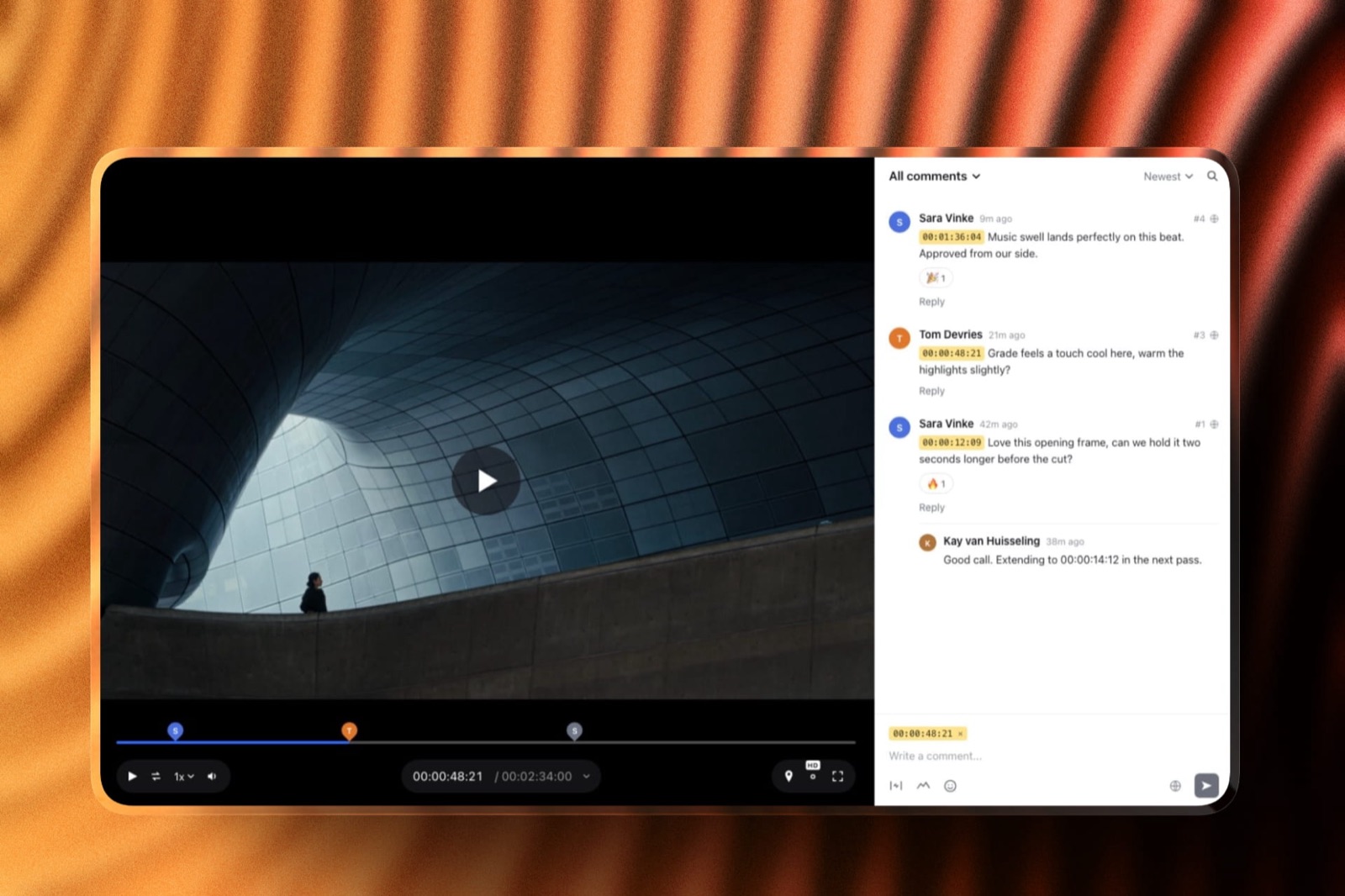
A video review link is a web page that plays your cut in the browser and pins every comment to the exact timecode and, if the reviewer wants, the exact spot on the frame.
Send the cut as a review link, not a file, because a link records each note against a timecode and a file does not; Framekit Video Review does this on a free plan with guest commenting, password-locked links and auto expiry, and its trade-off is that it has no Camera to Cloud and no Premiere or Resolve panel.
Frame.io is the better pick if your notes need to land inside your editing software, Dropbox Replay if your team already lives in Dropbox, and a plain WeTransfer link is fine only when the client is signing off, not commenting.
Full disclosure: Framekit is our product, so treat our recommendation with the suspicion it deserves; we priced every alternative here from its own published pricing page and help documentation in September 2026, we link to each one, and we say plainly below which jobs they win.
How this guide was put together
Everything below comes from three kinds of work, kept separate on purpose so you can tell what is checked and what is reasoned.
Read at the source: plan prices, file limits and account requirements were read on each vendor's own pricing page or help centre in September 2026, and every figure in this post links to the page it came from.
Calculated: the cost-of-translation numbers are arithmetic from inputs we state out loud, so you can swap in your own rate and rerun them. Framekit's own limits come from our published plan data, not from a test we ran.
The carried example through the whole post is one job: a 6-minute brand film for a bike shop, edited by a freelancer billing $65 an hour, with three rounds of client feedback and two stakeholders who both like to reply to email.
One honest caveat about method. We have not run a controlled trial of these tools against each other, and nobody should trust a vendor who claims they did. What you get here is published limits, a procedure, and the arithmetic you can check.
The numbers that decide where your cut goes
Before you choose a tool, five published limits do most of the deciding for you, because they rule out half the options before taste enters the room. These are the figures worth knowing by heart.
- Personal Gmail caps an attachment at 25 MB, and anything larger is converted into a Google Drive link automatically (Gmail help).
- WeTransfer's free tier allows up to 10 transfers or 3 GB in any rolling 30-day period, with custom expiry and password protection sitting on its Ultimate plan (WeTransfer plan limits).
- Frame.io's free plan covers up to 2 members and 2 projects with 2 GB of storage, and Pro is $15 per user per month (Frame.io pricing).
- Dropbox Replay is sold as an add-on, listed to this session at EUR 9 per user per month billed annually, and accepts files "up to 150 GB" with a 12-hour maximum media length (Dropbox Replay).
- Framekit Video Review accepts 500 MB per video on Free, 1 GB on Starter, 2 GB on Pro and 3 GB on Business, with a 2-hour ceiling on any single video.
A 6-minute cut exported as H.264 at 16 Mbps is 720 MB, which is the number that matters: it clears Framekit's Starter cap, sails past Gmail by a factor of nearly thirty, and eats a quarter of WeTransfer's monthly free allowance in one send.
Step 1. Export a review file, not a master
The file you send for notes has a different job from the file you deliver, and treating them as the same export is the first quiet mistake, because a master is sized for archive quality and a review copy is sized to open on a phone in a car park.
Export H.264 in an MP4 wrapper, keep the resolution at 1080p even when the master is 4K, and aim for a bitrate that lands the file inside your tool's per-video cap with room to spare.
The arithmetic is simple enough to do in your head. Bitrate in megabits per second, times the length in seconds, divided by 8, gives megabytes. A 6-minute film is 360 seconds, so 16 Mbps gives 720 MB.
| Export setting for the 6-minute cut | File size | Fits Framekit Free (500 MB) | Fits Framekit Starter (1 GB) |
|---|---|---|---|
| 1080p H.264 at 6 Mbps | 270 MB | Yes | Yes |
| 1080p H.264 at 10 Mbps | 450 MB | Yes | Yes |
| 1080p H.264 at 16 Mbps | 720 MB | No | Yes |
| 1080p H.264 at 20 Mbps | 900 MB | No | Yes |
| 2160p H.264 at 45 Mbps | 2,025 MB | No | No |
The thing that goes wrongpeople send the graded 4K master because it is the file sitting on the desktop, then spend the afternoon wondering why the upload stalled.
A 6-minute 4K export at 45 Mbps is roughly 2 GB, which needs Framekit's Pro tier, fills all but 23 MB of the 2 GB a free Frame.io account gets, in a single file, and takes the client's hotel wifi with it.
Burn in a timecode. Put a small timecode burn-in in a lower corner of the review export.
On a review page the client can click a timestamp, but the burn-in is what saves you when someone screenshots the frame into a message instead. It costs one effect layer and removes an entire category of confusion.
Two more settings worth a minute. Bake in temporary subtitles if dialogue is unclear at laptop volume, and if the music is a placeholder, say so on a title card at the head instead of in the email, because the email gets skimmed and the card does not.
Step 2. Put the cut somewhere notes can attach to it
This is the step that decides whether feedback arrives as data or as prose, and it is worth being blunt about the difference: a file transfer moves bytes and ends its job there, while a review page keeps the video and the conversation in the same place so every note carries a timecode.
Both send perfectly well. Only one of them receives.

| Tool | What it costs | Per-video limit | Does the client need an account? | What it does not do |
|---|---|---|---|---|
| Framekit Video Review | Free; $9 Starter, $19 Pro, $39 Business per month | 500 MB Free, 1 GB Starter, 2 GB Pro, 3 GB Business; 2 hours max | No, guests comment without one | No Camera to Cloud, no Premiere or Resolve panel, no transcription |
| Frame.io | Free for 2 members and 2 projects; Pro $15 per user per month | Not published on the pricing page | No, but a first comment asks for name and email | Free tier stops at 2 projects and 2 GB of storage |
| Dropbox Replay | Add-on listed at EUR 9 per user per month billed annually | Files up to 150 GB, 12 hours of media | Not stated on the page we read; the add-on itself is priced per user | Sold only as an add-on to a Dropbox plan, never on its own |
| WeTransfer | Free tier is 10 transfers or 3 GB per 30 days | 3 GB total across the rolling window on Free | No | No timecoded comments at all; it is a delivery pipe |
How to read that table. If the client is commenting, the last row is disqualified, however convenient it feels.
If your notes need to appear inside Premiere or Final Cut while you cut, Frame.io is the answer and we are not going to pretend otherwise, since Adobe ships that integration and includes Camera to Cloud on every Frame.io plan.
If you want a free review page that guests can use without signing up for anything, Framekit Video Review is the one we would send.
The detail nobody mentionsthe account question is really a deadline question.
Every login screen between your client and the play button is a day of delay, because the person who has to review your cut did not set up the software and will not open an account to use it.
Frame.io's own documentation is clear that share-link viewers do not need an account, and that a first-time commenter is prompted for a name and email address.
Filestage says the same thing about its reviewers, who do not need to log in to leave feedback unless they already have an account on that email address.
Verdict: for a solo editor sending a cut to two people who will never use the tool again, a free review page with guest commenting beats a paid seat every time, and you can move to Frame.io the week your workflow genuinely needs the panel.
Already paying for a Frame.io seat and wondering whether it still fits a one-person edit suite?
The Frame.io pricing breakdown and our Frame.io alternatives guide work through the switch properly.
Step 3. Lock the link before you send it
A review link is a public URL until you decide otherwise, and unreleased client work has a habit of travelling, so spend the ninety seconds on the four controls that keep a cut where it belongs. In the order they bite: password, expiry, downloads, and who gets named on the page.
Password. Framekit review pages take a password, and so does a Frame.io share link, which prompts for a passphrase before anything plays.
WeTransfer keeps password protection on its Ultimate tier and off Free, which matters if your entire security model is currently a transfer link that anyone with the URL can open.
Expiry. Set an end date on anything under embargo. Framekit review pages support auto expiry, which is the setting that quietly protects you six months later when a link you forgot about is still sitting in someone's inbox thread.
Downloads. Decide deliberately whether the reviewer can pull the file. During rounds, the answer is no, because a downloaded rough cut is the version that turns up in a client deck. At sign-off, turn downloads on.
Frame.io exposes the same control on its share links, and its documentation notes that when downloads are enabled, viewers can take originals as well as proxies.
Who is on the page. Turn on email registration when you need to know who watched, which is also the cheapest way to find out that the decision maker never opened it.
Framekit review pages carry your logo, banner, fonts and accent colours, and paid plans also drop the Framekit badge and let the page sit on your own domain, which matters more than it sounds like it should when the client is forwarding the link to their own boss.
The gotcha that bites in week threeteams share one password across every project because it is easier, and then a freelancer who worked on one job in March still has access to a link in September. Use a different password per project and let expiry do the cleanup.
Step 4. Name the version so the thread cannot get confused
Version naming is the cheapest workflow fix in this whole guide, and it survives every tool change you will ever make, because it is a convention, not a feature. Write it once, use it forever: project, version number, date, and initials if more than one editor touches the file.
| Version label | What it means | Who sees it |
|---|---|---|
| bikeshop_v01_0912 | First cut sent for notes | Client, both stakeholders |
| bikeshop_v02_0916 | Round one notes applied | Client, both stakeholders |
| bikeshop_v02a_0916 | Internal fix, never sent | Editor only |
| bikeshop_v03_0919 | Round two applied, sign-off requested | Decision maker |
| bikeshop_final_0922 | Approved master, downloads on | Client, delivery folder |
Never use the word "final" twice. The reason is not superstition, it is that the second "final" destroys the meaning of the first, and from then on nobody in the thread knows which file the approval attached to.
Stack versions, do not scatter them. Framekit keeps versions stacked in order on the same review page with the old notes kept underneath, so round one's comments stay readable while everyone is looking at round two.
That single behaviour is why a review page beats a folder of links: the history lives with the video instead of in your memory of what was said in August.
In one linean export that fits the cap, a link that records timecodes, four link controls set on purpose and a version name that cannot be misread will remove most of the friction in a client review before the client has even pressed play.
Step 5. Write the request that gets timecodes back
The message you attach to the link decides the shape of the feedback you get, so write it as an instruction and not an invitation, because "let me know what you think" is a request for an essay and you will receive one. Three sentences carrying four instructions do the whole job.
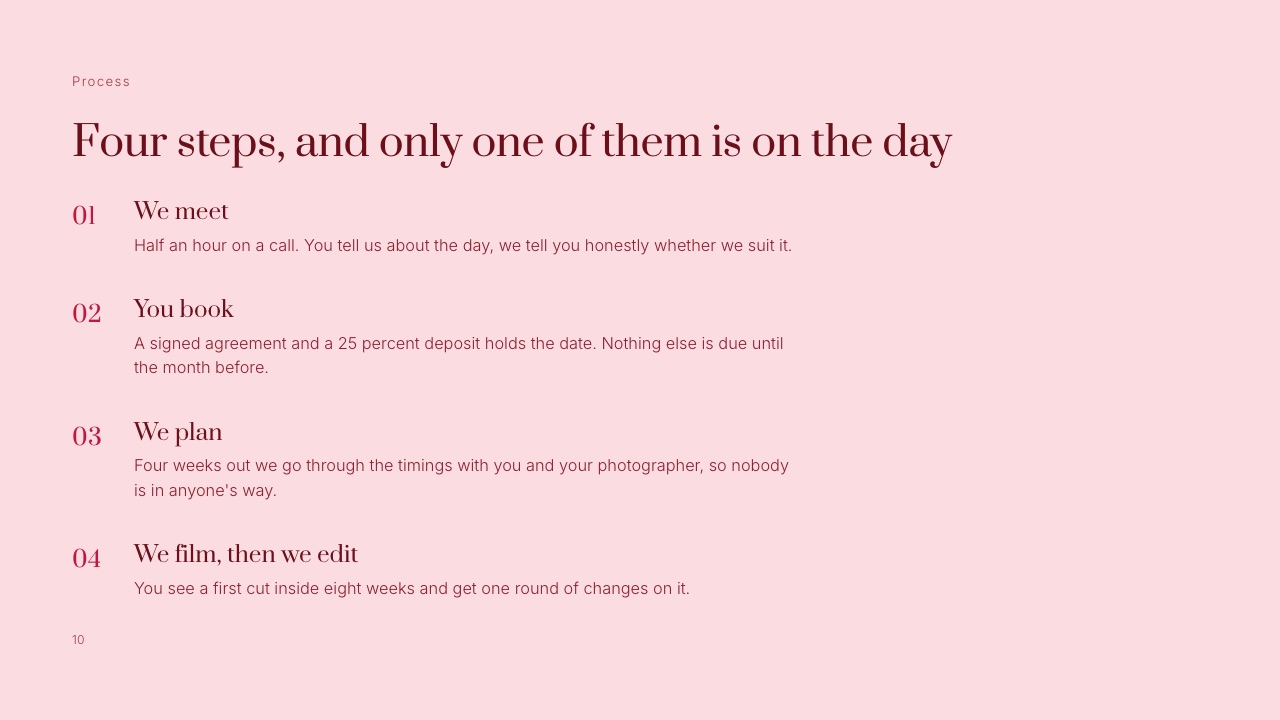
Here is the message, with the reasoning underneath.
"Here is cut one of the bike shop film, 6 minutes, password in the next email. Please leave notes directly on the video by clicking the timeline where you mean, instead of replying here.
I need everything by Thursday 5pm so the next version lands Monday, and where two of you disagree, Marta's call is the one I will cut to."
Why each sentence is there. Naming the version and the length sets the expectation that there will be more than one.
Telling people where to comment moves the feedback into the tool, which is the entire point of choosing the tool. The deadline turns an open request into a scheduled one. The last clause solves arguments before they happen.
Ask for the note type, not just the note. Add one line asking reviewers to mark each comment as a fix, a question or a preference.
Fixes get done, questions get answered, preferences get discussed, and separating them stops a colour-grade opinion from being treated as a defect.
The thing that goes wrongyou send the link and the brief in the same paragraph as the invoice, and the client reads only the invoice. Send the review request on its own, and keep money in a separate thread.
Our guide on how much to charge for video editing covers the pricing conversation properly.
Step 6. Give the round a deadline and a single decision maker
Feedback without a deadline is not feedback, it is a queue, and the cost of an open queue lands on you and not on the client, because your schedule has to stay elastic until they reply. Put a date on each round and name one person who can end it.
The pattern that works for a small job is round one within three working days, round two within two, and sign-off within one. Write those windows into the first email of the project and repeat them on the link.
| Round | What the client is asked for | Window | What happens if it slips |
|---|---|---|---|
| Cut one | Structure, length, music direction | 3 working days | Delivery moves day for day |
| Cut two | Fixes and copy, not new ideas | 2 working days | Delivery moves day for day |
| Sign-off | Approve or list blockers | 1 working day | Approval is assumed for scheduling only, not for payment |
One decision maker, always. Two stakeholders with equal authority produce contradictory notes, and the editor becomes the referee, which is a job nobody is paying you for. Ask at kickoff: who signs this off?
Then address the deadline to that person and copy the rest.
The gotchaa client who has never used a review page will sometimes leave comments and also email you the same notes, which means you now have two sources of truth.
Reply to the email with one line pointing back at the link, and consolidate everything into the thread yourself the first time. After one round, they follow the link.
Step 7. Close the round in writing, then deliver the final file separately
A review round ends when somebody says so, in the tool, in writing, and the reason to be pedantic here is that an unclosed round has a way of reopening three weeks later when an invoice arrives.
Framekit Video Review carries approval statuses for exactly this: needs review, in progress, approved, needs changes.
Work through the comments in order, reply to each one in the thread instead of in email, and mark the ones you have actioned. When a note conflicts with the brief, say so in the reply instead of quietly doing it.
When a note is out of scope, say that in the reply too, with what it would cost, and let the client decide in writing.
Then change the state. Moving the version to approved is a thirty-second action that gives you a timestamped record of who signed off on which cut, which is worth more than any email chain you will ever try to reconstruct.
Deliver the master somewhere else. The review page is for notes; it is not your delivery system.
Send the finished file as a download with its own link, and if the job includes stills as well as video, a client gallery keeps both in one place for the client to grab at full resolution.
We cover the delivery half of this in how to deliver photos and video together.

In one linethe three habits that separate a calm review from a messy one are a named decision maker, a deadline per round and a state change at the end, and all three are free in any tool you choose.
What prose feedback actually costs you
In one lineprose feedback is not free feedback, it is feedback whose translation cost has been moved onto you, and on the carried example it works out at roughly $91 of unbilled time per round before a single edit is made.
Here is the arithmetic in full so you can rerun it on your own rate. Fourteen notes come back as prose. Each one takes about six minutes to locate in the timeline, confirm you have understood it, and write down. That is 84 minutes, or 1.4 hours. At $65 an hour, $91.
Now the same fourteen notes arriving as timecoded comments. You click each one, the playhead lands on the frame, and you act. The locating step disappears entirely and the reading step shrinks, because the note is attached to the thing it describes.
| Per round of 14 notes | Prose in an email | Timecoded comments |
|---|---|---|
| Time to locate each note | About 6 minutes | About 0 minutes |
| Unbilled time per round | About 1.4 hours | Close to none |
| Cost at $65 an hour | About $91 | Close to $0 |
| Risk of acting on the wrong shot | High, the note is a description | Low, the note is a position |
| Record of who asked for what | Scattered across a thread | One page, one version |
Two prose rounds on the carried job is $182 of your time. Eighteen jobs a year at that rate is $3,276, which is more than any tool on this page costs, including the ones with per-seat pricing.
Run the test on yourself. Open the last project where notes came back by email, count the notes, and multiply by six minutes and your hourly rate. If the number embarrasses you, the fix is a link, not a file.
When the client will not use the review link
Some clients will not click anything, and pretending otherwise is how a workflow dies in week two, so it is worth having a plan for the person who replies to every link with a voice note. There are three honest options and one of them is not "keep asking".
Option one, transcribe for them. Take their email or voice note, convert each item into a timecoded comment yourself on the review page, and reply asking them to confirm.
It costs you the translation once, and it puts the record in the right place. A client who opens the link and finds their own words pinned to the frame has a reason to leave the next note there.
Option two, review live. Book twenty minutes, screen share, and type the comments as they talk. The notes land timecoded, the meeting ends with the round closed, and you have avoided three days of asynchronous drift.
This is the best option for a client who is genuinely not technical.
Option three, change what you send. For a sign-off where no comments are expected, a plain transfer link is fine and the fuss is unnecessary. WeTransfer moves the file, the client watches it, and they reply with a yes.
Just know that on the free tier you get 10 transfers or 3 GB in a rolling 30-day period, so a heavy month runs out of allowance faster than people expect.
If your problem is the file size and not the notes, our WeTransfer alternatives roundup is the better page for that question.
Which route fits your job
Work down these questions in order and stop at the first yes, because the right answer depends on who is watching and what they are allowed to do, not on which tool has the longest feature list. Each branch ends in a concrete choice.
Does the client need to leave comments at all? If no, and this is a sign-off on a cut they have already discussed with you, a transfer link is fine. If yes, go on.
Do the notes need to appear inside your editing software? If yes, use Frame.io, because it ships the panels and the Adobe integration and nothing on this page replaces that. If no, go on.
Is your team already inside Dropbox for everything else? If yes, the Replay add-on is the least disruptive answer, since the files are already there and reviewers open a link. If no, go on.
Do you need guest commenting, a password and an expiry date without paying for a seat? If yes, Framekit Video Review does all three on the free plan, with the upload cap being the thing to watch: 500 MB per video on Free, 1 GB on Starter.
If you are regularly sending 20-minute cuts at high bitrate, price the Pro plan at $19 a month before you commit.
Are you sending stills as well? Then keep the review page for the cut and use a client gallery for the photographs, which is the pattern most hybrid shooters land on.
Framekit is an AI website builder for photographers and filmmakers whose Video Review pages, client galleries and store run on the same account and the same storage pool, so the split does not mean two subscriptions.
For the full ranked comparison of the tools in this post, our video review tools roundup and the tools for sending video to clients guide do the head-to-head work this procedure deliberately skips.
Frequently Asked Questions
How do I send a video to a client for review without making them sign up?
Send a review link, not a file.
Framekit Video Review lets guests watch and comment without an account, and Frame.io's help centre states that share-link viewers do not need a Frame.io account, though a first-time commenter is asked for a name and email address.
The practical difference is the number of screens between your client and the play button, and every extra screen costs you a day. If the reviewer has to install something, expect notes to arrive late or by email instead.
What should I export for a client review copy?
Export 1080p H.264 in an MP4 wrapper with a timecode burn-in, not your graded master. On a 6-minute film, 10 Mbps gives you a 450 MB file and 16 Mbps gives 720 MB, both of which stream on a laptop without stalling.
Keeping the review copy separate from the master also means you can turn downloads off during rounds and on at sign-off without re-exporting anything.
Can I password protect a video I send to a client?
Yes. Framekit review pages support a password plus auto expiry on every plan, and Frame.io share links can be protected with a passphrase that viewers enter before anything plays.
WeTransfer keeps password protection on its Ultimate tier and not on its free one, so if your current process is a bare transfer link, anyone who receives a forward can open it.
For unreleased commercial work, a password and an expiry date are the minimum.
How big a video can I send by email?
Personal Gmail caps attachments at 25 MB and converts anything larger into a Google Drive link automatically.
A 6-minute 1080p review file is between 270 MB and 900 MB depending on bitrate, so email is not a delivery method for video in any realistic case.
Use a review link for notes or a transfer service for delivery, and treat the 25 MB number as the reason the question keeps coming up.
Should I let the client download the review copy?
During review rounds, no. A downloaded rough cut is the file that ends up in someone's internal deck with the placeholder music still on it, and you have no control over where it goes next.
Turn downloads on at sign-off, when the file is finished and correctly labelled. Framekit and Frame.io both expose downloads as a per-link switch, so this is a decision you make, not a default you inherit.
Is Frame.io or Framekit better for sending a client a cut?
Frame.io is better when your notes have to live inside Premiere or Final Cut, when you need Camera to Cloud from set, or when you want its comparison viewer to diff two versions, all of which Framekit does not do.
Framekit is better when you want a free review page with guest commenting, a password, auto expiry and your own branding, on the same account as your website and galleries.
Price is the tiebreaker for solo editors: Frame.io Pro is $15 per user per month, Framekit Video Review starts at $0.
Do I need to pay for a video review tool as a solo editor?
Not necessarily. Framekit's free plan includes video review with timecoded comments, guest access, password links and expiry, capped at 500 MB per video, and Frame.io's free plan covers 2 members and 2 projects with 2 GB of storage.
The reason to pay is file size, not features: a 20-minute corporate edit at a sensible bitrate will not fit a 500 MB cap, which is what pushes solo editors onto Starter at $9 a month or Pro at $19.
What do I write in the email when I send a cut?
Name the version and the runtime, tell the client to comment on the video instead of replying to the email, give a deadline, and name the one person whose call wins if two reviewers disagree. Four instructions, three sentences.
Adding a line asking reviewers to label each note as a fix, a question or a preference will save you an argument later, because it separates defects from opinions before anyone gets attached to either.
How long should a review link stay online?
Long enough for the round plus a week, and no longer, which for most jobs means setting expiry at two to three weeks.
Unreleased work sitting on an open link is a risk that grows quietly, and an expired link is also a useful nudge for the client who has been meaning to watch it since Tuesday.
Framekit review pages have auto expiry built in, and WeTransfer puts custom expiry on its Ultimate plan.
What if the client sends notes by email anyway?
Convert them yourself, once. Copy each item onto the review page as a timecoded comment, then reply to the email with a single line pointing at the link.
It costs you the translation for one round, and it puts the record where it belongs, which is the same place the next reviewer will look.
On the carried job that is fourteen notes at six minutes each, so you spend the 1.4 hours once instead of once per round.
Final Verdict
Send a link, not a file. Everything else in this guide is detail around that one decision, and the detail matters mainly because it keeps the link safe, the versions legible and the round closed.
For a solo editor or a small studio sending cuts to clients who will never install anything, Framekit Video Review is the option we would reach for: guest commenting, a password, auto expiry and stacked versions with the old notes kept, starting on a free plan.
Where Framekit losesif your notes need to land inside Premiere Pro, DaVinci Resolve or Final Cut, Framekit does not have a panel and will not pretend to, and Frame.io is the better fit.
Framekit has no Camera to Cloud, so a production uploading from set through the day belongs on Frame.io, which includes Camera to Cloud on every plan.
It has no transcription and no frame-by-frame comparison viewer, so if you routinely diff two versions pixel by pixel, Frame.io shipped that in July 2026 and we have not.
And if the job is only to move a 4K master to a client who is not commenting, a transfer service is the simpler tool and a review page is overkill.
Verdict: use a review page for every round where someone is allowed to have an opinion, keep a transfer link for delivery of the approved master, and spend the ninety seconds on password, expiry, downloads and a version name that cannot be misread.
Related readingif you want the ranked comparison instead of the procedure, start with the best video review tools and the free video review options.
For locking work down, see password-protected video sharing.
For the delivery side, client galleries for videographers covers handing over the finished files, and how much to charge for video editing covers what those unbilled translation hours are actually worth.
Once the link is out, how to give feedback on a video is written for the client and can be forwarded as it stands, and how to set up a video review workflow turns one send into a repeatable process.