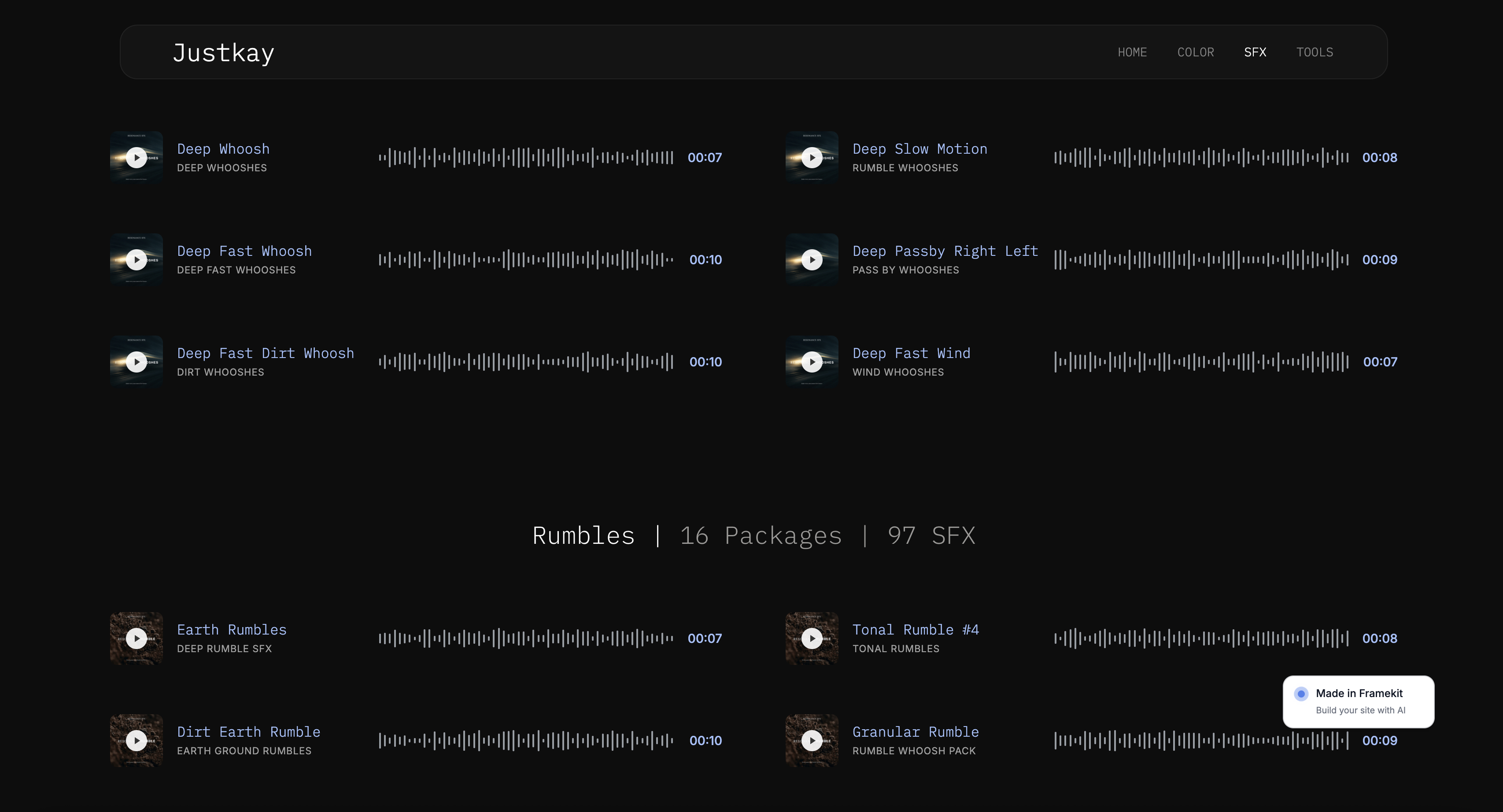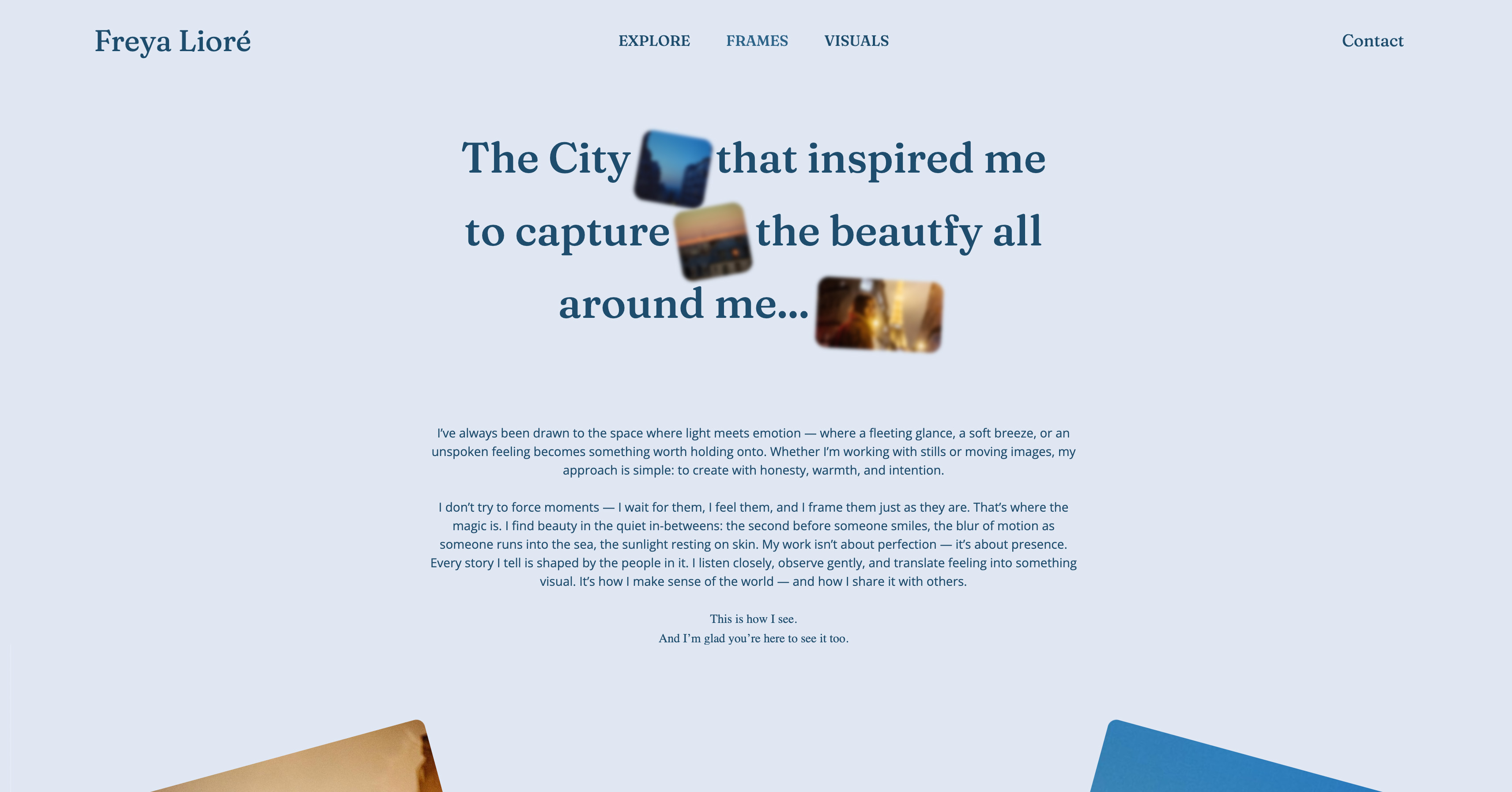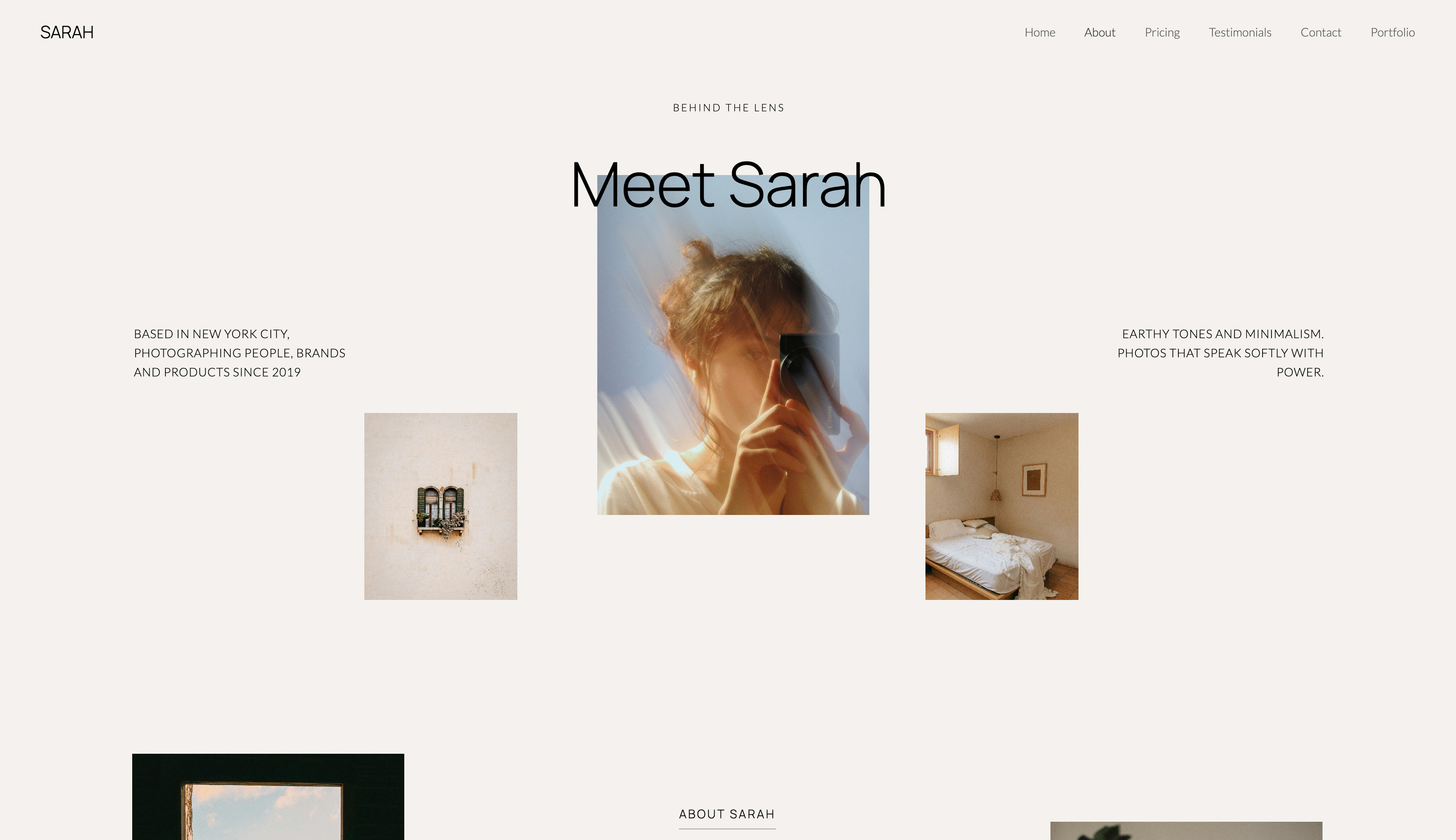
Framekit templates
Start from a designer-made template
 Use template
 Use template
 Use template
 Use template
 Use template
 Use template
 Use template
 Use template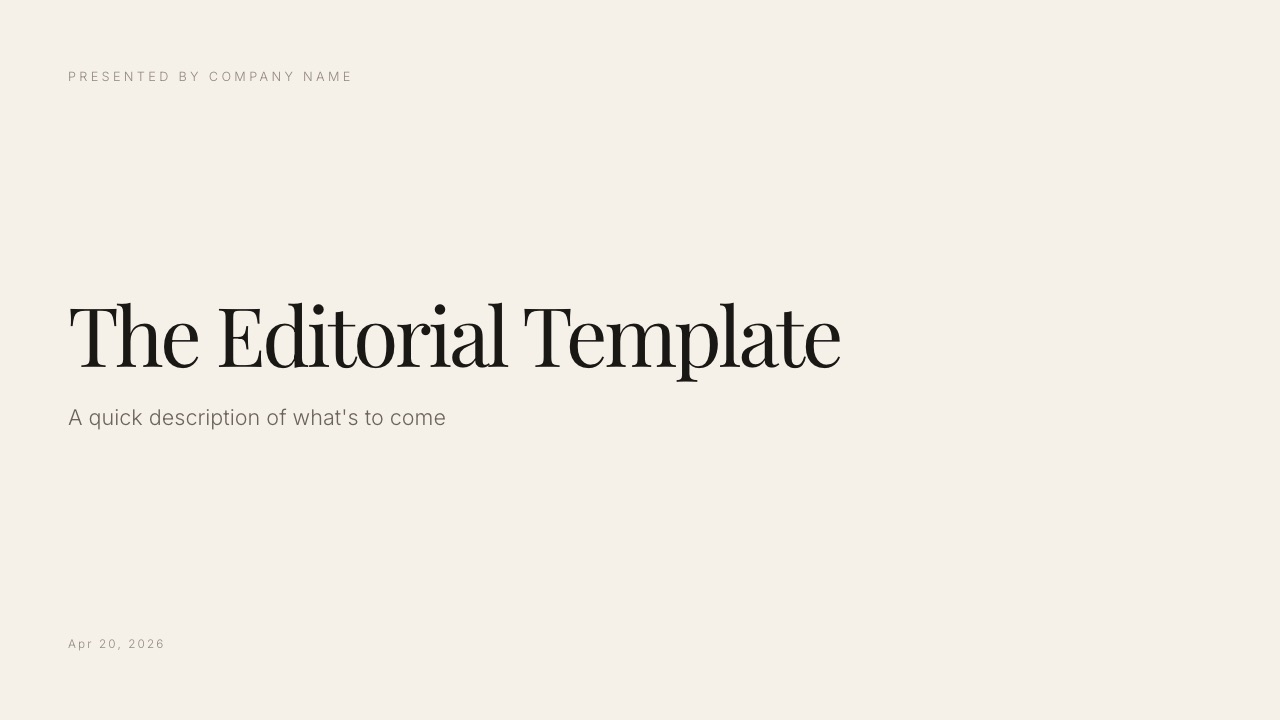
These two tools are compared constantly and they are not really competitors. Gamma answers the question of what should be on the slides. Canva answers the question of what the slides should look like.
If you have both problems, you have a two-tool workflow, and the comparison is about which one you pay for and in what order you use them.
The mistake is treating a first-draft engine as a design tool, or a design tool as a shortcut past having to think.
Gamma is a tool that generates a structured presentation from a written prompt and keeps it editable afterwards, and Canva is a design platform whose presentation module builds slides from the largest template library in the category.
Both have free plans, and their free plans work in completely different ways: Gamma's gives you 400 AI credits once, while Canva's resets a small AI allowance every month and leaves hand design unmetered.
On 12 October 2026 we re-verified both tools' plans, AI allowances, team billing and export rules on their own pricing pages and help centres, fixed this guide's team-cost maths and its description of Canva's free AI, took out build timings from an earlier version that we could not document, and rewrote the section on Framekit, a third option for creative decks.
Use Gamma when the blank first slide is your problem, because it turns a paragraph into a complete, ordered deck in minutes and costs $108 a year on Plus, with 1,000 AI credits a month.
Use Canva when the deck exists and looks amateur, because its 3.6 million templates and image tools raise the design ceiling higher than Gamma reaches, at $144 a year on Pro for one person.
For teams, Canva Pro cannot be shared and Gamma bills every seat.
Framekit is a separate third option for treatments, lookbooks and portfolio decks that sit beside a portfolio site, though it is slower than Gamma to a first full draft and has nothing like Canva's template depth.
Full disclosure: Framekit is our own product, and it was not part of this head-to-head. Gamma and Canva are compared from their own pricing pages, help centres and developer docs, re-read in October 2026, and no timed build of either tool is claimed. Framekit appears in its own clearly labelled section for the one kind of deck it is built for, and is not scored against either tool.
How We Compared Gamma and Canva
We compared Gamma and Canva on what each vendor publishes about drafting, AI allowances, exports and team billing, re-read in October 2026, and on how each one says a deck gets made, so every figure below comes from a vendor page or from arithmetic on one.
The example deck. To turn credit rates into money, the guide prices one typical deck: a fourteen-slide company overview with a problem statement, three product sections, a traction chart, a five-logo client wall, a team slide, a closing call to action and six AI images.
In Gamma that deck starts from a written brief; in Canva it starts from a template and is built by hand. The credit counts are Gamma's published per-slide and per-image rates applied to that deck, not a log of a session.
The sources. For Gamma: Gamma's pricing page, its help centre article on how AI credits work, its articles on upgrading and exporting, and the per-card and per-image rates in its developer documentation.
For Canva: Canva's pricing page, including its AI allowance FAQ and full plan comparison, and its help article on download file types.
A note on currency. Both vendors localise prices. Read from Europe on 12 October 2026, Gamma showed Plus at EUR 8 a seat a month billed annually and Canva showed Pro at EUR 110 a year.
The dollar figures in this guide are the US prices both showed in September 2026: Gamma Plus at $108 a year, Gamma Pro at $216, Canva Pro at $144 a year or $18 monthly, and Canva Business at $25 a person a month.
Reported as sentiment. Complaints that generated decks look generated are widely reported by people who review a lot of decks, and they are presented here as a judgement rather than a measurement.
Gamma vs Canva by the Numbers
These are the figures that decide most Gamma vs Canva choices, each read from the vendor's own page in October 2026 or worked out from one, and each one reappears in a table further down with the reasoning beside it.
- 10 slides vs 100. How many slides one Gamma prompt can generate on Free and on every paid plan.
- 1.6 million vs 3.6 million. Canva's templates on Free and on paid plans.
- 400 credits, once. Gamma's free allowance, with up to 10 slides per prompt. It does not refill.
- 20 uses a month. Canva Free's allowance of Standard or Premium AI tools, which resets monthly; hand design never counts against it.
- 1 to 3 credits per slide, 2 to 15 per standard image. Gamma's published generation rates, which put the example deck at roughly 26 to 132 credits per generation.
- 1 person. Who can use a Canva Pro account. Teams need Canva Business, priced per person.
- $540 vs $1,500. Five people on Gamma Plus for a year against five on Canva Business at $25 a person a month.
The Short Version
Gamma is faster to a draft and slower to a finish, Canva is the reverse and finishes higher, and the table below holds the whole argument in eight rows before any of the detail that follows explains why.
| Criterion | Gamma | Canva |
|---|---|---|
| How the first draft starts | A written prompt, whole deck generated at once | A template, filled in by hand |
| Where the remaining work goes | Restyling the generated look | Building each slide |
| Design ceiling | Good, with a house style | The highest in this category |
| Templates | Themes and templates for decks, docs and sites | 1.6 million free, 3.6 million on paid plans |
| AI generation | The core product, metered in credits | Assistive, with a monthly allowance |
| Viewer data | Detailed analytics on Pro | Basic design insights on every plan, advanced from Pro |
| Free plan | 400 credits once, behaves as a trial | Monthly AI allowance, a real plan |
| Annual price, one person | $108 on Plus | $144 on Pro |
That table contains the whole argument. Gamma removes the blank page; Canva removes the amateur look.
Where Gamma Wins
Gamma's real product is not the design but the ordering, and that is where it beats Canva on four counts that matter most to anyone who stalls on what a deck should say rather than how it should look.
Structure from nothing. Given a paragraph about a company, Gamma generates the whole slide sequence in narrative order, and the middle of a deck, where most people stall, is the part a generator helps with most.
Free generates up to 10 slides per prompt; every paid plan raises that to 100.
Speed on repeat work. For anyone producing decks regularly for different audiences, regenerating a variant in minutes rather than rebuilding is worth more than any template. Gamma also imports PDF and PowerPoint files to restyle them.
It knows what a deck is. Canva's templates are layouts; Gamma's output is an argument in slide form. That distinction matters if you are not confident about what belongs on slide six.
Analytics and sharing controls on Pro. Gamma Pro lists detailed analytics and advanced sharing, which Gamma's analytics article describes as time per card and how far readers got, plus password-protected links and up to 10 custom domains.
Canva lists design insights, basic on every plan and advanced from Pro, but not the per-reader detail Gamma describes.
The real numberGamma Plus is $108 a year, $36 less than Canva Pro, with 1,000 credits a month that roll over to a cap of 2,000. Gamma Free's 400 credits do not refill, so for a deck you will regenerate several times, treat them as a trial rather than a plan.
Where Canva Wins
Canva's design ceiling is the reason most finished client decks end up there, and beyond that it wins on four structural points that matter more the longer you keep using it, especially if several people touch the same deck.
The design ceiling. The template library, the asset library of 141 million stock items on paid plans, and the image tools together produce a result a non-designer cannot reach in Gamma.
Team slides and client logo walls are where that gap shows most, because Canva treats images as content with real cropping, masking and background removal rather than as blocks to place.
A free plan that is actually a plan. Canva Free resets an allowance of up to 20 Standard or Premium AI uses every month and leaves everything you do by hand unmetered, so a person making one deck a month can use it indefinitely.
Gamma's free credits do not work that way.
Collaboration on every plan. Canva lists real-time collaboration, comments, task assignment and anonymous collaboration on Free as well as paid plans, plus brand kits (one on Free, five on Pro, 100 on Business) and, on Business, brand controls and approvals.
Everything else you make. Social graphics, print, video, websites up to 45 pages, whiteboards and docs live in the same editor, so a deck's social cut-downs and one-pager come from the same brand kit.
The real numberCanva Pro is $144 a year or $18 a month for one person, and Canva's pricing FAQ is explicit that only one person can use a Pro account. Business is $25 a person a month.
Pro's AI allowance is up to 200 uses of Premium AI tools or 20 of Ultra a month, with Standard tools such as Magic Write unmetered on paid plans.
How Gamma and Canva Meter AI
Both Gamma and Canva put a monthly ceiling on AI, so neither offers AI without limits, and the useful difference is what counts against the ceiling: Gamma meters the slides and images it generates, while Canva meters uses of its premium AI tools and leaves the deck itself and all hand design outside the count.
Gamma's help centre says AI creation is "metered per slide and per image", and its developer documentation gives the rates: 1 to 3 credits per card, 2 to 15 per image on the standard tier, 20 to 33 on advanced and 34 to 75 on premium.
Agent edits, adding cards with AI and trying new layouts also spend credits; AI errors do not.
| Example: fourteen slides, 6 AI images | Gamma credits | Gamma plan it fits | Canva equivalent |
|---|---|---|---|
| One generation, standard images | 26 to 132 | Free covers roughly 3 to 15 of these, once | Template-built by hand, no allowance used |
| One generation, advanced images | 134 to 240 | Plus or above for advanced models | A few Premium AI uses for generated images |
| Four regenerations a month on standard images | 104 to 528 | Inside Plus's 1,000 a month | Well inside Pro's 200 Premium uses |
| A weekly deck with one regeneration each | 208 to 1,056 | Plus, with a $6 top-up for 1,500 credits in heavy months | Pro, and only if you use Premium AI tools |
In one lineheavy AI drafting costs real credits on Gamma and very little on Canva, because Canva's deck is assembled by hand, which is exactly why Gamma is faster to a draft and Canva is cheaper to iterate on.
The Generated-Deck Problem
Gamma decks share a family resemblance, and the people who see the most decks are the people most likely to notice, which is the honest cost of generation rather than a bug in any one product.
A tool that produces a good default will produce a recognisable default, and by 2026 investors, agency creatives and buyers have all seen a great many of them.
What it actually costs you. Not rejection, but a small loss of the impression that this deck was made for this audience. On a pitch where you are one of six, that impression is part of what you are competing on.
The fix is cheap and skipped constantly. Restyle the generated output: change the theme, replace the stock imagery, adjust two layouts, and cut the slide the generator added that you did not need.
A short hand pass like that removes most of the tell, and on Gamma hand edits leave your credit balance untouched.
Where it does not matter. Internal updates, weekly reports, teaching material and anything where speed is the point. Reserve the restyling effort for decks that are competing against other decks.
What a Year Costs at Three Levels of Use
The price gap for one person is $36 a year, which is small enough that workflow should decide, but the gap changes shape completely once a team is involved, so here is a year priced at three realistic levels using the US prices above.
| Level of use | Gamma | Canva | Both, as a workflow | What decides it |
|---|---|---|---|---|
| Occasional: a deck a quarter, one person | $0 on Free until 400 credits run out, then $108 | $0 on Free, indefinitely | $0 | Whether Gamma's one-time credits last your year |
| Weekly decks, one person | $108 on Plus, plus $6 top-ups in heavy months; $216 on Pro for analytics and passwords | $144 on Pro | $252 | Whether the blank page or the finish is your bottleneck |
| Five people | $540 on Plus, five separate credit balances; $1,080 on Pro | $1,500 on Business at $25 a person a month, less on yearly billing | $2,040 | Whether the team needs Canva's shared brand controls |
The bottom row corrects an earlier version of this guide, which priced five people on Canva Pro. Canva's pricing FAQ says only one person can use a Pro account, so a team needs Business, and Canva Teams is closed to new sign-ups.
On Gamma, the pricing FAQ says each extra member is charged as a seat on Plus, Pro and Ultra, and its credits article says those members' credits are assigned individually and cannot be transferred; only Gamma's Business and Enterprise plans add a shared workspace pool.
Run this on yourself. Count the decks you made in the last six months and the AI images in each.
Multiply slides by 1 to 3 credits and images by 2 to 15, double it for the regenerations you will do when the first output is wrong, and divide by six.
If the monthly answer is well under 1,000, Gamma Plus covers you; if it is near or over, budget for top-ups or Pro.
Then ask whether anything you made needed Canva Pro's premium templates, brand kits or background remover; if not, Canva Free is enough.
Exports, Sharing and Limits Side by Side
Most deck decisions are settled by a limit you meet in month two rather than a feature you see on day one, so this table puts Gamma's and Canva's published export, sharing and plan limits next to each other with the plan each needs.
| Limit or feature | Gamma | Canva |
|---|---|---|
| Slides per AI prompt | 10 on Free, 100 on paid plans | Not applicable; AI is assistive |
| PDF export | Every plan; Made with Gamma badge on Free | Every plan |
| PowerPoint export | Every plan, speaker notes kept; badge on Free | Presentations only; may look different, no animations or embedded video |
| Google Slides | Upload the PPTX | Upload the PPTX |
| Import PowerPoint | Yes, and PDF | Yes |
| Password on a shared deck | Pro and up | Not listed on the pricing page |
| Viewer data | Detailed analytics on Pro | Basic insights every plan, advanced from Pro |
| Custom domains | Up to 10 on Pro for Gamma sites | Paid plans for websites; Pro connects up to 5 |
| Real-time collaboration and comments | Sharing with view, comment and edit access | Every plan |
| Who a plan covers | One seat; extra members billed per seat | Pro: one person; Business: per person |
| Buying more AI | 1,500 credits for $6 on paid plans | AI Pass add-on on Pro and Business |
| Storage | Not published | 5GB Free, 100GB Pro, 500GB Business |
One row needs care. Gamma's export article notes that the badge is applied when the workspace is on Free at the moment of export, so a deck made during a paid month picks it up again if the plan lapses, while printing from the browser while signed in adds no badge.
What Happens When Things Go Sideways
The edge cases are where Gamma and Canva behave most differently, so here is what each does in five situations that come up on real decks, from each vendor's documented behaviour.
You run out of AI mid-deck. On a paid Gamma plan you keep every non-AI feature, edit by hand and can buy 1,500 credits for $6. On Gamma Free you cannot buy credits; you earn 200 per referral or upgrade.
On Canva, Premium AI tools stop until the monthly allowance resets, and everything you do by hand carries on.
You cancel. Gamma says your content remains yours; the account moves to Free at the end of the period, plan credits reset to 400 and new exports carry its badge. Canva Free keeps working, without Pro's features.
The client wants to edit the deck. Both export PowerPoint. Canva warns that a design may look different and that animations and embedded videos will not carry over; Gamma notes that rounded table corners become square and gradient headings may flatten.
A teammate joins. On Gamma, they are a new seat with their own credits. On Canva, Pro cannot be shared, so the move is to Business, priced per person.
You need to know who read it. Gamma Pro's analytics report time per card and how far readers got. Canva's design insights are the nearest equivalent; check whether its advanced insights cover what you need before relying on them.
The Two-Tool Answer
The workflow we recommend for competitive client decks is Gamma for the draft and Canva for the finish, at about $252 a year combined, and the handoff is documented on both sides because Gamma exports PowerPoint and Canva imports it.
Generate the structure in Gamma from a written brief, because that is the part that takes longest when you start from a blank slide.
Export the deck as PowerPoint once the sequence is settled, upload it to Canva, and rebuild the visual layer there, because that is where the design ceiling is higher.
Expect to fix layouts after the import; it is a starting point, not a finished deck.
When one tool is enough. If you make one deck a quarter and it is client-facing, Canva alone at $144, or Canva Free. If you make decks constantly for internal audiences, Gamma alone at $108.
The combined workflow earns its keep for people who send competitive, client-facing decks frequently.
What neither does. Neither gives you per-recipient tracking of the kind sales teams buy dedicated tools for, beyond Gamma Pro's analytics.
For that, the best pitch deck software covers the tools with real per-recipient data.
Where Framekit Fits: Treatments, Lookbooks and Creative Decks

Framekit is a third option for one specific kind of deck, the treatment, lookbook, portfolio book or production proposal that a filmmaker, photographer or designer sends to a client, and it is not a contender for the general Gamma vs Canva question this guide answers.
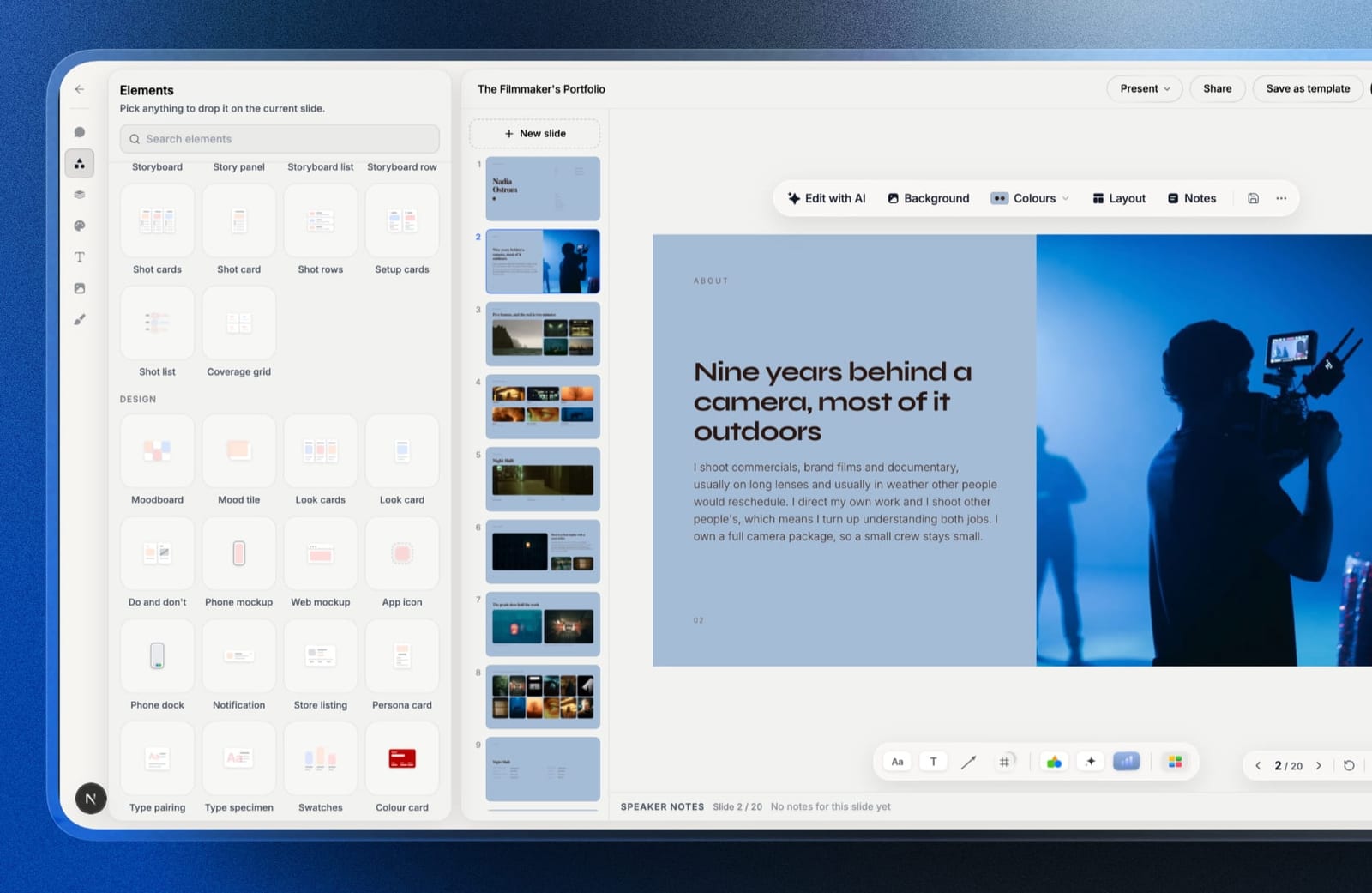
Framekit is an AI website builder whose Slides tool makes creative decks on the same account as a portfolio site, client galleries, video review and a store.
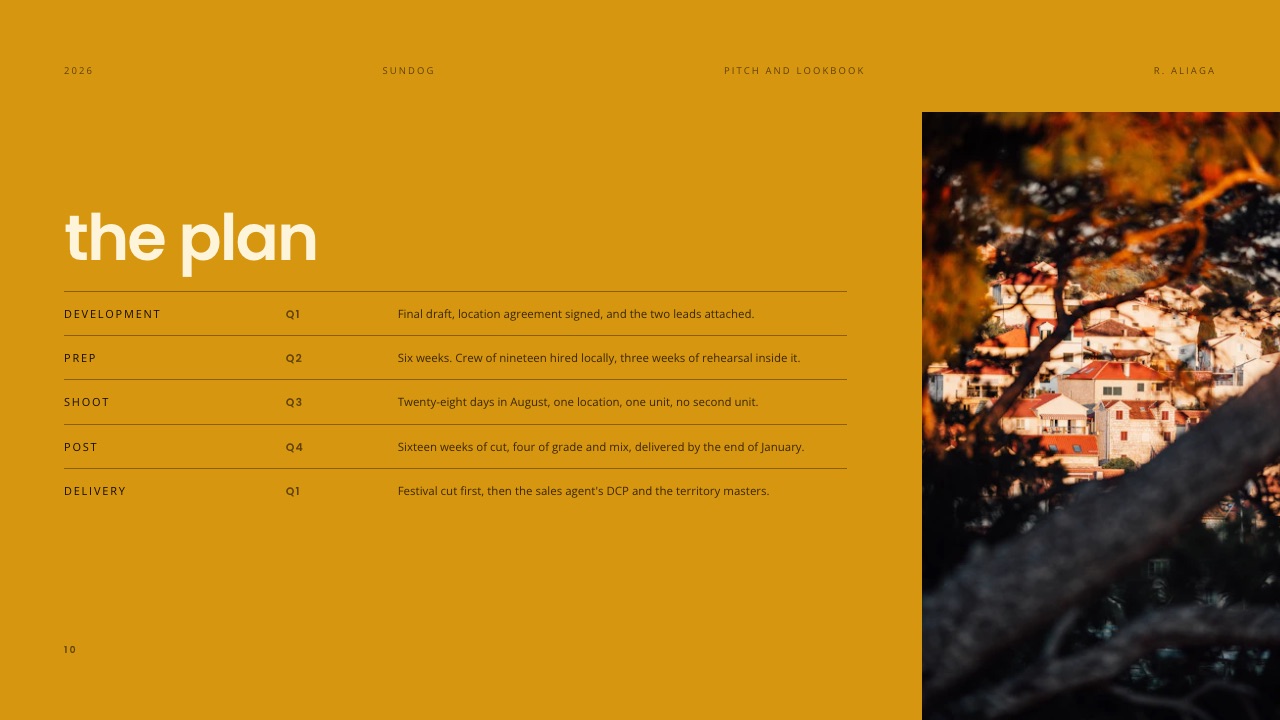
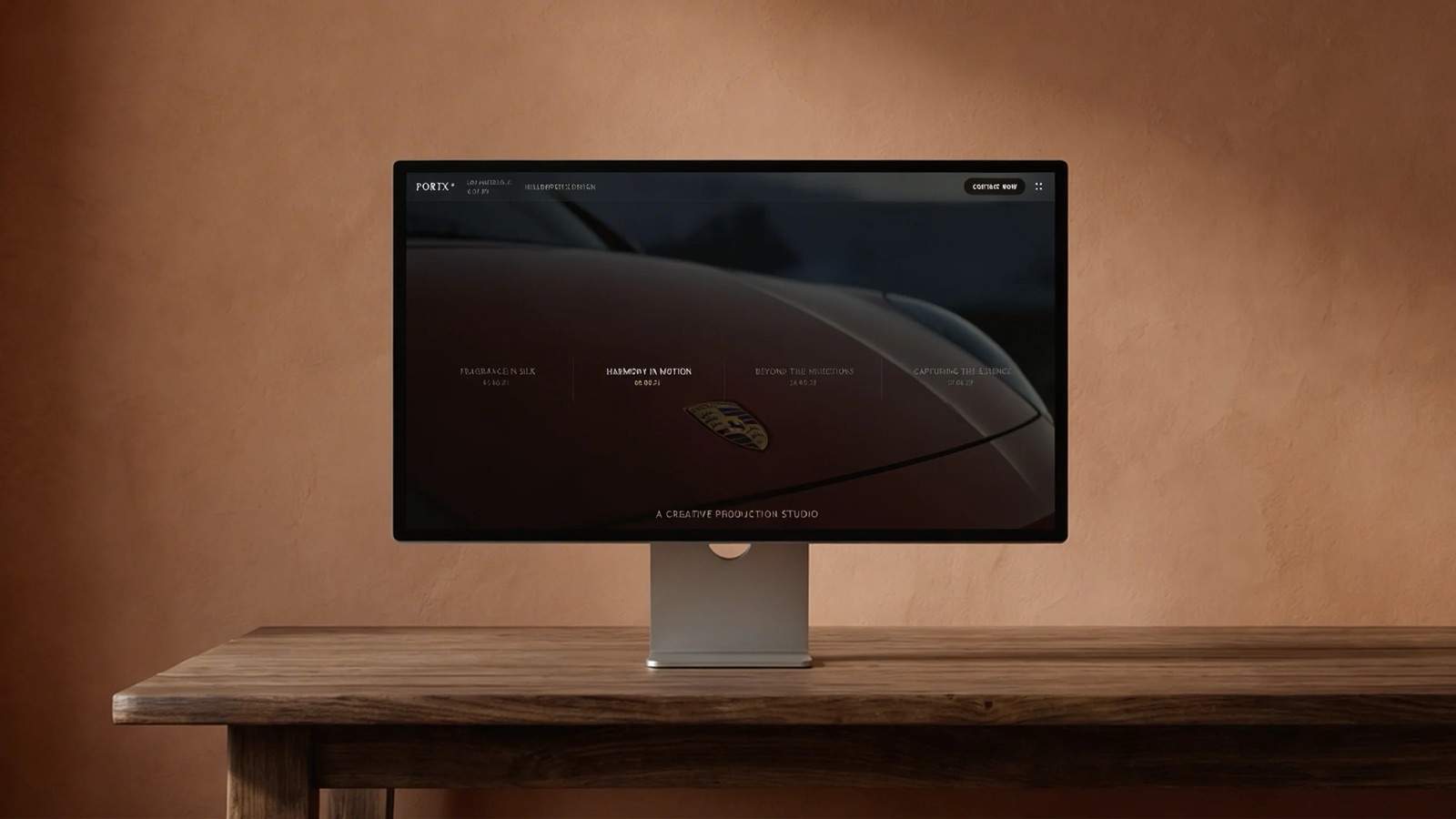
Its templates start from the documents creative clients ask for: a director's treatment with a statement, visual approach, look book and shoot plan; a pitch and lookbook for a feature; a portfolio book; a proposal with a quote and a schedule.
Ready-made elements cover shot lists, storyboard rows, moodboards, look cards, swatches and type specimens, and a pasted YouTube, Vimeo or Instagram link becomes a player on the slide.
How it compares on the axes this guide uses:
- AI. Framekit has a monthly AI allowance on every plan, Free included; its AI writes and lays out slides from a description, and all deck AI draws on one pool. Decks are unlimited and hand edits never touch the allowance. Its AI builds whole decks from a brief too, but not in one shot: it asks how long the deck should be and what it is for, proposes an outline for your OK, then builds a few slides per turn and marks any fact you did not supply as a placeholder, so Gamma is faster to a first full draft.
- Templates. A small, curated creative library, with the full set on paid plans from Starter at $84 a year. Nothing approaching Canva's 3.6 million.
- Sharing and export. A share link anyone can open, never indexed by search engines, with a total view count per deck; PDF on every plan; PowerPoint from Pro as pictures with speaker notes, up to 60 slides. No password, no per-viewer analytics, no live co-editing and no comments on decks.
- Team cost. Billed per account, and a deck belongs to the person who made it: Pro's three team members at $180 a year administer the website only, so each person who builds decks needs an account of their own.

The reason it belongs in a Gamma vs Canva guide at all is the page your deck links to. A deck gets forwarded, and the person it reaches looks you up before deciding anything.
Framekit keeps the treatment, the portfolio site it points to and the gallery or review link that follows the job on one login.
Verdict: for business decks, choose between Gamma and Canva and ignore Framekit. For a treatment, lookbook or portfolio deck that has to feel like the work, and especially if your site and client deliveries already live there, Framekit Slides is the better fit. Filmmakers comparing specialists should also read the best presentation tools for filmmakers, and Framekit's own head-to-heads are Framekit vs Gamma and Framekit vs Canva.
Moving a Deck Between Gamma and Canva: A Checklist
Most people who use both tools move decks in one direction, from a Gamma draft to a Canva finish, and a few steps in the right order save most of the clean-up, so here they are with the reason for each.
| Step | What to do | Why |
|---|---|---|
| 1. Settle the structure in Gamma | Regenerate until the slide order is right, then stop | Every regeneration spends credits; hand edits do not |
| 2. Strip what Canva will redo | Delete AI images you plan to replace | Smaller file, fewer broken placeholders |
| 3. Export PowerPoint | Download the PPTX from Gamma on a paid plan | Free exports carry the Made with Gamma badge |
| 4. Upload to Canva | Import the PPTX into Canva | It opens as an editable design |
| 5. Apply the brand kit | Set fonts, colours and logos from your Canva brand kit | One pass fixes most of the generated look |
| 6. Rebuild image slides | Use Canva's templates and image tools for the team, logo wall and product slides | This is where Canva's design ceiling pays off |
| 7. Export or share | Download PDF or PPTX, or share the Canva link | Pick the format your recipient opens |
Which Should You Use? A Decision Tree
Answer these questions in order and stop at the first yes, because each one points to the tool that fixes your actual bottleneck rather than the one with the longer feature list, which is the only way this comparison resolves cleanly.
1. Is your problem the blank first slide? Yes: Gamma, and budget $108 a year rather than relying on 400 free credits. No: go to question 2.
2. Is your problem that the deck looks amateur? Yes: Canva, free plan first, and pay the $144 only when premium templates or brand fonts block you. No: go to question 3.
3. Do you send decks rather than present them, and need to know who read them? Yes: Gamma Pro for its analytics, or a dedicated tracking tool for per-recipient detail. No: go to question 4.
4. Do five people build decks at your company? Yes: Canva Business for brand controls if consistency matters most, or Gamma Plus seats if drafting speed does; neither shares a single account. No: go to question 5.
5. Both problems, decks weekly? Yes: both tools, about $252 a year, used in that order. No: go to question 6.
6. Is the deck a treatment, lookbook or portfolio book, and does it link to a portfolio site? Yes: look at Framekit Slides, whose templates are cut for that kind of creative work and whose site builder shares the account.
Frequently Asked Questions
Is Gamma better than Canva?
Gamma is better at producing a structured first draft and Canva is better at producing a finished deck that looks designed, so neither is better in general.
Gamma generates a whole draft from one prompt while a Canva deck is assembled from a template by hand, but Canva's templates and image tools take the finished version further.
Choose based on whether structure or appearance is your bottleneck.
Is Gamma free?
Gamma has a free plan with 400 AI credits at sign-up that do not refill, up to 10 slides per prompt, and the Made with Gamma badge on exports.
A fourteen-slide deck with six standard images costs roughly 26 to 132 credits per generation at Gamma's published rates, so the free plan covers a handful of decks once. Gamma Plus is $108 a year with 1,000 credits a month.
Does Canva have AI presentation generation?
Yes, Canva includes AI that generates designs and decks from a prompt, and it is assistive rather than structural: strong on layout and styling, weaker than Gamma at deciding what the slide sequence should be.
Canva Free allows up to 20 uses of Standard or Premium AI tools a month; Pro allows up to 200 Premium uses, with Standard tools such as Magic Write unmetered.
How many credits does a Gamma deck use?
A fourteen-slide Gamma deck with six standard AI images uses roughly 26 to 132 credits per generation, based on Gamma's published rates of 1 to 3 credits per card and 2 to 15 per standard image.
Advanced image models cost 20 to 33 credits each and premium ones 34 to 75. Regenerations and Agent edits spend more; editing by hand is free.
Which is cheaper, Gamma or Canva?
For one person Gamma is cheaper by $36 a year: Plus is $108 against Canva Pro at $144.
For a team the comparison flips in structure, because Canva Pro is single-user and teams need Business at $25 a person a month, $1,500 a year for five, against $540 for five Gamma Plus seats.
The combined two-tool workflow is about $252 a year for one person.
Can a team share one Canva Pro or Gamma account?
No to both. Canva's pricing FAQ says only one person can use a Canva Pro account, so teams use Canva Business, priced per person.
Gamma charges each extra member as a seat on Plus, Pro and Ultra, and assigns credits to each member individually; only its Business and Enterprise plans add a shared workspace credit pool.
Can I export a Gamma deck to PowerPoint?
Yes. Gamma exports PDF, PNG and PowerPoint on every plan, keeps speaker notes in the PowerPoint file, and reaches Google Slides by uploading that file. Free exports carry the Made with Gamma badge.
Gamma notes that some effects change in PowerPoint, such as rounded table corners becoming square, so plan a quick check after export.
Do generated decks look generated?
Often, yes, and the audiences that see the most decks notice first. Gamma's output has a recognisable house style, and investors and agency creatives in 2026 have seen a lot of it.
The fix is a short pass of hand editing, which Gamma does not charge credits for: change the theme, replace the stock imagery, adjust two layouts and cut the slide the generator added that you did not need.
Can I use Gamma and Canva together?
Yes, and for competitive client decks it is the workflow we recommend.
Generate the structure in Gamma from a written brief, export it as PowerPoint, upload it to Canva and rebuild the client-facing version where the design ceiling is higher.
The combined cost is about $252 a year, worth it for competitive decks sent often and unnecessary for occasional internal ones.
Which is better for a pitch deck?
Canva for the finished document and Gamma for the first draft. Canva produces the better-looking deck, Gamma gets you to a complete sequence faster, and only Gamma Pro reports how far each reader got.
Founders sending to dozens of investors should also look at dedicated tracking tools in the best pitch deck software.
Does Gamma or Canva support custom brand fonts?
Canva lets Pro users upload licensed brand fonts into a brand kit, which is the feature that pushes many people onto Pro. Gamma's pricing page lists custom branding from Pro, and its upgrade guide lists custom fonts under Ultra.
If exact brand typography is essential, check the plan before you buy, or use Keynote or desktop PowerPoint, which handle installed fonts directly.
Which is better for a film treatment or lookbook, Gamma or Canva?
Neither is built for treatments or lookbooks, though Canva gets closer because its image tools are stronger.
A creative specialist is usually the better fit: Framekit Slides has treatment, lookbook and portfolio templates with shot list, storyboard and moodboard elements, on the same account as a portfolio site.
It is slower than Gamma to a first full draft, has nothing like Canva's template depth, and offers no password or per-viewer analytics on deck links.
What are the best alternatives to both?
Google Slides if the deck is written by a team and cost matters, Pitch if you need to know who opened it, and Beautiful.ai if you want automatic layout consistency.
Our best Gamma alternatives and best Canva alternatives for presentations guides cover each field in full.
Final Verdict
Choose Gamma if you stall on what the deck should say, and Canva if you stall on how it looks. That is the whole comparison for one person, and the $36 annual difference between them should not decide it.
For teams, the decision changes shape: Canva Pro cannot be shared and Business is priced per person, while Gamma bills every seat and keeps each member's credits separate. Price the team you actually have rather than the single-user sticker.
The honest recommendation for people who send decks often is both, in that order, at about $252 a year, because generating structure and designing a finished document are different jobs and each tool is clearly better at one of them.
Where Framekit fits, and where it loses: Framekit Slides is the better fit for treatments, lookbooks and portfolio decks that travel with a portfolio site and client deliveries.
It is slower than Gamma to a first full draft because its AI asks questions and confirms an outline before building, does not come close to Canva's template library, and does not offer passwords, per-viewer analytics or live co-editing on decks, so it is not for business decks.
Keep reading: the best AI presentation makers, Gamma's pricing in credits and dollars, Canva vs Google Slides and Claude vs Gamma for presentations.