Framekit templates
Start from a designer-made template
 Use template
 Use template
 Use template
 Use template
 Use template
 Use template
 Use template
 Use template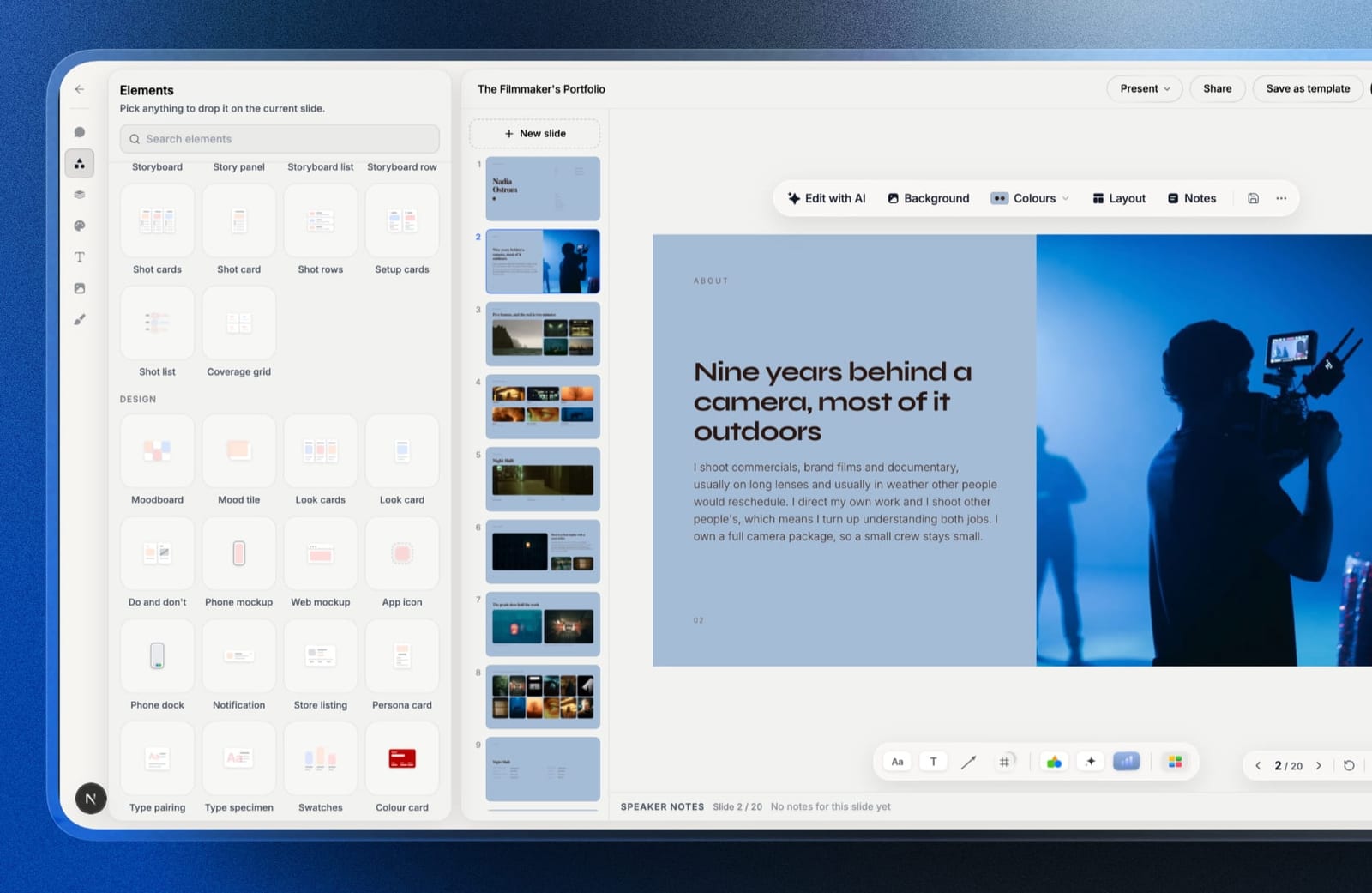
Canva is the most successful design tool ever made, and most people weighing Framekit vs Canva are not really comparing design tools at all.
They are asking a narrower question: can the thing I already have make the specific document my client is waiting for, or do I need something else.
So this comparison is deliberately narrow too. Framekit is a website and delivery platform that also makes decks. Canva is a design tool that makes almost everything. They overlap in one place.
It is not "which is the better design app", because on breadth that question answers itself and the answer is Canva.
It is: for a photographer, filmmaker, designer or creator who needs a portfolio site, a client deck or treatment, a way to deliver work, and somewhere to sell a file, which of these two is the right tool for which part, and where does each one actually fail.
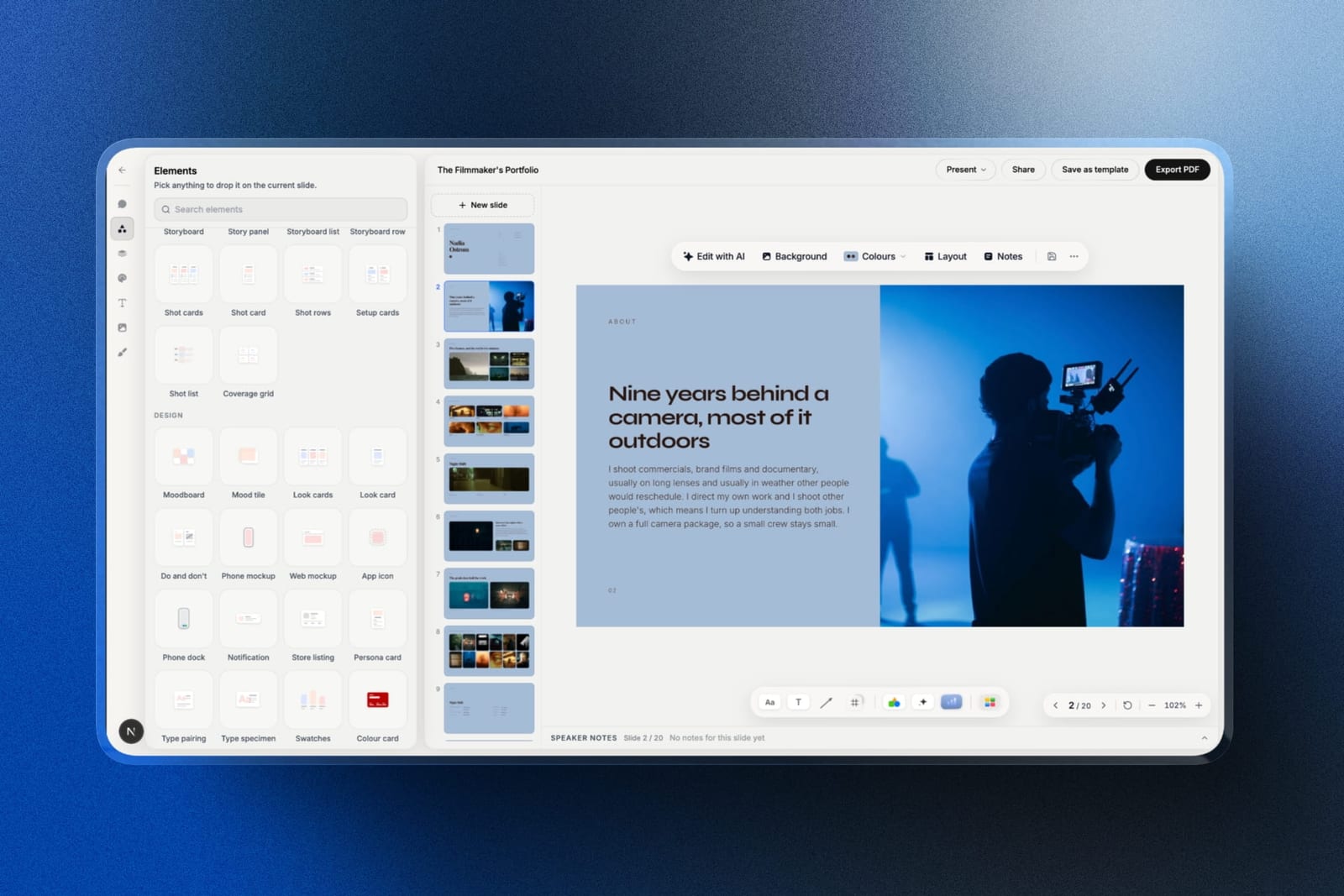
Framekit is an AI website builder for photographers, filmmakers, designers and creators, with decks, client galleries, video review and a digital store on the same account.
A design tool is software for producing visual documents, and the two products here sit on opposite sides of a line: one makes files, the other publishes and delivers them.
Framekit is the better tool if the output is a website, a delivered client gallery, a review link or a deck that lives at a URL you own, because Canva does none of those four.
Canva is the better tool if your output is a wide variety of graphics and the client must be able to edit the file.
On decks specifically the split is: Framekit wins on treatments, lookbooks and portfolio decks where the design should be finished rather than assembled, and Canva wins on template breadth and collaborative editing.
Most working creatives end up using both, and the money question is whether you need Canva Pro at all.
Full disclosure: Framekit is our own product. Canva is not a competitor we can dismiss, and this piece would be worthless if it tried: it is a genuinely excellent tool with a free tier most people never exhaust. We have marked clearly where it beats us, including on the deck comparison, and the section on when not to pay us is near the end.
How We Compared Them
We built the same three deliverables in both tools: a seven-page portfolio site, a twelve-page director's treatment with reference images, and a product page selling a $29 preset pack.
Where a tool could not produce something at all, that is recorded as the finding rather than worked around.
The honesty split, so you know what each claim rests on:
- Measured hands-on: the three builds above, the export paths, and what each tool refuses to do.
- Verified from primary sources: pricing, read from Canva's pricing page and from Framekit's shipped plan configuration, both in September 2026.
- Not tested: Canva's print fulfilment, its video editor and its social scheduling, none of which Framekit attempts, so there is nothing to compare them against.
We do not publish load times or performance scores for either tool.
Framekit vs Canva at a Glance
Read this table with the weighting stated: the rows are ordered by how often they decide the choice for a working creative, not by feature count. The first four rows decide it most of the time.
| Framekit | Canva | |
|---|---|---|
| Publishes a real website on your domain | Yes | Limited, single-page sites |
| Client galleries with password and download PIN | Yes | No |
| Video review with timecoded comments | Yes | No |
| Store selling digital files from your domain | Yes | Limited, via a separate storefront |
| Decks and treatments | Yes | Yes |
| Template breadth | Narrow, creative documents | Very wide, every format |
| Client can edit the file you send | No | Yes |
| Editable PowerPoint export | Picture-based, Pro and up | Yes, fully editable |
| Live multi-cursor co-editing | No | Yes |
| Social graphics, print, video editing | No | Yes |
| Free plan | Full site, galleries, store, decks | Very generous, most formats |
| Entry paid plan | $9 a month | $15 a month, or $120 a year |
In one lineCanva makes more kinds of file, Framekit publishes and delivers the things a client actually opens at a link.
Where Canva Wins, Plainly
Canva beats Framekit outright in four areas, and none of them are close enough to argue about. If any one of them is central to how you work, the rest of this comparison is academic and you should stay where you are.
Breadth. Canva covers social graphics, print layouts, video editing, whiteboards, documents, scheduling and a stock library in one subscription. Framekit makes websites, galleries, review links, decks and a store.
If your week involves eight Instagram carousels, a menu, a business card and a deck, Canva does seven of those and we do one.
Editable handoff. This is the one that decides real jobs. When an agency producer asks for the file so they can drop two of your slides into their master, Canva hands over something they can edit.
Framekit's PowerPoint export, available from Pro, turns each slide into a full-bleed picture with your speaker notes kept as real notes, which they can present but not rewrite.
If your client contractually receives editable source files, that is a genuine reason to choose Canva and we will not talk around it.
Live collaboration. Two people can work the same Canva design at once, with cursors. Framekit has no multi-cursor co-editing, so a deck written by two people is passed back and forth. For a studio that genuinely drafts together, that is a daily friction.
The free tier. Canva's free plan is one of the most generous in software, and a large share of its users never need Pro. Any comparison that quietly assumes you are paying Canva $120 a year is stacking the deck.
Where Framekit Wins, Plainly
Framekit wins in four areas too, and the pattern is worth naming: they are all things Canva does not attempt rather than things it does worse. This is a category boundary, not a feature race, which is why so many people end up running both.
A real website. Canva can publish a simple single-page site. Framekit generates a multi-page portfolio with project pages, an about page, a contact form, SEO output and your own domain.
These are not the same product and a portfolio that has to carry your practice needs the second one.
Client delivery. Password-protected galleries with download PINs, unlimited in number, on your own domain, with no commission on delivery. Canva has no equivalent, so photographers using Canva are also paying for a gallery platform.
Review rounds. Timecoded comments on a cut, with clients responding without making an account. Again, no Canva equivalent.
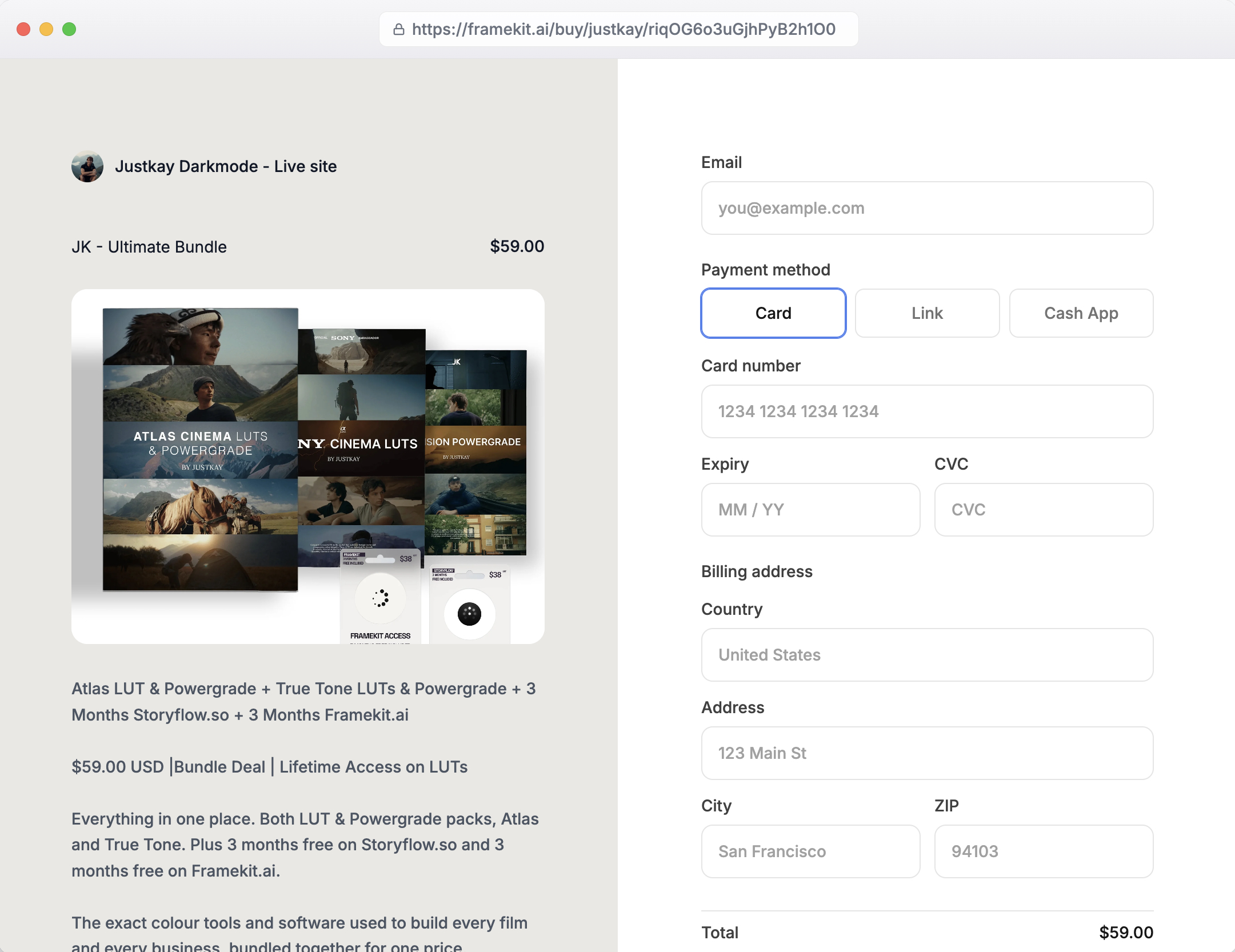
Selling from your own address. A store on your domain with a 5 percent fee falling to 0 percent on the $39 Business plan. Canva sells through a separate storefront product rather than from a site you own, so the customer relationship lands somewhere else.
In one lineeverything in this section is a thing that lives at a URL, which is the category line between the two products.
The Deck Comparison, Which Is the Real Question
Most people searching for this comparison already have Canva and want to know whether it is enough for a treatment, a lookbook or a pitch deck. Here is the honest split.
Canva is better when the deck is a working document.
A team deck that several people edit, a client who needs the file, a presentation that will be restructured three times before it ships, or a format Canva has a template for and we do not.
Its template library is vastly larger than ours and there is no point pretending otherwise.
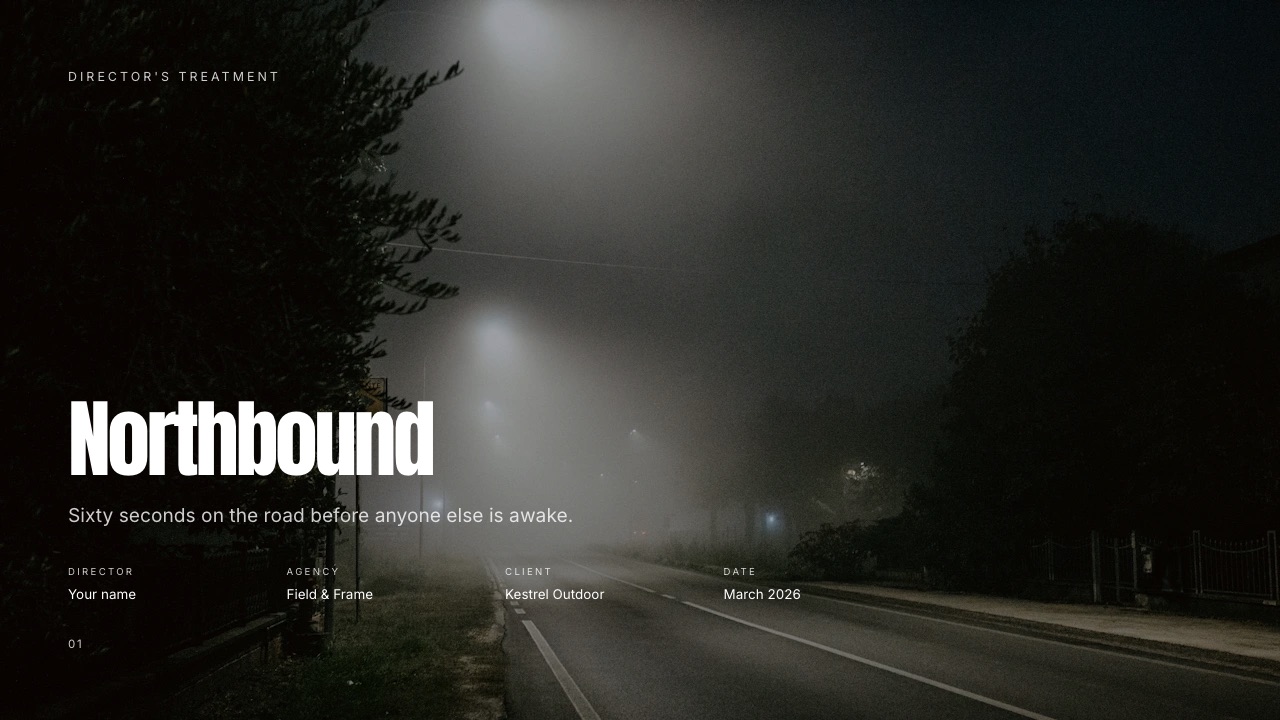
Framekit is better when the deck is a finished artefact that has to look art-directed rather than assembled. Director's treatments, lookbooks, photography portfolio books, rate cards, production proposals.
The templates are built for those specific documents rather than adapted from a business presentation, your own uploaded fonts apply across every slide, and reference video embeds and plays inside the deck rather than sitting as a link under a still.
The gotcha on our side, stated before you hit ita Framekit deck link has no password, no expiry and no per-viewer analytics, only a total view count. For a treatment a brand's legal team treats as confidential, send the PDF to named people instead. Canva's link controls are better here.
The gotcha on Canva's sidea Canva deck of a film treatment tends to look like a Canva deck. That is a taste judgement rather than a measurement, and you should look at both outputs and make it yourself rather than take ours.
The Money: What Each Actually Costs
Canva Free is genuinely free for most of what most people do. Canva Pro is $15 a month or $120 a year for one person. Framekit is $0 on the free plan, $9 a month on Starter, $19 on Pro and $39 on Business, with 20 percent off on yearly billing.
The comparison that matters is not tool against tool, because they mostly do different jobs. It is stack against stack.
A photographer running Canva Pro plus a gallery platform plus a portfolio subscription is commonly at $45 to $70 a month.
The same photographer on one Framekit plan at $9 to $19, keeping Canva Free for social graphics, is at a fraction of that.
Run that as an audit rather than taking our word: list every creative subscription you pay, write what each one is actually for, and look for the two that overlap. In our experience the overlap is almost never Canva. It is the gallery platform and the website subscription.
In one linethe right question is rarely "Canva or Framekit", it is "do I need Canva Pro, and which of my other four subscriptions is redundant".
Using Both, Which Is What Most People Should Do
After building the same three deliverables in both tools, the sensible division of labour is obvious enough that we would give the same advice to a friend who pays us nothing. Here is how the work splits:
- Canva Free for social graphics, quick one-off layouts, anything needing a template we do not have, and anything a client must be able to edit.
- Framekit for the portfolio site, client galleries, review links, the store, and the decks that represent your work rather than organise it.
- Canva Pro only if you use brand kit, background remover, the stock library or scheduling often enough to notice. Many creatives pay for it out of habit and use none of them.
This is not a diplomatic answer. It is what the tools are for.
How to Choose: A Decision Guide
Work down this list and stop at the first question you answer yes to, because each one is disqualifying for the other tool rather than merely preferable. Most creatives hit a yes in the first three.
- Does the client need to edit the file you send? Yes: Canva. Nothing else in this comparison changes that.
- Does the deliverable live at a URL, as a site, a gallery, a review link or a store? Yes: Framekit. Canva does not do these.
- Is the deck a film treatment, lookbook, portfolio book or rate card? Yes: Framekit, for the templates built for those documents.
- Is the deck a team document that several people will edit? Yes: Canva, for live co-editing.
- Is the job a social graphic, a print piece or a video edit? Yes: Canva. We do not attempt any of them.
- Still unsure? Use Canva Free and Framekit Free together and pay for neither until one of them runs out.
Frequently Asked Questions
Is Framekit a Canva alternative?
Only for part of what Canva does.
Framekit replaces the deck and presentation half for creative documents such as treatments, lookbooks and portfolio books, and it adds a website, client galleries, video review and a store that Canva does not have.
It does not replace social graphics, print layout, video editing or whiteboards, so most people who switch for decks keep Canva Free for everything else.
Can Canva build a portfolio website?
Canva publishes simple single-page websites, which is enough for a link page or a one-page profile but not for a portfolio with project pages, a case-study structure and SEO output.
Framekit generates a multi-page site on your own domain from a prompt. If you want one page and already pay for Canva, use Canva. If the site has to carry your practice, it is the wrong tool for the job.
Framekit vs Canva for a film treatment: which is better?
Framekit, for the specific reason that its templates are built for treatments rather than adapted from business presentations, reference videos embed and play inside the deck, and your own fonts apply across every slide.
Canva wins if a producer needs to edit the file or if several people are drafting together.
The limitation to know before choosing us: a Framekit deck link has no password and no per-viewer analytics, so confidential treatments should go out as a PDF to named recipients.
Does Framekit export editable PowerPoint files like Canva does?
Not editable, and this is the clearest win Canva has. Framekit's .pptx export is available from the Pro plan and renders each slide as a full-bleed picture with your speaker notes preserved as real notes, up to 60 slides.
A client can open and present it on any machine, but cannot retype a headline. Canva exports a genuinely editable file. If editable handoff is a contractual requirement, choose Canva.
Is Canva cheaper than Framekit?
Canva Free is free and Framekit Free is free, so at the entry tier neither costs anything.
Paid, Canva Pro is $15 a month or $120 a year against Framekit Starter at $9 a month or $84 a year, but comparing them directly is misleading because they replace different subscriptions.
The useful comparison is your whole stack: Framekit replaces a gallery platform and a website subscription, and Canva replaces a graphics tool and a stock library.
Can I sell digital products through Canva?
Canva sells through a separate storefront product rather than from a website you own, so the buyer completes the purchase on its infrastructure and the customer relationship sits there.
A Framekit store runs on your own domain with a platform fee of 5 percent on the entry plans, 3 percent on Pro and 0 percent on the $39 Business plan, plus card processing. If owning the customer list matters, that is the difference.
Does Canva do client galleries or video review?
No to both. Canva has no password-protected client gallery with download controls and no timecoded video review, so photographers and filmmakers using Canva are also paying for a gallery platform and often a review tool.
That stack overlap, rather than any head-to-head feature, is usually what makes people look at Framekit in the first place.
Which is better for a designer's portfolio, Canva or Framekit?
Framekit for the portfolio itself, because it produces a multi-page site with case-study structure on your own domain, which is what gets a designer shortlisted.
Canva remains useful alongside it for the graphics that feed the portfolio and for any deck a client needs to edit. A designer paying for Canva Pro purely to host a one-page profile is paying for the wrong half of the tool.
Can two people work on a Framekit deck at the same time?
No. There is no live multi-cursor co-editing, so a deck written by two people gets passed back and forth rather than edited simultaneously. Canva does this properly and if your studio genuinely drafts together it is a daily difference.
Framekit does include team members on the plan rather than per seat: three on Pro at $19 a month and unlimited on Business at $39.
Should I cancel Canva Pro if I use Framekit?
Possibly, and it is worth five minutes to check rather than assume. Open your Canva account and look at whether you use brand kit, background remover, the stock library or scheduling in a normal month. If you do, keep it.
If you are mainly using Canva for decks and the occasional graphic, Canva Free plus Framekit covers it, and $120 a year is a meaningful saving for a solo creative.
Which has better templates?
Canva, by a very large margin, on breadth. It has templates for formats we have never attempted.
Framekit's library is much smaller and built narrowly for creative documents and portfolio sites, so it wins only inside that narrow range, where a treatment template is actually a treatment rather than a business deck with film stills dropped in.
Judge this one by looking at both, because it is a taste question and not a count.
Final Verdict
These two products overlap in one place and diverge everywhere else. The overlap is decks, and even there the split is clean: Canva for working documents a client edits, Framekit for finished creative documents that represent your work.
Everything else is not a competition, because Canva does not publish portfolio sites, deliver client galleries, host review rounds or sell from your own domain, and Framekit does not make social graphics, lay out print or edit video.
Who should not use Framekit. Anyone whose clients contractually receive editable source files, because our PowerPoint export is picture-based.
Anyone whose team drafts decks together in real time, because we have no co-editing. Anyone whose output is mostly social graphics and print, which we do not do at all.
And anyone who needs a password or per-viewer tracking on a deck link, which we do not offer at any tier.
Who should. Creatives whose deliverables live at a URL.
If your week involves a portfolio that has to win work, photos that have to reach a client, a cut that has to be reviewed and a file that has to be sold, that is four jobs Canva does not do, and doing them on one account for $9 to $39 a month is the whole argument.
Keep Canva. Most of you should. Just check what you are paying it for.
Related readingthe best Canva alternatives for presentations, Framekit's full pricing, and the best presentation tools for filmmakers.
Canva pricing read from its published pricing page in September 2026. Framekit plan limits read from the shipped product the same month.