Framekit templates
Start from a designer-made template
 Use template
 Use template
 Use template
 Use template
 Use template
 Use template
 Use template
 Use template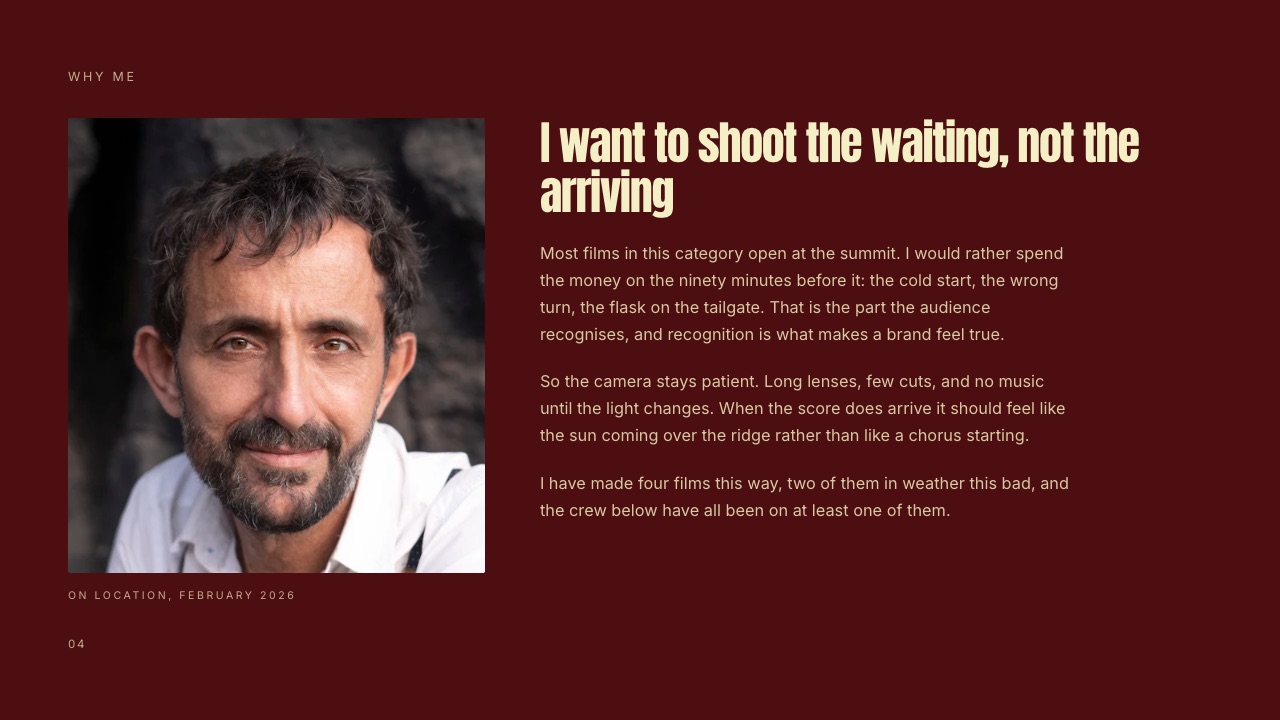
Two directors pitch the same brief. One writes eight pages about mood, atmosphere and cinematic language.
The other writes five pages that say what the camera does in the first ten seconds, why the location is that location, and how the ending lands. The second one wins, and it is not close.
Vagueness reads as not having decided yet, and producers can smell it from the first paragraph.
A film treatment is a document a director sends before a job is awarded, setting out a specific visual and narrative approach to a brief with written intent and reference imagery, so the client can see the film in their head before anyone spends money.
This guide shows how to write a film treatment in eight steps, each with a number attached: how many words in the idea, how many references, how many pages, how many seconds a producer gives your first page.
Framekit is an AI website builder whose Slides tool has treatment templates and an AI that drafts the treatment from your brief and facts, and it appears in the layout step and its own section with its limits stated.
We re-verified this guide on 12 October 2026: Milanote's plans and Affinity's free status were checked on their own sites, the AICP bidding guidelines were re-read, and an old passage describing Framekit as a page builder rather than a deck tool with treatment templates was rewritten.
Write eight sections in this order: the idea in one sentence, your response to the brief, the narrative approach, the visual language, casting and locations, sound and music, the technical and shoot plan, and why you.
Keep a commercial treatment to 6 to 12 pages or about 12 to 20 slides, put a decision on every page rather than an adjective, caption every reference with the one quality it proves, and read the first page on a phone in 15 seconds before sending.
Send a link when motion references carry the argument and a PDF when the agency asks for one. Milanote suits the research, Affinity the print-grade PDF, and Framekit Slides the treatment sent as a link.
Full disclosure: Framekit is our own product, and its Slides tool ships the treatment templates shown on this page. We say plainly where a page-layout app or another deck tool is the better pick, and nothing here claims a timed test or a won bid; competitor prices come from each vendor's own site, read in October 2026.
What a Treatment Is Actually For
A treatment exists to remove doubt: a producer is choosing between directors who have all seen the same brief, and the treatment is the only evidence of what each one would actually make, so every sentence either reduces that uncertainty or adds to it.
This is why the most common failure is writing beautifully about tone. "Warm, intimate, honest" describes almost every commercial ever made.
"Shot at the end of the day so the light is failing, handheld on a 40mm, one continuous take from the kitchen to the garden" describes exactly one, and a producer can picture it, budget it and argue with it.
The second reader. Treatments are forwarded. The person deciding is often not the person who briefed you, and they read without your context and without a call. Write for them: state the idea in the first 50 words rather than building to it.
Two meanings of the word. In commercials, music videos and branded work, a treatment is a pitch document with references. In screenwriting, a treatment is a prose summary of a story, often 2 to 20 pages, with no imagery.
This guide covers the first, which is what most working directors mean, and notes where features and documentaries differ.
The bidding context. The AICP's live action guidelines say bidders "should be limited to three directors unless there are extenuating circumstances", which is where the term triple bid comes from, and that an agency should not require a treatment on a single bid.
You are usually writing against two other directors.
The Eight Sections and How Long Each Should Be
This order works because it answers the producer's questions in the order they occur to them, and a treatment that answers them out of sequence makes a busy reader hunt for the thing they wanted to know first, which most of them will not do.
| Section | Length | What it must contain | Slides in a 16:9 deck |
|---|---|---|---|
| 1. The idea | One sentence of 25 words or fewer, plus a short paragraph | The film in one sentence, before any imagery | 1 to 2 |
| 2. Response to the brief | Half a page, about 150 words | What you think the brief is really asking for | 1 |
| 3. Narrative approach | 1 to 2 pages | How the film unfolds, beat by beat | 1 to 3 |
| 4. Visual language | 2 to 3 pages | Camera, lens, movement, palette, light, references | 3 to 5 |
| 5. Casting and locations | 1 page | Who and where, specifically | 2 to 3 |
| 6. Sound and music | Half a page | The score's role and the sound design intent | 1 |
| 7. Technical and shoot plan | Half to one page | Format, aspect ratio, grade, shoot days, delivery | 2 to 4 |
| 8. Why me | Half a page, about 100 words | Why this brief connects with work you have made | 1 |
The three sections that decide it
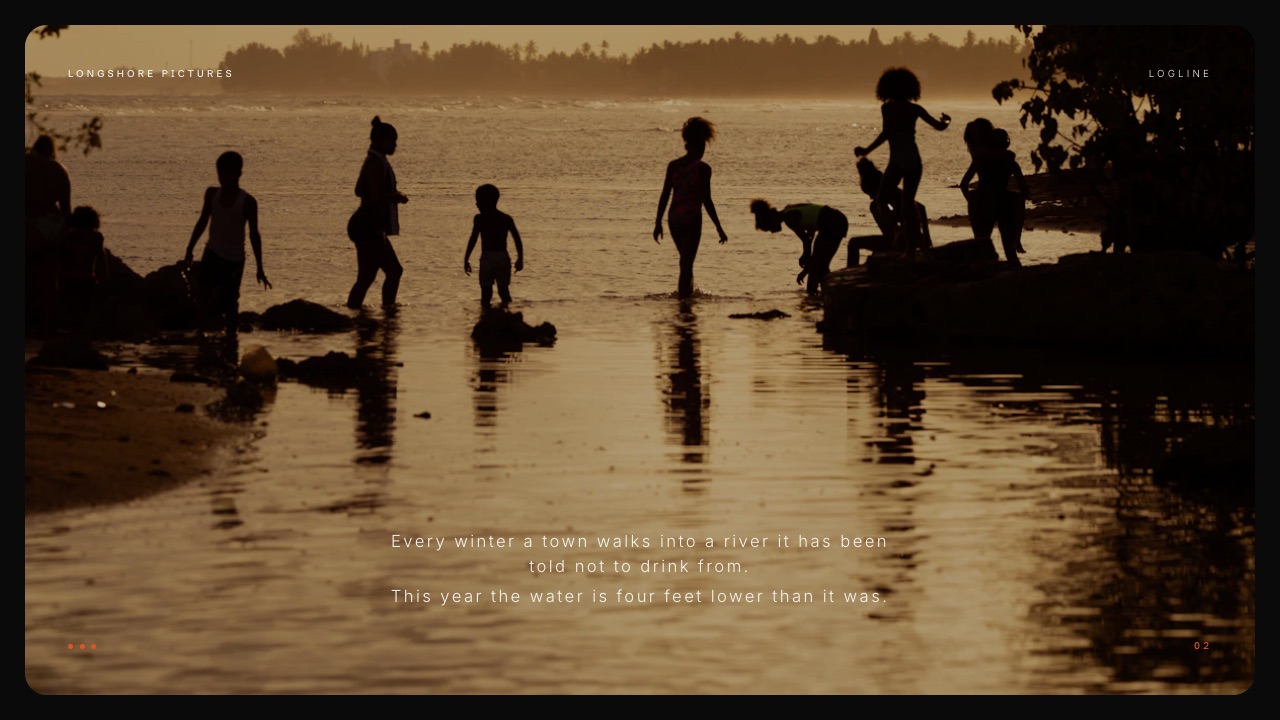
The idea. If a producer cannot repeat your idea after one read, nothing else matters. One sentence, at the top, before any reference imagery.
Directors routinely bury it on page four behind a mood-setting preamble, and it is the single most damaging habit in the format.
The visual language. The section with the most words and the most opportunity to say nothing.
The discipline is to make each paragraph carry a decision rather than an adjective: which lens family, whether the camera moves and why, how the palette shifts across the film, where the light comes from.
Why me. Producers are choosing a person, not a document. Two or three sentences about the specific reason this brief connects with work you have already made, with one link to it. Skip the biography; they have your reel.
Step 1: Answer the Brief in One Sentence
Before you gather a single reference, write the film in one sentence of 25 words or fewer in a plain document, because if you cannot, you are not ready to collect images, and gathering them will feel like progress while hiding that you have not decided.
Give yourself an hour. Write five versions, then pick the one that contains a decision someone could argue with. "A mother teaches her son to swim in one unbroken take at dusk" is a treatment. "An emotional journey about connection" is not.
The test. Read the sentence to someone who has not seen the brief. If they can describe what they would see on screen in the first ten seconds, the sentence works.
Step 2: Gather References Against That Sentence
Gather about 40 still references and 4 to 6 motion references, and gather them against the sentence from Step 1 rather than before it, so each one is evidence for a decision you have made rather than a picture you happen to like.
Where to collect them. Milanote is the usual board for this stage: its free plan allows 100 notes, images or links and 10 file uploads, and the paid plan is $9.99 a person a month billed annually or $12.50 monthly, per Milanote's plans page.
A real treatment exhausts 10 uploads quickly, so budget for a month of the paid plan during research.
What to collect. Frames that show a lens, a light, a palette or a movement; clips that show a pace of cut or a camera move a still cannot; and two or three frames from your own work that prove you can do it.
Step 3: Cut to the References That Argue
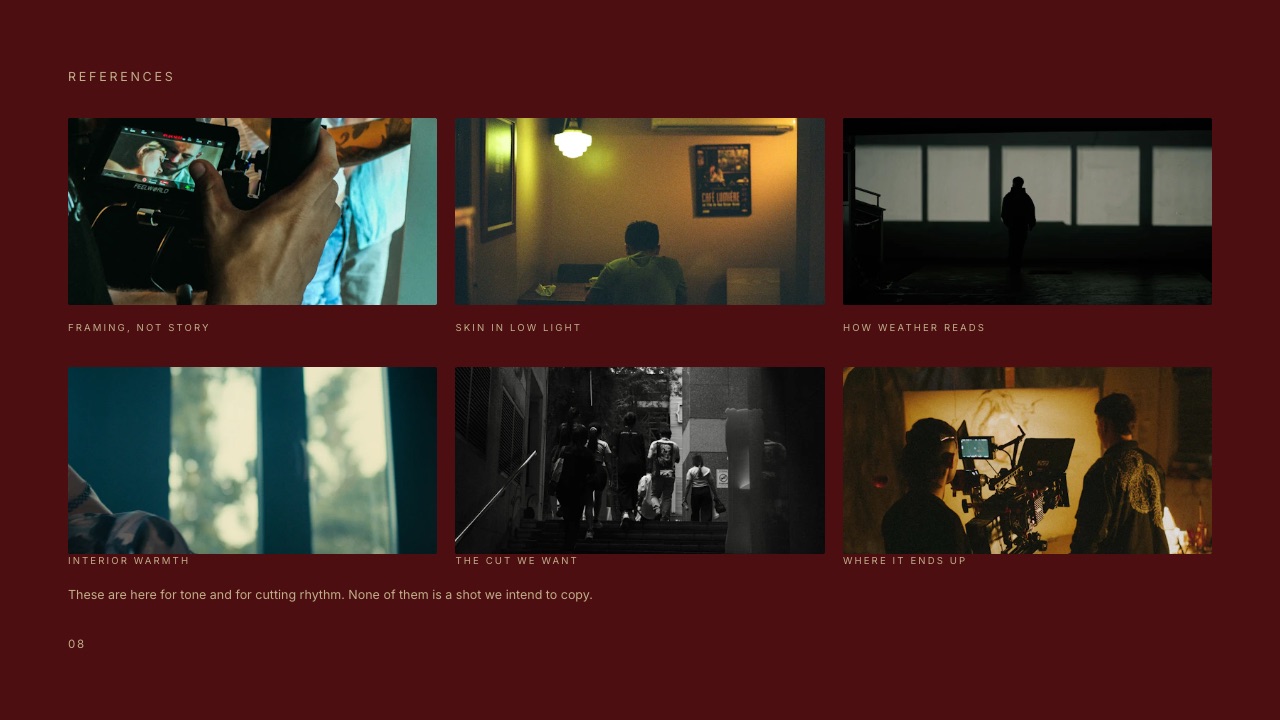
Cut the 40 stills to about 25 and the motion references to 4, then caption every survivor with ten words or fewer naming the property you want, because an uncaptioned reference asks the producer to guess which quality you meant, and they will guess wrong.
Caption the property, not the source. Not the film it came from, but "the way the light falls off behind her", "this pace of cut", "this exact green".
Do not reference the film you want to remake. Three shots from one famous commercial reads as an intention to copy it. Reference one quality from each of several sources instead, which also shows you have a specific idea rather than an admired one.
The ratio that matters. Count captioned references against uncaptioned ones. Anything below nine in ten captioned reads as a mood board rather than an argument.
Step 4: Write the Sections in Plain Text First
Write all eight sections in plain text before any layout, aiming for about 1,000 to 1,500 words in total for a commercial, because this is where you discover whether the visual language section contains decisions or just atmosphere, and layout hides that.
Word budgets that keep pages readable. Idea: 25 words. Response to the brief: about 150. Narrative approach: 200 to 400. Visual language: 300 to 500, split across camera, light, palette and movement.
Casting and locations: about 150. Sound and music: about 80. Technical and shoot plan: about 120. Why me: about 100.
The decision test. Highlight every adjective in the visual language section. For each one, ask whether you could replace it with a decision: a lens, a time of day, a movement, a colour. If more than a third of the highlights survive, rewrite.
Step 5: Lay It Out in 6 to 12 Pages
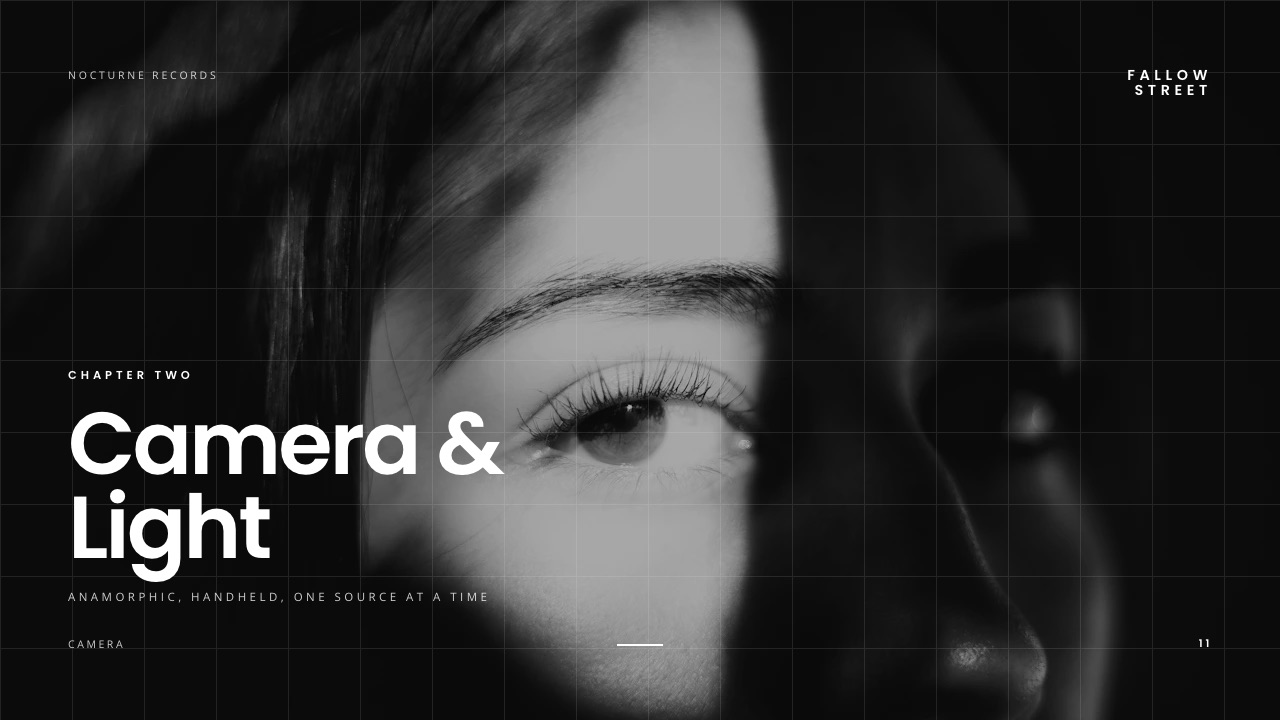
Lay the treatment out in 6 to 12 pages, or about 12 to 20 slides in a 16:9 deck, with the idea on page one, references beside the paragraphs they prove, and no page carrying more than about 150 words of text.
| Tool | Cost | Best for | Weak at |
|---|---|---|---|
| Affinity | Free for individuals | Print-grade PDF with real page layout | Learning curve; no motion on the page |
| Canva | Free; $144 a year on Pro | A presentable treatment in a day | Templates built for business, not film |
| Keynote | Free on Apple devices | Image-led pages on a Mac, PDF export | Mac-bound; fonts do not travel in a PowerPoint export |
| Google Slides | Free | Co-writing with a producer in real time | Plain design ceiling |
| Framekit Slides | Free; $84 a year on Starter for templates | Treatment templates, shot list and storyboard elements, clips that play on the slide | No password on links, PowerPoint export only as pictures |
Affinity is now a single app covering vector, photo and page layout, and its site says it is free for individuals, which makes print-grade layout a $0 option. Canva is faster if you have never used a layout app. Framekit Slides starts from a treatment template with the sections already in order and ready-made elements for shot lists, storyboard rows, moodboards and look cards.
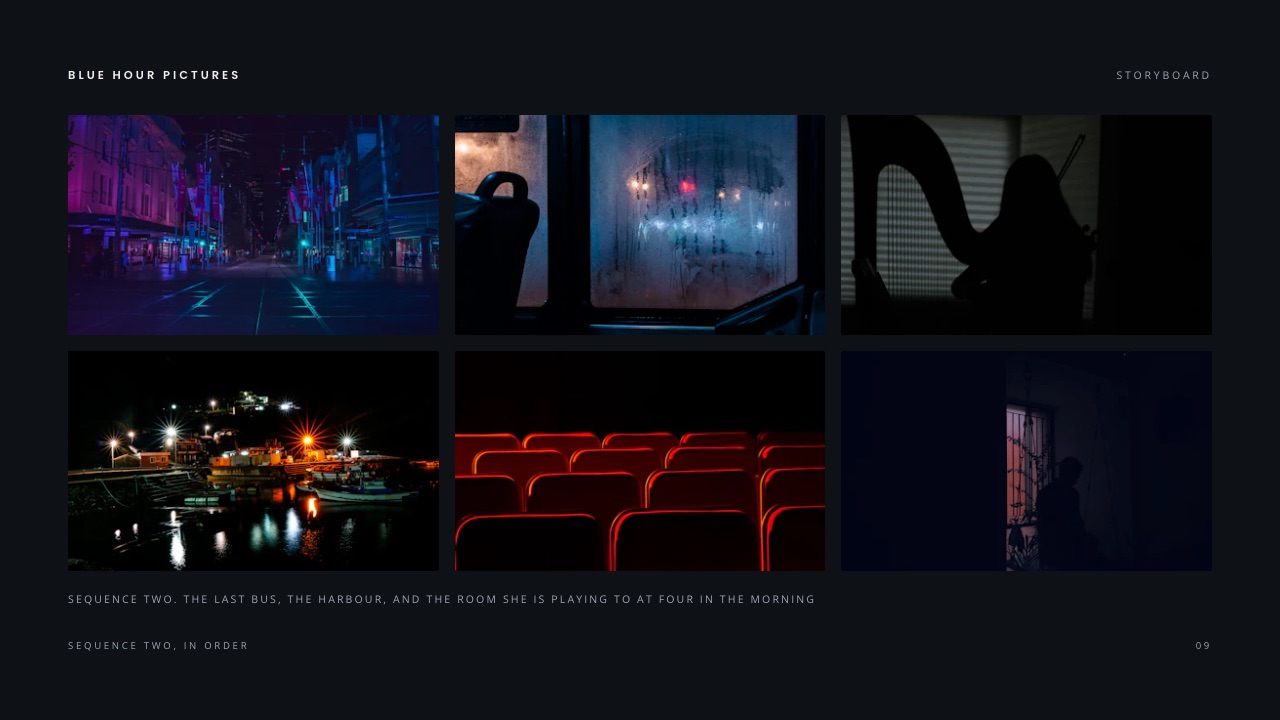
The layout numbers. One idea per page. References at least a third of the page so a producer can actually see the light you are describing. Body text no smaller than 14 points in a PDF read on a laptop.
Step 6: Plan the Pages Where Bids Are Won
The last pages of a commercial treatment, the shoot days, crew and delivery, are where a producer checks whether your idea fits two shoot days and one location, and a treatment that ignores the brief's constraints is read as coming from a director who does not listen.
Shoot days. Lay out each day with call and wrap times and the scenes it covers. If the brief says two days, show two days.
Crew. Name your heads of department, with one credit each.
Delivery. List what lands and in what shape: the hero length, cut-downs, aspect ratios for broadcast, online and social, and stills if they were asked for.
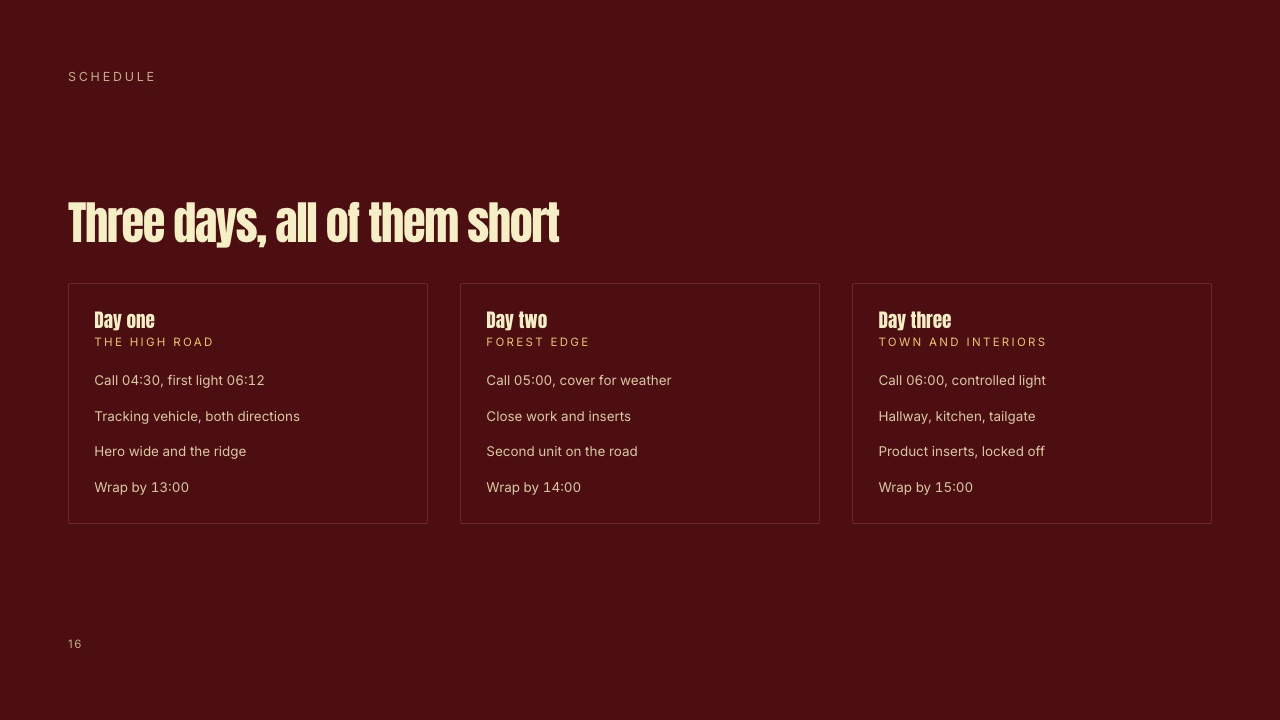
Check against the brief. Put the brief's constraints in a list (days, locations, talent, budget range, deliverables) and tick each one off against a page. Any constraint without a page is a question the producer will ask on the call.
Step 7: Choose the Delivery Format on Purpose
Choose between a link and a PDF deliberately, because the format decides whether roughly half your evidence reaches the reader: a PDF turns every motion reference into a still with a link nobody clicks, and a link can carry clips that play where they sit.
PDF. The default, and the right answer when the agency has asked for one. It forwards reliably, opens anywhere and can be filed. Host it in cloud storage rather than attaching it, so reference frames are not compressed to clear an email limit.
A link. The right answer when motion references carry the argument, because clips play in place. In Framekit Slides, a pasted YouTube, Vimeo or Instagram link becomes a player on the slide, and you can fix a typo after sending without re-sending a file.
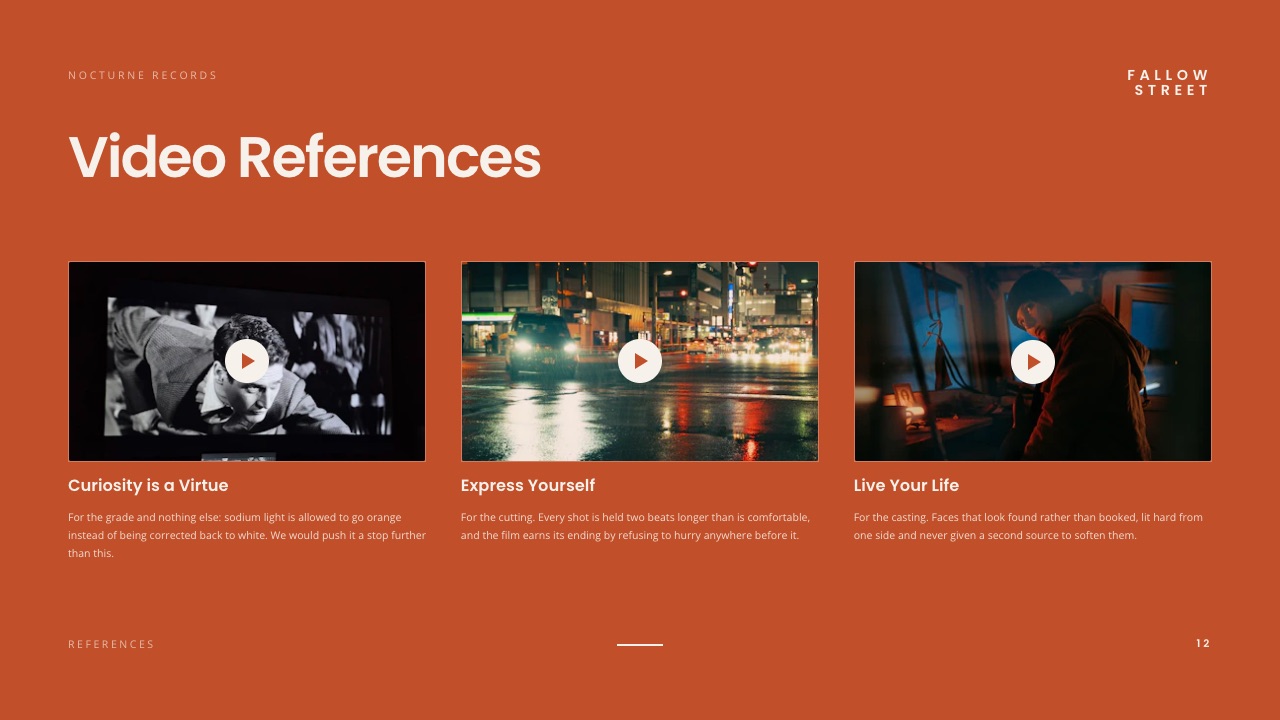
The trade-offs. A Framekit deck link has no password and shows a total view count rather than who opened it; you can reset the link so the old one stops working.
A free Framekit link carries a small Made with Framekit badge until you pay. So a confidential pre-award treatment is safer as a PDF sent to named people, and many directors send both: the link that argues and the PDF that gets filed.
Step 8: Read It as the Second Reader
Open the finished treatment cold, on a phone, and give it 15 seconds, because that is roughly the test it will face from a forwarded reader, and the only question is whether the idea is clear before the first scroll or swipe.
The run-it-yourself test. Send the treatment to one person who has not seen the brief. Give them two minutes, then take it away and ask three questions: what is the film, what does it look like, and why this director.
If they answer the first from page one, the second from the references and the third from the last page, the structure works. If they cannot answer the first, move the idea up.
The compression test. Try to cut the treatment by a third without losing an argument. If you can, it was padding; if you cannot, the length is earned.
How Framekit's AI Builds a Treatment From Your Brief

Framekit's Slides AI drafts a whole treatment from a brief, but it works the way the steps above do: it asks first, gets your real facts, proposes an outline you approve, and leaves a visible placeholder wherever something is missing rather than writing atmosphere to fill the gap.
Framekit is an AI website builder that also ships Slides, client galleries, video review and a digital-download store on one account, so the treatment, the reel site it links to and, once the job is won, the review link for cuts and the gallery for stills live on one login.
Here is what happens when you describe a treatment:
1. Up to three quick questions. Roughly how many slides, what should happen after the reader sees it (you win the bid, they approve the look), and whether you will present it on a call or send it to be read alone, which sets how much text each slide carries.
2. A style and colour theme. It picks a design style that suits a treatment, typically a restrained, cinematic one, says which and why, and offers a few colour themes.
3. Your real facts. It asks you to paste what you have: the one-line idea, the brief, your credits, shoot days, budget lines, crew, and anything that must not appear, such as the brand name before award.
Anything you do not supply becomes a marked placeholder, never an invented credit or figure.
4. An outline for your OK. A titled slide list at the length you asked for, with the device beside each title, such as "Shoot days - schedule" or "References - captioned grid". Nothing is built until you approve it.
5.
The build. Three or four finished slides per turn with speaker notes, drawing on treatment layouts such as director's statement, story beats, visual approach, references, storyboard, shot list and delivery, then a checklist of the placeholders still open.
You can ask for any single slide again later.
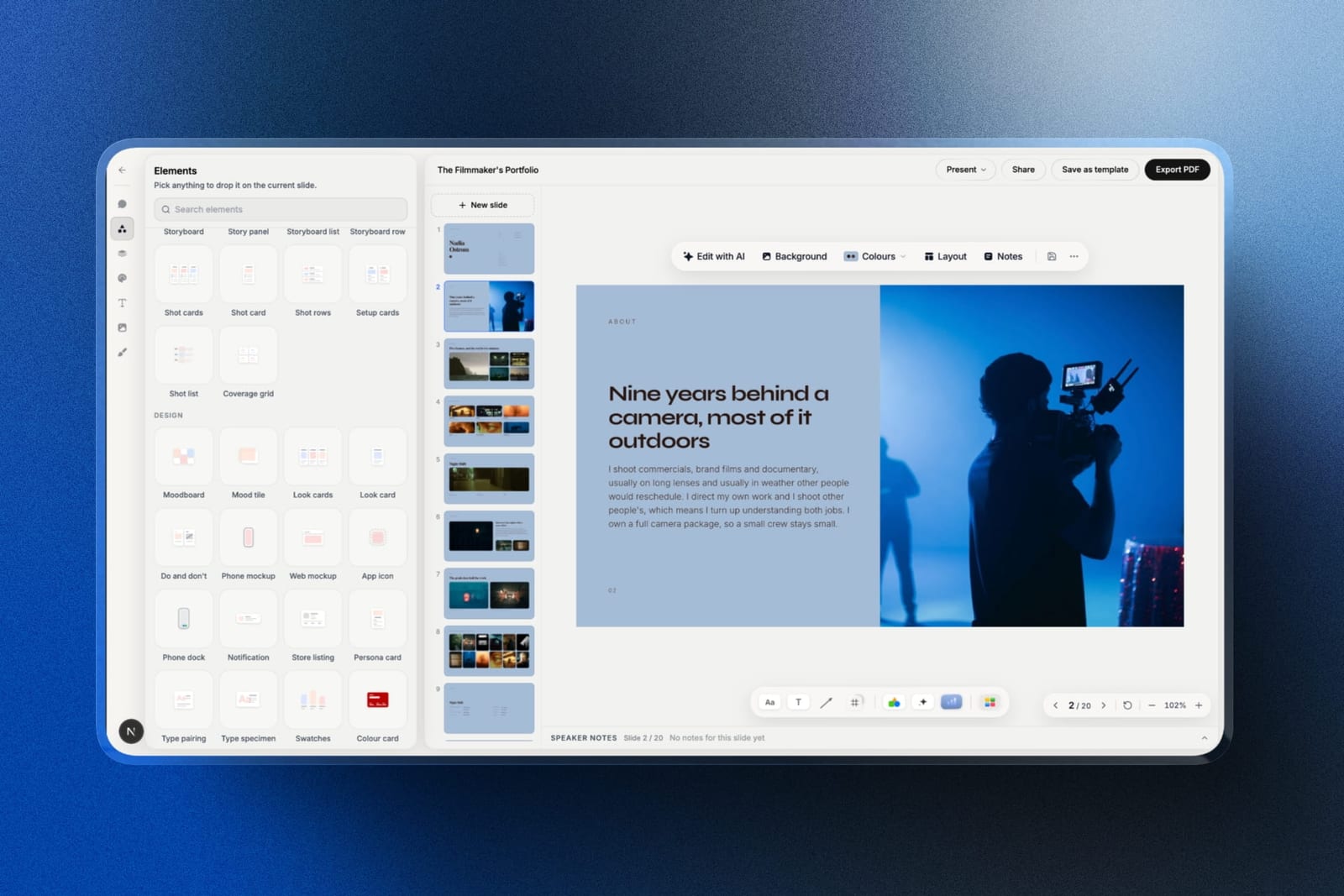
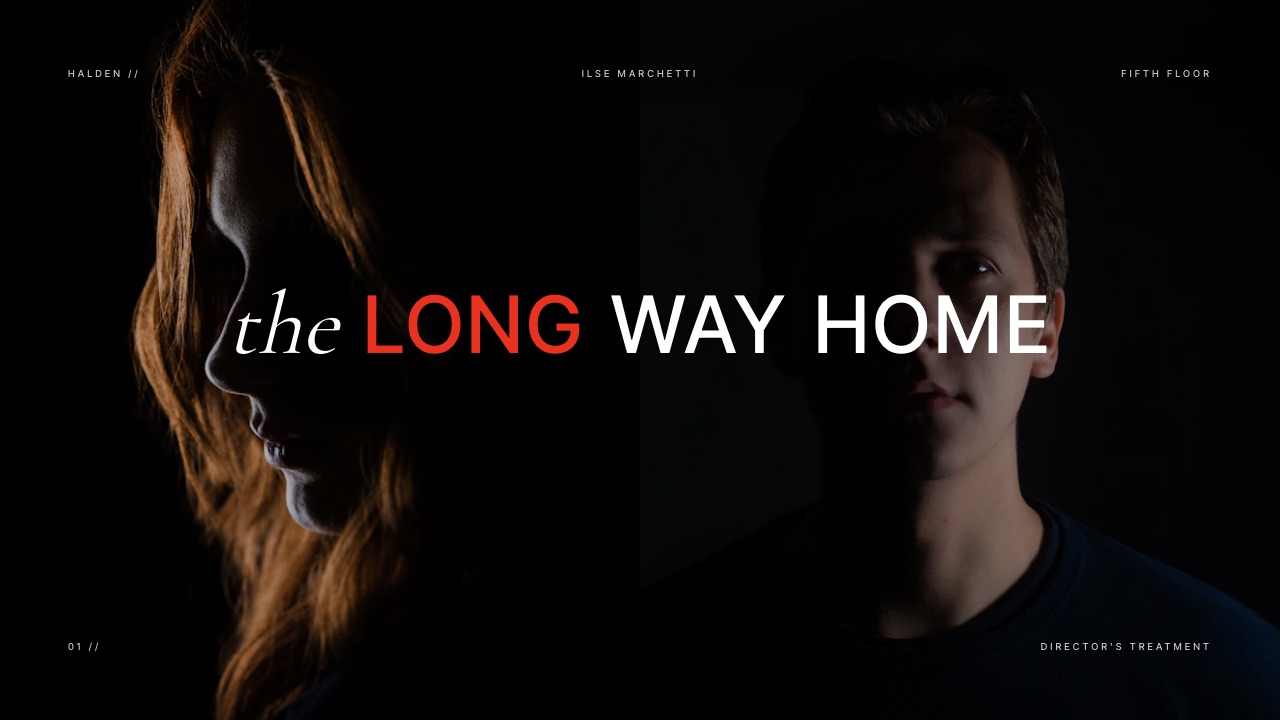
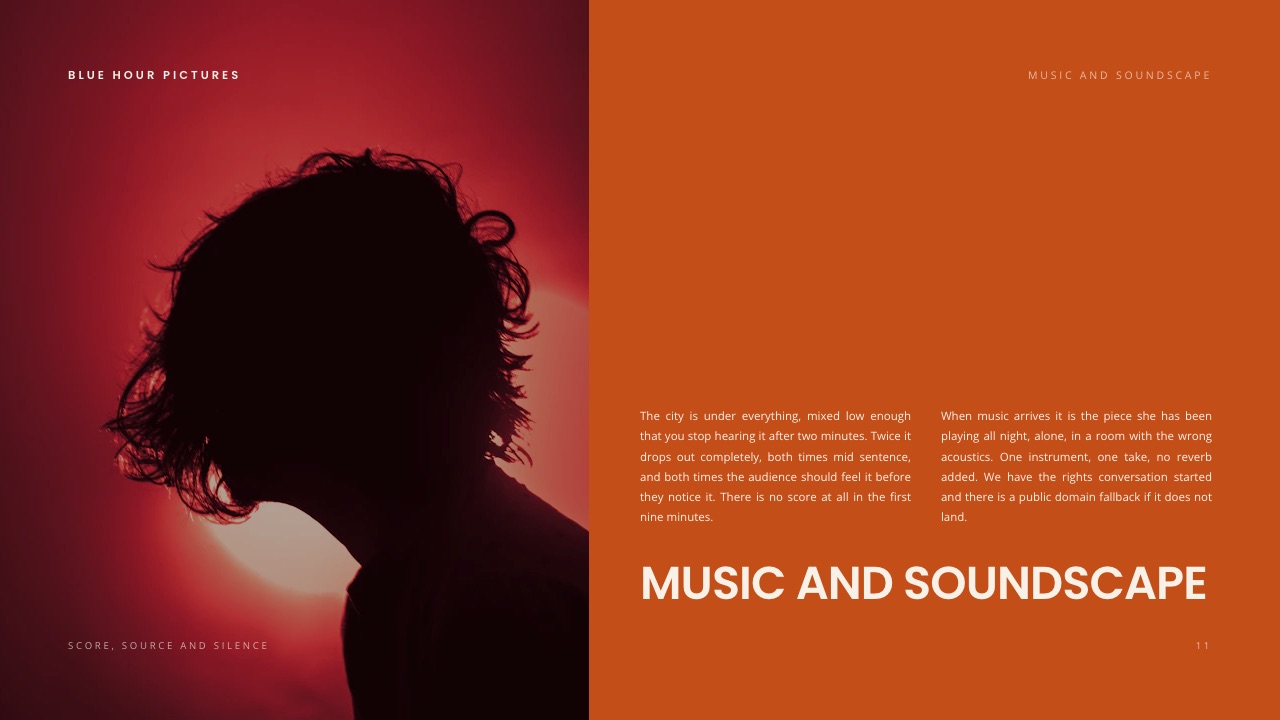
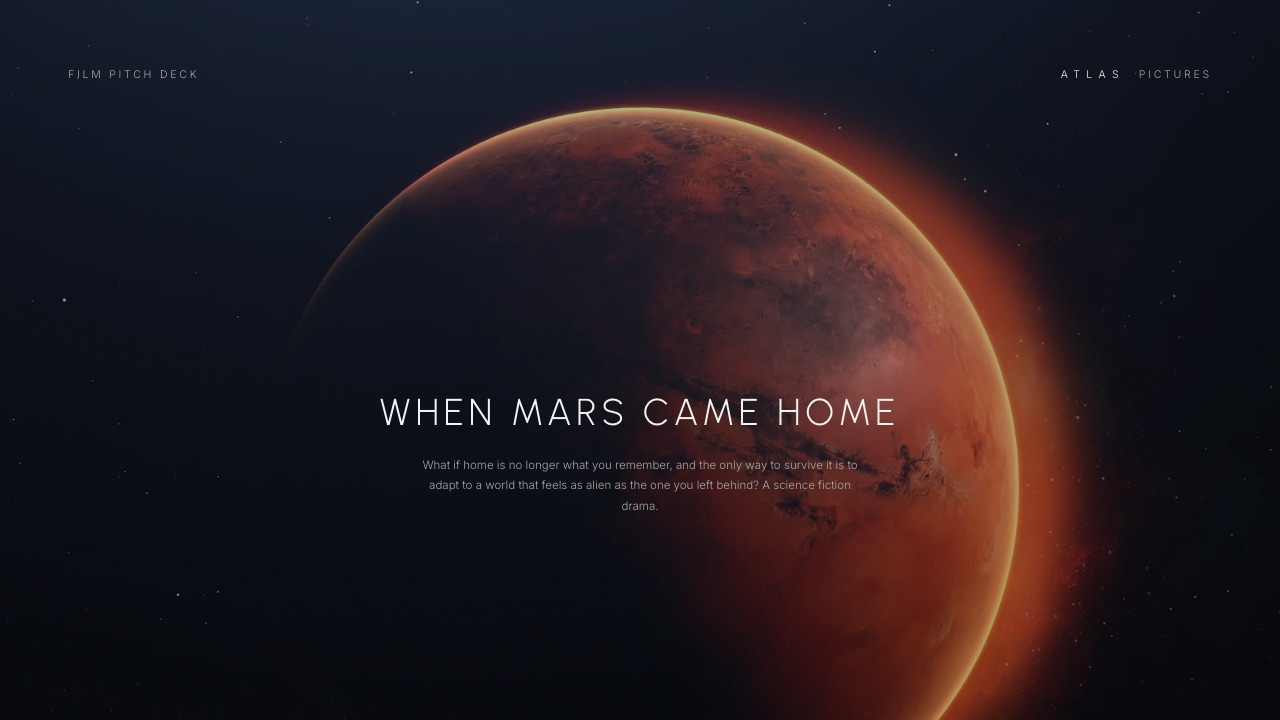
Templates worth starting from. A Director's Treatment for a Commercial, a Commercial Treatment for an Agency, a night-shoot film treatment, a documentary short treatment, and a Pitch Deck and Lookbook for a First Feature.
The template library starts on Starter at $9 a month or $84 a year billed yearly; the Free plan makes unlimited decks from blank slides with PDF export.
The limits. AI is metered: every plan, Free included, has a monthly AI allowance, and deck AI draws on one pool, while editing by hand or starting from a template spends nothing.
A deck caps at 40 slides, well above a 20-slide treatment. No password on links and no per-viewer analytics.
No live co-editing or comments, and the deck belongs to the person who made it: team members on Pro or Business are website admins who cannot open it, so a producer reviews by link or PDF.
No presenter view with speaker notes on a second screen. PowerPoint export starts on Pro and arrives as pictures, so an agency cannot retype your slides.
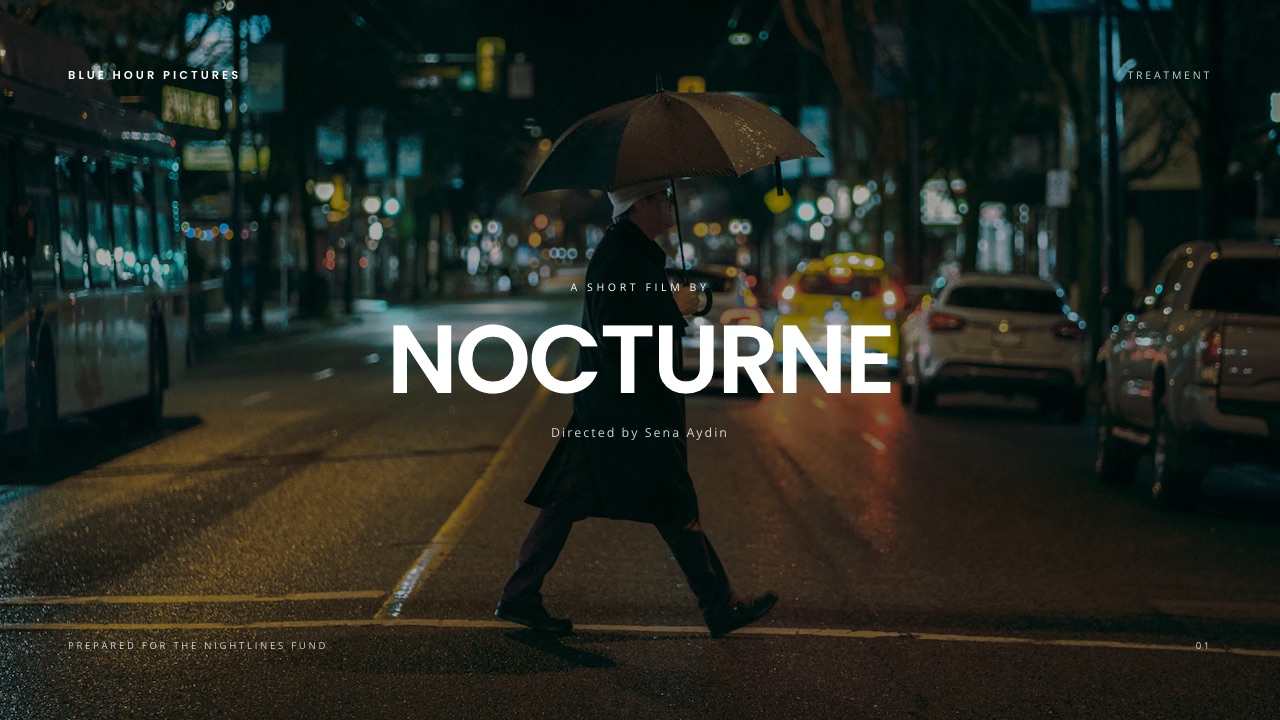
Verdict: Framekit Slides is the better fit for a director who sends treatments as links and wants the sections, elements and playing clips ready, and the wrong tool for a print-grade PDF with precise typography, where Affinity wins, or a treatment co-written live with a producer, where Google Slides wins. The commercial treatment template walks through a 20-slide version slide by slide.
Commercial, Music Video, Documentary or Feature: How the Document Changes
The eight sections hold across formats, but their weight and length change with what the reader needs to decide, so here is how the same structure flexes for the four kinds of treatment directors write most.
| Format | Typical length | What carries the most weight | What to add |
|---|---|---|---|
| Commercial or branded film | 6 to 12 pages, 12 to 20 slides | Idea, visual language, shoot plan | Delivery formats and cut-downs |
| Music video | 4 to 8 pages | Concept, performance versus narrative, references | Edit rhythm against the track |
| Documentary | 8 to 15 pages | Access, who it follows, story beats | Risks, why now, budget and the ask |
| Feature (pitch treatment) | 10 to 20 pages, or a 12-slide deck | Logline, characters, tone, comparables | Team, plan and finance |
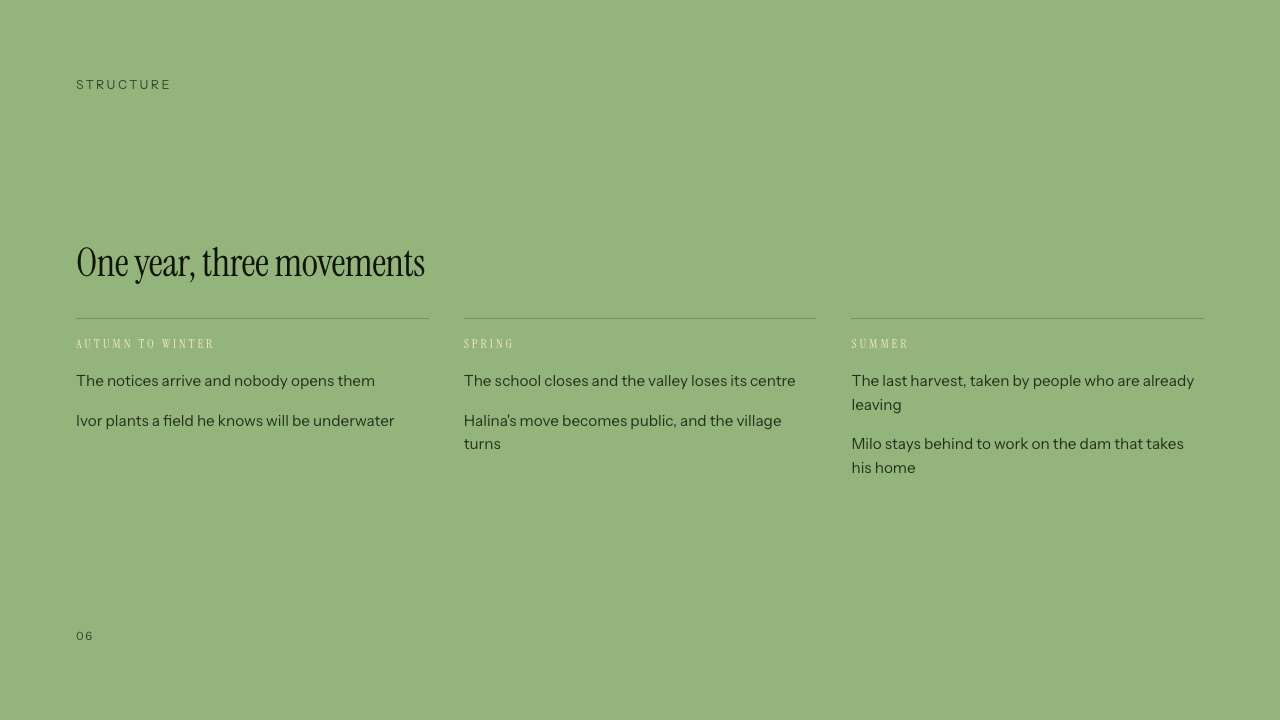
For documentaries, the documentary pitch deck template covers the access and risk pages funders ask for; for music videos, the music video treatment template; for features, the film pitch deck template.
Mistakes That Lose the Job
These seven failures account for most losing treatments, and every one of them is a writing or decision problem rather than something a better layout would have solved, so check your draft against the list before it goes out.
Burying the idea. Three paragraphs of atmosphere before the reader learns what the film is. Put the sentence first.
Adjectives instead of decisions. "Cinematic, bold, emotive" is not an approach. Every paragraph in the visual language section should contain something you could be argued out of.
Too many references. Forty uncaptioned images ask the producer to construct your thinking for you.
Ignoring the brief's constraint. If the brief says two shoot days and one location, a treatment with four locations reads as a director who does not listen, however good the idea.
No sense of the opening ten seconds. For online and broadcast work the opening is most of the decision.
A format that hides your evidence. A PDF full of play buttons that do nothing is the most common version, sent constantly without checking what the recipient sees.
A recycled response section. Visual language and technical pages often transfer between jobs; the response to the brief never does, and producers spot it.
Frequently Asked Questions
What is a film treatment?
A film treatment is a document a director sends before a job is awarded, setting out a specific visual and narrative approach to a brief with written intent and reference imagery.
In commercials, music videos and branded work it is a pitch document that usually runs 6 to 12 pages. In screenwriting the same word means a prose summary of a story with no imagery.
How long should a film treatment be?
A commercial or branded film treatment should be 6 to 12 pages, or about 12 to 20 slides in a 16:9 deck, with roughly 1,000 to 1,500 words in total. Music video treatments run shorter, documentaries and feature pitch treatments longer.
Producers often read three treatments in one sitting, so the shortest coherent one has an advantage.
What should a film treatment include?
Eight sections: the idea in one sentence, your response to the brief, the narrative approach, the visual language, casting and locations, sound and music, the technical and shoot plan, and why you are the right director.
The idea, the visual language and the closing case for you decide most outcomes.
Should a treatment be a PDF or a link?
Send a PDF when the agency asks for one and a link when motion references carry your argument, because a PDF turns every clip into a still with a link most producers never click. Many directors send both.
A link from a tool without a password, such as Framekit Slides, is the wrong choice for a confidential pre-award treatment; send that as a PDF to named people.
What software should I use to write a film treatment?
Use Milanote for research ($9.99 a month billed annually, with a free plan of 10 file uploads), Affinity for a print-grade PDF (free for individuals), Canva for a fast visual draft, Google Slides to co-write with a producer, and Framekit Slides to send the treatment as a link with clips that play.
Our best film treatment software comparison goes deeper.
Can AI write a film treatment?
AI can draft the structure and wording, but the decisions have to be yours.
Framekit's Slides AI asks up to three questions, asks you for your idea, credits and shoot plan, proposes an outline for your approval, then builds the treatment a few slides at a turn, marking anything you did not provide as a placeholder rather than inventing it.
Every AI draft still needs Steps 1, 3 and 8 of this guide.
How many references should a treatment have?
About 25 captioned stills and 4 motion references for a commercial, cut down from roughly 40 and 6 during research.
The ratio matters more than the count: if nine in ten references carry a caption naming the property they prove, the treatment reads as thinking; if most are uncaptioned, it reads as a mood board.
Do I have to write a treatment if I am the only director bidding?
The AICP's live action guidelines say an agency should not require a production company to submit a treatment on a single bid, and that competitive bids should be limited to three directors unless there are extenuating circumstances.
Practice varies by market and agency, so ask early whether the job is single bid and whether there is a pitch fee.
Who owns my treatment ideas if I lose the bid?
The AICP guidelines say an agency should not reveal a production company's treatment ideas to another production company, and that using treatments or concepts from a company that did not win the job is misappropriation for which compensation is appropriate.
Those are industry guidelines rather than law; keep dated copies of every treatment you send.
What is the difference between a treatment and a lookbook?
A treatment argues and a lookbook shows. A treatment carries written approach, structure and intent alongside references and exists to win a job; a lookbook is mostly visual and usually supports a treatment rather than replacing it.
Many commercial pitches now send one document doing both, which raises the bar on layout and image quality.
Can a producer and I edit a Framekit treatment together?
No. A Framekit deck belongs to the person who made it, there is no live co-editing or commenting, and team members on Pro or Business are website admins who cannot open decks. Send the producer a share link or a PDF for notes.
If you need to write the treatment together in real time, Google Slides is the better tool.
Final Verdict
Write the idea first, in one sentence, and let every section after it defend that sentence. Six to twelve pages, a decision on every page rather than an adjective, references captioned with the property you are pointing at, and shoot pages that match the brief's constraints.
Then choose the delivery format on purpose. If your case rests on movement, send something that moves, and keep a PDF for the agencies whose process demands a file.
The directors who lose on format rather than ideas usually never saw what their treatment looked like when it arrived.
Where Framekit fits, and where it loses: Framekit Slides is the better fit for treatments, lookbooks and creative pitch decks that one director builds and sends as a link beside a portfolio site, with clips that play and the review link for the cut on the same account.
It does not password links, does not co-edit, does not offer print-grade page layout and exports PowerPoint only as pictures, so it is not for confidential PDF-only bids or treatments written live with a producer.
Keep reading: the best moodboard and treatment tools for directors, how to make a mood board, how to make a lookbook and the best website builders for filmmakers.