Framekit templates
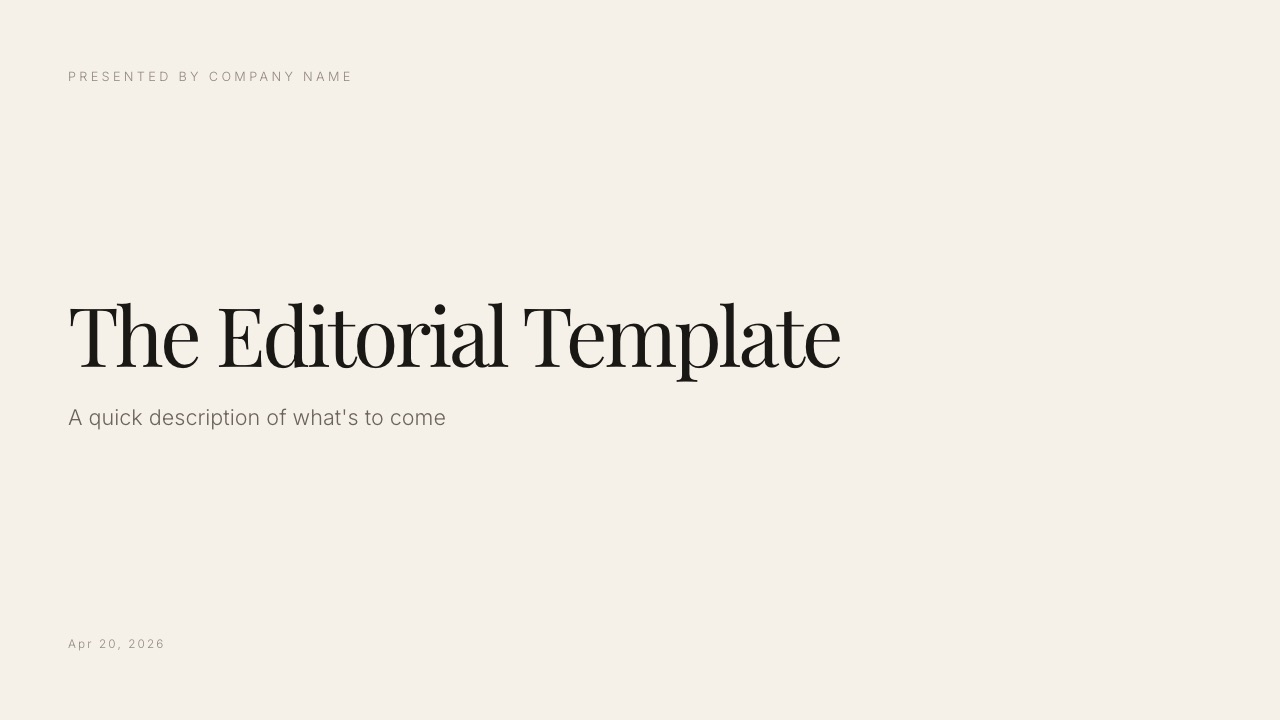
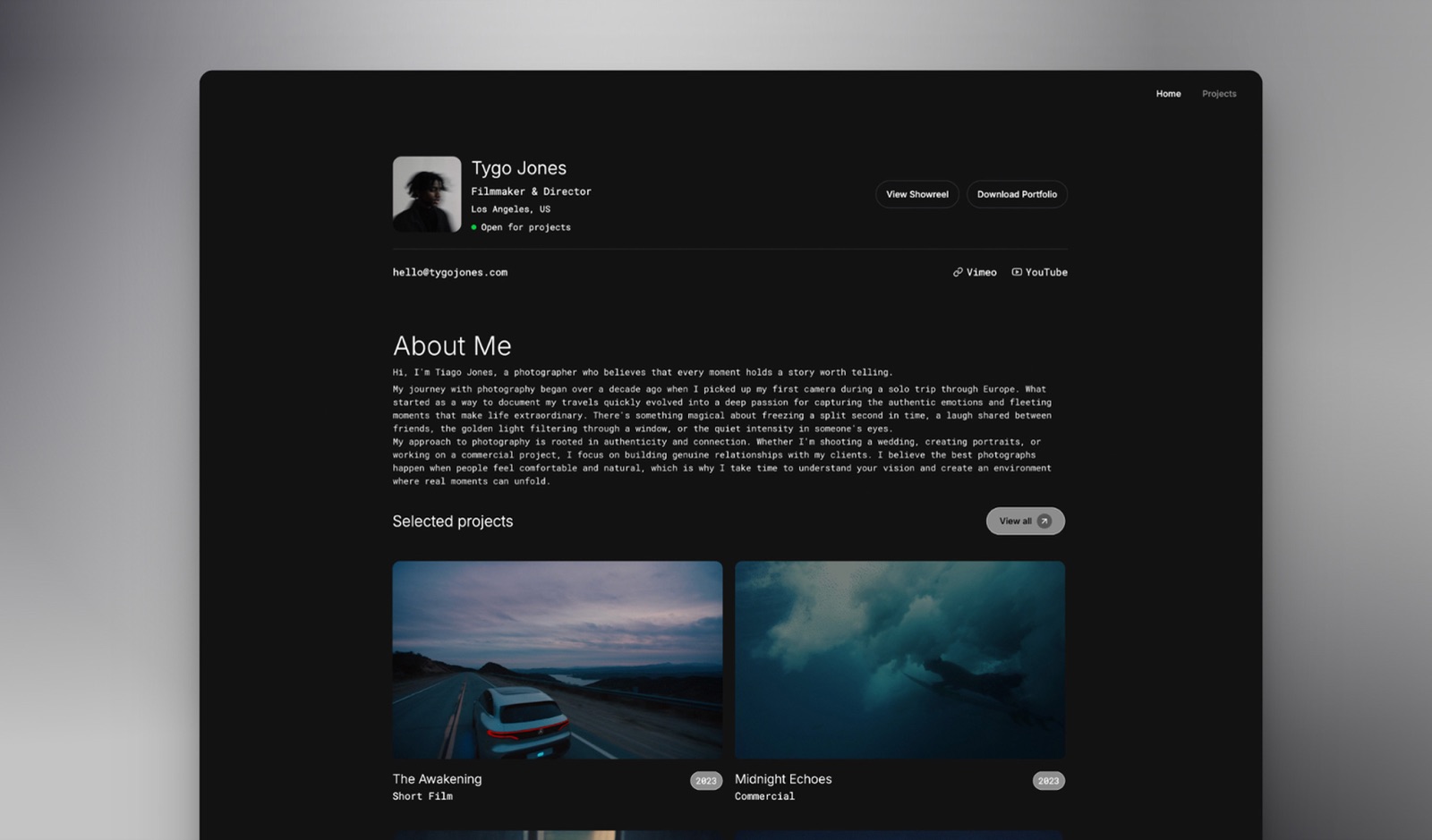
Start from a designer-made template
 Use template
 Use template
 Use template
 Use template
 Use template
 Use template
 Use template
 Use template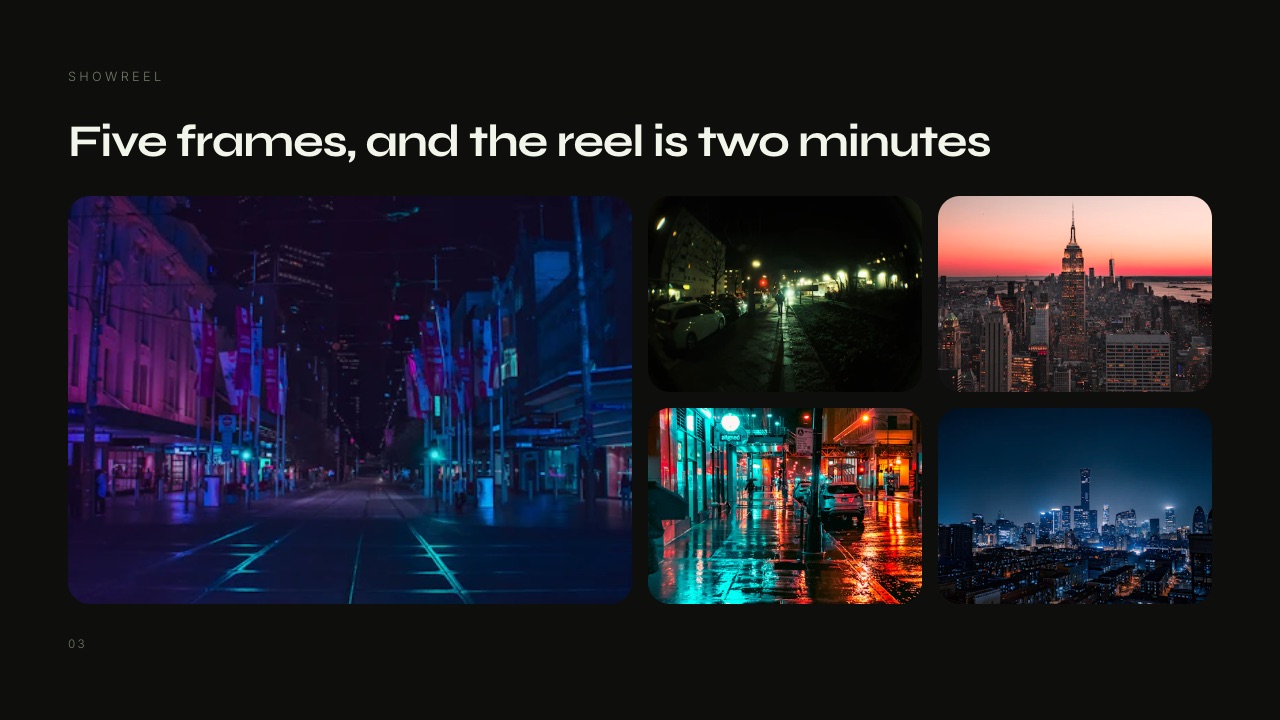
You built the deck in Keynote because Keynote is lovely. Magic Move does in one click what takes careful setup elsewhere, the default type is well set, and nothing about it has ever embarrassed you in a meeting.
Then a client asks for the editable file, opens it in PowerPoint on a Windows laptop, and the deck that won the room arrives looking like a cousin of itself.
That moment is the whole Keynote vs PowerPoint question. Keynote is free and better looking; PowerPoint is the format the rest of the world opens. The decision is not about which app is nicer but about what happens to the file after you finish it.
A presentation app is software that assembles designed slides into something you present live, export as a file or share as a link, handling layout, type, transitions and speaker notes in one place.
Keynote is Apple's, free on every Mac, iPad and iPhone and usable in a browser at iCloud.com; PowerPoint is Microsoft's, sold through Microsoft 365 and as a one-time purchase, with a free web version.
Framekit is an AI website builder whose Slides tool makes treatments, lookbooks and portfolio decks beside a portfolio site and client galleries, and it appears below as a labelled third option for that kind of deck only.
On 12 October 2026 we re-verified Microsoft's consumer prices on its plan comparison page and read Apple's Creator Studio announcement and Keynote support pages, which corrected two prices an earlier version carried and added Apple's new paid layer; the build times and repair counts the old version reported are gone because we could not back them.
Choose Keynote if you present from a Mac and send a PDF afterwards, because it is free, Apple says it will stay free, its motion and type defaults make an average deck look considered, and a browser version at iCloud.com lets Windows collaborators edit.
Choose PowerPoint if the editable file leaves your hands, because .pptx is the format clients open, PowerPoint embeds licensed fonts in the file, and Morph is the version of object-matched motion that still works on someone else's machine.
Microsoft 365 Personal is $99.99 a year. Framekit Slides is a third option only for treatments, lookbooks and portfolio decks one person builds next to a portfolio site.
Full disclosure: Framekit is our own product. It is not scored against Keynote or PowerPoint, it loses to PowerPoint on editable files and to both on presenting, and its section says so plainly. Apple and Microsoft facts come from their own newsroom, plan comparison and support pages, read on 12 October 2026, and are linked where they carry weight.
How This Keynote vs PowerPoint Comparison Was Put Together
This comparison rests on what Apple and Microsoft publish about their own apps, prices and export behaviour, because the deciding questions here are about cost, file handover and presenting, and each of those is documented by the vendor rather than settled by impressions.
Read at the source. For Apple: the January 2026 newsroom post introducing Apple Creator Studio, the Keynote support page, and Keynote user guide articles on exporting to PowerPoint and on multi-presenter slideshows.
For Microsoft: the plan comparison page and support articles on Morph, font embedding and Speaker Coach. All read on 12 October 2026.
Calculated. The cost of one person, a mixed Mac and Windows household and three years of each, at the vendors' published US prices.
Where the vendors are silent. Apple's export guide does not say how Magic Move or individual builds map into a PowerPoint file, and it lists no font-embedding option.
Where this page describes those gaps, it says what the documentation does and does not promise rather than reporting a test we did not run.
Keynote vs PowerPoint by the Numbers
These are the figures that decide most Keynote vs PowerPoint choices, each read from Apple's or Microsoft's own page in 2026 or calculated from them, and each one returns further down with the reasoning in full.
- $0. Keynote on every Mac, iPad and iPhone, and in a browser at iCloud.com. Apple's January 2026 announcement says Keynote will remain free for all users.
- $12.99 a month or $129 a year. Apple Creator Studio, which adds premium Keynote templates and themes, a library of photos and graphics, and AI features in beta.
- $99.99 a year. Microsoft 365 Personal, with desktop PowerPoint for Windows and Mac and 1TB of storage. $9.99 month to month.
- $129.99 a year. Microsoft 365 Family, for one to six people with 2TB shared.
- $179.99 once. Office Home 2024 for one PC or Mac, with the classic 2024 apps.
- 0 font-embedding options. What Apple's Keynote export guide lists for a PowerPoint export. PowerPoint embeds fonts on Windows and Mac where the licence allows.
- 2 roles. In a Keynote multi-presenter slideshow, the host controls the show and co-presenters can move slides only when the host shares control.
Keynote vs PowerPoint at a Glance
This table sets Keynote and PowerPoint side by side on the twelve rows that decide most choices, ordered so the rows that settle it for a freelancer or studio come first and the nice-to-haves come last.
| Keynote | PowerPoint | |
|---|---|---|
| Price | Free on Apple devices and at iCloud.com | Free on the web; $99.99 a year Personal; $179.99 once for Office Home 2024 |
| Runs natively on Windows | No; browser at iCloud.com | Yes |
| Native file | .key | .pptx, the format clients open |
| Font embedding in an exported file | No option listed | Yes, Windows and Mac, licence permitting |
| Signature motion | Magic Move | Morph |
| Collaboration | Shared presentations via iCloud, in the app or a browser | Co-authoring via OneDrive or SharePoint |
| Presenting together | Multi-presenter slideshow | Co-authoring; no documented equivalent |
| Rehearsal coaching | Rehearse mode | Speaker Coach on the web, with a report |
| Offline | Full, in the apps | Full, in the desktop app |
| Paid extras | Apple Creator Studio: templates, content, AI in beta | Copilot at higher-than-free limits on Personal and Family |
| Exports | PowerPoint, PDF with notes, images, GIF, movie, HTML | PDF, video, images, and the .pptx itself |
| Best home | A Mac you present from | Any machine, especially a client's |
In one lineKeynote is the better app to make and present a deck on a Mac, PowerPoint is the better format to hand one over, and almost every regret in this comparison comes from choosing the first when you needed the second.
Where Keynote Wins
Keynote beats PowerPoint in five areas, and they all come down to the same thing: on an Apple device, with you presenting, it produces a better-looking deck with less effort and costs nothing, which is a rare combination in software.
Price, permanently. Keynote is free on every Mac, iPad and iPhone, and Apple's Creator Studio announcement states that Keynote, Pages, Numbers and Freeform will remain free for all users to create, edit and collaborate.
The paid Creator Studio layer is optional.
The defaults. Keynote's stock themes use better type pairings, more generous spacing and more restrained colour than PowerPoint's, so a deck made by someone with no design training comes out noticeably better.
Push both to their limits and the gap narrows; most people are affected far more by the floor than the ceiling.
Motion. Magic Move remains the most refined implementation of object-matched transitions, and Keynote's builds and transitions feel considered rather than decorative.
Microsoft's own Morph material is pitched at people who know Magic Move, which tells you where the reference point sits.
Presenting together. Keynote's multi-presenter slideshow lets a team run one shared presentation online: the host starts and ends the show and edits notes, and co-presenters move slides forward or back when the host shares control.
For a joint pitch over a video call, that removes the "next slide, please" choreography.
Windows collaborators without an install. Apple's Keynote support page says you can create, edit and collaborate on shared presentations from a web browser on a Mac or a Windows computer, via Keynote for iCloud, with a free Apple Account.
Skip Keynote if anyone who edits your decks is on Windows and must work in the full app, or if clients expect an editable file.
If you are leaving Keynote for those reasons, the best Keynote alternatives covers the cross-platform options.
Where PowerPoint Wins
PowerPoint beats Keynote in five areas, and they are all about the deck once it leaves the person who made it: the format, the fonts, the charts, the platforms and the fact that every client organisation already knows how to open it.
The format. A .pptx needs no explaining. Client organisations open it, edit it, lift slides into their own decks and archive it. A deck built natively in PowerPoint arrives with nothing to translate.
Fonts that travel with the file. Microsoft's font embedding article describes embedding fonts on Windows and on Mac (Microsoft 365, 2021 and 2024), with "Embed all characters" recommended so others can edit.
A licensed brand typeface then renders on a machine that never installed it. Apple's Keynote export guide lists no equivalent option.
Every platform, natively. PowerPoint runs on Windows, Mac, iOS, Android and the web. Keynote's Windows story is the browser version.
Charts backed by Excel. PowerPoint charts carry their data in an embedded workbook, including waterfalls and combination charts with a secondary axis, so a client can check and reuse your numbers.
Rehearsal feedback. Speaker Coach, formerly Presenter Coach, runs in PowerPoint for the web and reports on pacing, filler words, and whether you are reading the slide text, with a rehearsal report at the end.
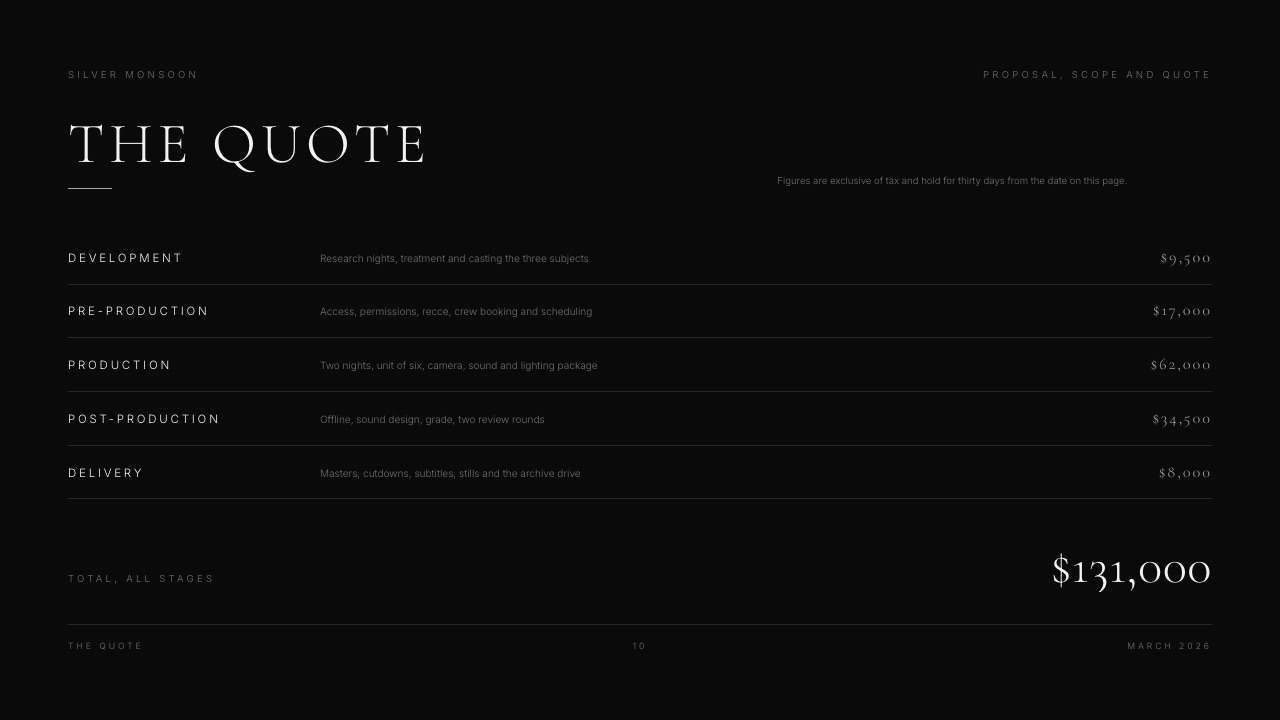
Skip PowerPoint if you present from a Mac, send PDFs, and nobody edits your files; you would be paying $99.99 a year for compatibility with an ecosystem you do not use. PowerPoint vs Google Slides covers the other common PowerPoint question.
Motion: Magic Move vs Morph
Keynote has the more refined motion system and PowerPoint has the motion system that survives being sent, and that distinction matters more than any difference in easing, because a transition that turns into a cut on the client's machine is worse than no transition at all.
Magic Move matches objects between two slides and animates the difference. It is Keynote's signature and the reason many designers stay on Keynote.
Morph does the same job in PowerPoint.
Microsoft's Morph article says it works on text, shapes, pictures, SmartArt and WordArt but not charts, needs two slides that share at least one object, and can be created in Microsoft 365, PowerPoint 2019 and 2021 and PowerPoint for the web, while PowerPoint 2016 can play it but not create it.
On the web, subscribers get Morph for files stored in OneDrive for work or school or SharePoint.
What crosses the gap. Apple's export guide does not say how Magic Move or Keynote-only builds map into a PowerPoint file. Plan for Keynote-only effects to change, open the export in PowerPoint, and rebuild the transitions that matter as Morph.
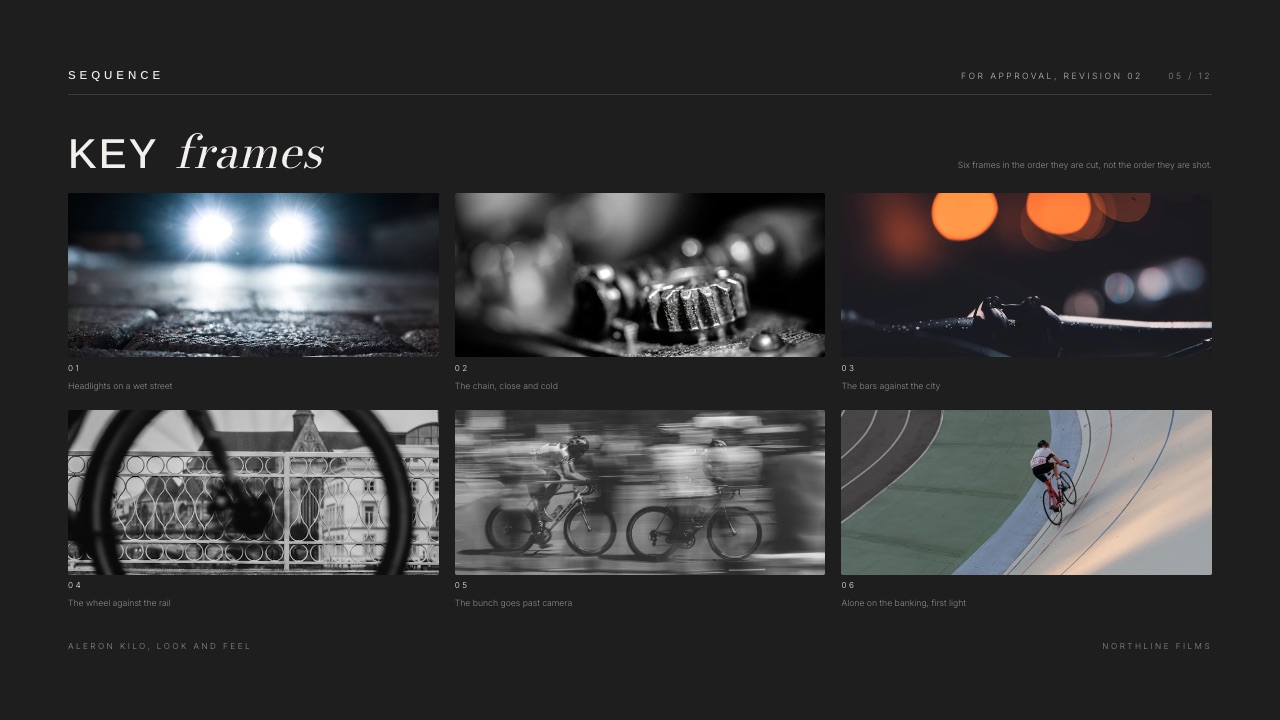
In one lineif motion is part of the pitch and you present from your own Mac, use Keynote; if someone else will present the file from PowerPoint, build the motion in PowerPoint from the start.
Handover: What Leaves the Mac Intact
Handover is the round PowerPoint wins decisively, because everything Keynote does better in the first rounds stops mattering the moment the editable file leaves your machine and has to open correctly on someone else's.
Keynote's PowerPoint export. Apple's guide is short: choose File, then Export To, then PowerPoint, and Keynote writes a .pptx, or a .ppt for PowerPoint 1997 to 2003 under Advanced Options.
A password on the original carries over. The guide does not describe font embedding, so a licensed typeface the recipient lacks will be substituted on their machine.
The exports Keynote does well. PDF with presenter notes and skipped slides if you tick them, images, animated GIF, movie, and HTML, where Apple says animations and builds are exported with the presentation.
For a deck that only needs to be read or watched, a PDF or a movie is the faithful handover.
Going the other way. Keynote opens PowerPoint files, which is useful when a client sends their master. Expect Morph and SmartArt to need checking once inside Keynote.
Run it on your last ten decks. Count how many left your hands as an editable file rather than a PDF, a movie or a live presentation. If it is none or one, Keynote is free and better for you.
If it is five or more, you have been paying for PowerPoint in rebuild time rather than in dollars, and $99.99 a year is the cheaper of the two costs.
Presenting Live: Notes, Rehearsal and Co-Presenters
Presenting is closer than most comparisons suggest, and it splits by situation: Keynote is better when several people present one deck together over a call, and PowerPoint is better when one person is preparing alone and wants feedback on delivery.
Keynote. Multi-presenter slideshows for joint pitches, a rehearse mode, and, during a video call, presenter notes and controls kept in a separate window on your Mac, according to Apple's Keynote support page.
Present from iCloud.com in a browser if you are on someone else's machine.
PowerPoint. Presenter view with notes, a timer and the next slide on your screen while the audience sees the slide, plus Speaker Coach on the web for rehearsal reports on pacing, filler words, inclusive language and slide-reading.

In one linepick Keynote when the pitch has three voices and PowerPoint when it has one voice that wants coaching; both handle notes and a second screen competently.
Apple Creator Studio and Copilot: The AI Layer
Both Apple and Microsoft now sell an AI layer on top of their presentation apps, and the useful difference is that Apple keeps Keynote itself free and sells the extras separately, while Microsoft folds its AI into the Microsoft 365 subscription that also pays for PowerPoint.
Apple Creator Studio. $12.99 a month or $129 a year in the US, with a free month for new subscribers and $2.99 a month or $29.99 a year for college students and educators.
Apple says a subscription unlocks premium templates and themes in Keynote, a Content Hub of curated photos, graphics and illustrations, image creation and editing with OpenAI models, and, in beta, a first draft generated from a text outline, presenter notes created from existing slides, and slide layout clean-up.
Some features need iOS 26, iPadOS 26 or macOS Tahoe, and some an Apple Intelligence-capable device.
Microsoft 365. Microsoft's plan comparison lists Copilot features on Personal and Family at higher-than-free usage limits, including Copilot chat, image creation and visual assistance, with the AI available to the subscription owner only on Family.
Microsoft 365 Premium, at $199.99 a year for up to six people, lists extensive usage.
In one linea Keynote user who wants AI drafting pays $129 a year on top of a free app, and a PowerPoint user gets Copilot inside the $99.99 they already pay, so the AI layer roughly equalises what the two cost for an AI-curious person.
What a Year Costs at Three Levels of Use
Neither software bill is large, and for most people the deciding cost is not in the subscription column but in rebuild time at handover, so here is a year priced at three realistic levels with that second cost written down beside it.
| Level of use | Keynote | PowerPoint | Hidden cost to weigh |
|---|---|---|---|
| One person on a Mac, presents and sends PDFs | $0 | $0 on the web, or $99.99 on Personal | None for Keynote; PowerPoint buys nothing you use |
| One person, clients edit the files | $0 | $99.99 on Personal, or $179.99 once for Office Home 2024 | Keynote: a check and repair pass on every export |
| One person who wants AI drafting | $129 for Apple Creator Studio | $99.99 on Personal, Copilot included at higher-than-free limits | Creator Studio AI features are partly in beta |
| A household of up to six, mixed Mac and Windows | $0, Windows users in the browser | $129.99 on Family | Keynote's Windows users never get the full app |
Over three years for one person, Microsoft 365 Personal is $299.97, Office Home 2024 stays at $179.99 if you keep the same computer, and Keynote is $0, or $387 with Apple Creator Studio on yearly billing.
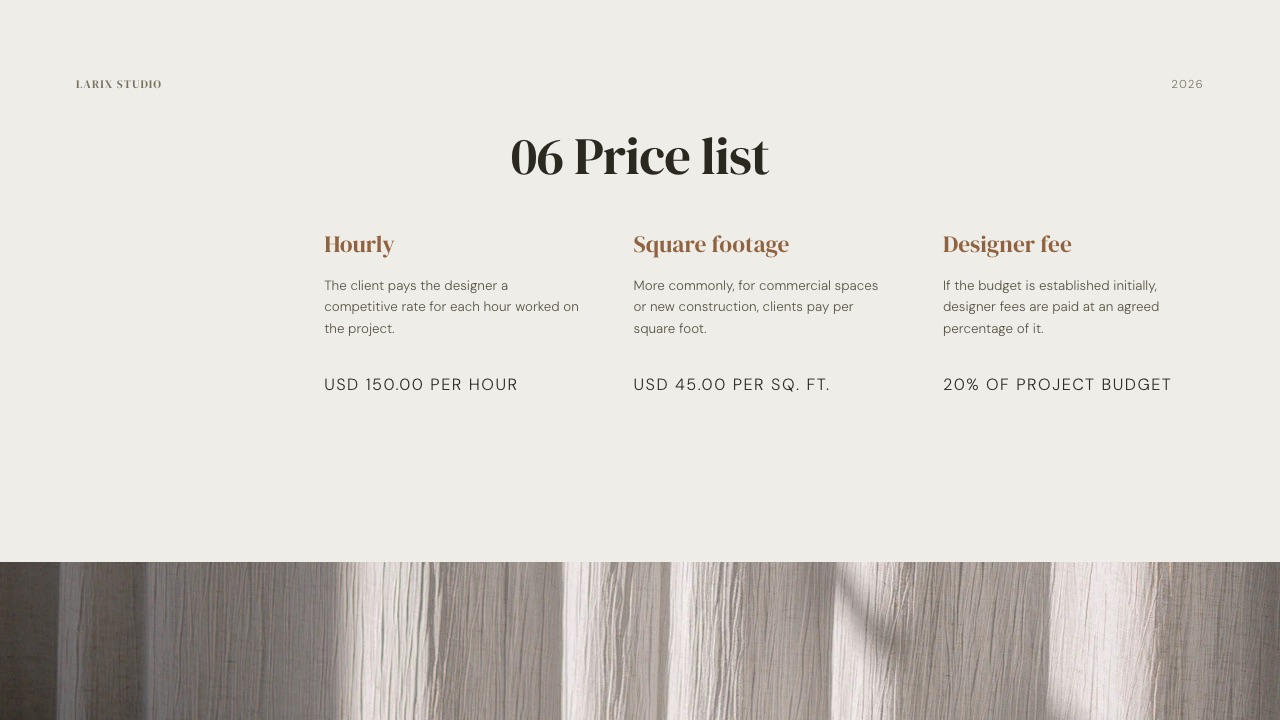
A note for companies. Microsoft 365 Family is a household plan. A company licensing PowerPoint for staff would normally price Microsoft 365 Business plans, which sit on a separate Microsoft page that refused our automated read; check those directly.
Limits and Specs Side by Side
Most Keynote vs PowerPoint decisions are settled by a limit you meet in the second month rather than a feature you see on day one, so this table puts the published limits, exports and platform rules next to each other.
| Limit or feature | Keynote | PowerPoint |
|---|---|---|
| Platforms | Mac, iPad, iPhone; any browser via iCloud.com | Windows, Mac, iOS, Android, web |
| Free version | The full apps on Apple devices; Keynote for iCloud | PowerPoint for the web |
| Account needed to collaborate | Free Apple Account | Microsoft account; files in OneDrive or SharePoint |
| Export to the other format | .pptx or .ppt | Native .pptx |
| Font embedding | No option in the export guide | Yes, Windows and Mac, licence permitting |
| PDF with speaker notes | Yes, optional | Yes, via notes pages |
| Movie and animated GIF export | Yes | Video export |
| HTML export with builds | Yes | No |
| Object-matched motion | Magic Move | Morph; charts do not morph |
| Joint presenting | Multi-presenter slideshow | Not documented |
| Rehearsal | Rehearse mode | Speaker Coach with report |
| Paid AI | Apple Creator Studio, $129 a year | Copilot inside Microsoft 365 |
One row needs a caveat: "Not documented" for PowerPoint joint presenting means only that Microsoft's pages we read did not describe a multi-presenter mode; PowerPoint decks can be co-authored and presented by anyone with access.
What Happens When Things Go Sideways
The edge cases are where Keynote and PowerPoint behave most differently, so here is what each does in six situations that come up on real projects, using what Apple and Microsoft document rather than assumption.
The client asks for the editable file. From Keynote, export a .pptx, open it in PowerPoint and check fonts and transitions slide by slide before sending. From PowerPoint, embed the fonts and send the file.
A collaborator is on Windows. Keynote puts them in a browser at iCloud.com with a free Apple Account. PowerPoint gives them the full app.
Your brand font is licensed and the client lacks it. PowerPoint embeds it if the licence allows. Keynote's export does not, so the client sees a substitute.
Three people pitch together over a call. Keynote's multi-presenter slideshow lets the host share control. In PowerPoint, one person drives and the others call for slides.
You want AI to draft the first version. Apple Creator Studio's outline-to-draft feature is in beta at $129 a year; Copilot comes with Microsoft 365 Personal at $99.99.
Your Microsoft 365 subscription ends. Keep a PDF and the .pptx of anything you need; PowerPoint for the web is free with a Microsoft account. Keynote never asks for a subscription.
Framekit: A Third Option for Treatments and Lookbooks

Framekit is not an alternative to Keynote or PowerPoint for presenting, because it has no presenter view with speaker notes on a second screen and no editable PowerPoint export, but it is the better fit for a treatment, lookbook or portfolio deck one person builds and sends as a link beside a portfolio site.
Framekit is an AI website builder that also runs Slides, client galleries, video review and a digital-download store on one account, so the treatment, the reel site it points to and the gallery that later delivers the job share one login.
That is the reason a Keynote user who mainly sends treatments and lookbooks might look at it: the deck stops being a .key file on one Mac and becomes a link that opens the same in any browser.
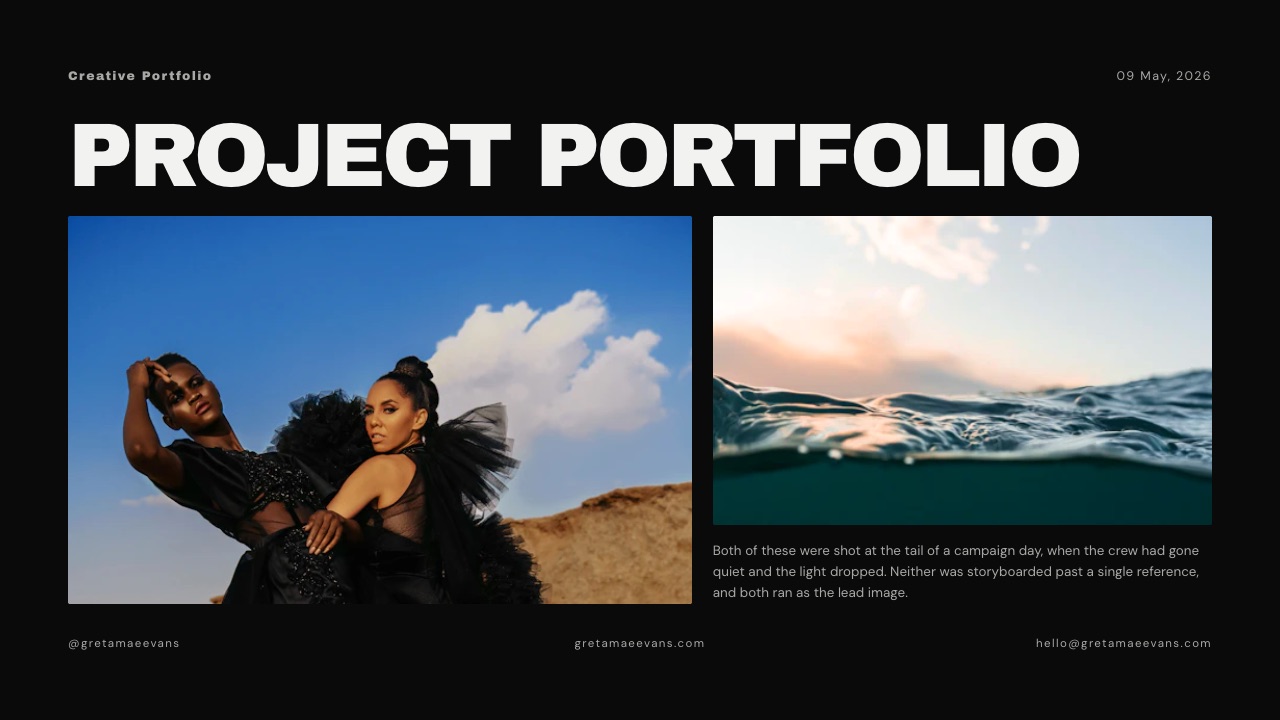
Templates start from creative documents - a night-shoot film treatment, a director's treatment for a commercial, a product designer portfolio, a photography portfolio book - and ready-made elements cover shot lists, storyboard rows, moodboards, look cards, swatches and type specimens.
A YouTube, Vimeo or Instagram link plays on the slide.
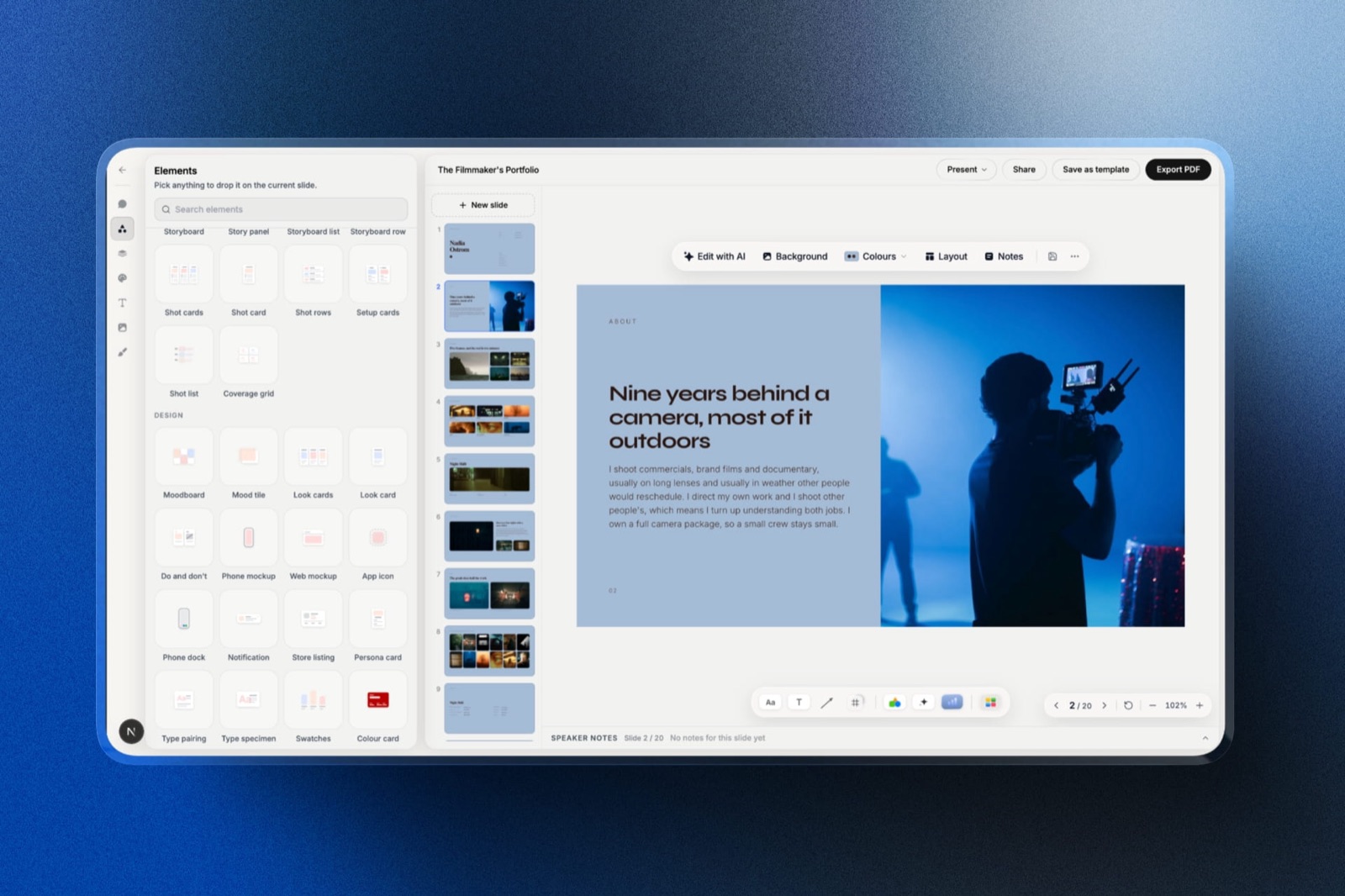
How its AI builds a deck. Describe the deck and Framekit's AI asks up to three short questions - roughly how many slides, what should happen after someone sees it, and whether it will be presented or read alone - then chooses a design style, offers colour themes and asks you to paste real facts such as a logline, credits or a schedule.
It proposes a titled outline, waits for your OK, and builds the slides a few per turn with speaker notes, marking anything you did not supply as a placeholder instead of making it up.
Every plan, Free included, has a monthly AI allowance that this draws on; decks are unlimited and hand edits spend nothing.

Where it loses to both. No presenter view with speaker notes on a second screen: you present full screen from the browser, so Keynote and PowerPoint are better for any talk with a presenter.
No offline app; download the PDF before you travel.
PowerPoint export starts on Pro and arrives as pictures, one full-bleed image per slide with speaker notes kept, so the text is not editable; there is no Keynote export and no PowerPoint import.
No live co-editing or comments, and decks belong to the person who made them: team members on Pro or Business are website admins and cannot open decks. A deck caps at 40 slides.
Share links carry no password and show a total view count rather than per-viewer data.
What it costs. Free makes unlimited decks with PDF export and a link wearing a Made with Framekit badge; templates, custom fonts and badge removal start on Starter at $9 a month or $84 a year billed yearly; PowerPoint export on Pro.

Verdict: for talks, boardroom decks and anything a client edits, choose between Keynote and PowerPoint and ignore Framekit. For a treatment or lookbook that one person builds and sends as a link next to a portfolio site, Framekit Slides is the better fit. Directors should also read the best film treatment software and the best presentation tools for filmmakers.
The Work Around the Deck
For filmmakers, photographers and designers, the deck is usually the first step of a job rather than the whole of it, and that is where the choice of presentation app matters less than where the rest of the job lives once the pitch is won.
A director sends a treatment, wins the commercial, uploads cuts for client notes, gets approval and delivers the files. Keynote and PowerPoint cover the first step on one machine.
The rest - a portfolio site the treatment links to, a review link where the client comments on the cut at the exact frame, a gallery that delivers stills - is a different set of tools.
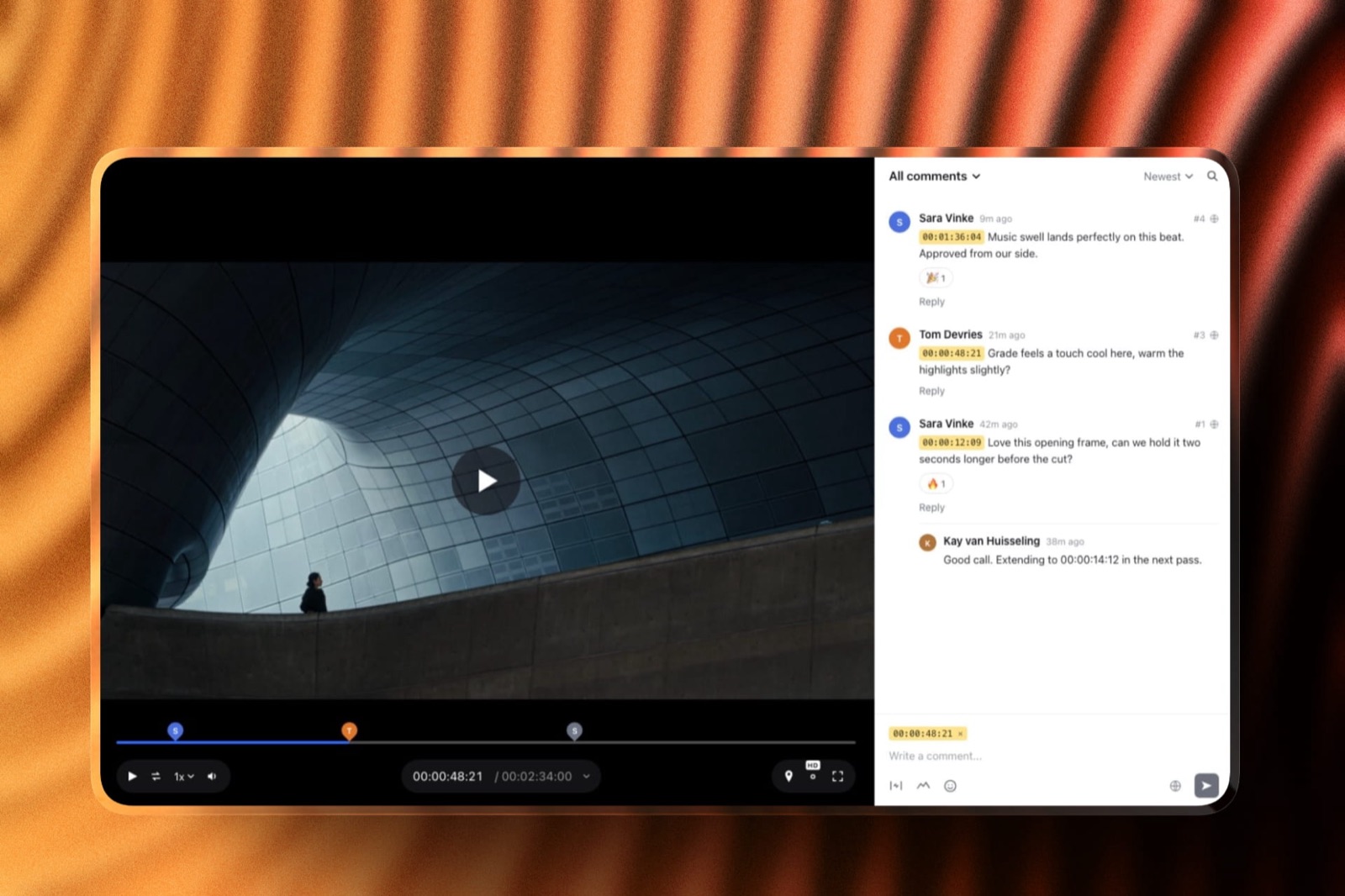
Framekit keeps those on one account and one storage pool, from 10GB on Free to 2TB on Business, which is why a creative who presents in Keynote may still send the treatment from Framekit.
If review is the step you are pricing, Framekit vs Frame.io covers it.
Switching Between Keynote and PowerPoint: A Checklist
Moving decks between Keynote and PowerPoint goes through a .pptx in both directions, so the work is mostly checking fonts, motion and charts, and doing these steps in order saves the clean-up that otherwise eats an evening before a pitch.
| Step | Keynote to PowerPoint | PowerPoint to Keynote | Why |
|---|---|---|---|
| 1. Archive | Export a PDF of each deck you keep | Save a PDF and the .pptx | The archive outlives either app |
| 2. Fonts | Install brand fonts on the PowerPoint machine, then embed them in the file | Install the fonts on your Mac | Fonts are what break first |
| 3. Convert | File, Export To, PowerPoint | Open the .pptx in Keynote | Each app reads the other's handover format |
| 4. Motion | Rebuild Magic Move as Morph | Rebuild Morph as Magic Move | Object-matched motion does not map reliably |
| 5. Builds and charts | Check every build; rebuild key charts as Excel charts | Check SmartArt and charts | These are the slides that change most |
| 6. Notes | Confirm speaker notes came across | Same | Presenters rely on them |
| 7. Present once | Run the whole deck on the machine it will be presented from | Same | The only test that counts |
If the destination is Framekit instead, nothing imports: rebuild only the treatments and lookbooks you send often, from the closest template.
Which Should You Choose? A Decision Tree
The choice is decided almost entirely by what happens to the file after you finish it, so work down these questions in order and stop at the first yes, because everything after that line matters less than it seems.
1. Does the editable file leave your hands? Yes: PowerPoint, with fonts embedded. No: go to question 2.
2. Does anyone who edits your decks work on Windows and need the full app? Yes: PowerPoint. No: go to question 3.
3. Do you present live from a Mac and send a PDF afterwards? Yes: Keynote, free, and nothing is lost. No: go to question 4.
4. Do several people present the same deck together over a call? Yes: Keynote, for the multi-presenter slideshow. No: go to question 5.
5. Are you preparing a talk alone and want feedback on delivery? Yes: PowerPoint, for Speaker Coach. No: go to question 6.
6. Is a quarter or more of the deck charts a client will check? Yes: PowerPoint, for Excel-backed charts. No: go to question 7.
7. Is the deck a treatment, lookbook or portfolio deck you build alone and send as a link? Yes: look at Framekit Slides, accepting no presenter view with notes and picture-based PowerPoint export. No: Keynote if you are on a Mac, PowerPoint if you are not.
Frequently Asked Questions
Is Keynote better than PowerPoint?
Keynote is better than PowerPoint for design defaults, motion and price, since it is free on every Apple device and in a browser at iCloud.com.
PowerPoint is better for handover, font embedding, Windows support and charts, because .pptx is the format client organisations open and edit. Choose Keynote if you present and send PDFs; choose PowerPoint if the file leaves your hands.
Is Keynote still free in 2026?
Yes. Apple's January 2026 announcement of Apple Creator Studio says Keynote, Pages, Numbers and Freeform will remain free for all users to create, edit and collaborate.
Creator Studio, at $12.99 a month or $129 a year, is an optional subscription that adds premium templates and themes, a content library and AI features, some still in beta.
Can Windows users open Keynote files?
Windows users cannot install Keynote, but anyone with a free Apple Account can create, edit, present and collaborate on Keynote presentations in a web browser on a Windows computer through Keynote for iCloud, according to Apple's support page.
For a Windows colleague who needs the full app, export a PowerPoint file instead.
Does Keynote export to PowerPoint cleanly?
Keynote exports .pptx files, and older .ppt files under Advanced Options, but Apple's guide does not describe how Magic Move or Keynote-only builds map into PowerPoint and lists no font-embedding option.
Open the export in PowerPoint, check fonts and transitions on every slide, and rebuild the motion that matters as Morph before sending.
Is PowerPoint worth paying for if Keynote is free?
PowerPoint is worth $99.99 a year on Microsoft 365 Personal if your editable decks are handed to other people, because font embedding and the native .pptx format remove a repair pass Keynote forces on every export, and Copilot comes included.
If you present from a Mac and share PDFs, Keynote is free and looks better.
Which has better animations, Keynote or PowerPoint?
Keynote has the more refined motion, with Magic Move as its signature.
PowerPoint's Morph does the same object-matching job on text, shapes, pictures, SmartArt and WordArt, though not charts, and it is the version that still works when someone else presents your file in PowerPoint.
Build motion in the app the deck will be presented from.
Does Keynote have a presenter view and notes?
Yes. Keynote shows presenter notes during a slideshow and, according to Apple's support page, can keep notes and controls in a separate window on your Mac during a video call. It also offers a rehearse mode and multi-presenter slideshows.
PowerPoint has a presenter view with notes and a timer, and Speaker Coach on the web gives rehearsal feedback.
Can several people present one Keynote deck?
Yes.
Keynote's multi-presenter slideshow lets a team run one shared presentation online: the host controls the show, chooses full screen or a window and edits notes, while co-presenters move slides forward or back when the host shares control.
PowerPoint has no documented equivalent on the pages we read.
What does Apple Creator Studio add to Keynote?
Apple Creator Studio adds premium Keynote templates and themes, a Content Hub of curated photos, graphics and illustrations, image creation with OpenAI models, and beta AI features that draft a presentation from a text outline, write presenter notes from existing slides and clean up layout.
It costs $12.99 a month or $129 a year in the US.
Is PowerPoint free anywhere?
Yes. PowerPoint for the web is free with a Microsoft account, and Speaker Coach runs there. The desktop app comes with Microsoft 365 Personal at $99.99 a year, Family at $129.99 for up to six people, or as Office Home 2024 at $179.99 once for one PC or Mac.
Do Keynote fonts break when I send a deck?
They can. Apple's export guide lists no font-embedding option for PowerPoint files, so a licensed typeface the recipient has not installed will be substituted.
Send a PDF, outline headline type as an image, or build in PowerPoint, which embeds fonts on Windows and Mac where the licence allows.
Keynote vs PowerPoint for a film treatment: which is better?
Keynote is better than PowerPoint for a film treatment you present or export as a PDF, because image layout and type are its strengths. PowerPoint is better only if a producer must edit the file.
Framekit Slides is the creative specialist for treatments sent as a link, with treatment templates and video that plays on the slide, but it has no presenter view with notes and no password on links.
Should a design studio use Keynote or PowerPoint?
A design studio presenting from Macs should use Keynote for its typography and motion and deliver PDFs so nothing breaks.
A studio whose decks are edited by clients should use PowerPoint and embed its fonts, because a Keynote export loses exactly the craft the studio is judged on.
Final Verdict
Keynote is the better application and PowerPoint is the better choice for most professionals who hand files over, which is an unsatisfying conclusion that the documentation keeps producing.
Keynote's motion, type defaults and price are genuinely superior, Apple has committed to keeping it free, and every one of those advantages is at risk the moment the editable file leaves your Mac.
PowerPoint's $99.99 a year buys a format nobody questions, fonts that travel and Copilot on top.
The trade-off in one sentence: Keynote's free price is paid in repair time at handover, which is a fine deal if handover never happens and a poor one if it happens monthly.
Where Framekit fits, and where it loses: Framekit Slides is the better fit only for treatments, lookbooks, portfolio and creative pitch decks that one person builds and sends as a link beside a portfolio site and client deliveries.
It has no presenter view with notes on a second screen, no offline app, no editable PowerPoint export and no shared deck editing, so it is not for talks or client-edited decks.
Keep reading: the best presentation software for Mac, Canva vs PowerPoint, Prezi vs PowerPoint and the best PowerPoint alternatives.