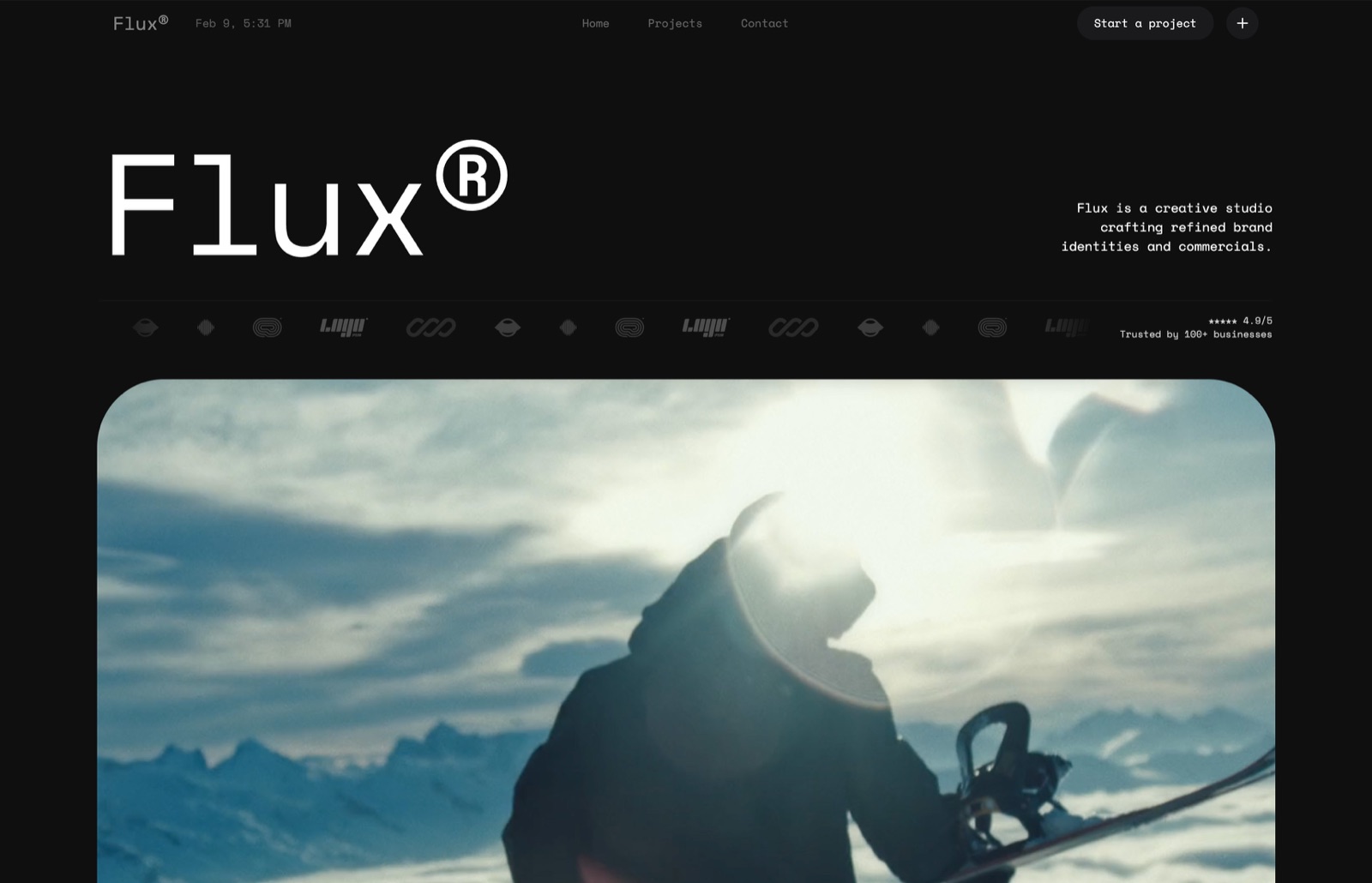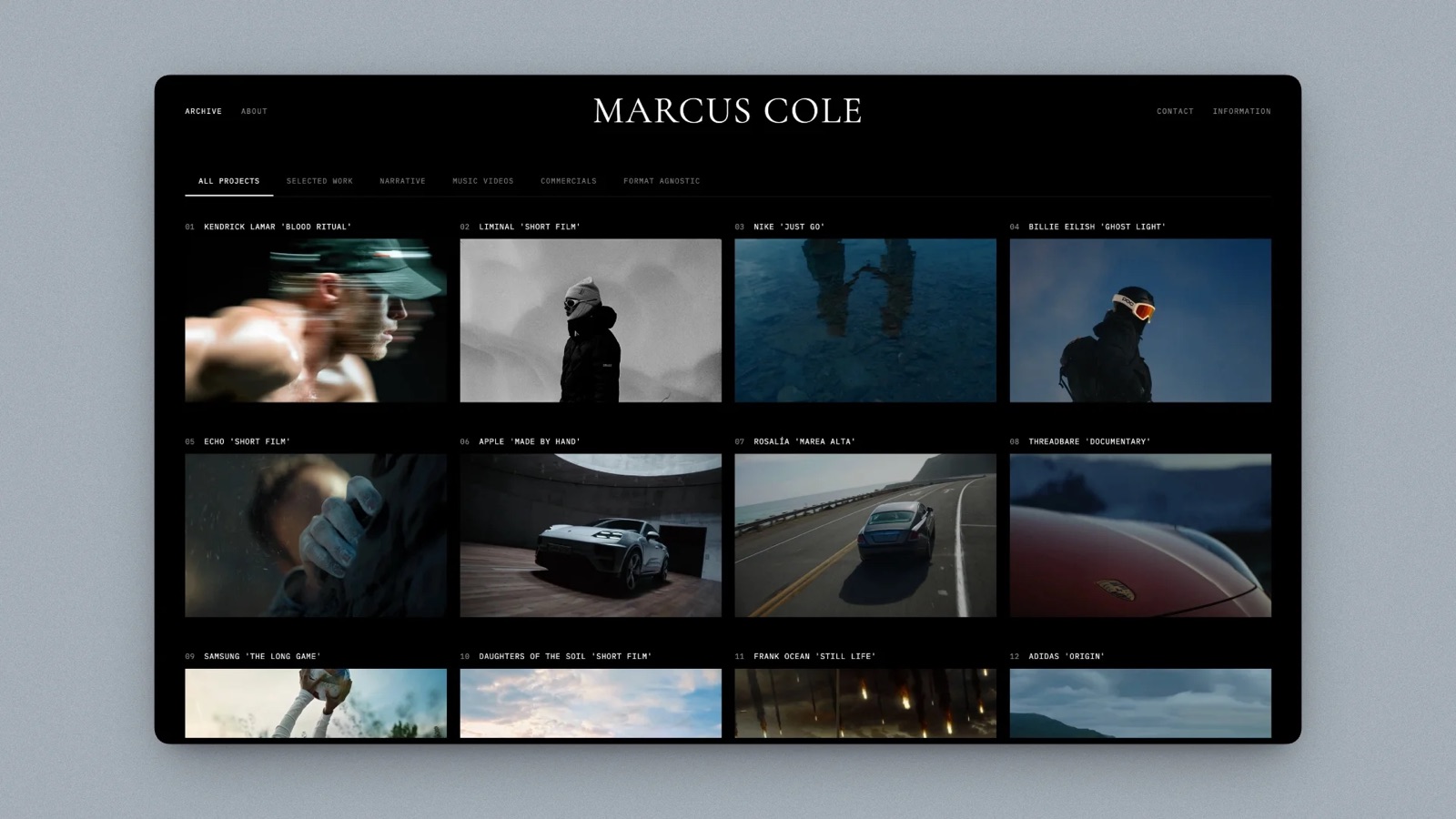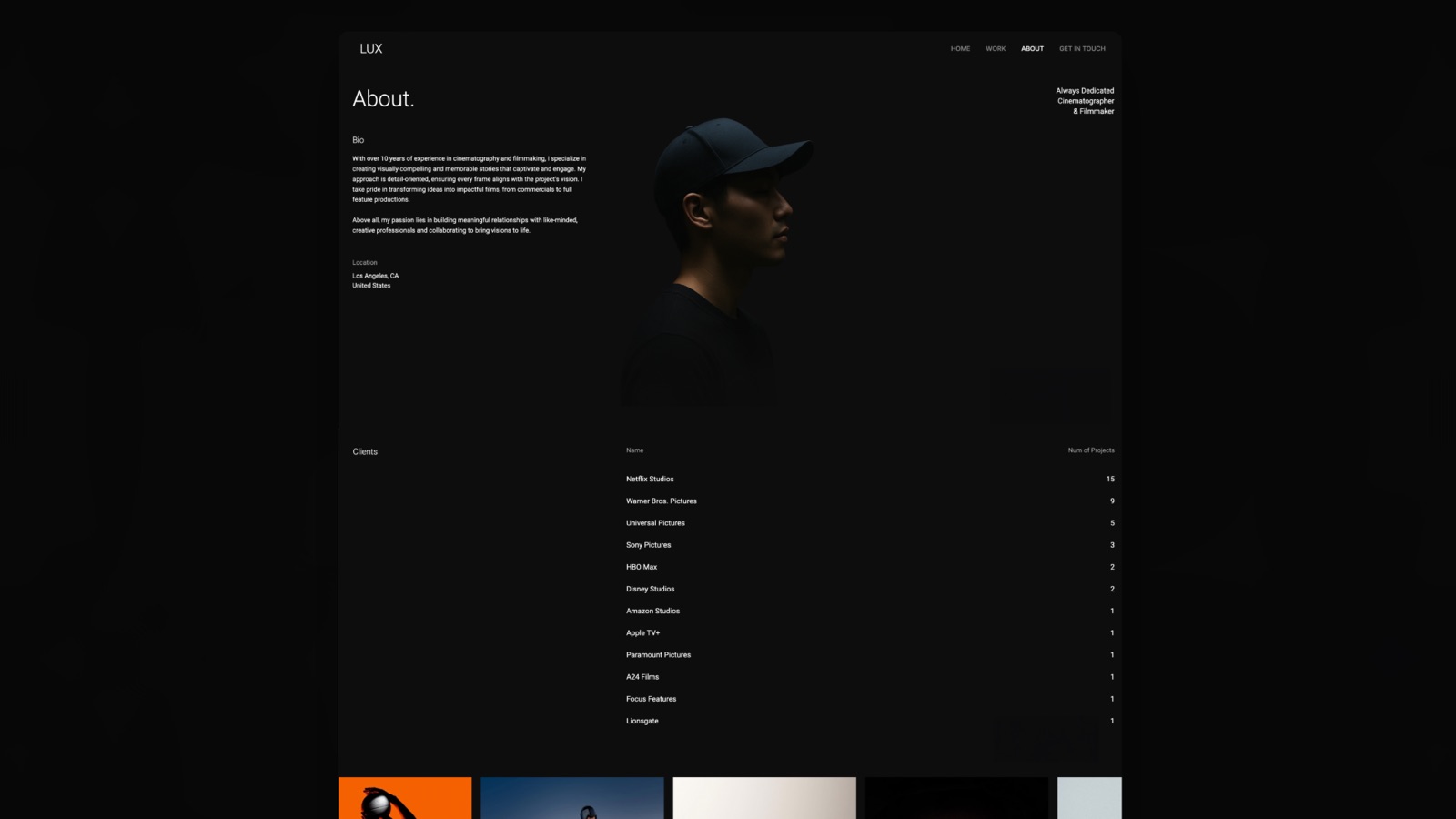
Framekit templates
Start from a designer-made template
 Use template
 Use template
 Use template
 Use template
 Use template
 Use template
 Use template
 Use template
Pitch got a lot right, and the thing it got most right was treating a deck as something that gets sent rather than something that gets presented.
Advanced links, slide-level analytics, a workspace where four people can edit at once, templates that make a startup look like a company. If you have ever wondered whether the investor actually opened it, you know why that mattered.
The reason people go looking for Pitch alternatives is rarely the product. It is the bill and the tier map.
Pitch is priced per seat, and the features most teams signed up for sit above the entry plan: PowerPoint export starts on Plus, and advanced links, where the analytics live, start on Team at EUR 15 a seat a month billed yearly.
A four-person team on Team pays EUR 720 a year before anyone has designed a slide.
A Pitch alternative is a presentation tool that replaces some or all of what Pitch does for a team: collaborative editing, shared templates and brand controls, and link-based sharing with some record of who read the deck.
The best Pitch alternative in 2026 is Canva, because it matches Pitch on collaborative editing and brand controls and beats it on template depth, at a regional per-person price you should check for your country; the trade-off is analytics, since Canva reports nothing per recipient.
Google Slides is the free answer, Figma Slides the cheapest real co-editing at $3 a Collab seat, and Gamma the closest match to Pitch's shared workspace at a lower price, with full analytics only on its Pro plan.
Framekit Slides ranks fifth: the pick for a one-designer creative studio that wants design-led decks free, with no co-editing and no per-viewer analytics.
Full disclosure: Framekit is our own product, and this update moves it from fourth to fifth. The earlier placement assumed Framekit's Business plan put a four-person team on one deck workspace; it does not, because Framekit's team members are website admins and each deck belongs to the account that made it. Gamma, which gives a team one shared workspace, now sits above it, and we would rather move our own product down than keep a rank built on a wrong fact.
Pitch's own pricing page, plus Figma, Beautiful.ai, Storydoc, Slidebean, Google Workspace and Microsoft 365, were re-verified on 12 October 2026; Canva's and Gamma's pricing pages refused an automated read, so their figures are labelled rather than repeated from memory.
On the same day we re-read Beautiful.ai's page, which lists Pro's viewer analytics in one place and not another, and Gamma's help centre, which keeps full analytics on Pro, and corrected the analytics claims below to match.
How This Pitch Alternatives Ranking Was Put Together
This ranking judges nine alternatives against what a Pitch team actually uses, at the headcount where Pitch's pricing starts to hurt, and it rests on vendor pricing and product pages rather than on rebuilds and test sends we could not substantiate.
The carried scenario. A four-person startup where two people design slides, one edits copy and one only sends the finished deck, building a twenty-slide company overview with a logo used on nine slides, two charts, a team grid, product screenshots and a closing ask.
The weights. Collaboration at four people 30 percent, cost for four people a year 25 percent, design and templates 20 percent, export fidelity 15 percent, analytics 10 percent.
Analytics is weighted lowest deliberately, even though it is Pitch's signature feature, because in a four-person team usually one person looks at it. If your sales process runs on that data, raise its weight and Storydoc and Gamma move up.
What changed in this version. Earlier versions described eight hands-on rebuilds, four-person co-editing sessions and test sends; we could not substantiate those, so the measured counts have been removed.
Every price now comes from a vendor page read in October 2026 or is labelled, and Framekit is described from what it ships, with no hands-on test claimed.
What Pitch Actually Charges in 2026
Before choosing an alternative it is worth knowing exactly what you are leaving, because Pitch's tier map, not its headline price, is what sends most teams looking.
| Pitch plan | Price, paying yearly | Seats | What it adds |
|---|---|---|---|
| Free | EUR 0 | Individuals | 100 AI credits that do not renew, 2 external guests, images up to 5 MB, 10 GB total storage |
| Plus | EUR 10 a month | 1 | 500 AI credits a month, 5 external guests, PowerPoint export, custom fonts |
| Team | EUR 15 a seat a month | 1 to 25 | 25 advanced links tracking visits, slide views and time per slide, 3 teamspaces, 25 external guests |
| Business | EUR 20 a seat a month | 1 to 200 | Unlimited advanced links and teamspaces, unlimited guests, 750 AI credits a month |
In one lineThe jump that sends teams away is Plus to Team, because the analytics people bought Pitch for start at EUR 15 a seat, which is EUR 720 a year for four people and EUR 1,440 for eight.
Those figures come from Pitch's pricing page, which states that each plan's price depends on the number of seats and that yearly billing saves 17 percent.
The page served euro prices to our October check; Pitch shows regional pricing, so a browser in the United States may see dollars, and the euro figures here should be read as approximate in other currencies.
Pitch Alternatives Compared
The comparison table below is ordered by this guide's ranking, and the column that decides most switches is the first one, because a Pitch team that loses co-editing usually comes back within a quarter.
| Tool | Co-editing for a team | Cost for 4 people a year | Shared components or brand control | Per-recipient analytics |
|---|---|---|---|---|
| Pitch (Team), for reference | Yes | EUR 720 | Yes | Yes, 25 advanced links |
| Canva | Yes | Regional, page refused our read | Brand kit | No |
| Google Slides | Yes | $0, or EUR 326.40 on Workspace Starter | No | No |
| Figma Slides | Yes | $144 on Collab seats | Yes, components | No |
| Gamma | Team workspace, billed per member | About $432 (August reading) | Themes | Limited on Plus, full on Pro |
| Framekit Slides | No, decks belong to one account | $0 to $336, one account each | Deck-wide theme only | No, a total view count |
| Beautiful.ai | Yes, on Team | $1,920 on Team, per its FAQ | Yes, locked slides and central library | Yes on Team; Pro listed both ways |
| PowerPoint | Co-authoring via OneDrive | $399.96 on four Personal plans | Slide masters | No |
| Storydoc | Teams plan by quote | $950.40 on four Starter plans | Templates | Yes |
| Slidebean | Limited | $84 per account | No | Yes, view tracking |
In one lineThree alternatives match Pitch's co-editing for less money, Google Slides, Figma Slides and Gamma, and Gamma sits above Framekit on that shared workspace rather than on tracking, because its help centre keeps full analytics on Pro and gives Plus limited or none.
Framekit's visible weak mark is collaboration, where it scores lowest of the nine: no live co-editing, no comments, and no shared deck workspace on any plan.
Its strong mark is design and templates, where its creative templates and full-bleed layouts are the closest thing here to what made Pitch decks look designed.
1. Canva: The Best Pitch Alternative Overall
Canva is the best all-round Pitch alternative because it does the two things Pitch teams depend on most, collaborative editing and brand control, and adds the deepest template library in this list.
Best forteams whose decks need to look designed and who are leaving Pitch over the tier map rather than the analytics.
The brand kit holds fonts, colours and logos for the whole team, so the person who only edits copy cannot introduce a fifth blue, and the shared folders give four people one source of truth rather than four exports named final-v3.
The real numberCanva's pricing page refused our automated read on 12 October 2026, and Canva prices by region and team size, so no per-person figure is quoted. Price the team plan for four in your country before you cancel Pitch; for some regions it costs more than Pitch Team, for others less.
The standout detailtemplate depth. Pitch's templates are well designed and few; Canva's are many and uneven, and for a twenty-slide company overview the odds of a strong starting point are simply higher.
The gotchaanalytics are not a strength. If you moved to Pitch to know which investor read the traction slide twice, Canva is a step backwards and you should read the Gamma, Beautiful.ai and Storydoc entries.
Skip it ifper-recipient data drives your follow-up sequence.
Verdict: the best all-round replacement for design and brand control, not necessarily for cost. Pitch against Canva is the head-to-head if those are your finalists.
2. Google Slides: Best Free Pitch Alternative
Google Slides is the best free Pitch alternative because four people co-editing in it works about as well as four people co-editing in Pitch, which is the fact that quietly undermines a lot of this category's pricing.
Best forteams whose decks are internal, frequent and disposable.
Google's Slides product page describes several people editing the same slide at the same time, comments, offline editing and PowerPoint import, with anyone who has a Google Account able to create.
The real numberzero with a Google Account.
Google's Workspace pricing served euro figures to our October check: Business Starter at EUR 6.80 per user a month on an annual commitment, EUR 326.40 a year for four, buying a company domain and admin rather than deck features.
The standout detailthe handover, an editable file without a conversion step.
The gotchathere is no shared component. Changing the logo means changing it on nine slides or building a template and hoping people use it, which for a brand-conscious startup is the biggest downgrade from Pitch.
Skip it ifyour decks are external-facing and brand consistency matters more than budget.
Verdict: the honest free answer, and better than most people expect at collaboration. You give up components and analytics and save the entire subscription. Google Slides alternatives covers the reverse move.
3. Figma Slides: Best Value for Design Teams
Figma Slides has real components, which puts it in a short list with Pitch for propagating a change across every slide, and at $3 a Collab seat it is the cheapest real co-editing in this comparison.
Best forstartups where the design lead already pays for Figma.
Because the components are Figma components, they can come from the same library the product uses, so the deck and the app stop drifting apart, and a live prototype can sit in a slide and be clicked through while presenting.
The real numberFigma's pricing page lists a Collab seat at $3 a month on Professional with full access to Figma Slides, FigJam and Figma Buzz, and a Full seat at $16.
Four Collab seats are $144 a year; one Full seat for the designer plus three Collab seats is $300.
The standout detaillive polls, alignment scales and voting inside slides, which no other tool here offers in the deck itself.
The gotchaa PowerPoint export flattens components into static groups and turns prototypes into screenshots. Figma Slides is for presenting from Figma, not for handing someone a file.
Skip it ifinvestors or partners routinely ask for the editable file.
Verdict: the best value on this page for teams that already have Figma, and the most underpriced seat in the comparison. Figma Slides alternatives covers the exit if the export bites.
4. Gamma: Best for Fast Drafts in a Shared Workspace
Gamma is the closest thing here to Pitch's actual value proposition for a startup, a good-looking deck without a designer, shared as a link from a workspace the team shares, for a team that pays per member at a lower rate than Pitch Team, though the analytics that would complete the match sit on its Pro plan.
Best forteams that need decks constantly, have no designer, and can wait for read data until they move to Pro.
It generates a whole deck from one prompt, faster than any other tool here, and a paid workspace is billed per member, so the whole team works in the same place.
The real numberGamma bills per member on every paid plan, according to its help centre, and new free users receive 400 credits at signup.
Its pricing page refused our automated read in October 2026, so the figure here is the August reading of about $108 a year per person on Plus, about $432 for four, against Pitch Team's EUR 720.
The standout detailone prompt to a whole deck inside a workspace four people share.
Read data is thinner than it looks: Gamma's analytics help article says full analytics need Pro or higher and that Plus has limited or no access, so the Plus price above buys the workspace, not the tracking.
The gotchacard layouts do not map cleanly onto slide geometry, so a PowerPoint export needs repair. If the deck ends up in a data room as a file, budget the cleanup.
Skip it ifthe finished deck has to be a portable, editable file.
Verdict: the closest match to Pitch's shared workspace at a lower price, with the export and the Pro-only analytics as the costs. Gamma alternatives covers what to do if credits become the constraint.
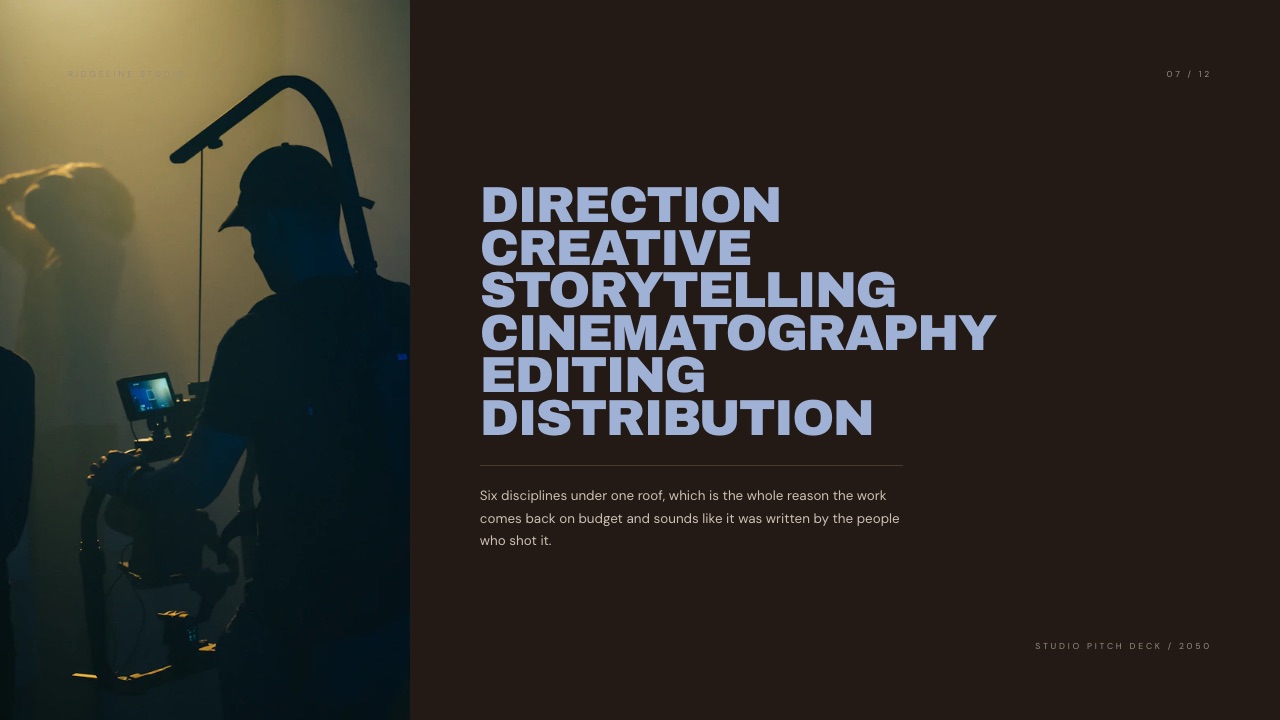
5. Framekit Slides: Best Pitch Alternative for a One-Designer Creative Studio

Framekit is an AI website builder whose Slides tool makes a company overview look like a studio made it, and for a Pitch user who builds every deck alone and left Pitch over the tier map, it covers the design side of Pitch for free and the team side not at all.
Best fordesign, film and photo studios whose decks are part of the pitch, with one person building them and nobody living in an analytics dashboard.
It ranks fifth because the two things Pitch teams pay for, live co-editing and per-recipient link analytics, are two things Framekit does not do. Two people cannot work on one deck, and a shared link reports a total view count rather than who opened it.
What it does instead is the deck.
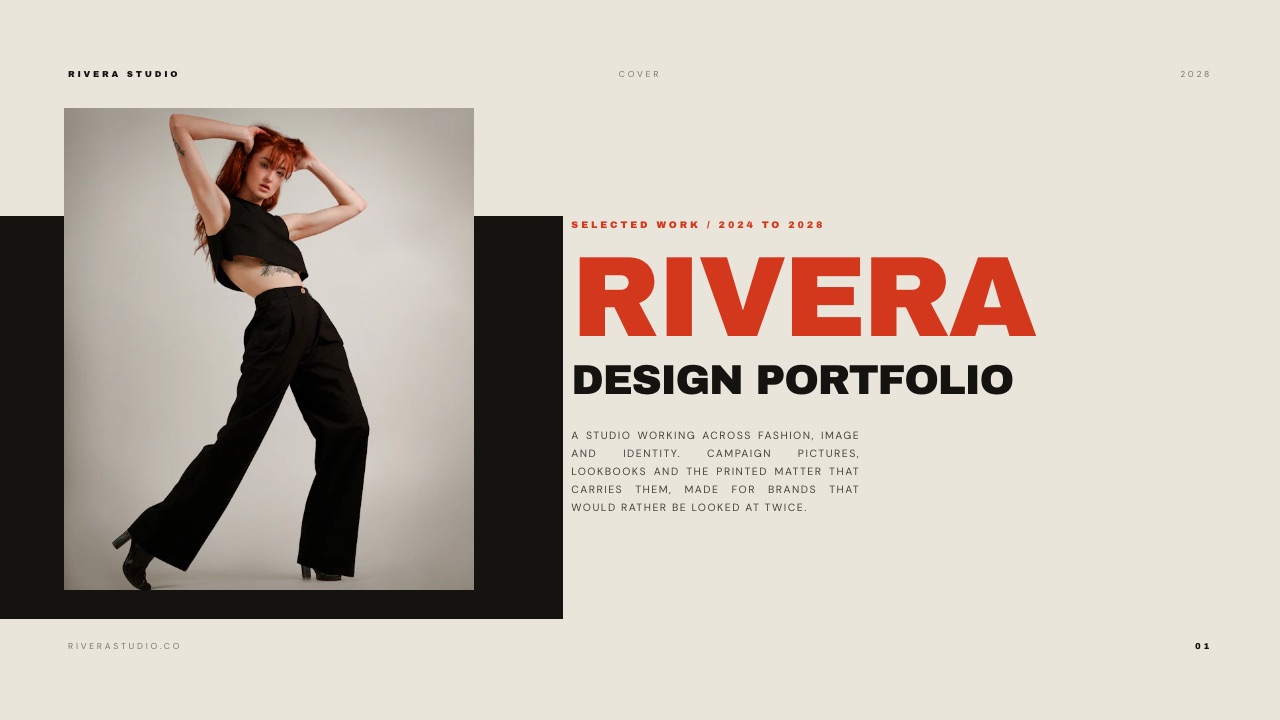
The template library covers treatments, lookbooks, portfolio, credentials, campaign and pitch decks; full-bleed image layouts are the default; YouTube and Vimeo clips play inside slides on the shared link; and charts import from a CSV, TSV or .xlsx file and stay editable.
The AI builds a whole deck from a brief: it asks up to three questions (length, what the reader should do next, presented live or read alone), picks a design style and colour theme, asks you to paste the real facts, proposes an outline for your approval and then builds three or four slides per turn with speaker notes, leaving a marked placeholder where you supplied nothing.
Gamma is faster to a first full draft; Framekit trades that for a deck built on your facts.
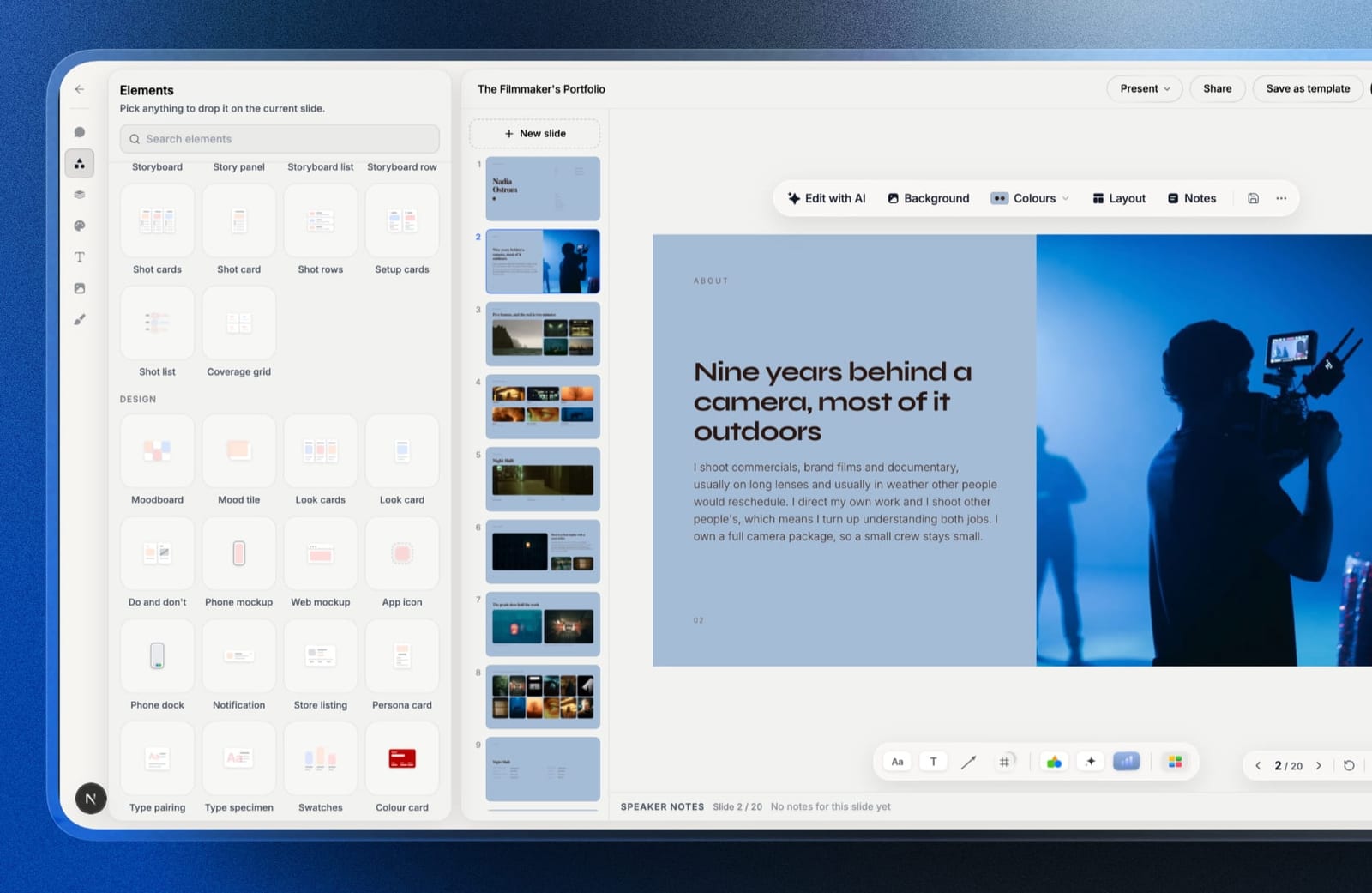
The real number$0 for unlimited decks, presenting, a share link and PDF export, with a monthly AI allowance that generation draws on while hand edits cost nothing.
Starter is $84 a year and adds the full template library, uploaded fonts and removal of the "Made with Framekit" badge; Pro is $180 a year and adds a PowerPoint export.
Framekit bills per account, so a four-person team that each builds decks needs four accounts with no shared editing between them.
The standout detailthe deck lives in the same account as the company website, client galleries, video review and a digital-product store, so the overview's fonts, colours and images are the site's, and the person who sends things sends from the place the site already lives.
The gotchathe PowerPoint export turns each slide into a picture with speaker notes attached, so an investor who wants to edit your numbers cannot. There is no password on a deck link, no comments, no shared component that updates a logo across nine slides, and a deck caps at 40 slides.
Skip it iftwo or more people edit the same deck, or your follow-ups depend on knowing who read the traction slide. Canva, Figma Slides or Gamma fit that team better.
Verdict: the best Pitch replacement for a one-designer creative studio that sends good-looking decks and does not need the telemetry, and a step backwards for any team that co-edits. Framekit against Pitch is the direct comparison.
6. Beautiful.ai: Best for Enforced Brand Consistency
Beautiful.ai's Team plan is the most opinionated brand-control system here, with locked slides, a central slide library and live co-editing, and it is also the only alternative that costs more than Pitch Team for four people.
Best forteams where the fourth person's slides are visibly worse than the first person's.
The real numberBeautiful.ai's pricing page, re-read on 12 October 2026, lists Pro at $14.50 a month billed annually, $174 a year, for a single seat with PowerPoint import and export.
Team adds live collaborative editing, version control, locked slides, engagement tracking and viewer and slide analytics, and the page prices it two ways: the plan card reads $40 a month including three users, while the FAQ reads $40 per user a month billed annually for 2 to 20 seats.
Four people fall outside the card's three-user price, so the FAQ's $1,920 a year is the figure used here.
The standout detaillocked slides on Team, so the person who only edits copy cannot nudge the logo the designer placed.
Whether Pro tracks viewers is unclear from the same page, whose comparison table and FAQ say yes while the Pro plan card lists no analytics, so a founder who sends alone should check it in the trial before counting on it.
The gotchaTeam costs more than double Pitch Team for four people, and the trial asks for a card and bills in full if you forget to cancel.
Skip it ifcost is why you are reading this page.
Verdict: excellent at making mixed-ability teams consistent, and the most expensive way here to solve it. Beautiful.ai alternatives covers cheaper routes.
7. Microsoft PowerPoint: Best for Decks That Leave the Building
PowerPoint is the right Pitch alternative for startups selling into companies that run on Microsoft, because the file opens identically everywhere, fonts embed, and no recipient needs anything explained.
Best forstartups whose decks become files inside enterprise customers.
The real numberMicrosoft's plan comparison lists Microsoft 365 Personal at $99.99 a year, $399.96 for four people, and Family at $129.99 a year for one to six people.
Business plans sit on a page that refused our automated read in October.
The standout detailslide masters, a rough approximation of Pitch's shared components that survives into every copy of the file.
The gotchaco-authoring only behaves if everyone works from the shared OneDrive copy. The moment someone downloads and emails a version, you are back to filename versioning, which is exactly the problem Pitch was built to end.
Skip it ifyour team will not stick to one shared file location.
Verdict: a cheap, credible four-person answer and the least pleasant to design in. If your decks go to enterprises, the compatibility is worth more than the polish you lose.
8. Storydoc: Best for Real Per-Recipient Tracking
Storydoc is the direct replacement if Pitch's advanced links were the whole reason you paid, because it reports engagement per recipient and treats the deck as a responsive web document that reads better on a phone than fixed slides.
Best forteams who chose Pitch specifically for advanced links.
The real numberStorydoc's pricing page lists Starter at $19.80 a month billed annually, $237.60 a year, with 5 active documents, basic analytics and PDF export, and Pro at $36 a month billed annually, $432 a year, with 30 active documents and extended analytics.
Four Starter plans are $950.40 a year, more than Pitch Team, and its Teams plan for five or more users is quote-only.
The standout detailversion automations that generate tailored copies for each recipient rather than duplicates you maintain by hand.
The gotchait exports a PDF but no editable slides, and the format is a scroll rather than pages, so a board member who wants to file the deck gets a flattening of a web page.
Skip it ifanyone downstream needs an editable file.
Verdict: the right move only if tracking was the whole purchase. Storydoc alternatives covers the cheaper middle ground.
9. Slidebean: Best for Founders Who Want the Narrative Written
Slidebean is the only tool here with an opinion about content rather than layout, handing a first-time founder a fundraising structure to fill, which is a different and often more useful kind of help than a blank Pitch template.
Best forfirst-time founders who do not know what should be on slide six.
The real numberSlidebean's pricing page lists Starter at $7 a month billed yearly, $84 a year, with the AI pitch deck builder, more than 100 startup templates and view tracking when you share, and Accelerate at $99 a month, monthly only, with help from its fundraising team.
The standout detailview tracking on the entry plan, the cheapest read data in this list.
The gotchathe free tier is a preview; its own FAQ says sharing and downloading decks require a paid plan, and design control is the tightest here.
Skip it ifyou already know what your deck should say.
Verdict: narrow and genuinely useful for a first raise, and a poor general-purpose Pitch replacement. Slidebean alternatives covers the exit after the round.
Who Should Stay on Pitch
Staying on Pitch is the right call for a team that co-edits every week, sends a tracked link on most deals and has three or more people building decks, because no single alternative here bundles all three for less, and stitching them together has its own cost.
Run the replacement honestly.
A four-person team that leaves Pitch Team, EUR 720 a year, for Figma Collab seats at $144 to co-edit, plus one Storydoc Starter plan at $237.60 for the person who sends tracked decks, spends about $381.60 a year.
That is cheaper on paper, and it is two tools, two logins, two template systems and a manual step every time a Figma deck becomes a Storydoc document.
The one-tool replacement with co-editing and analytics, Beautiful.ai Team, is $1,920 a year, more than double what you were paying.
The teams that should leave are the ones paying Team prices for one person's analytics, the ones whose decks are built by a single designer anyway, and the ones whose company overview has quietly become a web page they keep re-sending as a deck.
For those, the savings are real and the switching cost is an afternoon.
In one lineLeave Pitch when the seat count is larger than the number of people who use what the seats buy, and stay when every seat is co-editing and sending tracked links.
What Four Seats Cost Over a Year
Per-seat pricing is the reason this page exists, so here is the same four-person team on every tool for a year, at two levels: everyone building decks, and one person building while the others only view.
| Tool and plan | 4 builders a year | 1 builder, 3 viewers a year | Includes analytics | Editable export |
|---|---|---|---|---|
| Google Slides | $0 | $0 | No | Yes |
| Figma Slides, Collab seats | $144 | $36, viewers free on paid plans | No | Flattened |
| Framekit Starter | $336, no shared editing | $84 | No, total views only | No, pictures on Pro |
| Microsoft 365 Personal | $399.96 | $99.99 | No | Yes, native |
| Gamma Plus (August reading) | About $432 | About $108 | Limited on Plus | Needs repair |
| Pitch Team | EUR 720 | EUR 180 | Yes, 25 advanced links | Yes |
| Storydoc Starter | $950.40 | $237.60 | Yes, basic | PDF only |
| Beautiful.ai Team, or Pro for one | $1,920 | $174 | Yes on Team, unclear on Pro | Yes |
| Canva team plan | Regional | Regional | No | Yes |
In one lineWhen only one person builds decks, every tool here costs less than EUR 200 a year, and the whole Pitch-pricing problem disappears, which is worth checking before you migrate four people.
The test to run before you switch. Open your Pitch analytics and count how many follow-up actions you actually took because of them in the last quarter: not how many times you looked, how many emails you sent differently.
If the number is under three, you are paying for a dashboard, and Google Slides plus Figma Collab seats covers the rest of what you use for $144 a year across four people.
Switching From Pitch: What Moves and What Does Not
Leaving Pitch is mostly a question of what survives the trip, and the answers differ by destination, so check these five things before you cancel a yearly plan.
Your existing decks. Pitch exports PowerPoint from Plus. Google Slides, Beautiful.ai and PowerPoint can open or import a .pptx and keep most of it editable.
Framekit has no PowerPoint or Google Slides import, so a Pitch deck moving to Framekit is rebuilt, which the AI can draft from a brief and your pasted facts but which is still a rebuild.
Your tracked links. Advanced links are a Team and Business feature, so export or note the analytics you care about before you downgrade, and re-send live deals from the new tool.
Your fonts. Pitch allows custom fonts from Plus. Canva's brand kit and Framekit (from Starter, $84 a year) take uploaded fonts, Figma shares fonts across a team on its Organization plan, and Google Slides is limited to its own font library.
Your shared components. Only Figma Slides, Canva's brand kit and Beautiful.ai's library come close. Framekit applies one deck-wide theme of your fonts and colours across every slide but has no component that updates a logo in nine places.
Your guests. Pitch lets external guests edit, up to 25 on Team. Figma lets viewers comment free on paid plans. Framekit's deck link opens without an account but takes no comments.
In one lineExport your PowerPoint files and your analytics before the downgrade, because both are gone the day the Team plan lapses.
When the Overview Should Be a Web Page
A company overview that gets sent repeatedly without tailoring should usually be a web page rather than a deck, because a page shows every recipient the current version, can be found in search and never needs re-sending after an update.
The deck stays the right format when it is presented live or tailored per audience, where a fixed running order and a presenter do the work. Teams that rebuild the same overview deck every quarter are often maintaining a web page in the wrong format.
Framekit keeps both in one account: the website for the evergreen overview and Slides for the tailored deck, in the same fonts and colours. Any deck tool can link to any site, so treat that as a convenience for teams that also own their website rather than a reason to switch.
In one lineCount how many times you sent the same overview unchanged last quarter, and if it was more than five, publish it as a page.
Which Pitch Alternative Should You Choose?
Take these questions in order and stop at the first yes, because the early questions cover the features that are hardest to live without and the later ones are about taste and budget.
1. Do two or more people edit the same deck at once? Google Slides if cost decides, Figma Slides if you already pay for Figma, Canva if design decides, Gamma if you want analytics later on its Pro plan. Framekit drops out here.
2. Are the analytics the reason you pay for Pitch, and do they change what you do? Storydoc for the deepest tracking, or Slidebean Starter at $84 a year for the cheapest view tracking here.
Gamma's full analytics need its Pro plan, and Beautiful.ai's pricing page lists Pro's viewer analytics in one place and not another, so confirm either before you switch.
3. Is cost at four or more seats the reason you are here? Google Slides plus Figma Collab seats, $144 a year for four with real components.
4. Do your decks go to enterprises who open them in PowerPoint? Microsoft 365, $99.99 a year per person on Personal.
5. Is the problem that your team's slides look like four different companies? Canva for flexible brand control, or Beautiful.ai Team if you need it enforced.
6. Does one designer build every deck for a creative studio, with no need for tracking? Framekit Slides, free to start and $84 a year for your fonts and the full template library.
7. Are you a founder who does not yet know what the deck should say? Slidebean, and expect to outgrow it after the raise.
8. Is the thing you keep rebuilding actually a permanent company page? Publish it once on your own site.
Frequently Asked Questions
What is the best Pitch alternative in 2026?
The best Pitch alternative in 2026 is Canva, because it matches Pitch on collaborative editing and brand control and has a deeper template library, though it reports nothing per recipient.
Google Slides is the best free alternative, Figma Slides the cheapest real co-editing at $3 a Collab seat, Gamma the closest match to Pitch's shared workspace, and Framekit Slides the pick for a one-designer creative studio.
How much does Pitch cost per user in 2026?
Pitch lists Plus at EUR 10 a month, Team at EUR 15 a seat a month and Business at EUR 20 a seat a month, each paying yearly, with yearly billing saving 17 percent.
Advanced links, which track visits, slide views and time per slide, start on Team with 25 included and become unlimited on Business. Four people on Team pay EUR 720 a year.
Pitch shows regional pricing, so prices may appear in dollars outside Europe.
Is there a free alternative to Pitch?
Google Slides is the best free Pitch alternative, offering real-time co-editing at any team size, comments and PowerPoint import with no seat cost.
It has no shared components and no per-recipient analytics, which are the two Pitch features you give up. Framekit's free plan is the free option for a solo designer, with unlimited decks, PDF export and a share link but no co-editing.
Does Pitch have analytics on the free plan?
No. Pitch's advanced links, which record visits, slide views and time spent on each slide, start on the Team plan at EUR 15 a seat a month billed yearly, with 25 included, and become unlimited on Business.
The free plan includes 100 AI credits that do not renew and up to two external guests.
Which Pitch alternative is cheapest for a team of four?
Google Slides is free at four seats, and Figma Slides costs $144 a year for four Collab seats at $3 a month each while offering real shared components.
Microsoft 365 Personal is $99.99 a year per person, $399.96 for four, for native PowerPoint. All three cost less than Pitch Team's EUR 720 a year for four.
Canva vs Pitch: which is better for a startup?
Canva is better for template depth and brand control for non-designers, while Pitch is better for per-recipient analytics on its Team plan and for shared components.
Which is cheaper depends on your region and headcount, because Canva prices by country and team size and its pricing page refused our October check; Pitch Team is EUR 15 a seat a month billed yearly.
Framekit Slides vs Pitch: which should a small studio choose?
Choose Framekit Slides if one person builds every deck and the studio wants design-led templates, video embeds and its website in the same account, for $0 to $84 a year.
Choose Pitch if two or more people edit decks together or you need to know who read them, since Pitch Team includes co-editing and 25 advanced links at EUR 15 a seat a month. Framekit has no co-editing, comments or per-viewer analytics.
Can I move my Pitch decks into Framekit?
Not by import. Framekit has no PowerPoint or Google Slides import, so a deck exported from Pitch as a .pptx cannot be opened in Framekit Slides.
You can rebuild it by describing the deck to Framekit's AI and pasting the facts, which drafts an outline for approval and builds the slides, but it is a rebuild rather than a migration. Google Slides and PowerPoint open a .pptx directly.
Which presentation tools have shared components like Pitch?
Figma Slides has real components that update across every slide at once, Canva's brand kit holds shared fonts, colours and logos, and Beautiful.ai's Team plan adds a central slide library with locked slides.
Google Slides and PowerPoint rely on templates and slide masters, which is a weaker approximation. Framekit applies one deck-wide theme of fonts and colours but has no shared component.
Does Pitch bill in euros?
Pitch shows regional pricing. Its pricing page served euro amounts to our October 2026 check, and the same page can show dollars to a browser in the United States.
Teams paying with a card in a different currency should expect their card issuer's foreign-transaction terms to apply, so compare the price in your own currency at checkout rather than converting a figure from a comparison article.
Is Storydoc a good replacement for Pitch's advanced links?
Storydoc is a strong replacement for Pitch's advanced links if tracking was the main reason you paid, with basic analytics on Starter at $237.60 a year and extended analytics on Pro at $432 a year, plus per-recipient versions.
It costs more than Pitch Team for four people on individual plans, and it exports a PDF rather than editable slides.
Should a company overview be a deck or a web page?
A company overview should be a web page when it is sent repeatedly without tailoring, because a page shows every recipient the current version and can be found in search.
It should stay a deck when it is presented live or tailored per audience. Framekit keeps both in one account, a website for the evergreen page and Slides for the tailored deck.
Is Framekit Slides a good Pitch alternative?
Framekit Slides is a good Pitch alternative for a creative studio where one person builds every deck and wants design-led templates and PDF export on a free plan, with unlimited decks.
It is a poor one for teams that rely on Pitch's co-editing or advanced-link analytics, because Framekit offers neither, and its PowerPoint export on Pro turns slides into pictures.
Final Verdict
Canva is the best all-round Pitch alternative for design and brand control, and whether it saves money depends on your region and headcount.
The genuinely cheap combination is Google Slides for everyday decks plus Figma Slides Collab seats where you need real components, which covers most of Pitch's value for $144 a year across four people.
If the analytics were the purchase, Slidebean Starter is the cheapest view tracking here at $84 a year and Storydoc the more serious version, while Gamma and Beautiful.ai only count once you confirm the plan that carries their analytics.
Framekit Slides is fifth. For a creative studio where one person builds every deck, it is the free place to make decks that look like the studio's work, beside the studio's site.
Where Framekit losesFramekit Slides is not for teams that co-edit the same deck or need to know who opened it, because it has neither live editing nor per-recipient analytics, and its decks belong to one account.
It has no shared components, no comments, no PowerPoint import, and its PowerPoint export on Pro is picture-based, so investors cannot edit the file.
That is why it moved down to fifth in this update, and why Canva, Google Slides, Figma Slides or Gamma is the better fit for a four-person team.
Related reading: the best pitch deck software, the best presentation tools for creative agencies, the best presentation tools for startups, Pitch against Canva and the best Slidebean alternatives.