Framekit templates
Start from a designer-made template
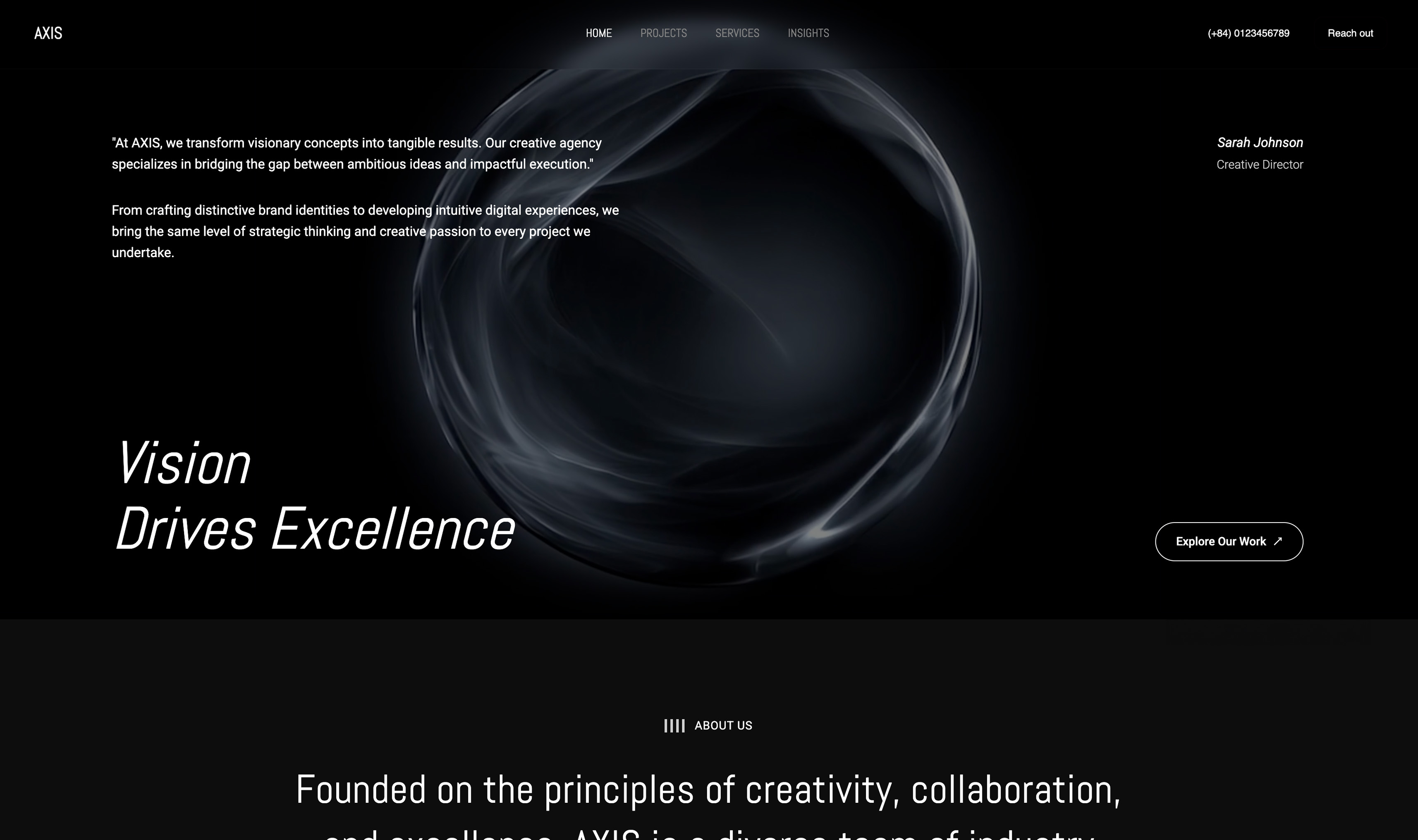 Use template
 Use template
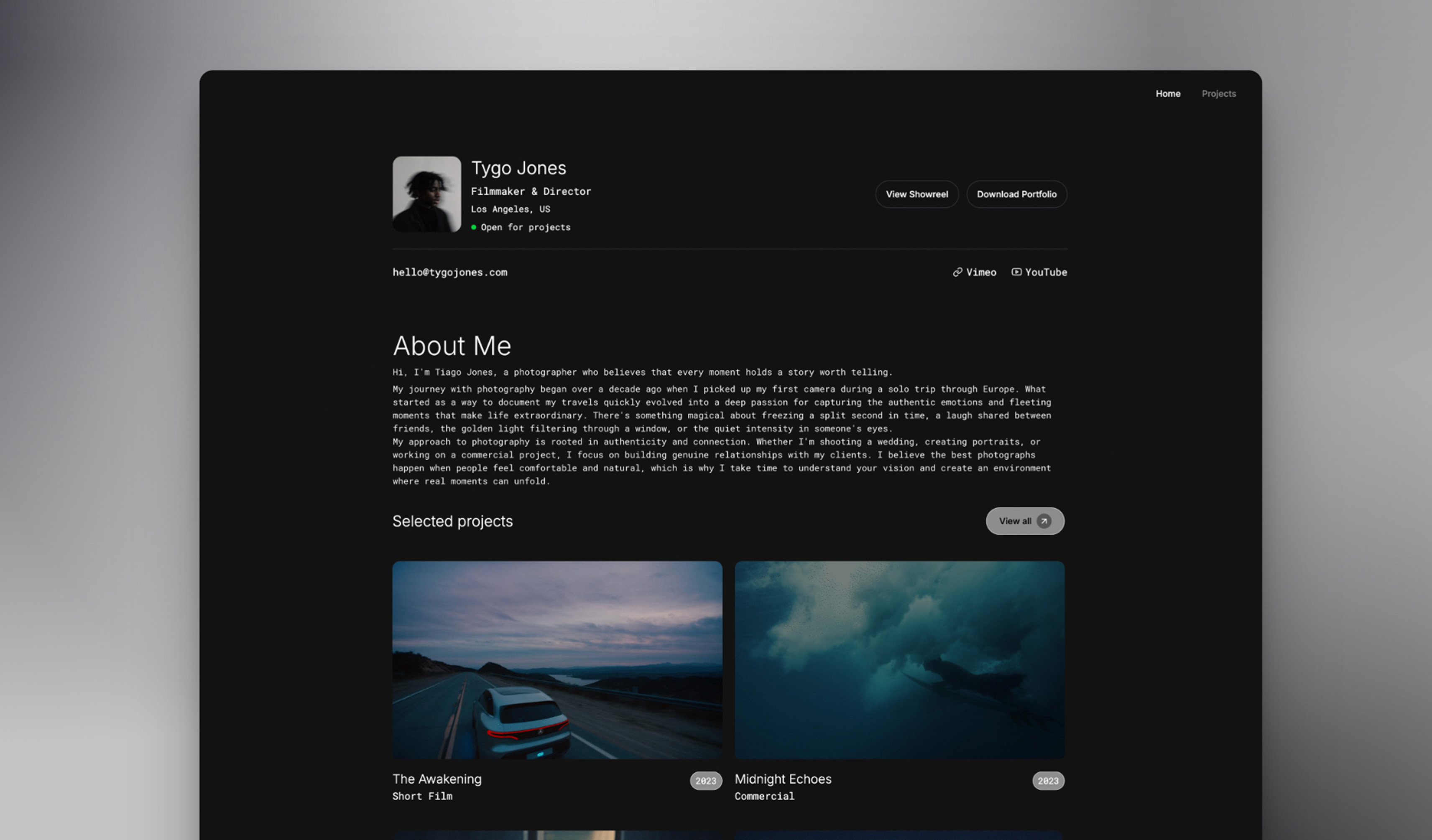 Use template
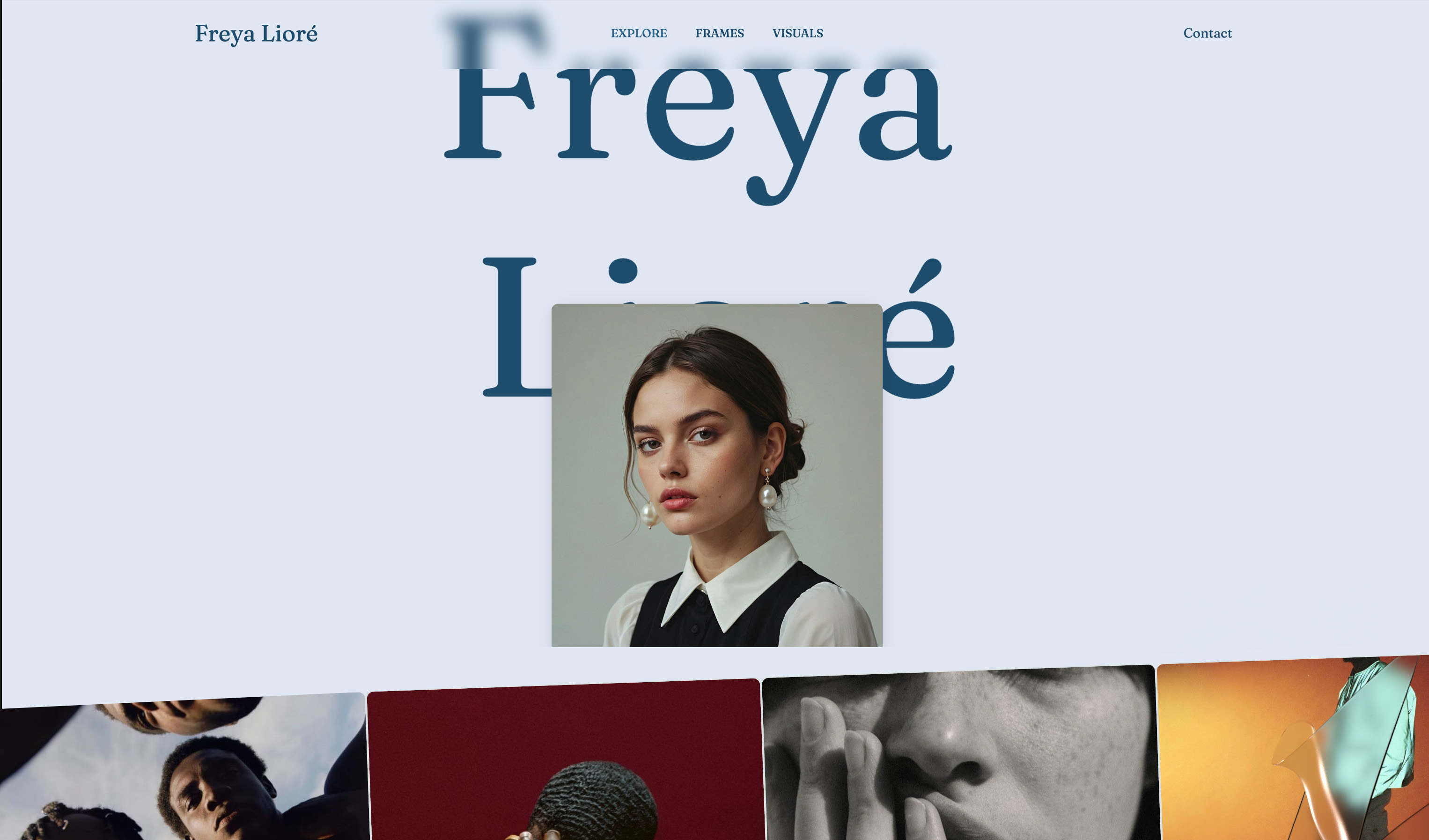 Use template
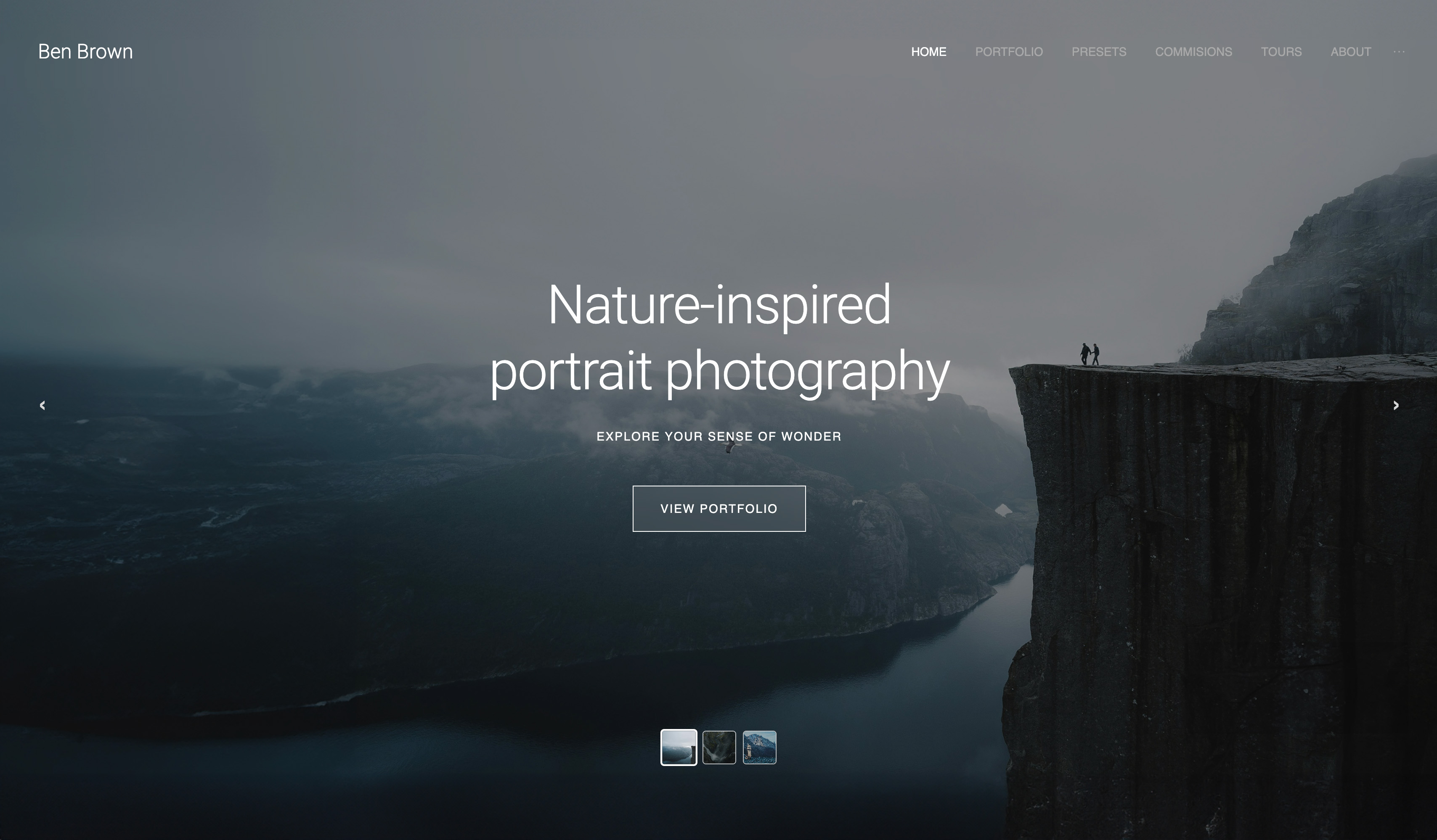 Use template
 Use template
 Use template
 Use template
There is a difference between looking at photographs and being shown them. A grid puts the client in charge of pacing, which sounds generous and usually means they skim the first forty frames in ninety seconds and stop.
A slideshow does what you would do if you were in the room: one image at a time, in an order you chose, at a pace that lets each one land. For the first viewing of a wedding or a family session, that difference is most of the emotional experience of the delivery.
In 2026 the slideshow is no longer one feature with seven names.
On some platforms it is a full editor with licensed music, beat matching and a downloadable video; on others it is a play button that cycles the gallery; on one of them it will not run on a phone at all.
Which you need depends on whether the slideshow is a viewing mode or a product.
A client gallery slideshow is a full-screen, automatically advancing presentation of a gallery's photos, and sometimes its films, played in an order the photographer set, for the first viewing rather than for browsing, choosing or downloading.
The best client gallery with slideshows in 2026 is ShootProof, whose slideshow editor (up to 300 photos, transitions, Ken Burns zoom, beat matching, four aspect ratios and 1080p client downloads) is on every plan including Free, with licensed music from a $100-a-year Music plan.
Pic-Time is second, with the most polished slideshow and a licensed music library included, but only on its Professional and Advanced plans.
Framekit is third: its slideshow is a simple automatic viewing mode, but it is free, on by default, works on phones and plays the client's film in sequence between the photographs.
This ranking was rebuilt and re-verified on 12 October 2026. Each platform's slideshow features were re-read that day on its own help centre and pricing page, linked inline, and Framekit's from its product code.
The ranking changed as a result: ShootProof now offers a full slideshow editor on every plan, and the earlier version of this page placed Framekit first on criteria that no longer held.
Full disclosure: Framekit is our product and ranks third here, because ShootProof and Pic-Time build far more capable slideshows. Framekit's slideshow has no music, no transitions, no speed setting and no export. We say where it still wins, which is playing a hybrid photo-and-film delivery on any screen at no cost, and we publish the weights so you can re-rank.
How the Ranking Was Built
Each platform was scored out of 100 on six criteria taken from the vendor's own help centre and pricing page, or, for Framekit, its product code; no hands-on timing or quality tests are claimed, and nothing here quotes a load time or a performance score.
Slideshow craft, 30 points. Music, transitions, pacing control and the ability to curate a sequence separately from the gallery. This carries the most weight because it is what turns a viewing mode into a presentation.
Availability and cost, 20 points. Whether the slideshow is on the free plan, and what the cheapest plan that includes it costs.
Film inside the slideshow, 15 points. Whether videos can play in the sequence, which matters to every hybrid photo and video studio.
Phone playback, 10 points. Whether the slideshow works in a mobile browser, where most clients first open a gallery.
Sharing and export, 15 points. Whether the client can download the slideshow as a video, share it by its own link or embed it, and whether you can sell it.
Your brand around it, 10 points. Whether the slideshow plays on your own domain inside a gallery styled to your studio.
The weights are published so you can change them.
If film and phone playback counted 25 points each, at the expense of craft and export, Framekit would move from third to first; that weighting suits a hybrid studio whose clients watch on phones, and we name it rather than hide it.
Under this page's weights, the two platforms that build real slideshows rank above a play button.
The Seven Platforms at a Glance
The seven platforms below split into two groups: ShootProof and Pic-Time build slideshows as products with music, transitions and downloadable video, while the other five offer a viewing mode that cycles the gallery with little or no control.
| Rank | Platform | On the free plan | Music | Speed and transitions | Films in the sequence | Phone browsers | Client download | Score |
|---|---|---|---|---|---|---|---|---|
| 1 | ShootProof | Yes, every plan | Music plan, $100 a year | Slide lengths, transitions, Ken Burns, beat matching | Not documented | Yes, plus a 9:16 format | Yes, 1080p | 79 |
| 2 | Pic-Time | No, Professional and up | Included, 2,000 to 10,000+ tracks | 4 speeds, 3 transitions, beat matching | No, clips excluded | Yes, plus 9:16 | Yes, Full HD; 4K add-on | 72 |
| 3 | Framekit | Yes, on by default | No | Fixed 4 seconds, no transitions | Yes, waits for each film to end | Yes, swipe | No | 64 |
| 4 | Zenfolio | No free plan | Own MP3 or Triple Scoop add-on, on Classic | Duration, transitions, random order, on Classic | Not documented | Not documented | Not documented | 47 |
| 5 | SmugMug | No, paid plans | Not documented | Speed and transition length | Not documented | Not documented | Share or embed link | 46 |
| 6 | CloudSpot | Basic play on all plans | Via an embedded SmartSlides show | Not documented | Not documented | Not documented | Via SmartSlides | 43 |
| 7 | Pixieset | Enabled by default; plan not stated | Not documented | Speed and auto-loop | Not documented | No, desktop only | Not documented | 37 |
Framekit's low marks are in the columns this page weights most: no music, no transitions, no export. Its full marks are in the columns no other platform matches together: free, on by default, films in sequence and phone playback.
What Each Slideshow Actually Does
A slideshow's real value is in the mechanics behind the play button, how it is built, what it plays, how it moves and what the client can keep, and those mechanics differ more between platforms than any feature list suggests.
| Mechanic | ShootProof | Pic-Time | Framekit | Pixieset |
|---|---|---|---|---|
| How a slideshow is made | Built in an editor from chosen photos, saved as a draft, then published | Built from hand-picked slides or uploaded graphics | Automatic; the gallery is the slideshow | Automatic; toggled per collection |
| Photo limit | 300 per slideshow | 1,000 slides per slideshow | The whole gallery, up to 5,000 photos | Not documented |
| Pacing | Per-slide lengths, timing presets, beat matching | Slow 4s, Normal 2s, Fast 1s, Very Fast 0.5s, beat matching | 4 seconds a photo, fixed | Speed setting |
| Transitions and motion | Per-slide transitions, Fit, Fill or Ken Burns | Crossfade, fade to colour, hard cut | None | Not documented |
| Formats | 3:2, 16:9, 4:3, 9:16 | 3:2, 16:9, 4:3, 9:16 | Fits the screen | Not documented |
| Music | Triple Scoop catalogue with a Music plan | Soundstripe library included; your own MP3 | None | Not documented |
| Video clips | Not documented | Cannot be added | Play muted in sequence; the show waits for each to end | Not documented |
| Looping | Continuous loop option | Not documented | Loops back to the first photo | Auto-loop setting |
| Client keeps a copy | 1080p download; music and social posting rights with a Music plan | Full HD download; 4K with add-on; free or sold | No | Not documented |
Sources: ShootProof's help article on building them and pricing page, Pic-Time's creation help article and features page, and Pixieset's settings article, all read on 12 October 2026.
"Not documented" means the vendor's pages did not say, not that the feature is missing.
1. ShootProof: Best Overall Gallery Slideshow
ShootProof is the best client gallery for slideshows in 2026 because it puts a real slideshow editor, with transitions, zoom, beat matching, four aspect ratios and client downloads, on every plan including its free one, and charges only for the licensed music that goes under it.
Best forportrait, family and wedding photographers who want a designed slideshow, and a downloadable reel for clients to post, without moving up to a higher plan to get it.
How it worksyou create one inside a gallery, name it, pick a format (3:2, 16:9 or 4:3 for screens, 9:16 for phone reels), add up to 300 photos, then adjust slide lengths, transitions and zoom, including a Ken Burns option.
It stays a draft until you publish it to the client gallery. You can make as many per gallery as you like, add a link to one in a review request, use one as the gallery's cover, and sell them on Starter and up.
Clients can download the slideshow at 1080p, and with a Music plan the download includes the music and, per the help centre, the right to post it on social media.
Musica Music plan at $10 a month or $100 a year adds the Triple Scoop Music catalogue of more than 50,000 licensed songs, per ShootProof's music plan article. Without it, slideshows play silently in the gallery.
Pricingfree with 3GB for photos only; Starter at $8.33 a month billed yearly for 20GB of photos and video; Standard at $16.67 for 100GB; Professional at $26.67 for 1,000GB of photos plus 50GB of video; Premium at $50 for unlimited photos plus 150GB of video; 0% commission on every plan.
Prosa full editor on every plan; 300 photos per slideshow; reels in 9:16; client downloads, with social posting rights on music versions; 0% commission if you sell them.
Consmusic costs $100 a year extra; whether video clips can play inside a slideshow is not documented; the free plan's 3GB is photos only; downloads are 1080p, with no 4K documented.
Verdict: the most capable slideshow you can give clients without paying for a higher plan, and with the Music plan, the best value in the category. Our Framekit vs ShootProof and Pixieset vs ShootProof comparisons cover the rest of the platform.
2. Pic-Time: The Most Polished Slideshow, With Music Included
Pic-Time builds the most polished slideshow in the category, with a licensed music library included in the plan, beat matching, four speeds and a 4K option, and ranks second only because it is limited to its two higher plans and cannot include video clips.
Best forstudios whose slideshow is part of what they sell, such as a highlights reel offered as a product or played in an in-person sales session, and who deliver stills rather than films.
How it worksyou build a slideshow from hand-picked photos or uploaded graphics, up to 1,000 slides, in 3:2, 16:9, 4:3 or 9:16, with speeds of Slow (4 seconds), Normal (2), Fast (1) or Very Fast (half a second), beat matching including AI "Rapid" and "Turbo" modes, and crossfade, fade-to-colour or hard-cut transitions, set per track when there are several.
Slideshows can be published in the gallery, embedded elsewhere, downloaded free by the client or sold in the store.
Musica Soundstripe library is included, with 2,000 licensed tracks on Professional and more than 10,000 on Advanced, and you can upload your own MP3; a "Music Match" feature suggests a licensed alternative to an unlicensed song.
Pricingslideshows are on Professional at $21 a month billed yearly and Advanced at $42, not on Free or Beginner, per its pricing page.
Downloads are Full HD, 1920 by 1080; 4K at 3840 pixels is an add-on at $7 a month billed yearly or $9 monthly, per its 4K help article.
Prosthe most refined pacing and transitions; music included; 4K option; embed, give away or sell; per-track settings.
Consnot on Free or Beginner; "GIFs, Video Clips, and Featured Videos cannot be added to Slideshows", per its help centre; 4K costs $84 a year extra; the free plan shrinks to 3GB after three months.
Verdict: the best slideshow money buys in this category, for stills; if your deliveries include a film that should play in the sequence, it cannot do that. Our Framekit vs Pic-Time and Pic-Time vs Pixieset comparisons cover the rest.
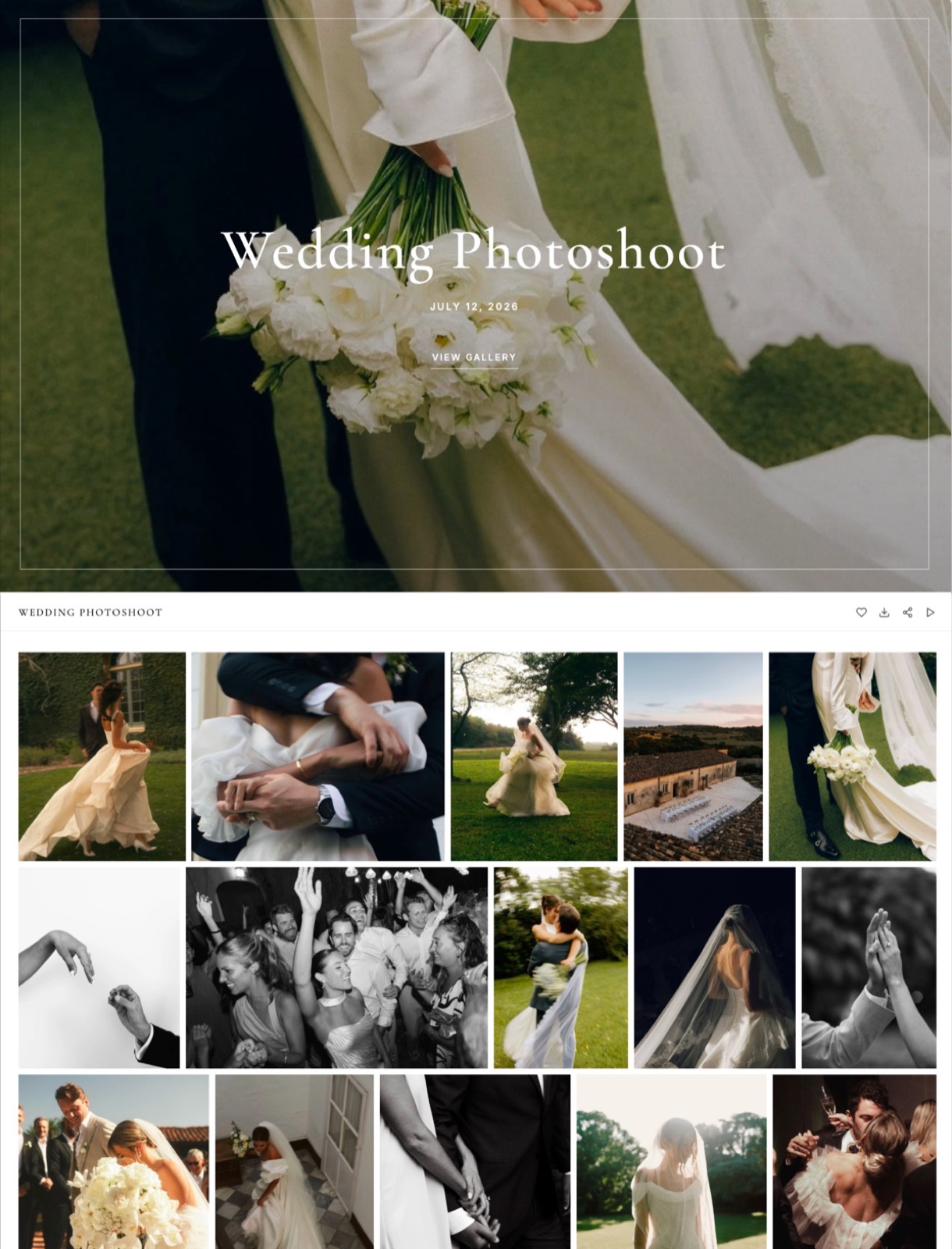
3. Framekit: Best Free Slideshow for Photos and Film Together

Framekit is an AI website builder with client galleries, video review, Slides and a digital-download store on one account, and its gallery slideshow is a simple automatic viewing mode, on by default on every plan including Free, that plays the client's film in sequence between the photographs and works on phones.
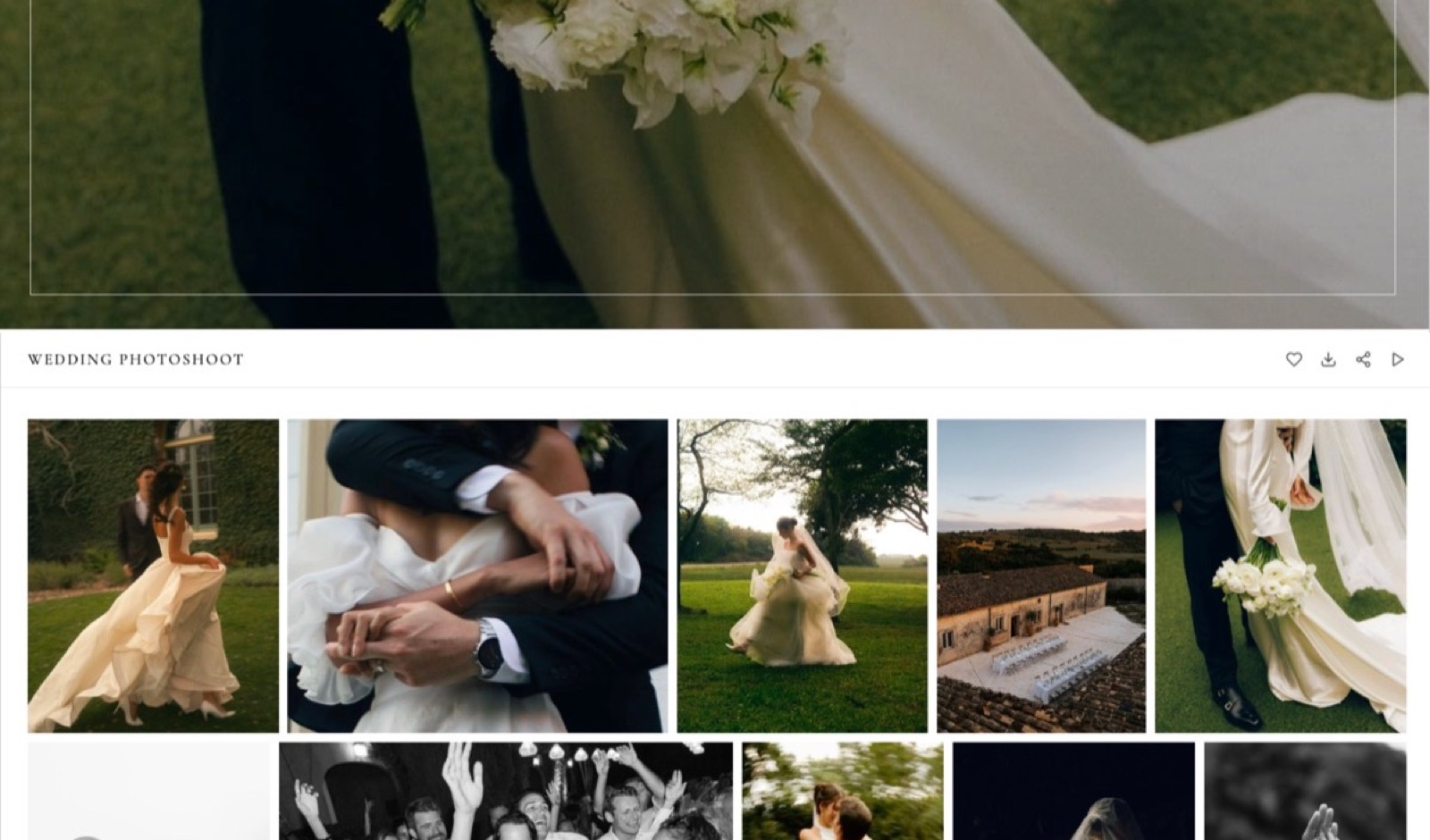
The texturea couple opens their gallery on a laptop, presses the play icon in the toolbar, and the gallery goes full screen on black with nothing but a Pause button in the corner.
The photos advance every four seconds in the order you arranged them, set by set from the first photo; when the sequence reaches the highlight film, the film starts on its own, muted so the browser allows it, and the show waits until it ends before moving to the next photograph.
After the last photo it loops back to the first.
The number that matters$0. The slideshow, with every other gallery feature, is on the free plan with unlimited galleries in a 10GB pool, and it is switched on for every new gallery.
Starter at $9 a month, or $7 billed yearly, moves galleries to your own domain with 50GB; per-file video caps run from 500MB on Free to 3GB on Business.
The standout detailthe slideshow follows the client, not just the gallery. If a client turns on "Show favourites only", the show plays only their hearted photos, so a couple can watch their own album shortlist full screen before sending it.
The play button inside the full-screen viewer starts from whichever photo is open.
On a phone, swiping moves between photos; on a laptop, the space bar pauses and resumes and the arrow keys step through, which suits presenting a set across a desk.
The gotchait is a viewing mode, not a product.
There is no music, no transition choice, no speed setting, no separate curated slideshow, no export or download as a video, and no slideshow link of its own; the interval is fixed at four seconds, and films play muted until the viewer unmutes them.
To curate what plays first, you arrange the gallery: put the best 40 to 80 frames in the first set, which Framekit names Highlights by default.
Skip it ifthe slideshow is something you sell or deliver as a file, you want music under it, you want clients to post a reel, or prints and albums are your income, since Framekit has no print store, lab fulfilment or mobile app.
Verdict: the best free slideshow for a hybrid studio, because no other platform here plays the film and the photographs in one automatic sequence on any screen at no cost; for a designed, musical slideshow a client keeps, ShootProof and Pic-Time are clearly better.
4. Zenfolio: Music and Transitions on Its Classic Platform
Zenfolio's Classic platform documents gallery shows with a set duration, transitions and random order, and soundtracks from your own MP3 of up to 64MB or a Triple Scoop Music add-on with access to 17,000 soundtracks, per its Classic soundtracks article, with the help centre noting that soundtracks only play in slideshows.
Its current product documents a website Slideshow Block with autoplay, transition style and speed, per its image gallery blocks article, and we found no client-gallery slideshow documented for it.
Plans start at $7 a month billed yearly for 15GB with a custom domain on every plan, Professional is $138 a year for 150GB, and a 7% fee applies to every order.
Verdict: a capable musical slideshow if you are on Classic; ask Zenfolio which slideshow your plan includes before you choose it for this. Framekit vs Zenfolio covers the rest.
5. SmugMug: An Adjustable Lightbox Slideshow
SmugMug's version runs in its lightbox, with Slideshow Speed and Transition Length settings for subscribers on its paid plans, per its lightbox help article, and a slideshow can be shared as a full-screen or embed link, per its sharing article.
Music, video in the sequence and downloads of the slideshow are not documented. SmugMug's strength is the archive behind it: unlimited full-resolution JPEGs from $240 a year, with client favouriting on Pro at $444.
Verdict: a sensible slideshow on top of the best photo archive in the category, and a viewing mode rather than a product. Framekit vs SmugMug covers the archive trade.
6. CloudSpot: A Basic Play Button, or an Embedded SmartSlides Show
CloudSpot's built-in option is a play button in the gallery lightbox that cycles through the photos, with no speed, music or plan details documented, per its play-button article; for a musical slideshow, CloudSpot documents embedding a SmartSlides show, which needs a separate SmartSlides membership, and says embedding is included on all CloudSpot plans, per its SmartSlides article.
Its free plan holds 3 galleries with downloads capped at 2048 pixels, Entry is $7 a month for 15 galleries, and Lite is $17 a month for 100GB with contracts and invoicing; films are added as Vimeo or YouTube links.
Verdict: fine if you already pay for SmartSlides, and a second subscription if you do not. Framekit vs CloudSpot covers the rest.
7. Pixieset: On by Default, Desktop Only
Pixieset's version is built into every collection and enabled by default, with speed and auto-loop as its two settings, but its own help centre says slideshows "are optimized for a desktop experience" and are "not supported on mobile browsers", per its help article, updated on 28 September 2026.
Music, video in the sequence and slideshow downloads are not documented there.
Pixieset remains an excellent gallery overall: free with 3GB, Basic at $8 a month billed yearly for your own domain and 0% commission, native mobile gallery apps and a print store.
Verdict: a reasonable laptop slideshow inside a strong gallery, ranked last here only because most clients first open a gallery on a phone, where it does not run. Our Framekit vs Pixieset and is Pixieset worth it pages cover the platform as a whole.
What a Year of Slideshow Delivery Costs
A year of gallery delivery with this feature costs between $180 and $504 at two realistic volumes, and the slideshow itself is only part of the bill: music, 4K and video storage are priced separately on the platforms that offer them, while on Framekit the slideshow costs nothing beyond the gallery plan and has none of those extras.
The table prices each vendor's yearly billing, galleries kept online for 12 months, for a portrait studio delivering 30 sessions of 150 photos (about 45GB, stills only) and a hybrid wedding studio delivering 20 weddings of 600 photos plus a 10-minute film each (about 120GB of photos and 20GB of film).
Prices were re-read on 12 October 2026.
| Platform | Portrait studio, slideshow with music | Hybrid wedding studio | What the slideshow cannot do there |
|---|---|---|---|
| Framekit | Pro, $180; music not available | Pro, $180 | No music, transitions, speed setting or export |
| ShootProof | Standard $200.04 plus Music plan $100 = $300.04 | Professional $320.04 plus Music $100 = $420.04 | Video clips in the sequence not documented |
| Pic-Time | Professional, $252 (music included; 4K adds $84) | Advanced, $504 | Films cannot be added to slideshows |
| Pixieset | Plus, $192; music not documented | Pro plus 2 video hours, $408 | Not supported on mobile browsers |
The honest reading: for a stills studio that wants a musical slideshow clients can keep, ShootProof at $300 a year and Pic-Time at $252 both beat anything Framekit offers, because Framekit has no music at any price.
For a hybrid studio, Framekit's $180 is the cheapest plan here and the only one where the film plays inside the slideshow.
Dedicated slideshow tools such as SmartSlides and Animoto add a separate subscription on top of any gallery; their current prices were not published in a form we could verify, so they are not priced here.
Run it yourselfcount last year's deliveries that included a film, and the clients who asked for something to post. If films outnumber requests to post, weight film in the sequence; if requests to post win, weight client downloads and music, and the table above makes the choice for you.
Fitting the Film Into the Sequence
A film can only play in the sequence if it uploads to the gallery in the first place, so for a hybrid studio the practical limits are the per-file video cap, the running time and where in the gallery the film sits, all of which you can check before delivery night.
Work out the file size first. File size in megabytes is the bitrate in megabits per second, times the running time in seconds, divided by eight.
A 3-minute highlight film at 16 Mbps is 360MB; an 11-minute film at 16 Mbps is 1,320MB; a 25-minute ceremony edit at 10 Mbps is 1,875MB.
Match it to the plan. Framekit's per-file video caps are 500MB on Free, 1GB on Starter, 2GB on Pro and 3GB on Business, with a 2-hour maximum per film on every plan.
The 3-minute film fits Free, the 11-minute film needs Pro or a re-export at about 11 Mbps to fit Starter, and anything over 2GB needs Business.
Framekit accepts MP4, M4V, MOV, WebM and MKV and transcodes the upload so it plays in the browser, and films are never watermarked.
Place long edits after the highlights. Because the show waits for each film to finish, a 25-minute ceremony edit in the first set holds the viewing for 25 minutes.
Put the 3-to-5-minute highlight film in Highlights, and the ceremony and speeches in a later set, where they play only for someone who keeps watching.
Check the other platforms before you plan around this. Pic-Time's help centre says video clips cannot be added to its shows at all, and the other platforms here do not document whether films play in sequence, so a hybrid studio on those platforms usually sends the film as a separate item or link.
Our guides to delivering photos and video together and delivering a wedding film cover export settings in more depth.
How to Make a Slideshow Worth Watching
The platform matters less than the sequence, because a slideshow is only as good as the forty to eighty frames in it and the order they play in, and no transition library rescues 700 photographs played end to end at the same pace.
Build a highlights sequence of 40 to 80 photos. At Framekit's fixed four seconds a photo, 60 photos is a four-minute viewing; 600 is forty minutes, which nobody watches.
On ShootProof and Pic-Time, pick the photos into a separate slideshow; on Framekit, put them in the first set, Highlights by default, because the slideshow plays the gallery in order.
Sequence it like an edit. Open strong, vary scale and rhythm, place the emotional peaks where they land, and end on something quiet. The slideshow is the one place where your ordering is actually experienced.
Place the film deliberately. On Framekit, put a short highlight film after the opening photos rather than first, so the viewing starts with stills and the film arrives as a peak; remember it plays muted until the viewer unmutes it.
On Pic-Time, which excludes clips, send the film as its own link or gallery item.
Check it on a television and a phone. Families cast slideshows to a big screen more often than photographers expect, and images that read well on a laptop can disappoint at three metres.
Then check a phone, which is where most clients press play first, and where Pixieset's slideshow does not run.
License the music, or leave it silent. Music in a client delivery needs a licence covering that use.
ShootProof's Music plan and Pic-Time's included library solve this; a silent slideshow the client plays with their own soundtrack is the honest alternative on platforms without one.
Tell the client it exists. One line in the delivery email, "press play at the top right before you scroll", changes how the delivery lands.
Our guide to writing a photo delivery email has templates with that line.
The Job Around the Slideshow
The slideshow is the first ten minutes of a delivery that lasts a year, so it pays to plan what happens before it, when the film is approved, and after it, when the client chooses favourites, downloads and forwards the link.
Beforefor a hybrid studio, the film is usually reviewed before it reaches the gallery.
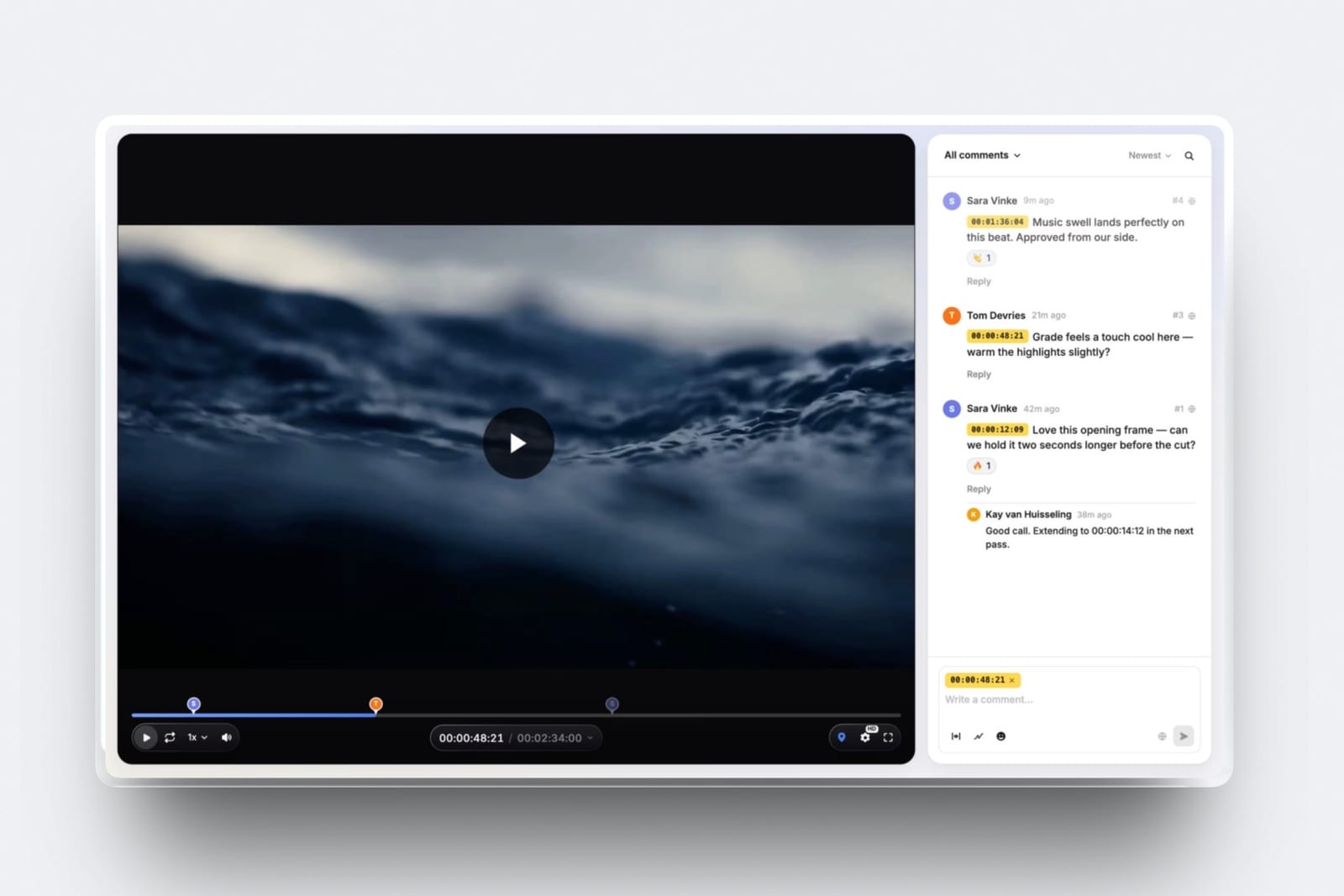
On Framekit the same account runs video review, where the client comments at exact frames and marks the cut approved, so the approved film goes straight into the gallery the slideshow plays.
Afterthe slideshow ends and the grid takes over. Turn favourites on and give a number ("heart up to 60 for the album by 30 June"); on Framekit, a client who then turns on Show favourites only can replay their shortlist as a slideshow before pressing Send to photographer.
Latera gallery that stays online for a year is a slideshow a couple can show at the first anniversary. Our guide to how long client galleries should stay online covers the window and the storage it needs.
Decision Guide: Pick by What the Slideshow Is For
Work through these questions in order and stop at the first yes, because the right platform depends on whether the slideshow is a product you sell, a file the client keeps, or a way of watching a delivery, and those three point to different tools.
- Is the slideshow something you sell, or play in an in-person sales session? Choose Pic-Time for the most polished show with music included, or ShootProof to sell it at 0% commission. Otherwise go to 2.
- Do clients want a reel or video file they can post? Choose ShootProof, whose 1080p downloads are on every plan, with music and social posting rights once you add the Music plan, or Pic-Time for Full HD and optional 4K. Otherwise go to 3.
- Must the slideshow have licensed music? Choose Pic-Time if you are on Professional or above, or ShootProof with its $100-a-year Music plan. Otherwise go to 4.
- Do your deliveries include a film that should play in the sequence? Choose Framekit, the only platform here documented to play films inside the slideshow, free on every plan. Otherwise go to 5.
- Do most clients watch on phones and you want it free? Choose Framekit or ShootProof, both of which run in mobile browsers on their free plans. Otherwise go to 6.
- Is the gallery mainly a long-term archive? Choose SmugMug, whose lightbox slideshow sits on unlimited photo storage.
If you reach the end with no yes, the slideshow is not your deciding feature, and the rest of the platform, prints, film, website, price, should decide instead.
Frequently Asked Questions
What is the best client gallery with slideshows in 2026?
The best client gallery with slideshows in 2026 is ShootProof, whose slideshow editor with transitions, Ken Burns zoom, beat matching, four formats and 1080p client downloads is on every plan including Free, with licensed music for $100 a year.
Pic-Time has the most polished slideshow with music included, on Professional and Advanced only. Framekit offers a free automatic slideshow that plays films in sequence.
Does Framekit's gallery slideshow have music?
No. Framekit's gallery slideshow has no music, no transition choice and no speed setting; it advances every four seconds on a black full-screen view with a Pause button, and films in the sequence start muted until the viewer unmutes them.
If music matters, Pic-Time includes a licensed library on Professional and Advanced, and ShootProof sells one for $100 a year.
Can videos play inside a client gallery slideshow?
On Framekit, yes: when the sequence reaches a film it starts playing, muted, and the show waits until the film ends before moving on. Pic-Time's help centre says video clips cannot be added to slideshows.
ShootProof, Pixieset, SmugMug, CloudSpot and Zenfolio do not document video inside their slideshows, so test before relying on it.
Can clients download a slideshow as a video?
On ShootProof and Pic-Time, yes.
ShootProof clients can download slideshows at 1080p, with the music and the right to post on social media when you have a Music plan, and Pic-Time slideshows download in Full HD, with 4K as a $7-a-month add-on.
Framekit's slideshow is a viewing mode inside the gallery and cannot be downloaded or exported as a video file.
Do gallery slideshows work on phones?
Most do, but not all. Framekit's slideshow runs in mobile browsers, with swiping between photos, and ShootProof and Pic-Time offer a 9:16 format made for phones.
Pixieset's help centre says its client gallery slideshows are optimized for desktop and not supported on mobile browsers, which matters because most clients open their gallery on a phone first.
ShootProof vs Pic-Time: which slideshow is better?
ShootProof is better on value, because its slideshow editor is on every plan including Free and music is a separate $100-a-year plan.
Pic-Time is better on polish and music, with a Soundstripe library included, four speeds, beat matching and an optional 4K add-on, but only on Professional at $21 a month billed yearly and above, and it excludes video clips.
Is the Framekit slideshow on the free plan?
Yes. Framekit's slideshow is on every plan including Free and switched on for every new gallery, along with unlimited galleries, favourites, the download PIN, watermarking and video in a 10GB pool.
You can turn the toolbar's slideshow button off per gallery in its settings. Your own domain starts at Starter, $9 a month or $7 billed yearly.
How do I choose which photos play in a Framekit slideshow?
Arrange the gallery, because Framekit's slideshow plays the gallery itself, from the first photo of the first set, in order. Put your best 40 to 80 frames in the first set, named Highlights by default.
Clients who turn on Show favourites only get a slideshow of their own picks, and the play button in the full-screen viewer starts from the open photo.
How many photos should a client slideshow contain?
Forty to eighty photos, drawn from a curated highlights set, which runs about three to five minutes at four seconds a photo. Hundreds of photos make an endurance test rather than a viewing.
ShootProof allows up to 300 photos per slideshow and Pic-Time up to 1,000 slides, but the limit worth keeping is attention, not software.
Do I need a licence for music in a client slideshow?
Generally yes, because music played in a commercial delivery needs a licence covering that use.
Pic-Time includes a licensed Soundstripe library on Professional and Advanced, and ShootProof's Music plan adds more than 50,000 licensed Triple Scoop tracks for $100 a year.
A silent slideshow avoids the question, which is the only option on Framekit.
Should the slideshow be the first thing a client sees?
Point clients to it rather than forcing it, because a client arriving to download in a hurry should not have to escape a presentation.
One line in the delivery email, such as "press play at the top right before you scroll", gets most of the benefit. On Framekit the play icon sits in the gallery toolbar beside favourites, download and share.
Does a slideshow help sell prints or albums?
Indirectly. A slideshow makes the first viewing emotional rather than transactional, which is when clients respond best to an album conversation, and Pic-Time and ShootProof let you sell the slideshow itself.
The moves that pay more directly are favourites with a number, a clear ordering route and a follow-up after the client marks photos; Framekit has no print store for that last step.
Can I use a dedicated slideshow tool with my client gallery?
Yes. CloudSpot documents embedding SmartSlides shows on all its plans, though SmartSlides needs its own membership, and tools such as Animoto export standalone videos you can upload to any gallery as a film.
On Framekit, an exported slideshow video can sit in the gallery as a film, within your plan's per-file cap of 500MB to 3GB.
Final Verdict
ShootProof is the best client gallery for slideshows in 2026, putting a full slideshow editor, client downloads and reels on every plan including Free, with licensed music for $100 a year.
Pic-Time builds the most polished slideshow, music included, for studios on its Professional and Advanced plans who deliver stills.
Framekit ranks third because its slideshow is a viewing mode rather than a product: free, on by default, on any screen, and the only one here that plays the client's film inside the sequence, which makes it the best free first viewing for a hybrid photo and video delivery.
Where Framekit losesFramekit is not the right choice if the slideshow needs music, transitions, a speed setting, a separate curated sequence or a video file the client can download and post, because it has none of those.
Pic-Time and ShootProof are the better fit whenever the slideshow is something you sell or something the client keeps, and with no print store, Framekit cannot turn a moving first viewing into an album order inside the gallery.
Whichever you choose, the sequence matters more than the software: forty to eighty photos, ordered like an edit, checked on a phone and a television, and one line in the delivery email telling the client to press play.
Related readingour full client gallery platform comparison, how to deliver photos and video together, how to deliver a wedding film, what to include in a client gallery and how to brand your client gallery.
For presenting work rather than delivering itbest presentation tools for photographers and how many photos to deliver to clients.